
After Effects Importer
The After Effects project importer enables importing aep projects to Autograph. It works by running a JS script in After Effects that writes a Python script for Autograph that contains commands for Autograph to recreate the content of the AE project.
The converter requires After Effects 24.5 or above installed on your computer. This is mainly due to recent API introduced to convert a TextDocument.
Importing AE Projects in Autograph
First, check that After Effects scripting is enabled in the Preferences of After Effects, otherwise, the process will fail.
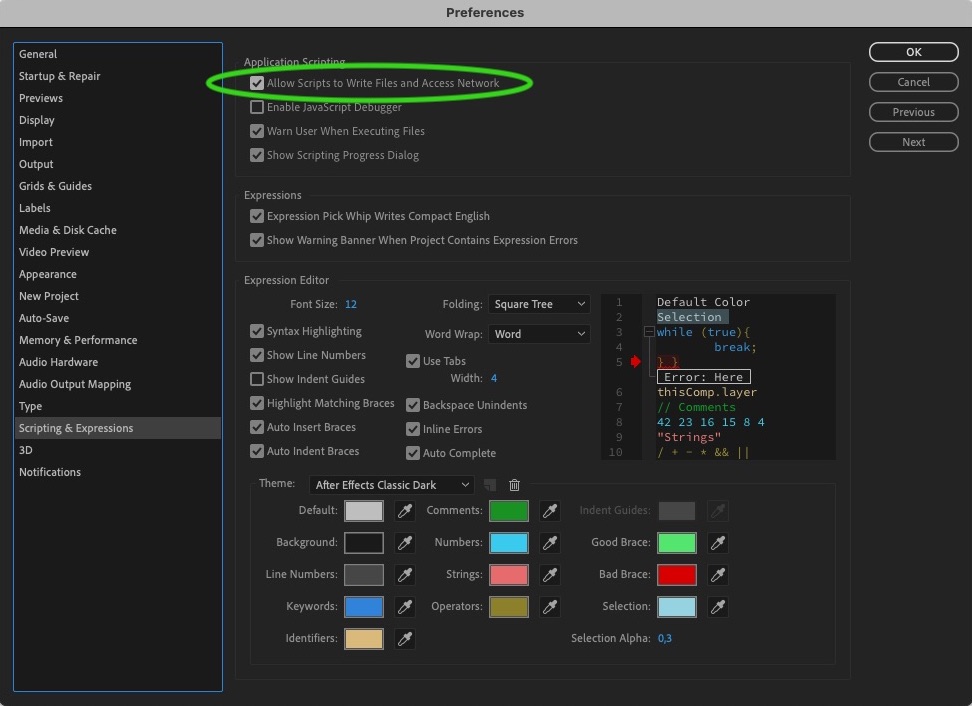
Due to the way permissions work for applications to communicate with each other, on macOS Autograph needs to be installed in the Applications directory for the converter to work.
The process is pretty simple. Autograph automatically detects the newest installed version of After Effects on your computer. If it was detected, the File/Convert AE Project action should be enabled.
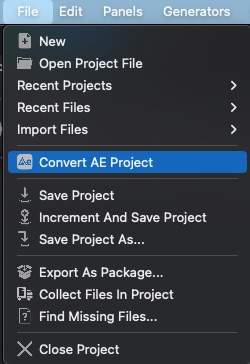
Just click on the action, then select the aep file to convert. This will then start After Effects in the background and automatically run the JS script, which will in turn create a Python script that is executed by Autograph to recreate the project. During this process, the main window will be grayed out with a waiting message. The process can take between 5 to 30 seconds, which mostly depends on how long AE takes to start.
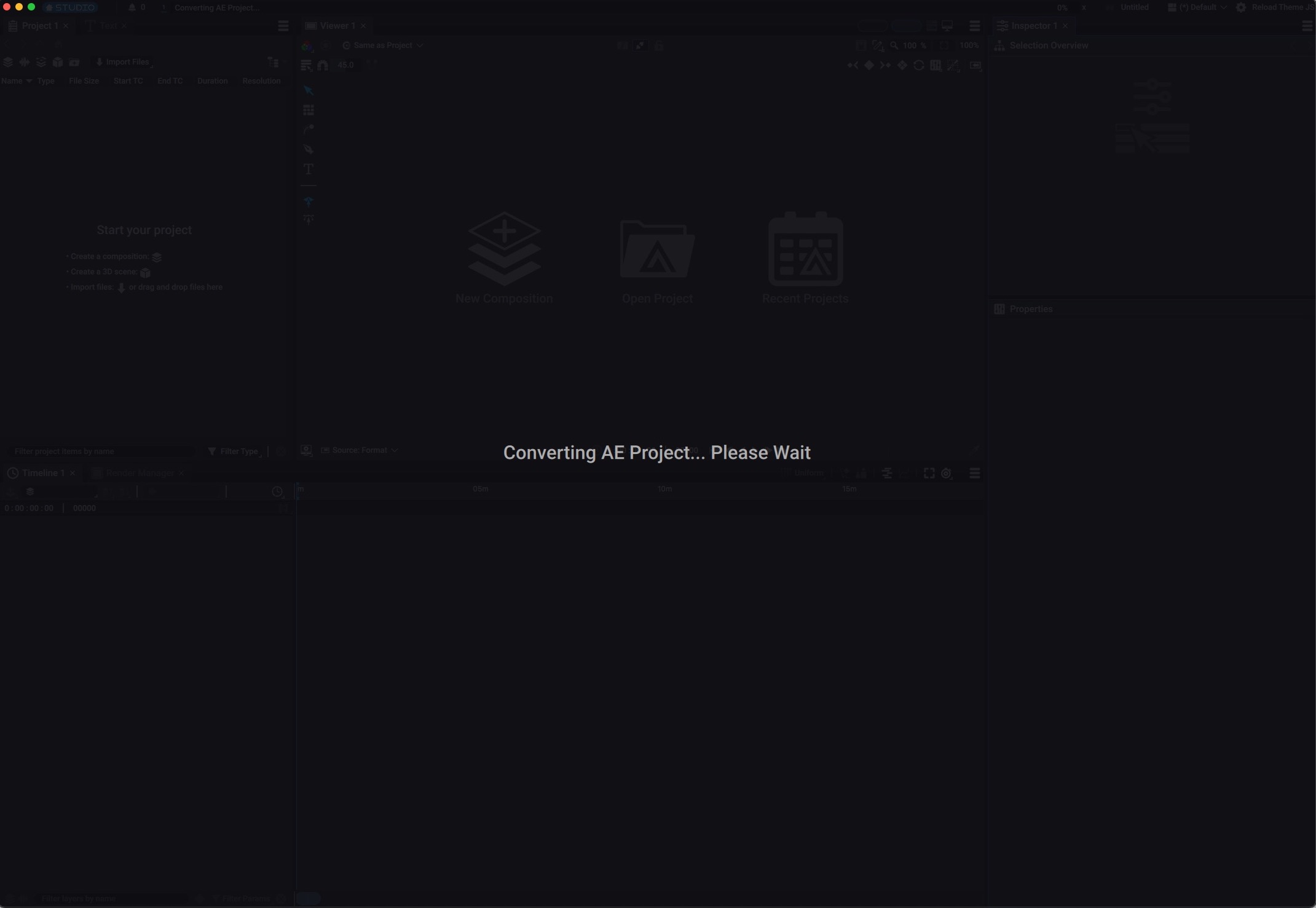
This action will start an After Effects instance, if not started, or reuse an existing instance of the application. When the script ends, the application will automatically close.
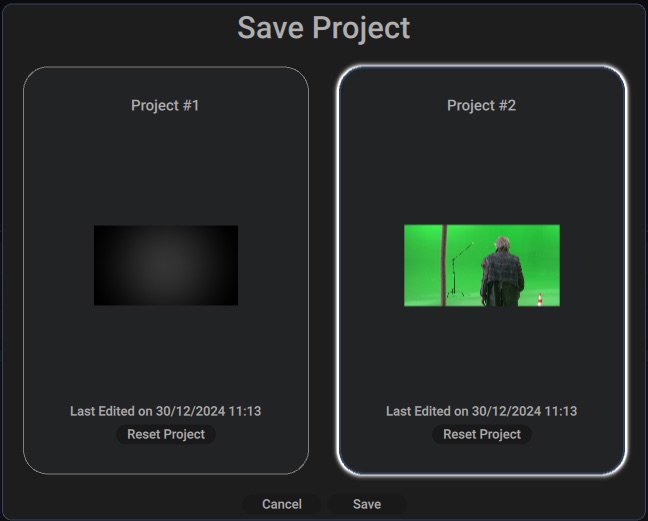
Once the project is converted, Autograph will prompt you to save the project in the location of your choice. If you are using Autograph Starter you can choose between one of your free projects slots.
Manually running the script in After Effects
You can also run the converter script in After Effects manually. The script will convert the currently opened project into a Python script that Autograph can then execute.
Executing Python scripts in Autograph requires a license. Autograph Starter only supports importing AE projects directly from the user interface of Autograph.
The converter script is located in your installation directory of Autograph. On Windows, this is usually C:\Program Files\Left Angle\Autograph2025v7.1\Resources\AEConvert\ConvertToAutograph.jsx. On macOS, this is usually /Applications/Autograph2025v7.1/Autograph.app/Contents/Resources/AEConvert/ConvertToAutograph.jsx.
You can then run the script in After Effects with the menu action File/Scripts/Run Script File.... Then in the prompt dialog, select the ConvertToAutograph.jsx script. The script will run and first prompt you to indicate where to save the Python file that will be written.
Once selected, the script will write the Python script. This is generally pretty fast.