Table Of Contents
- Introdution
- General
- Color
- Variation
- Diffuse Contribution
- Additional methods of controlling hair color
- Hair rendering and trace depth
Introduction
The Redshift Principled Hair shader is a physically-based shader for hair and fur. You can quickly get up to speed with natural hair results by adjusting the melanin/melanin redness values and adding in some randomization by increasing the amount of variation for various color and roughness parameters.
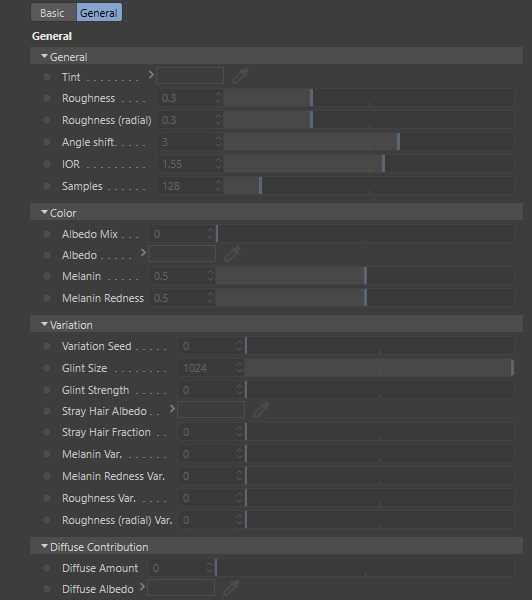
Cinema 4D Principled Hair Parameters
General
Tint
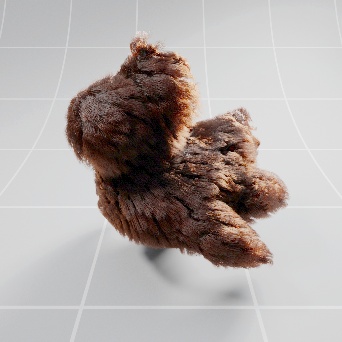
This allows you to tint the color of the hair. The default white color allows the full melanin and other color attributes to show through unaffected.
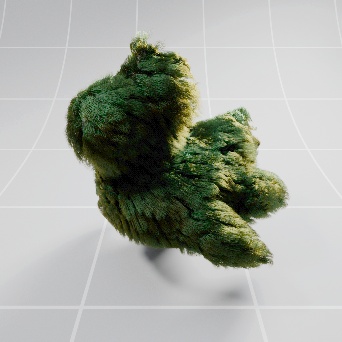
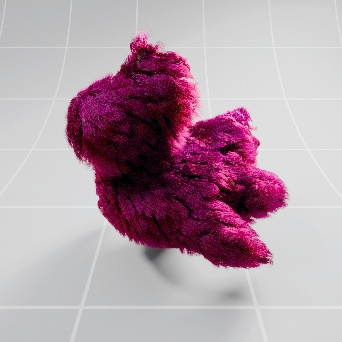
Tint color breaks physical accuracy and should be left at the default color white for realistic hair so the specular highlights are not colored. To simulate dyed hair or other colors outside of the melanin color range and maintain physical accuracy please use albedo color instead.
|
|
|
|
|
Tint: White (Default) Melanin: 0.65 |
Light Green |
Magenta |
Roughness
Roughness controls how shiny the hair looks by tightening or spreading the reflection highlights along the length of the hair strands. Higher values result in more spread out diffuse reflections while lower values result in tighter more shiny highlights.
|
|
|
|
|
|
| Roughness: 0.005 | 0.1 | 0.3 (Default) | 0.5 | 1.0 |
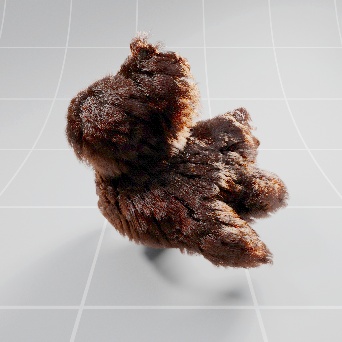
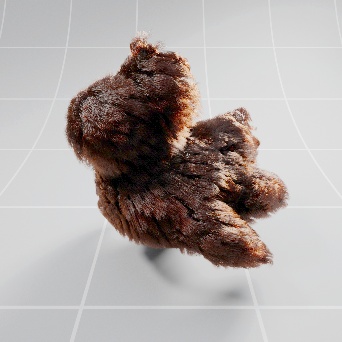
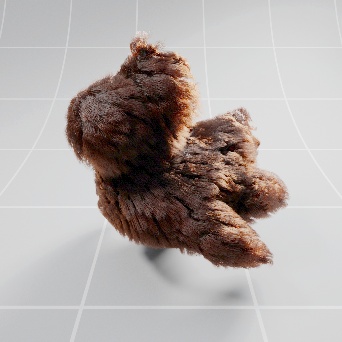
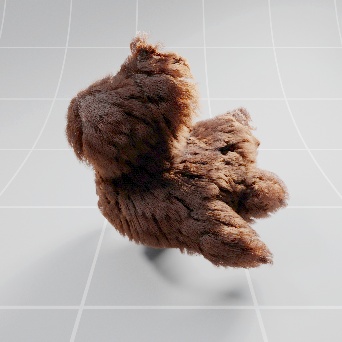
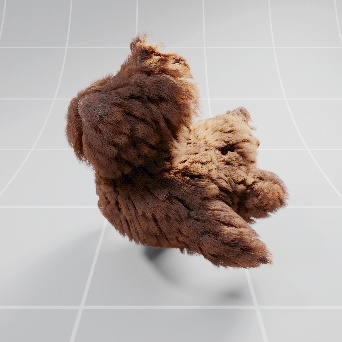
Roughness (radial)
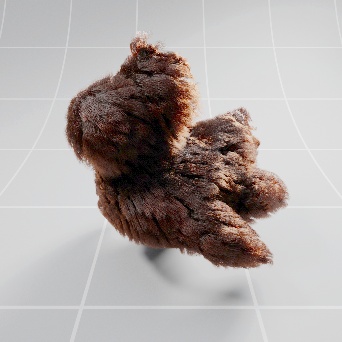
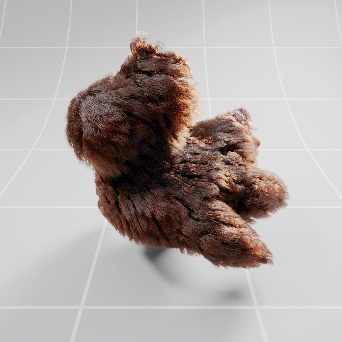
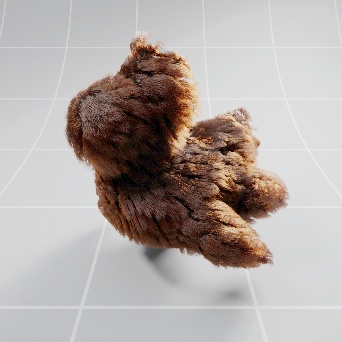
Roughness radial controls how shiny the hair looks by tightening or spreading the reflection highlights across the width of the hair strands. Higher values result in more spread out diffuse reflections while lower values result in tighter more shiny highlights.
|
|
|
|
|
|
| Roughness (radial: 0.005 | 0.1 | 0.3 (Default) | 0.5 | 1.0 |

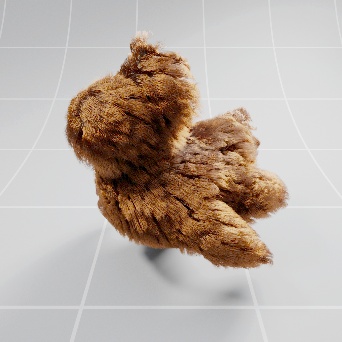
Angle Shift
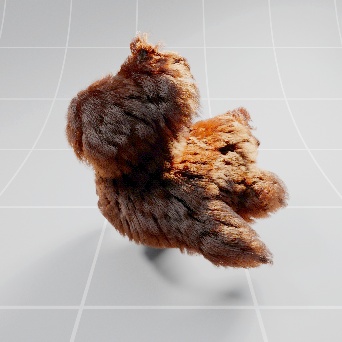
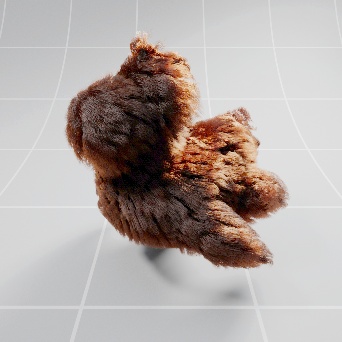
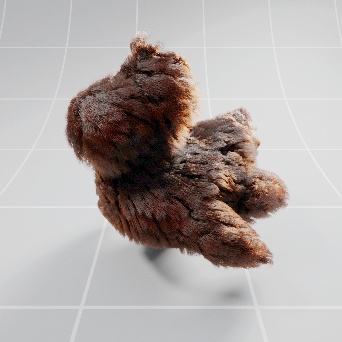
Angle Shift moves the location of the highlights along the hair strands. Positive values shift the highlight position towards the root of the hair strands and negative values shift the highlight towards the tip.
|
|
|
|
|
|
| Angle Shift: -15 | -7 | 3 (Default) | 7 | 15 |

IOR
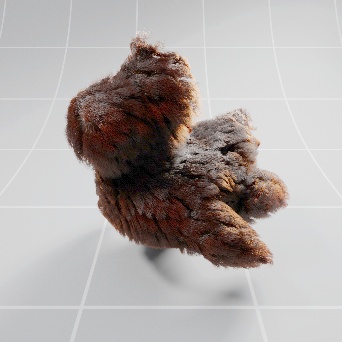
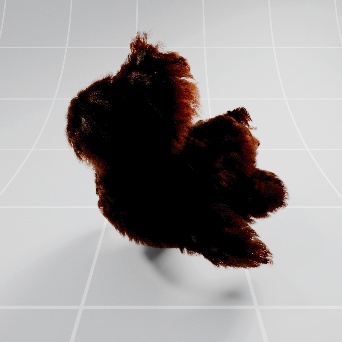
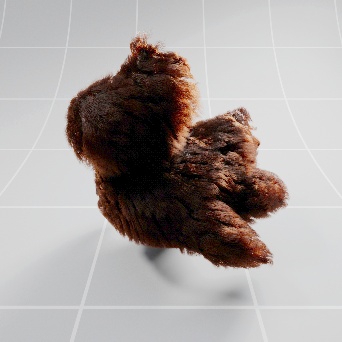
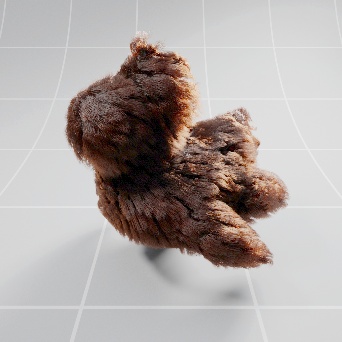
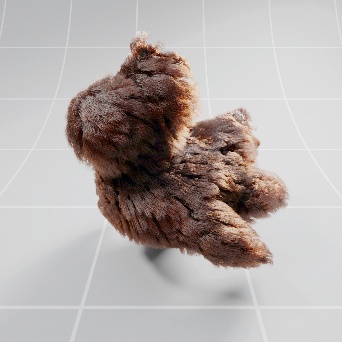
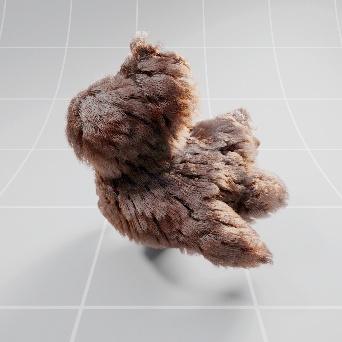
This allows you to adjust the index of refraction, human hair has an IOR of 1.55. Higher values increase reflectivity.
|
|
|
|
|
|
| IOR: 1.0 | 1.25 | 1.55 (Default) | 1.75 | 2.0 |
Samples
This defines the number of samples to use when rendering the hair, more samples means less noise. Lower hair roughness values produces sharper light reflections which will require using higher sample counts.
Color
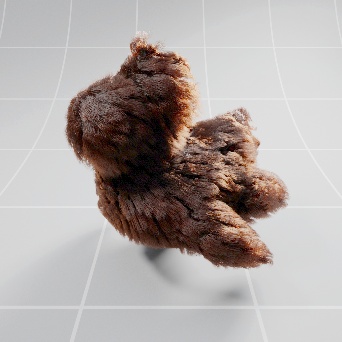
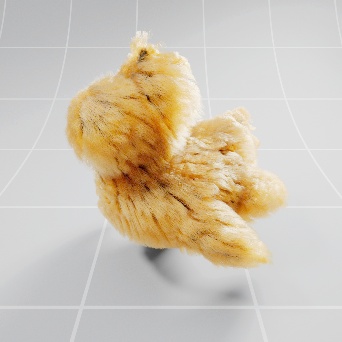
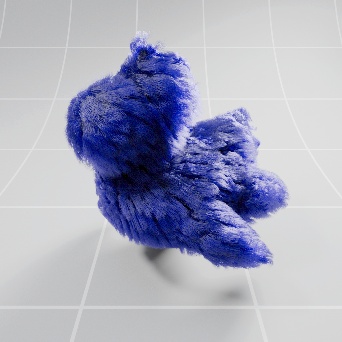
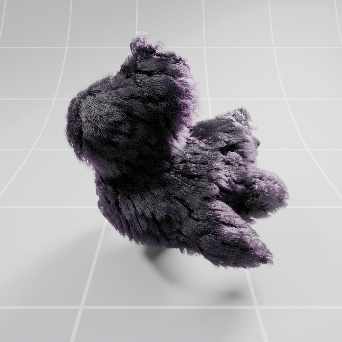
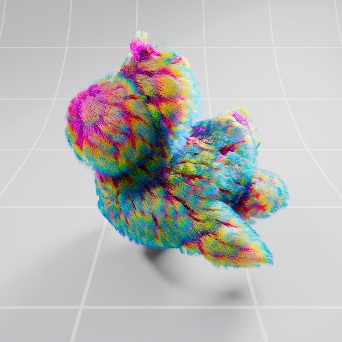
Albedo Mix
This controls how heavily the albedo color is mixed with the melanin color.
Melanin color affects the result of the albedo color mix by darkening it when melanin is set above 0. For an albedo only color make sure melanin is set to 0.
Albedo
Albedo controls the color of the hair.
It is recommended to use the melanin/melanin redness color attributes instead of the albedo if your intention is to simulate natural real-world hair colors.
|
|
|
|
|
|
|
|
Albedo Mix: 0.0 Albedo: Orange (default) Melanin: 0.65 |
0.5 Orange (default) 0.65 |
1.0 Orange (default) 0.65 |
0.5 Blue (0,0,255) 0.2 |
0.5 Blue (0,0,255) 0.65 |
1.0 Hair Position + Color Ramp 0.65 |

Melanin
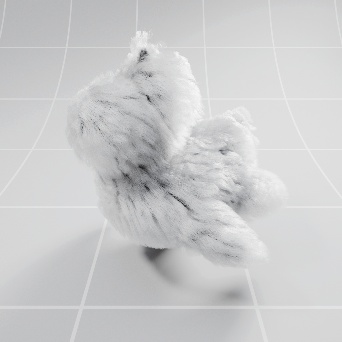
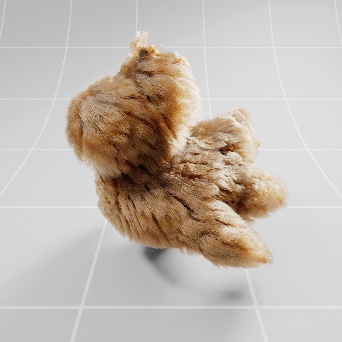
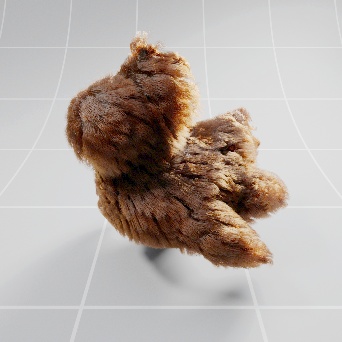
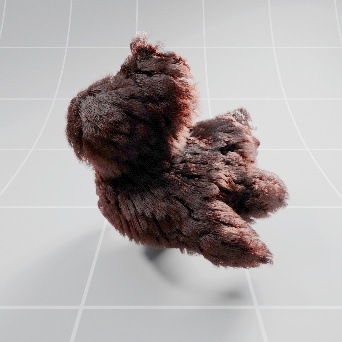
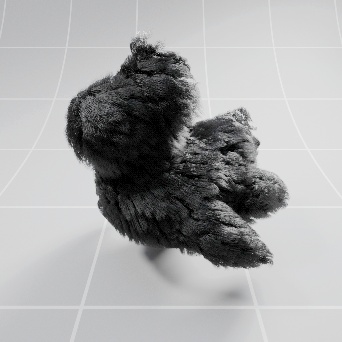
This defines the concentration of melanin in the hair where higher values result in darker hair. A value of 0 will render the hair completely white.
Lighter colored hair benefits greatly from increasing the rendering trace depth so be certain to check reflection trace depth particularly for blonde hairstyles.
|
|
|
|
|
|
| Melanin: 0.0 | 0.25 | 0.5 | 0.75 | 1.0 |
Melanin Redness
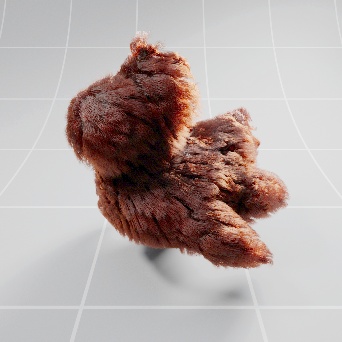
This defines the redness of the hair color by controlling the amount of pheomelanin in the hair. Higher melanin redness values will result in redder hair as long as the melanin value is set higher than 0.
|
|
|
|
|
|
|
Melanin Redness: 0.0 Melanin: 0.3 |
0.25 | 0.5 | 0.75 | 1.0 |
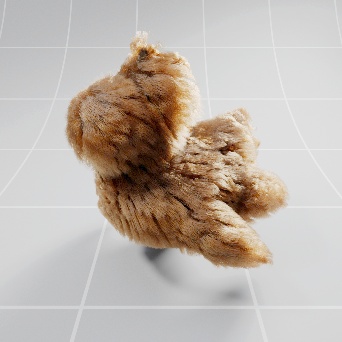
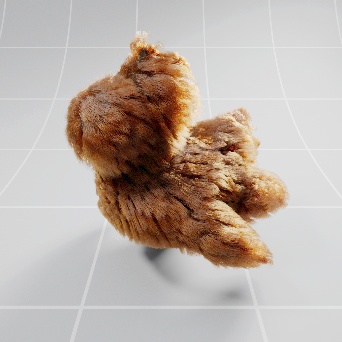
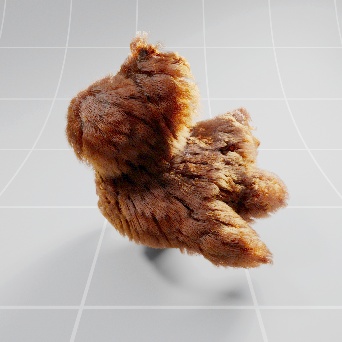
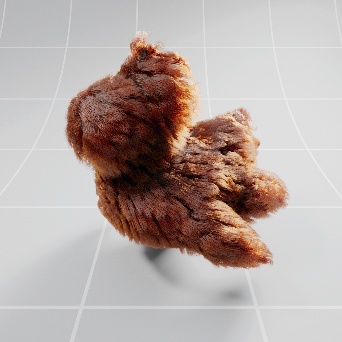
Variation
Variation Seed
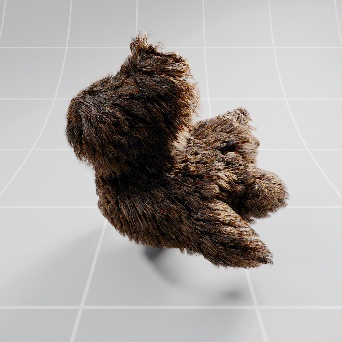
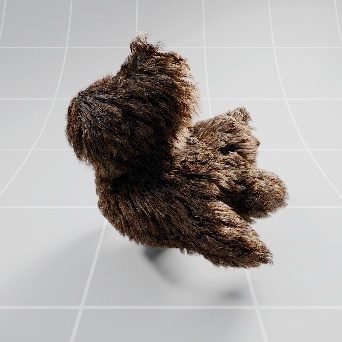
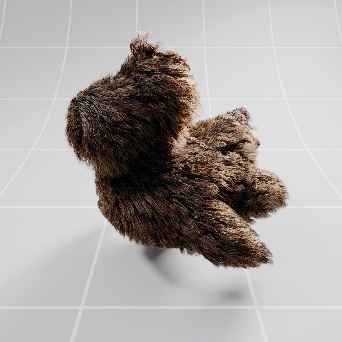
Changing the variation seed value lets you quickly alter the results of any of the random variation attributes.
|
|
|
|
| Variation Seed: 0 | 1 | 2 |
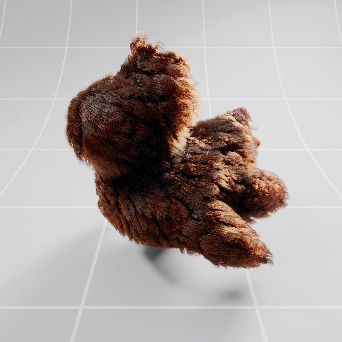
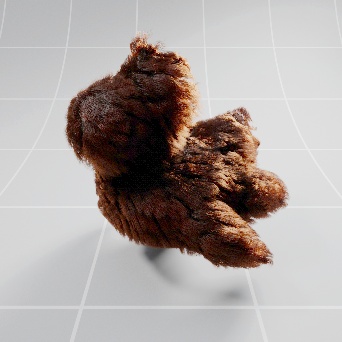
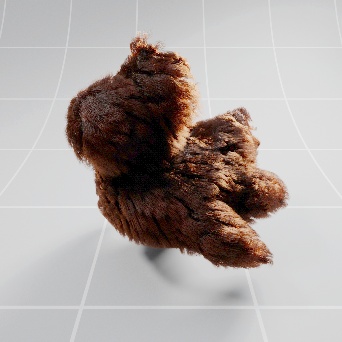
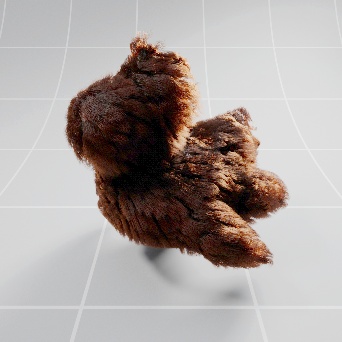
Glint Size
This controls the size of the reflection breakup on the hair.
|
|
|
|
|
|
| Glint Size: 4 | 16 | 64 | 256 | 1024 |

Glint Strength
This controls the intensity of the reflection breakup on the hair. Higher values result in more intense
|
|
|
|
|
|
| Glint Strength: 0.0 | 0.25 | 0.5 | 0.75 | 1.0 |
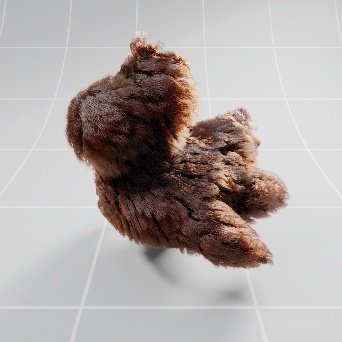
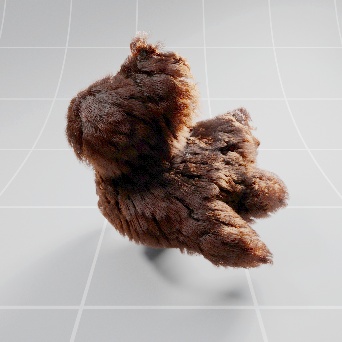
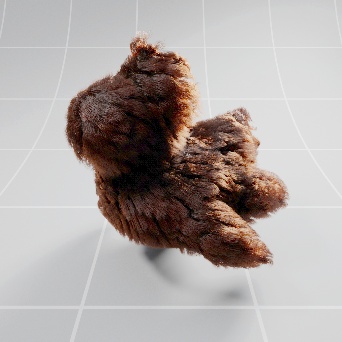
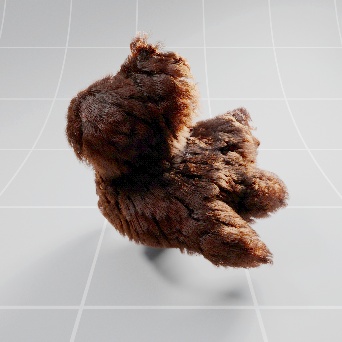
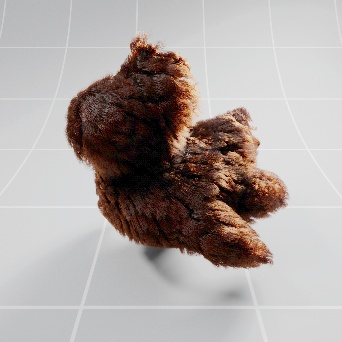
Stray Hair Albedo
This controls the albedo color of the stray hairs.
Stray Hair Fraction must be set above 0.
Stray Hair Fraction
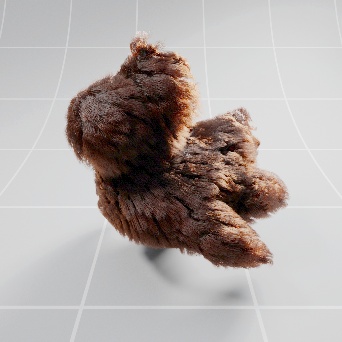
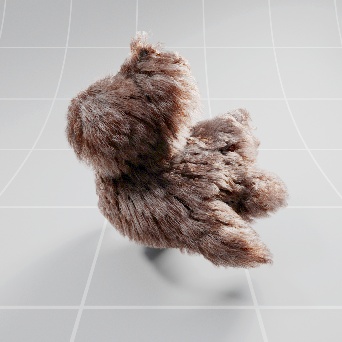
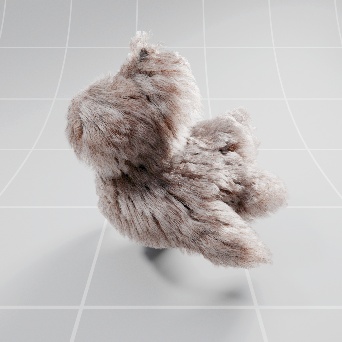
This controls the ratio of normal hairs to stray hairs that use the stray hair albedo color. A value of 0 results in no stray hairs and higher numbers result in more stray hairs.
|
|
|
|
|
|
|
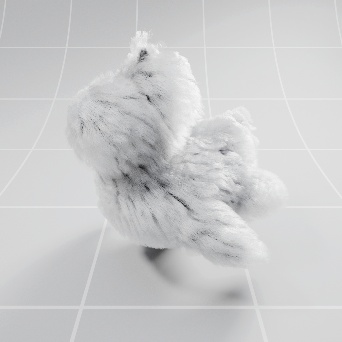
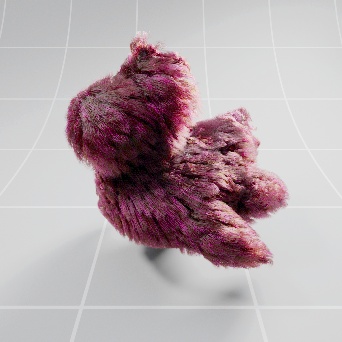
Stray Hair Fraction: 0.0 Stray Hair Albedo: White |
0.33 White |
0.66 White |
1.0 White |
0.2 Magenta |
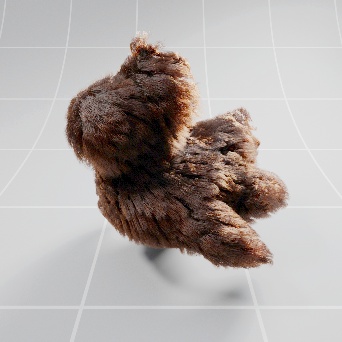
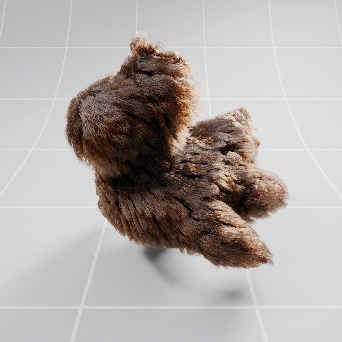
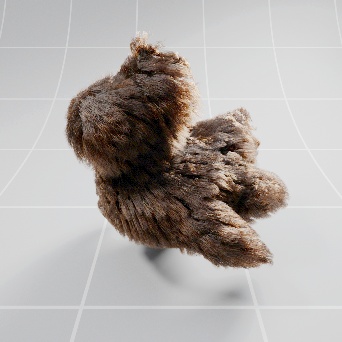
Melanin Var.
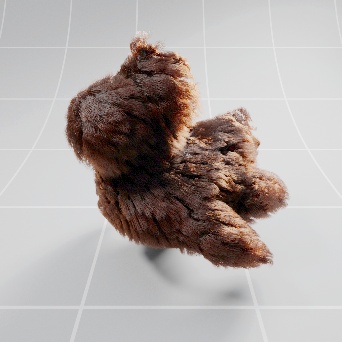
Melanin variation randomizes the amount of melanin concentrated in the hair strands. Higher numbers increase the amount of melanin variation.
|
|
|
|
|
|
| Melanin Var: 0.0 | 0.25 | 0.5 | 0.75 | 1.0 |
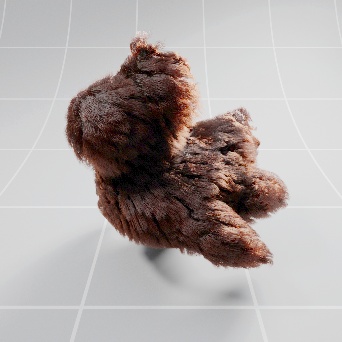
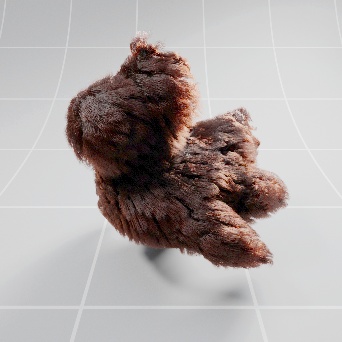
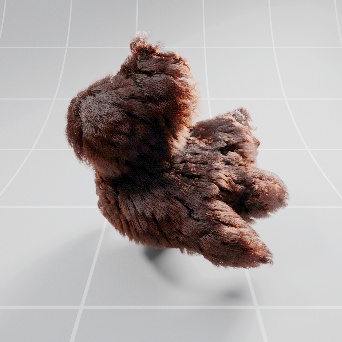
Melanin Redness Var.
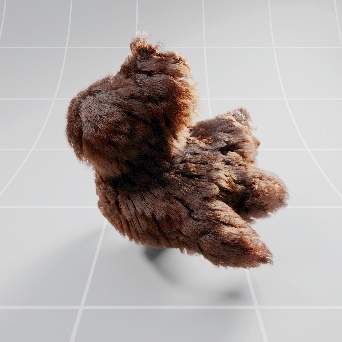
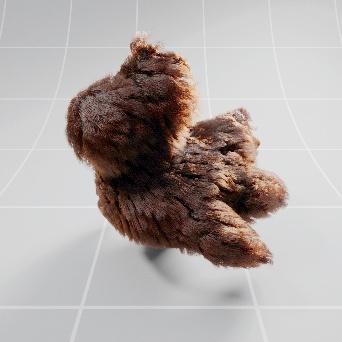
Melanin redness variation randomizes the amount of melanin redness found in the hair strands. Higher numbers increase the amount of melanin redness variation.
|
|
|
|
|
|
| Melaness Redness Var: 0.0 | 0.25 | 0.5 | 0.75 | 1.0 |

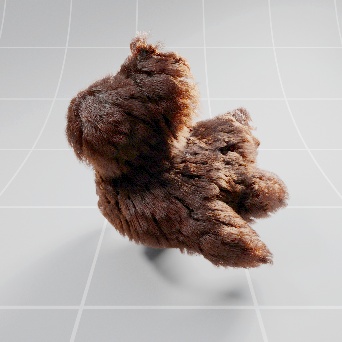
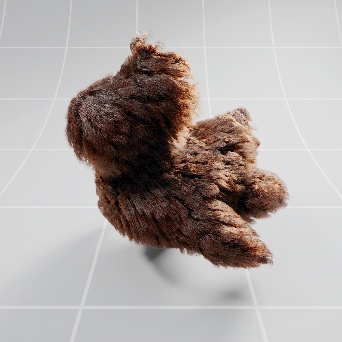
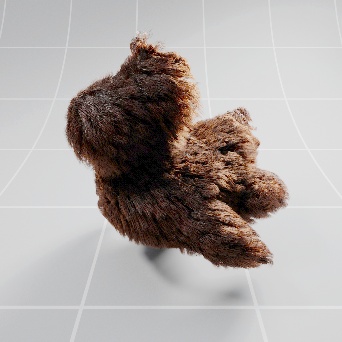
Roughness Var.
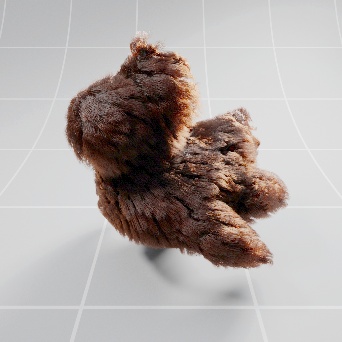
Roughness variation randomizes the amount of reflection roughness on the hair.
|
|
|
|
|
| Roughness Var: 0.0 | 0.5 | 0.75 | 1.0 |
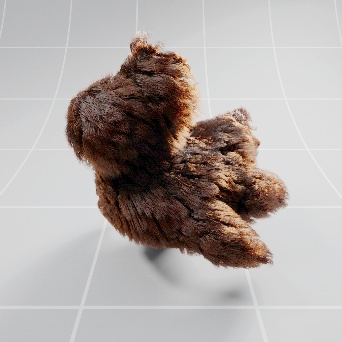
Roughness (radial) Var.
Roughness radial variation randomizes the amount of reflection radial roughness on the hair.
|
|
|
|
|
| Roughness (radial) Var: 0.0 | 0.5 | 0.75 | 1.0 |


Diffuse Contribution
Diffuse Amount
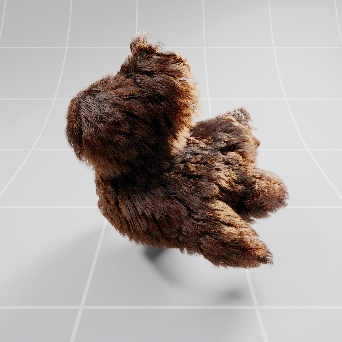
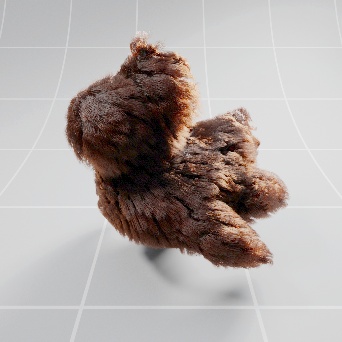
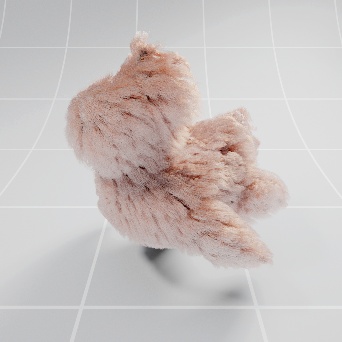
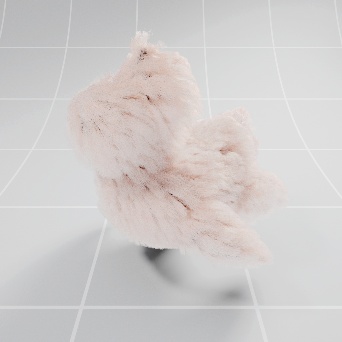
This controls how diffuse the hair is and uses the diffuse albedo color.
Real hair or fur does not have a diffuse component however increasing diffuse amount can be helpful when simulating dirty/damaged hair or other fibers that are not translucent. For the most realistic hair diffuse amount should be set to 0.
Diffuse Albedo
This controls the diffuse color of the hair when diffuse amount is set above 0.
|
|
|
|
|
|
|
Diffuse Amount: 0.0 Diffuse Albedo: White |
0.01 White |
0.1 White |
1.0 White |
0.01 Light Green |

Additional methods of controlling hair color
Coming Soon
Hair rendering and trace depth
Coming Soon