---
title: "Extrude Object"
url: "https://help.maxon.net/c4d/en-us/Content/html/OEXTRUDE.html"
section_path: "Create Menu > Generators > Extrude Object"
element_id: "OEXTRUDE"
command_id: "5116"
description: "This page documents the Extrude object in Cinema 4D, one of the fundamental spline generators. It gives splines depth — with caps, rounding and automatic …"
---
# Extrude Object
> **Note:** **What is it about?**
>
> This page documents the **Extrude object** in **Cinema 4D**, one of the fundamental spline generators. It gives splines depth — with caps, rounding and automatic hole detection — the standard route from text or logo splines to 3D geometry.
The Extrude object (or offset object) moves a spline in depth. The offset takes place as soon as you **drop** the spline on the Extrude object in the Object Manager.
The use of hole splines is also possible. For example, if a spline consists of two segments (an outer circle and an inner circle), the inner circle is interpreted as a hole when it is extruded. Cinema 4D automatically calculates which contours are holes. A hole inside the hole is also possible. The order of the spline segments is therefore irrelevant.
> **Tip:** NoteIt is not enough for the hole spline to be a sub-object of the spline - the two circles must be combined in a single spline. The easiest way to do this is to group both splines under a Connect object; see also scene below). Also possible: You can connect the two selected splines with the menu command **Tools / Convert / Connect Objects**.
| |
| --- |
| 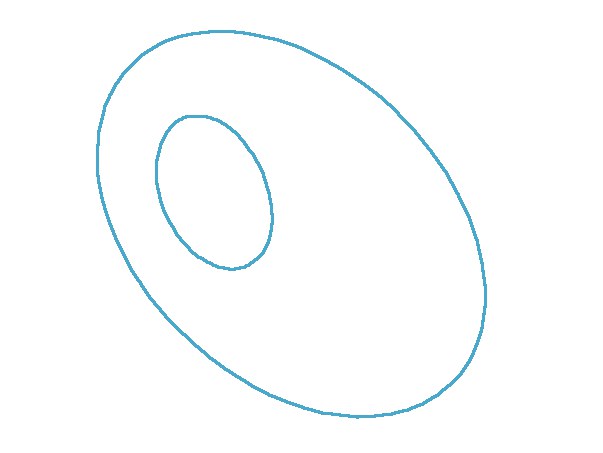
Hole spline |
| 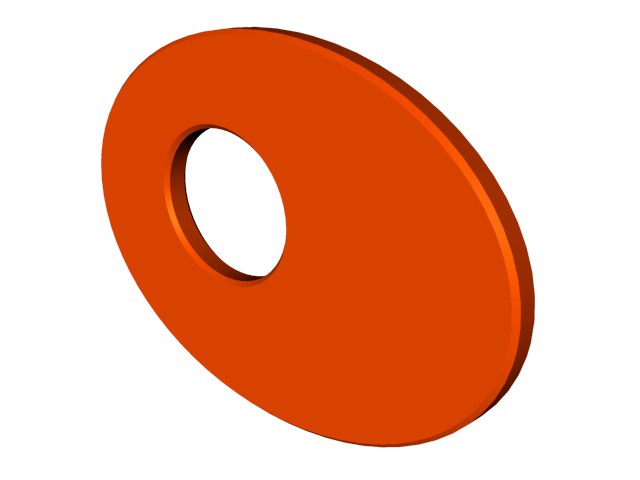
Hole spline in the Extrude object |
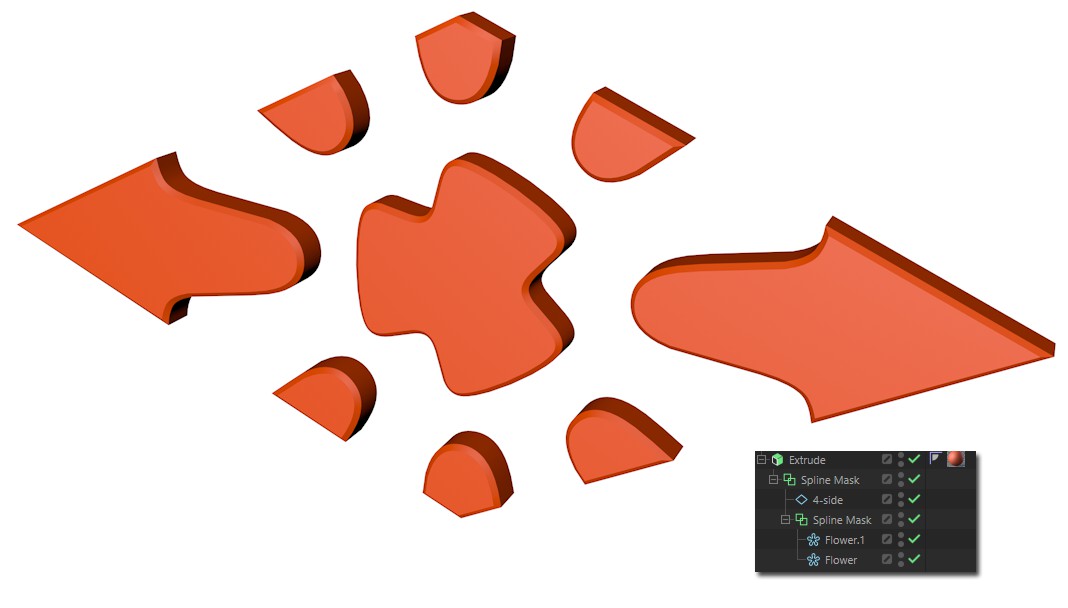
In this context, please also note the [Spline Mask](https://help.maxon.net/c4d/en-us/Content/html/OMOGRAPH_SPLINEMASK.html.md), with which you can combine (union, subtract etc.) splines (especially primitive spline objects). This makes extensive, parametric work possible.
# Example
In the following example you can see the Extrude object effect as well as some animated parameters of the "Caps" tab.
[Video: 2026-0_extrude_generator_01_.mp4](https://help.maxon.net/c4d/en-us/Content/Resources/Images/2026-0_extrude_generator_01_.mp4)
[](https://help.maxon.net/c4d/en-us/Content/Resources/Scenes/2026-0_extrude_generator_01_.c4d)