Table Of Contents
|
|
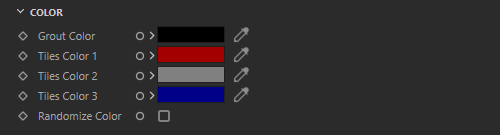
Controls the color of the area in between each tile. Textures can also be used as input to control grout color.
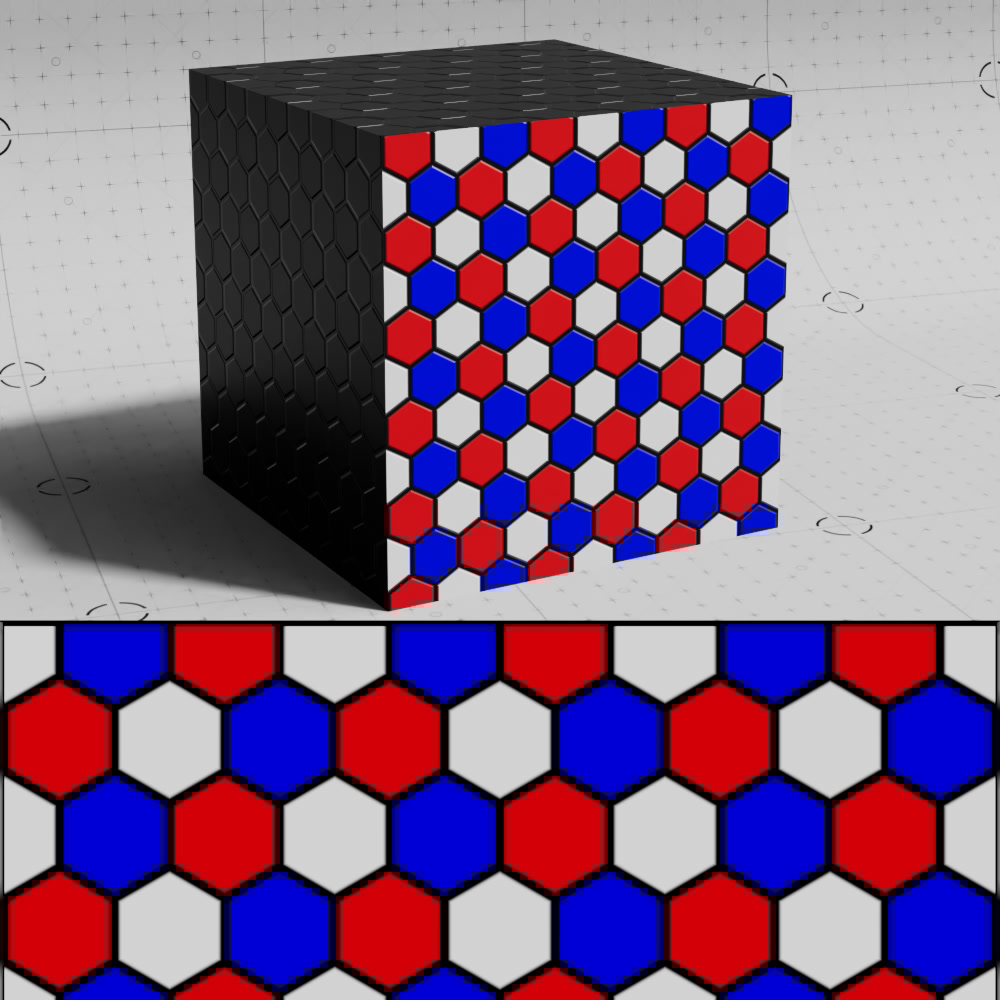
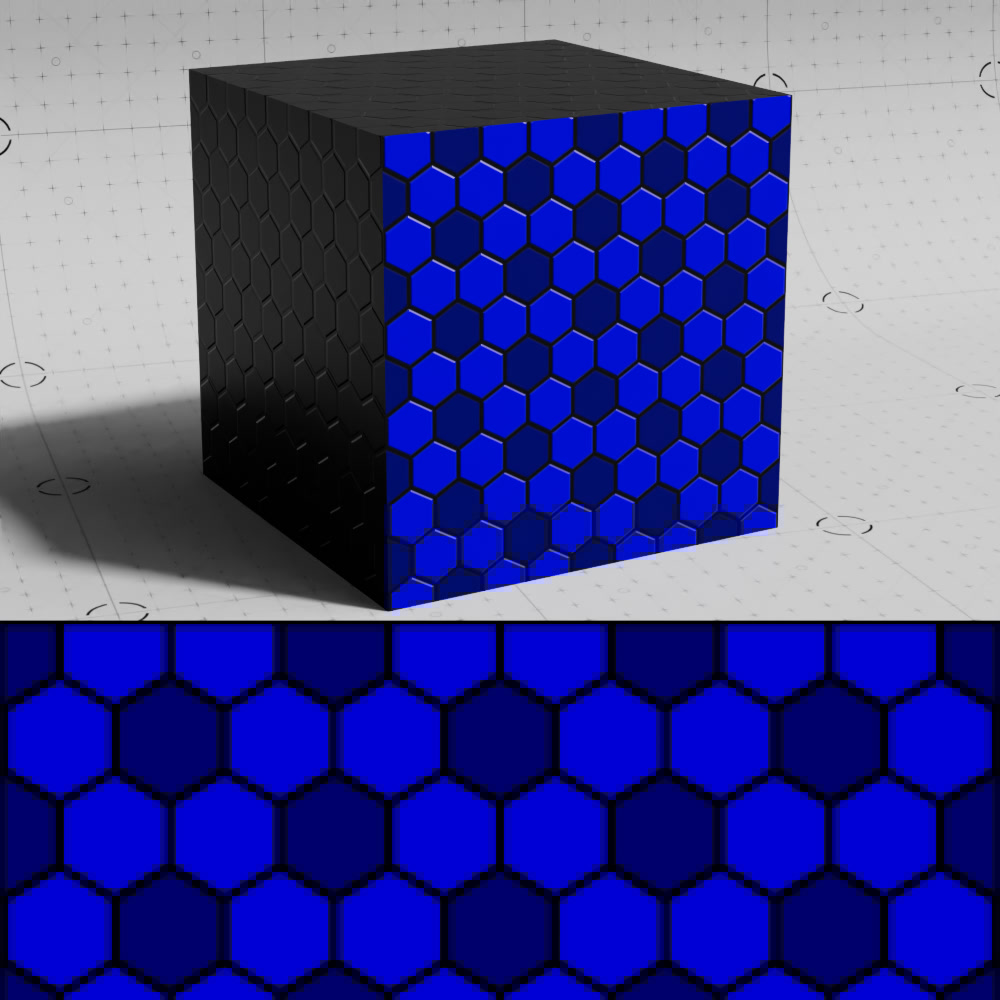
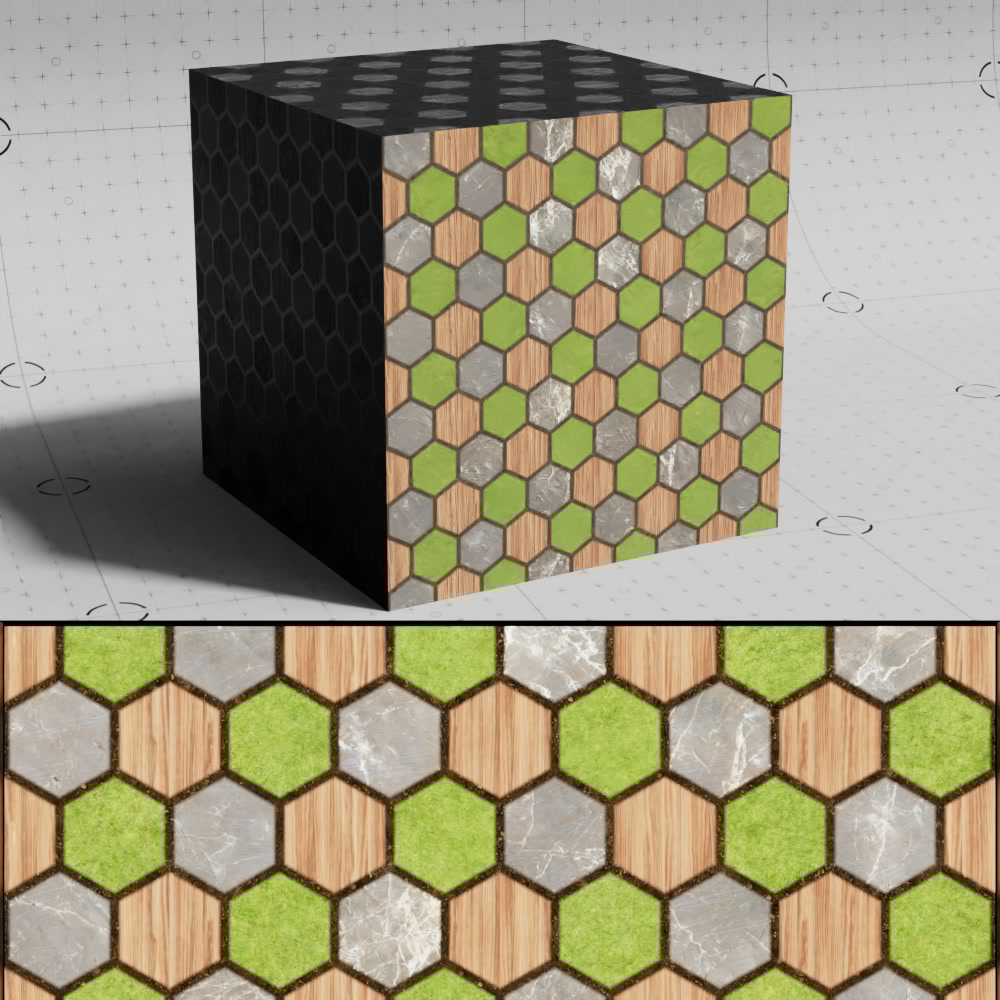
Controls the color of each tile in the pattern. Textures can also be used as input to control tile colors.
|
|
|
| Tile Colors: Blue, Red, and White Grout Color: Black |
Blue, Dark Blue, Blue Black |
Wood, Stone, and Grass textures Dirt texture |
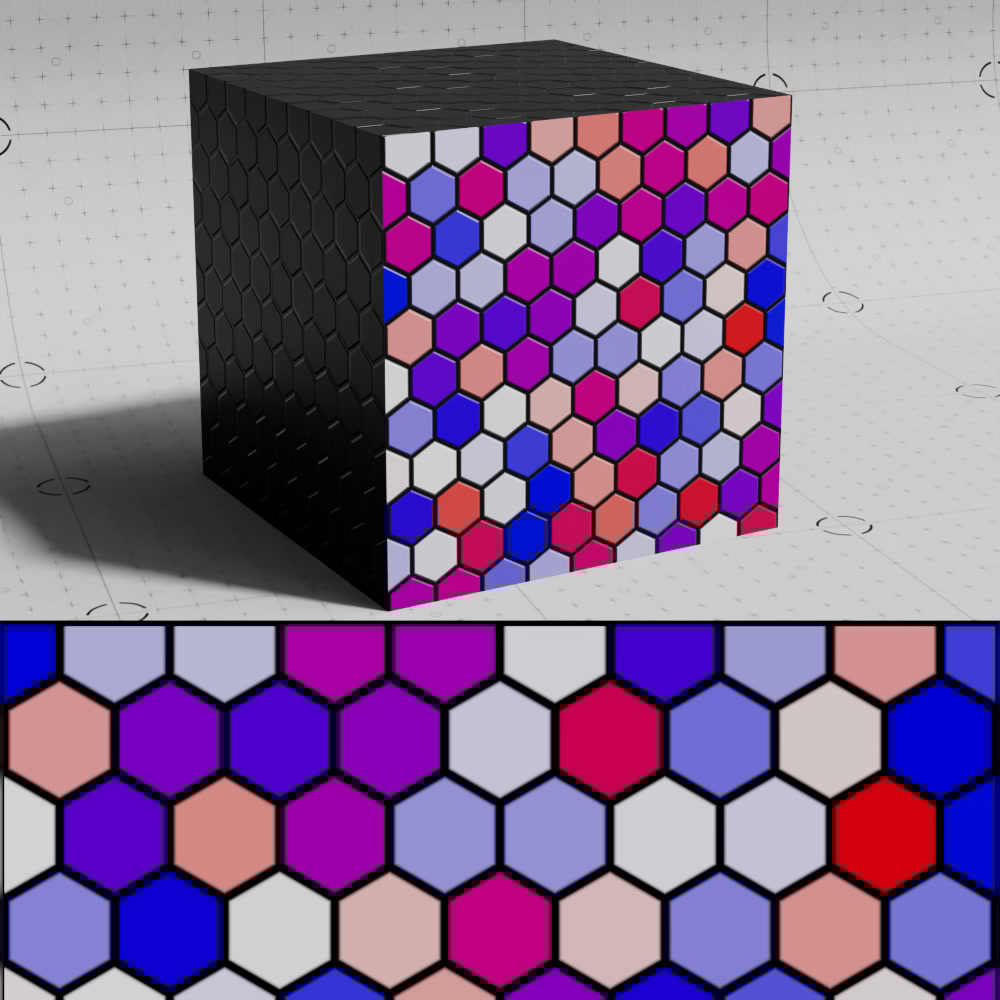
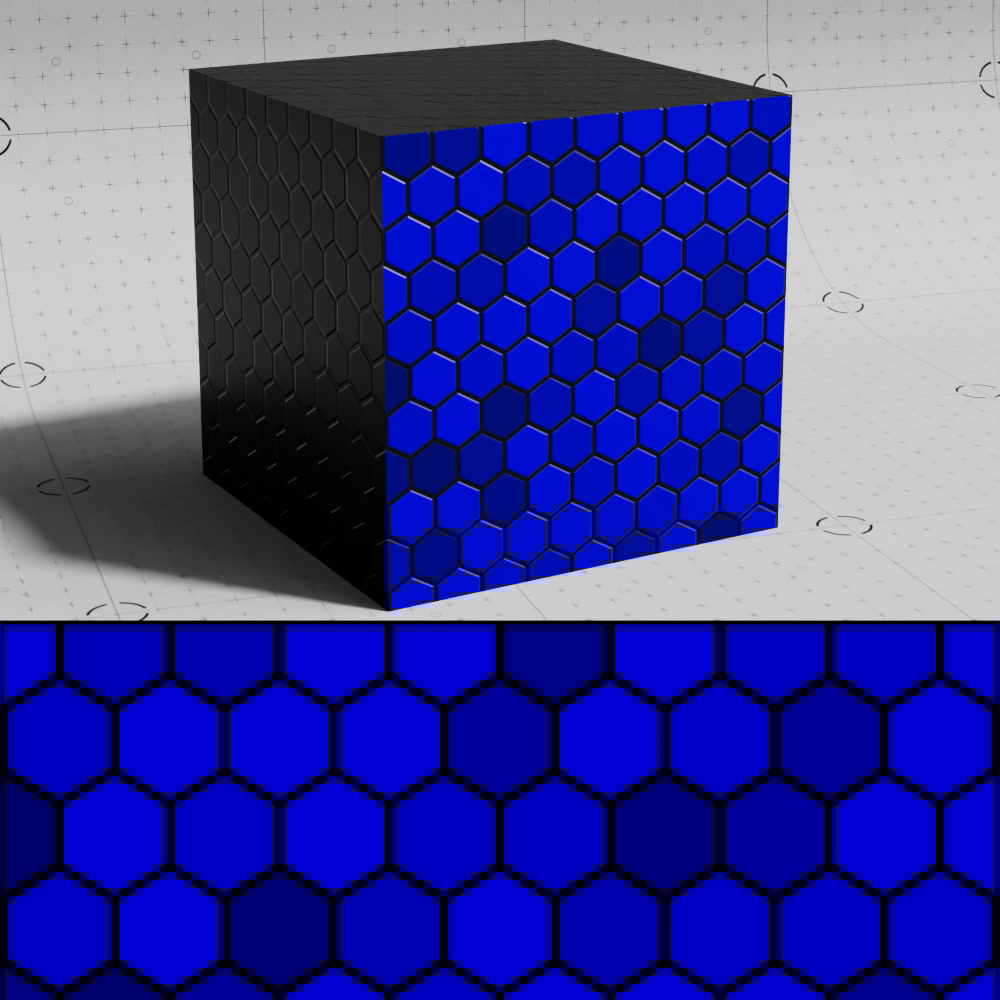
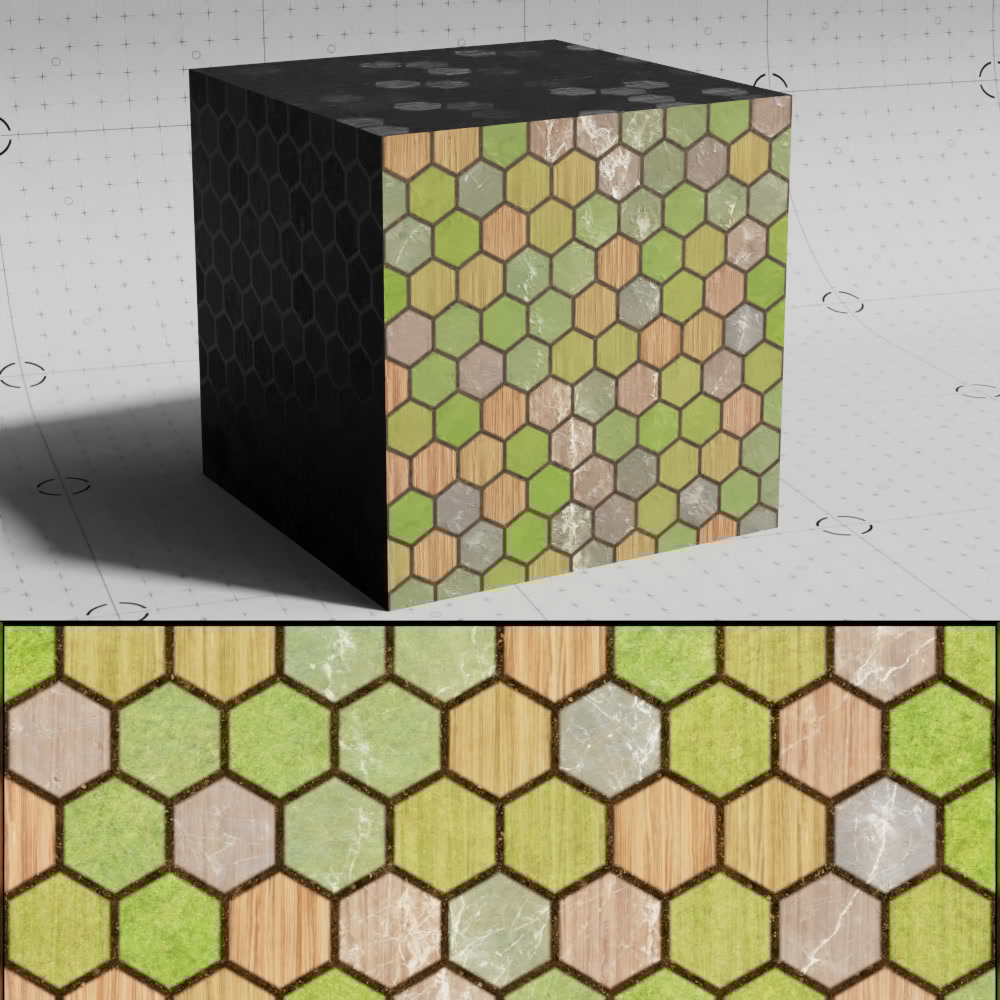
When enabled, the color of each tile is randomized, the output is the result of interpolating between each individual tile colors. When textures are used, they are blended with each other.
The difference between each color has a direct impact on how obvious the randomized effect is, if the difference is subtle then the effect will be more subtle as well, if each color is the same this option will have no effect.
|
|
|
| Randomize Color: Enabled Tile Colors: Blue, Red, and White Grout Color: Black |
Blue, Dark Blue, Blue Black |
Wood, Stone, and Grass textures Dirt texture |
|
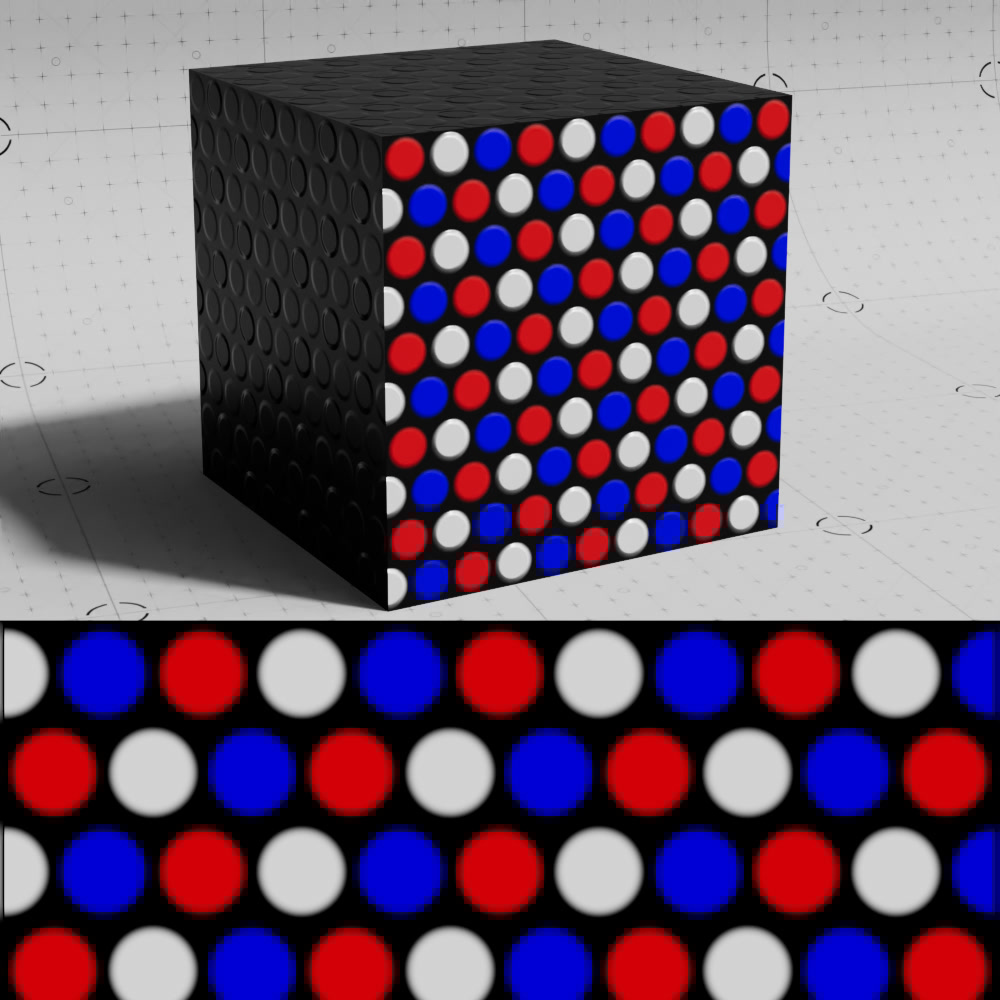
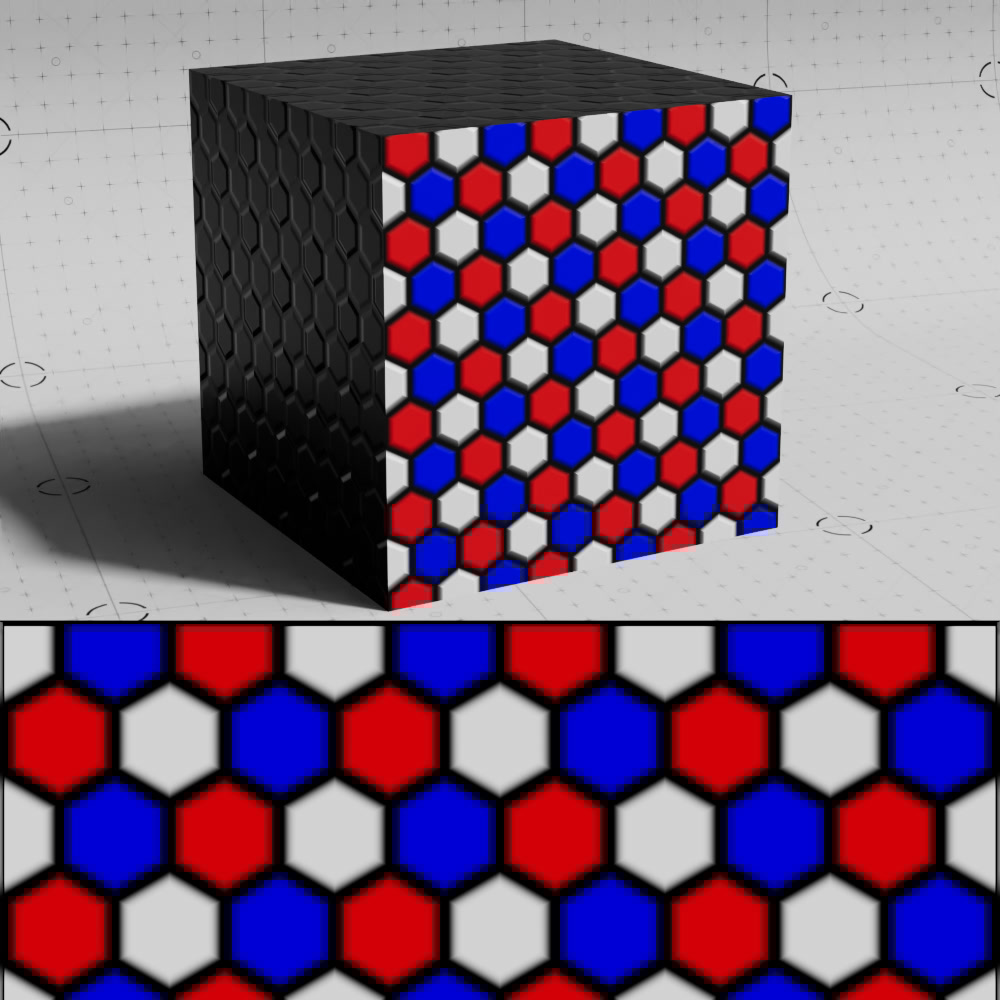
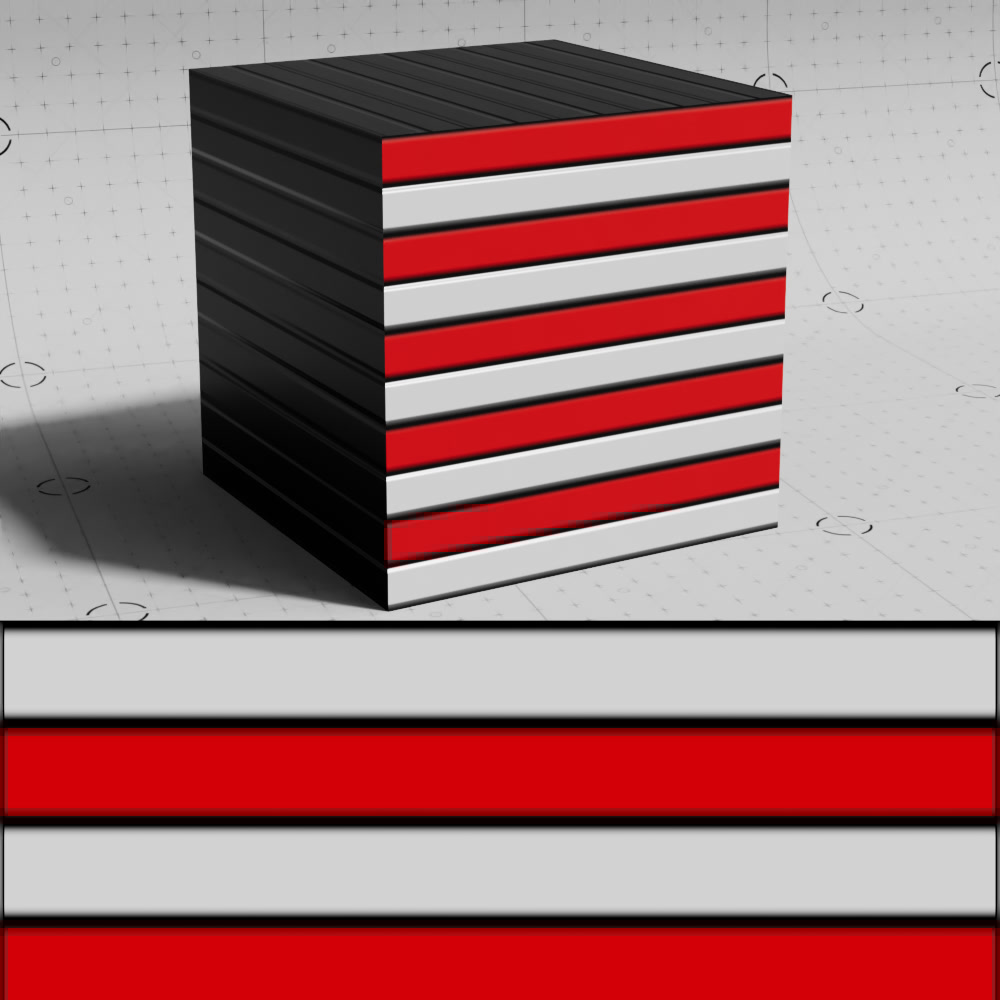
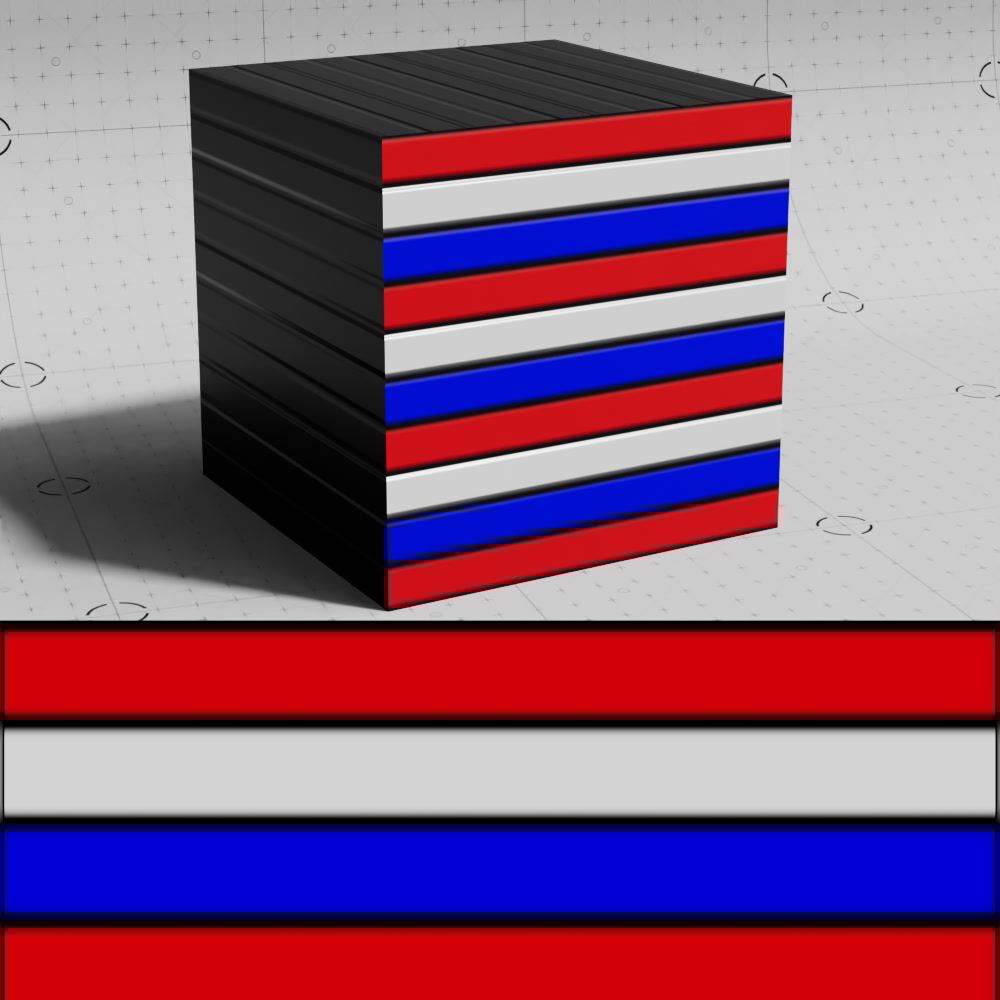
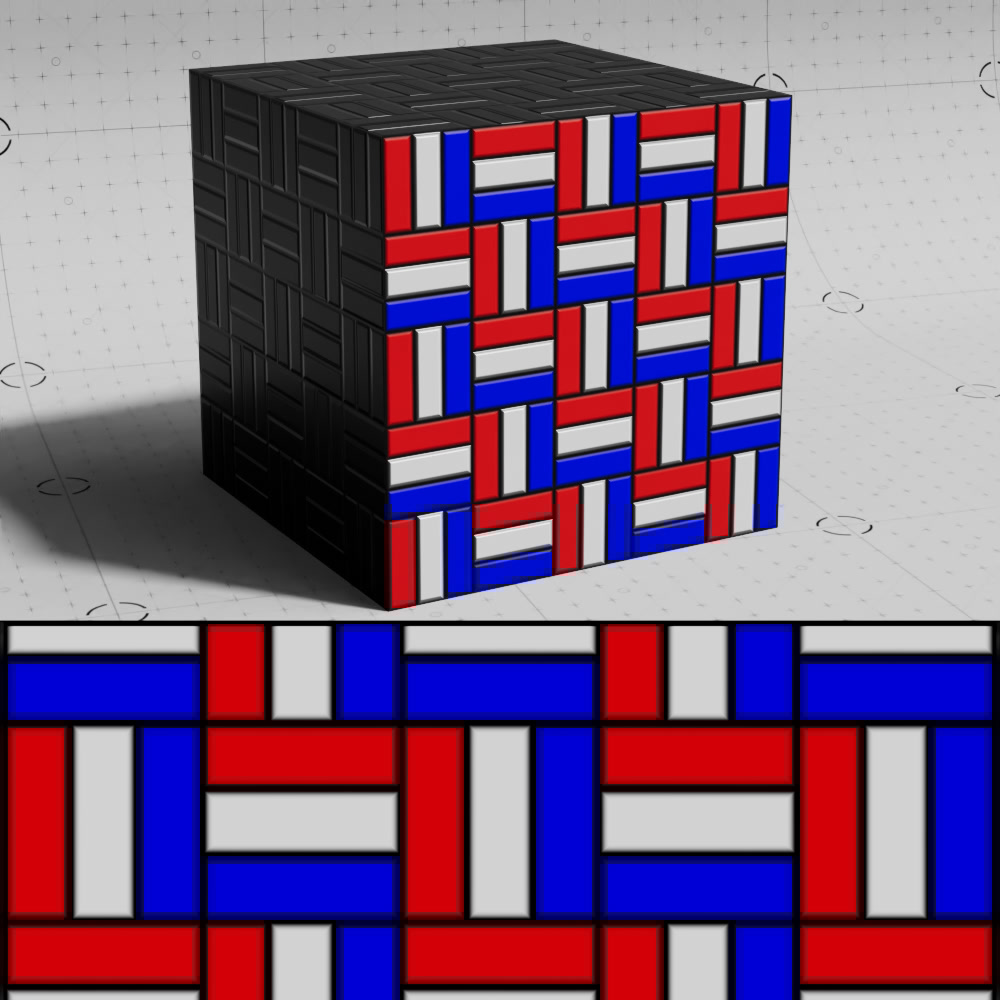
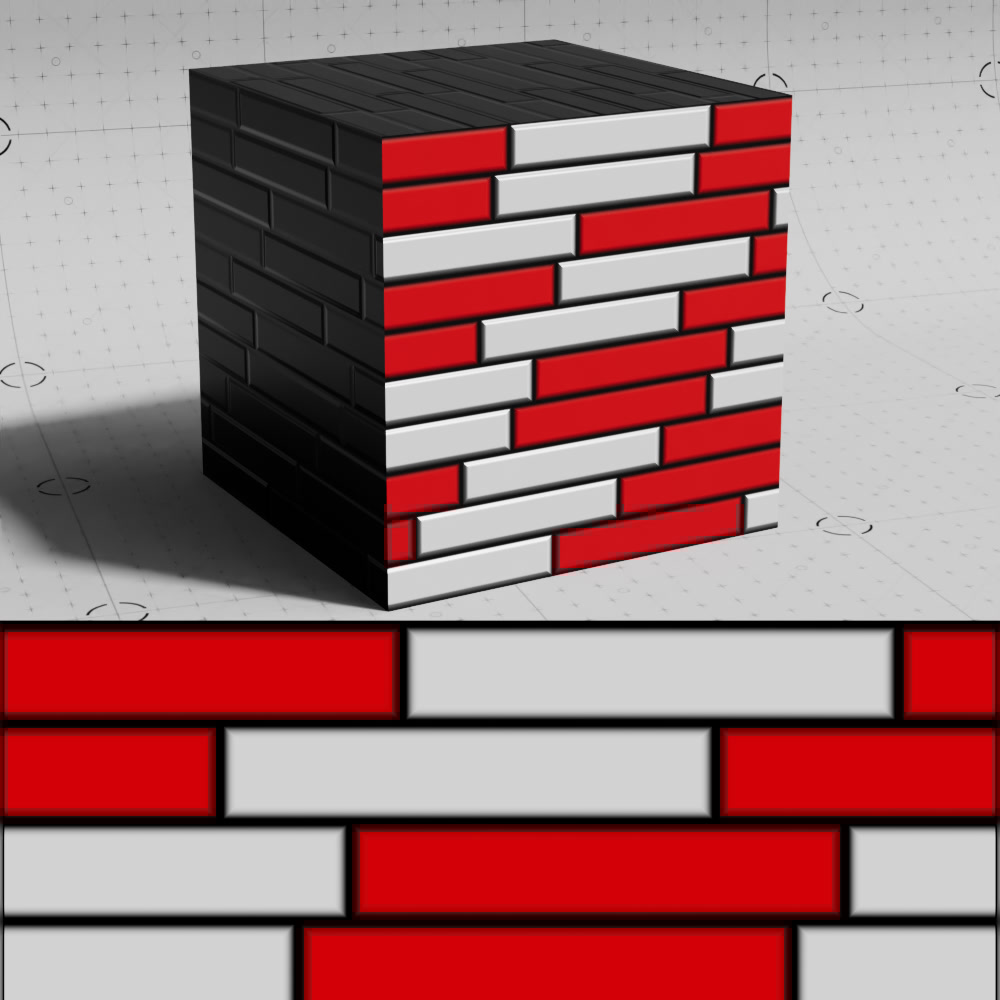
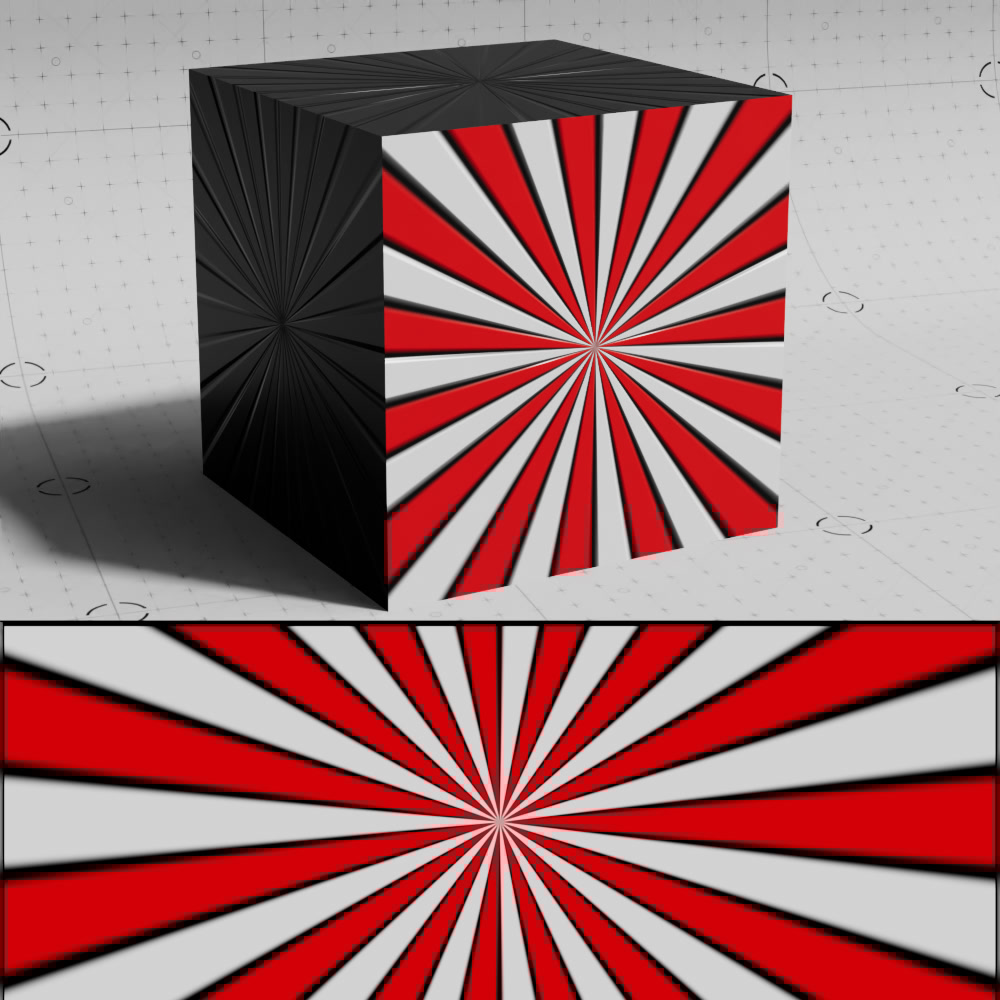
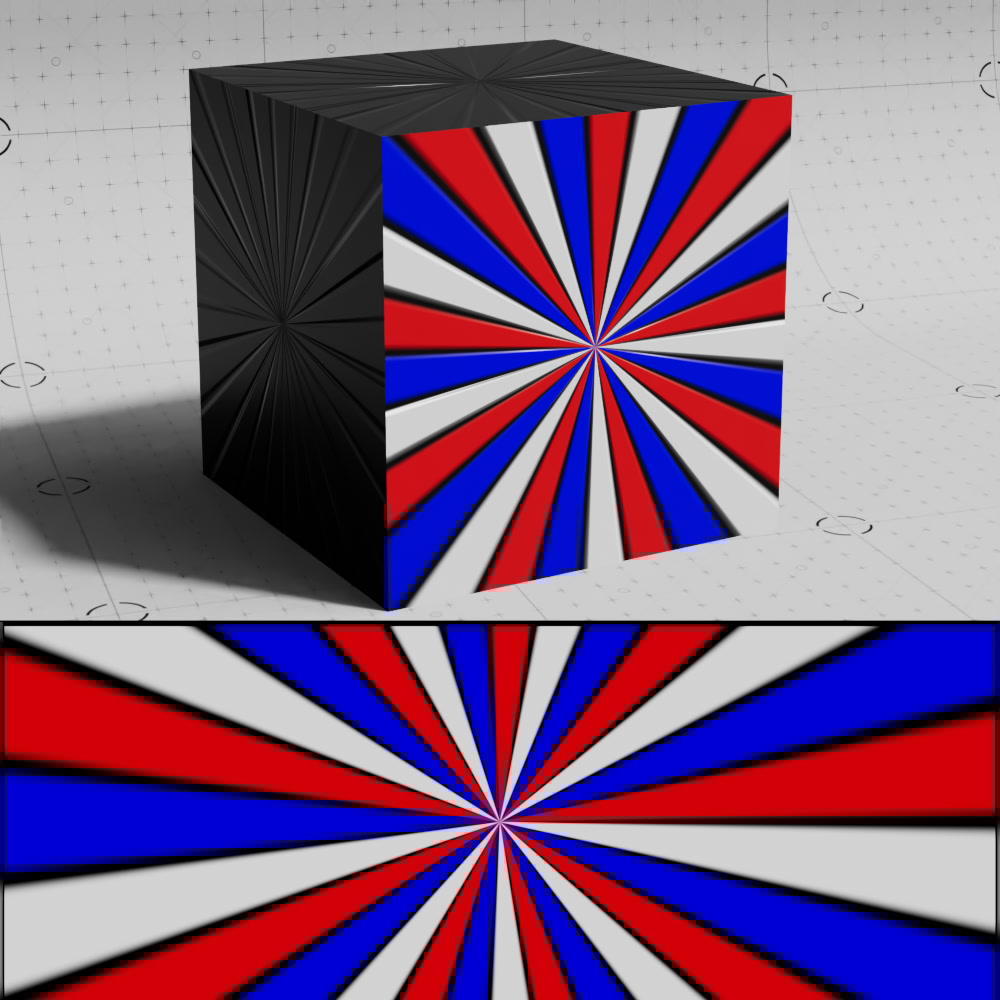
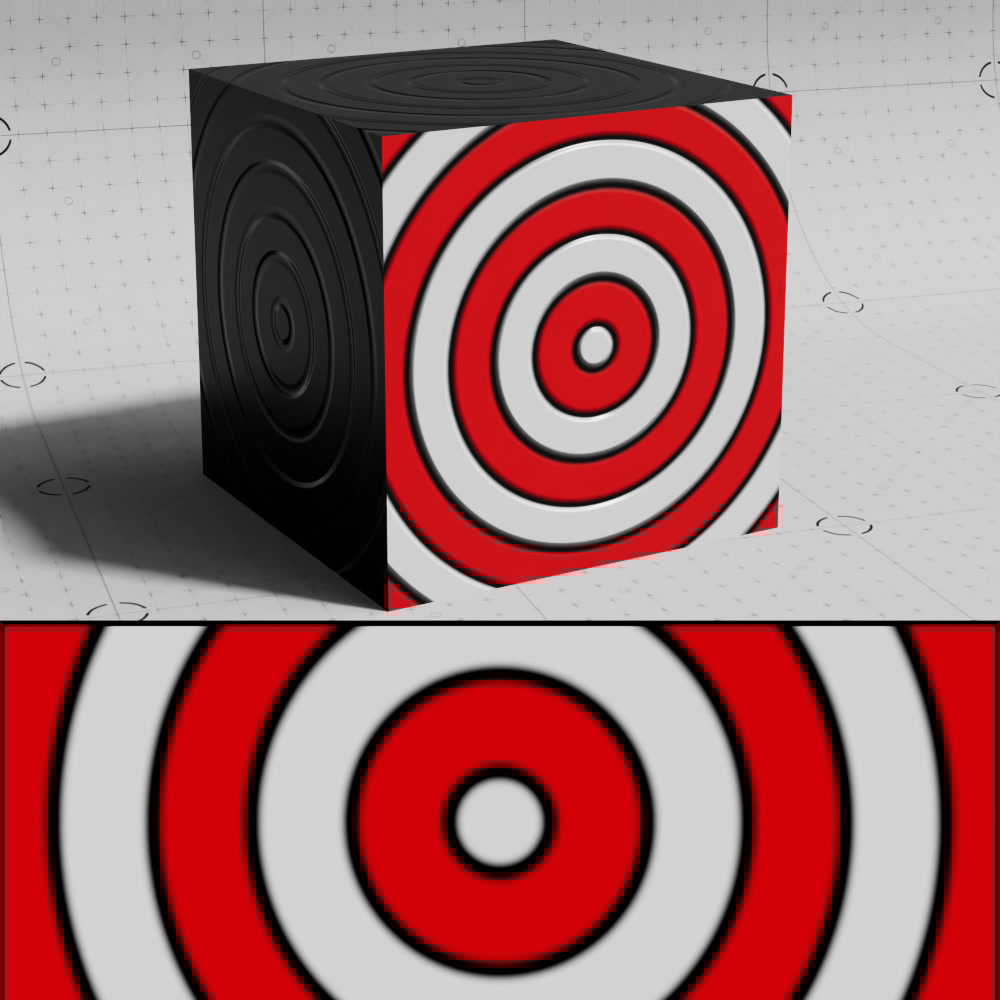
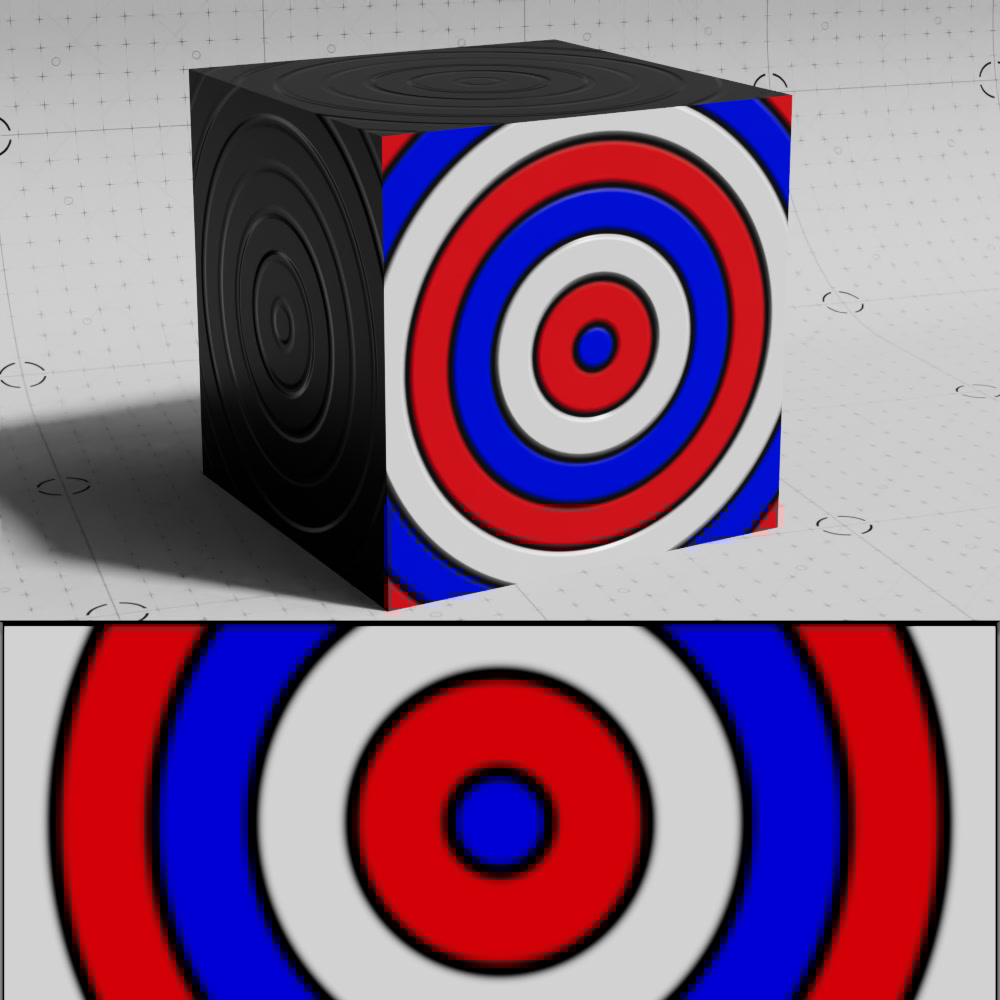
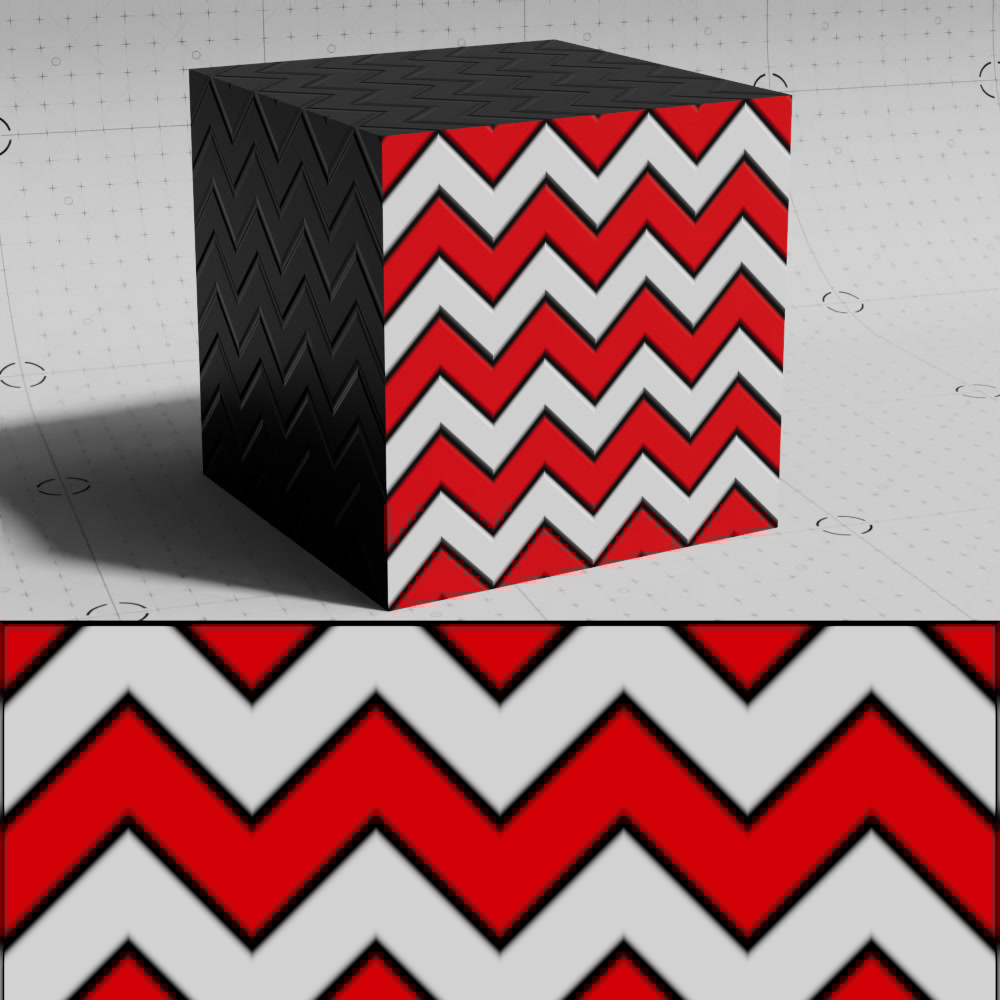
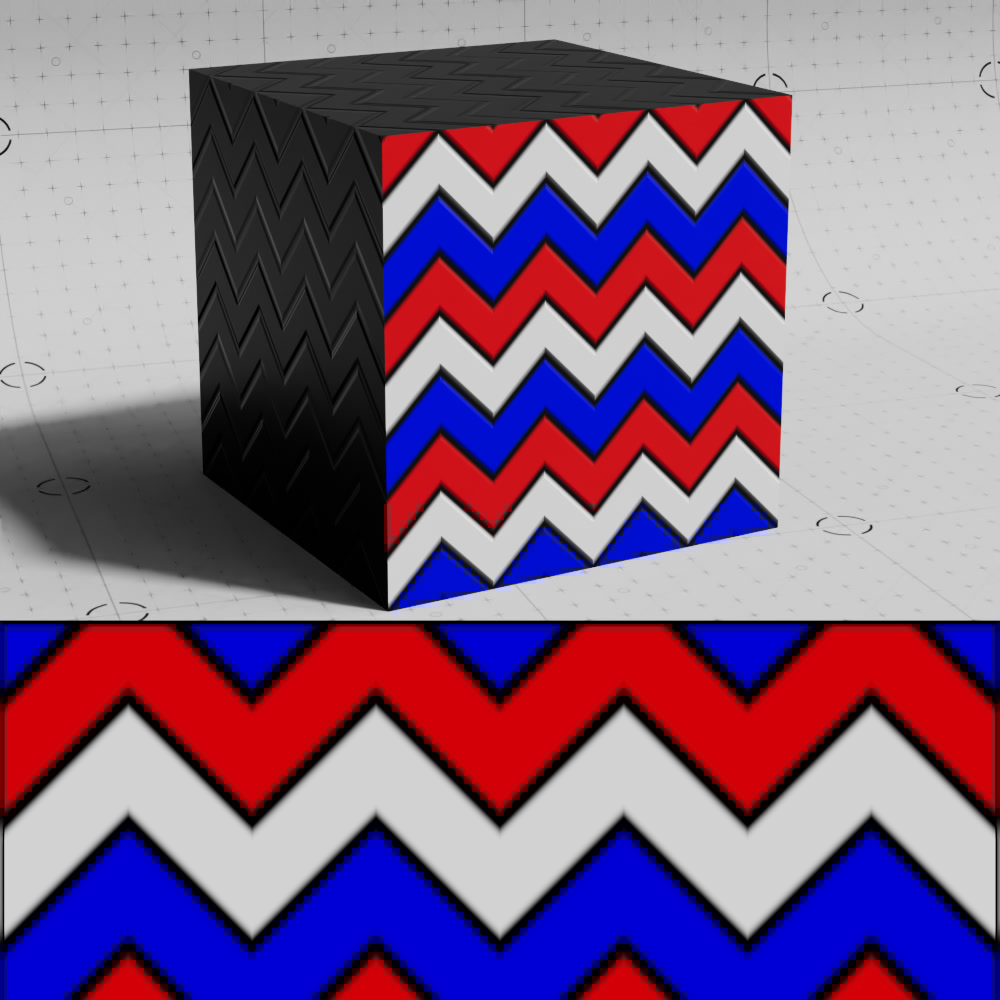
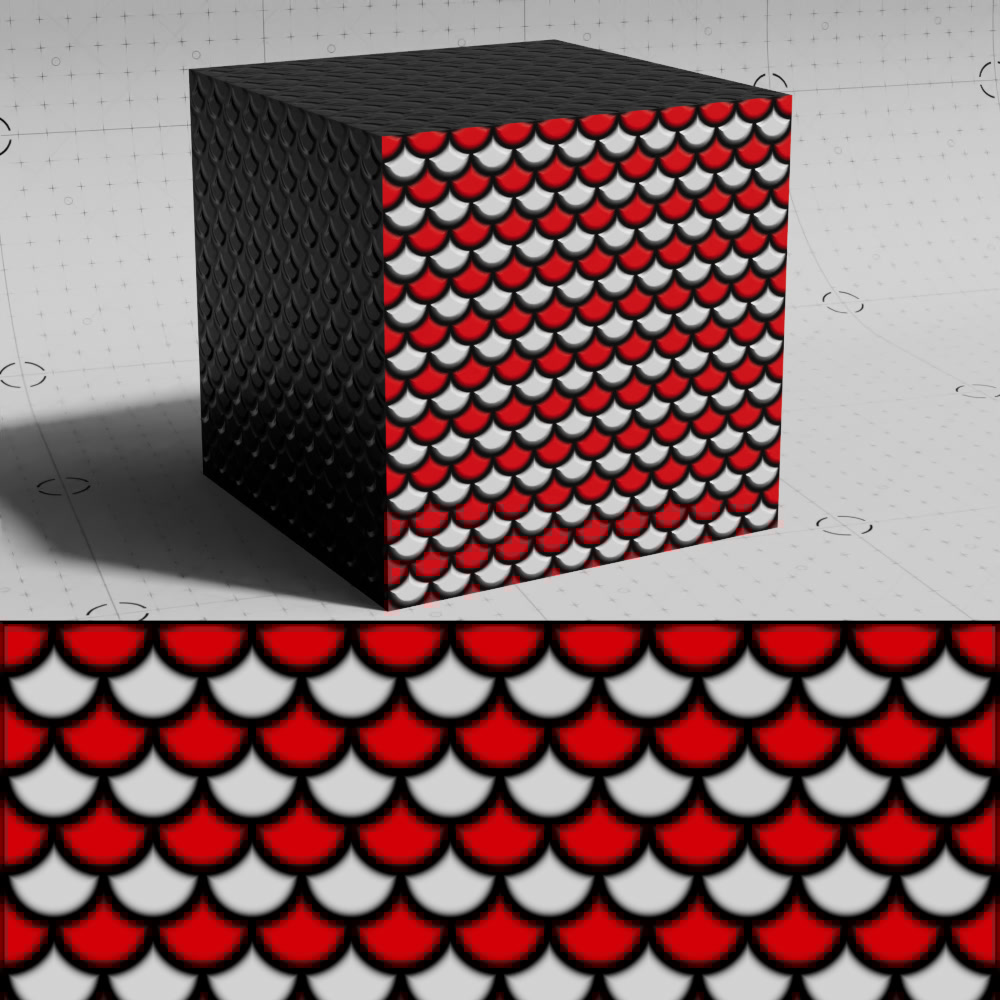
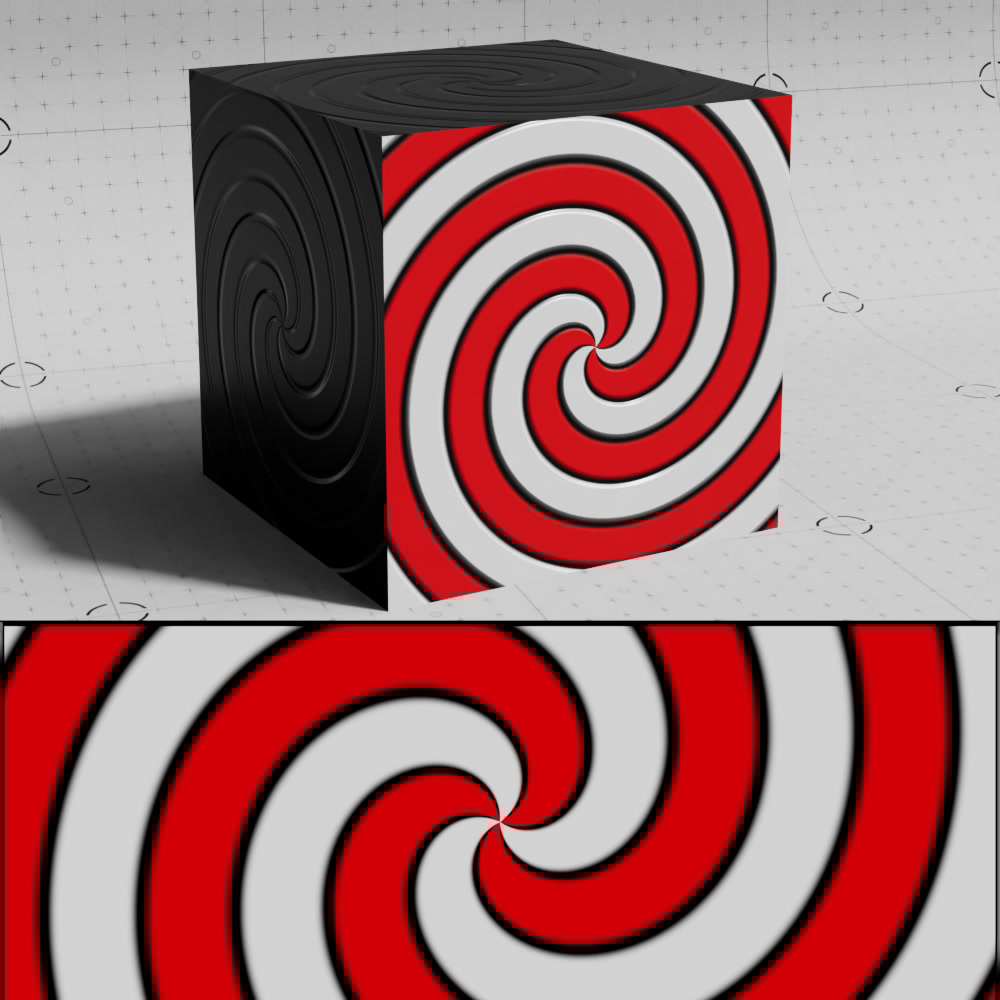
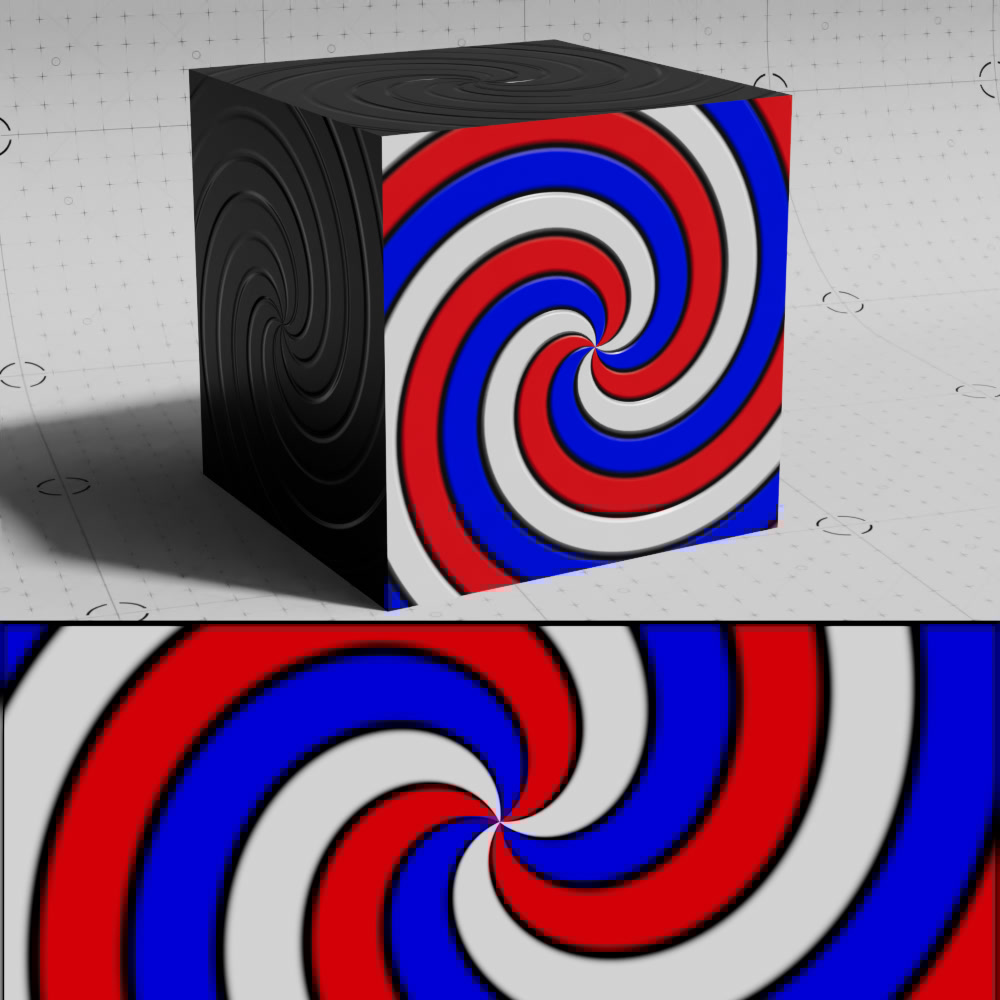
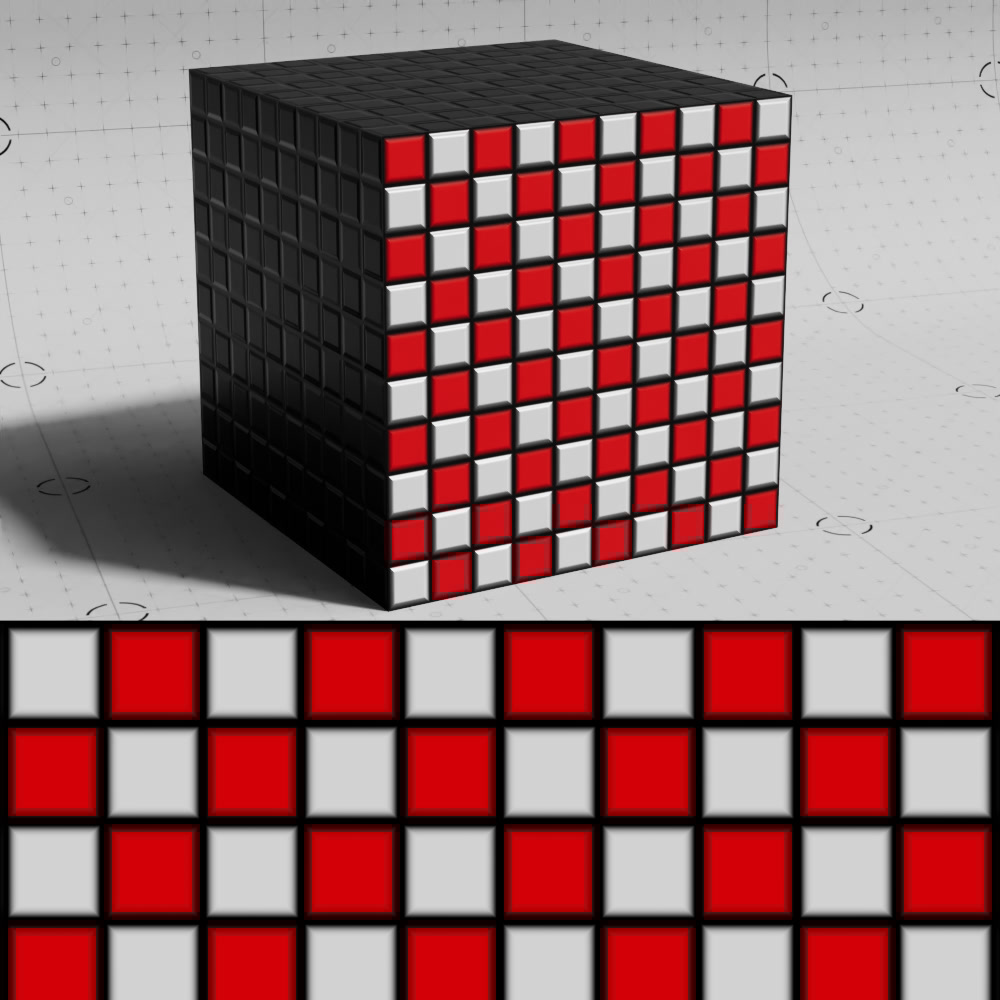
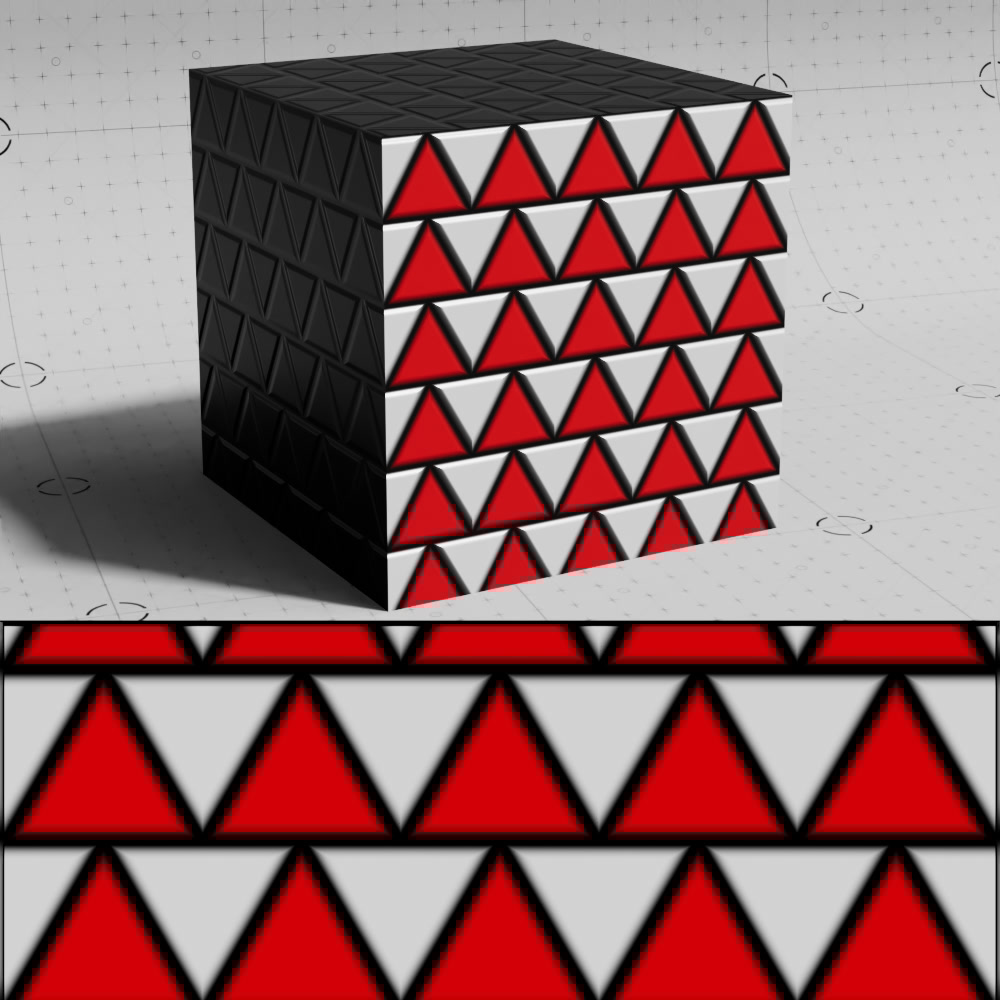
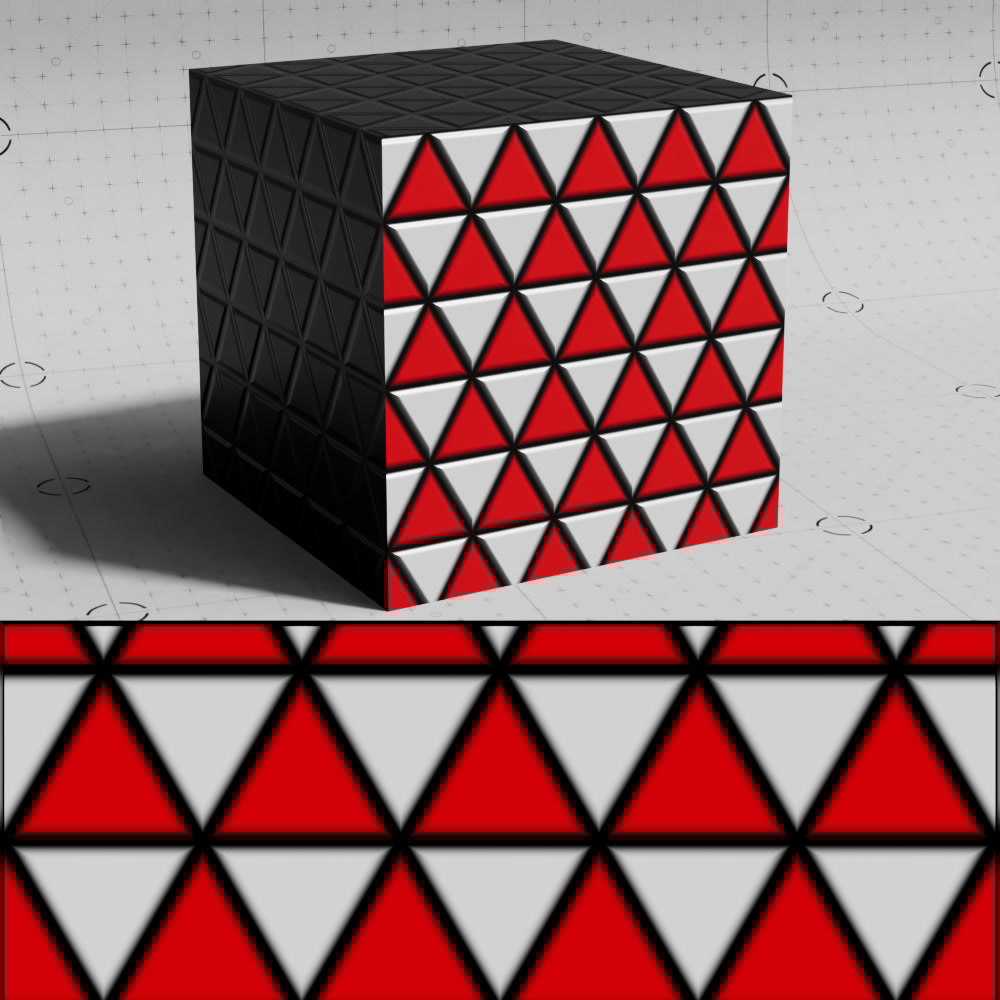
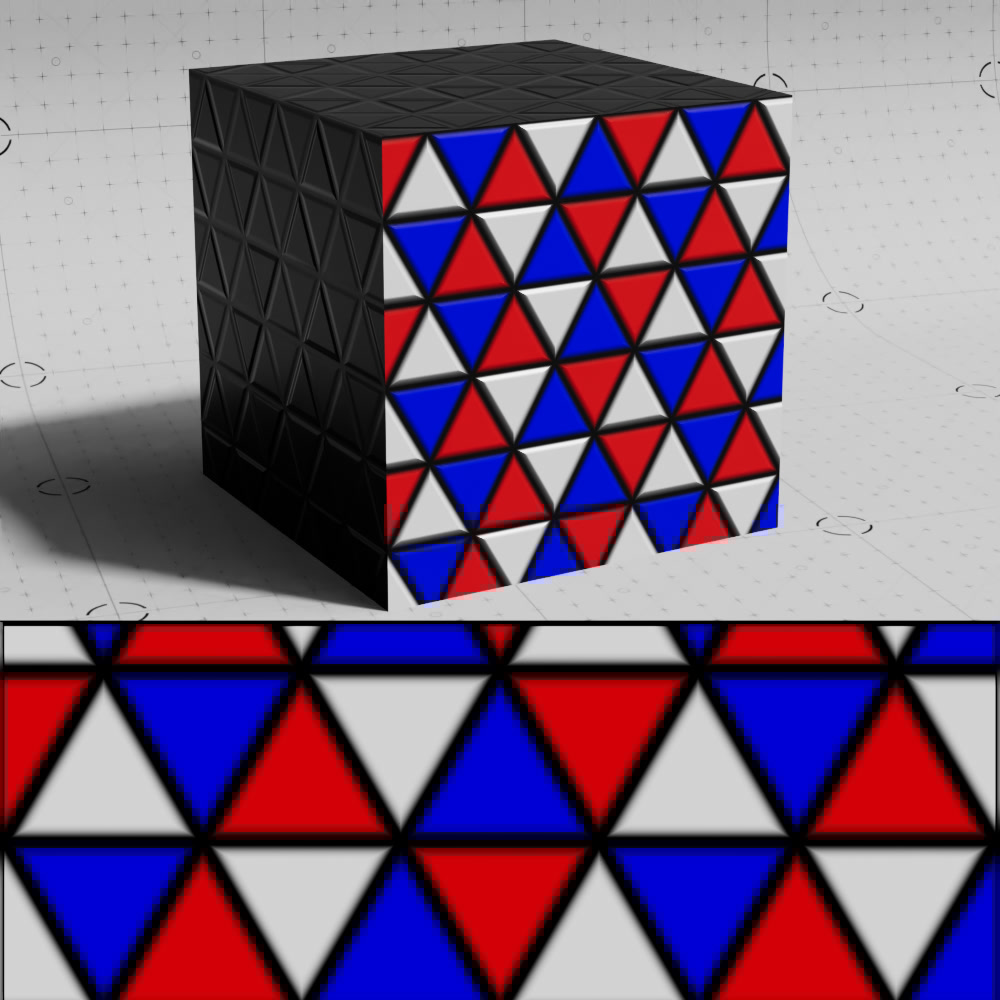
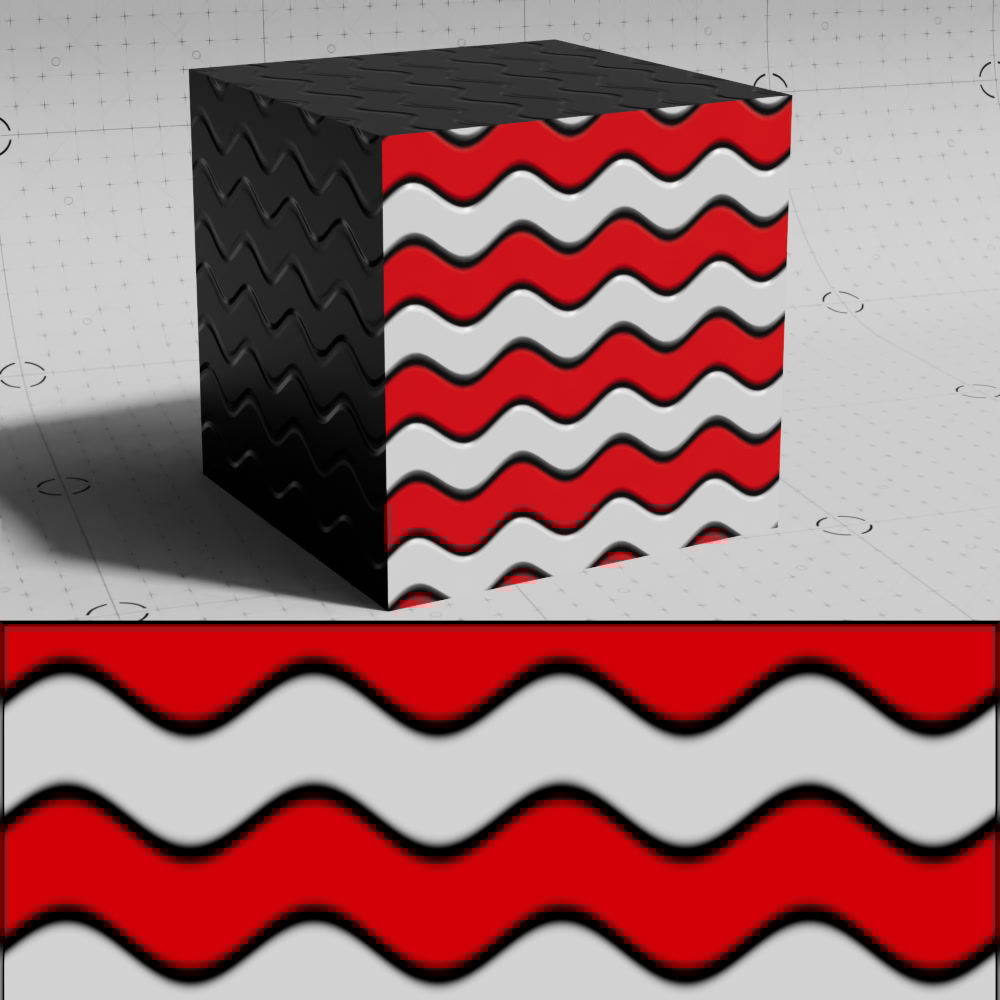
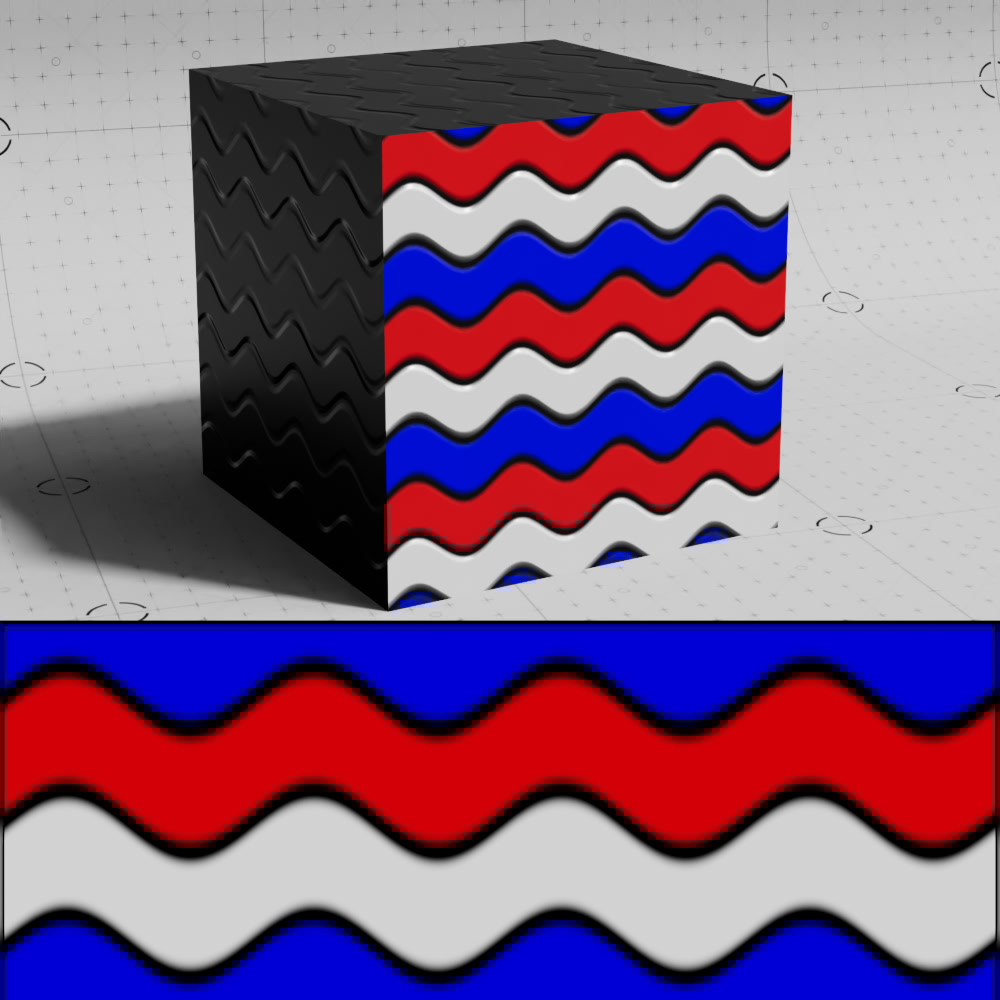
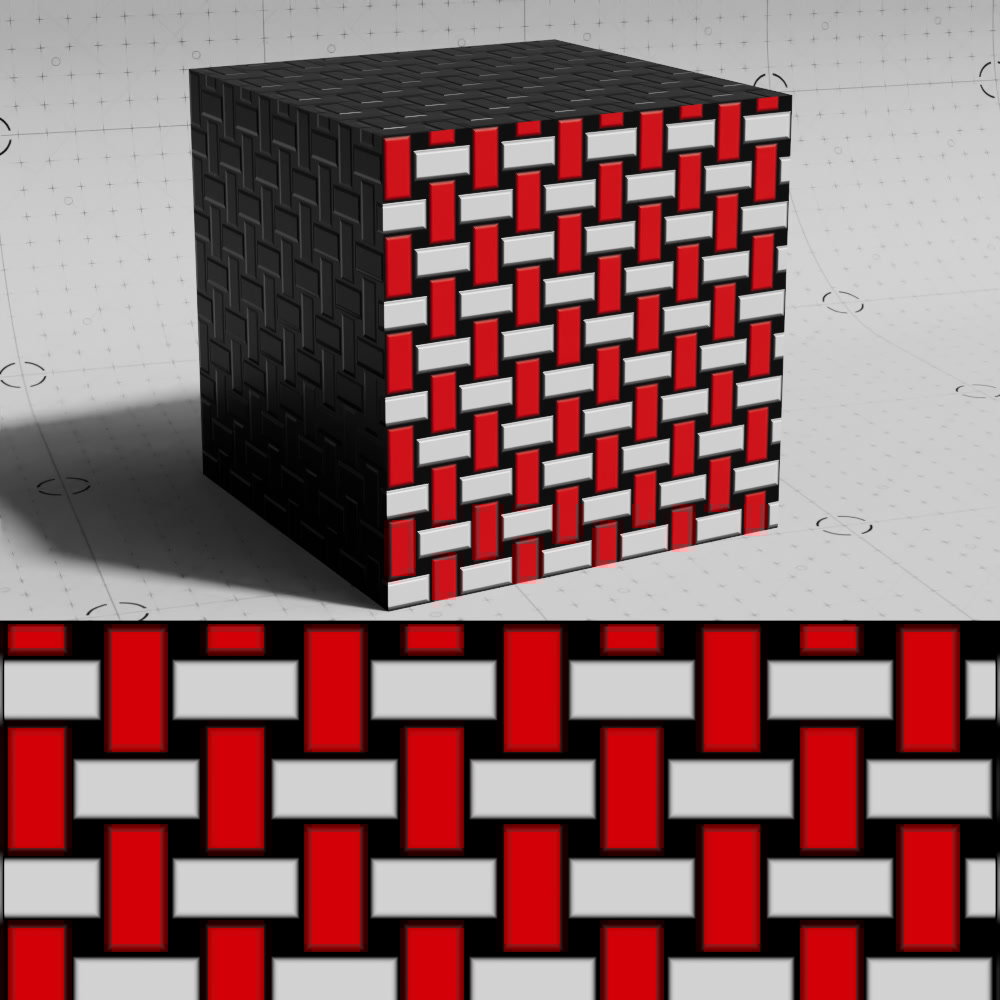
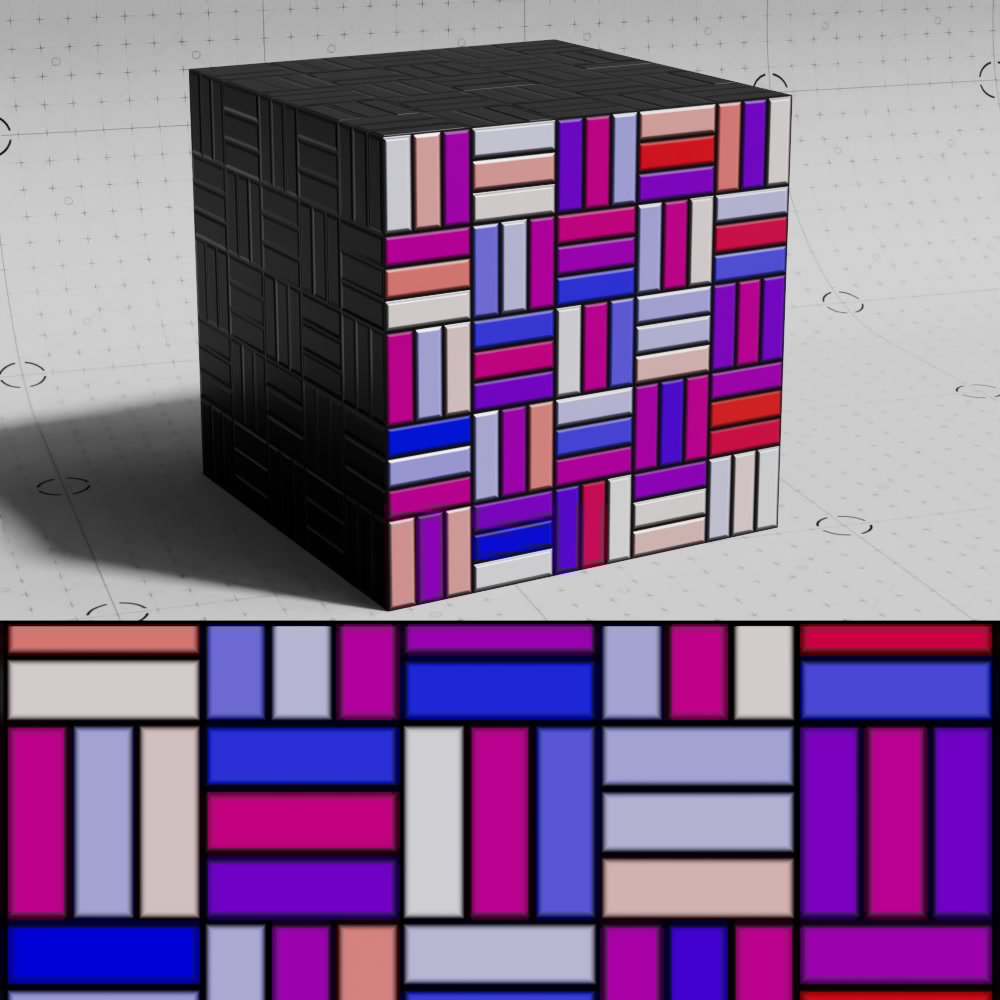
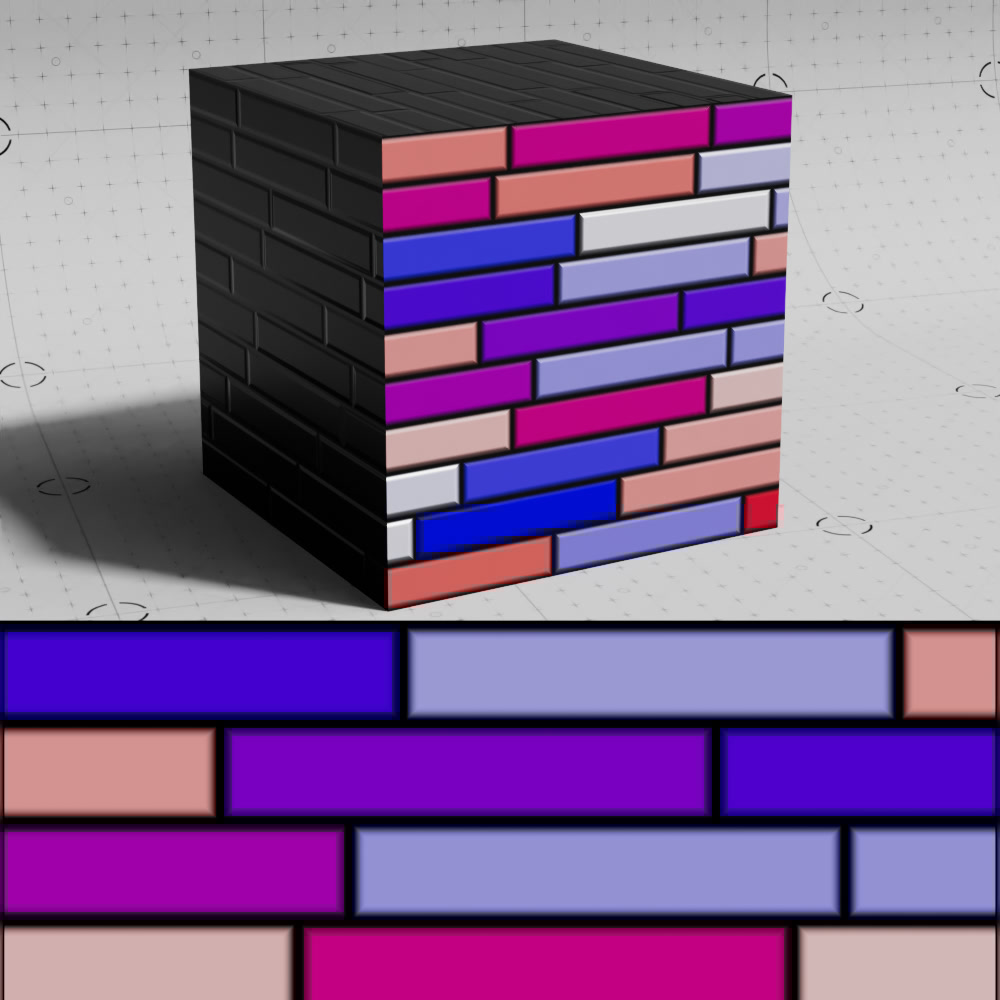
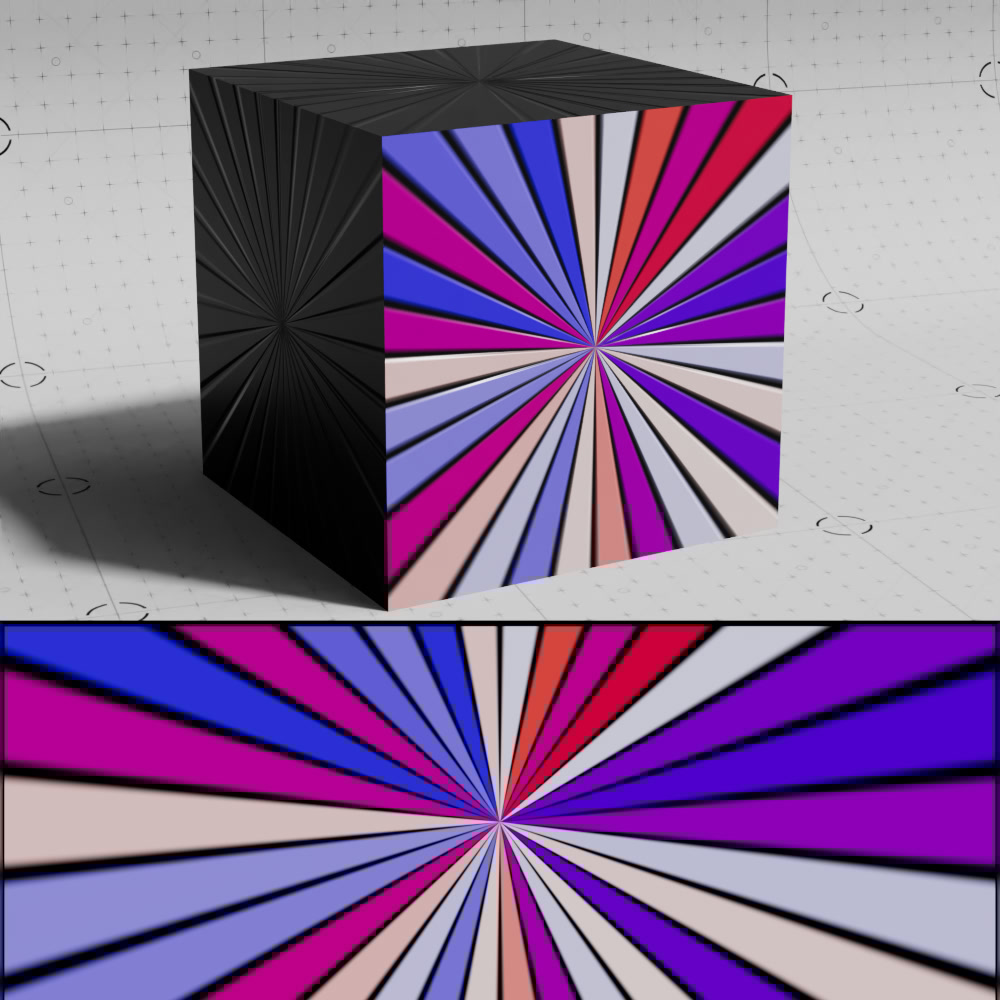
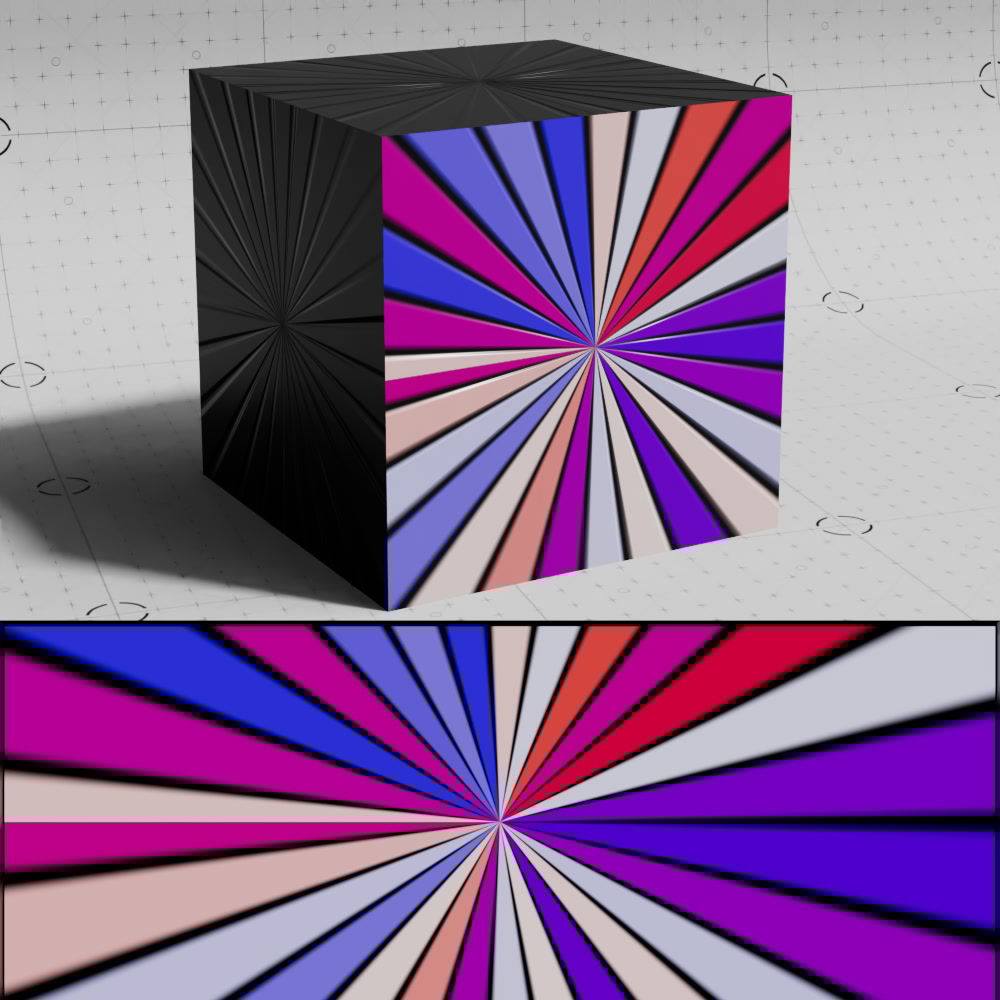
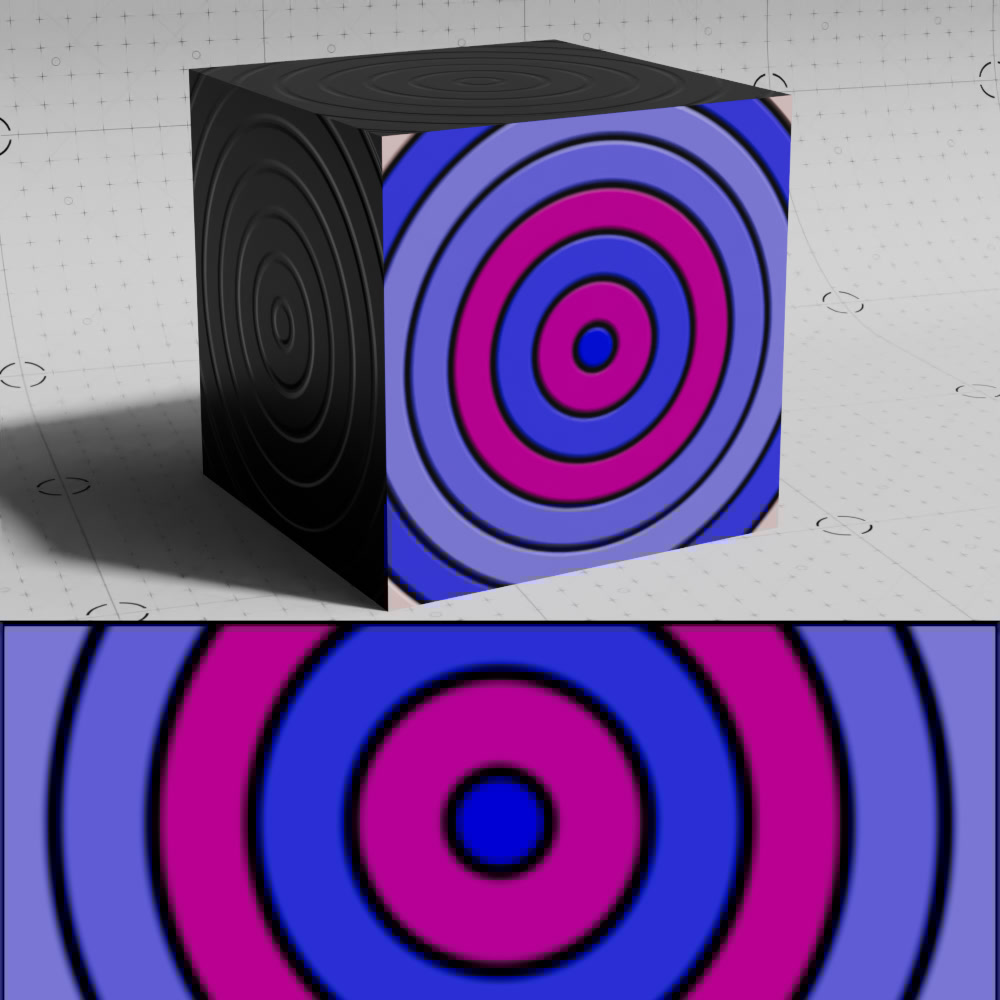
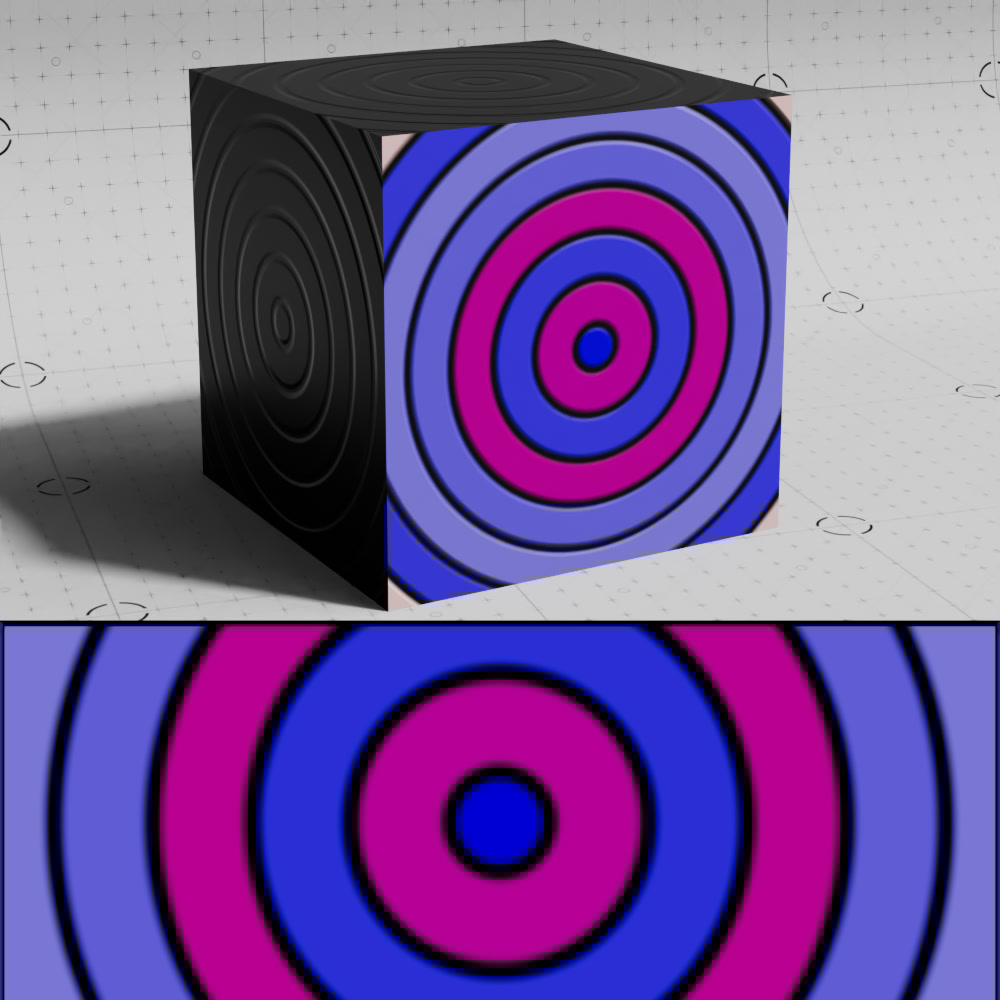
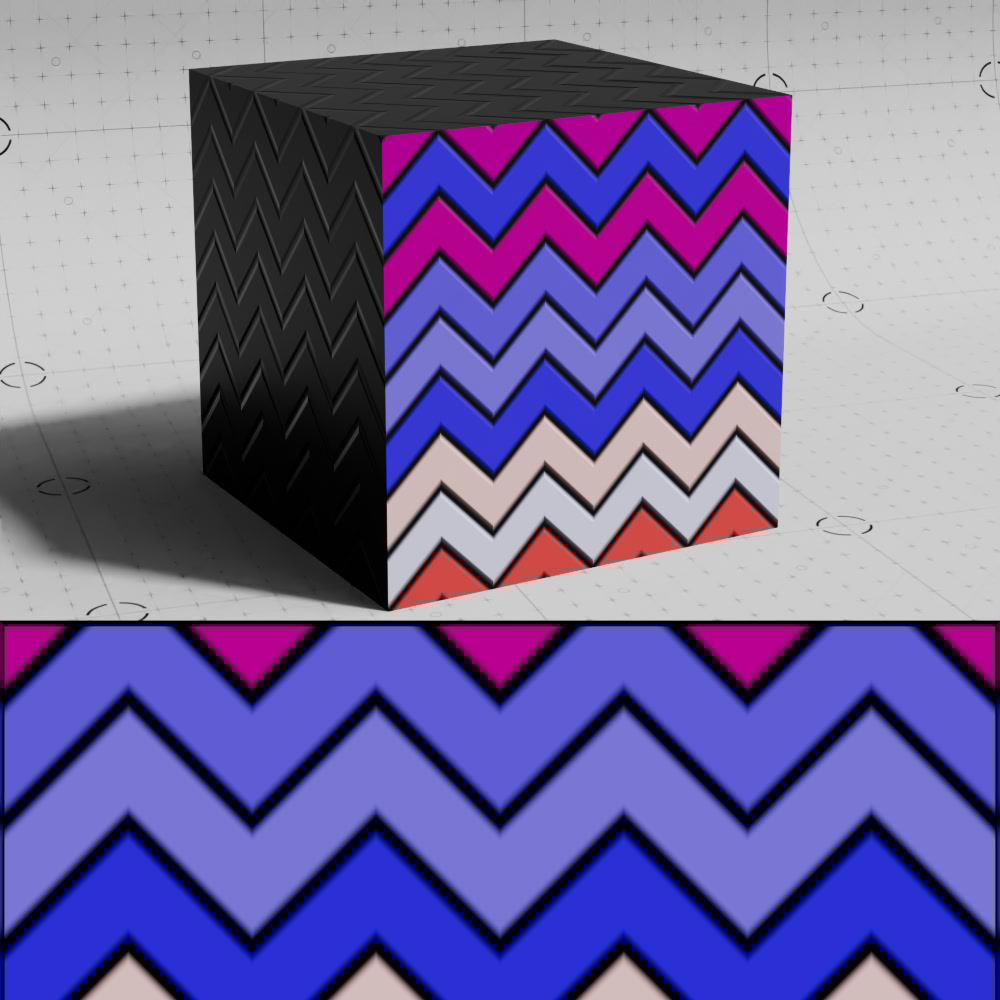
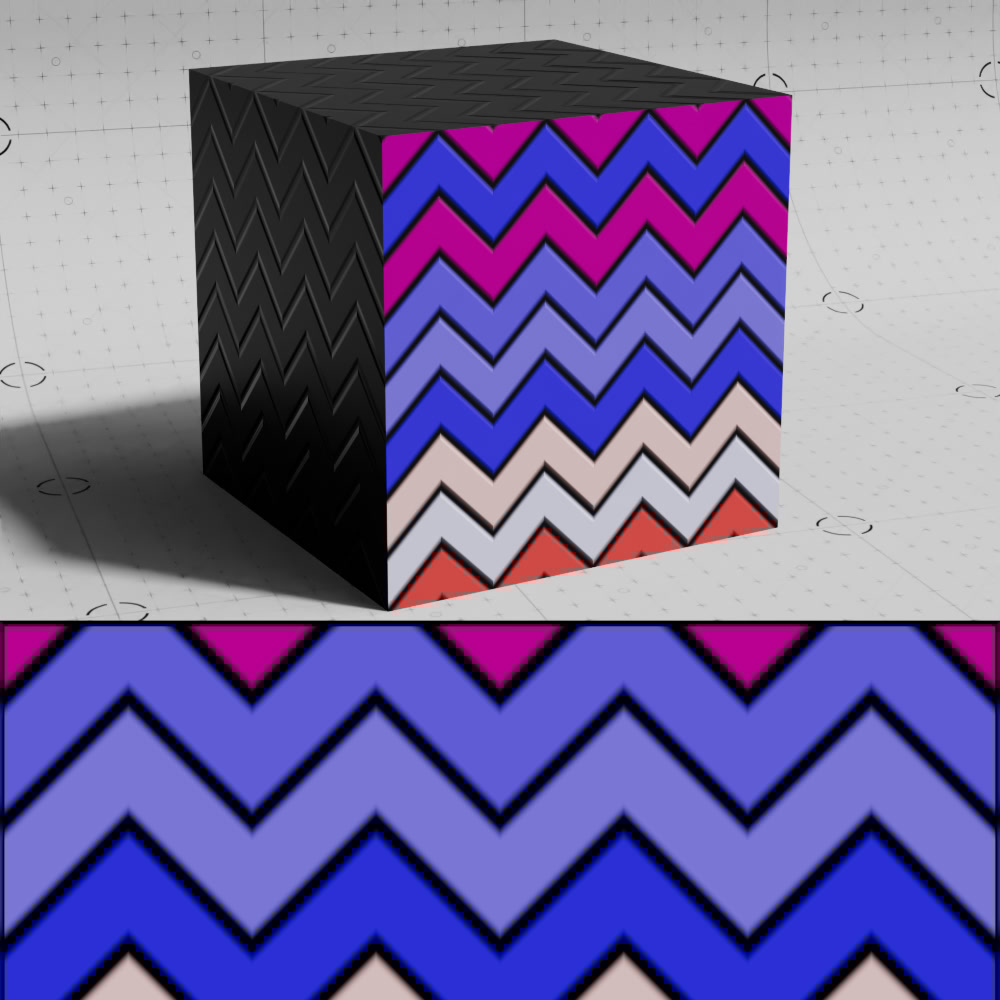
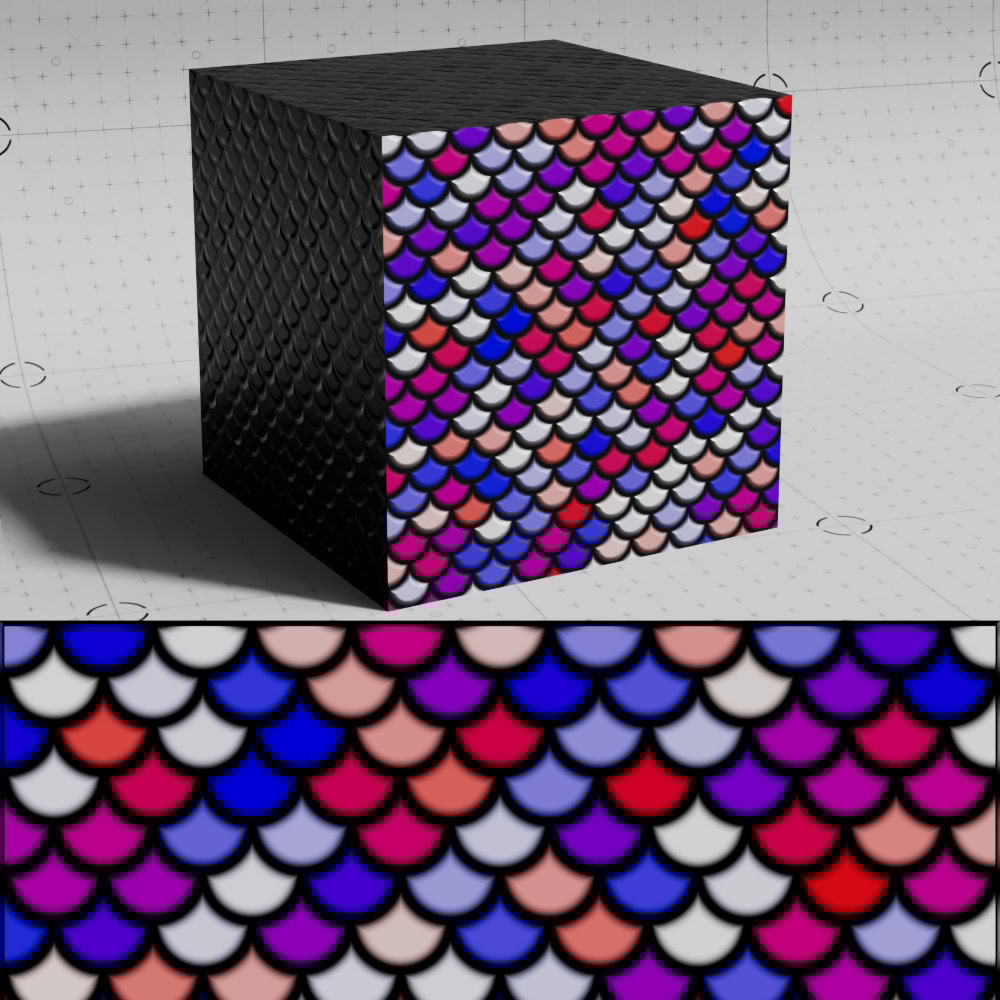
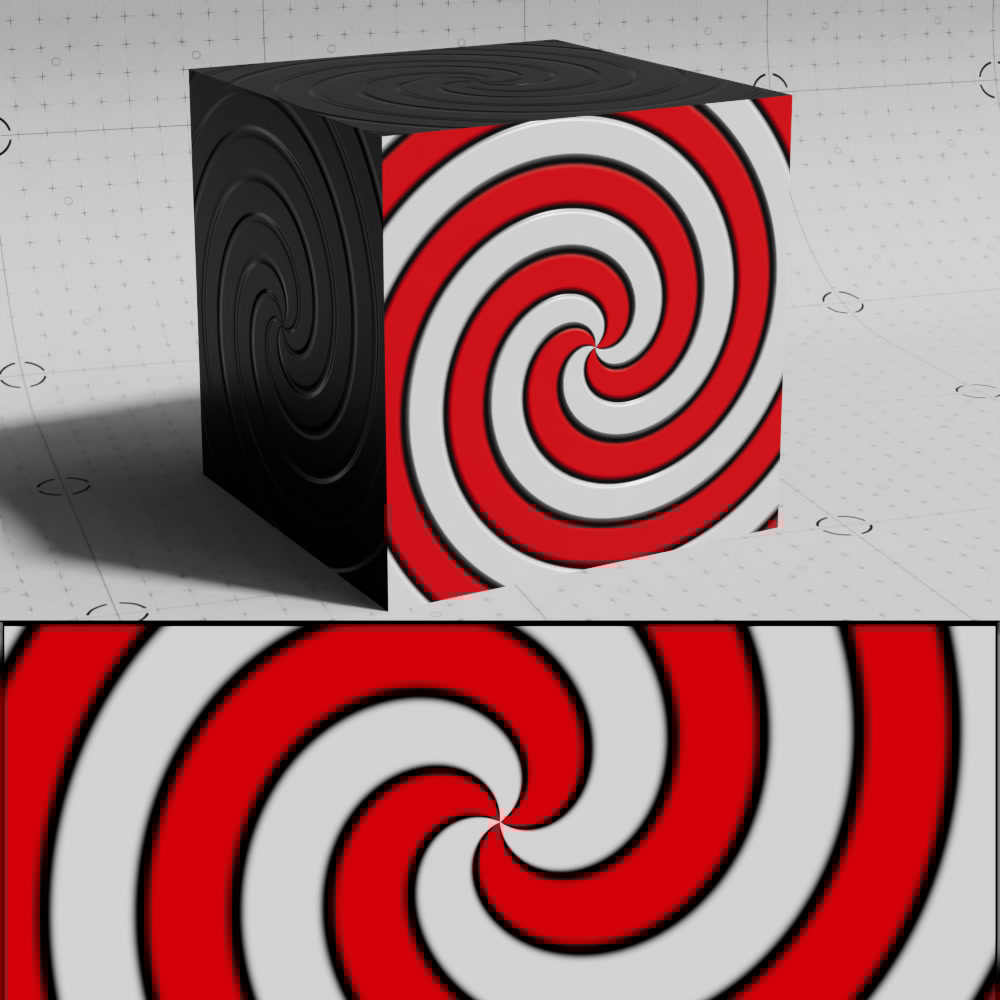
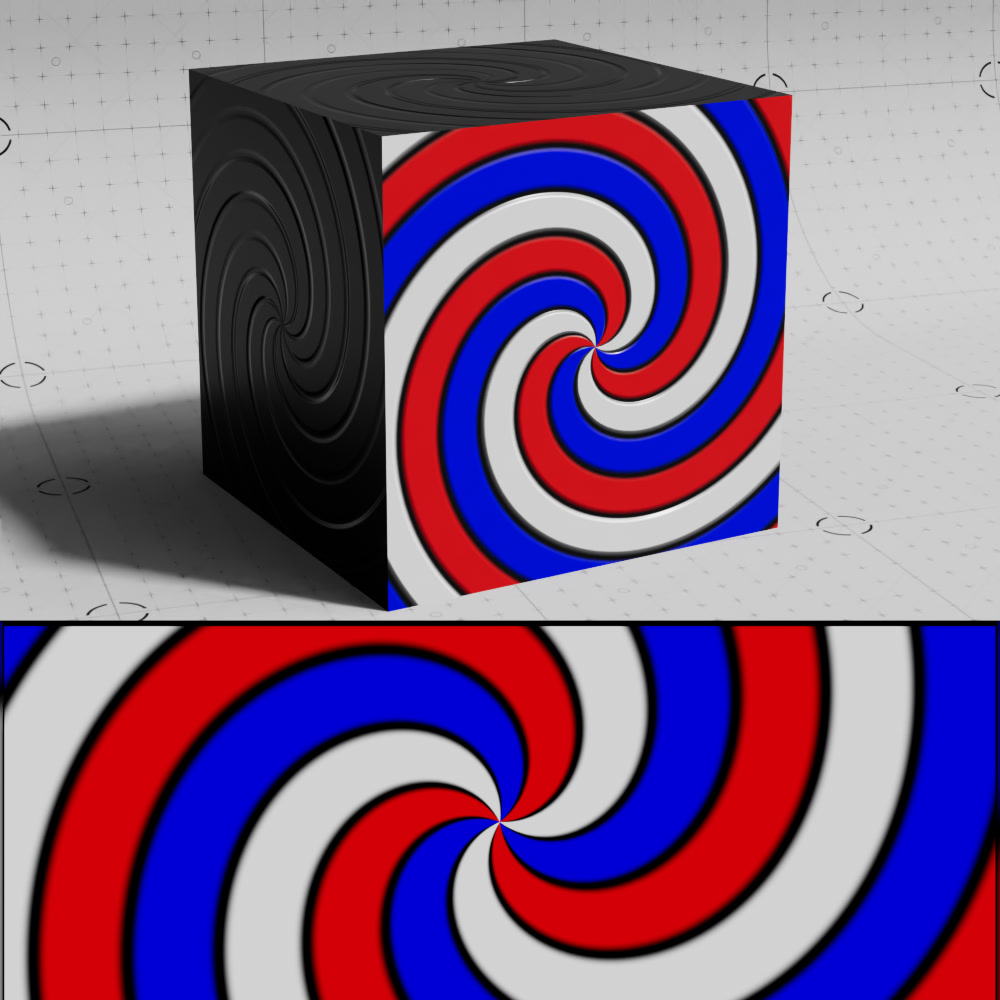
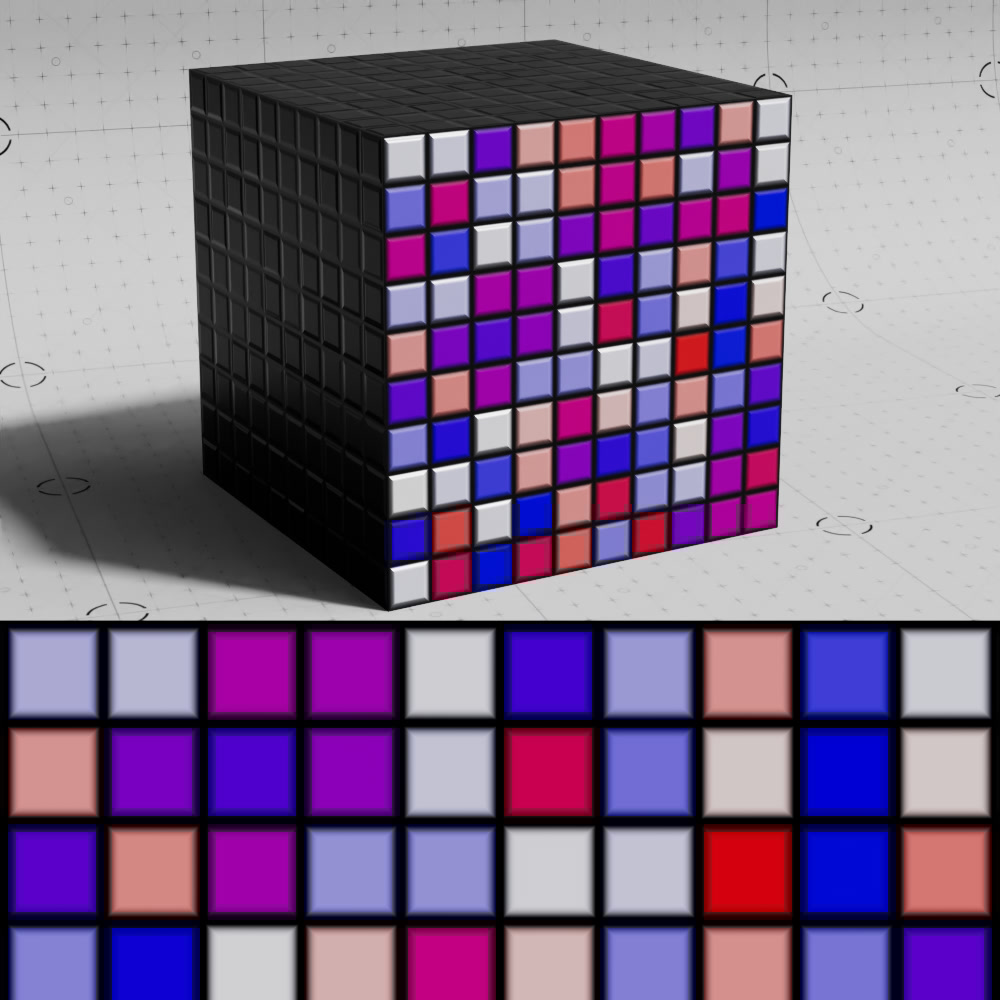
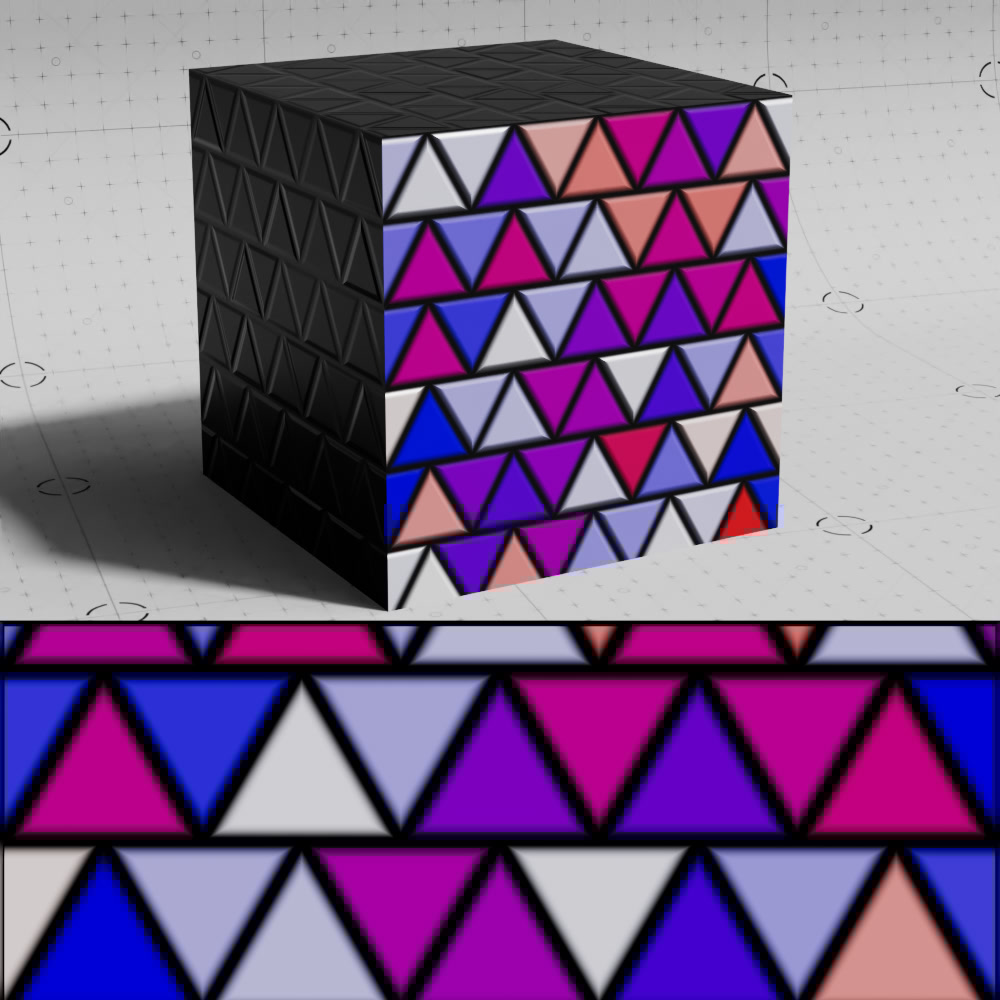
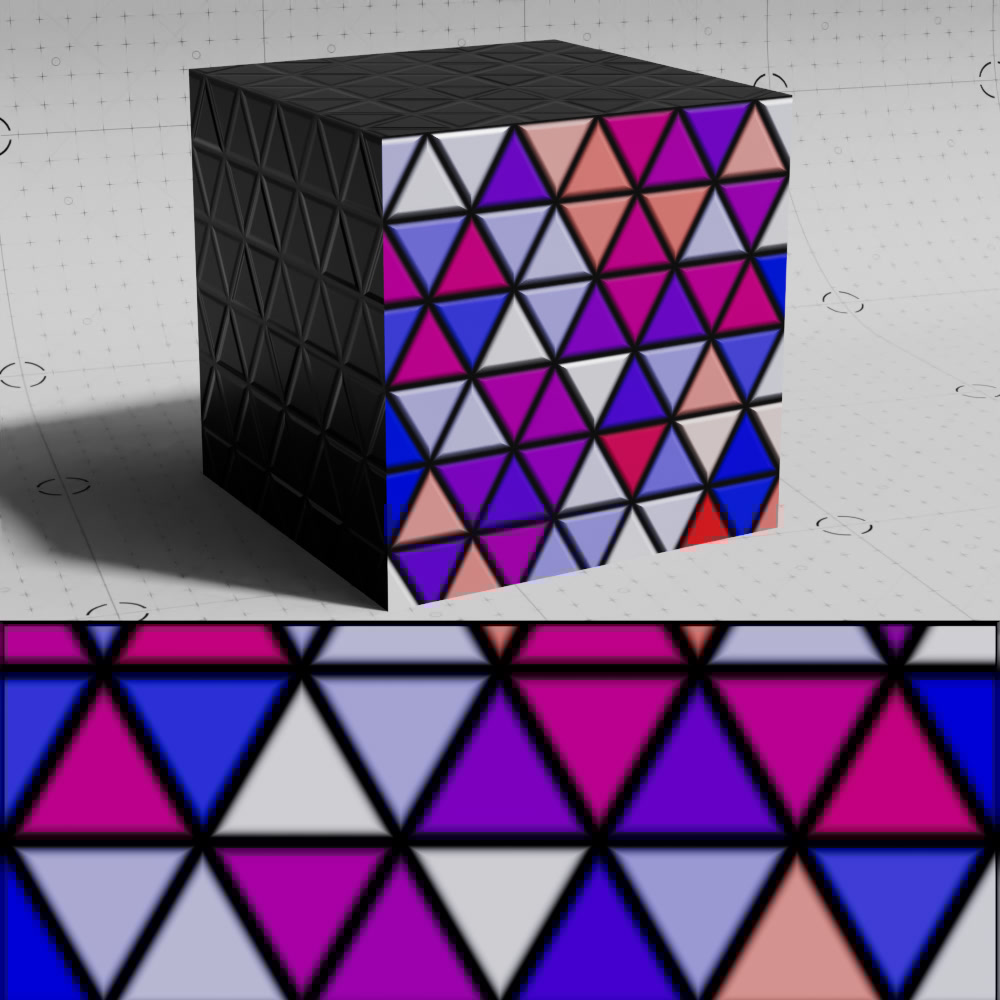
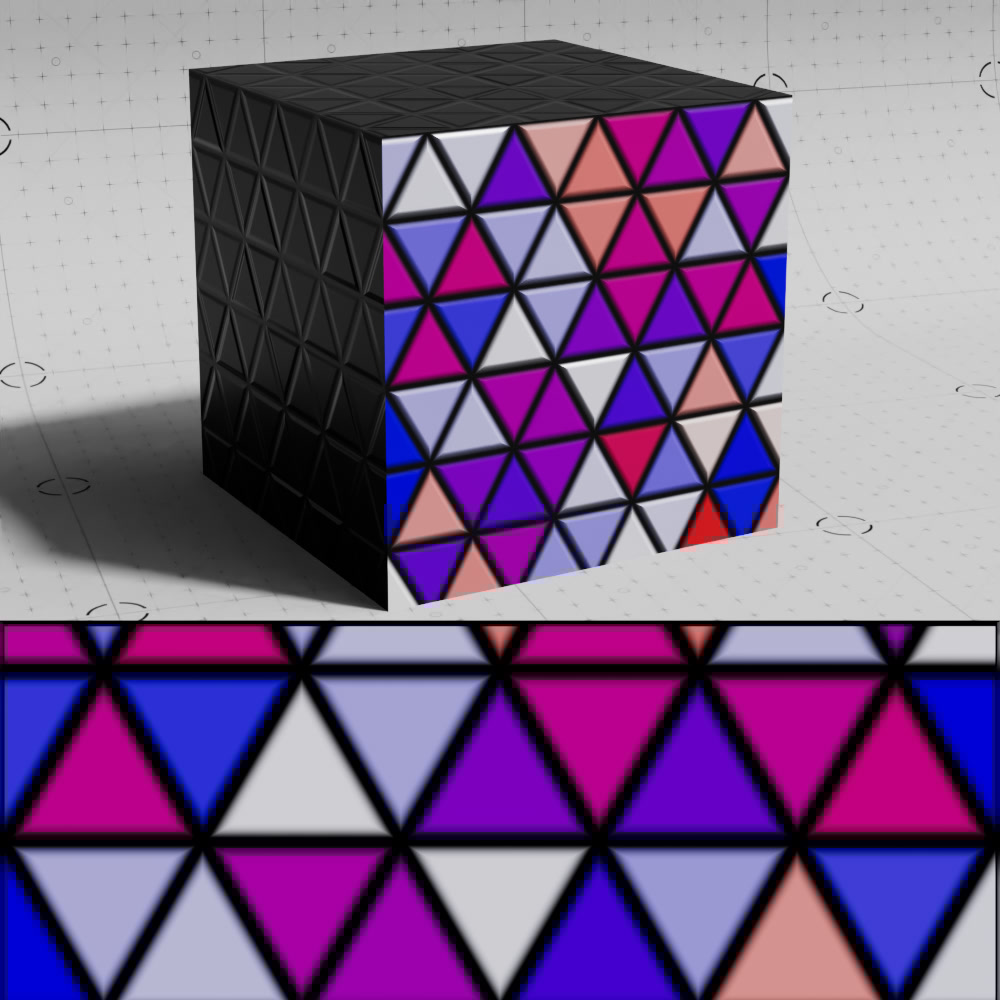
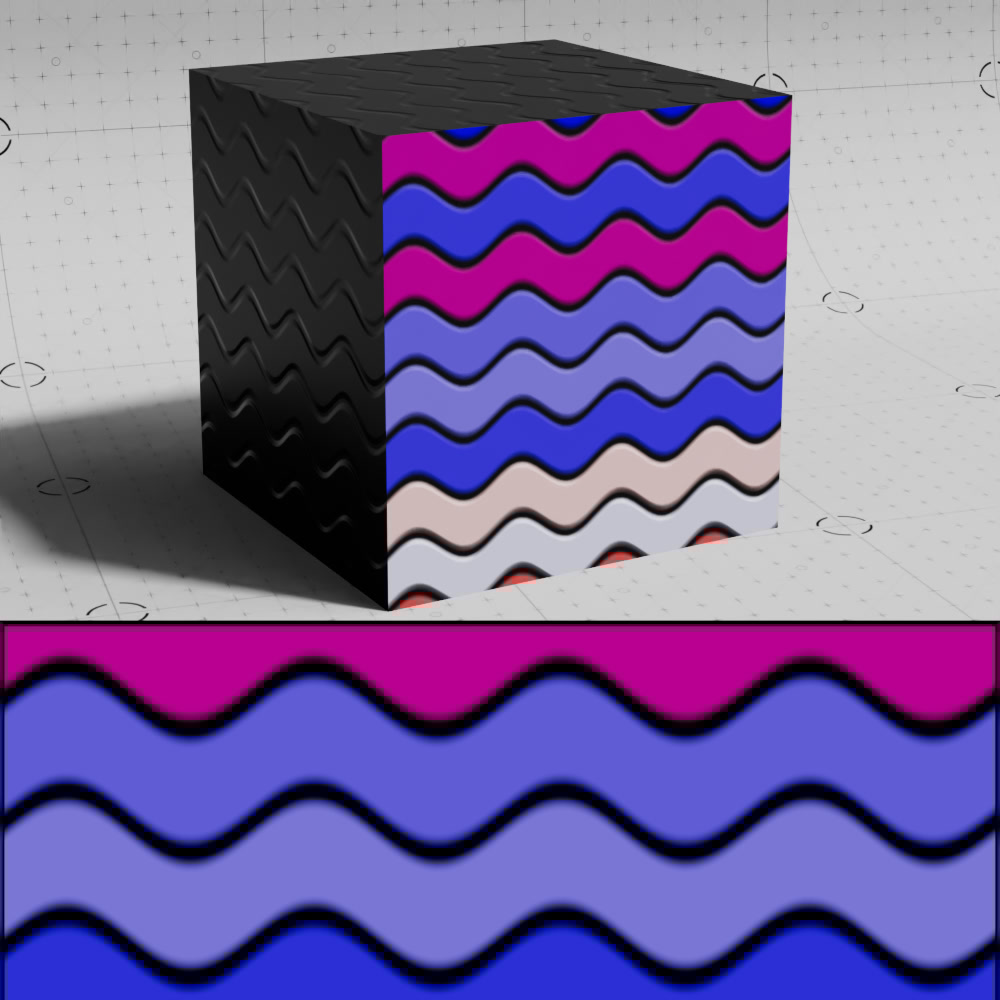
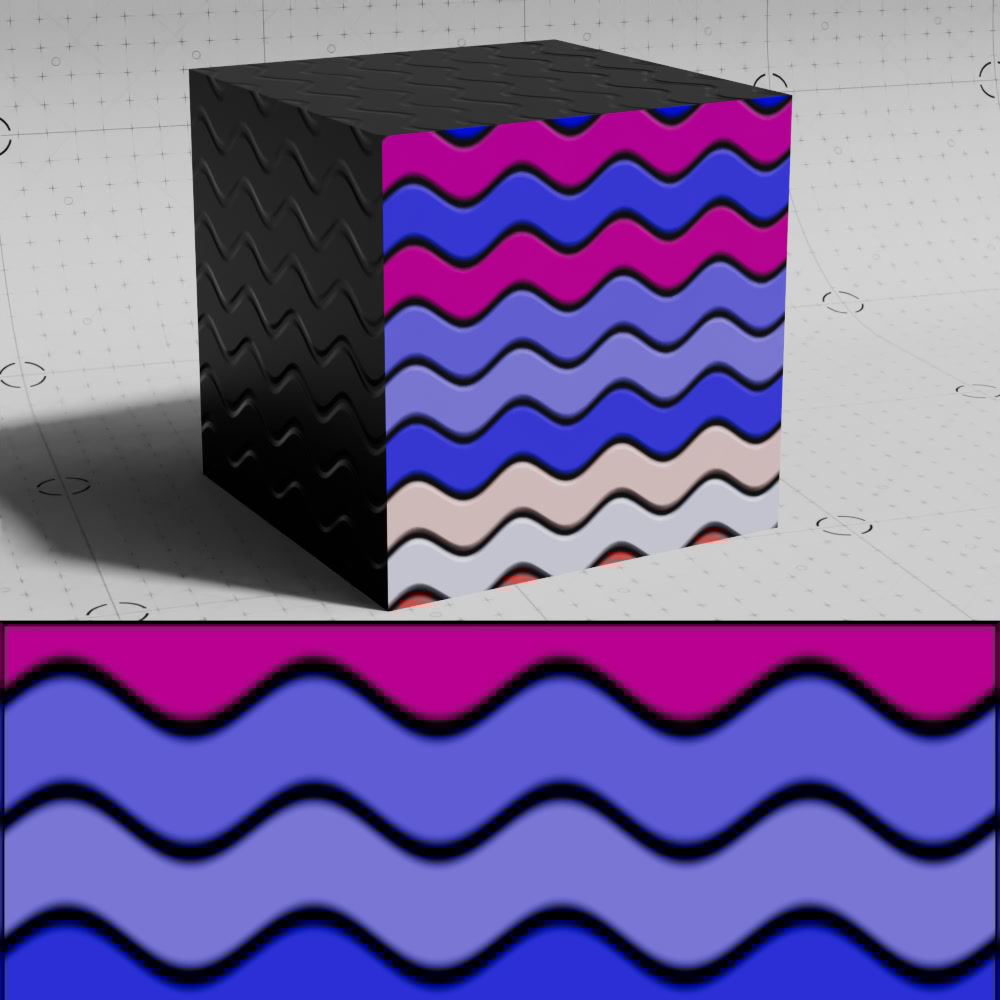
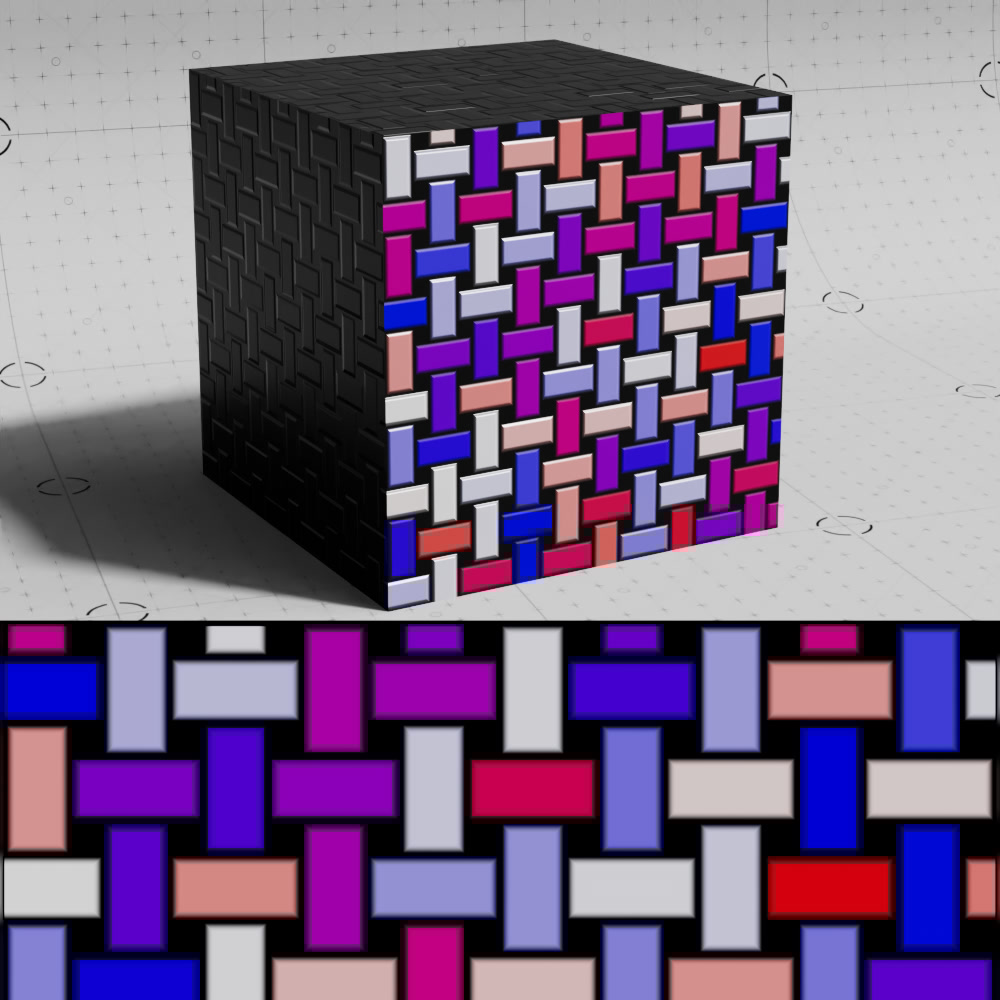
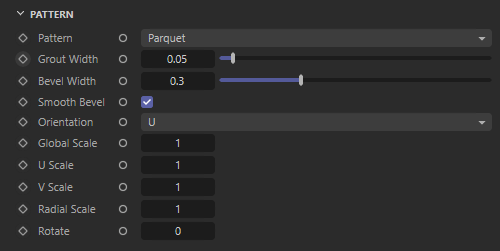
This lets you choose between different noise generators. The options are as follows:
|
|
|
|
|
|
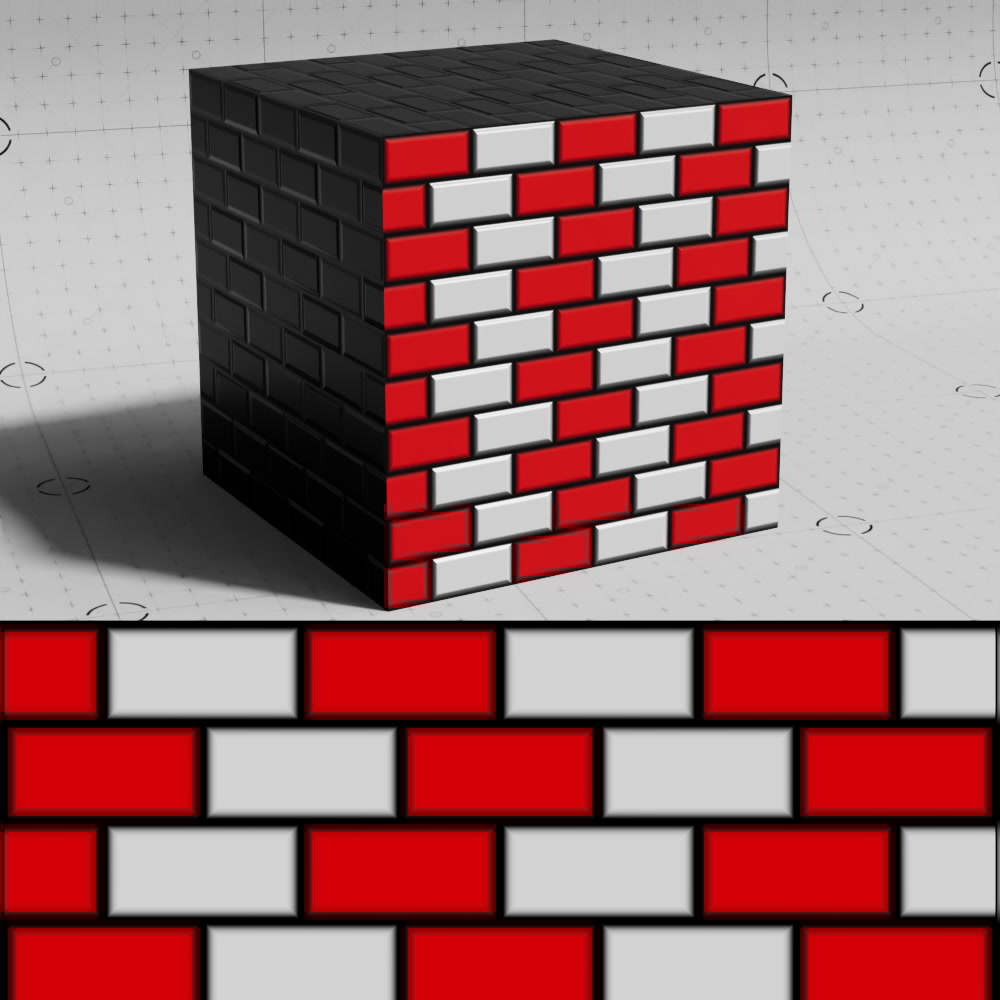
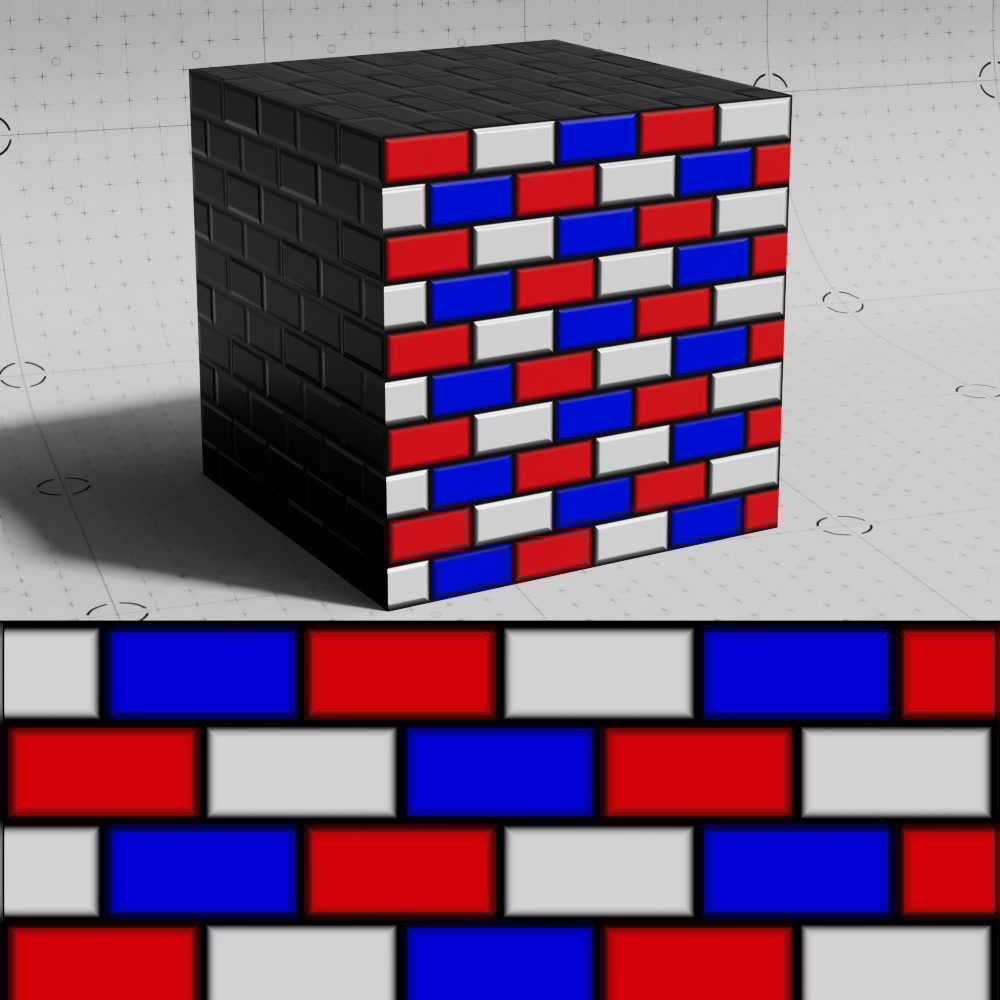
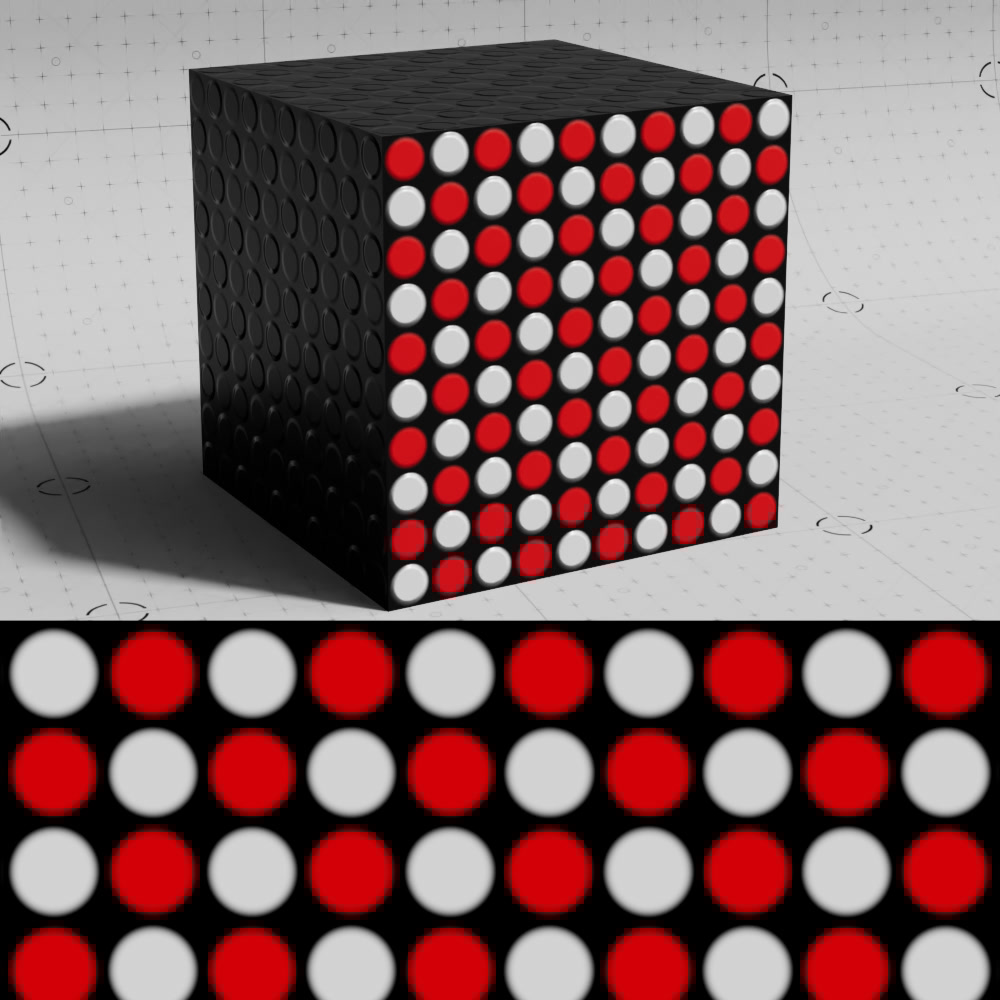
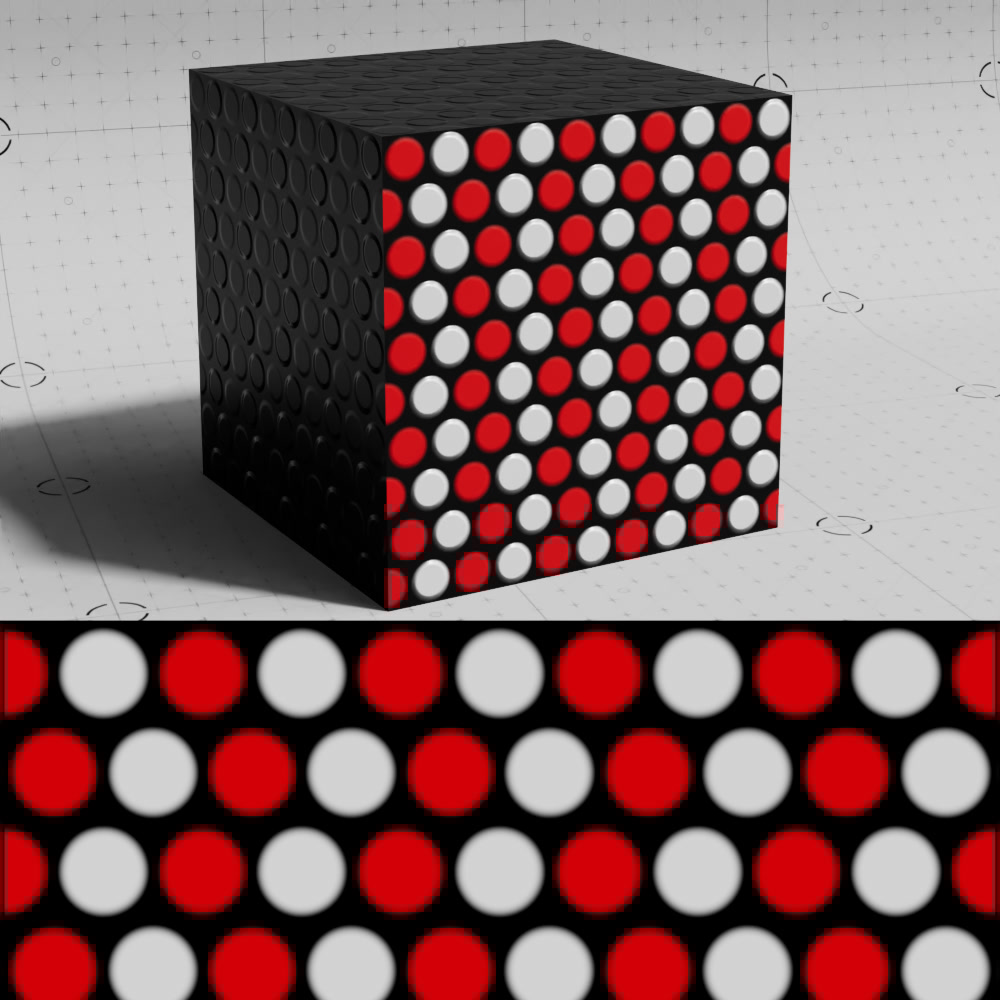
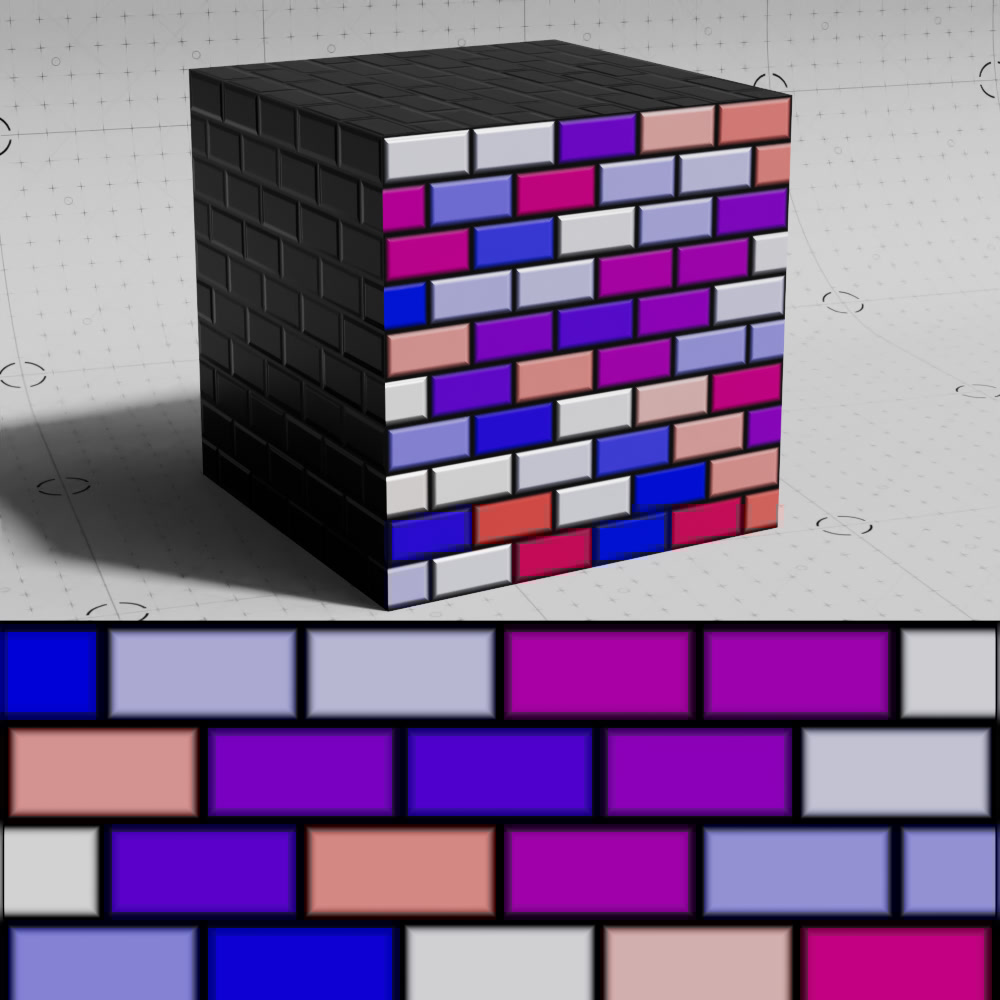
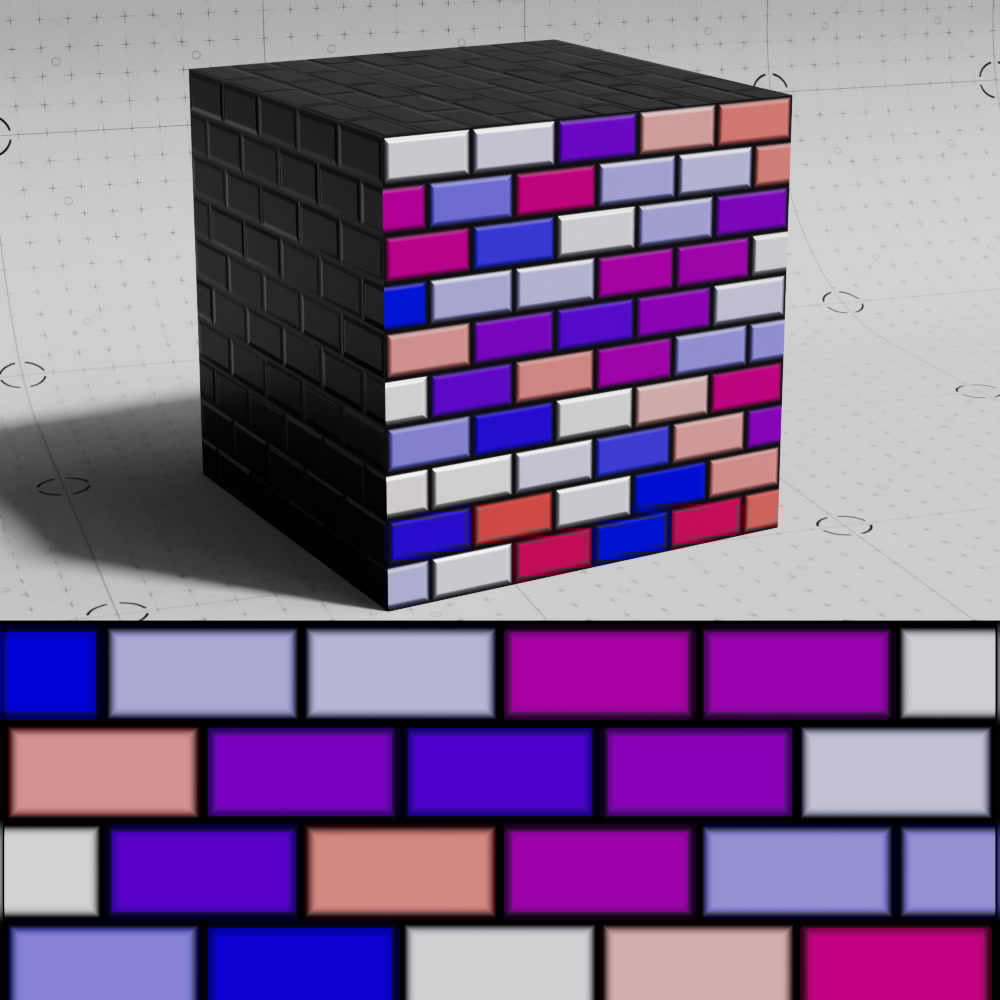
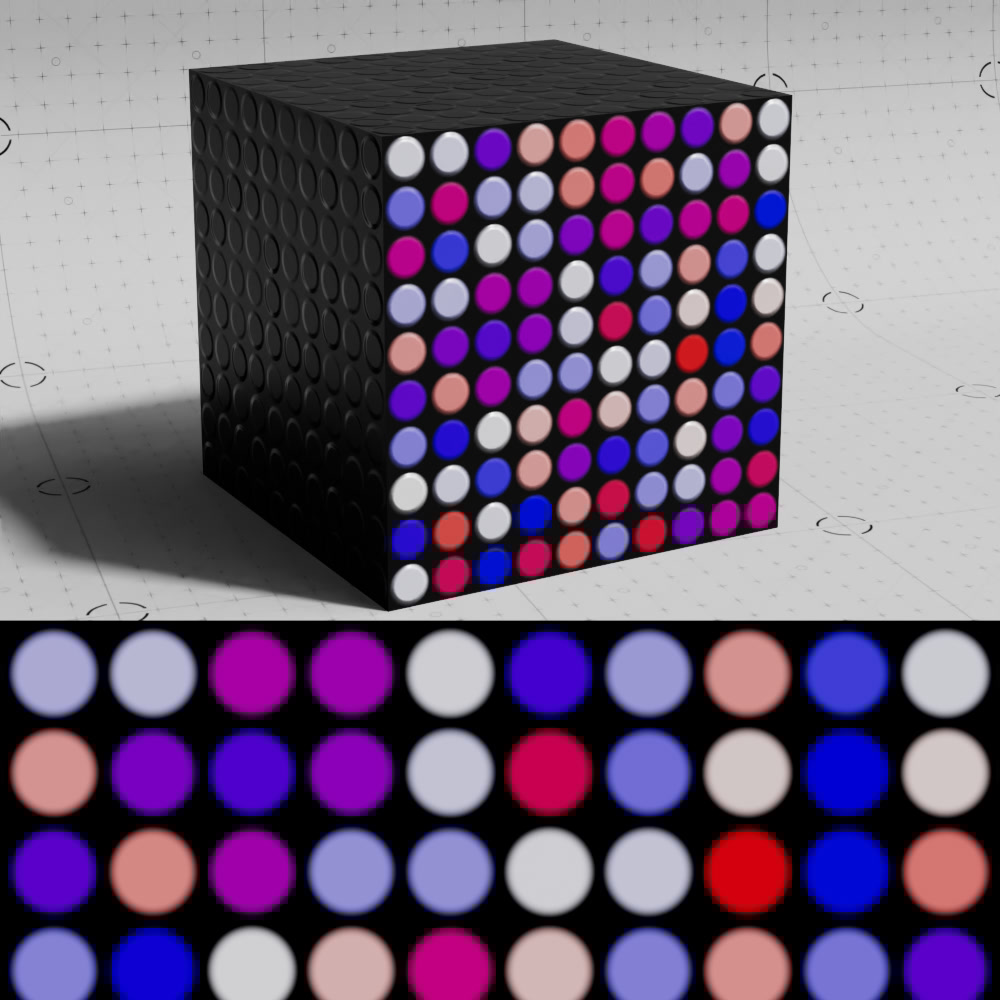
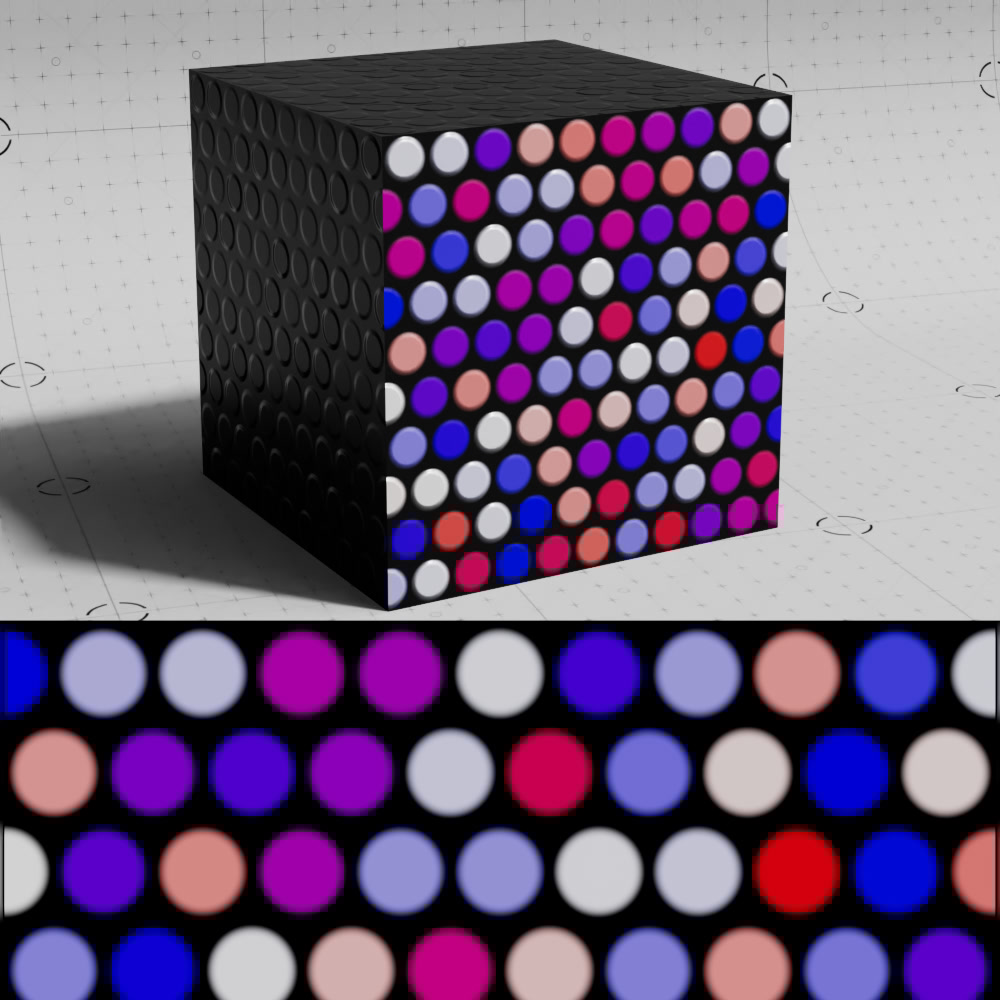
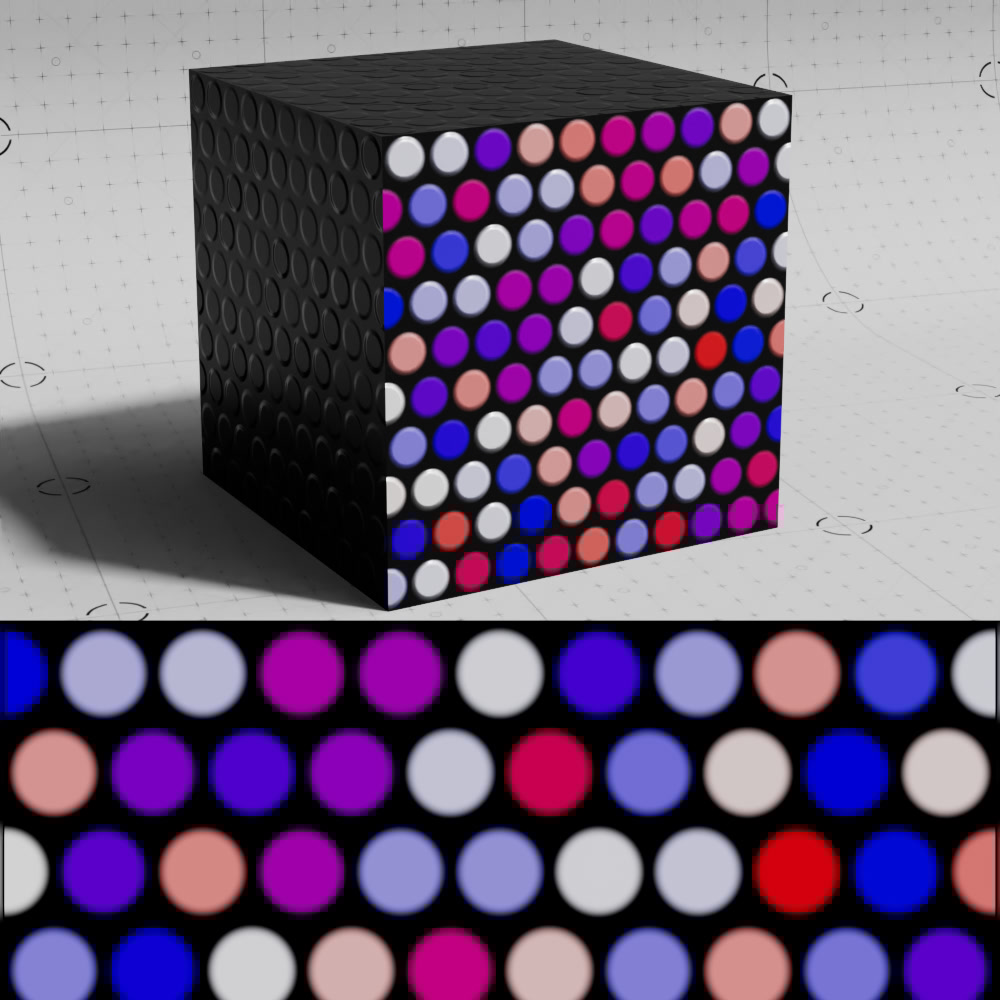
| Brick 1 | Brick 2 | Circles 1 | Circles 2 | Circles 3 |
|
|
|
|
|
|
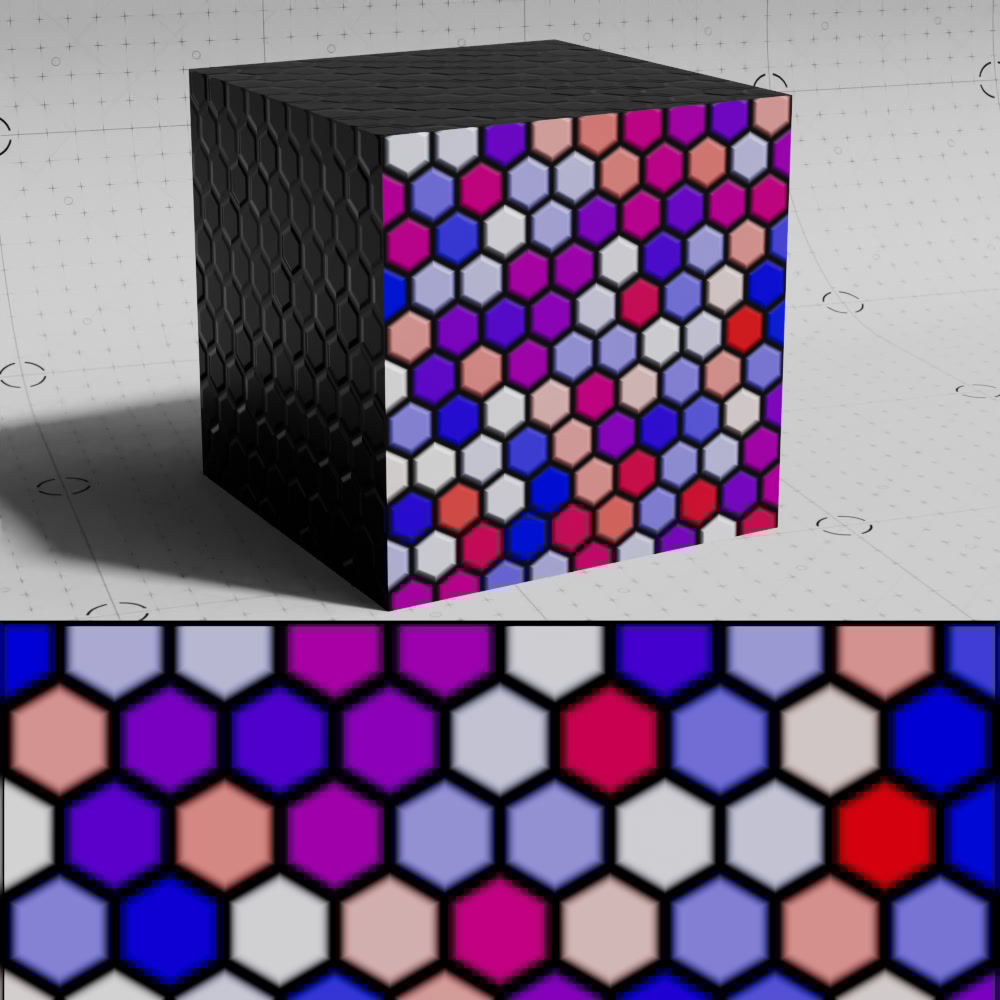
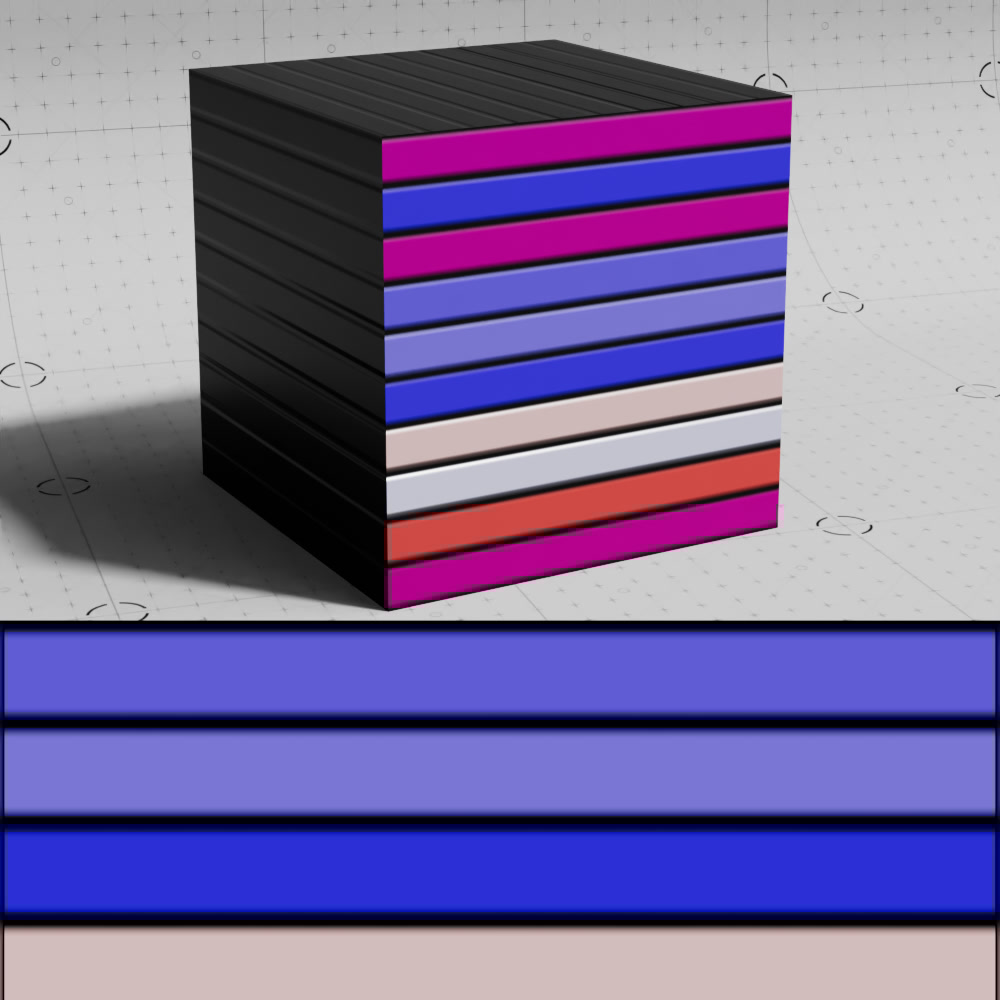
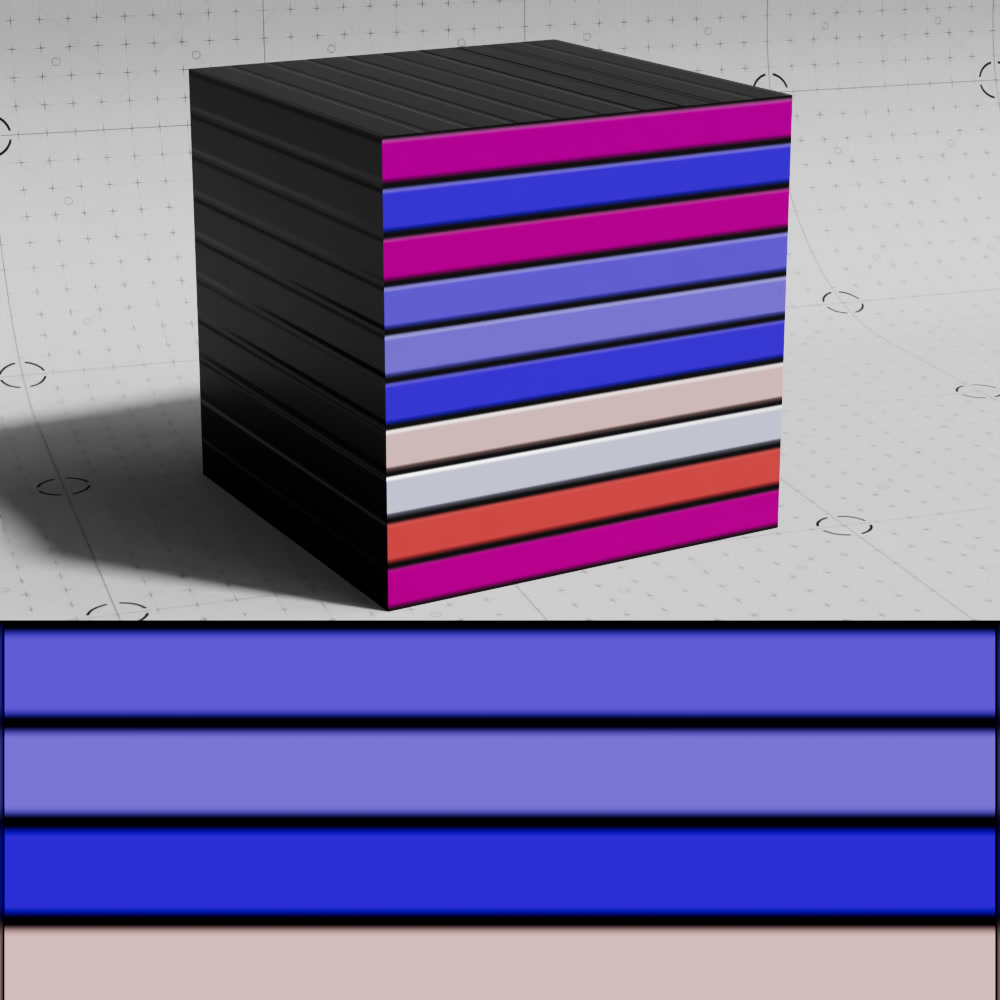
| Hexagons | Lines 1 | Lines 2 | Parquet | Planks |
|
|
|
|
|
|
| Radial Lines 1 | Radial Lines 2 | Random | Rings 1 | Rings 2 |
|
|
|
|
|
|
| Sawtooth 1 | Sawtooth 2 | Scales 1 | Scales 2 | Spiral 1 |
|
|
|
|
|
|
| Spiral 2 | Squares | Triangles 1 | Triangles 2 | Triangles 3 |
|
|
|
|
|
|
|
|
Waves 1 | Waves 2 | Weave |
|
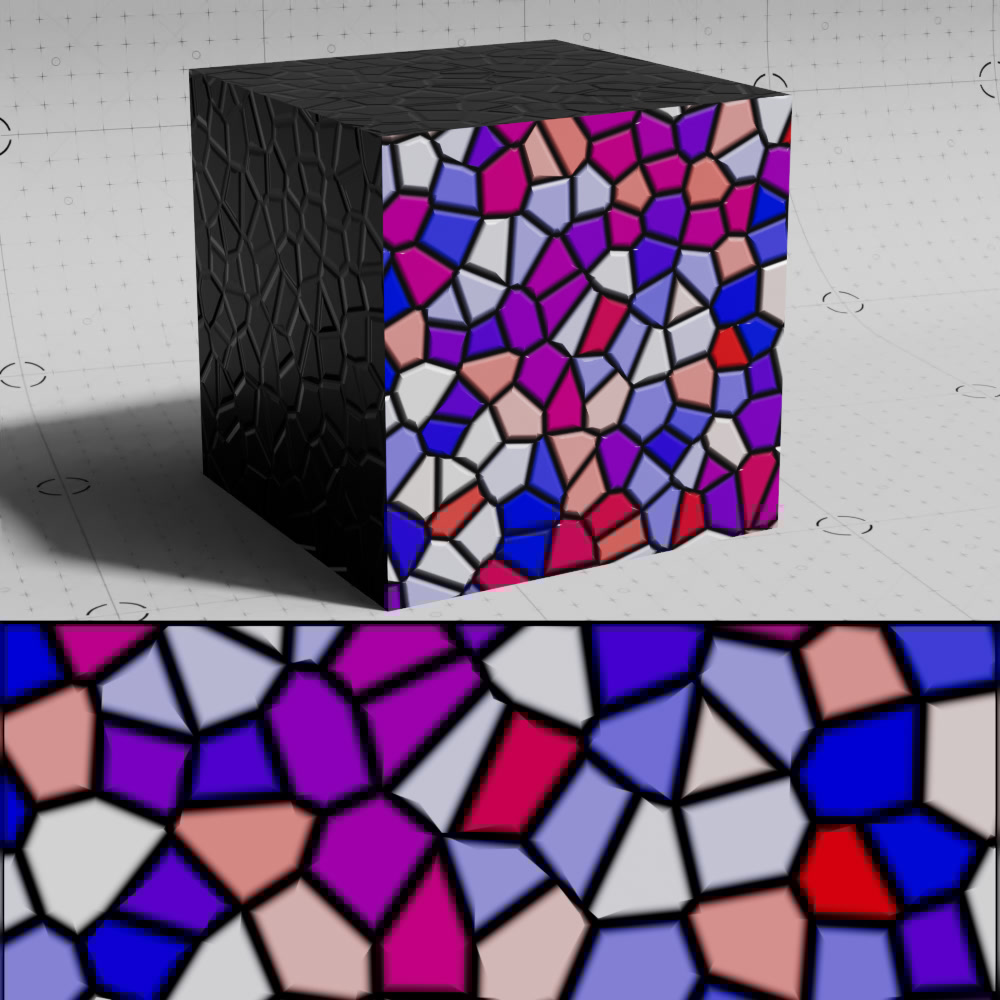
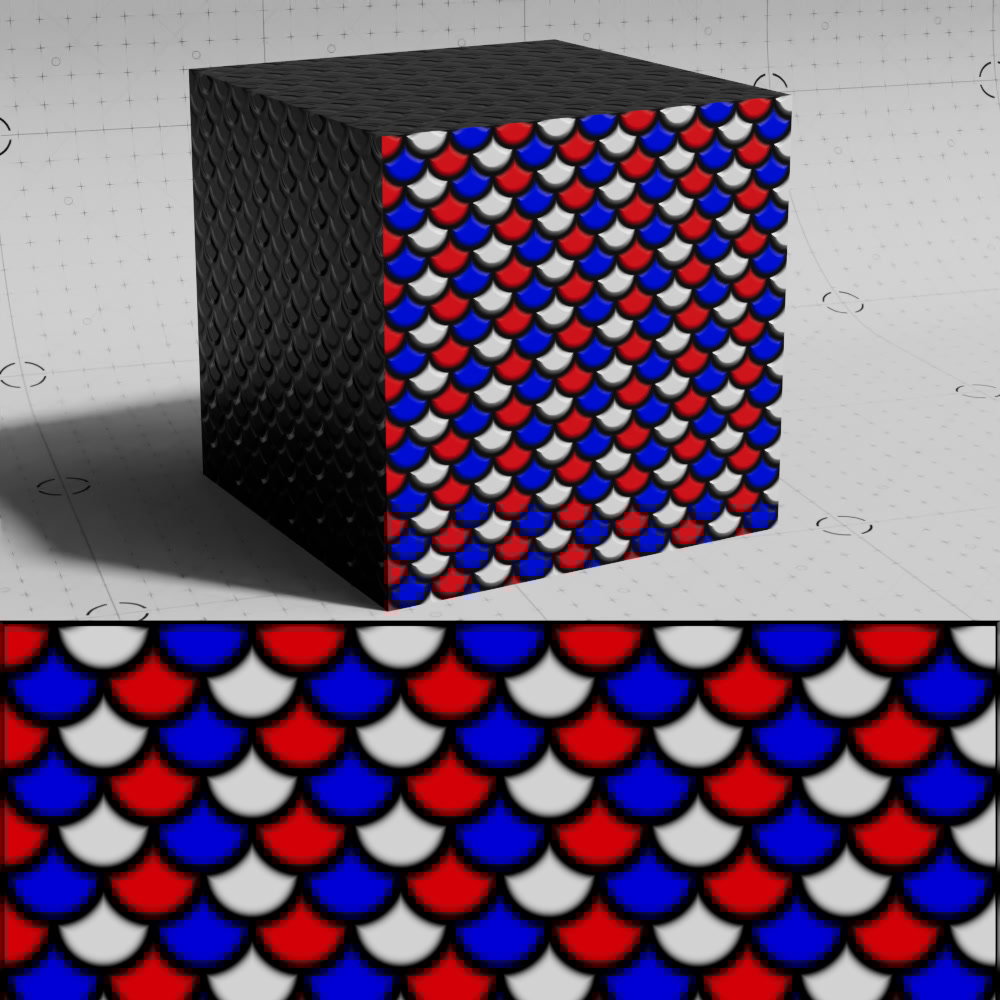
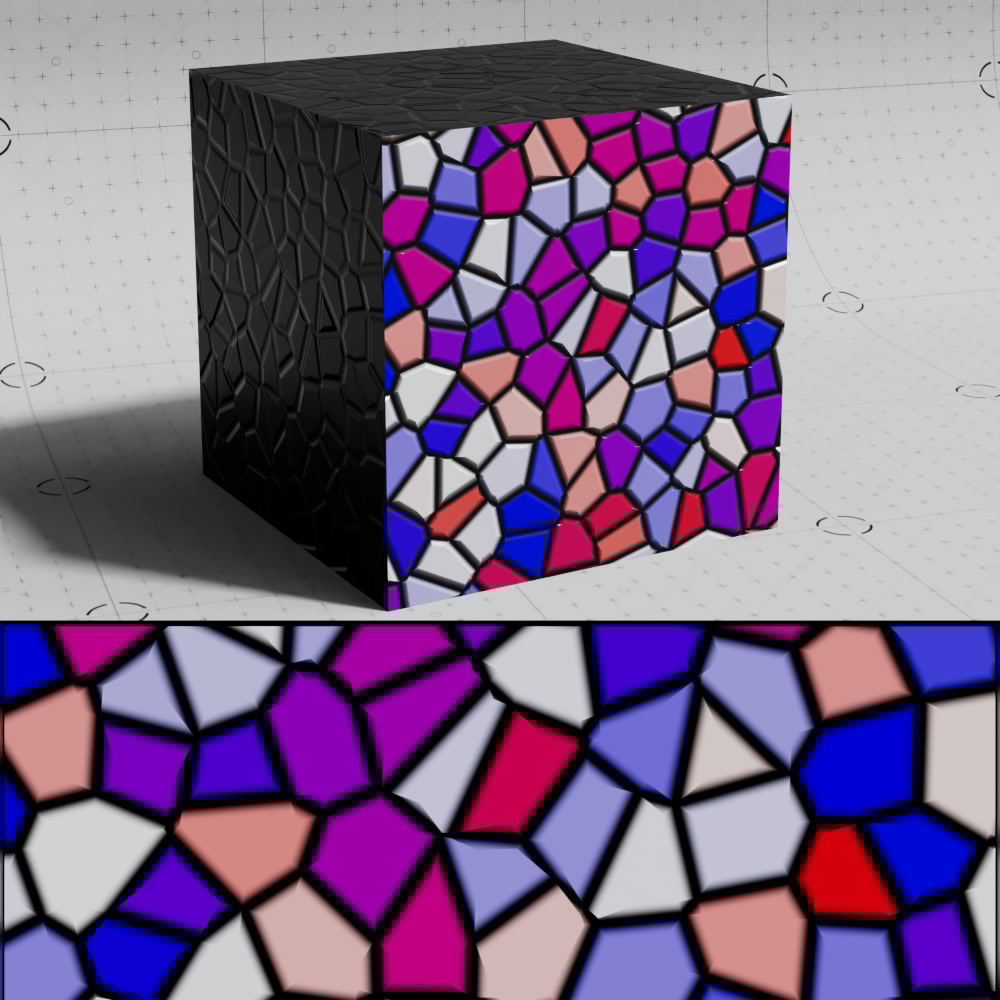
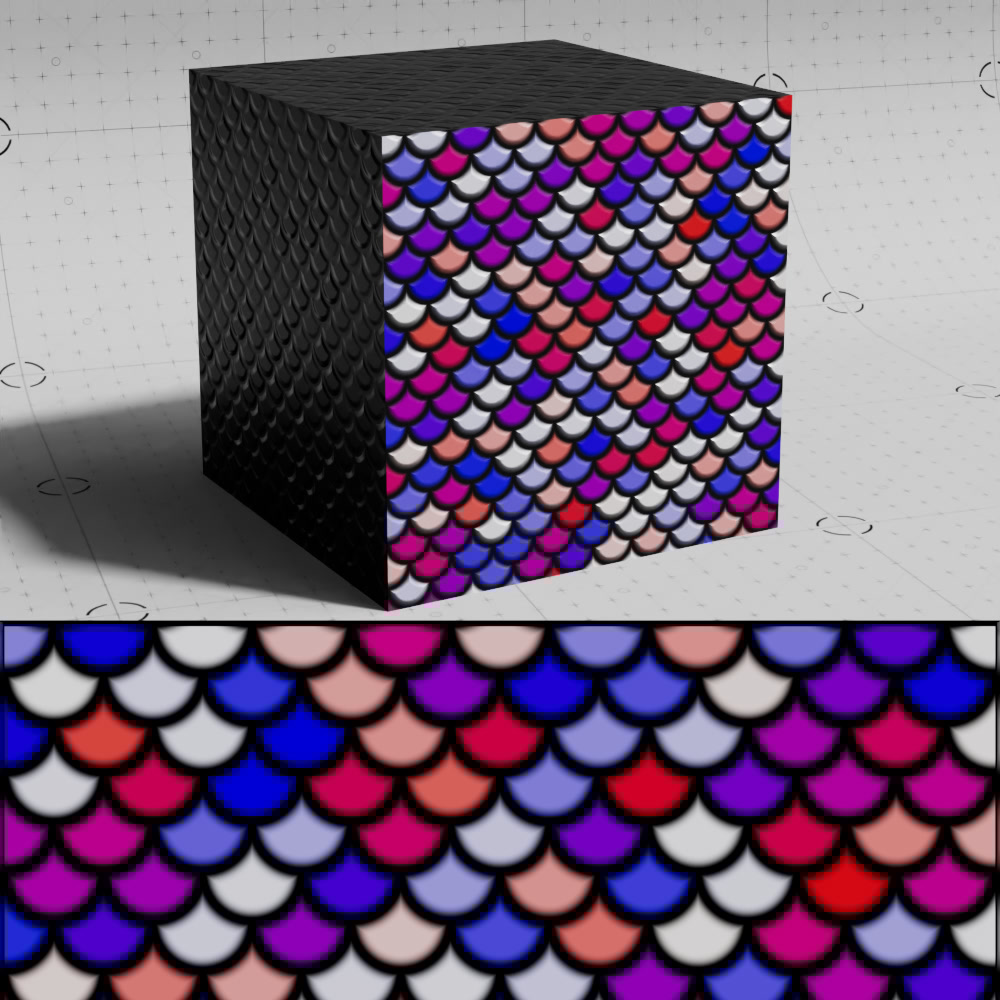
When Randomize Color is enabled the patterns can look like this.
The Seed parameter can be changed to alter the random output.
|
|
|
|
|
|
| Brick 1 | Brick 2 | Circles 1 | Circles 2 | Circles 3 |
|
|
|
|
|
|
| Hexagons | Lines 1 | Lines 2 | Parquet | Planks |
|
|
|
|
|
|
| Radial Lines 1 | Radial Lines 2 | Random | Rings 1 | Rings 2 |
|
|
|
|
|
|
| Sawtooth 1 | Sawtooth 2 | Scales 1 | Scales 2 | Spiral 1 |
|
|
|
|
|
|
| Spiral 2 | Squares | Triangles 1 | Triangles 2 | Triangles 3 |
|
|
|
|
|
|
|
|
Waves 1 | Waves 2 | Weave |
|
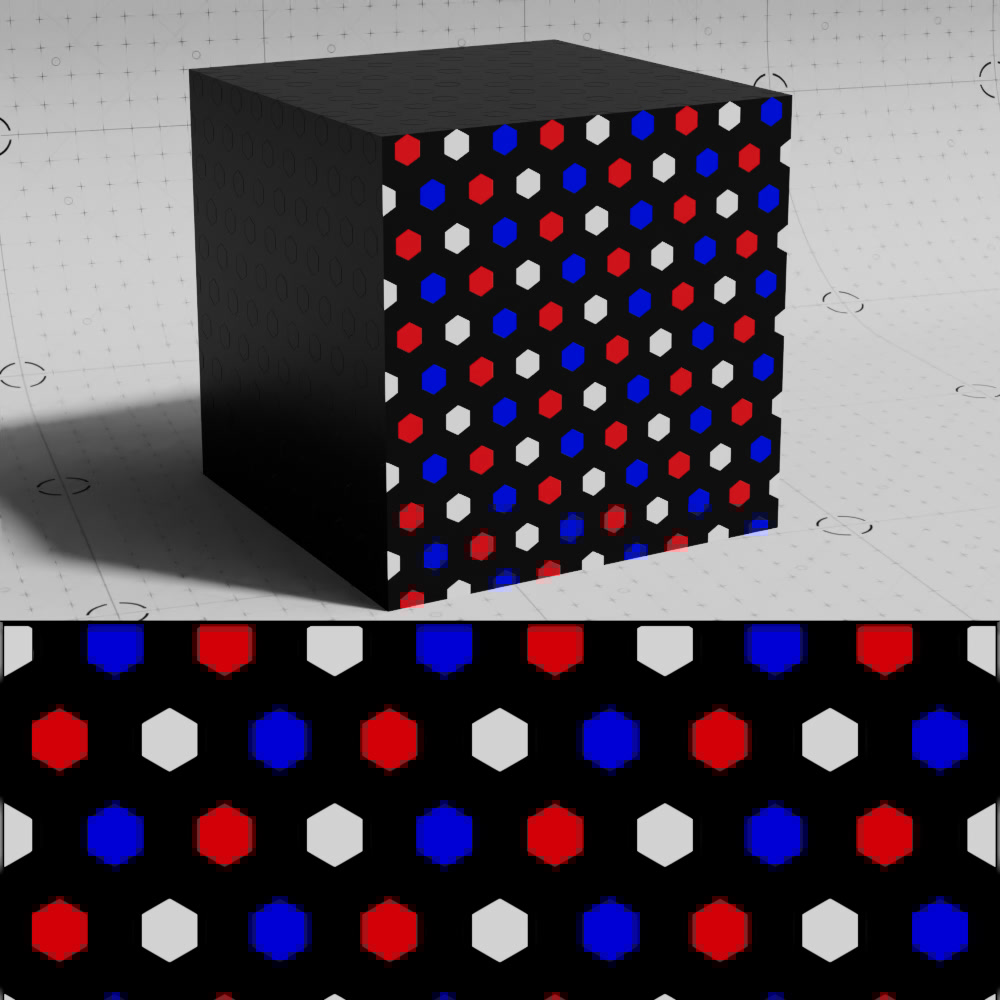
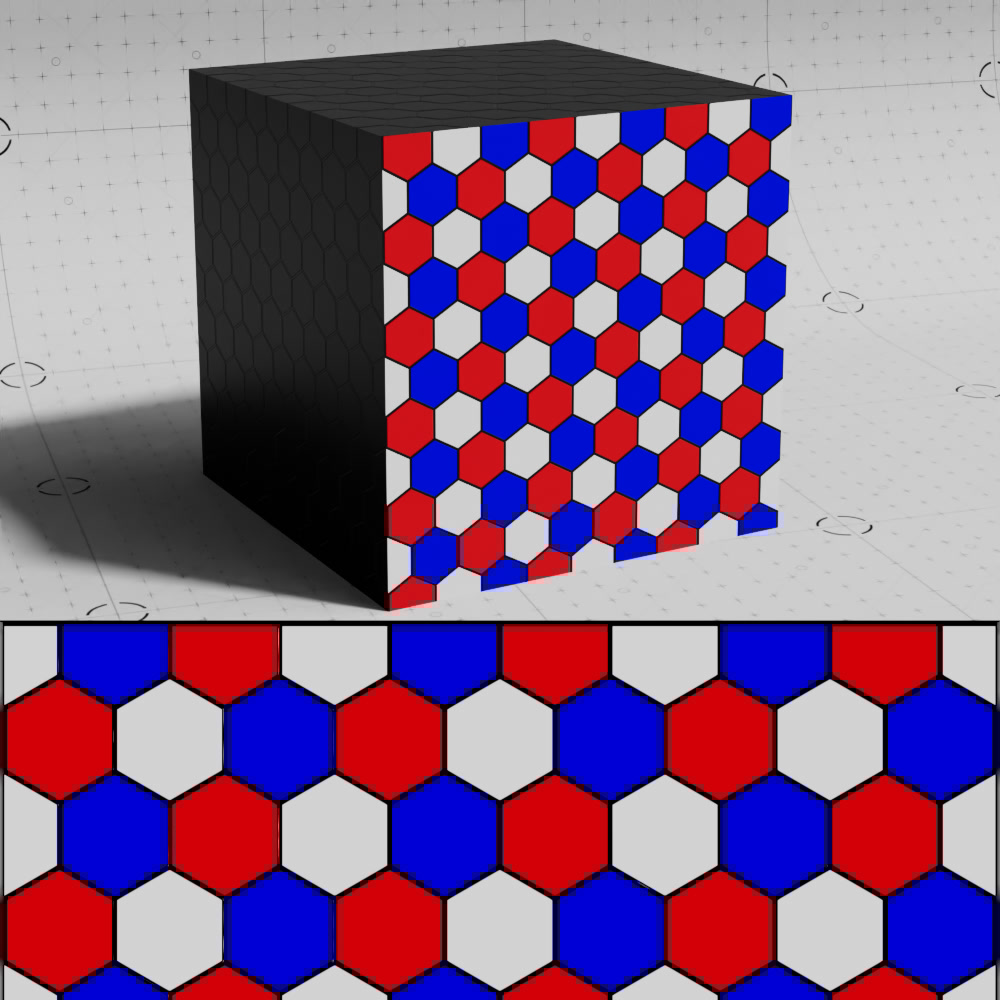
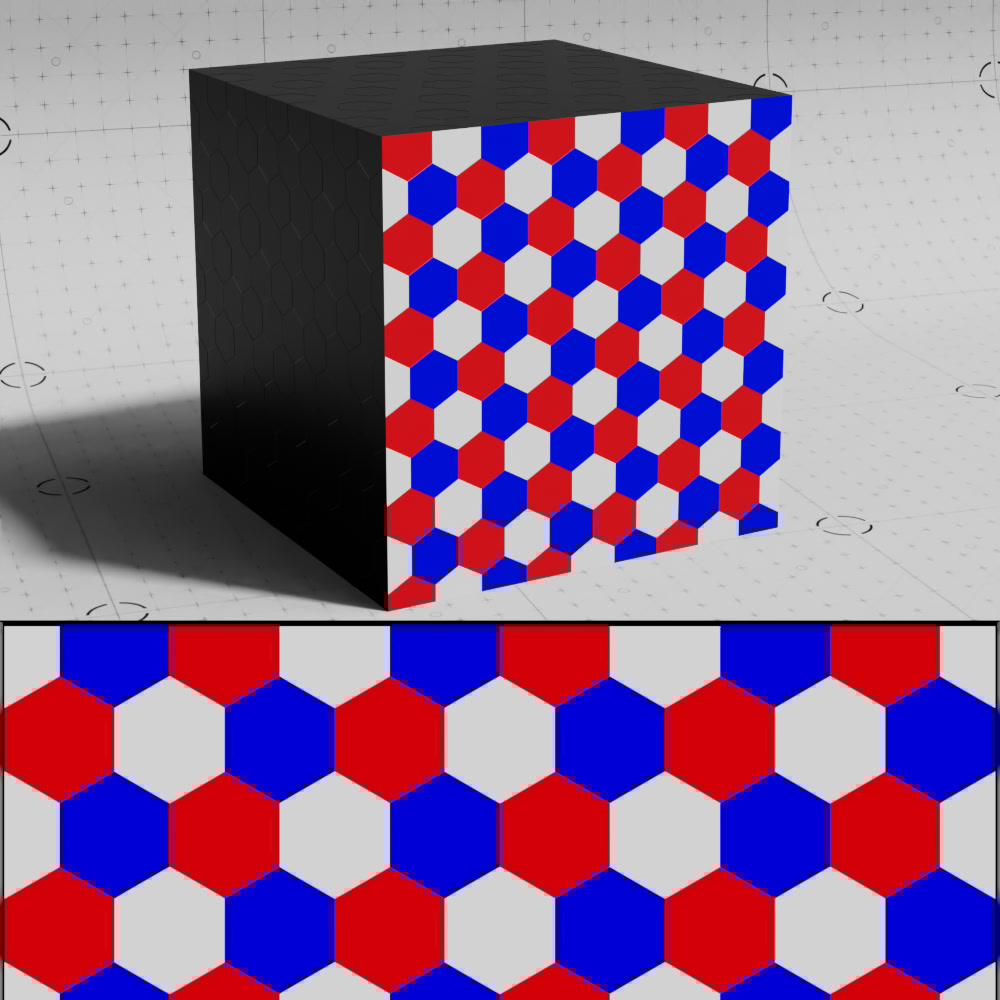
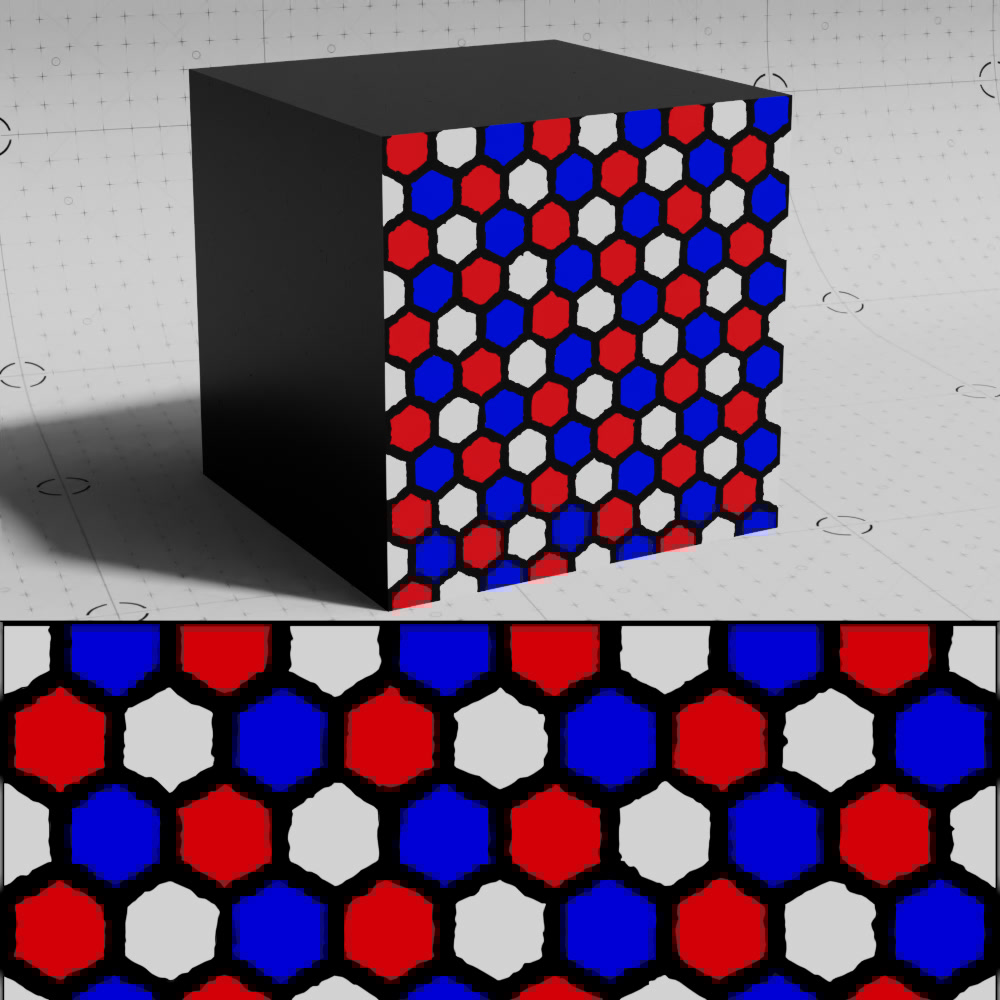
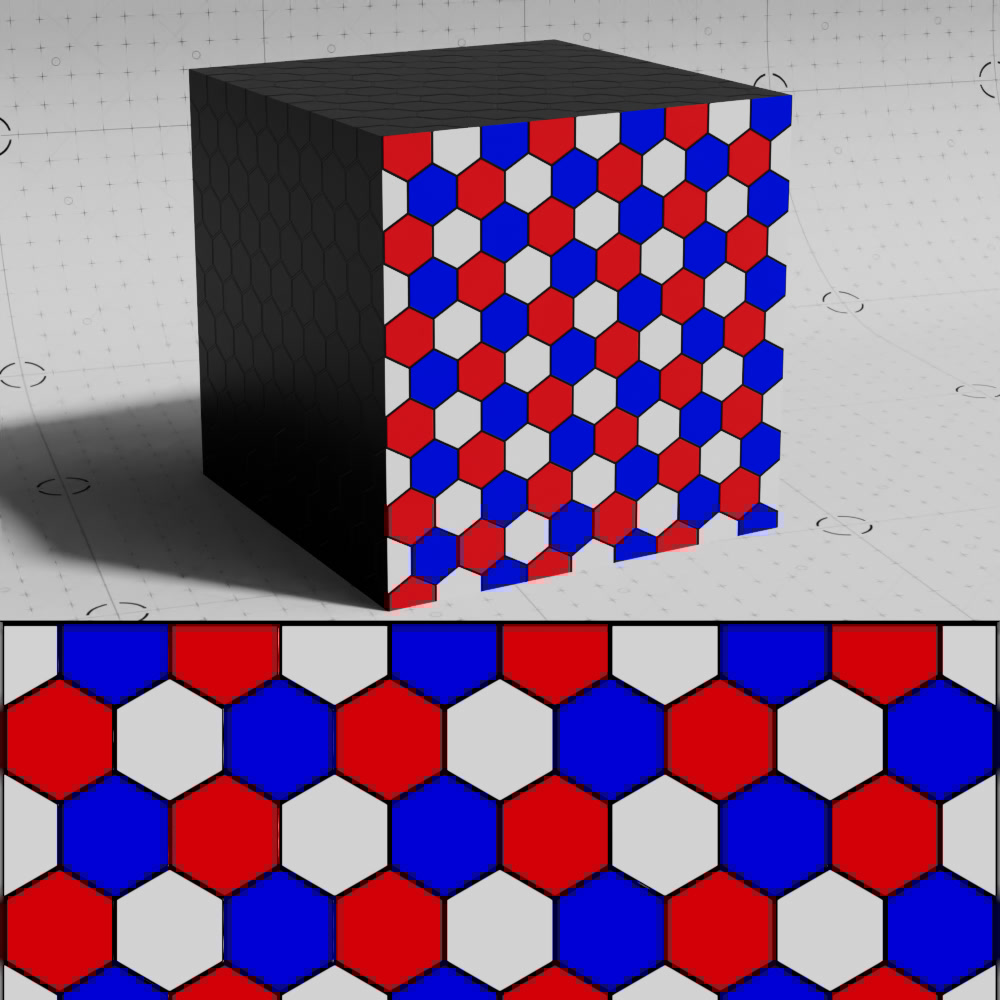
Controls the width of the area in between each tile, higher values make each tile appear smaller. Grout Width can also be driven by a noise or texture to introduce variation into the result.
Bevel Width must be set to a non-zero value for Grout Width to have any effect, if you want the tiles to look like they have no bevel try using a very small value like 0.001.
|
|
|
|
| Grout Width: 0.5 Bevel Width: 0.0001 |
0.05 (default) | 0 | Noise (0-0.4) |
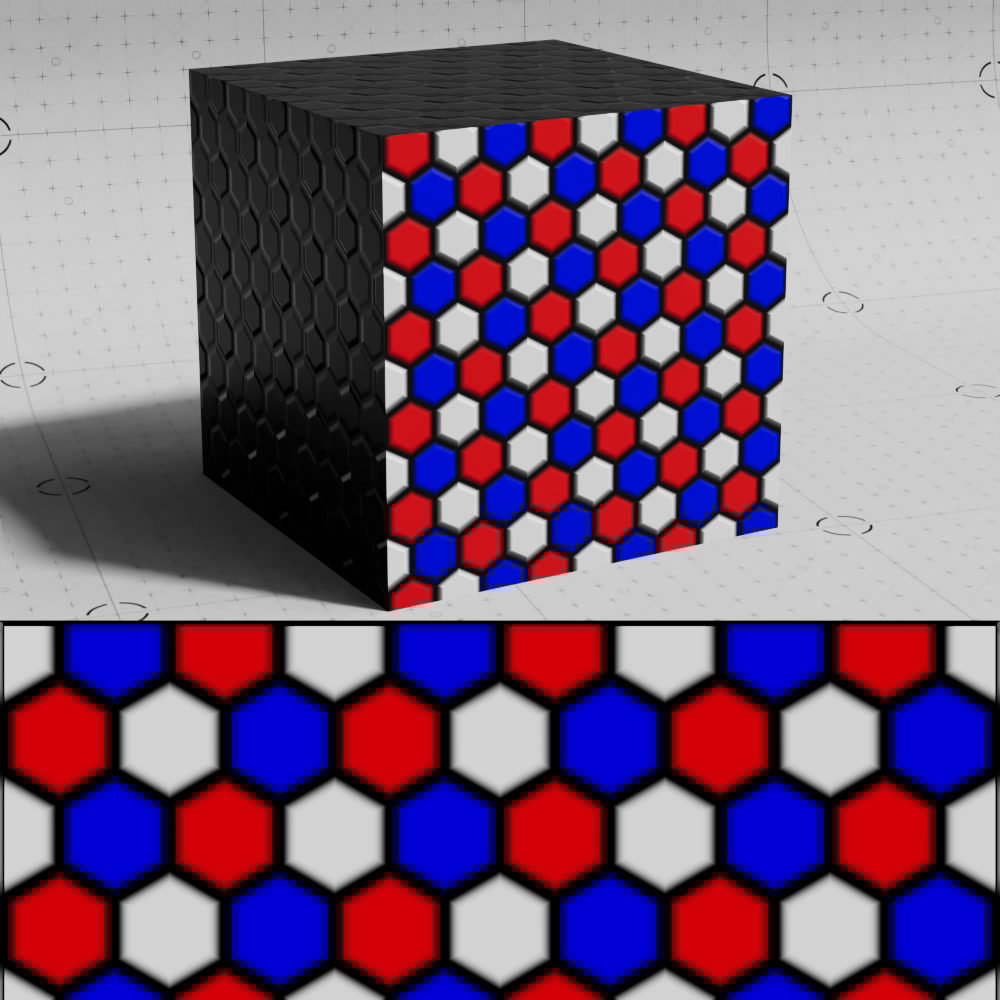
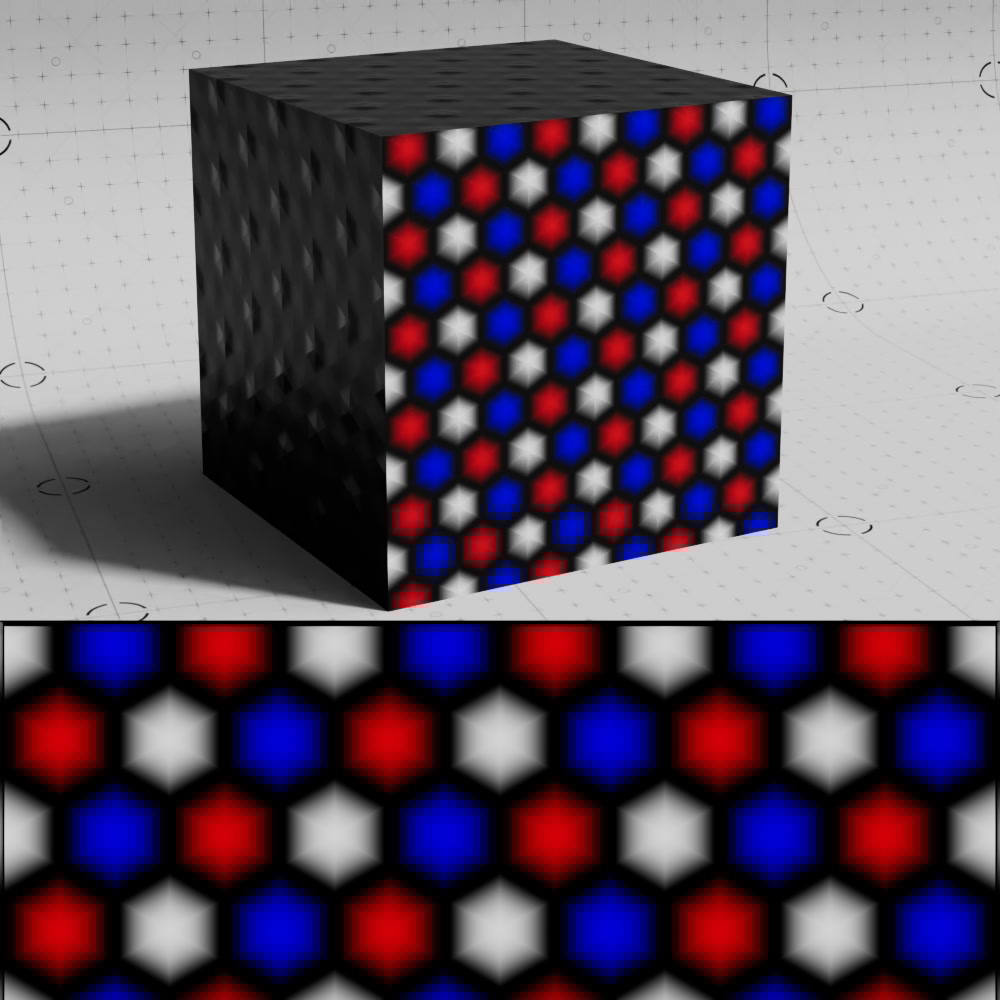
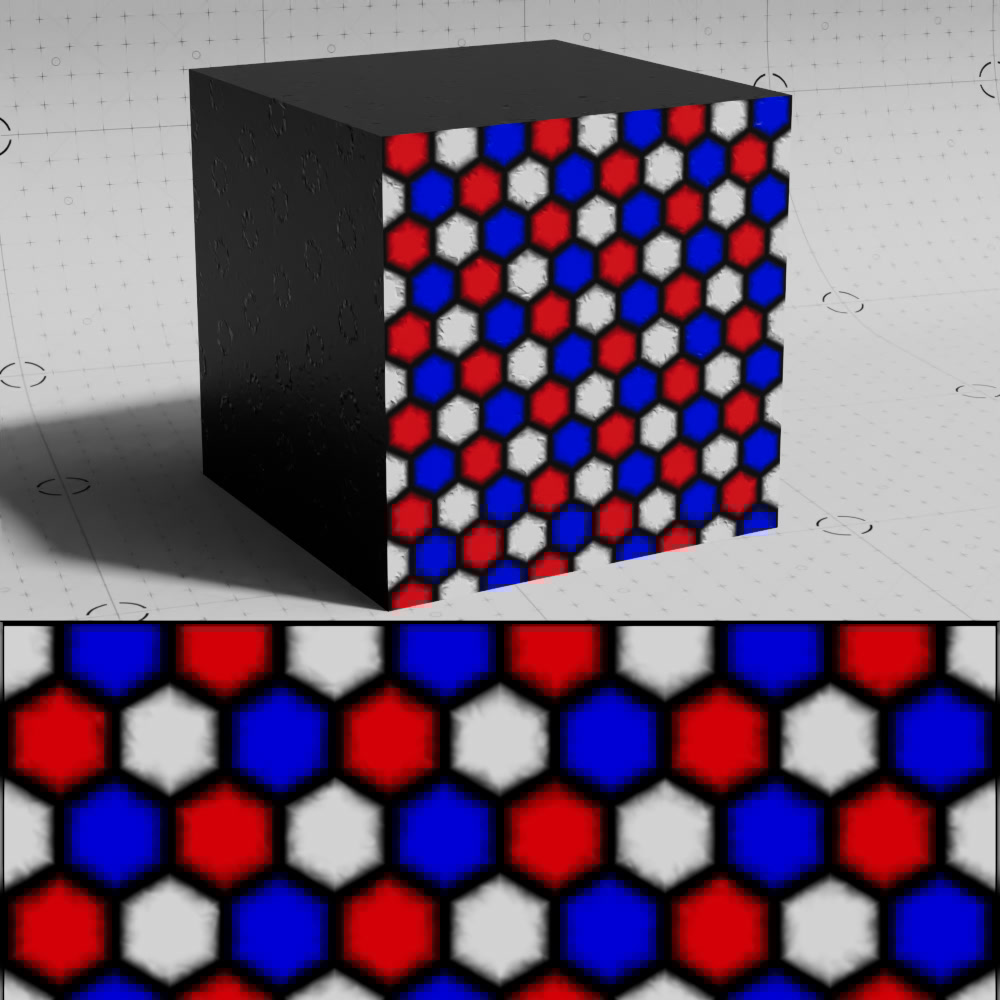
Controls the width of the bevel on each tile. Bevel Width can also be driven by a noise or texture to introduce variation into the result.
|
|
|
|
| Bevel Width: 0 | 0.3 (default) | 1 | Noise (0-1) |
When enabled, the bevel effect uses a smoother interpolation (cubic Hermite) instead of the default linear interpolation.
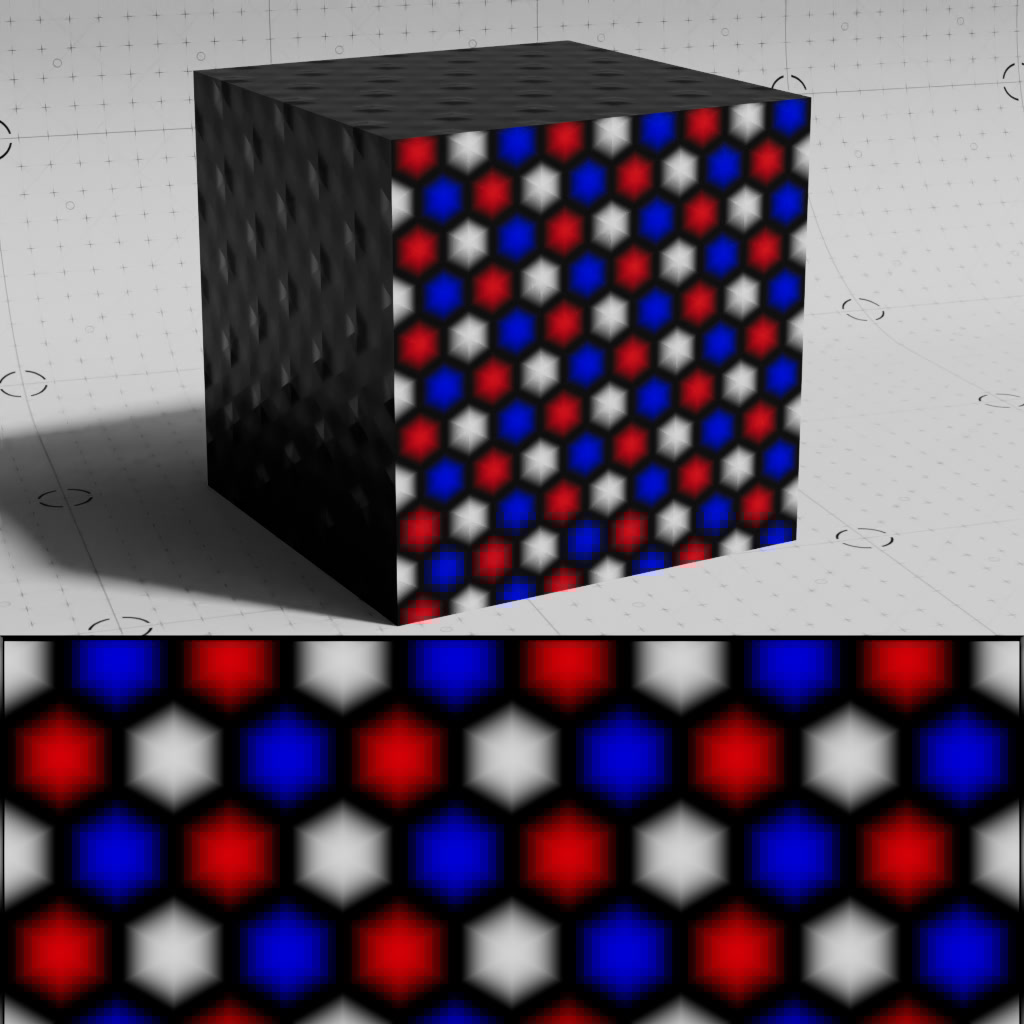
|
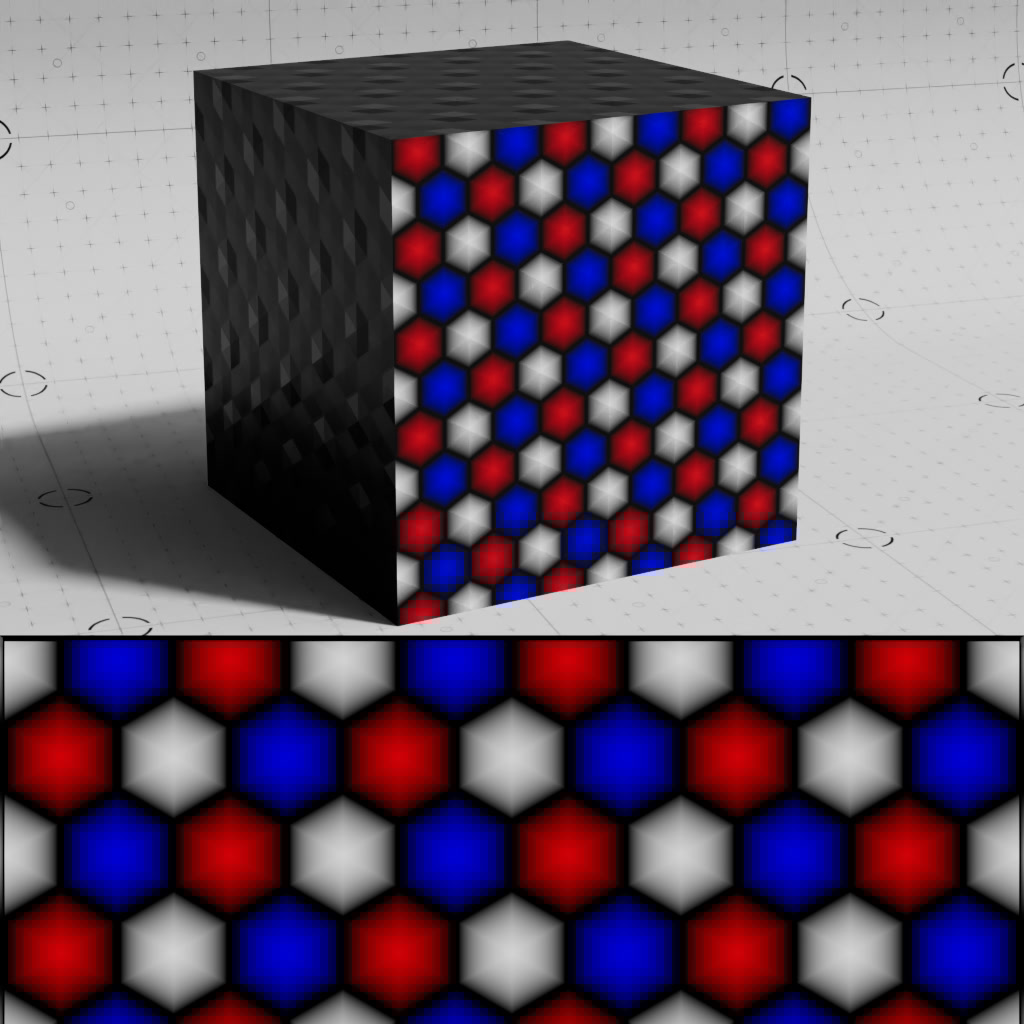
|
| Smooth Bevel: On (default) | Off |
Controls whether the tile pattern is oriented along the U or V axis.
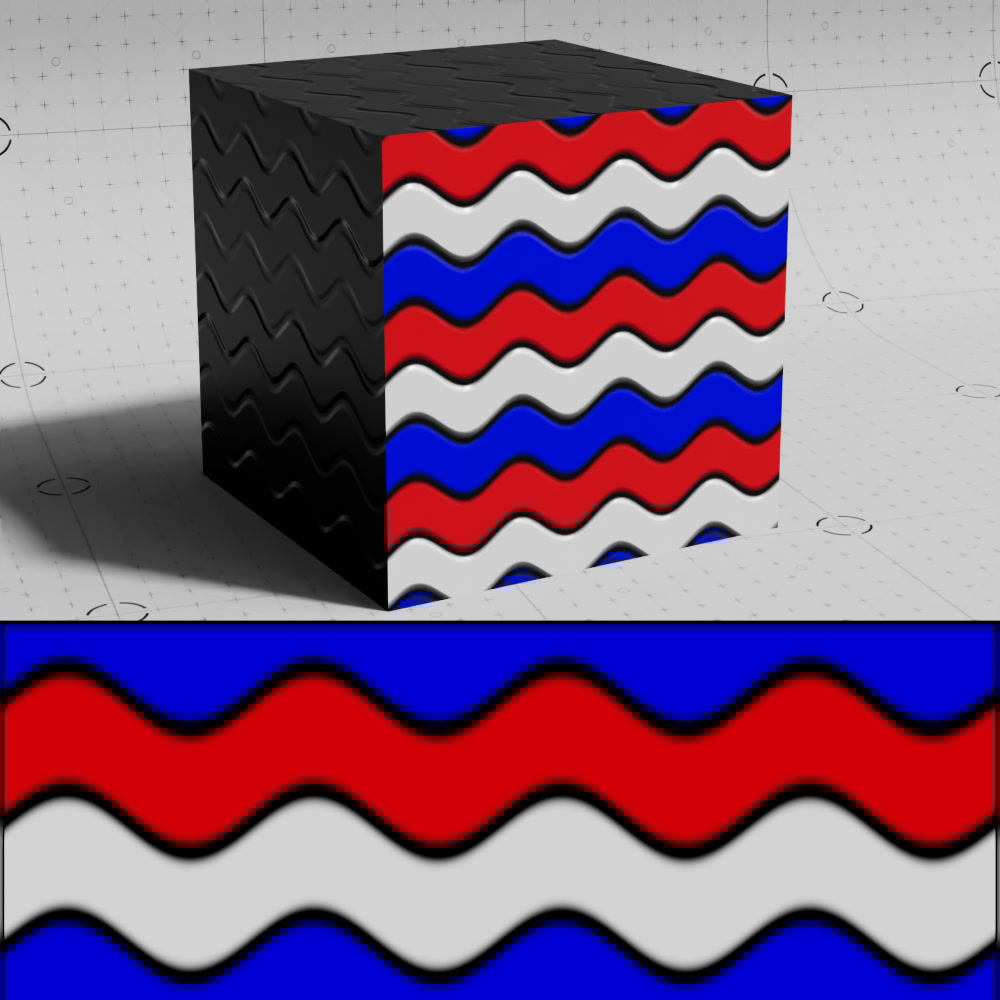
|
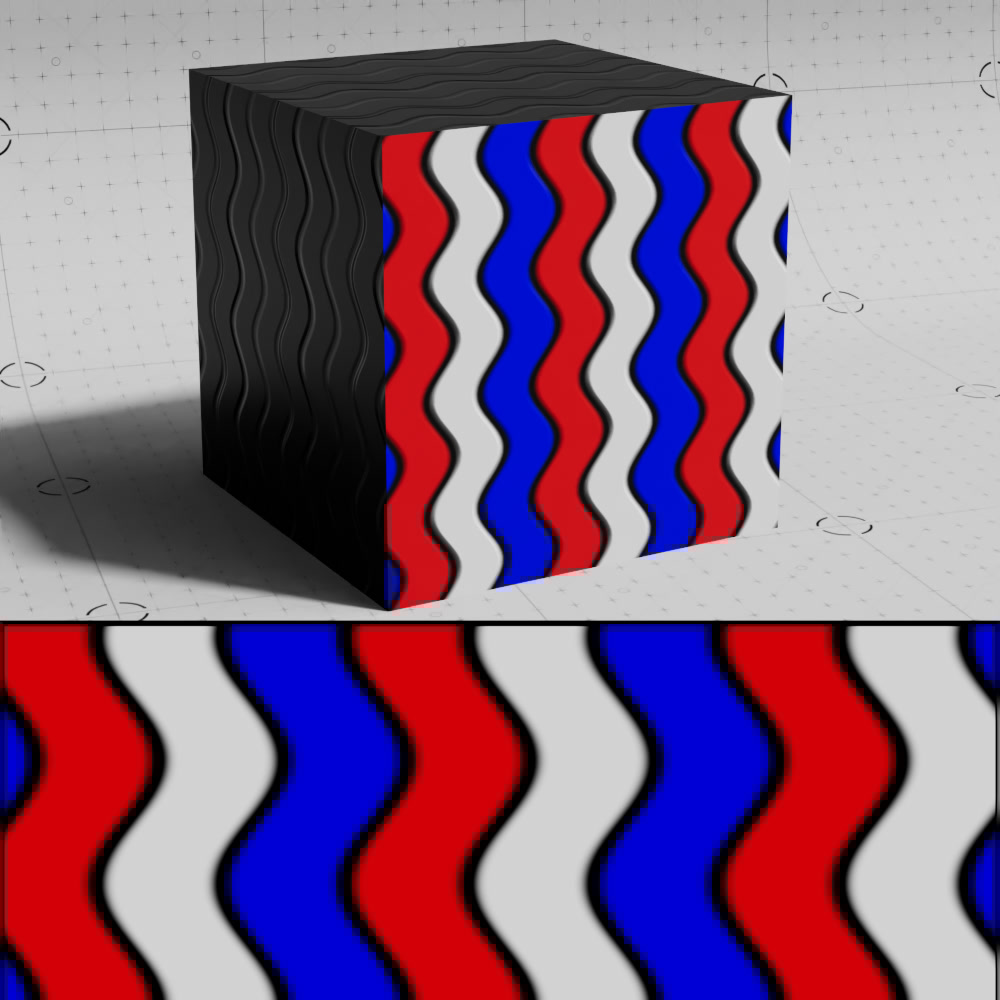
|
| Orientation: U | V |
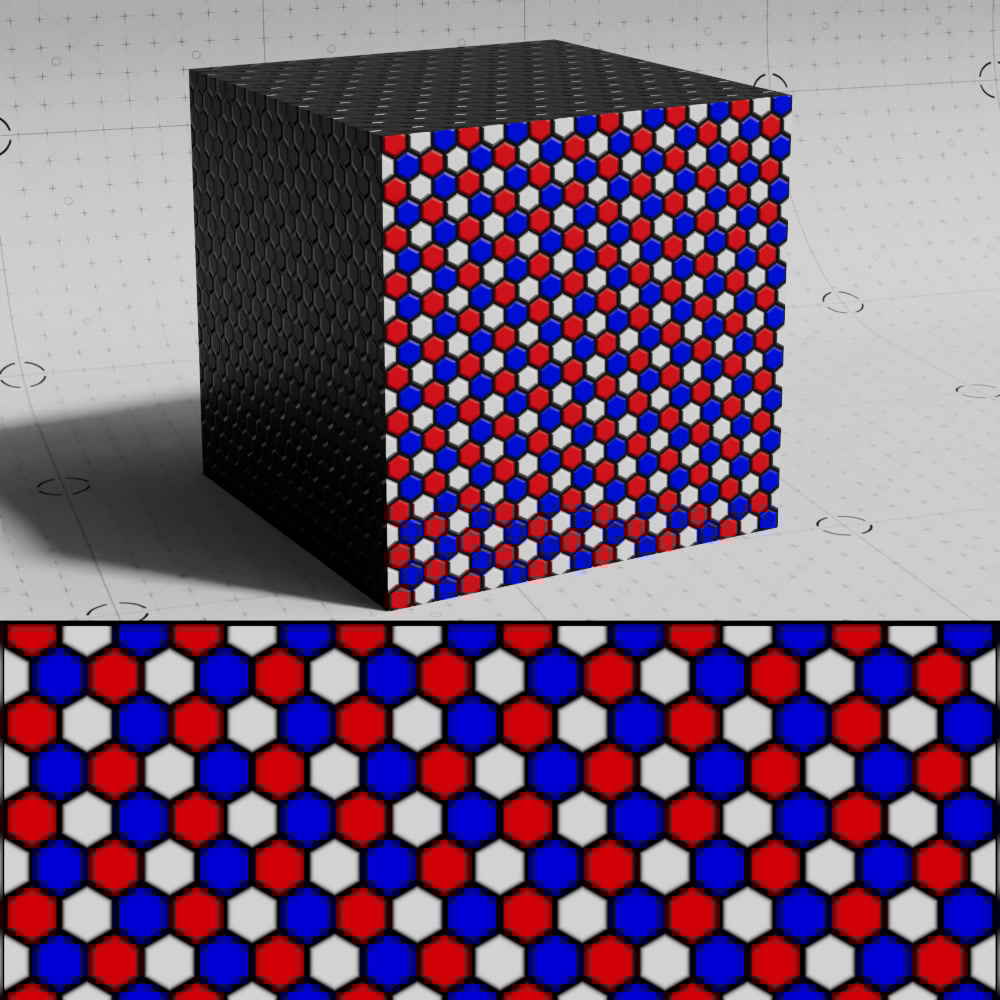
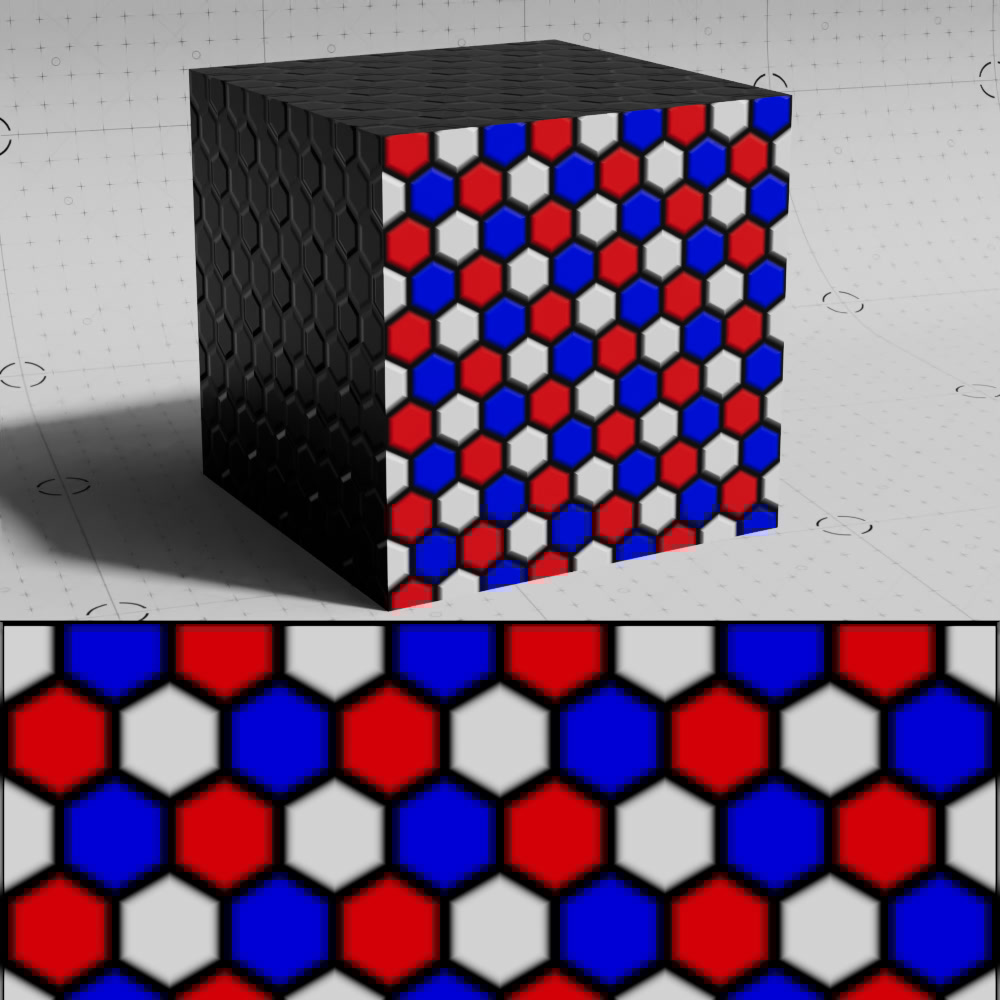
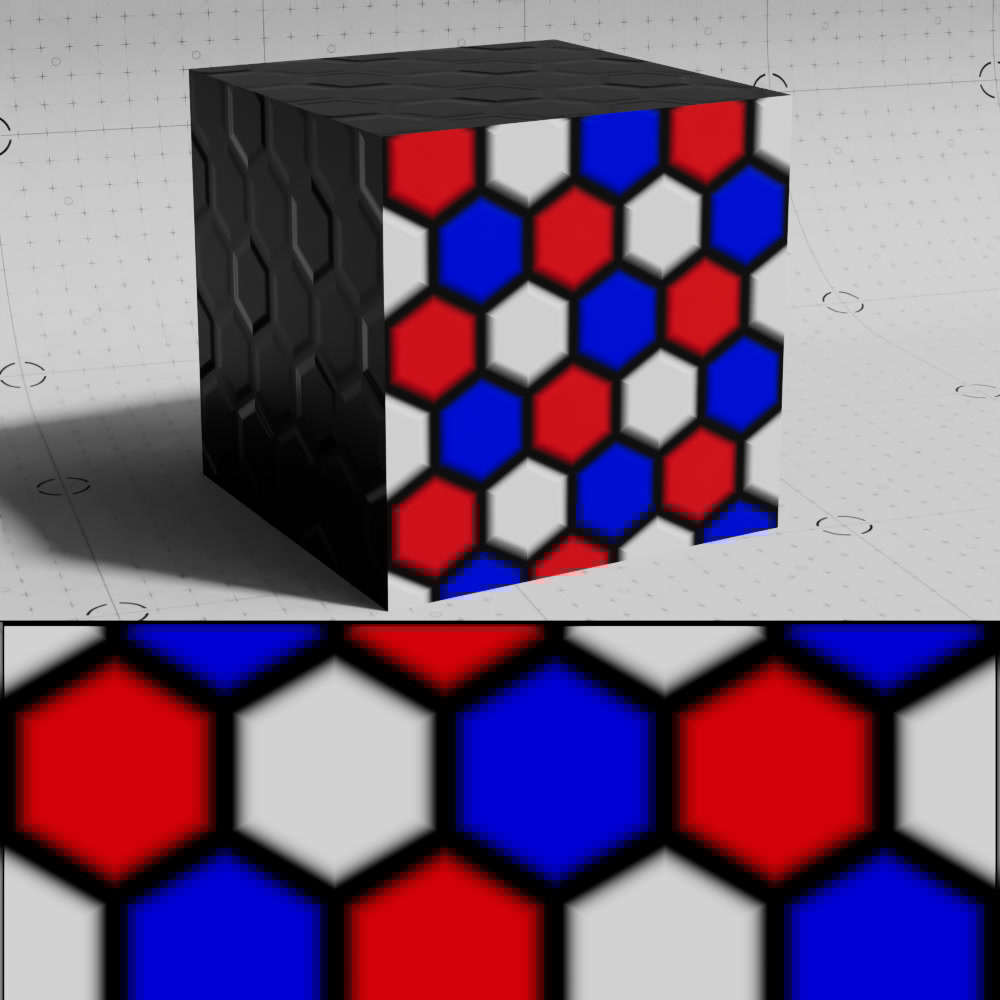
Scales the pattern uniformly, higher values result in larger tiles and lower values result in smaller tiles.
|
|
|
| Global Scale: 0.5 | 1 (default) | 2 |
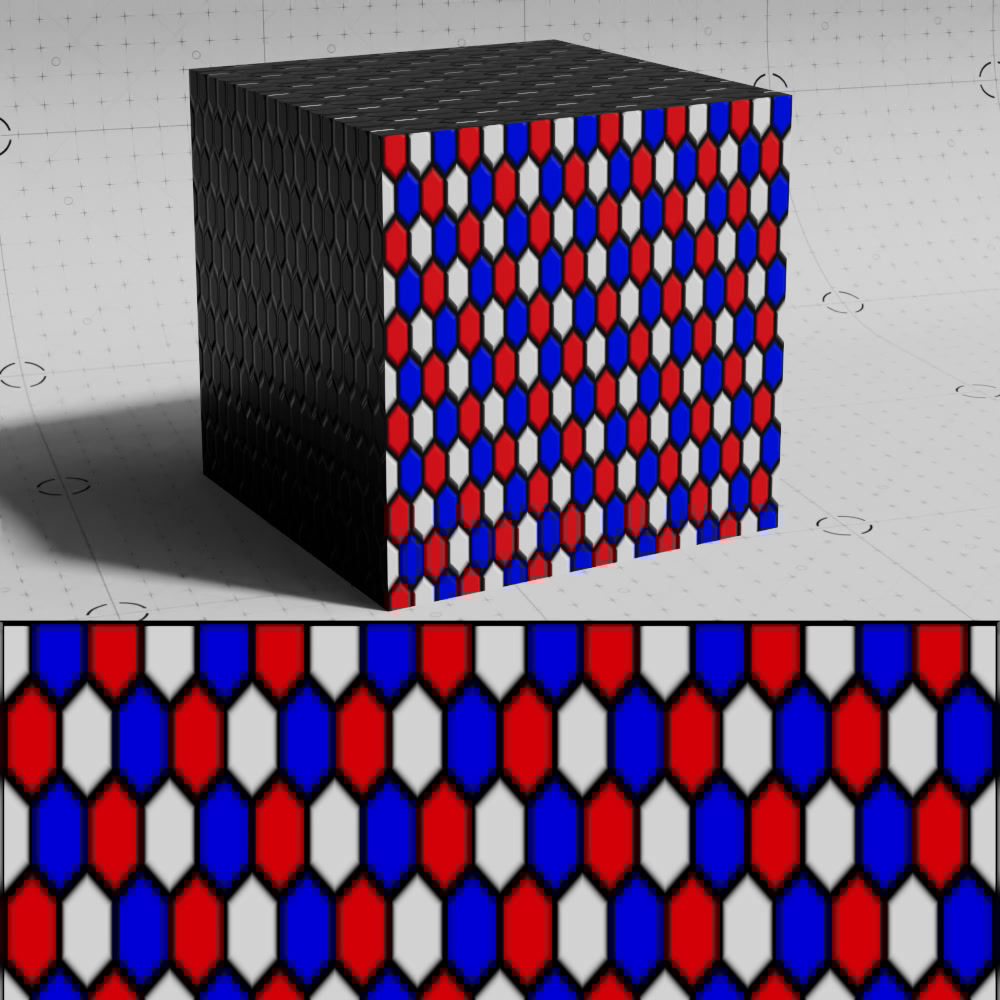
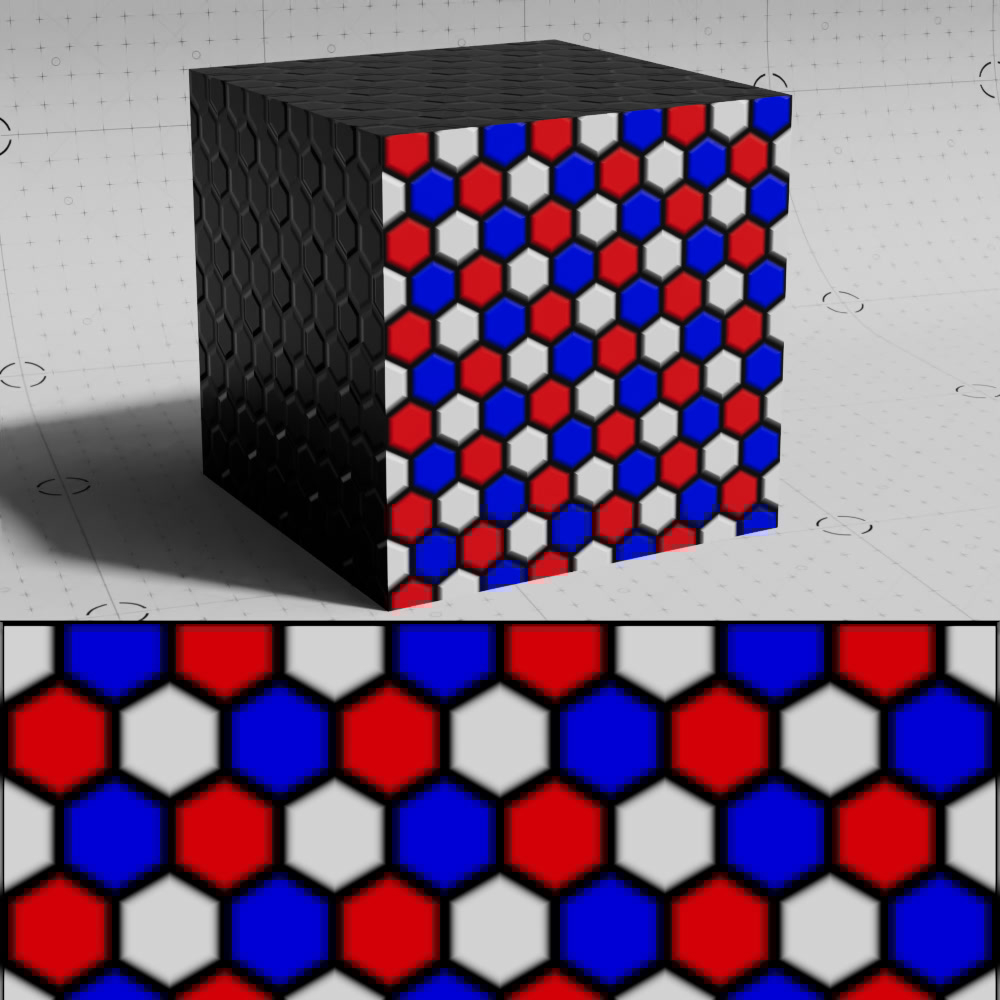
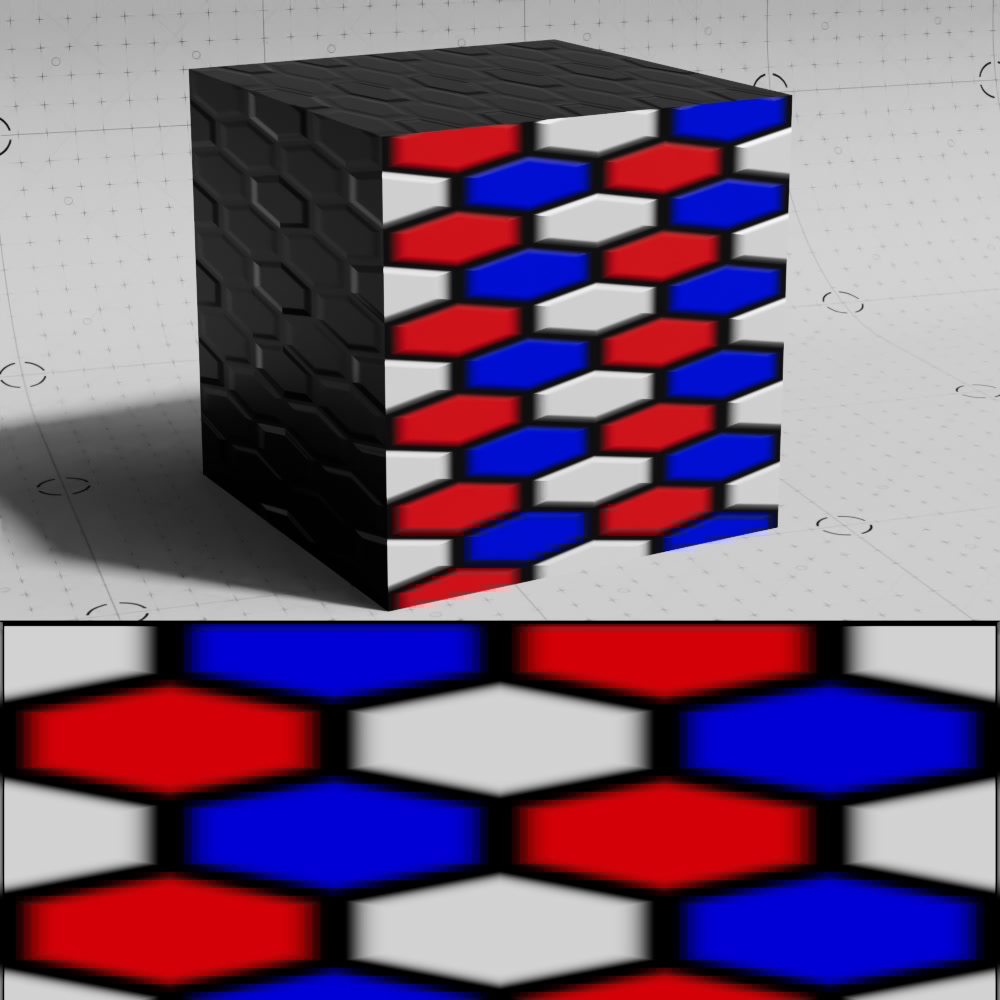
Scales the pattern non-uniformly in the U axis.
|
|
|
| U Scale: 0.5 | 1 (default) | 3 |
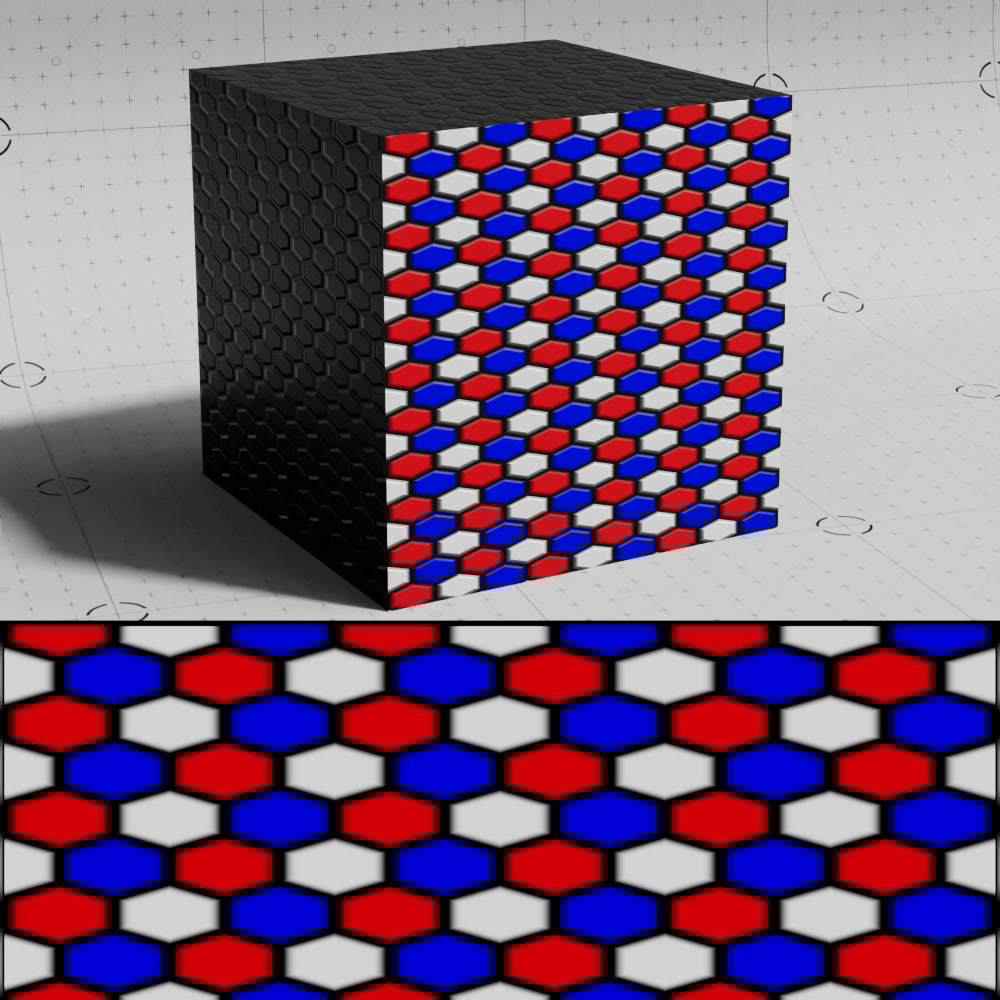
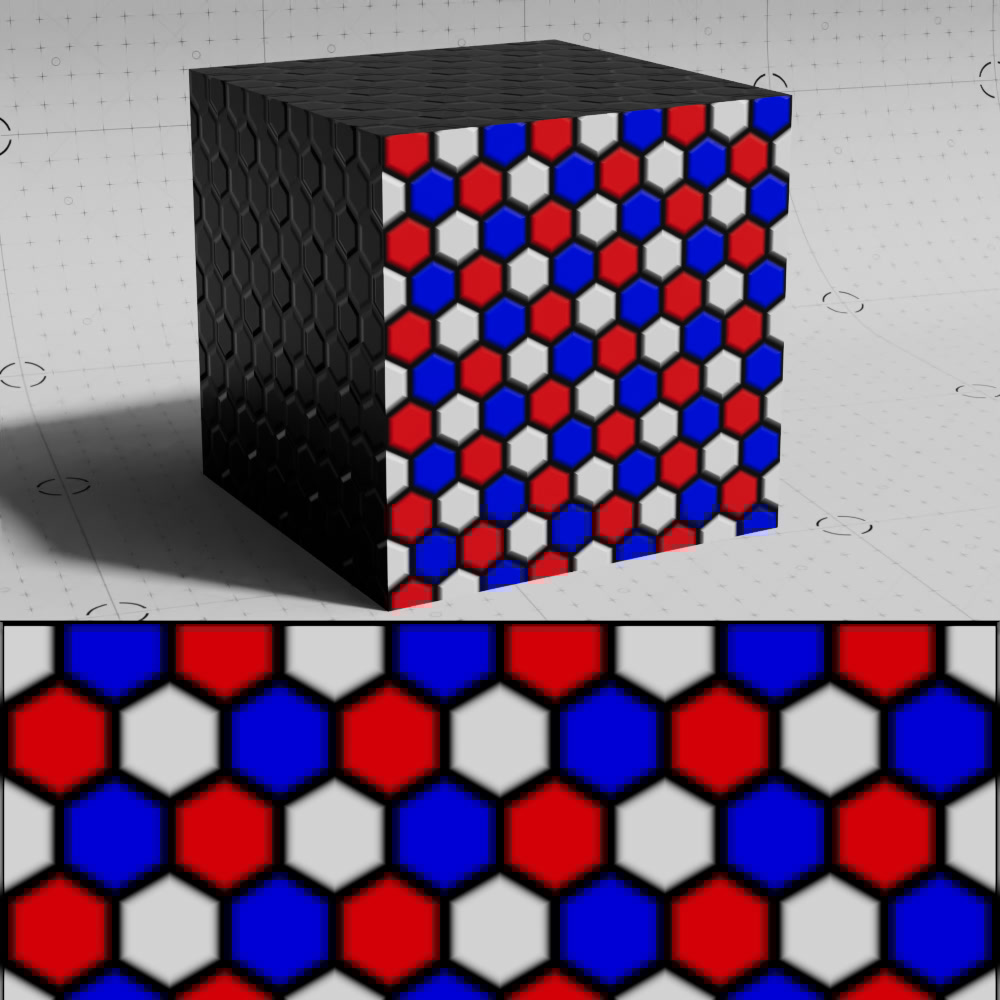
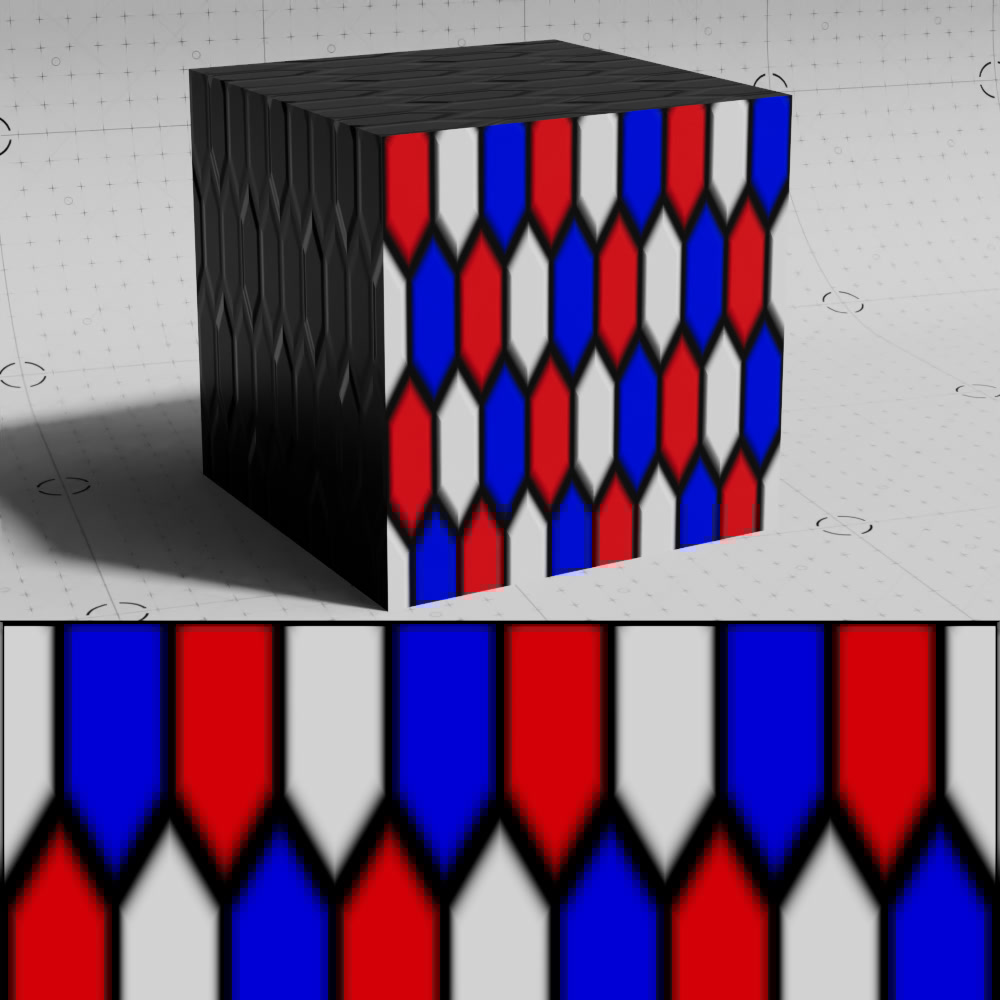
Scales the pattern non-uniformly in the V axis.
|
|
|
| V Scale: 0.5 | 1 (default) | 3 |
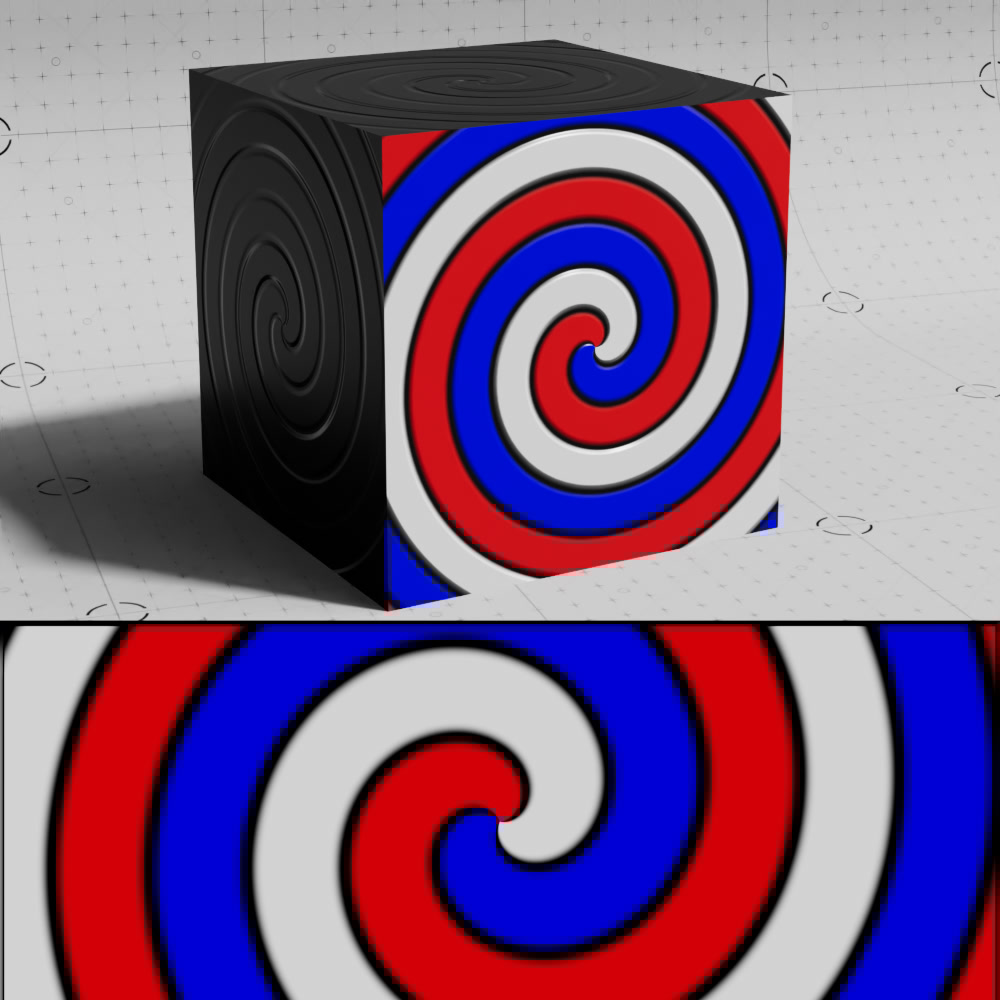
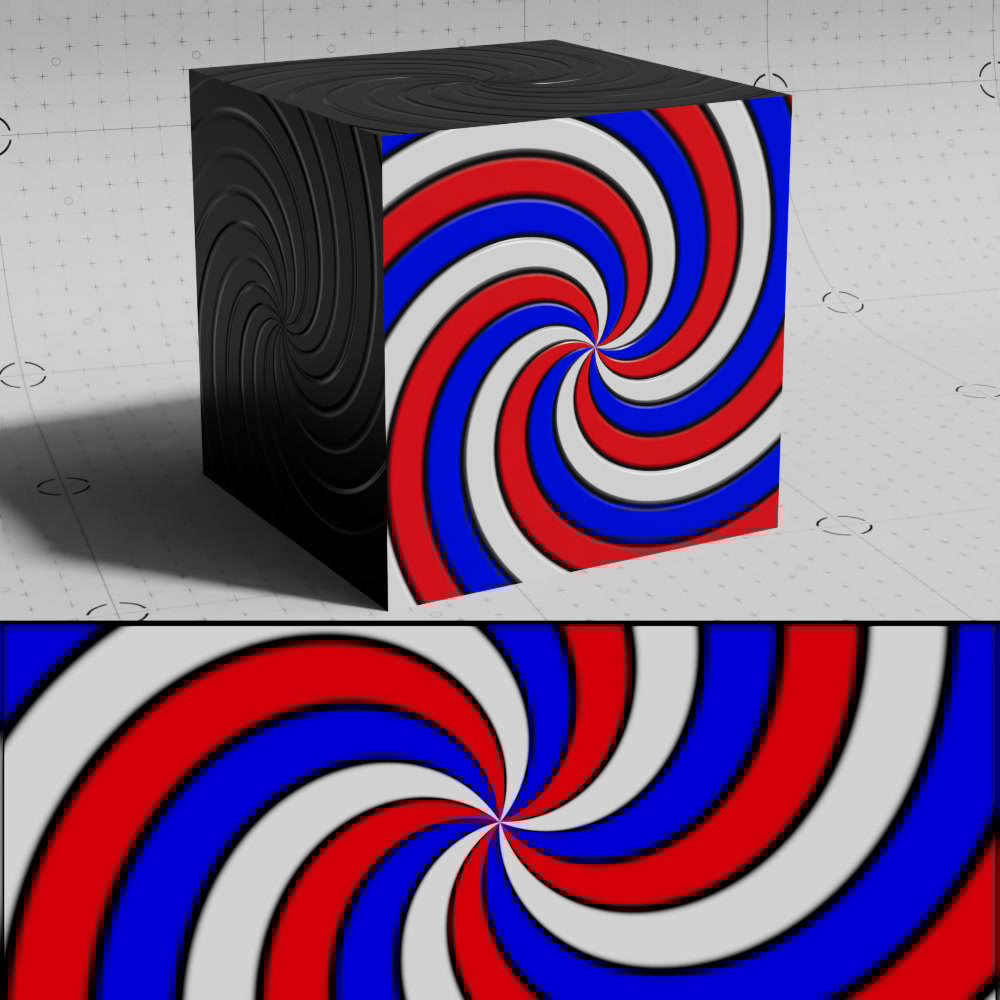
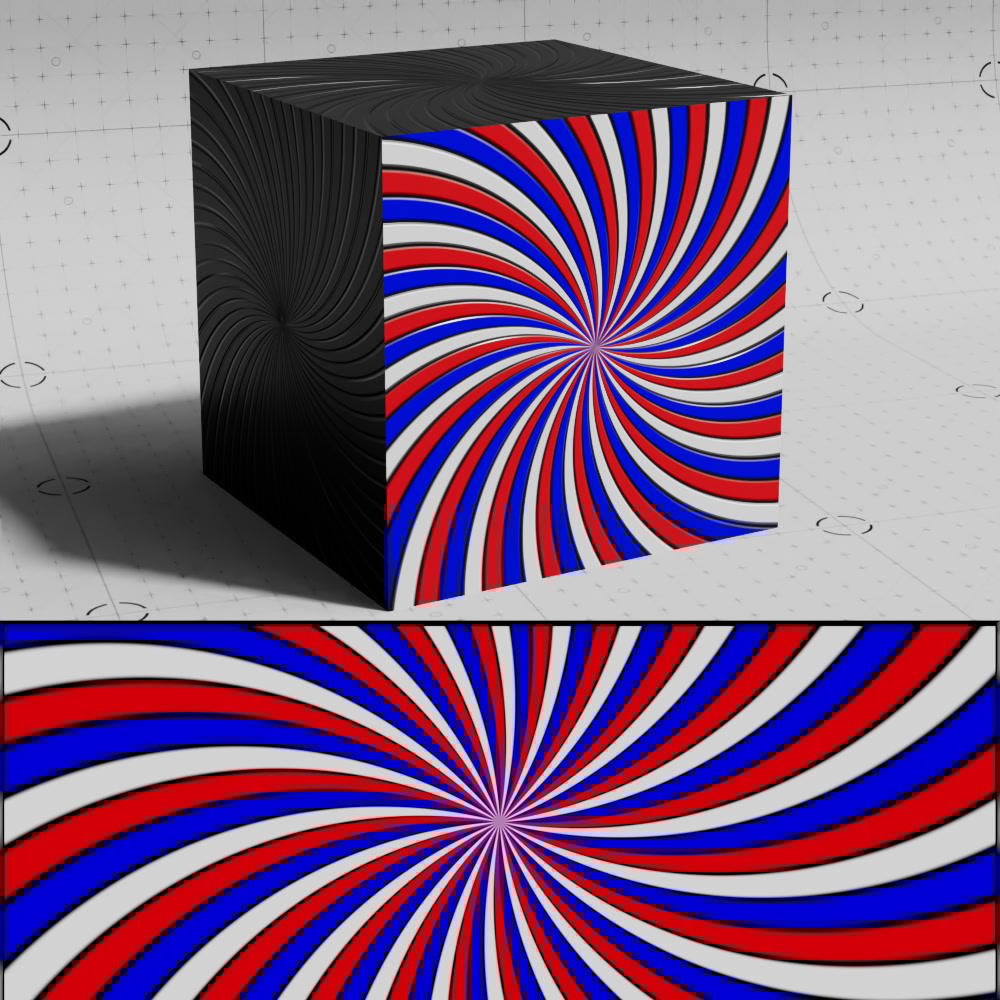
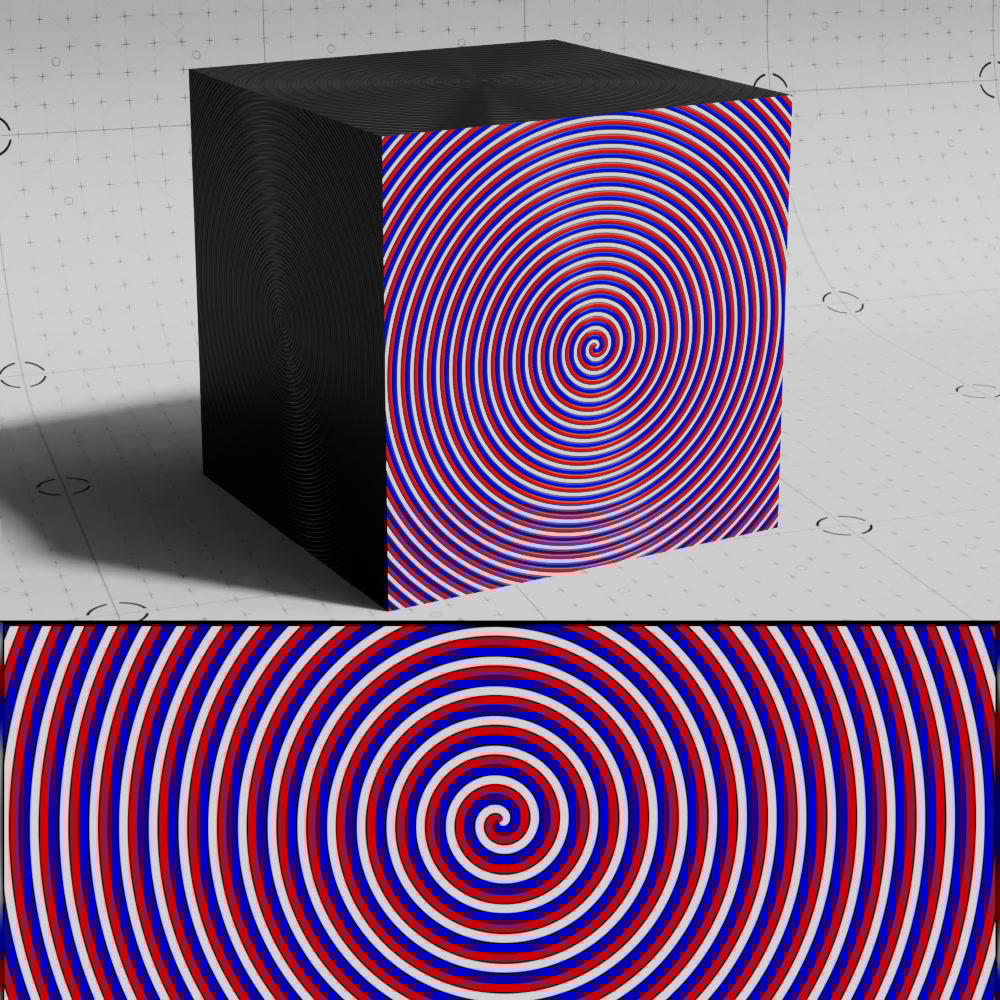
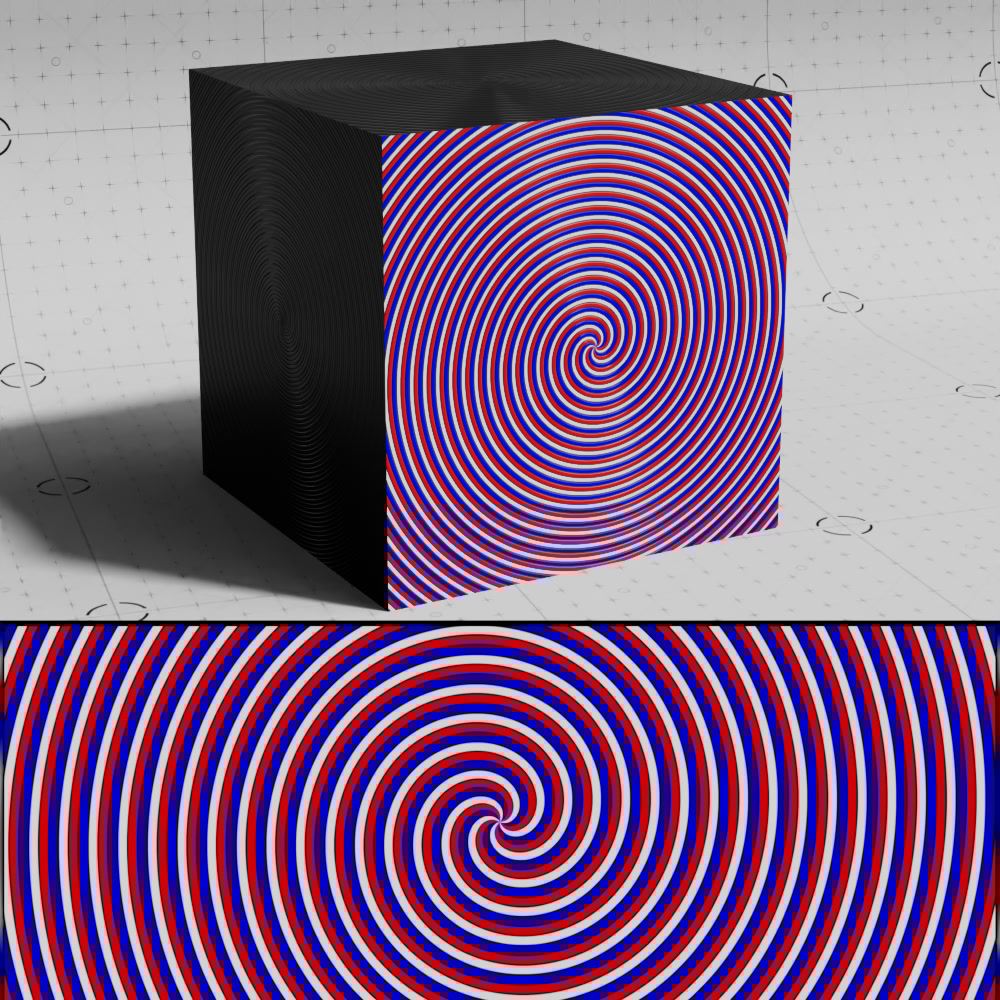
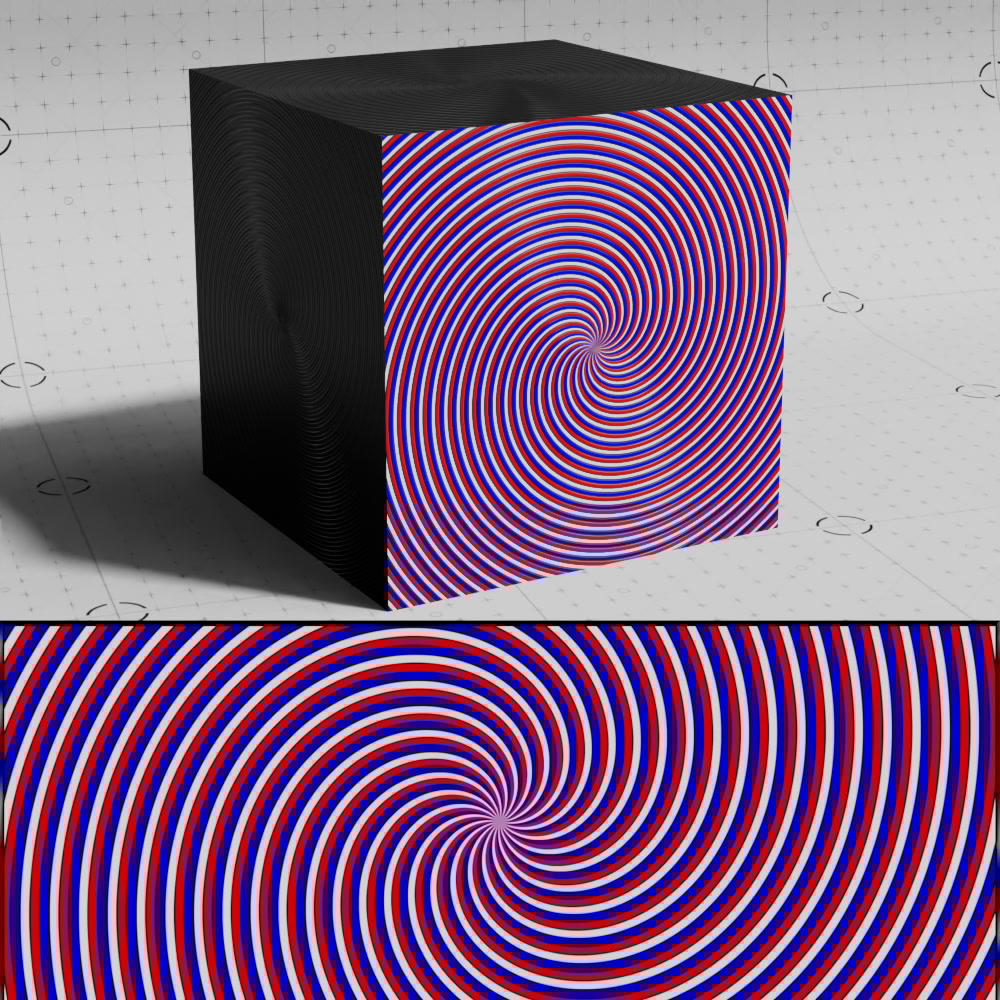
When a radial pattern is used like spiral or radial lines, Radial Scale controls the size of the pattern along the radial dimension. Higher numbers result in thinner tiles while lower values result in thicker tiles.
When used in combination with the Global Scale parameter, the spiral pattern can be more finely controlled.
|
|
|
| Radial Scale: 1 (default) Global Scale: 1 (default) |
5 | 20 |
|
|
|
| Radial Scale: 1 (default) Global Scale: 0.1 |
5 | 20 |
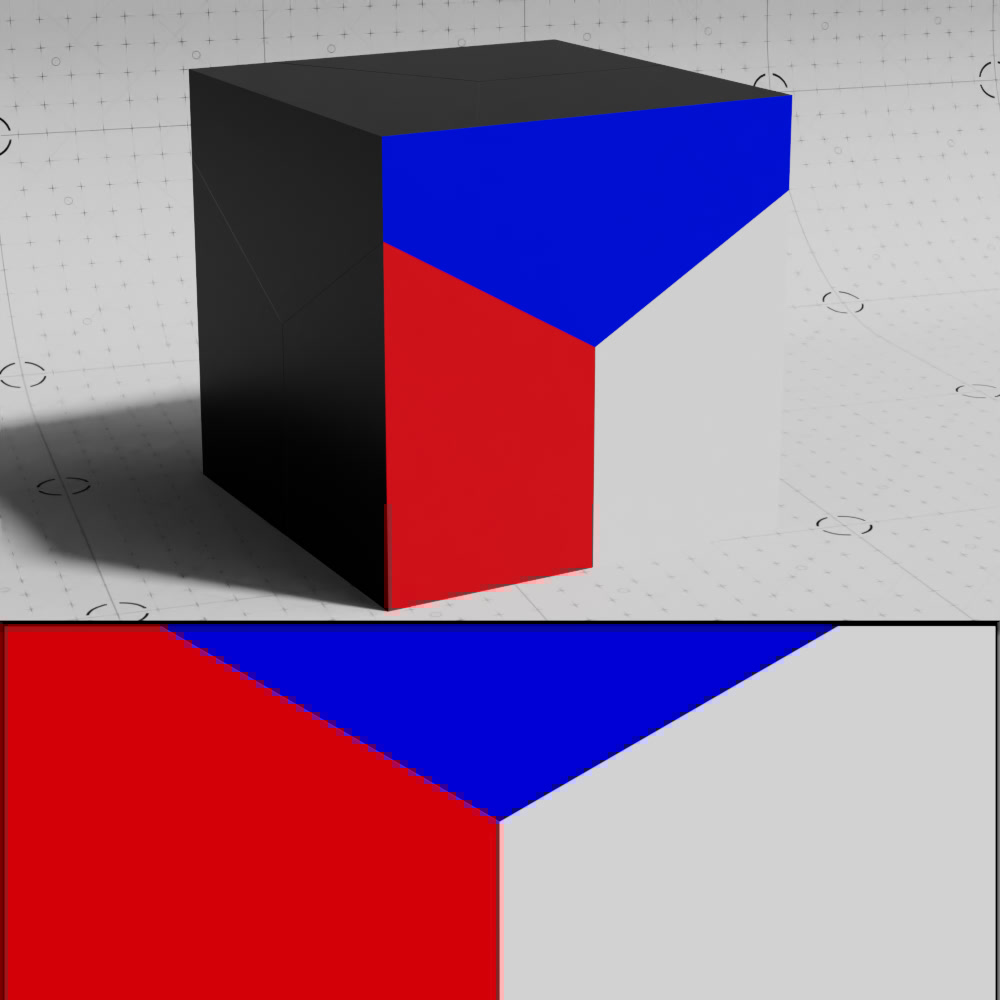
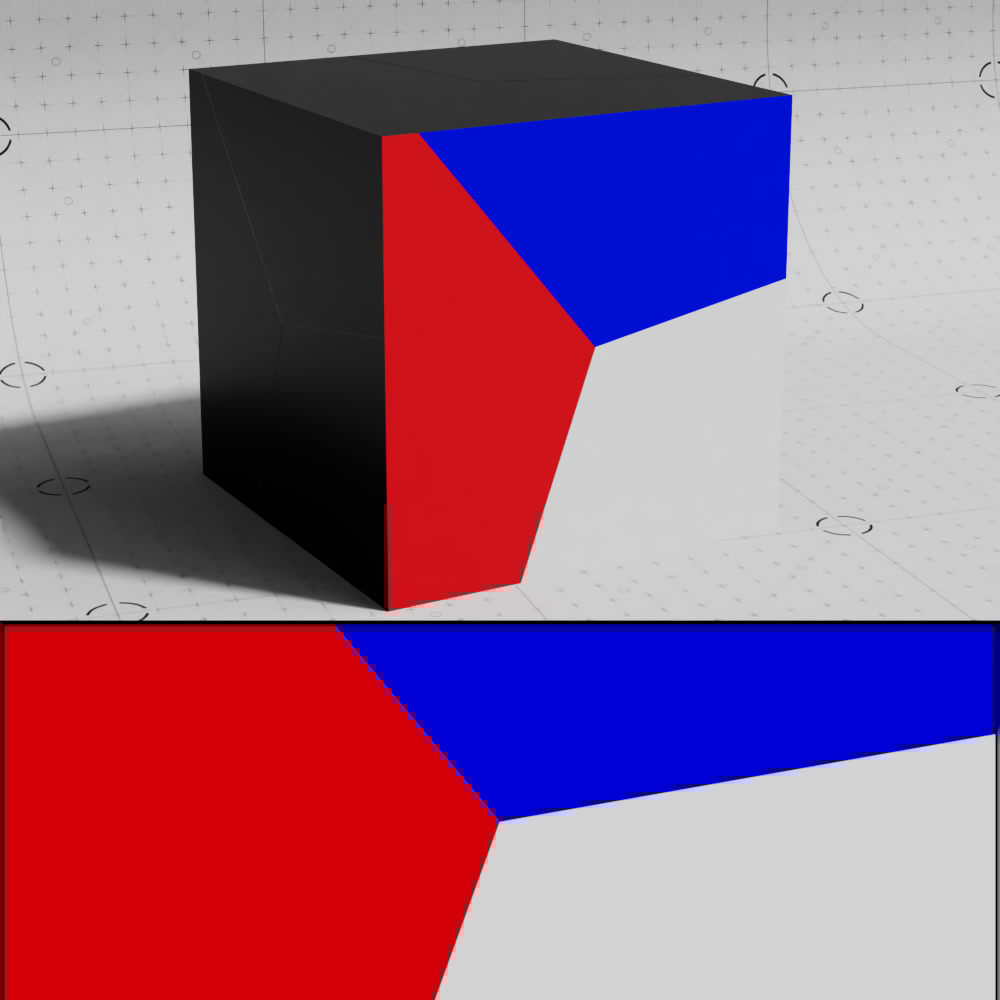
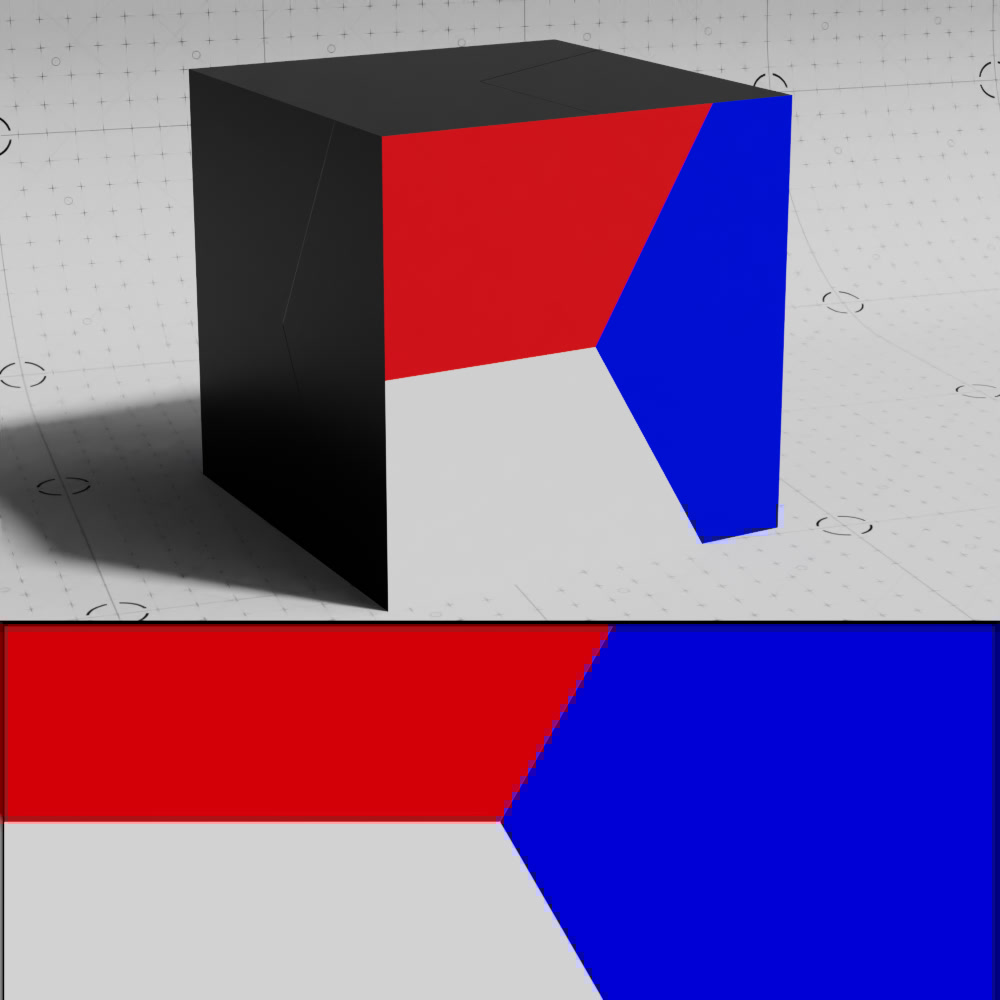
This parameter rotates the pattern by the input value in degrees.
|
|
|
| Rotate: 0 (default) | 20 | 90 |

|
The seed value controls the noise that drives tile randomization. Different values will produce different random outputs.
Specifies which UV set to use for texture placement.
Connect a UV Context Projection node here to enable a local connection for simplified texture mapping. For more information, please see the UV Context Projection page.