Table Of Contents
|
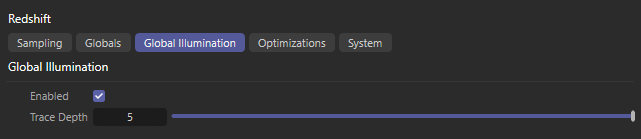
Global Illumination
The Global Illumination settings tab covers the use of indirect lighting in your scene.
For more information on the fundamentals and concept of GI please see these Global Illumination pages.
Enables or disables all global illumination.
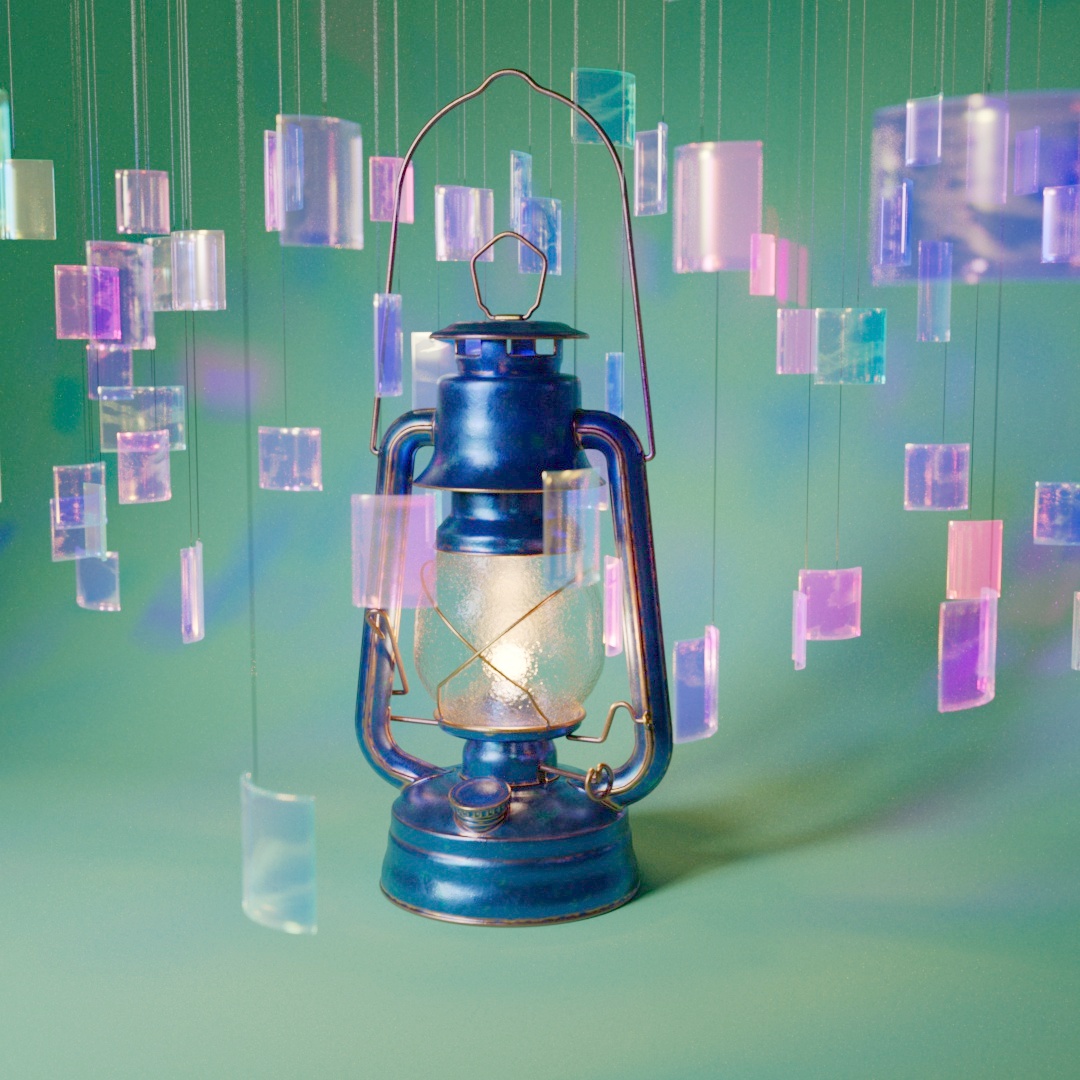
In the example below, notice the very dark shadow behind the lantern due to the lack of indirect lighting when global illumination is disabled.
|
|
|
| Global Illumination: Disabled Render Time (Min:Sec) : 2:59 |
Enabled 3:17 |

Specifies the total number of indirect lighting bounces that will occur.
If Trace Depth is set higher than 1 the Secondary GI Engine will be used for all bounces 2 and up.
GI Trace Depth
Global Illumination Trace Depth is still clamped by the Combined Trace Depth parameter found in the Globals tab.
Increasing GI Trace Depth will often make your lighting brighter and more realistic but it will also make the render time slower.
Sometimes increasing the number of bounces can result in lighting that looks washed out, for this reason users sometimes choose to limit the number of bounces.
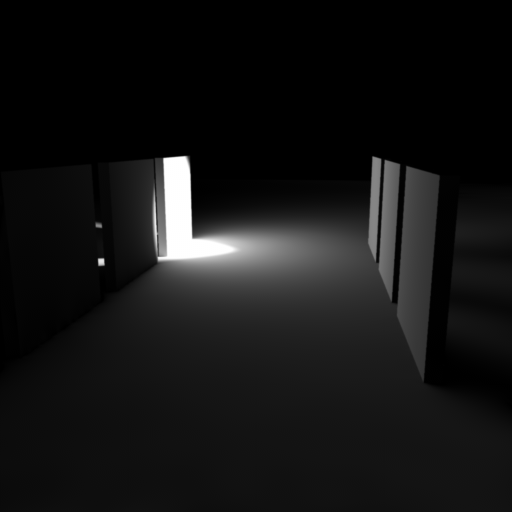
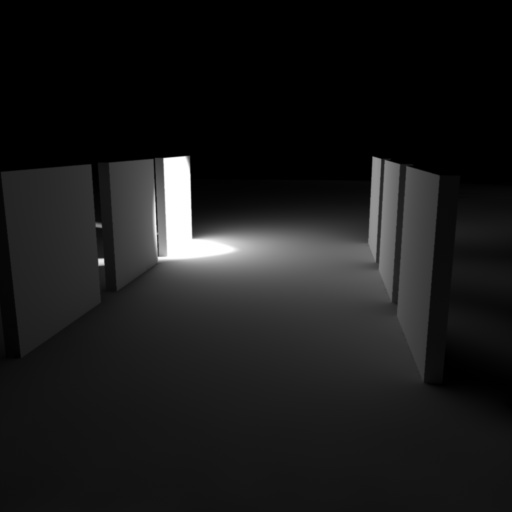
The scene shown below contains a few vertical tiles, one of which is lit with a strong spotlight. On the left, the right tiles are only lit by the direct lighting on the center illuminated tile. On the right, the indirect lighting on the right tiles is now bouncing off and illuminating the left tiles. The ground below the right tiles also receives extra illumination from this additional bounce. Note that these images were rendered using Irradiance Caching for the primary GI engine and Irradiance Point Cloud for the secondary GI engine.
|
|
|
| Trace Depth: 1 Primary GI only |
2 Primary and Secondary GI |