Equal Tangent Direction
While editing splines, by dragging with the Shift key held down, a
tangent handle can be moved independently of its partner handle, forming a sharp corner at that point along
the spline’s curve. If you change your mind later on and want to restore smoothness, you can do so using this
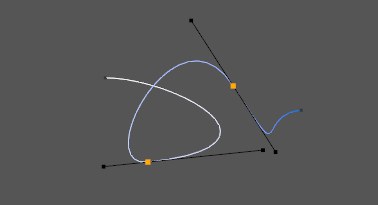
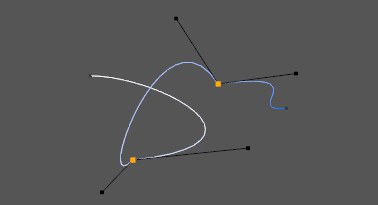
command. The left tangent will remain where it is, while the right tangent will be rotated until it is equal
and opposite in direction, forming the straight tangent pair that guarantees a smooth spline curve. If no
points are selected, all points are included automatically.
Before.
|
After.
|
Note:
This command can be applied to Bezier Splines only. All other types of spline have preset interpolation which
cannot be changed.