
Download and Install Maxon App
Experienced users may want to skip this section, as you will have gone through a very similar process before. For those who want to leave nothing to chance, though, let’s step through what you can expect during Maxon App download and installation.
Download/Update
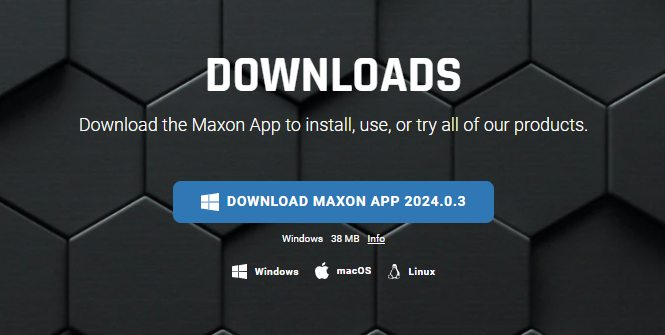
If you’re starting from the very beginning, you’ll likely visit www.maxon.net/downloads and download the Maxon App from the Downloads page just like any other application.
More likely, you’ll have a previous installation of Maxon App on your system and will encounter an upgrade prompt like this:
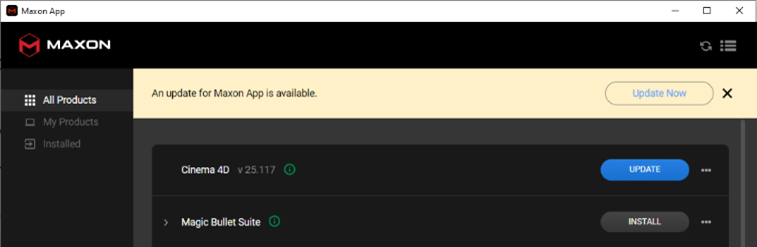
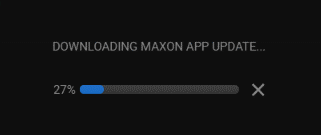
Click the Update Now button. As the program package downloads, you should see an indicator bar advancing.
When downloading completes, Maxon will prompt you to proceed into installation. Click the Quit and Install button.

Installation
Maxon App should not require administrator privileges to install unless your system has an existing policy for such a requirement. If so, please involve your admin as needed.
You should see the Maxon Installer screen. Click Install to continue. Note that Maxon App manages its own storage destination. Users may not select a different installation target location.
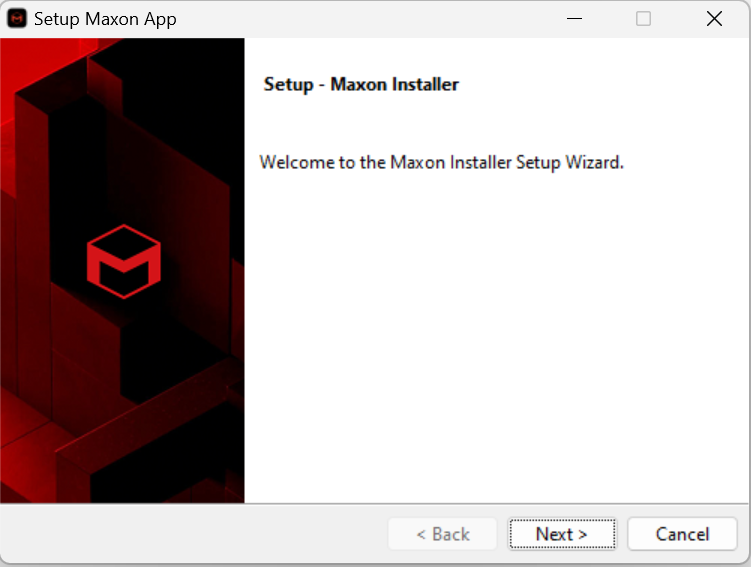
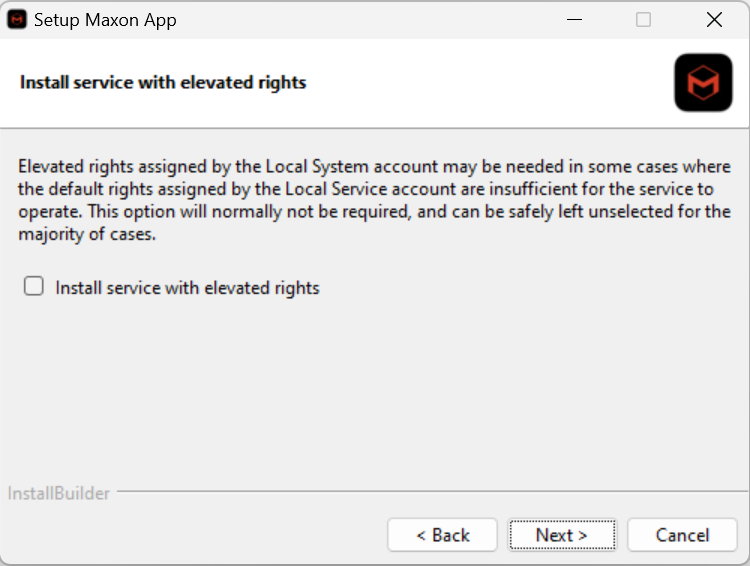
Soon, the setup will prompt you with a checkbox regarding installing service with elevated rights. Most users won't need to check this. The exception might be in cases when at IT department maintains particularly tight control over accounts. Choose whether to check or not (probably not) as appropriate and click Next.
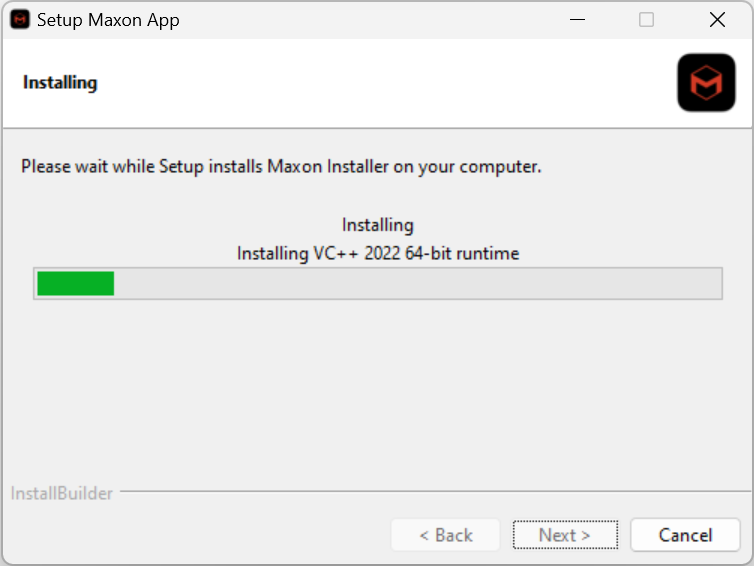
You should now see an installation progress indicator, as shown below. As with other software, there is a small chance that installation could lock up before completion. If this happens, try uninstalling Maxon App (if the option exists), then run through the installation process again with as few applications as possible running in the background. Anything that can be closed should be closed.
Once installation finishes, Maxon App appears. Maxon App's dashboard looks much like the interface shown here.
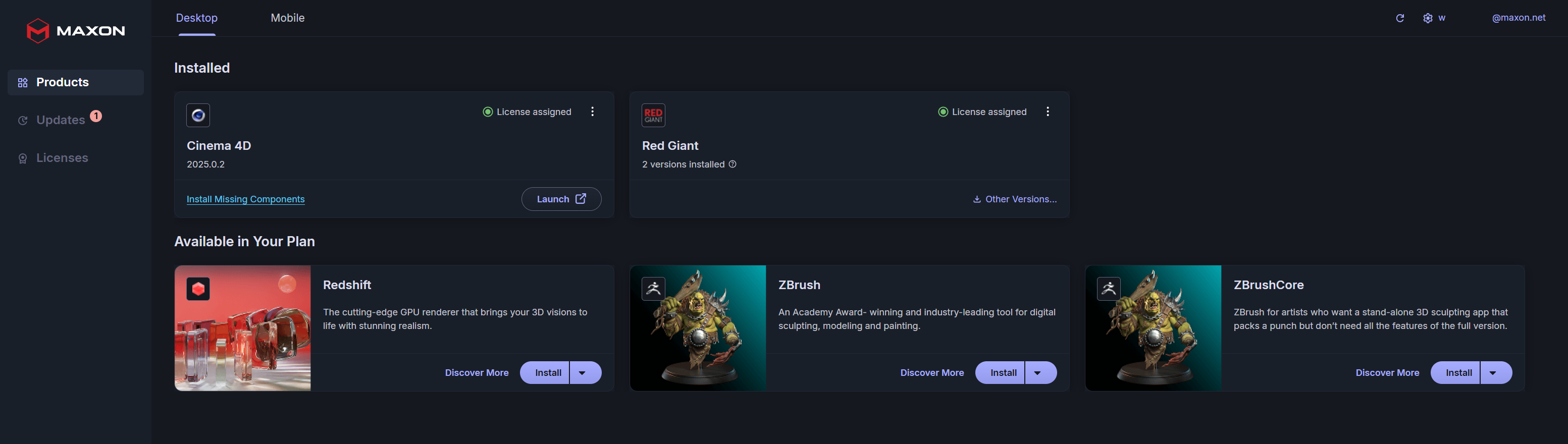
Installation is now complete and successful. It’s time to manage your Maxon applications!