Table Of Contents
|
|
The Trace Depths section is used to impose maximum limits for different ray types across your entire scene.
Increasing Trace Depth values can quickly and greatly increase render times in scenes with many bounces. In general it is a best practice to use as few as you need to achieve the result that you desire.
Overriding Trace Depths at the Material Level
Trace Depth values can be overridden on a per-material basis under the Optimizations section of materials like the Redshift Standard Material, this includes overriding above or below the global trace depth values.
The Combined depth parameter specifies the maximum limit for global illumination, reflection, volume, and transmission / refraction rays combined.
This means that if the individual depth value for global illumination, reflections or refractions is higher than the Combined Depth the resulting render will still be capped at the Combined Depth value.
For example, let's say that reflection and refraction are both set to a value of 4 and combined is set to 6. If a ray had already been reflected 4 times, then it could only be refracted 2 more times because the combined trace depth is 6.
The Reflection depth parameter puts an individual cap on how many times a reflection ray can bounce.
The Refraction depth parameter puts an individual cap on how many times a refraction ray can bounce or pass through objects.
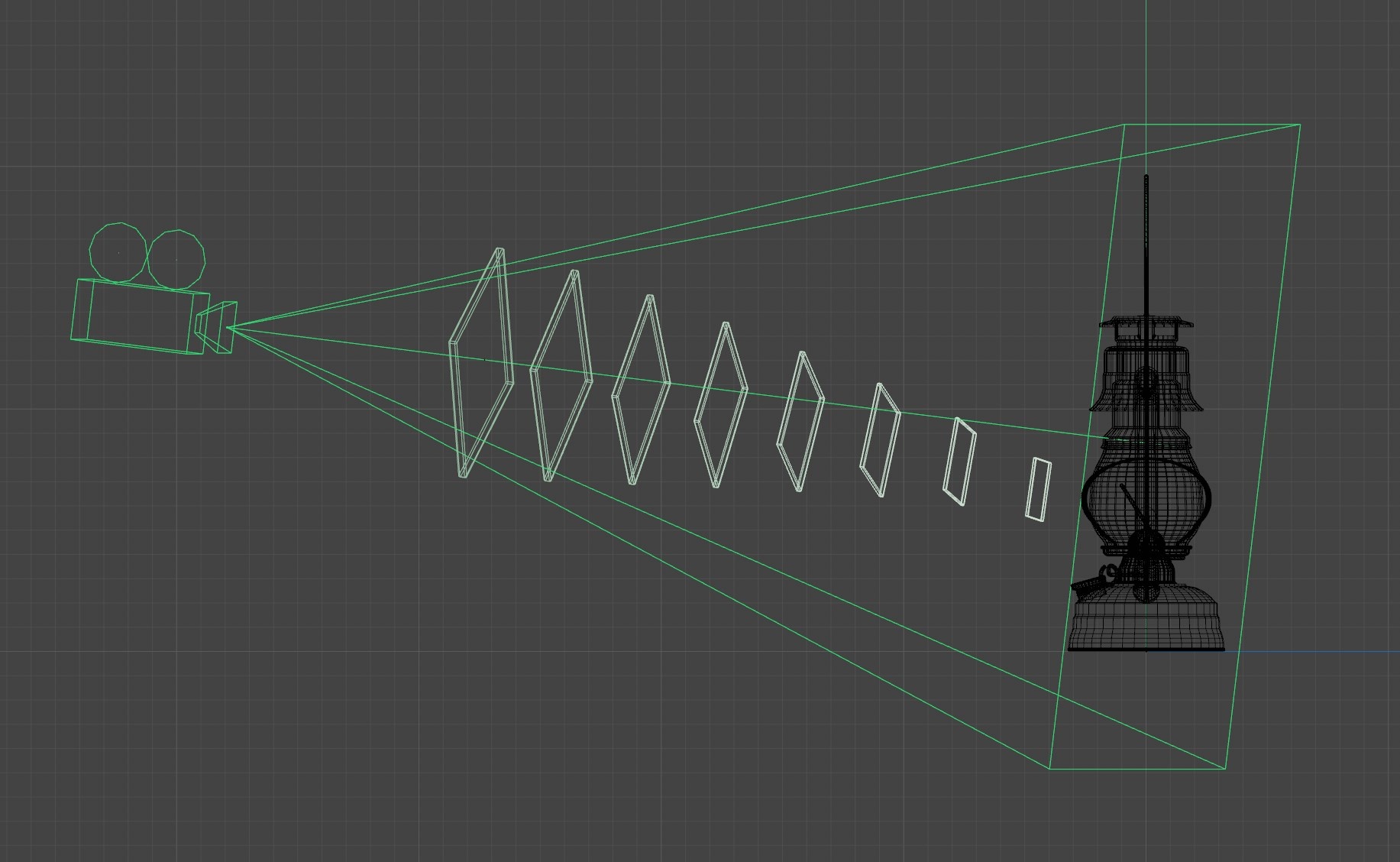
The Transparency depth parameter puts an individual cap on how many times a transparency ray can pass straight through objects.
Transparency is utilized for things like Opacity in the Redshift Material to go much deeper and render much faster than refractions.
Transparency Depth is not limited by the Combined Depth parameter.
|
|
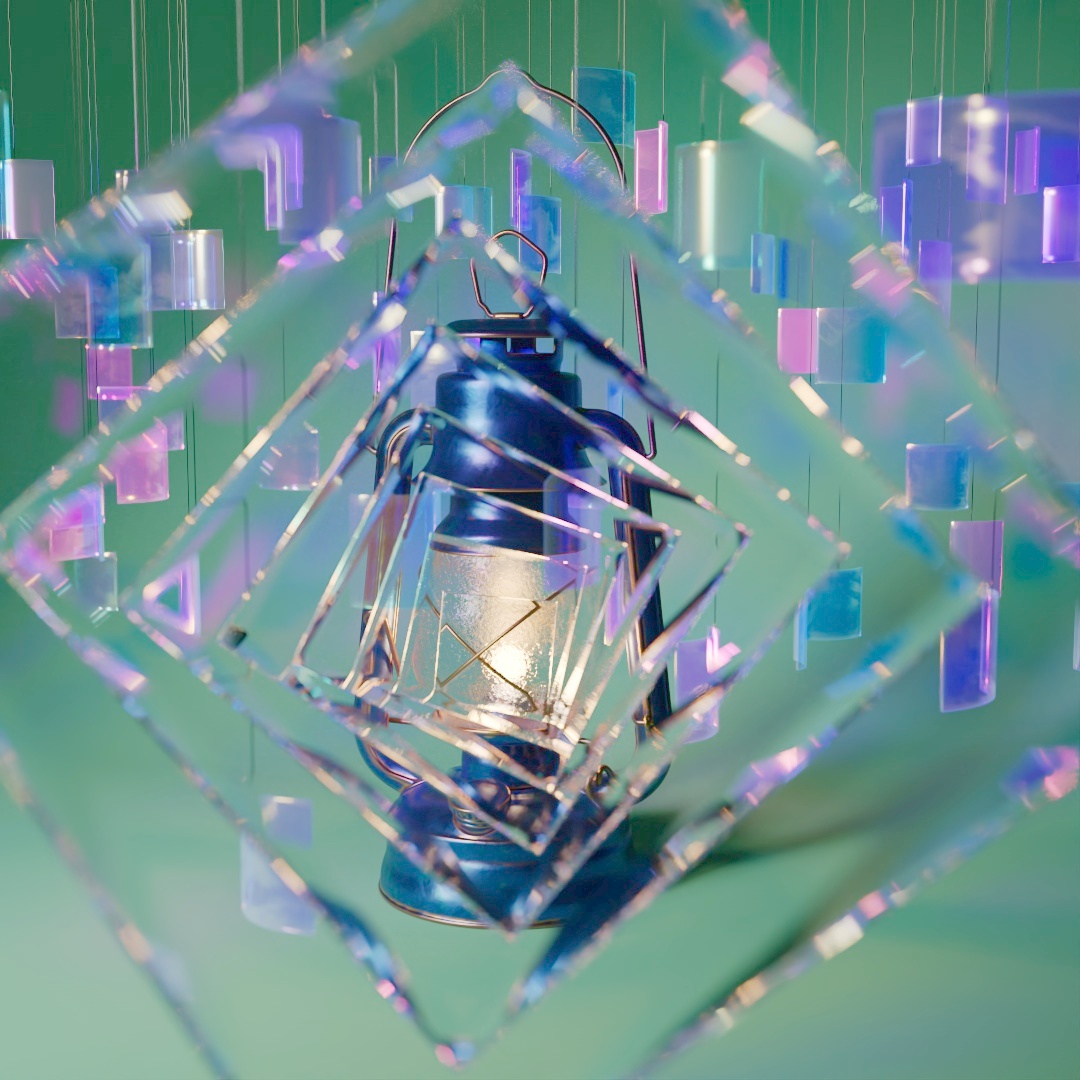
| Example scene |
|
|
|
|
|
| Combined: 6 Reflection: 4 Refraction: 6 Transparency: 16 |
8 6 8 20 |
24 20 24 48 |
24 1 24 48 |