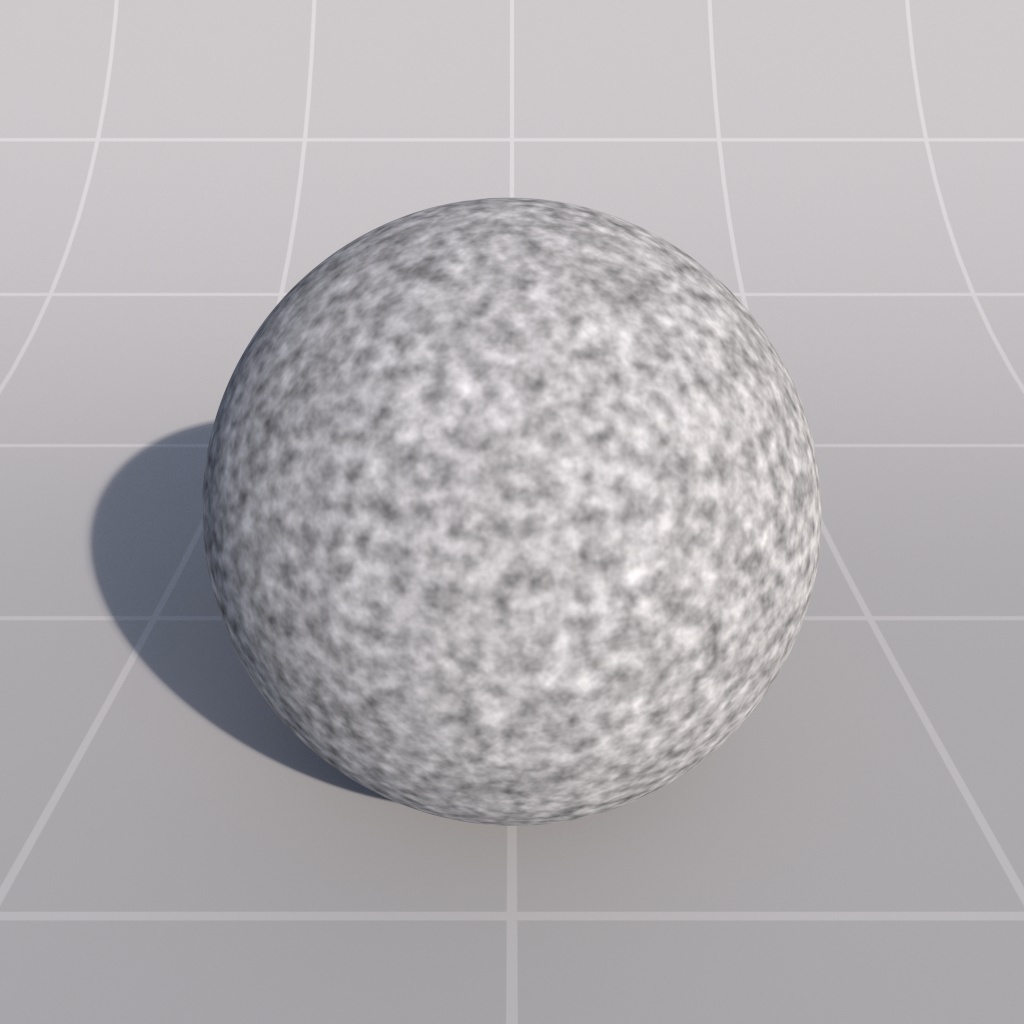
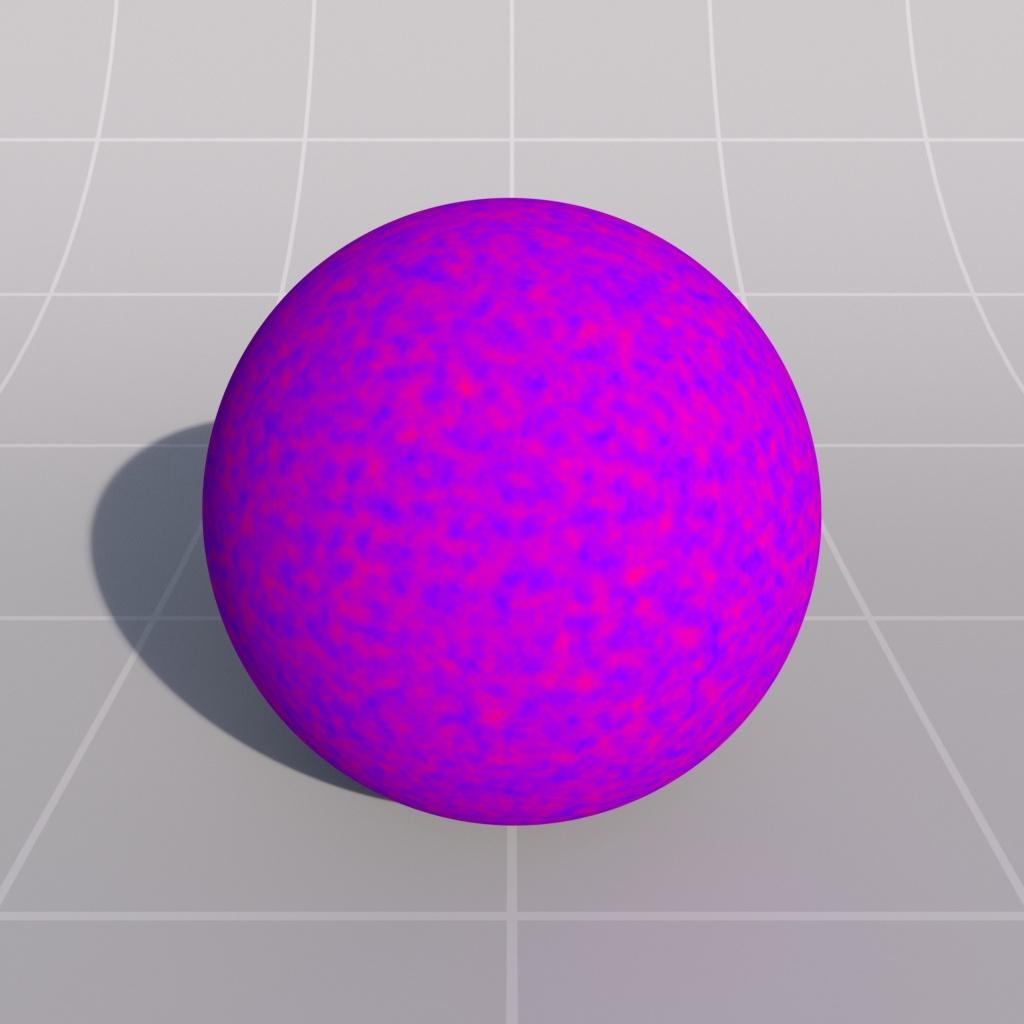
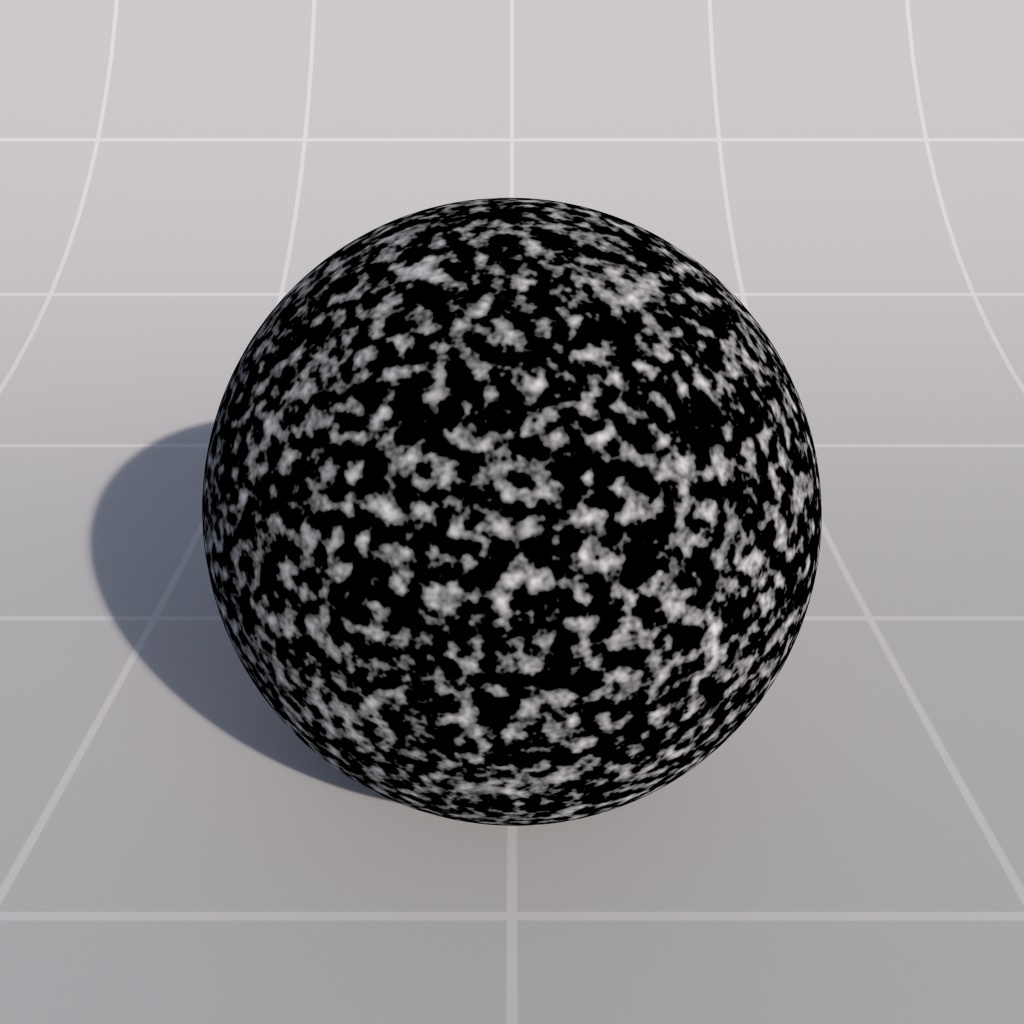
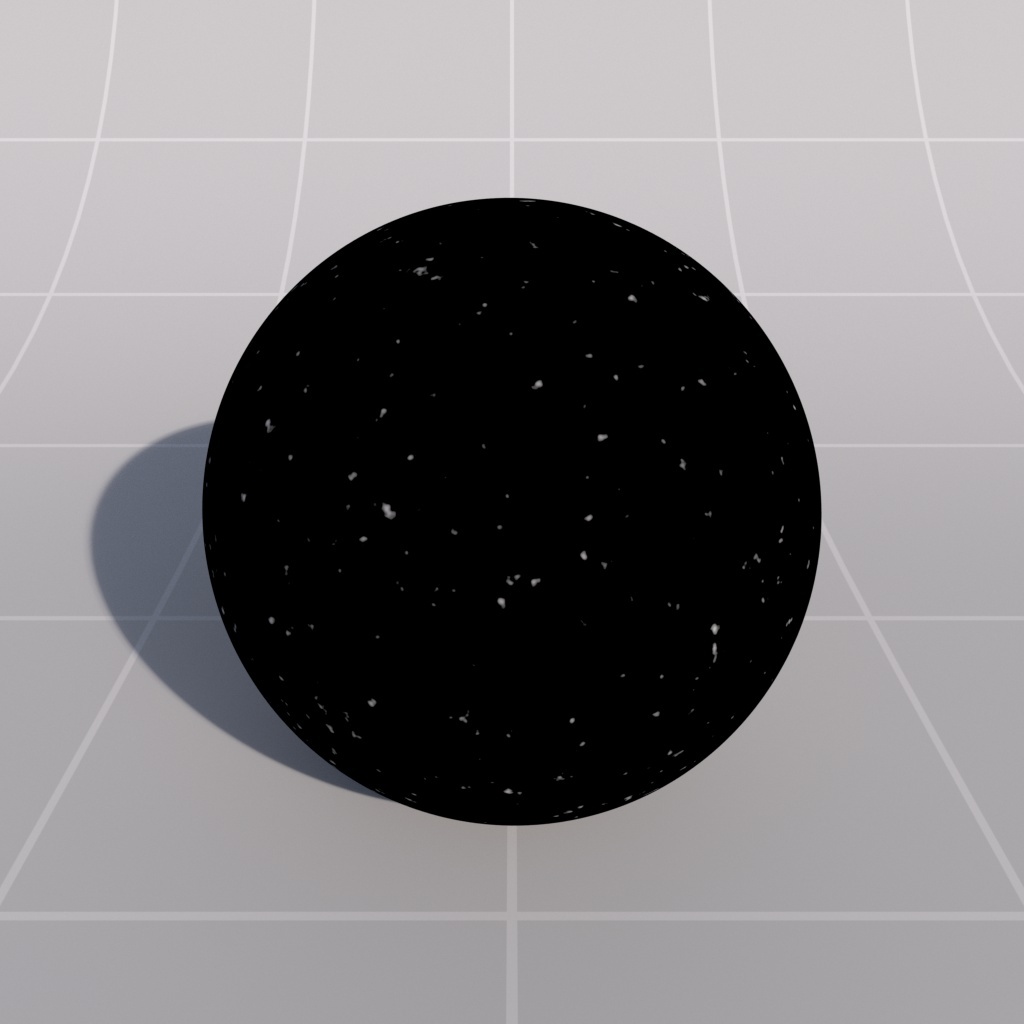
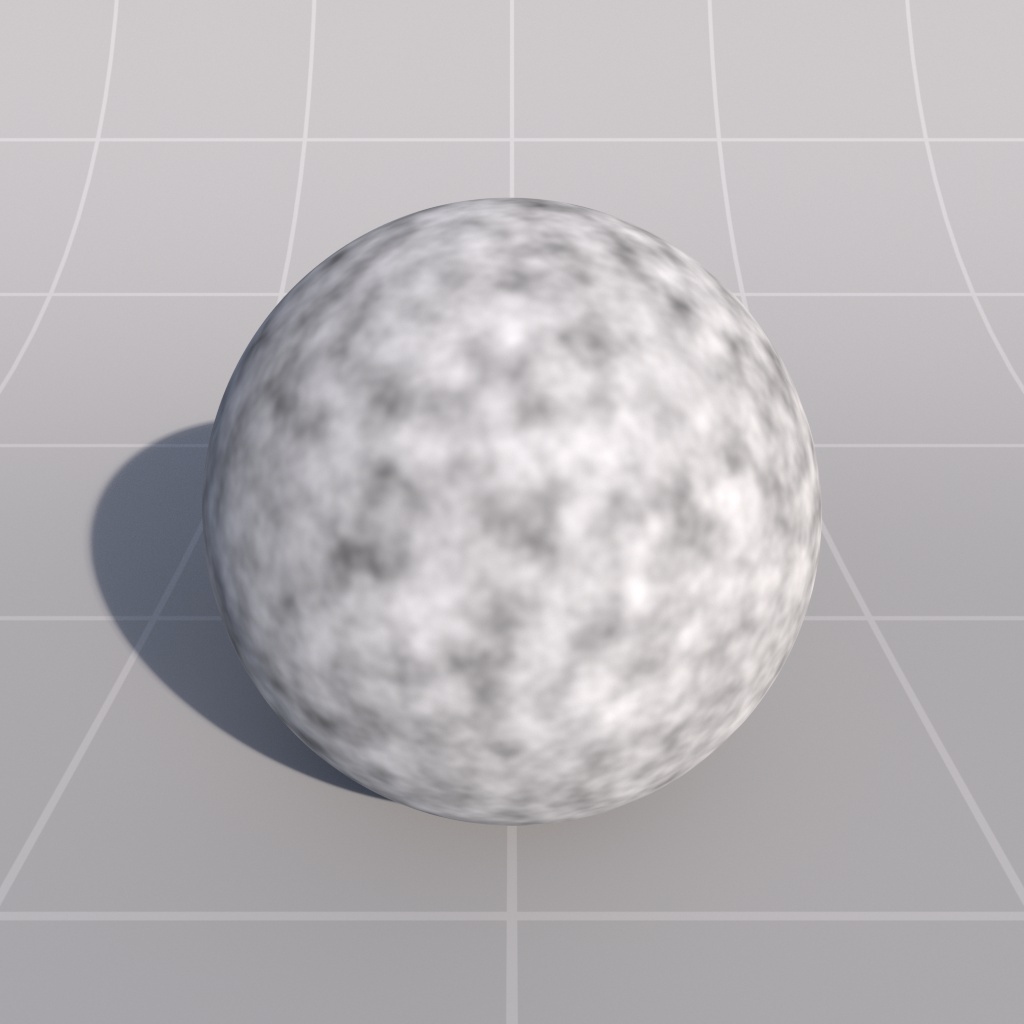
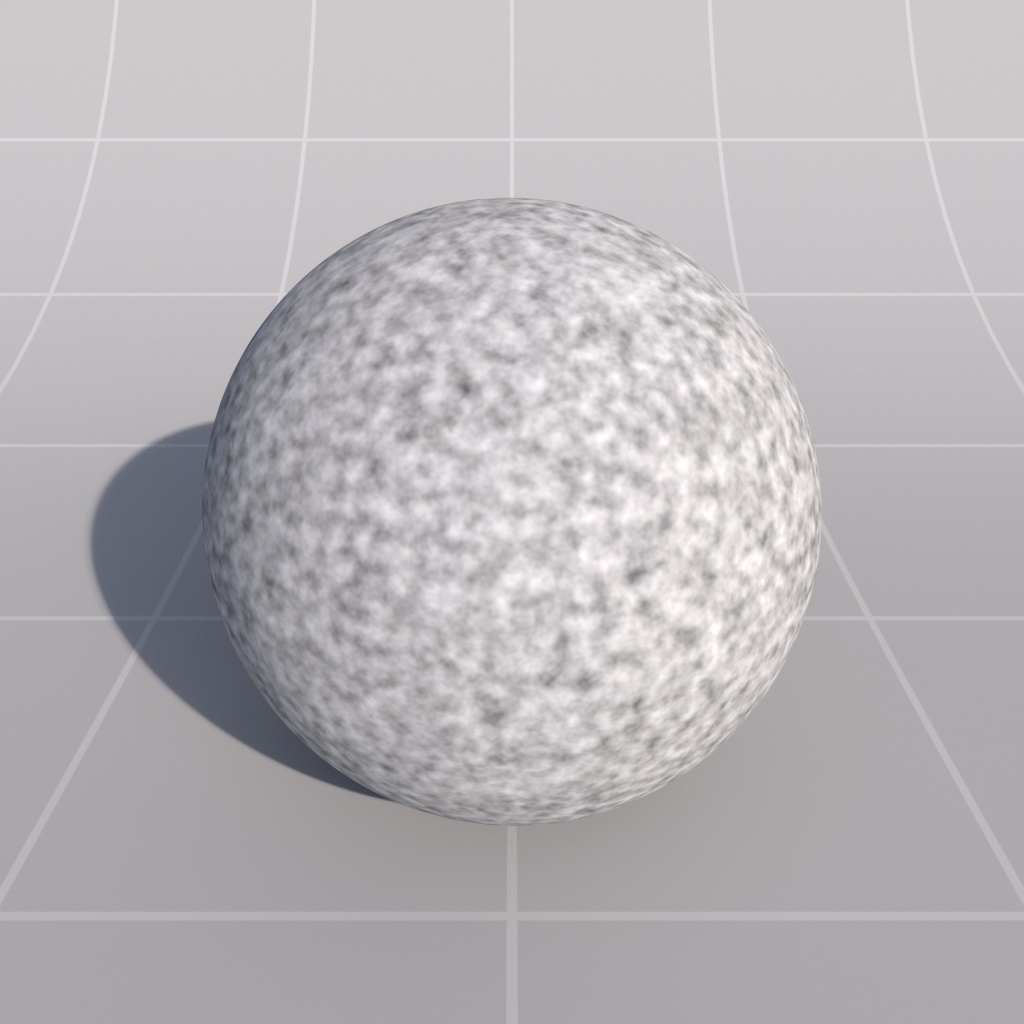
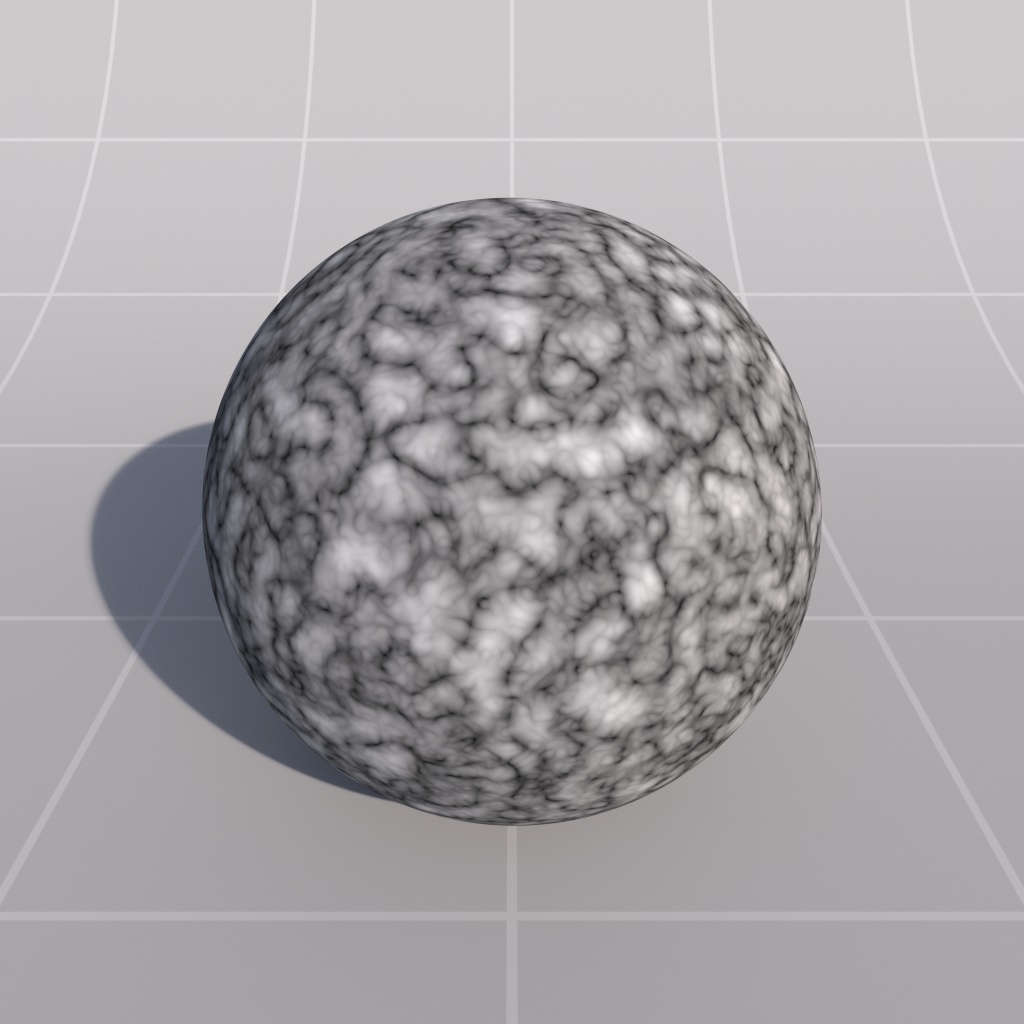
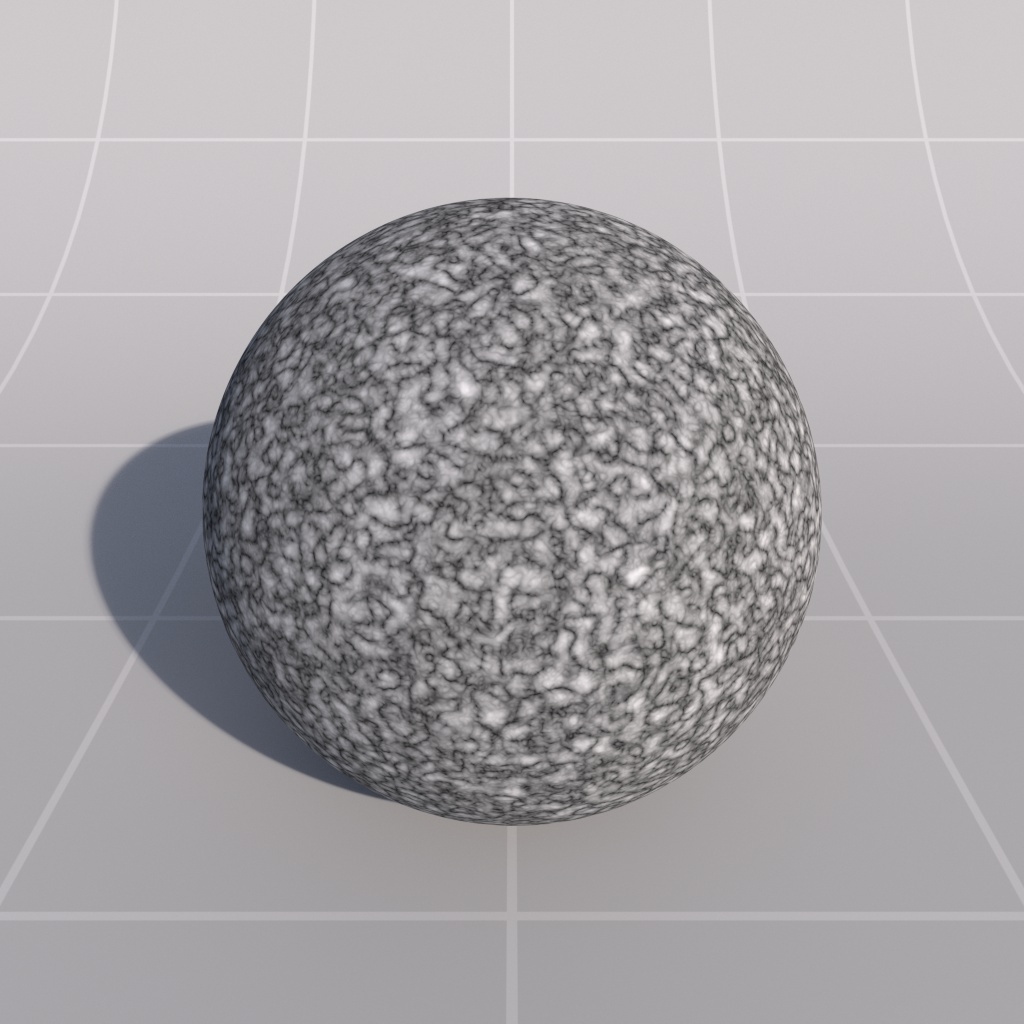
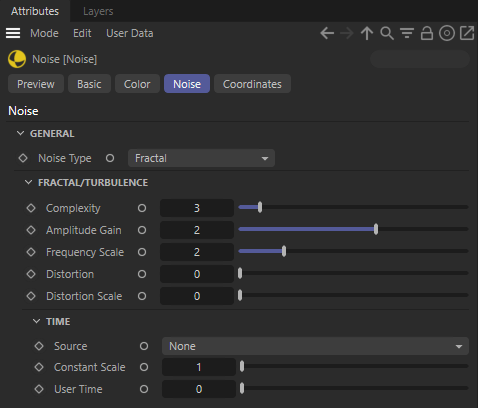
--- title: "Noise Texture" url: "https://help.maxon.net/r3d/cinema/en-us/Content/html/Noise%2BTexture.html" section_path: "Shaders > Texture Shaders > Noise Texture" description: "This shader generates procedural noise, useful for adding surface detail, special effects and driving bump-maps." --- # Noise Texture You are here: # Noise Texture ## Introduction This shader generates procedural noise, useful for adding surface detail, special effects and driving bump-maps. ![Image: C4D_Noise_Node_Color.png](https://help.maxon.net/r3d/cinema/en-us/Content/Resources/Images/C4D_Noise_Node_Color.png) ## Color ### General This tab allows you to control how the internally computed noise is turned into color for output. #### Color 1 This is the color that is output where the computed noise is not present. #### Color 2 This is the color that is output where the computed noise is present. Where noise is partially present, the output will be a blend between Color 1 and Color 2. #### Invert This swaps Color 1 and Color 2 internally, essentially inverting the noise effect. | | | | | --- | --- | --- | | ![Image: rsNoise_color_BWe696.jpg](https://help.maxon.net/r3d/cinema/en-us/Content/Resources/Images/rsNoise_color_BWe696.jpg) | ![Image: rsNoise_color_BW_invert9b74.jpg](https://help.maxon.net/r3d/cinema/en-us/Content/Resources/Images/rsNoise_color_BW_invert9b74.jpg) | ![Image: rsNoise_color_RB3b91.jpg](https://help.maxon.net/r3d/cinema/en-us/Content/Resources/Images/rsNoise_color_RB3b91.jpg) | | *Color 1: Black*
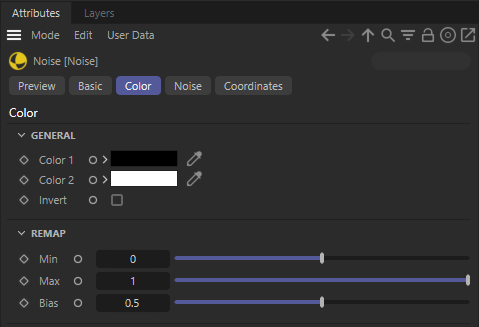
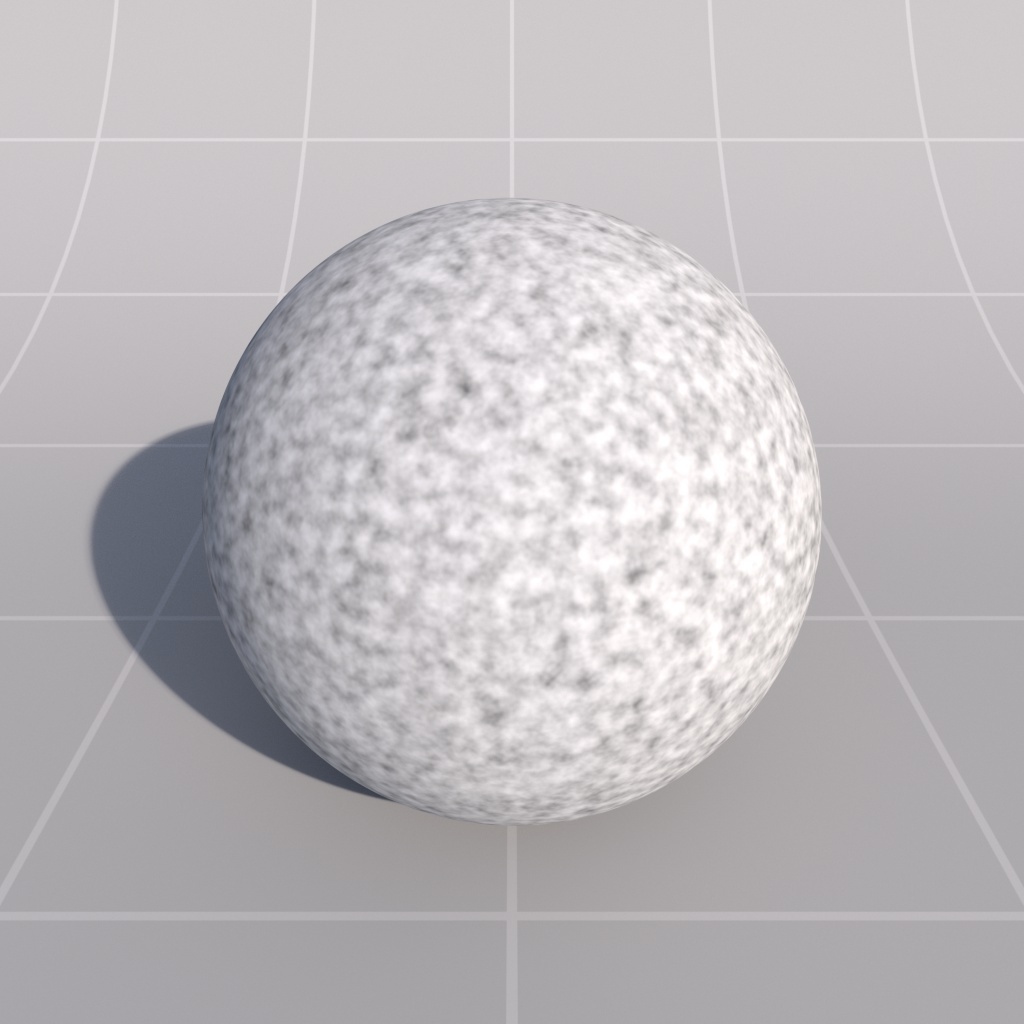
*Color 2: White*
*Invert: Disabled* | *Black*
*White*
*Enabled* | *Red*
*Blue*
*Disabled* | ### Remap #### Min This is the minimum allowed value of the internally computed noise. #### Max This is the maximum allowed value of the internally computed noise. #### Bias This value is a contrast control that allows you to bias the output towards Color 2 when the bias is over 0.5 and towards Color 1 when under 0.5. | | | | | --- | --- | --- | | ![Image: rsNoise_remap_025_1_050530.jpg](https://help.maxon.net/r3d/cinema/en-us/Content/Resources/Images/rsNoise_remap_025_1_050530.jpg) | ![Image: rsNoise_remap_05_1_05518d.jpg](https://help.maxon.net/r3d/cinema/en-us/Content/Resources/Images/rsNoise_remap_05_1_05518d.jpg) | ![Image: rsNoise_remap_07_1_058657.jpg](https://help.maxon.net/r3d/cinema/en-us/Content/Resources/Images/rsNoise_remap_07_1_058657.jpg) | | *Min: 0.25*
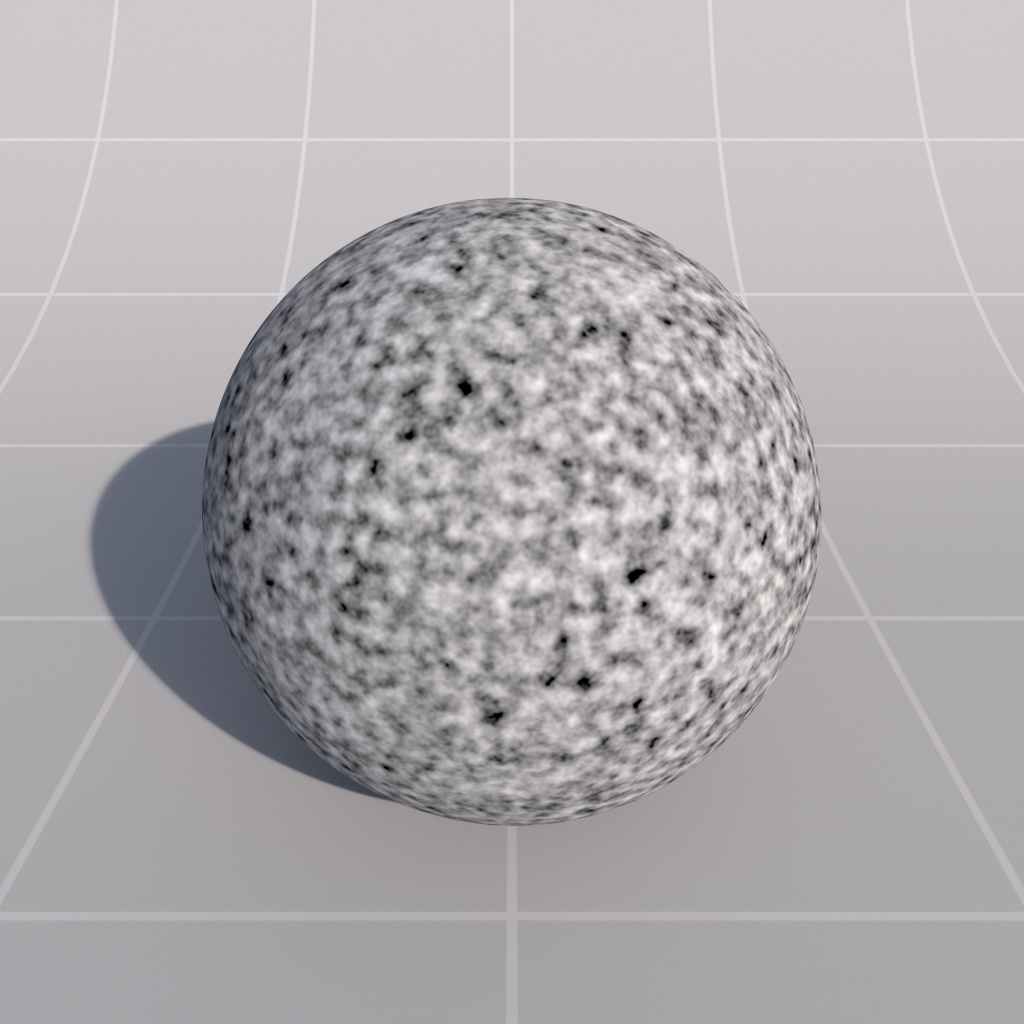
*Max: 1.0*
*Bias: 0.5* | *0.5* | *0.7* | | | | | | ![Image: rsNoise_remap_0_1_056bfc.jpg](https://help.maxon.net/r3d/cinema/en-us/Content/Resources/Images/rsNoise_remap_0_1_056bfc.jpg) | ![Image: rsNoise_remap_0_1_01051c.jpg](https://help.maxon.net/r3d/cinema/en-us/Content/Resources/Images/rsNoise_remap_0_1_01051c.jpg) | ![Image: rsNoise_remap_0_1_0967c7.jpg](https://help.maxon.net/r3d/cinema/en-us/Content/Resources/Images/rsNoise_remap_0_1_0967c7.jpg) | | *Min: 0.0*
*Max: 1.0*
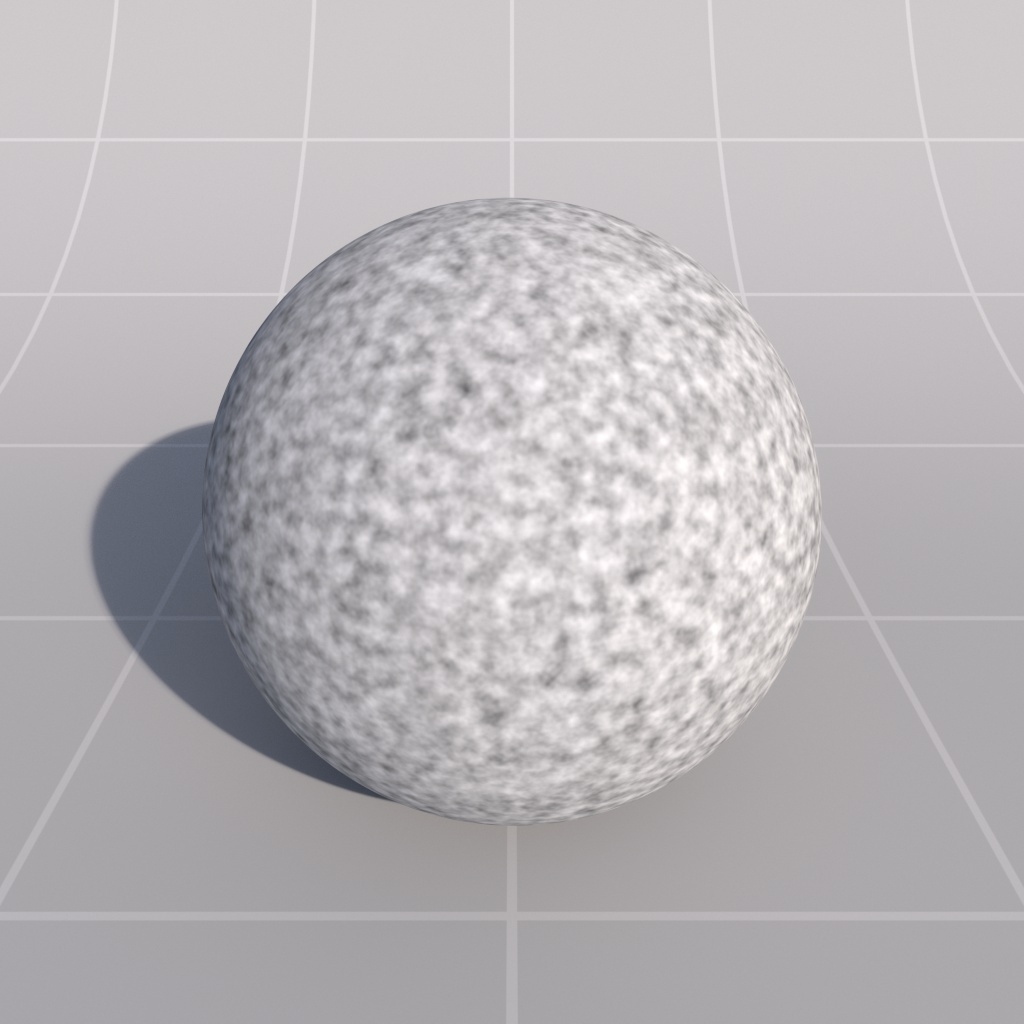
*Bias: 0.5* | *0.1* | *0.9* | ![Image: C4D_Noise_Node_Noise.png](https://help.maxon.net/r3d/cinema/en-us/Content/Resources/Images/C4D_Noise_Node_Noise.png) ## Noise This tab allows you to control how the noise is generated. ### General #### Noise Type This lets you choose between different noise generators internally. The options are as follows: - Fractal - Turbulence - Cell | | | | | --- | --- | --- | | ![Image: rsNoise_Fractalsf815.jpg](https://help.maxon.net/r3d/cinema/en-us/Content/Resources/Images/rsNoise_Fractalsf815.jpg) | ![Image: rsNoise_Turbulence0853.jpg](https://help.maxon.net/r3d/cinema/en-us/Content/Resources/Images/rsNoise_Turbulence0853.jpg) | ![Image: rsNoise_Cellsaeab.jpg](https://help.maxon.net/r3d/cinema/en-us/Content/Resources/Images/rsNoise_Cellsaeab.jpg) | | *Noise Type: Fractal* | *Turbulence* | *Cell* | ### Fractal/Turbulence > **Important:** The options below apply to 'Fractal' and 'Turbulence' Noise Types *only*. #### Complexity This option describes how many iterations or 'octaves' will be used to generate the noise, with higher iterations resulting in more complex, detailed noise and slightly slower shading. | | | | | --- | --- | --- | | ![Image: rsNoise_complexity_f191fa.jpg](https://help.maxon.net/r3d/cinema/en-us/Content/Resources/Images/rsNoise_complexity_f191fa.jpg) | ![Image: rsNoise_complexity_f241f8.jpg](https://help.maxon.net/r3d/cinema/en-us/Content/Resources/Images/rsNoise_complexity_f241f8.jpg) | ![Image: rsNoise_complexity_f48ea2.jpg](https://help.maxon.net/r3d/cinema/en-us/Content/Resources/Images/rsNoise_complexity_f48ea2.jpg) | | *Complexity: 1*
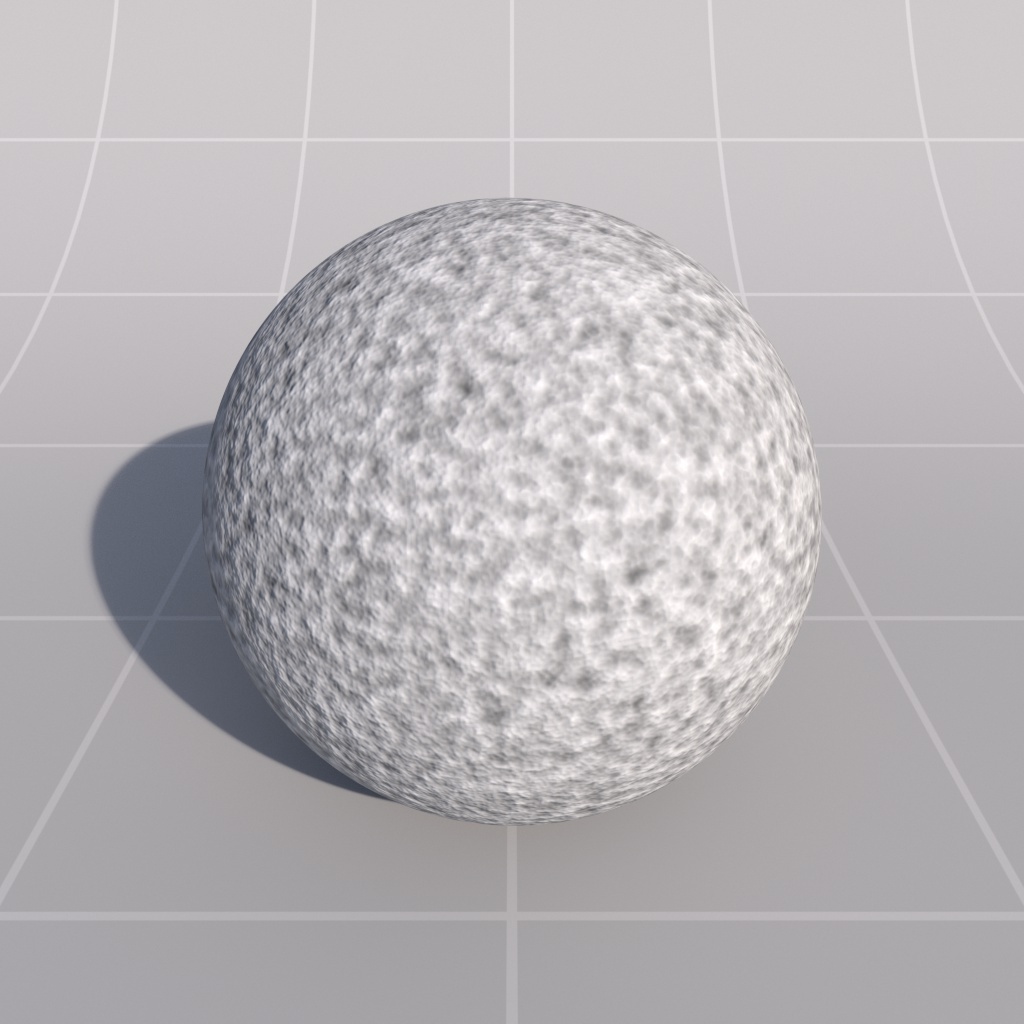
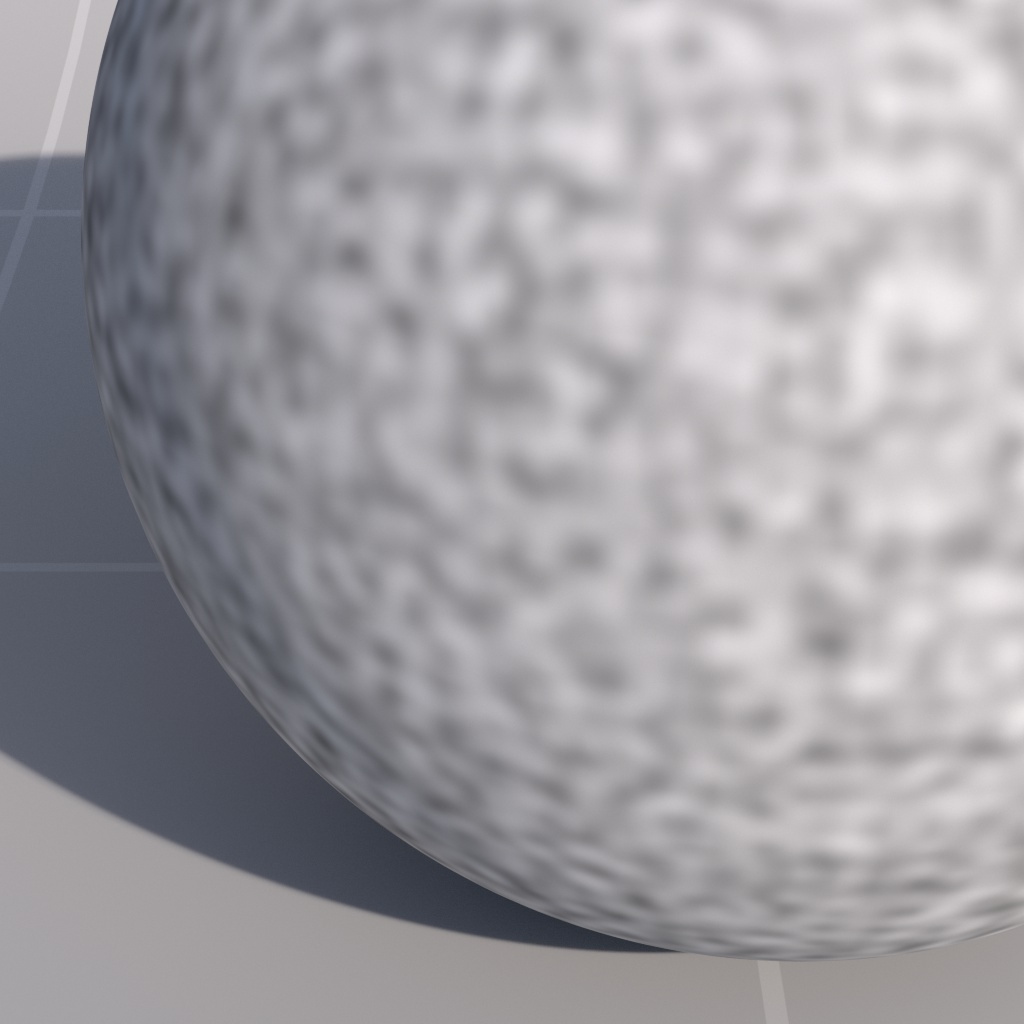
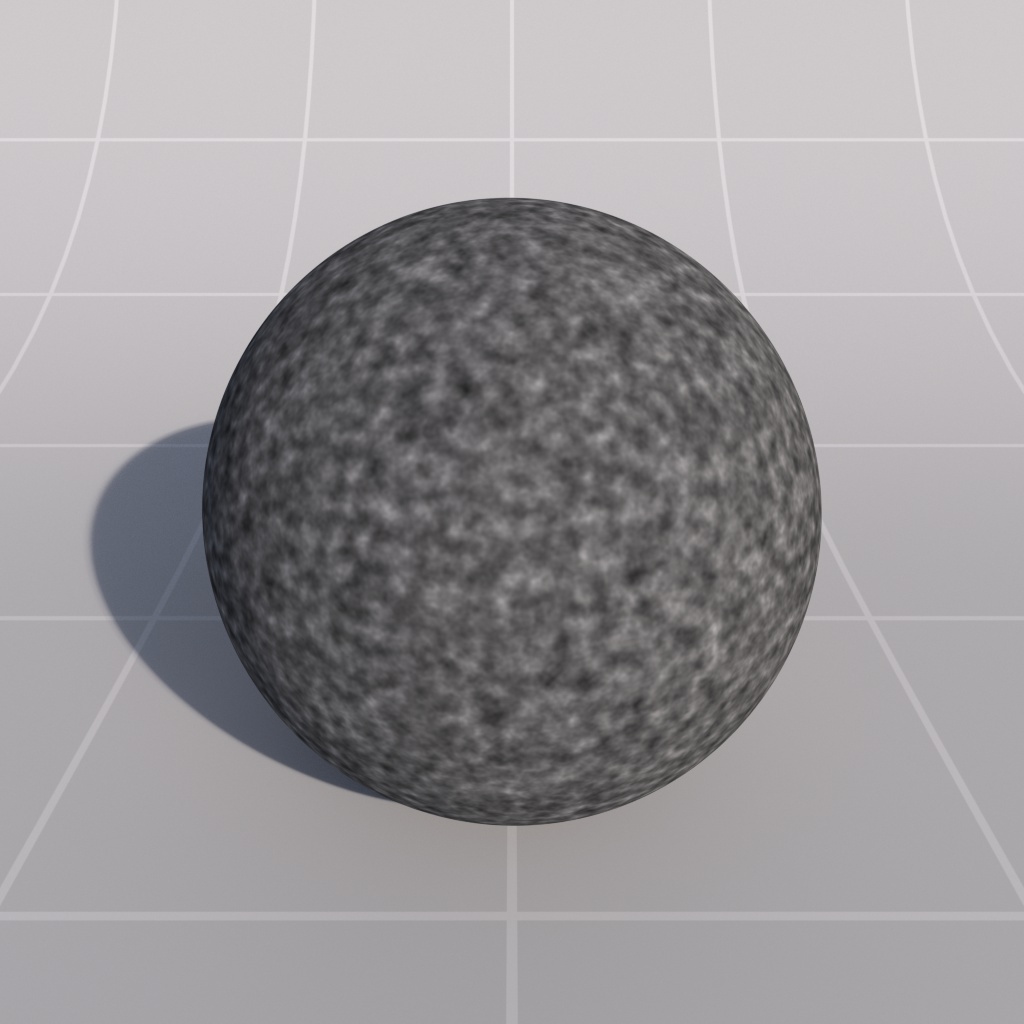
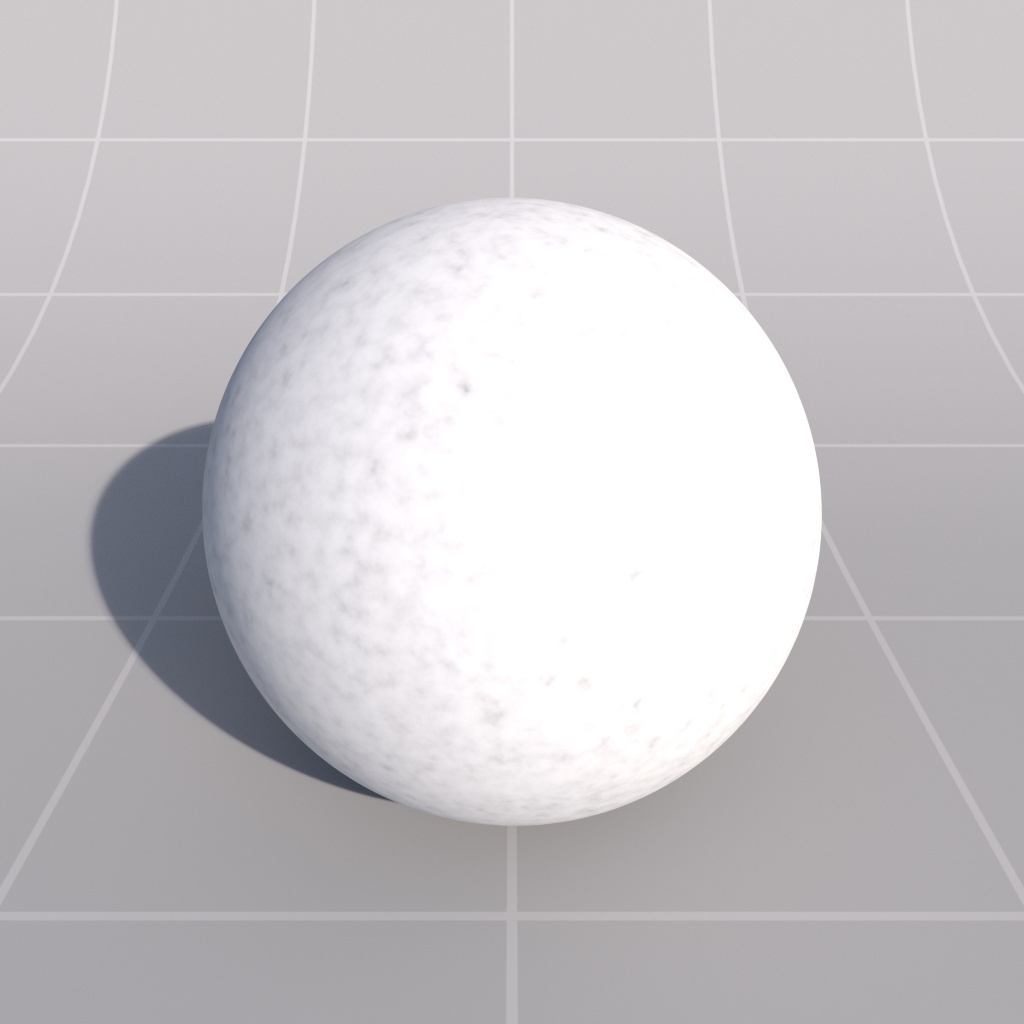
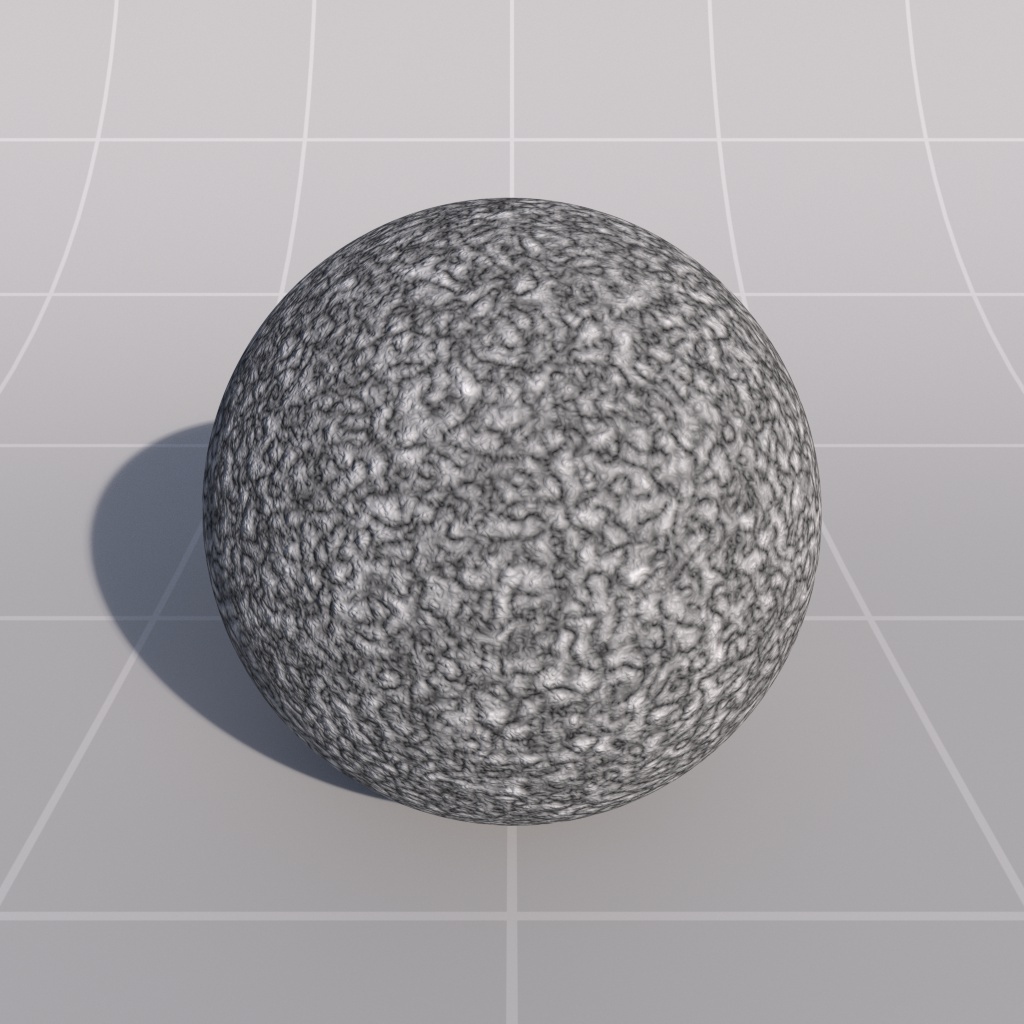
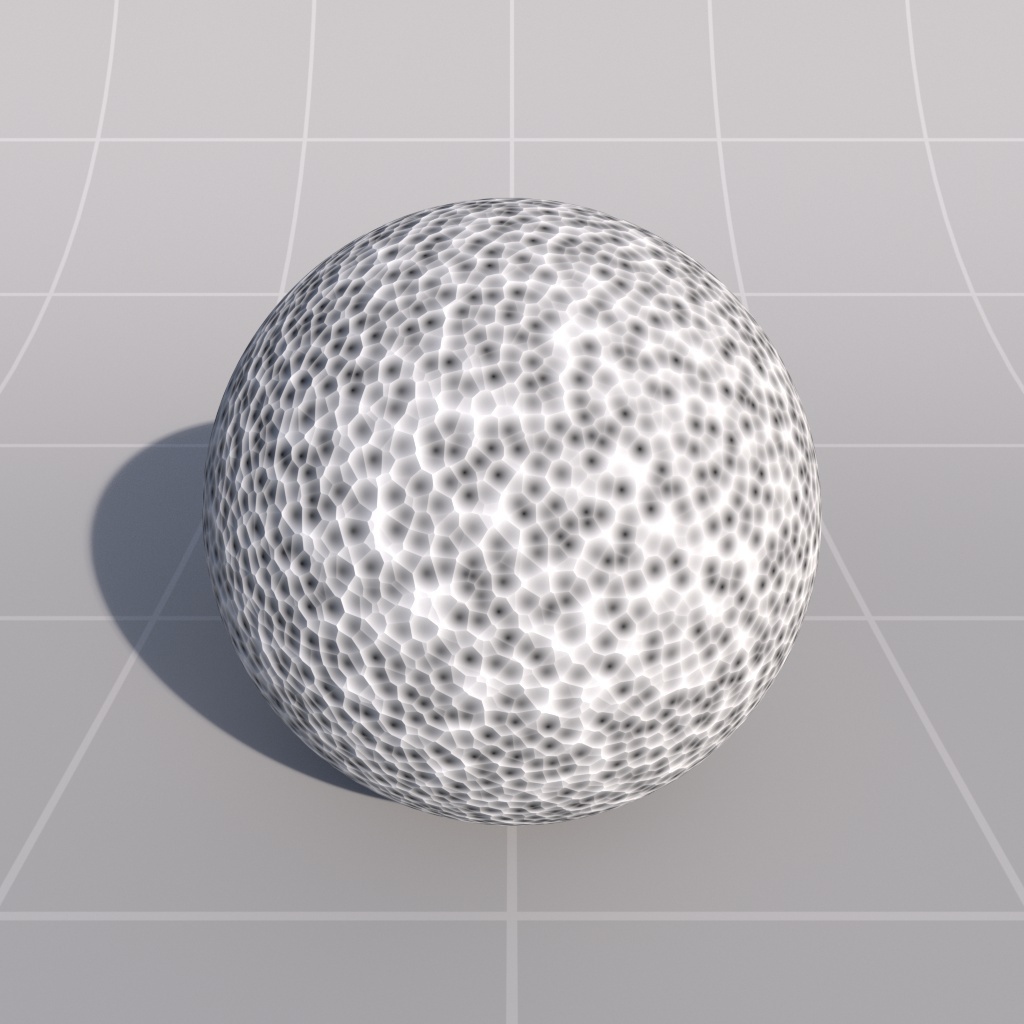
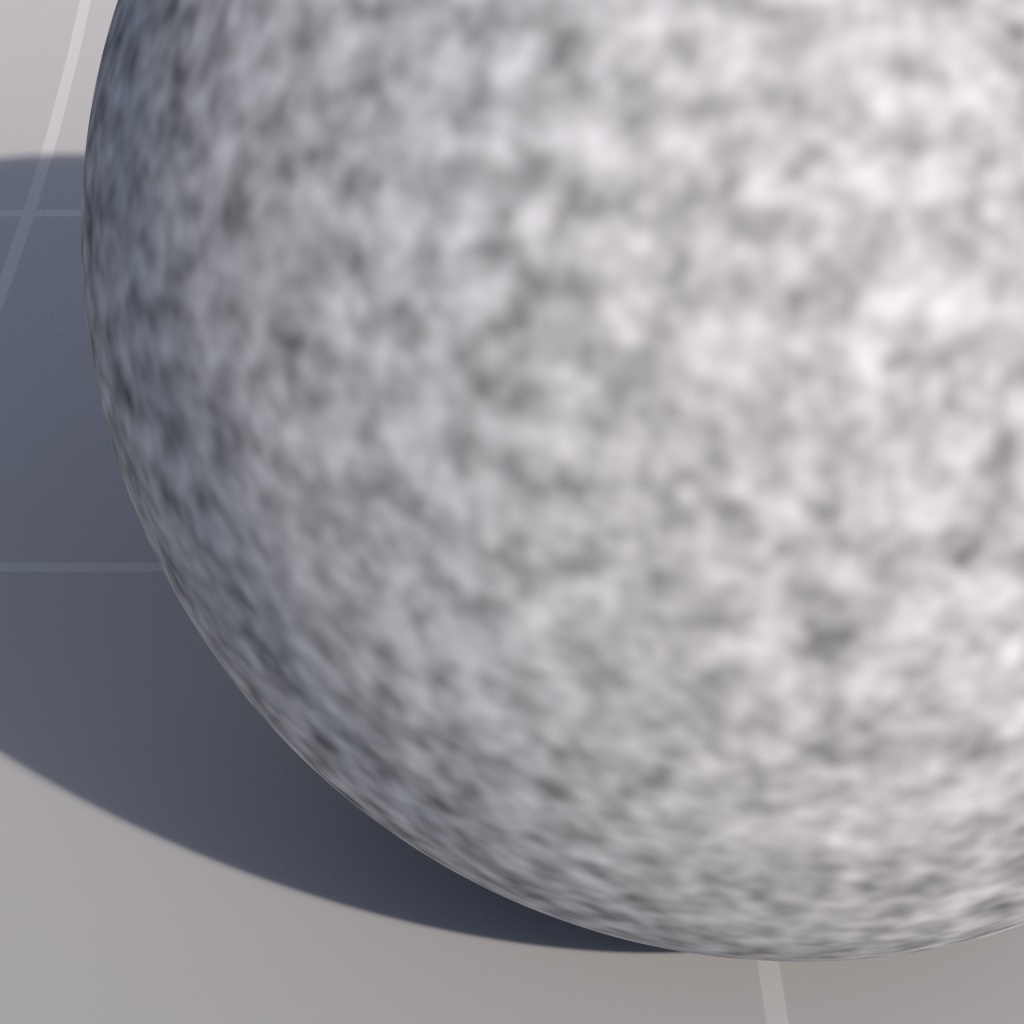
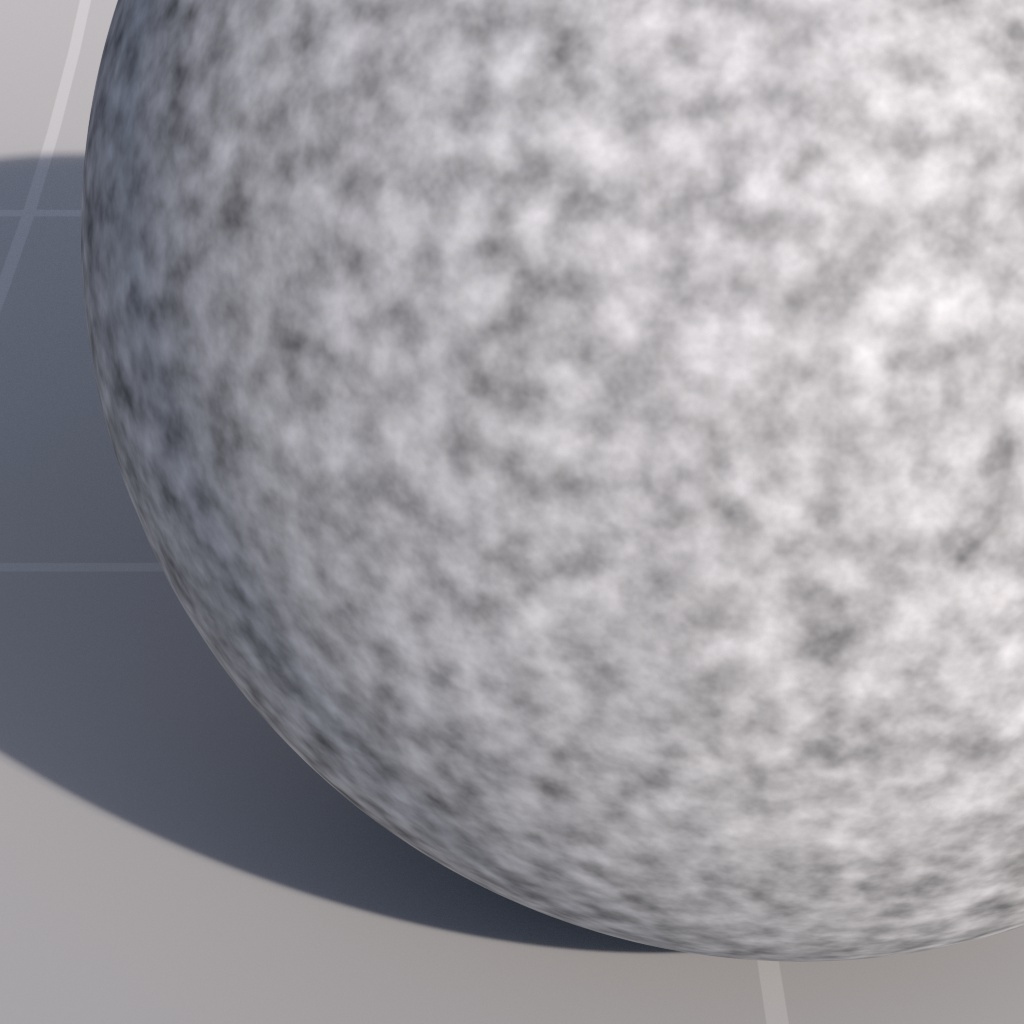
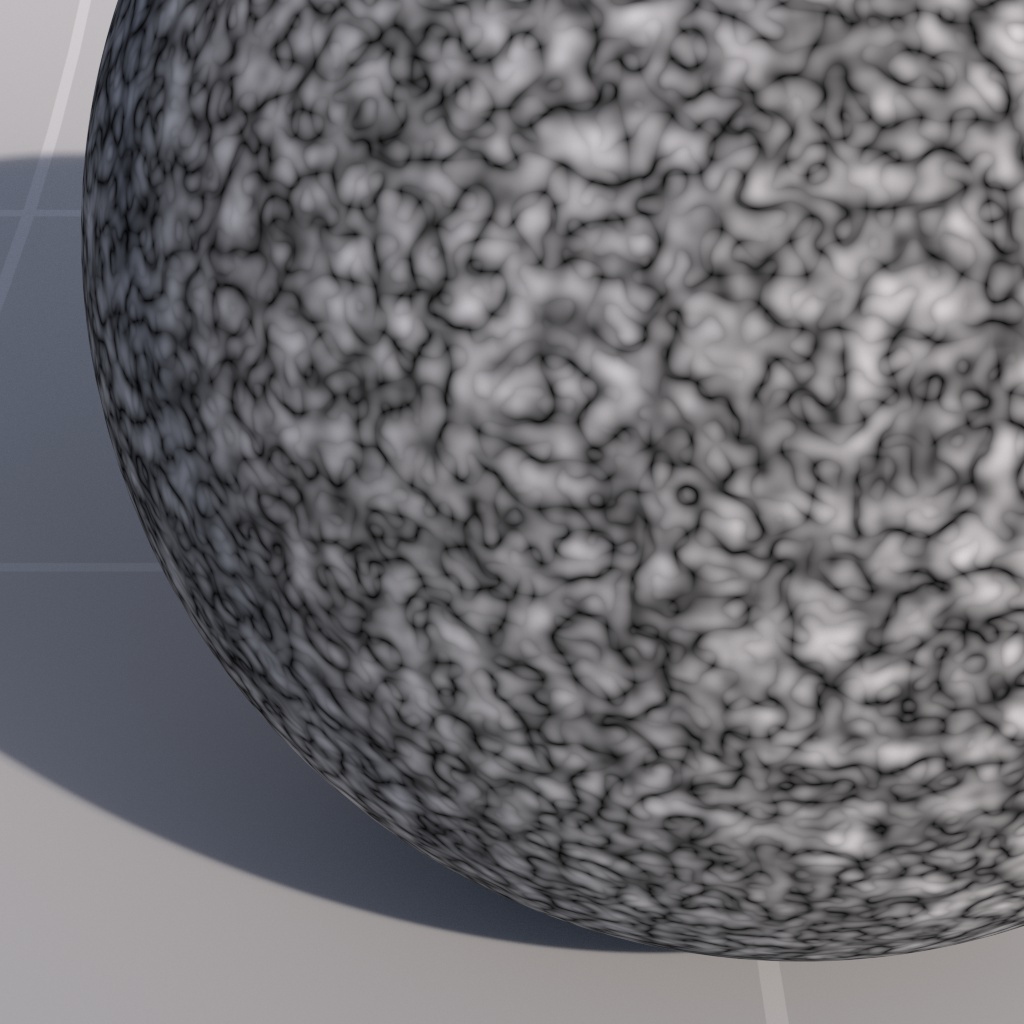
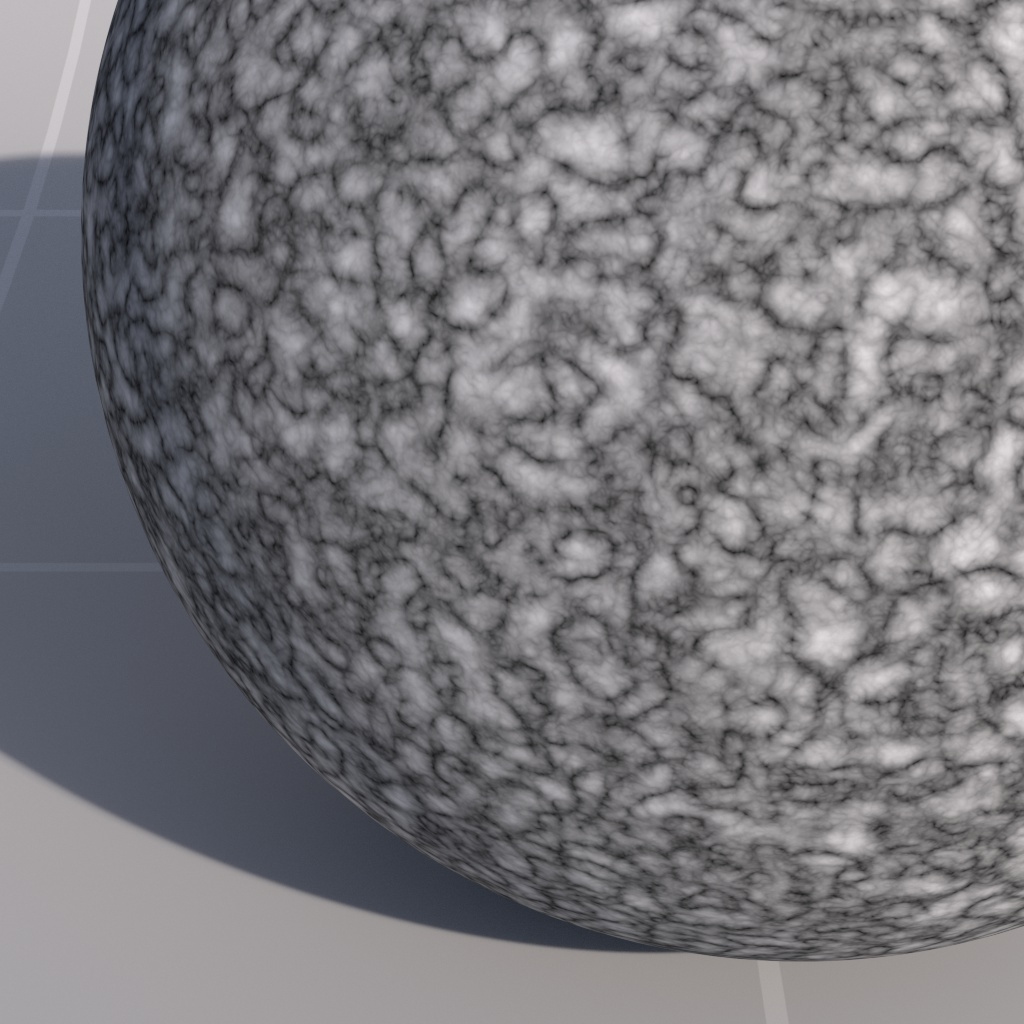
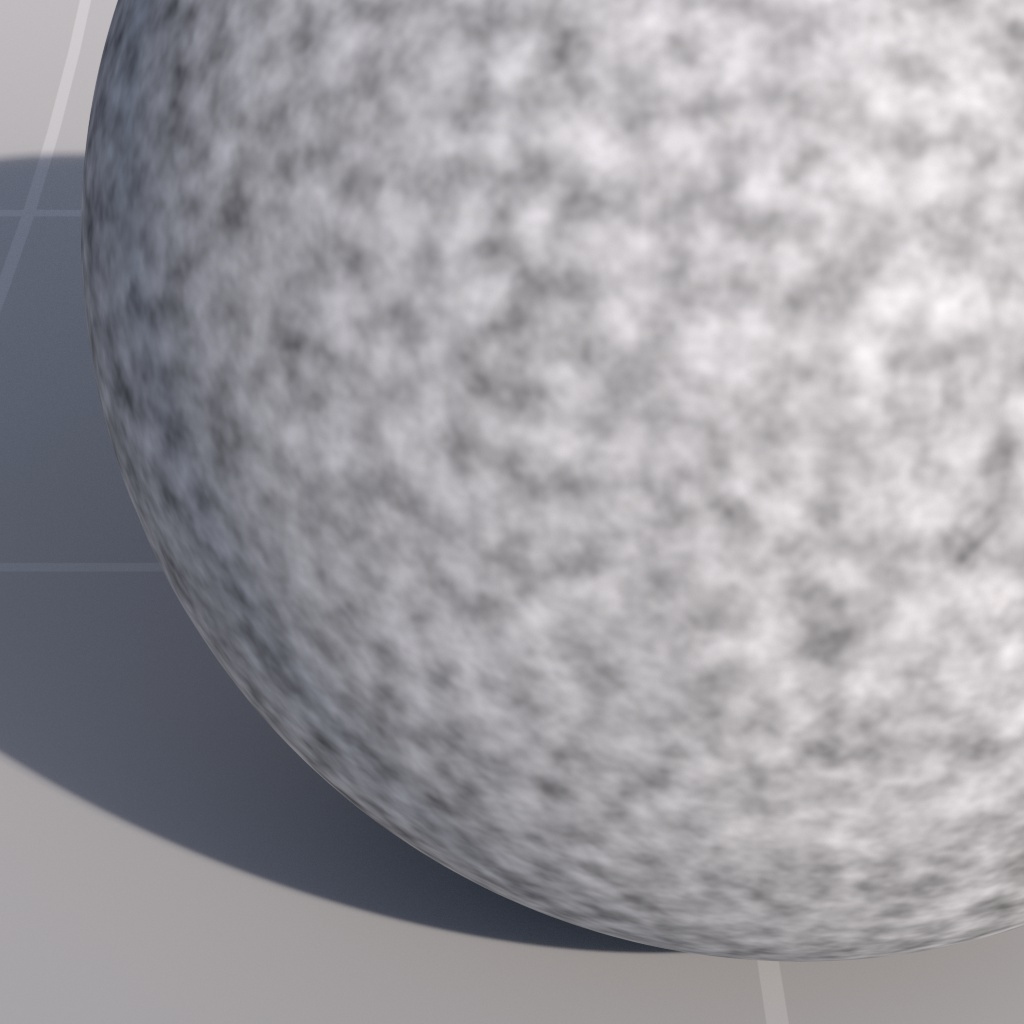
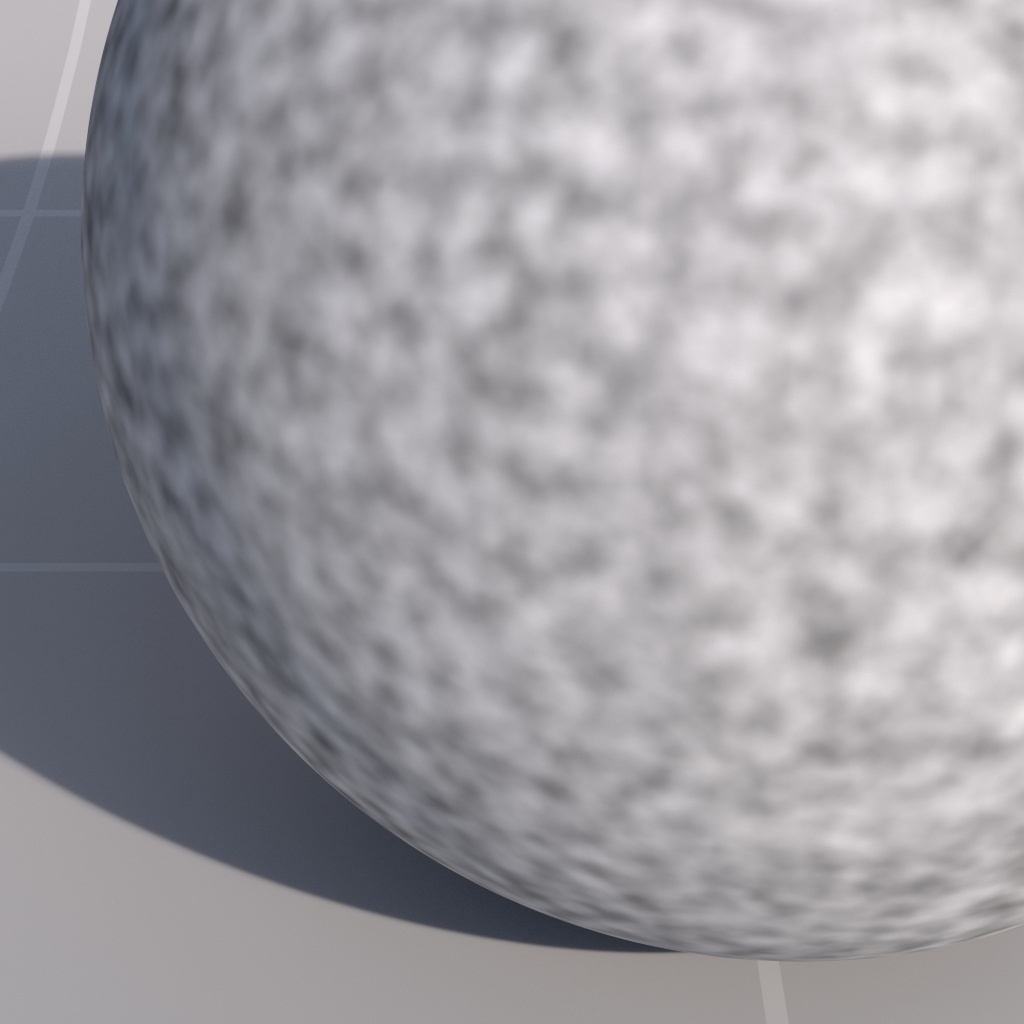
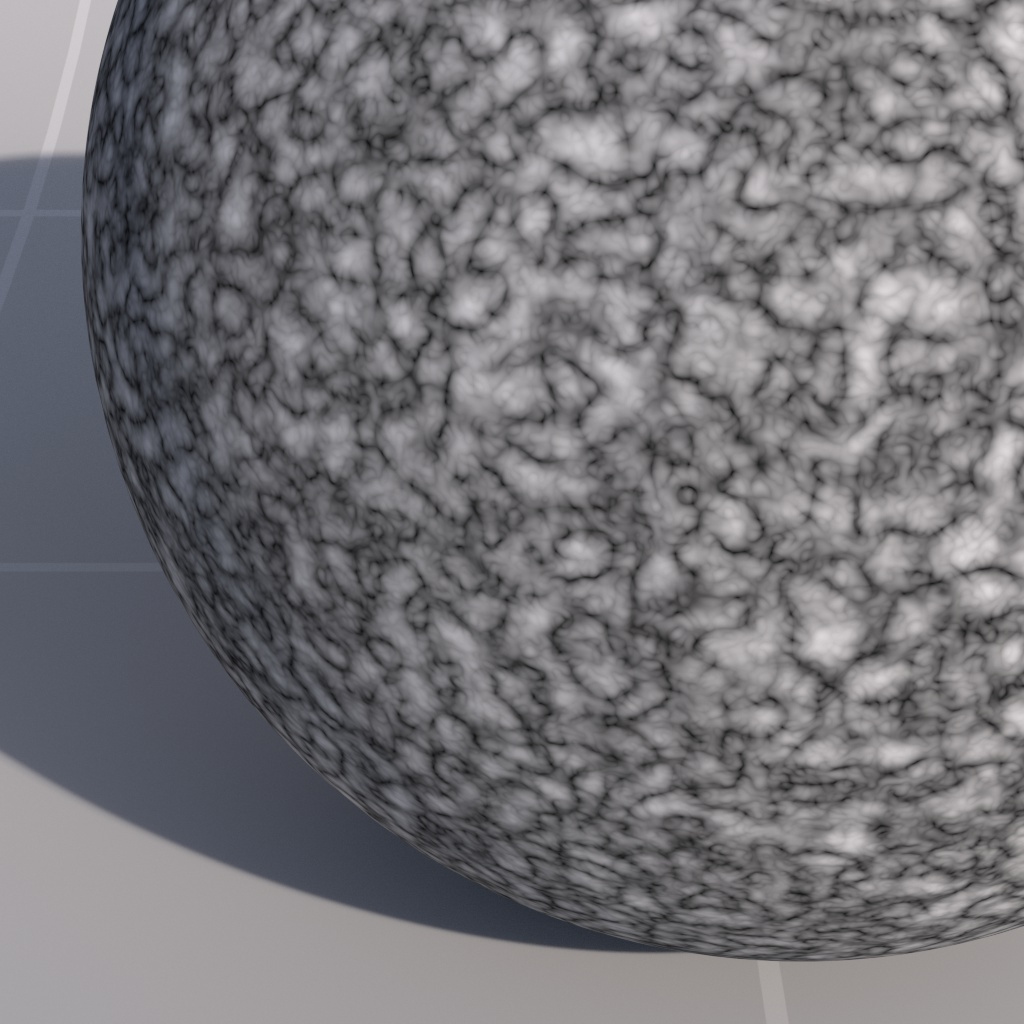
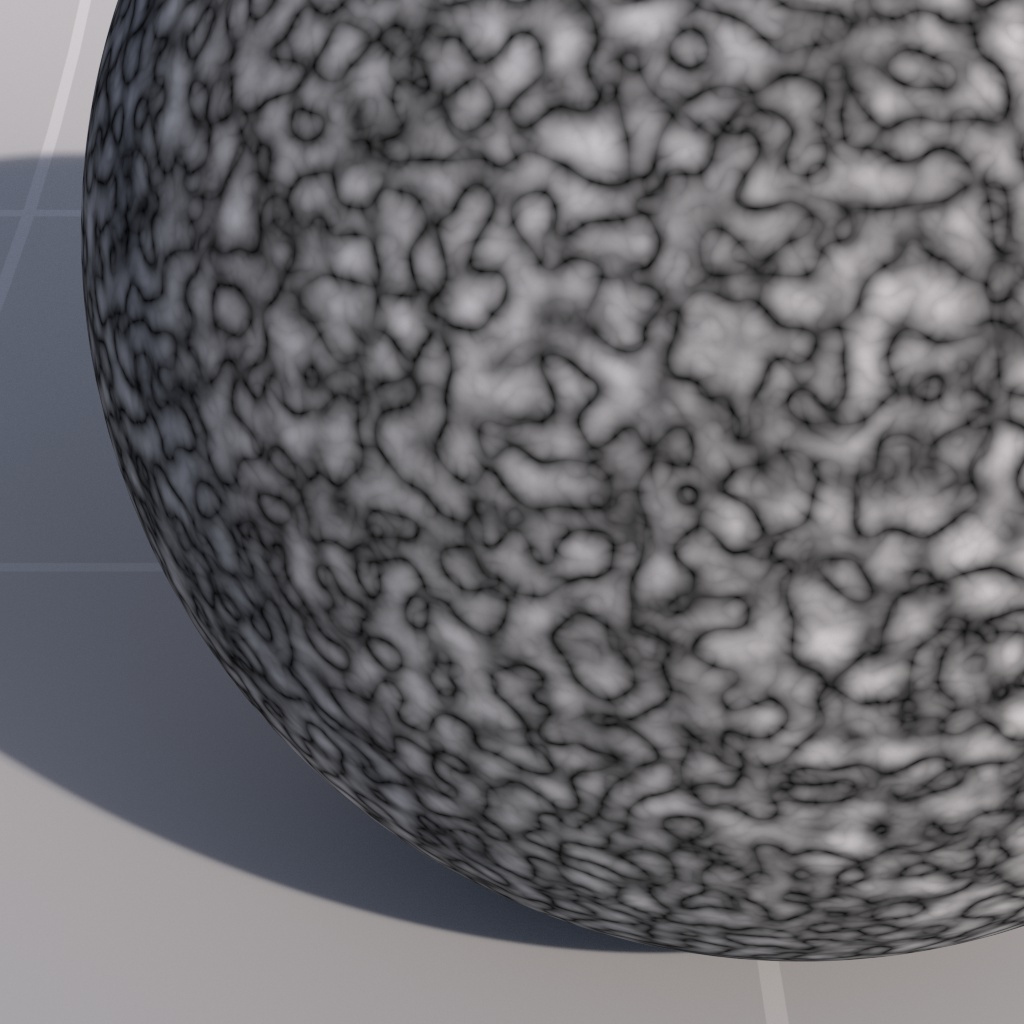
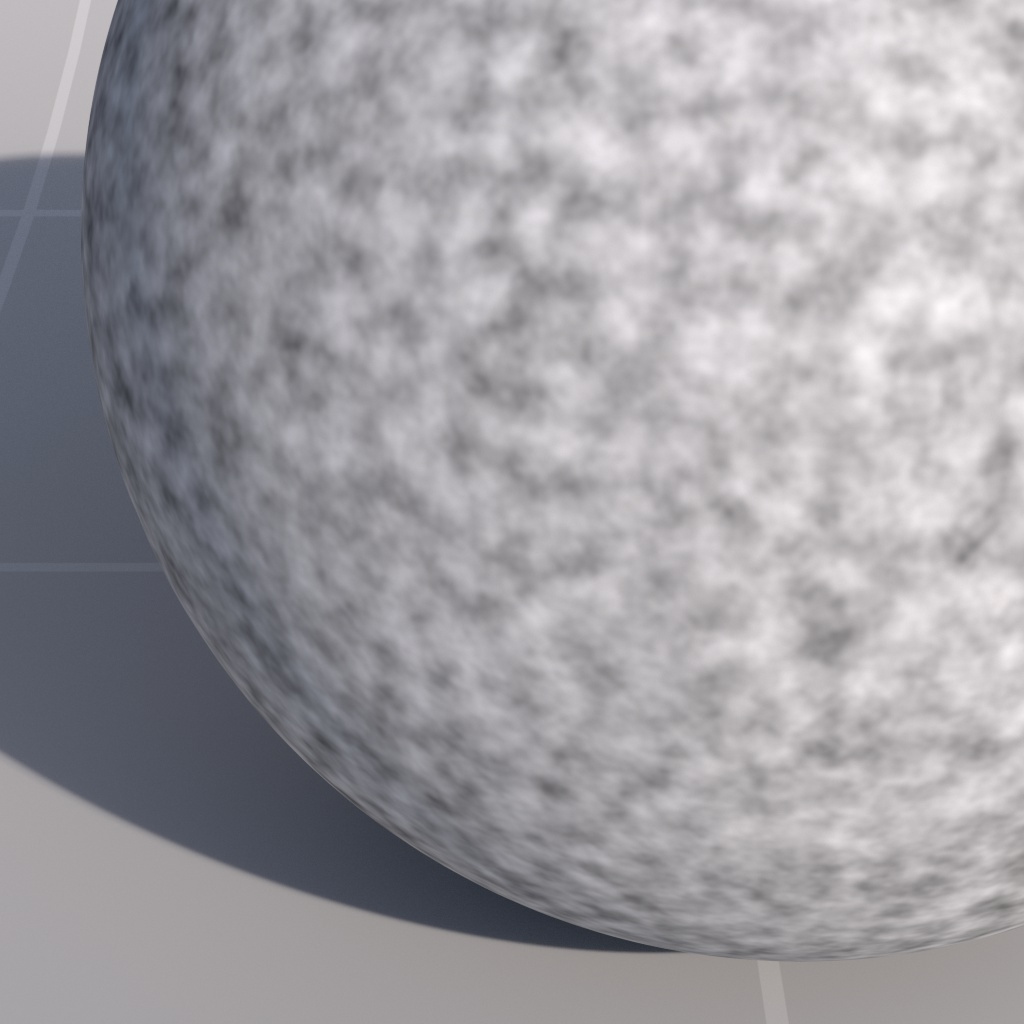
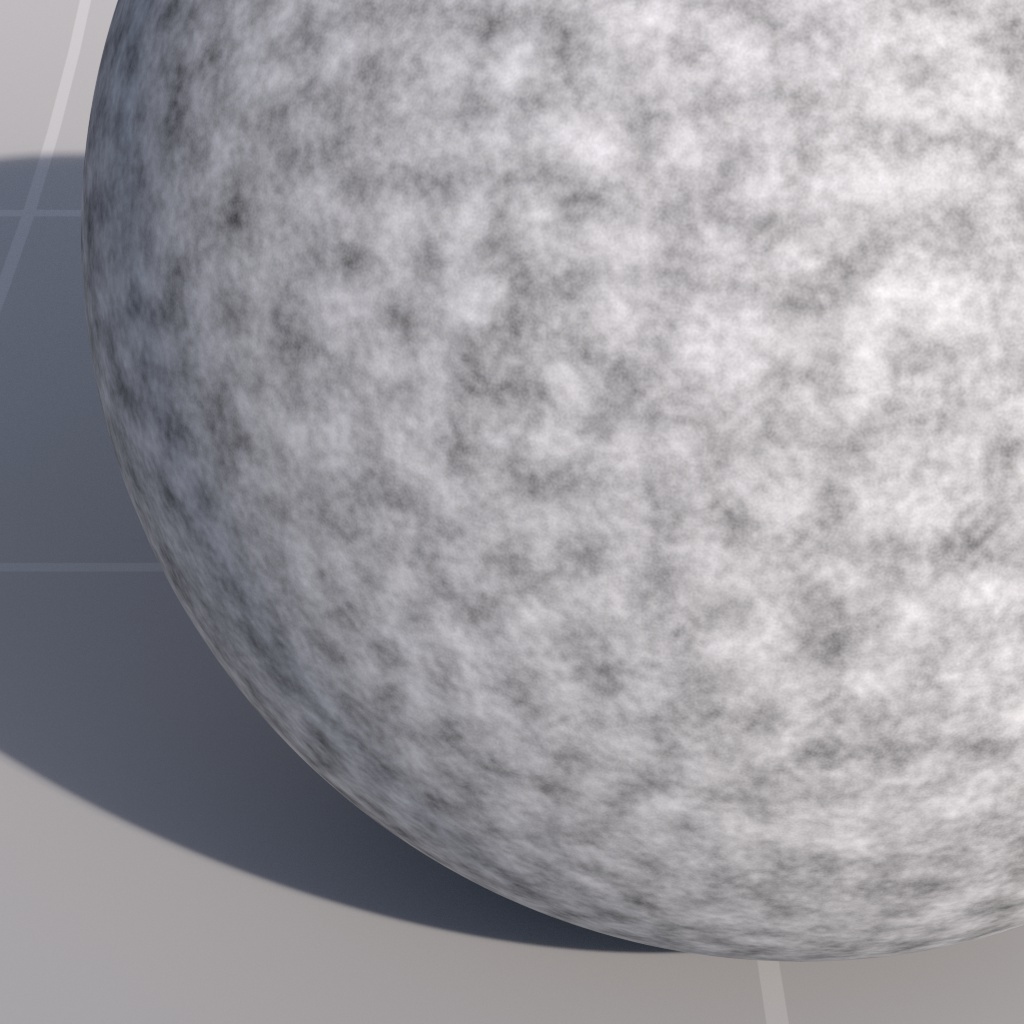
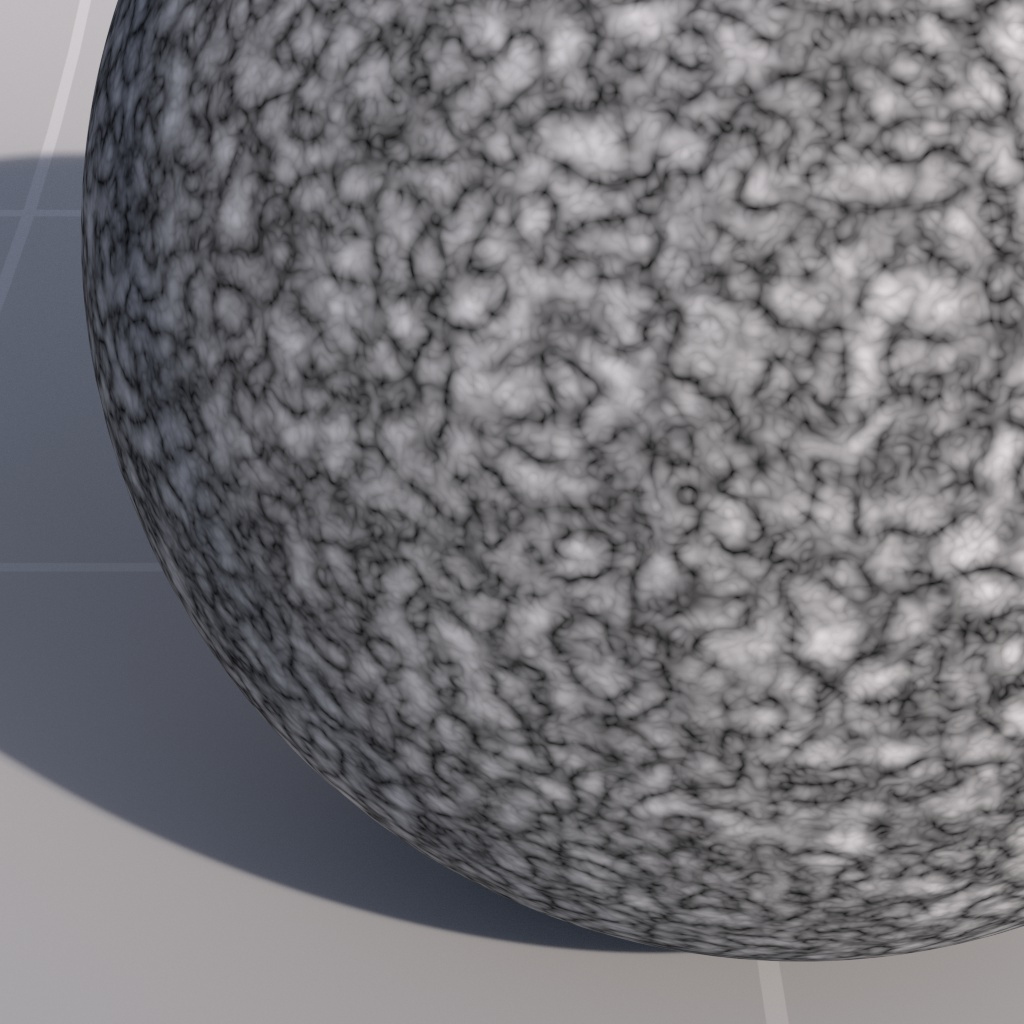
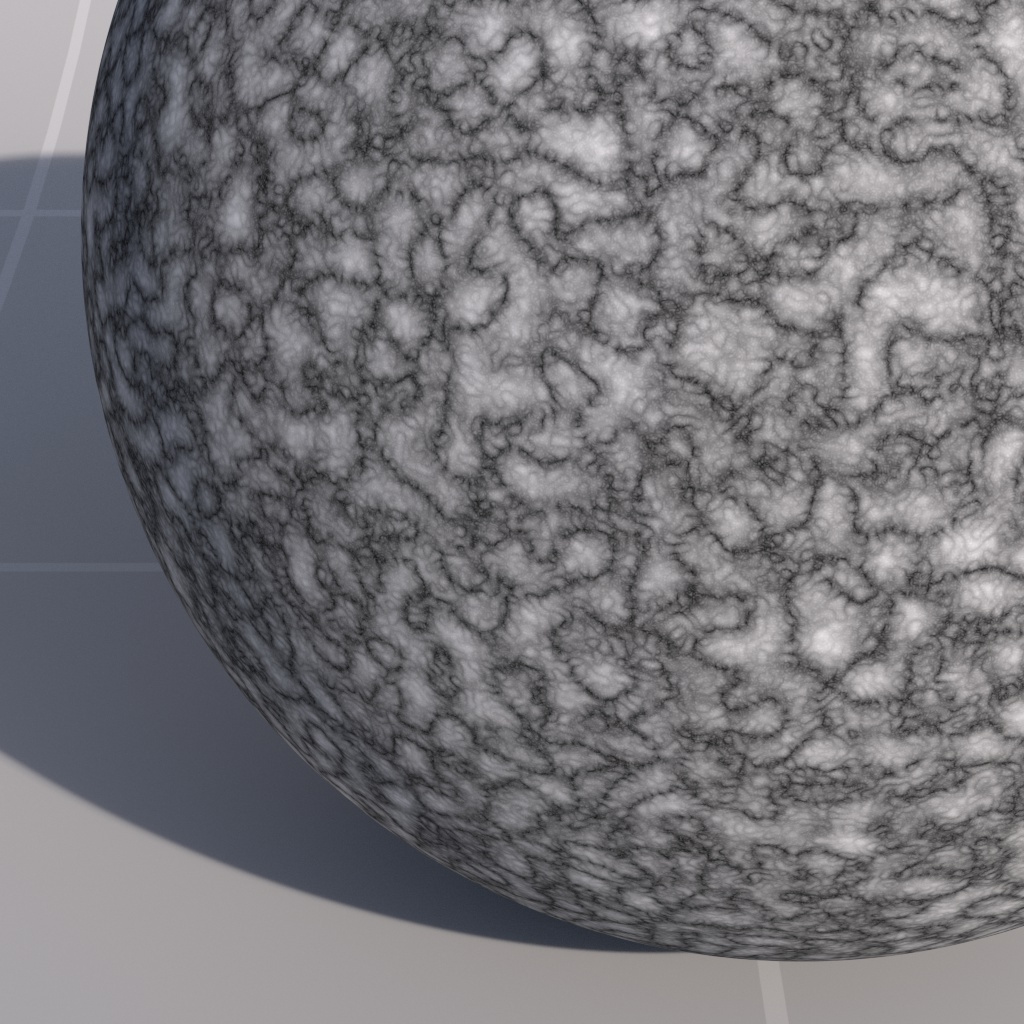
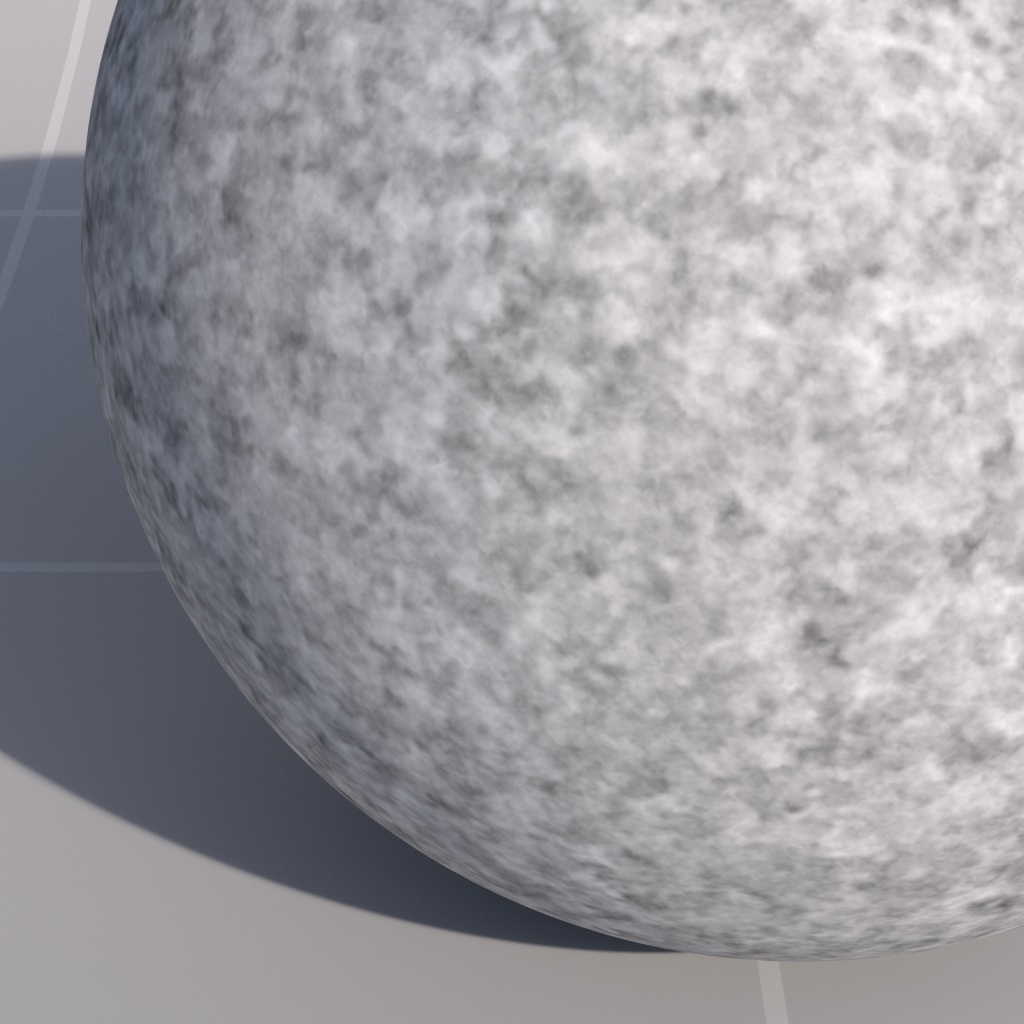
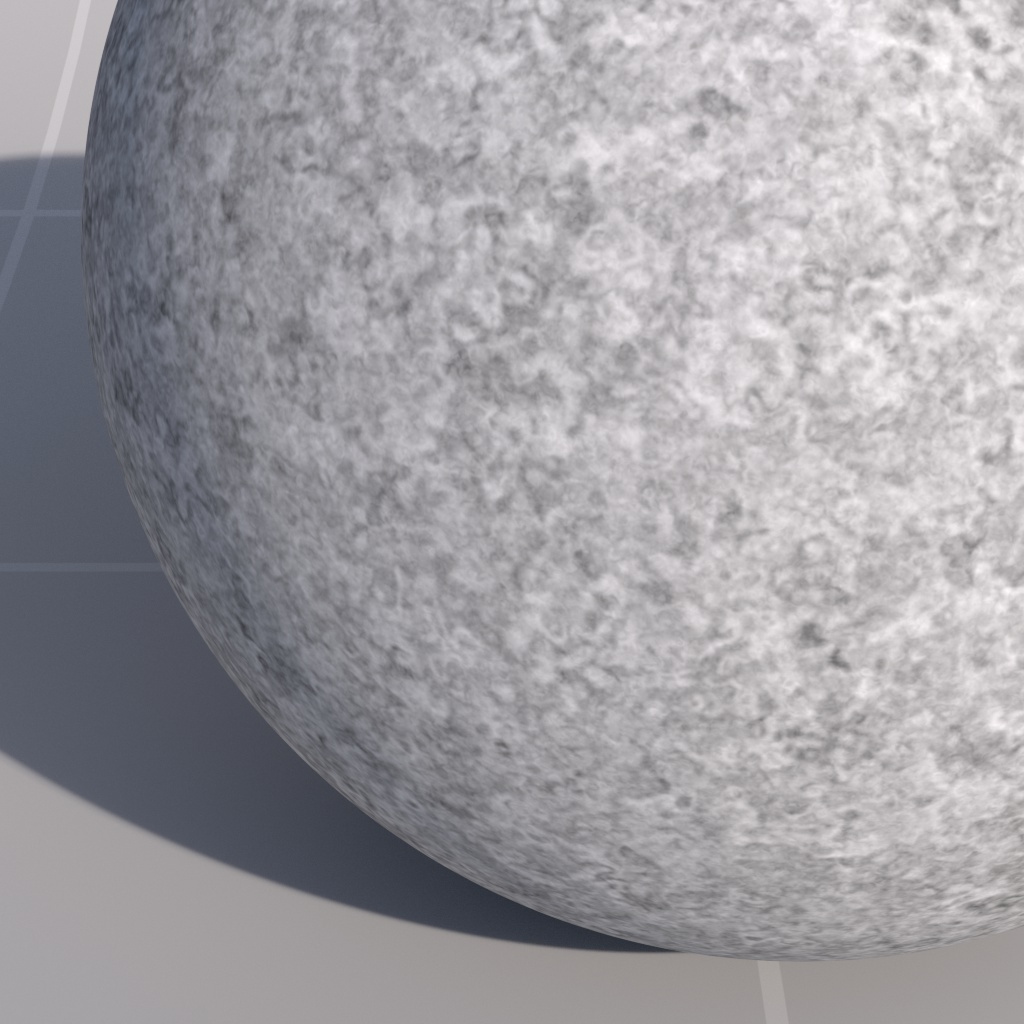
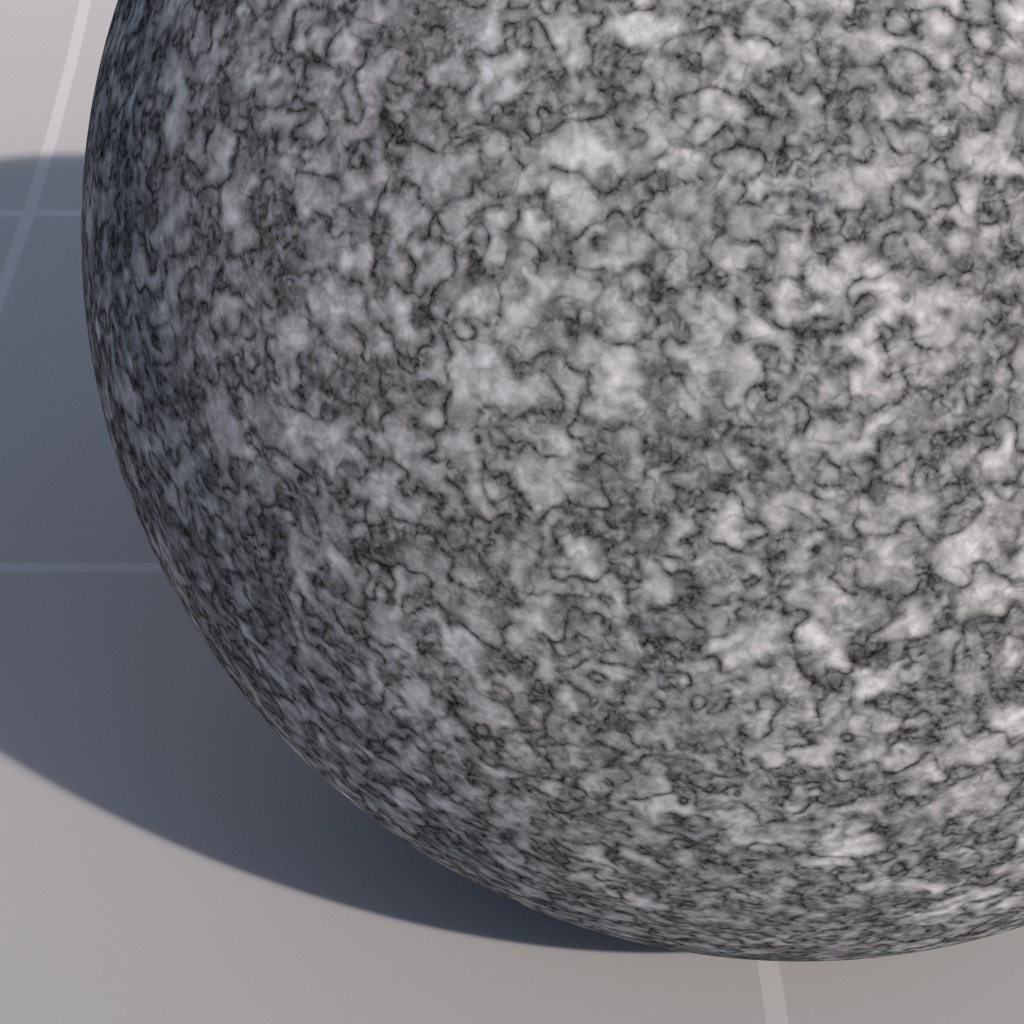
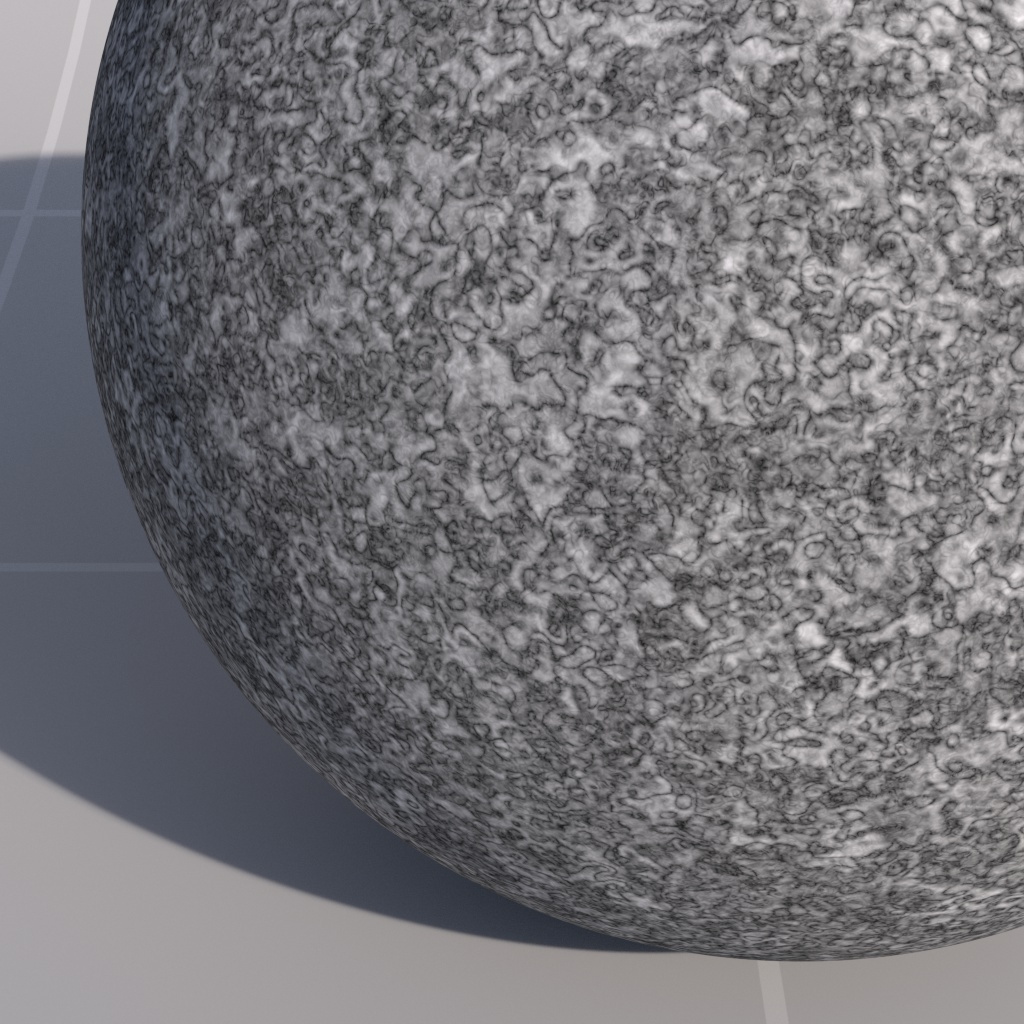
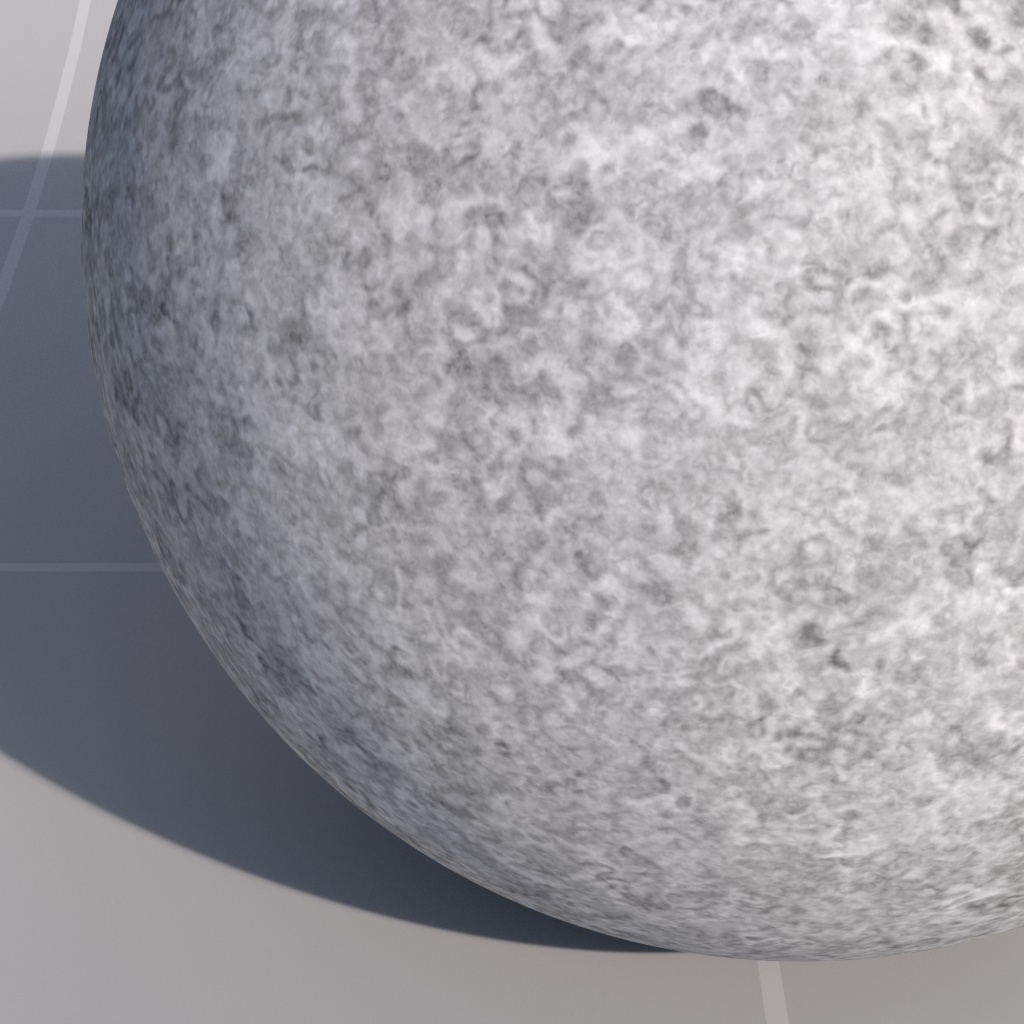
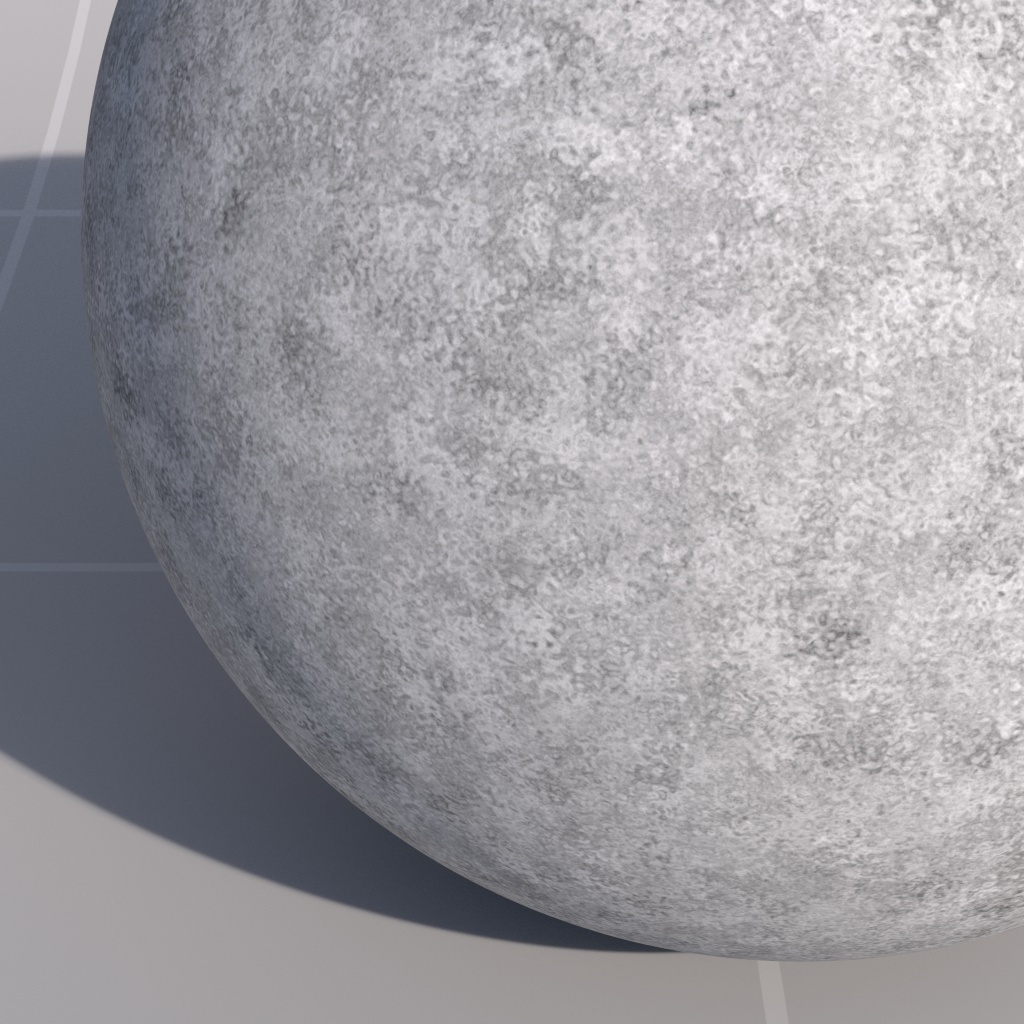
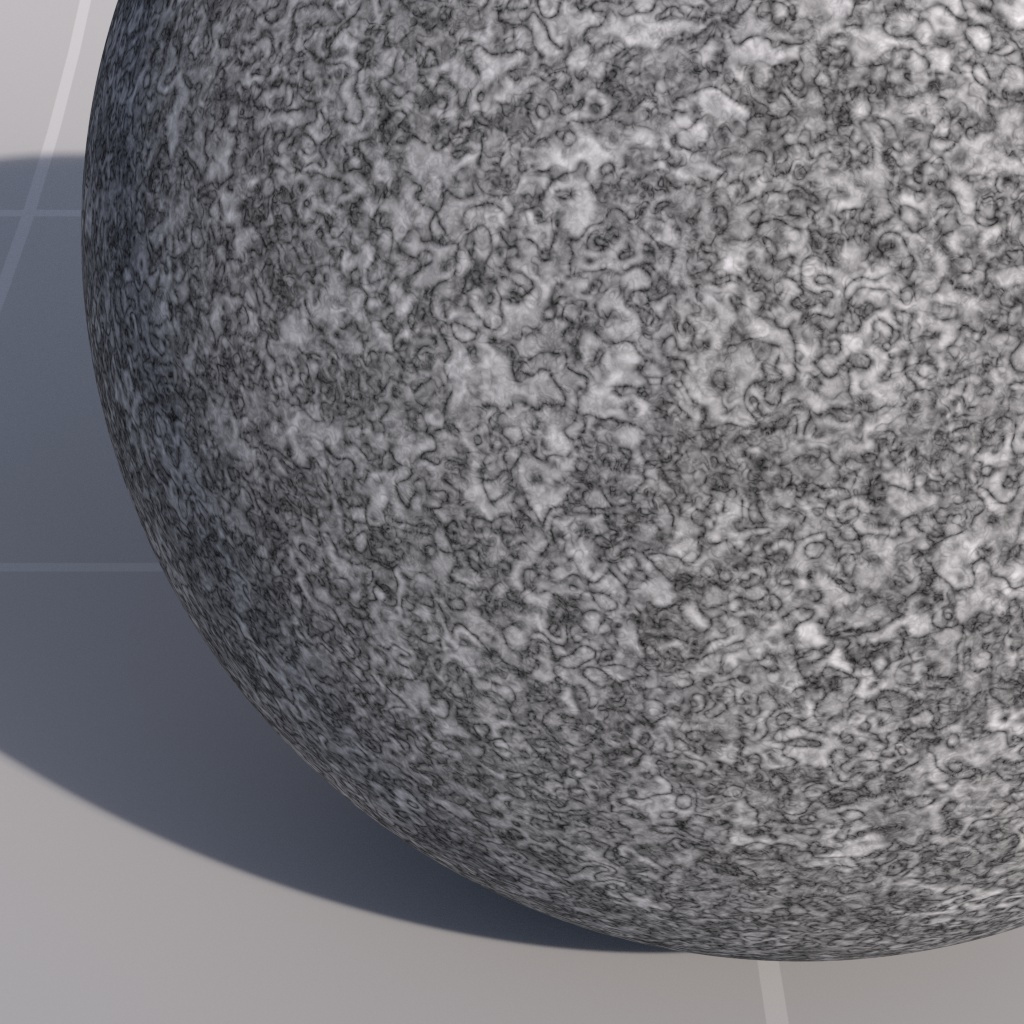
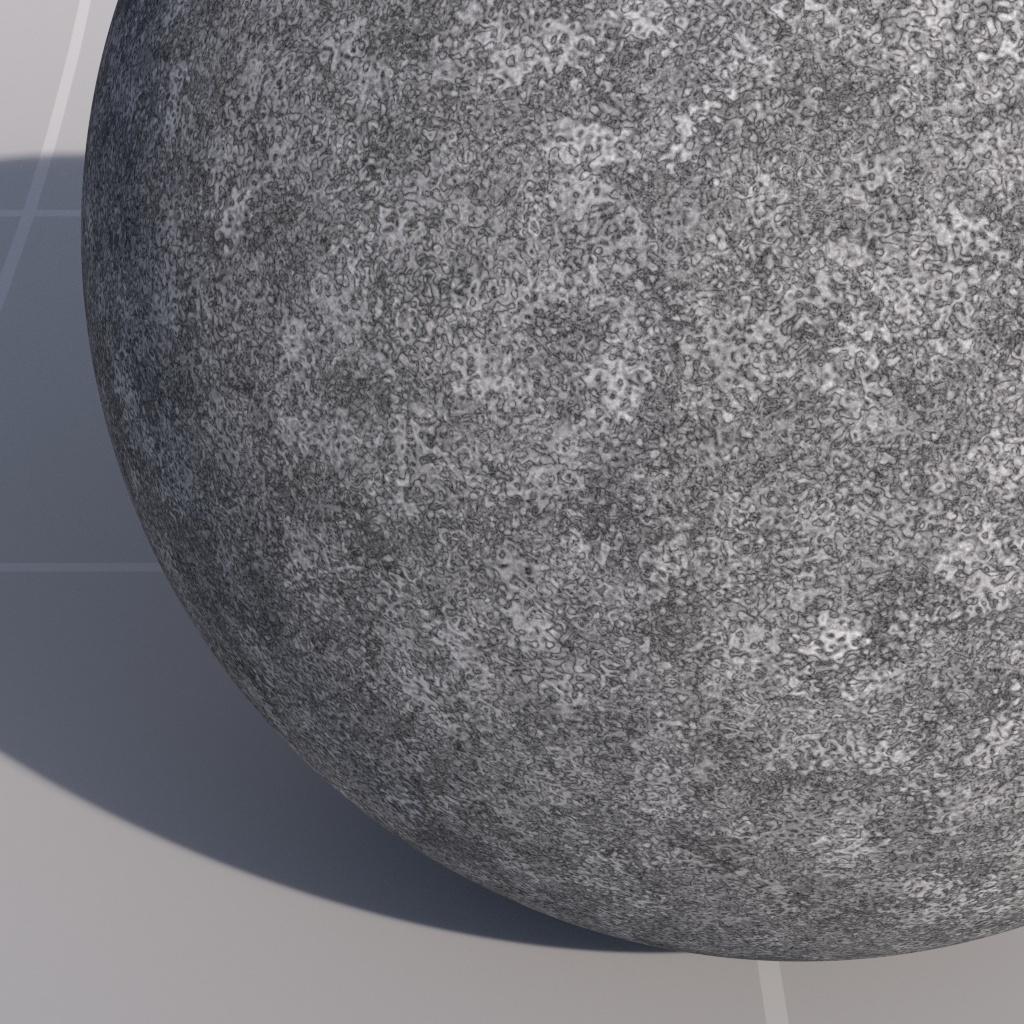
*Noise Type: Fractal* | *2* | *4* | | | | | | ![Image: rsNoise_complexity_t1988e.jpg](https://help.maxon.net/r3d/cinema/en-us/Content/Resources/Images/rsNoise_complexity_t1988e.jpg) | ![Image: rsNoise_complexity_t2a325.jpg](https://help.maxon.net/r3d/cinema/en-us/Content/Resources/Images/rsNoise_complexity_t2a325.jpg) | ![Image: rsNoise_complexity_t41b0e.jpg](https://help.maxon.net/r3d/cinema/en-us/Content/Resources/Images/rsNoise_complexity_t41b0e.jpg) | | *Complexity: 1*
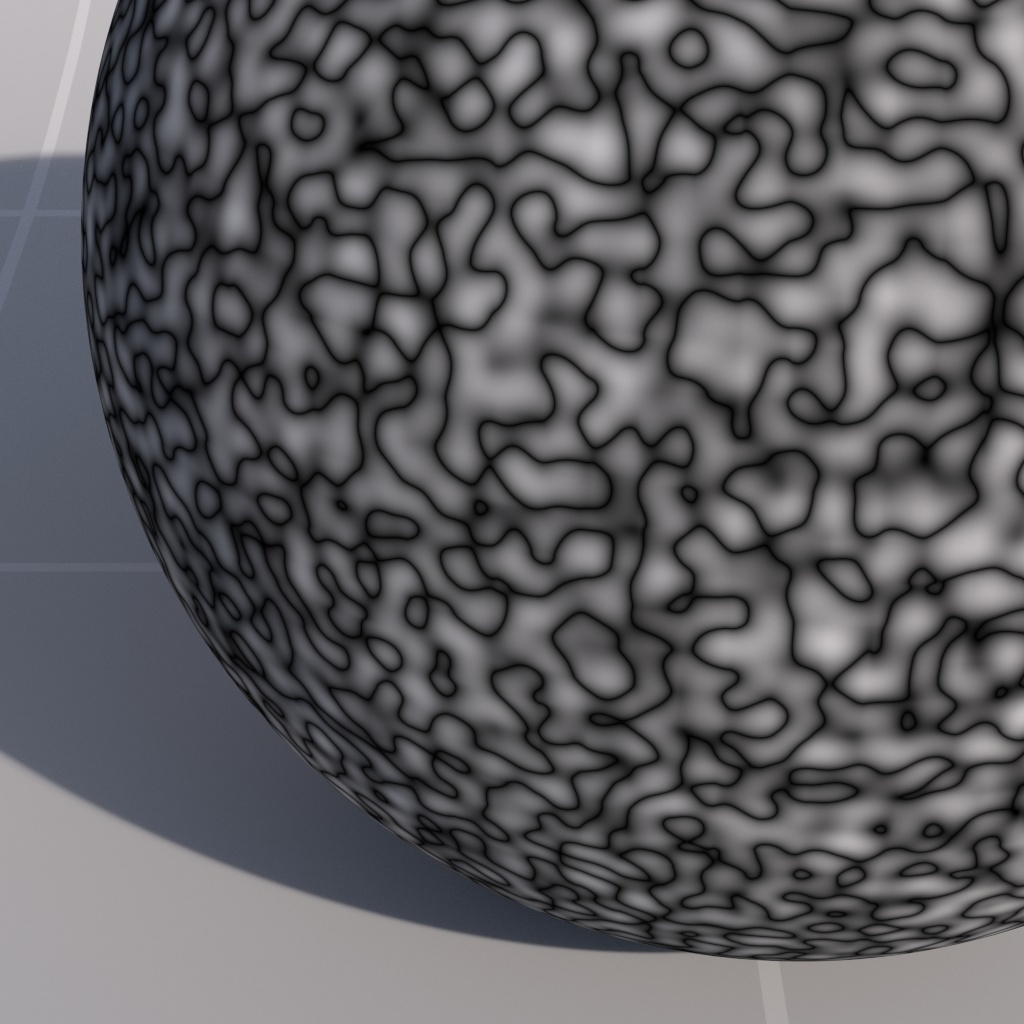
*Noise Type: Turbulence* | *2* | *4* | #### Amplitude Gain This option describes how the noise strength diminishes with each iteration. | | | | | --- | --- | --- | | ![Image: rsNoise_ampgain_f17164.jpg](https://help.maxon.net/r3d/cinema/en-us/Content/Resources/Images/rsNoise_ampgain_f17164.jpg) | ![Image: rsNoise_ampgain_f2651d.jpg](https://help.maxon.net/r3d/cinema/en-us/Content/Resources/Images/rsNoise_ampgain_f2651d.jpg) | ![Image: rsNoise_ampgain_f4d66e.jpg](https://help.maxon.net/r3d/cinema/en-us/Content/Resources/Images/rsNoise_ampgain_f4d66e.jpg) | | *Amplitude Gain: 1*
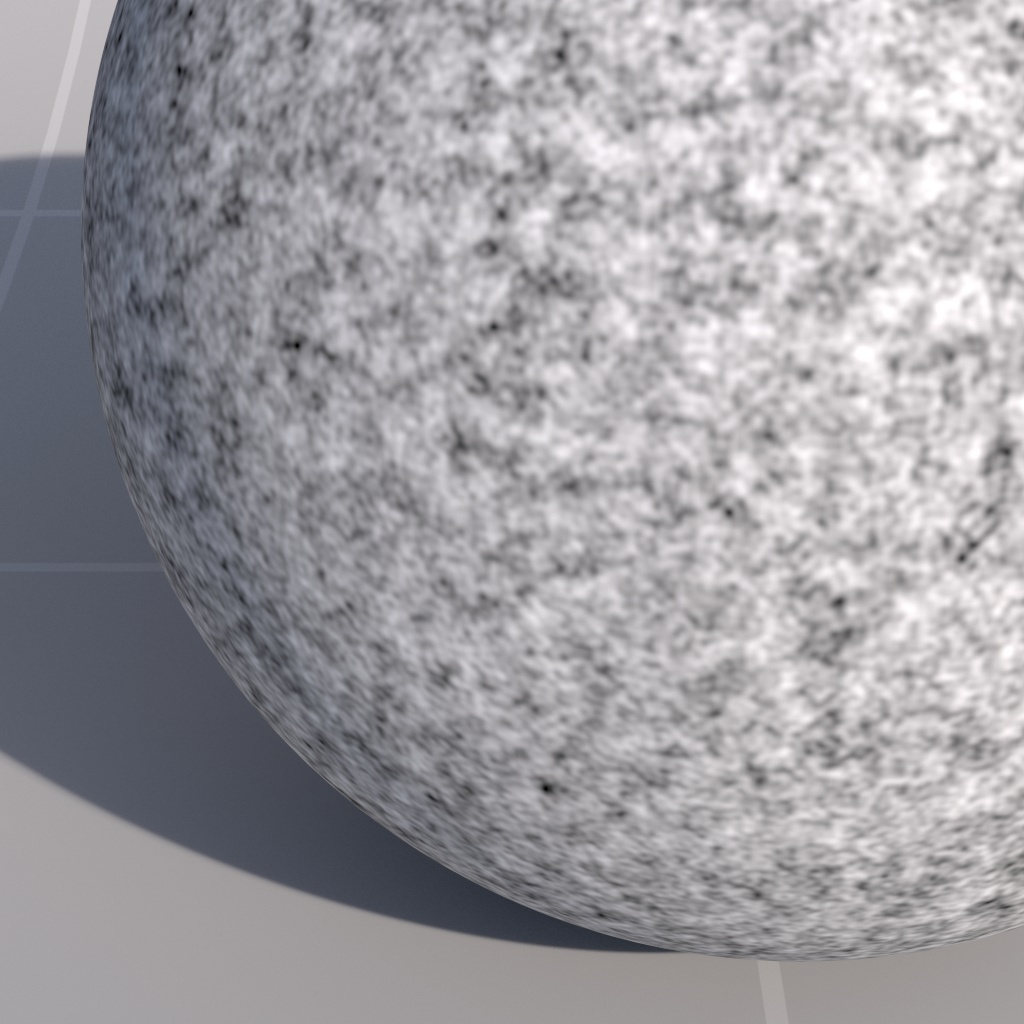
*Noise Type: Fractal* | *2* | *4* | | | | | | ![Image: rsNoise_ampgain_t168b2.jpg](https://help.maxon.net/r3d/cinema/en-us/Content/Resources/Images/rsNoise_ampgain_t168b2.jpg) | ![Image: rsNoise_ampgain_t26781.jpg](https://help.maxon.net/r3d/cinema/en-us/Content/Resources/Images/rsNoise_ampgain_t26781.jpg) | ![Image: rsNoise_ampgain_t4cb51.jpg](https://help.maxon.net/r3d/cinema/en-us/Content/Resources/Images/rsNoise_ampgain_t4cb51.jpg) | | *Amplitude Gain: 1*
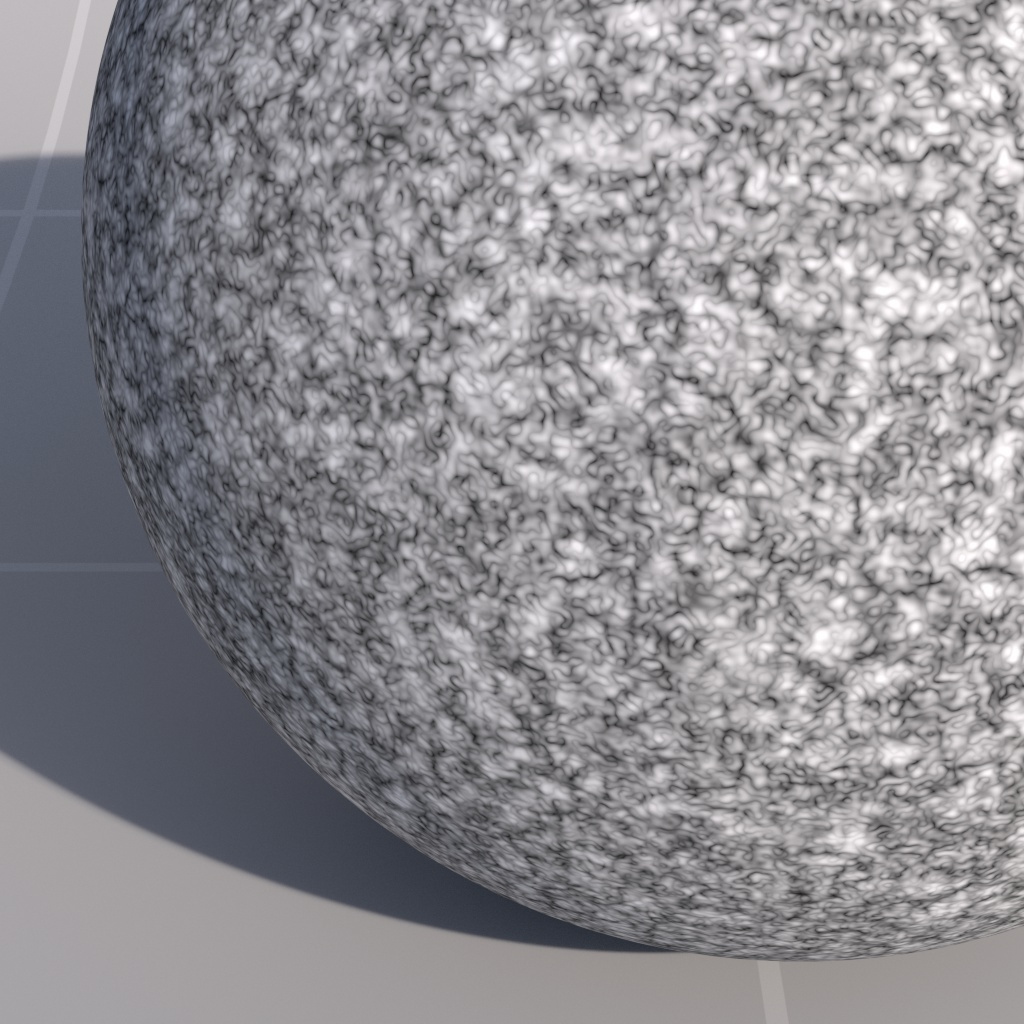
*Noise Type: Turbulence* | *2* | *4* | #### Frequency Scale This option describes how the noise frequency, or detail, increases with each iteration. Lower values result in softer looking noise. | | | | | --- | --- | --- | | ![Image: rsNoise_freqscale_f11a4e.jpg](https://help.maxon.net/r3d/cinema/en-us/Content/Resources/Images/rsNoise_freqscale_f11a4e.jpg) | ![Image: rsNoise_freqscale_f2c6bc.jpg](https://help.maxon.net/r3d/cinema/en-us/Content/Resources/Images/rsNoise_freqscale_f2c6bc.jpg) | ![Image: rsNoise_freqscale_f44372.jpg](https://help.maxon.net/r3d/cinema/en-us/Content/Resources/Images/rsNoise_freqscale_f44372.jpg) | | *Frequency Scale: 1*
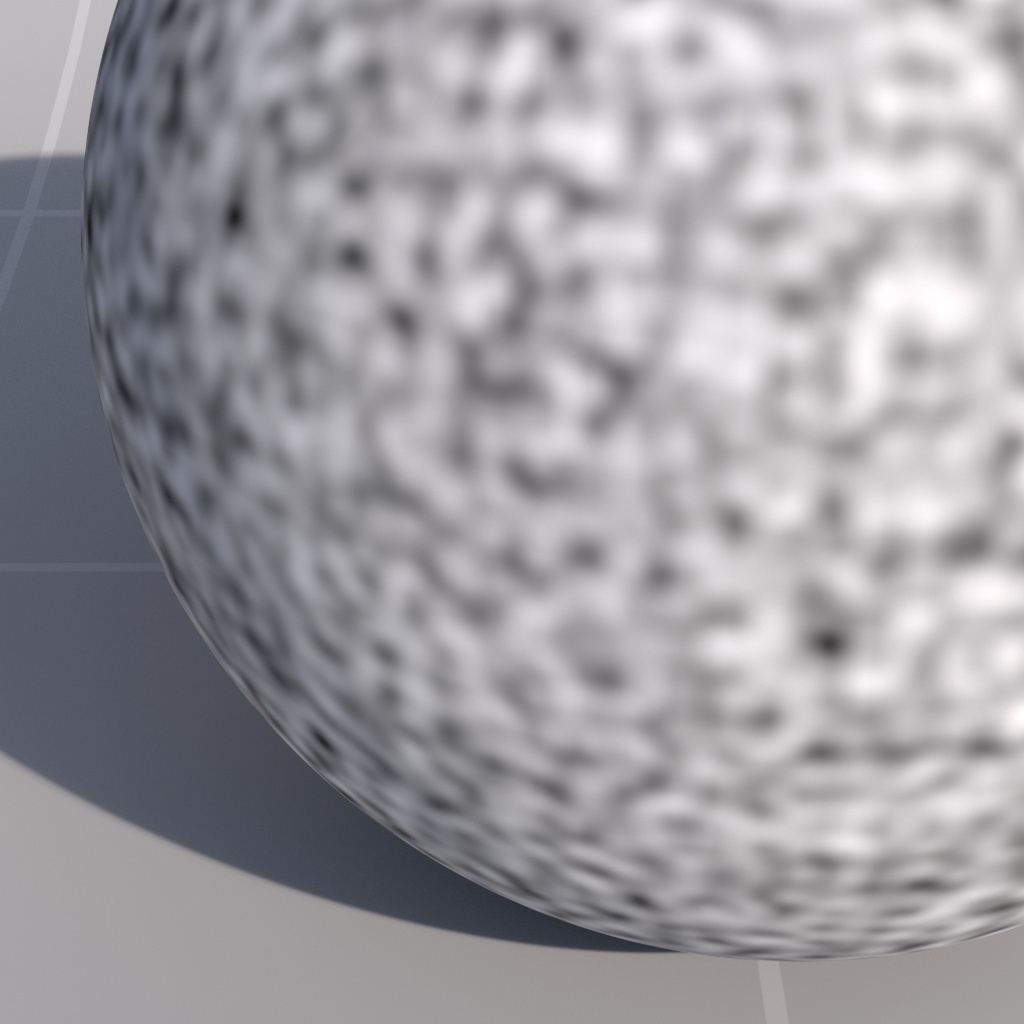
*Noise Type: Fractal* | *2* | *4* | | | | | | ![Image: rsNoise_freqscale_t132ee.jpg](https://help.maxon.net/r3d/cinema/en-us/Content/Resources/Images/rsNoise_freqscale_t132ee.jpg) | ![Image: rsNoise_freqscale_t2d4f8.jpg](https://help.maxon.net/r3d/cinema/en-us/Content/Resources/Images/rsNoise_freqscale_t2d4f8.jpg) | ![Image: rsNoise_freqscale_t432a1.jpg](https://help.maxon.net/r3d/cinema/en-us/Content/Resources/Images/rsNoise_freqscale_t432a1.jpg) | | *Frequency Scale: 1*
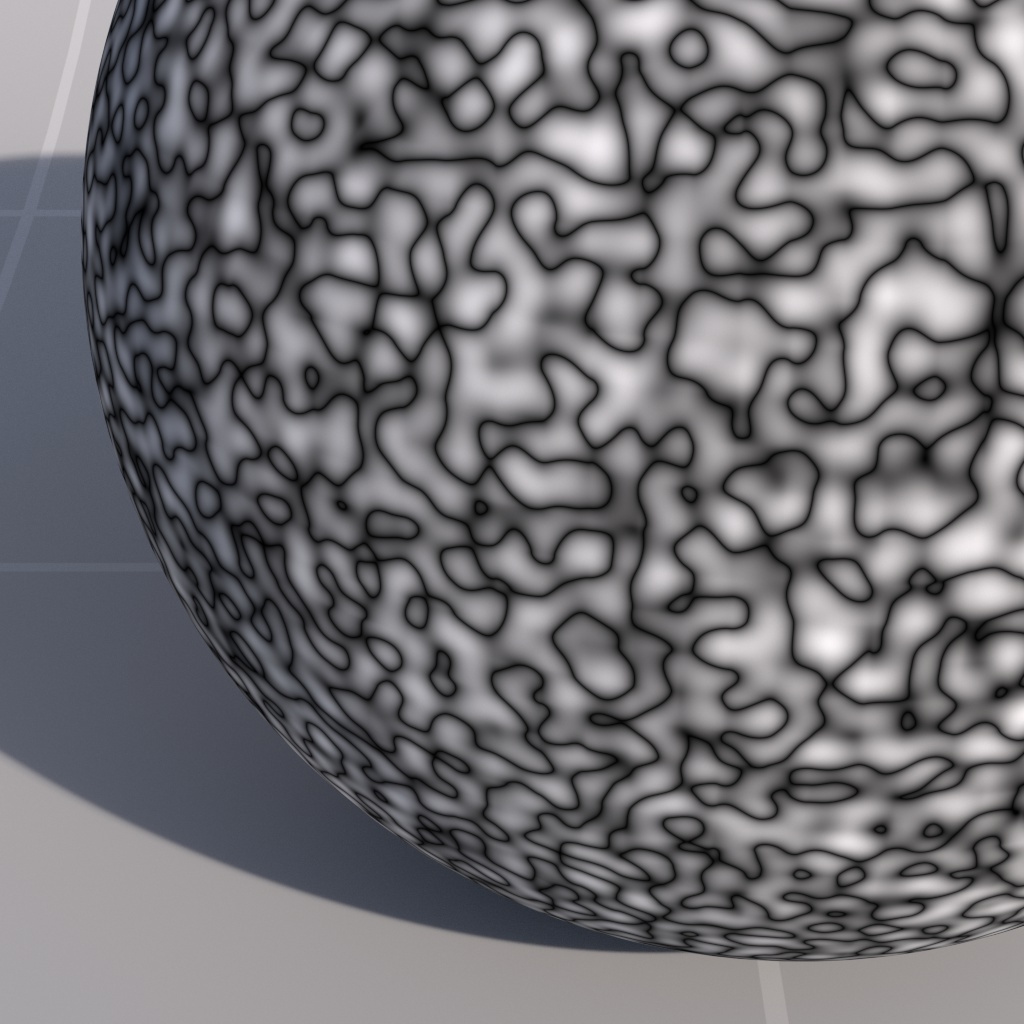
*Noise Type: Turbulence* | *2* | *4* | #### Distortion Controls the amount of distortion applied to the coordinates that define the noise seeds, to create plasma-style effects. > **Note:** Distortion is used in conjunction with Distortion Scale, Distortion Scale must be set to a value other than 0 in order for it to have any effect. | | | | | --- | --- | --- | | ![Image: rsNoise_distortion_f069b7.jpg](https://help.maxon.net/r3d/cinema/en-us/Content/Resources/Images/rsNoise_distortion_f069b7.jpg) | ![Image: rsNoise_distortion_f13333.jpg](https://help.maxon.net/r3d/cinema/en-us/Content/Resources/Images/rsNoise_distortion_f13333.jpg) | ![Image: rsNoise_distortion_f2a8ff.jpg](https://help.maxon.net/r3d/cinema/en-us/Content/Resources/Images/rsNoise_distortion_f2a8ff.jpg) | | *Distortion: 0*
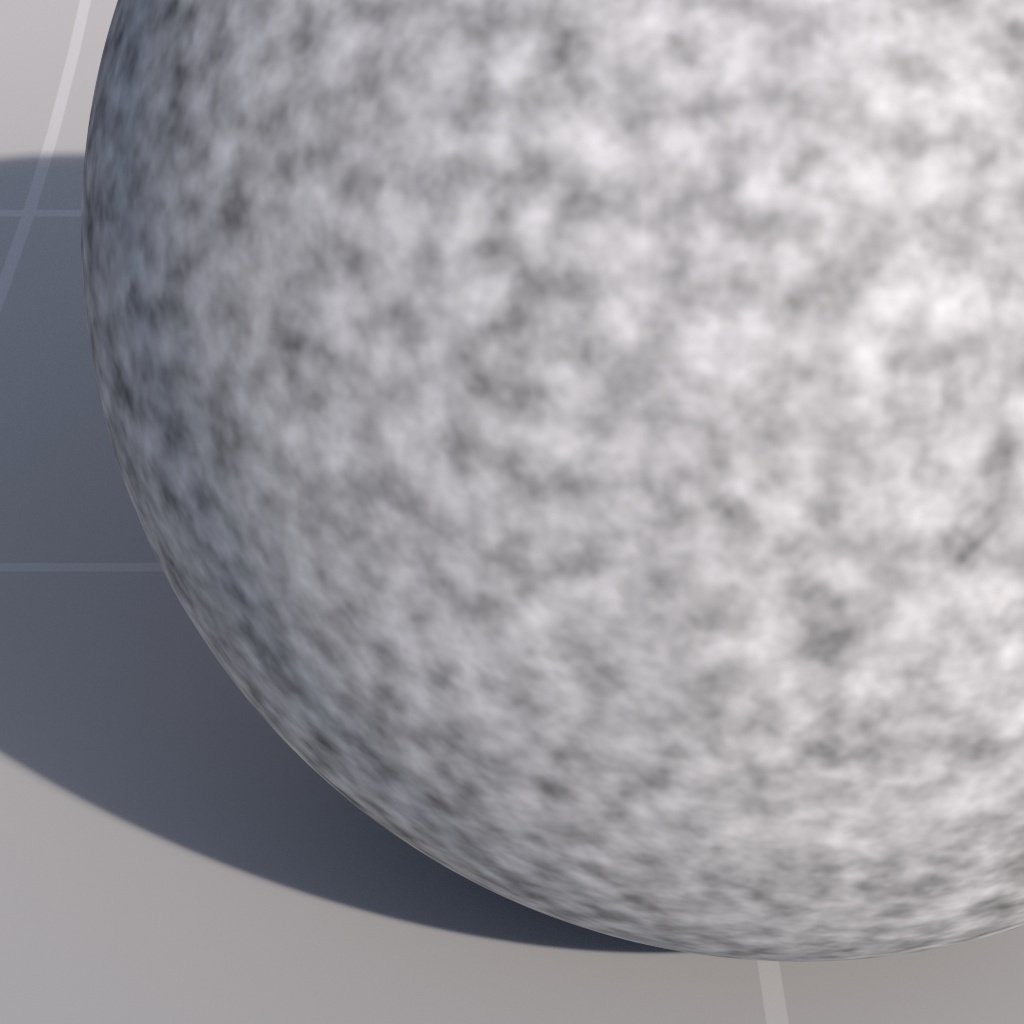
*Distortion Scale: 2*
*Noise Type: Fractal* | *1* | *2* | | | | | | ![Image: rsNoise_distortion_t0f262.jpg](https://help.maxon.net/r3d/cinema/en-us/Content/Resources/Images/rsNoise_distortion_t0f262.jpg) | ![Image: rsNoise_distortion_t1065e.jpg](https://help.maxon.net/r3d/cinema/en-us/Content/Resources/Images/rsNoise_distortion_t1065e.jpg) | ![Image: rsNoise_distortion_t20555.jpg](https://help.maxon.net/r3d/cinema/en-us/Content/Resources/Images/rsNoise_distortion_t20555.jpg) | | *Distortion: 0*
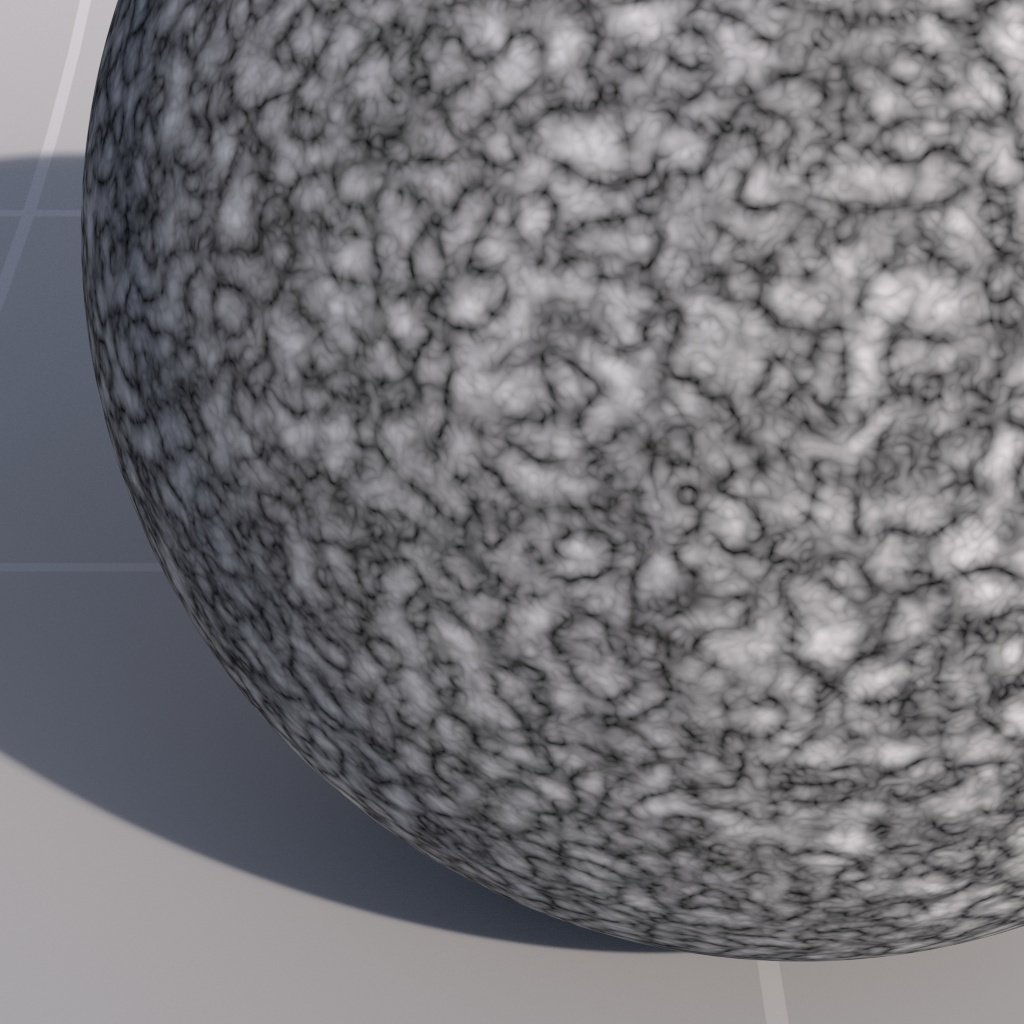
*Distortion Scale: 2*
*Noise Type: Turbulence* | *1* | *2* | #### Distortion Scale Controls the amount of distortion plasma effect. | | | | | --- | --- | --- | | ![Image: rsNoise_distscale_f043a7.jpg](https://help.maxon.net/r3d/cinema/en-us/Content/Resources/Images/rsNoise_distscale_f043a7.jpg) | ![Image: rsNoise_distscale_f2ef03.jpg](https://help.maxon.net/r3d/cinema/en-us/Content/Resources/Images/rsNoise_distscale_f2ef03.jpg) | ![Image: rsNoise_distscale_f50699.jpg](https://help.maxon.net/r3d/cinema/en-us/Content/Resources/Images/rsNoise_distscale_f50699.jpg) | | *Distortion Scale: 0*
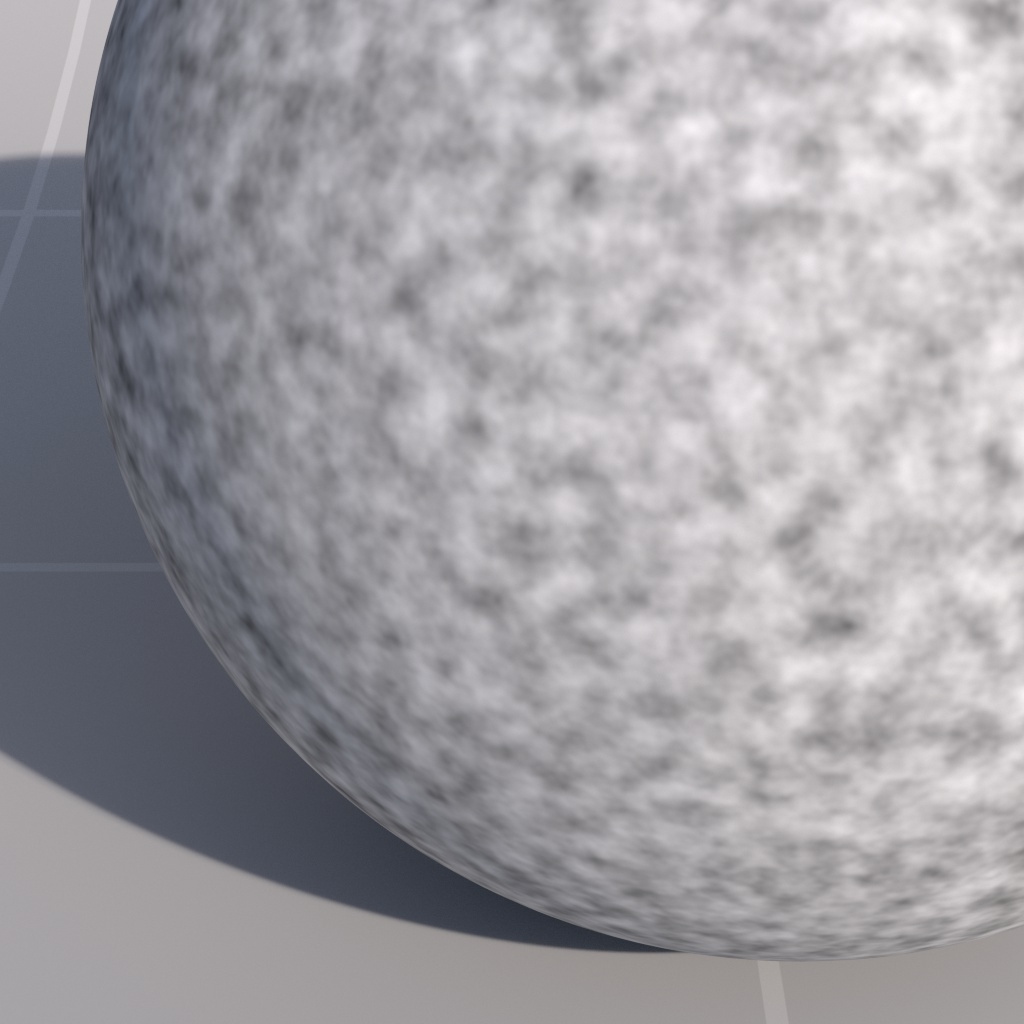
*Distortion: 2*
*Noise Type: Fractal* | *2* | *5* | | | | | | ![Image: rsNoise_distscale_t0d57d.jpg](https://help.maxon.net/r3d/cinema/en-us/Content/Resources/Images/rsNoise_distscale_t0d57d.jpg) | ![Image: rsNoise_distscale_t2d536.jpg](https://help.maxon.net/r3d/cinema/en-us/Content/Resources/Images/rsNoise_distscale_t2d536.jpg) | ![Image: rsNoise_distscale_t593e8.jpg](https://help.maxon.net/r3d/cinema/en-us/Content/Resources/Images/rsNoise_distscale_t593e8.jpg) | | *Distortion Scale: 0*
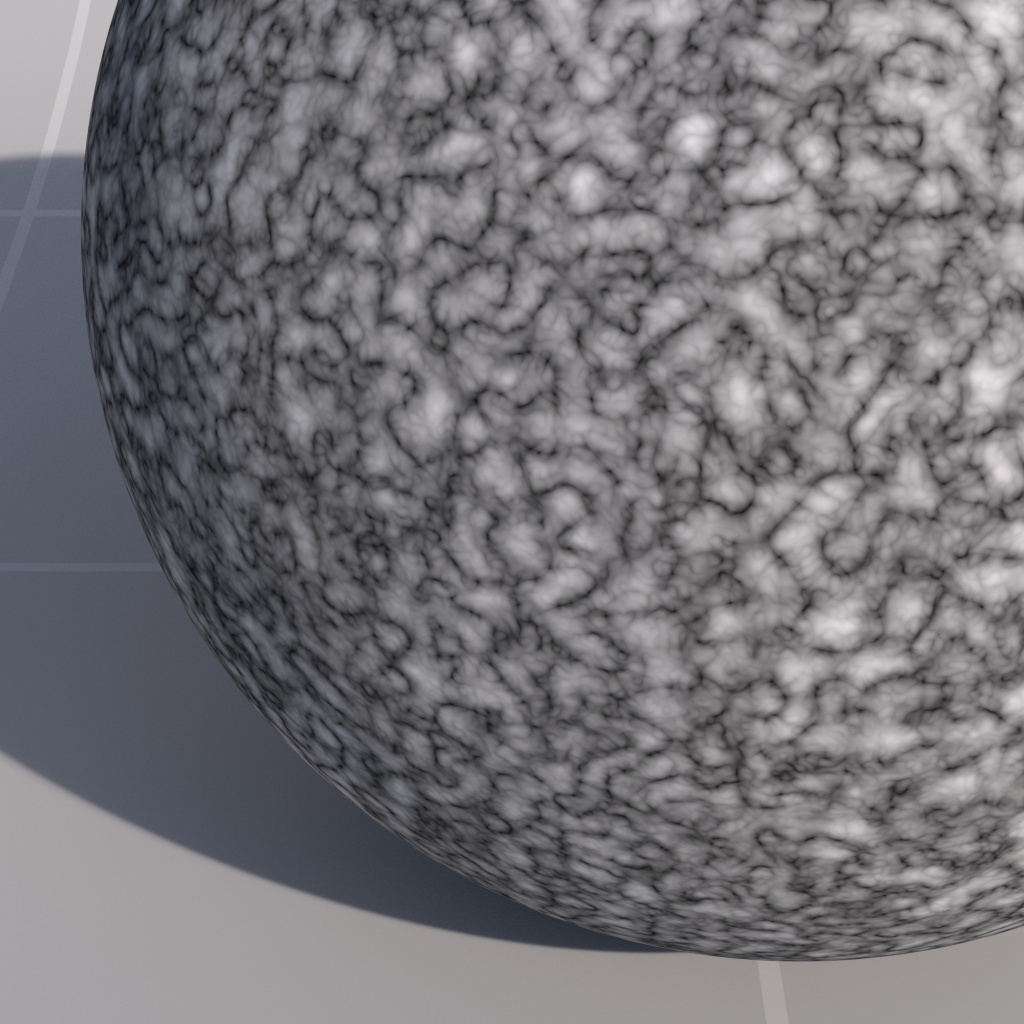
*Distortion: 2*
*Noise Type: Turbulence* | *2* | *5* | ### Time > **Important:** The options below apply to 'Fractal' and 'Turbulence' Noise Types *only*. #### Source Allows you to control how the noise is affected over time. The options are as follows: - None - time is not factored in to the noise computation - Constant - the current frame time is used to bias the noise computation - User - a user-defined time is used to bias the noise computation #### Consant Scale This is a scale that is applied to the current frame time. Only applicable when Source is set to 'Constant'. #### User Time This is a user-defined time value. Only applicable when Source is set to 'User'. ![Image: C4D_Noise_Node_Coord.png](https://help.maxon.net/r3d/cinema/en-us/Content/Resources/Images/C4D_Noise_Node_Coord.png) ## Coordinates This tab allows you to control the seeds for the noise, which is generated from the coordinates of the surface that is being shaded. ### General #### Overall Scale This is an overall scale applied to the coordinates of the surface that is being shaded, with larger values resulting in 'smaller' noise and smaller values resulting in 'bigger' noise. | | | | | --- | --- | --- | | ![Image: rsNoise_oscale_f5609c.jpg](https://help.maxon.net/r3d/cinema/en-us/Content/Resources/Images/rsNoise_oscale_f5609c.jpg) | ![Image: rsNoise_oscale_f20eaec.jpg](https://help.maxon.net/r3d/cinema/en-us/Content/Resources/Images/rsNoise_oscale_f20eaec.jpg) | ![Image: rsNoise_oscale_f5039e5.jpg](https://help.maxon.net/r3d/cinema/en-us/Content/Resources/Images/rsNoise_oscale_f5039e5.jpg) | | *Overall Scale: 5*
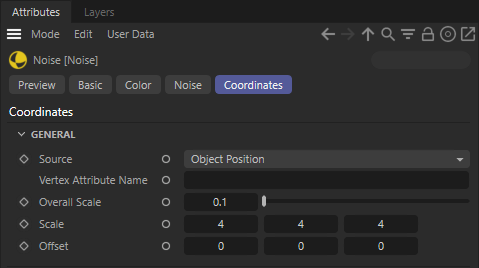
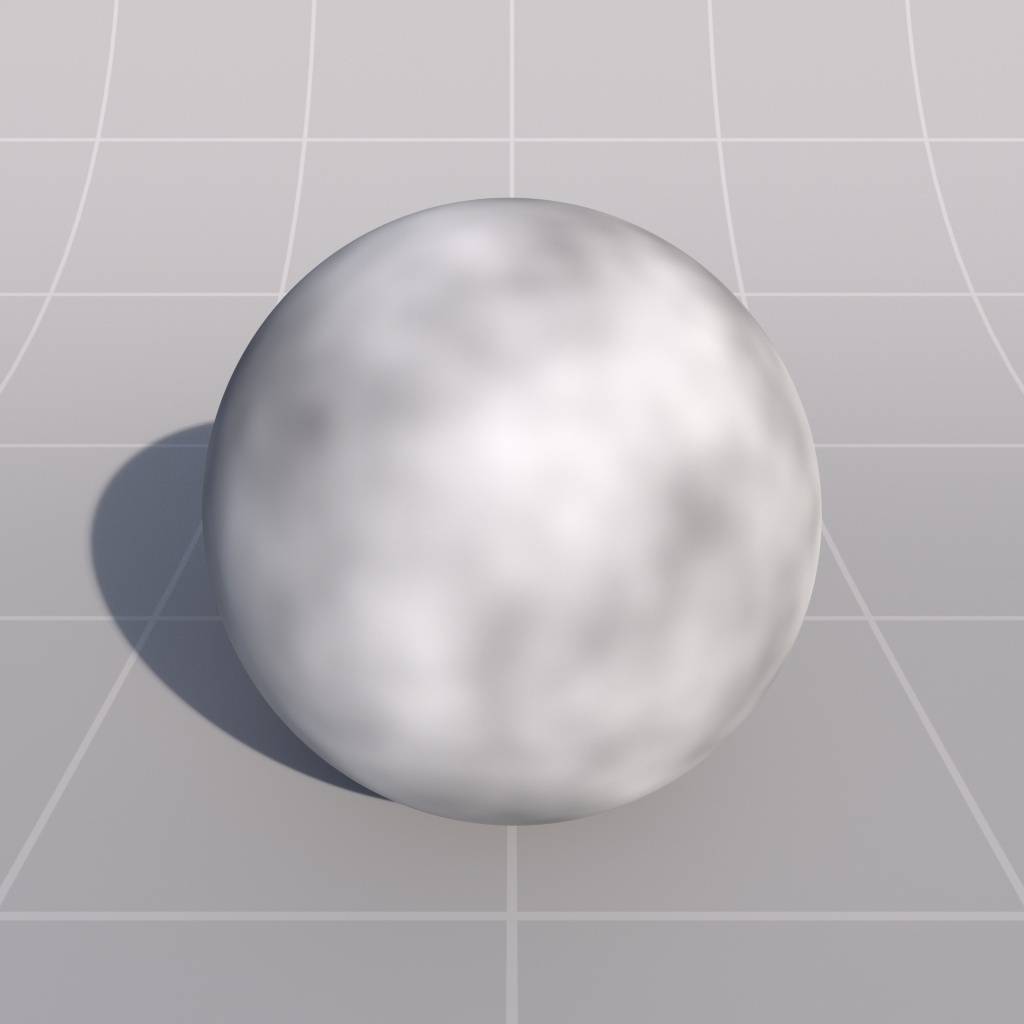
*Noise Type: Fractal* | *20* | *50* | | | | | | ![Image: rsNoise_oscale_t5ecda.jpg](https://help.maxon.net/r3d/cinema/en-us/Content/Resources/Images/rsNoise_oscale_t5ecda.jpg) | ![Image: rsNoise_oscale_t20a9d2.jpg](https://help.maxon.net/r3d/cinema/en-us/Content/Resources/Images/rsNoise_oscale_t20a9d2.jpg) | ![Image: rsNoise_oscale_t50978f.jpg](https://help.maxon.net/r3d/cinema/en-us/Content/Resources/Images/rsNoise_oscale_t50978f.jpg) | | *Overall Scale: 5*
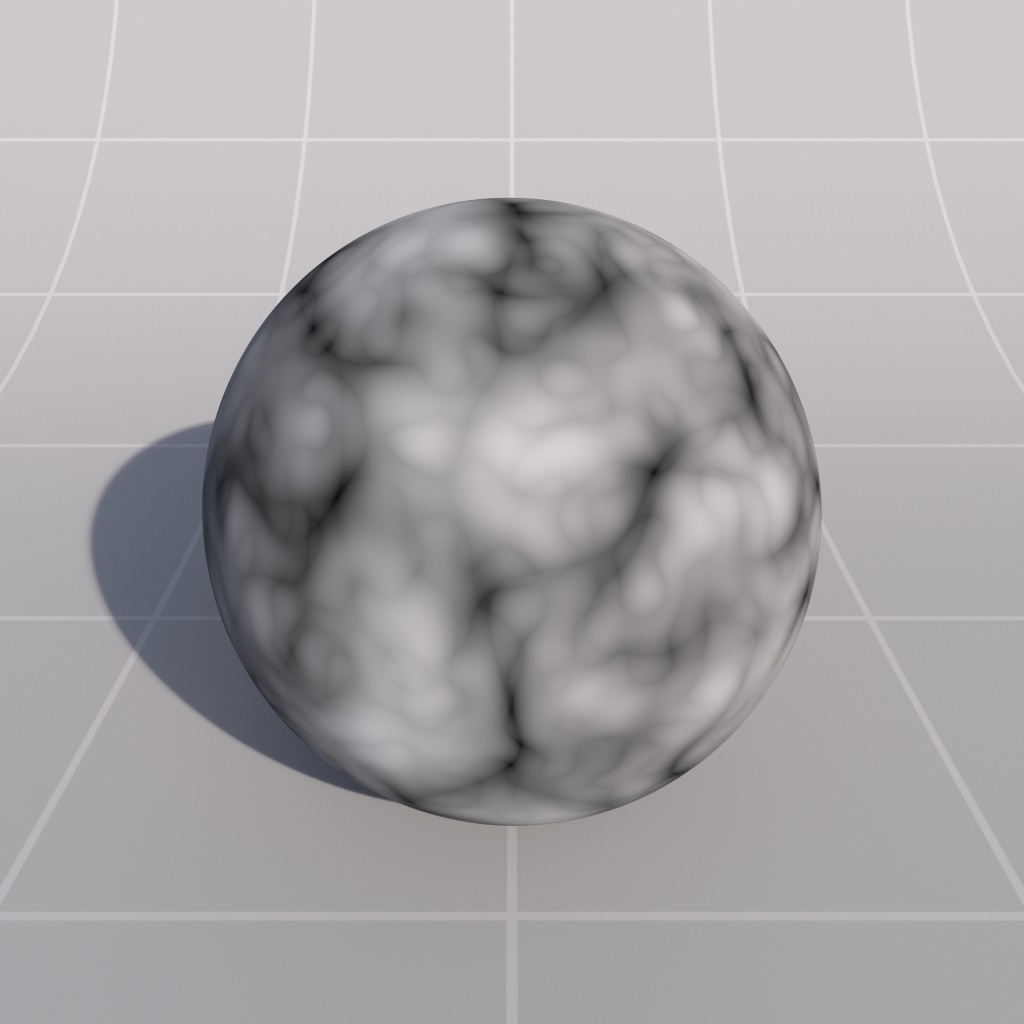
*Noise Type: Turbulence* | *20* | *50* | | | | | | ![Image: rsNoise_oscale_c5a463.jpg](https://help.maxon.net/r3d/cinema/en-us/Content/Resources/Images/rsNoise_oscale_c5a463.jpg) | ![Image: rsNoise_oscale_c208276.jpg](https://help.maxon.net/r3d/cinema/en-us/Content/Resources/Images/rsNoise_oscale_c208276.jpg) | ![Image: rsNoise_oscale_c50124e.jpg](https://help.maxon.net/r3d/cinema/en-us/Content/Resources/Images/rsNoise_oscale_c50124e.jpg) | | *Overall Scale: 5*
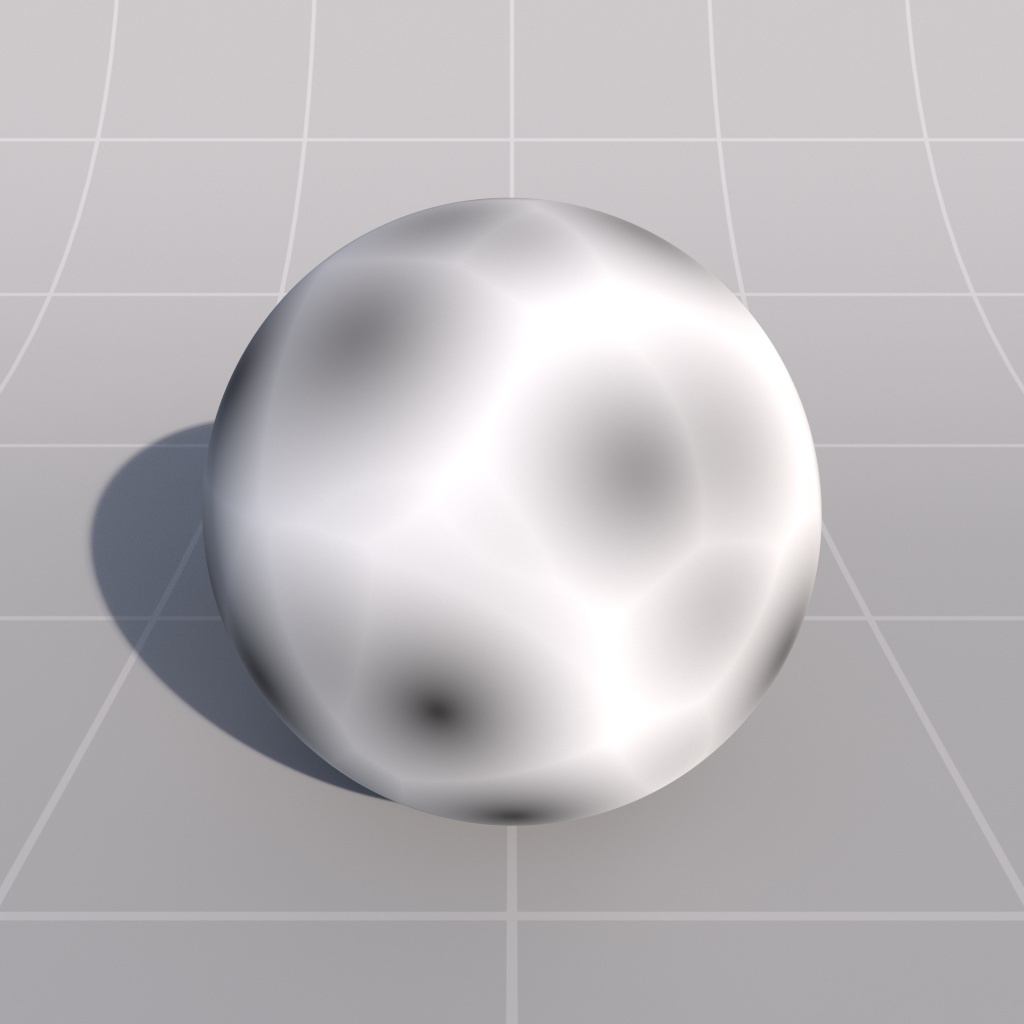
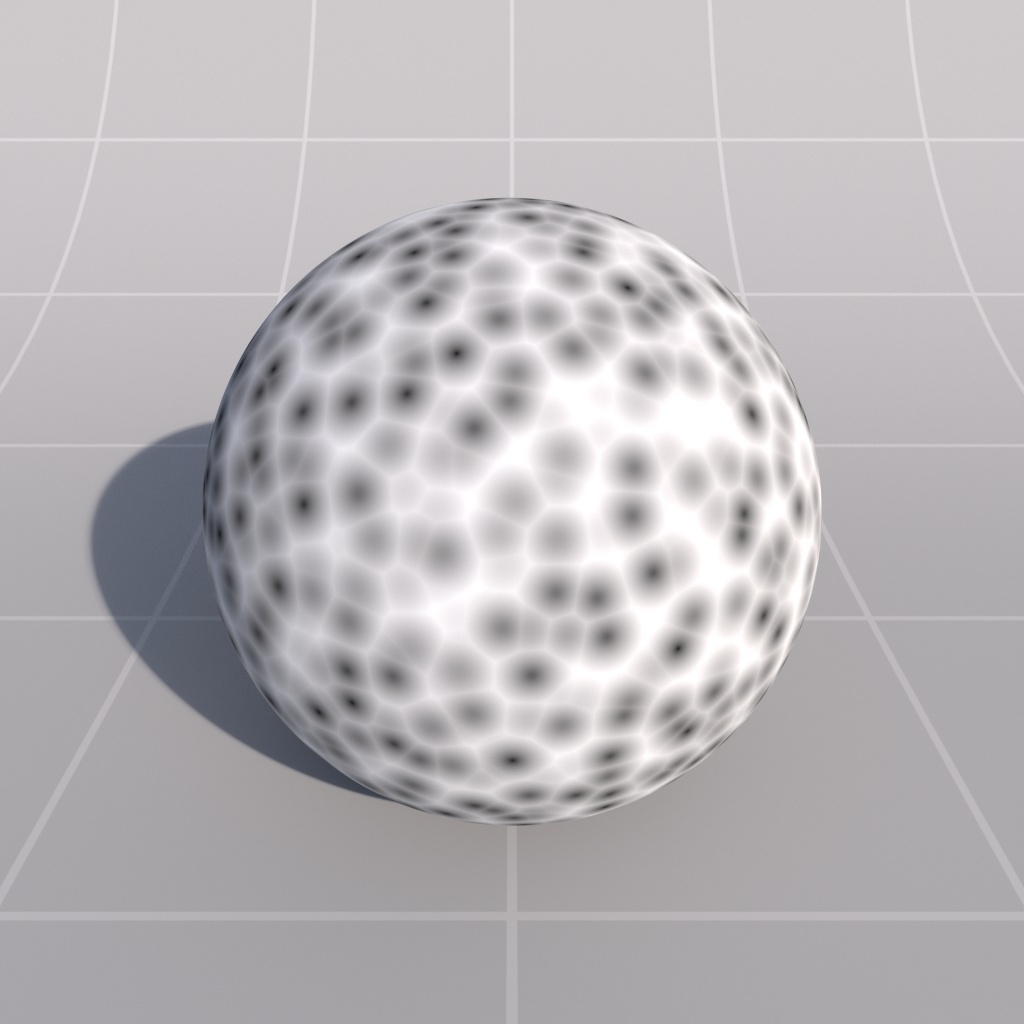
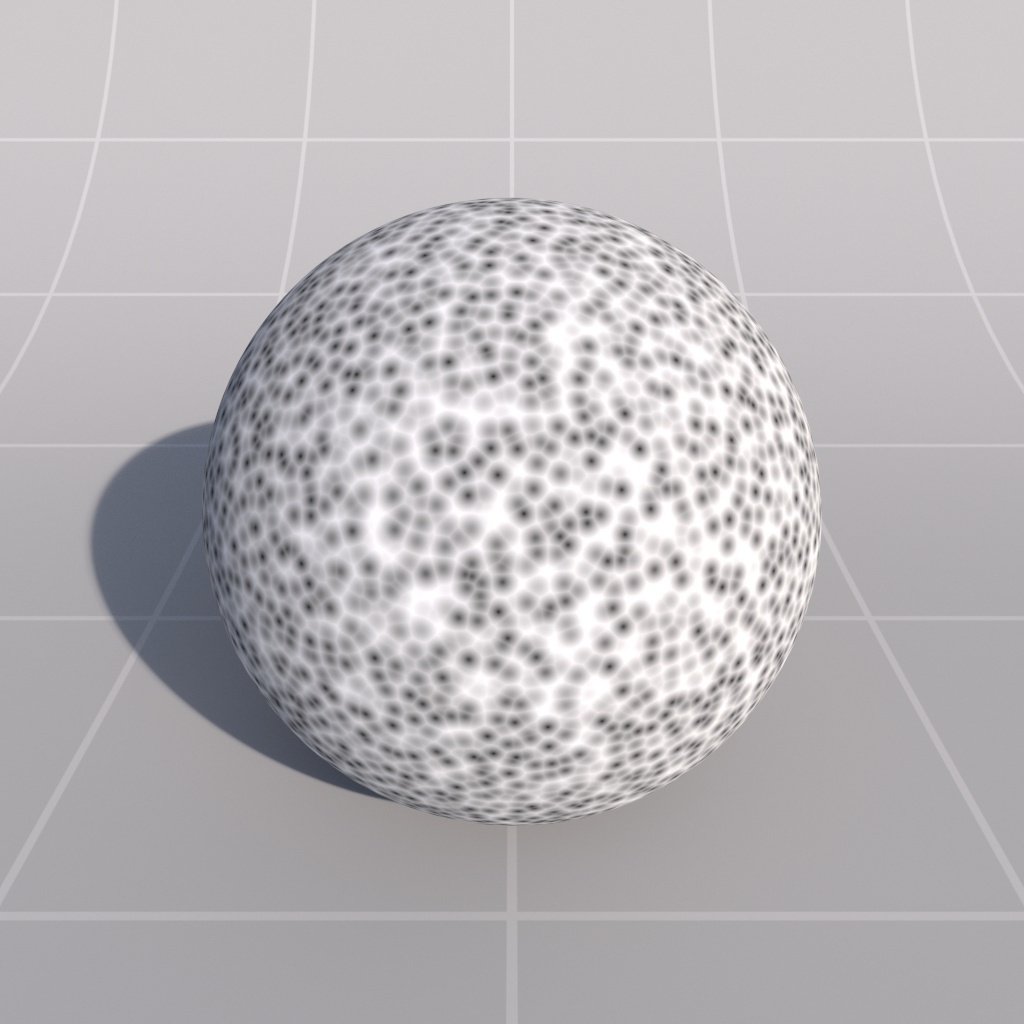
**Noise Type: Cell** | *20* | *50* | #### Scale This is a scale that is applied to the coordinates of the surface that are being shaded, for each x, y and z component, enabling you to bias the 'size' of the noise on each axis. | | | | | | --- | --- | --- | --- | | ![Image: rsNoise_scale_10_10_103990.jpg](https://help.maxon.net/r3d/cinema/en-us/Content/Resources/Images/Thumbnails/rsNoise_scale_10_10_103990.jpg) | ![Image: rsNoise_scale_1_10_104ea8.jpg](https://help.maxon.net/r3d/cinema/en-us/Content/Resources/Images/Thumbnails/rsNoise_scale_1_10_104ea8.jpg) | ![Image: rsNoise_scale_10_1_105e91.jpg](https://help.maxon.net/r3d/cinema/en-us/Content/Resources/Images/Thumbnails/rsNoise_scale_10_1_105e91.jpg) | ![Image: rsNoise_scale_10_10_1c07f.jpg](https://help.maxon.net/r3d/cinema/en-us/Content/Resources/Images/Thumbnails/rsNoise_scale_10_10_1c07f.jpg) | | *Scale X / Y / Z: 10 / 10 / 10*
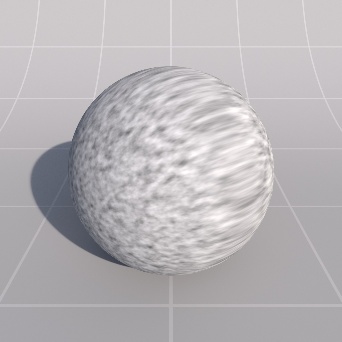
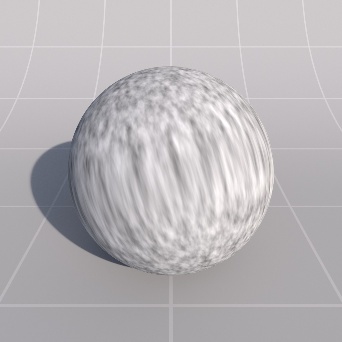
*Noise Type: Fractal* | *1 / 10 / 10* | *10 / 1 / 10* | *10 / 10 / 1* | #### Offset This is an offset that is applied to the coordinates of the surface that are being shaded, for each x, y and z component, enabling you to offset the placement of the noise on each axis.