
Particles
Redshift supports the direct rendering of large amounts of particles, rendered as spheres point clouds. Any object can be rendered as particles if the particles rendering is enabled adding the RS OBJ spare parameters to it. In the “Particles” tab there are the options to enable the particle rendering and to set some basic parameters for the sphere particles, like the default scale or the global scale multiplier.
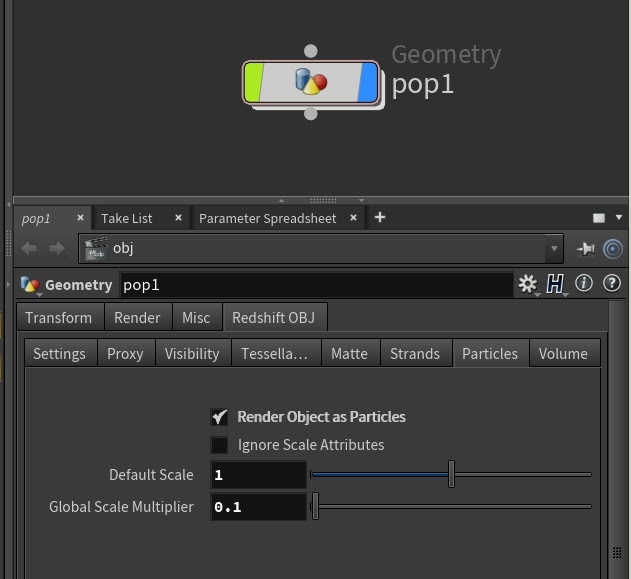
With this feature, instancing using the RS Instances or Point Clouds is no longer needed to render particle systems. Redshift supports the rendering of large amounts of particles, only limited by the available CPU RAM. The particles are rendered using the OBJ level material, and they support point attributes, that can be retrieved in the material using the RS Point Attribute VOP.
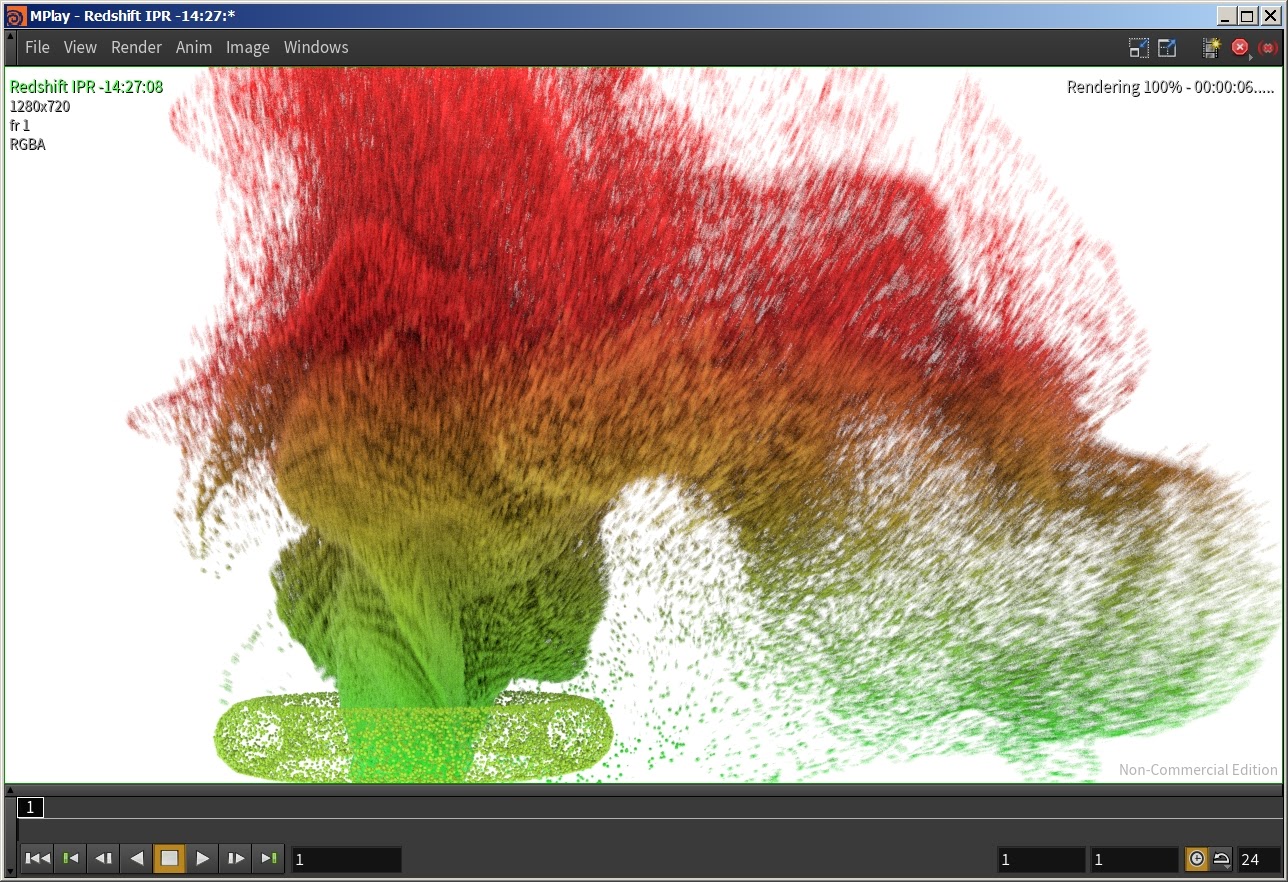
Sphere Instances vs Optimized Spheres
The benefits of using the native sphere primitive (Optimized Spheres mode) is that it's very lightweight, even more so than an instance, and it can go out of core. Instances are also fairly lightweight in memory, but when you start getting into the millions you can run into out-of-VRAM problems. When working with extremely high counts of particles the Optimized Spheres mode is recommended.
Out of core means if your GPU runs out of memory, because of scene size, texture size, ect. it will use the system's memory instead.
Optimized Spheres may not be suitable for small detail scrutiny and artifacts like particle intersections may become visible when using them. If you notice this when using Optimized Spheres please switch to Sphere Instances instead.
Optimized Spheres don't support all the same shading attributes as other particles types. For example, they don't support global illumination or realistic refraction.