Katana Lights
The Light Shaders
The Redshift for Katana plugin exposes all the Redshift lights as a set of light shaders. The lights can be created using the LightCreate node workflow, or using the GafferThree node. In both cases, the Redshift lights are available adding a Redshift light_shader shader, and selecting one of the available RS Lights, that will include all the light options.
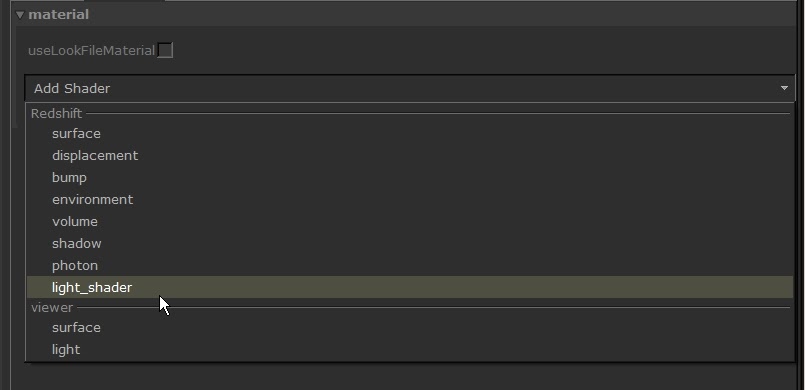
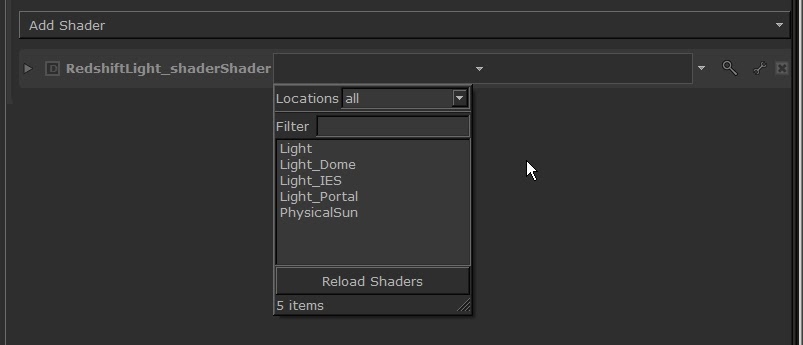
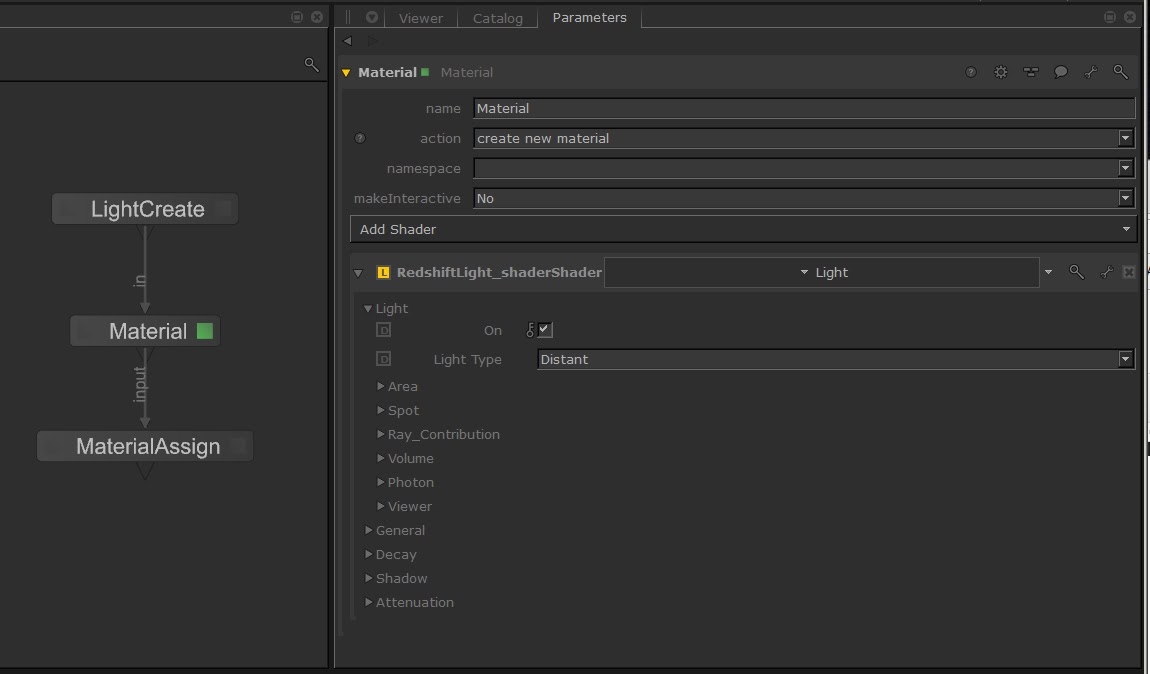
The workflow to configure a Redshift light using the LightCreate node is the Katana standard, using a Material and MaterialAssign nodes.
The GafferThree Node
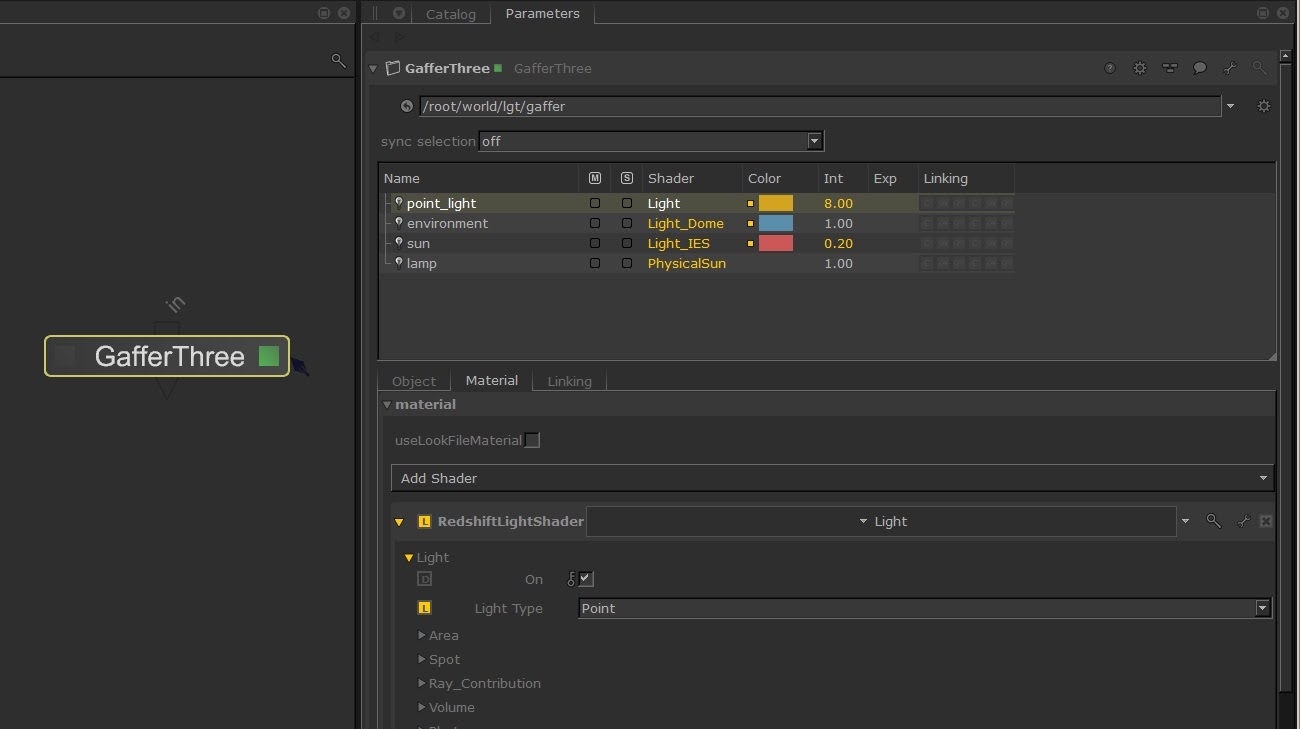
Usually in Katana you would use a GafferThree node to create and manage all your scene lights. The Redshift lights can be used inside this node, adding the Redshift light_shader and selecting one of the available light types.
Lights/Shadows Object Linking
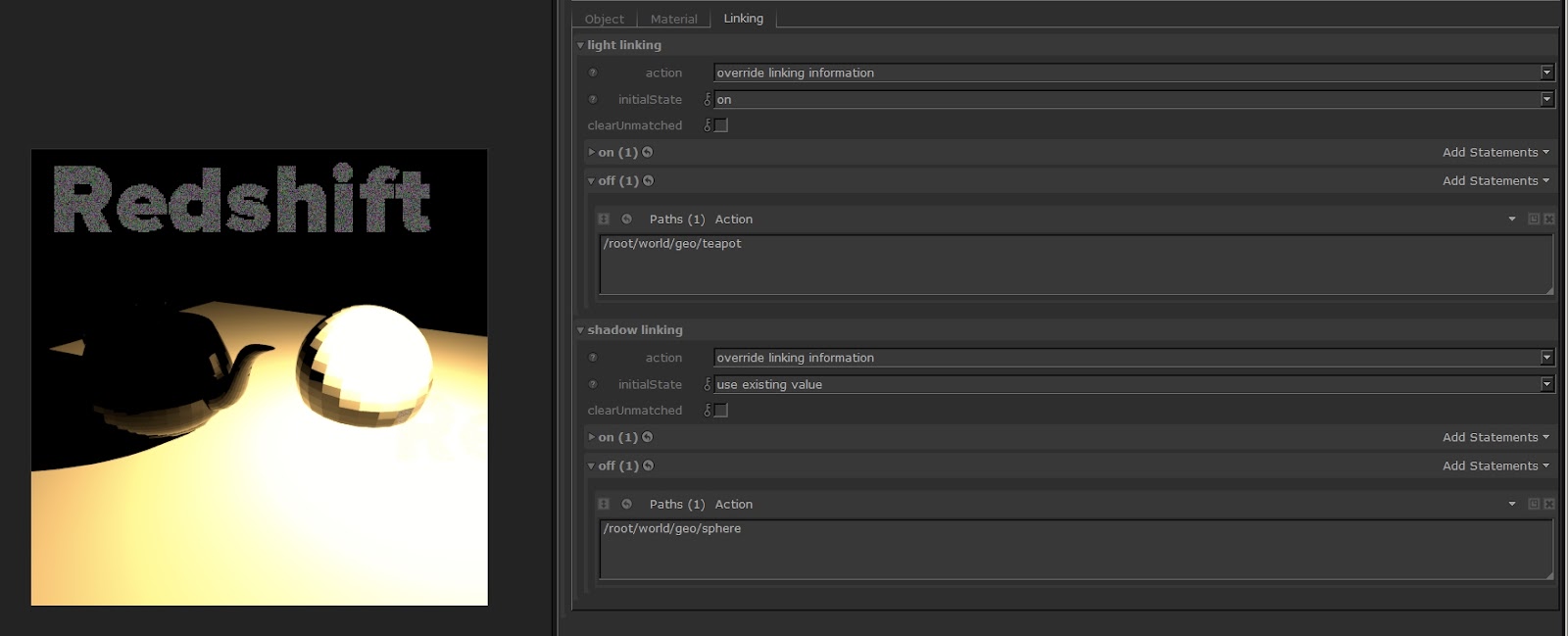
The plugin supports the standard Katana workflow to define the lights and shadows objects linking, for example using the GafferThree linking options.
Mesh Lights
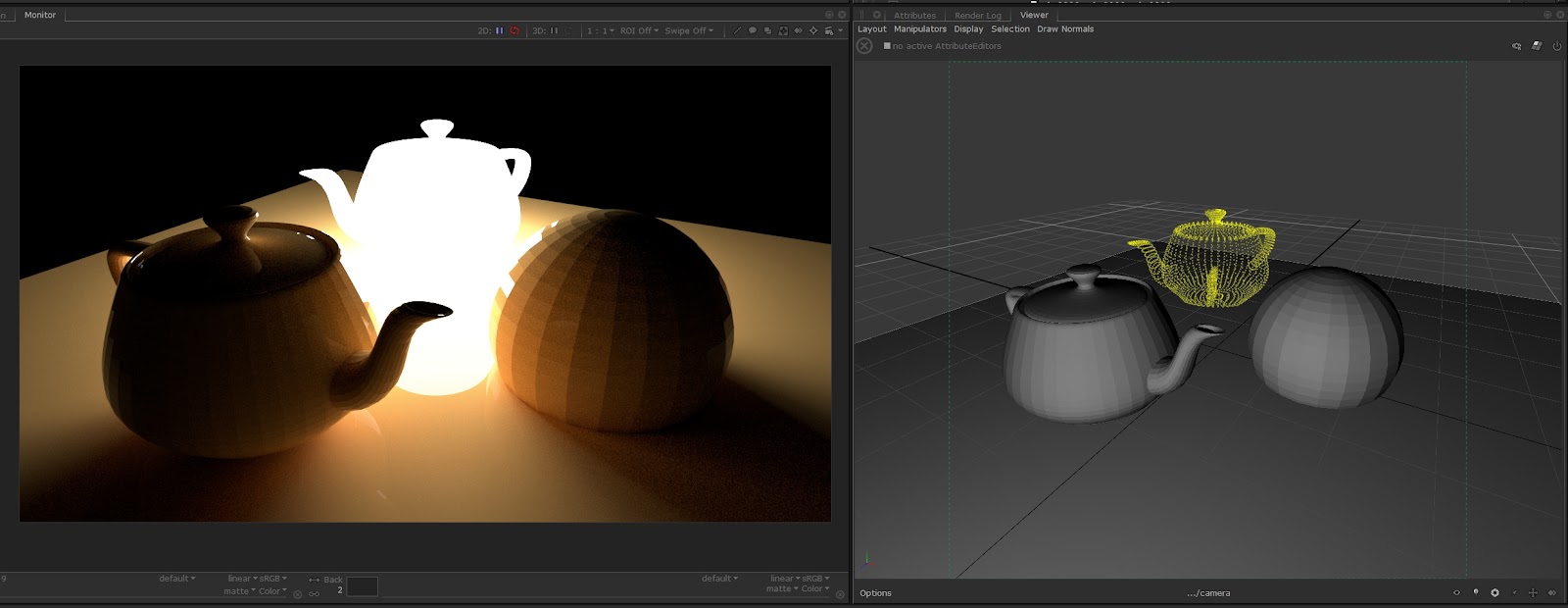
The plugin supports the Redshift mesh light feature, including the mesh preview in the Katana viewer using a points grid. It can be configured using the mesh light options available the RSLight shader node.