
Pavement
Overview
|
|
|
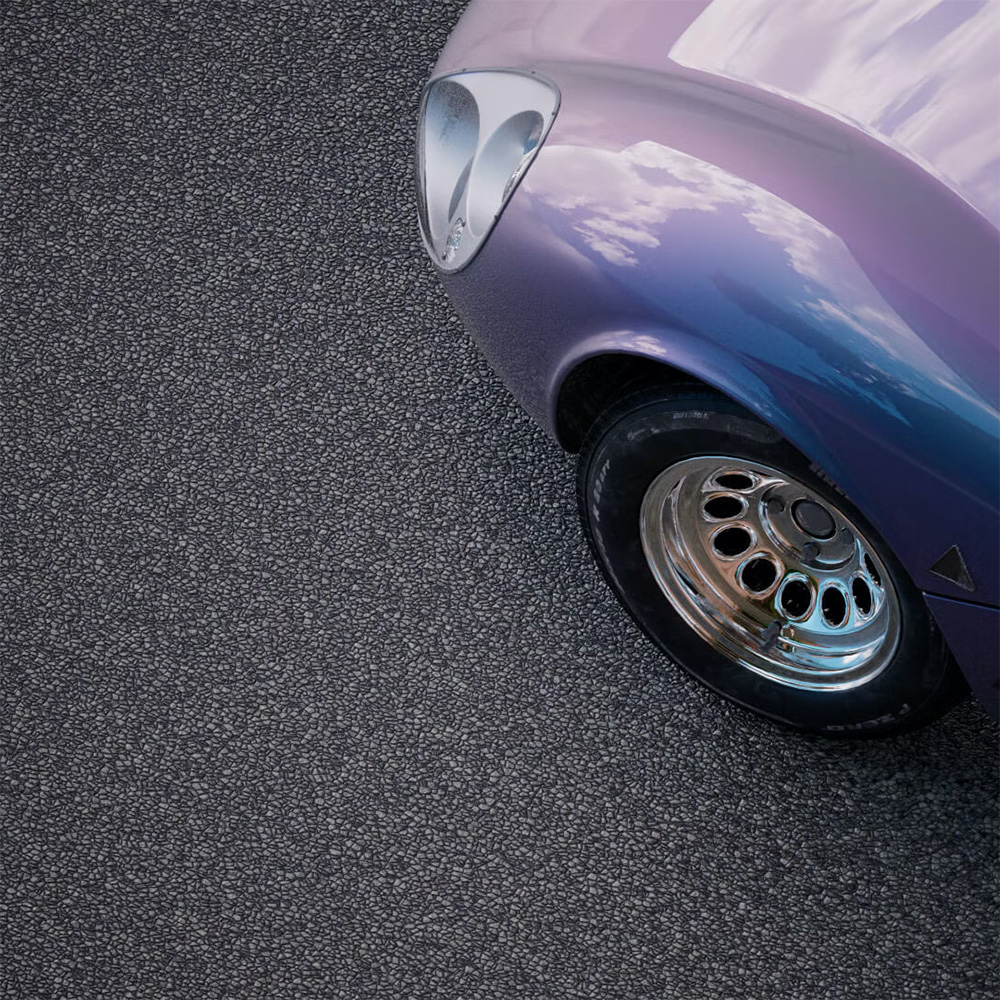
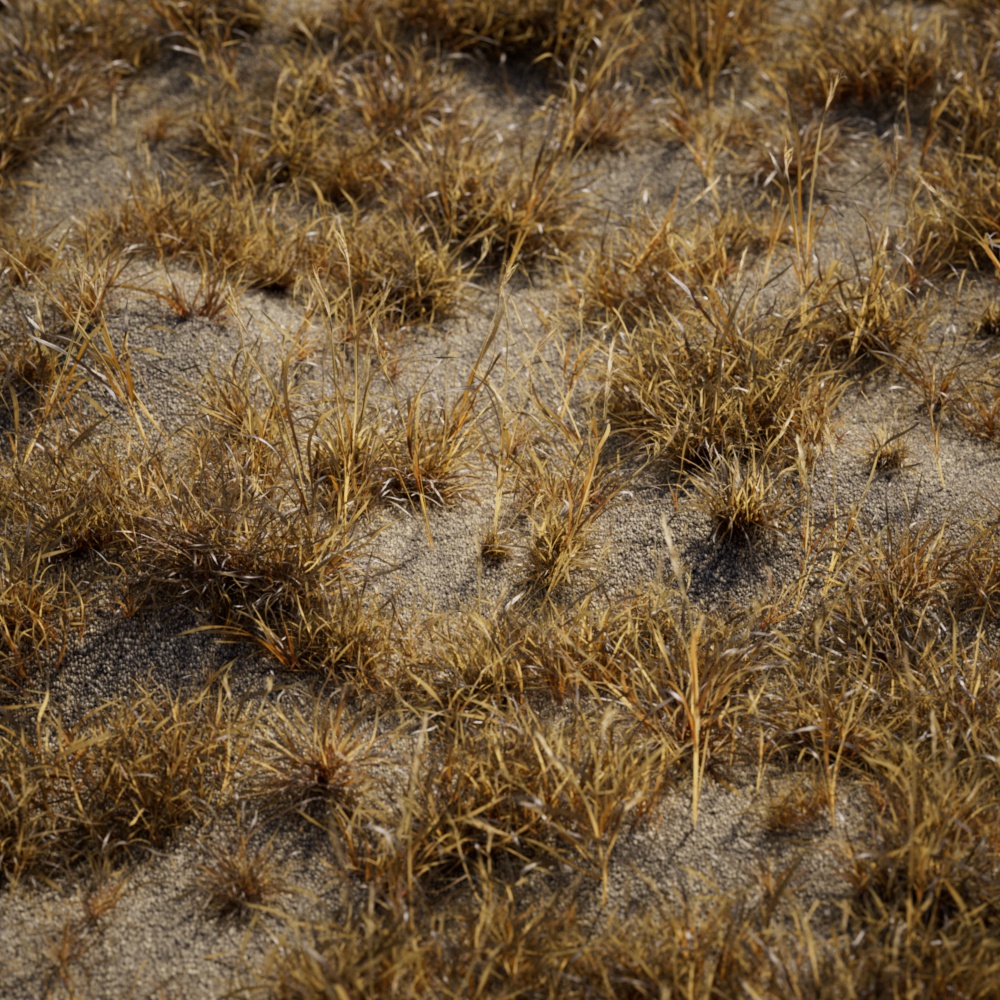
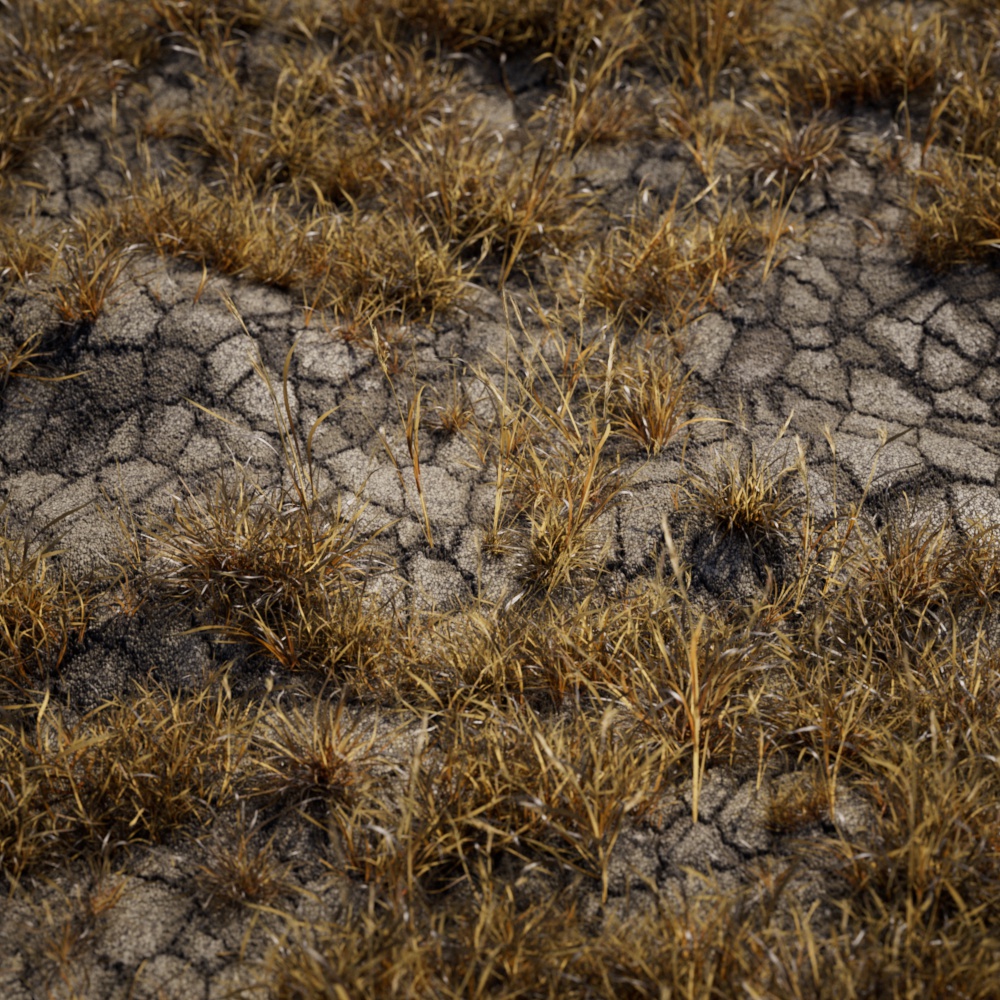
The pavement shader is a procedurally driven texture that can be used to generate fine detail for surfaces like cracked pavement, flagstone mosaic patterns and more. By default it is set up to create a desert-like cracked and stoney surface. Artists can randomize the color of each stone with a gradient, and adjust the size, color and crookedness of gaps.
Parameters
|
Dimensions
Scale
Controls the size of the pavement texture, smaller values scale the texture down resulting in finer detail.

|

|

|
| Scale: 1 (default) | 0.3 | 0.03 |
Seed
Varies the pattern output by changing the seed value used for the pavement's noise generator.

|

|

|
| Seed: 100 | 333 | 334 |
UV Channel
Specifies which UV set to use for texture placement.
UV Context
Connect a UV Context Projection node here to enable a local connection for simplified texture mapping. For more information, please see the UV Context Projection page.
Gaps
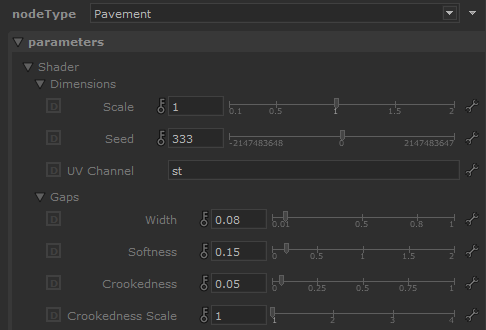
Width
Controls the width of the gap in between each stone. Higher values result in a bigger gap between each stone, constricting the size of the stone at the same time.

|

|

|
| Gap Width: 0.01 | 0.08 (default) | 0.3 |
Softness
Controls how smoothly the gaps fade into the stones. Higher values result in smoother transitions and smaller values result in sharper transitions.

|

|

|
| Gap Softness: 0 | 0.15 (default) | 2 |
Crookedness
The stone pattern can be distorted by increasing the crookedness value, higher values result in stones that have an increasingly more wavy look.

|

|

|
| Gap Crookedness: 0.05 (default) | 2 | 10 |
Crookedness Scale
Controls the scale of the noise pattern used to drive crookedness distortion. Lower values result in higher frequency distortion.

|

|

|
| Gap Crookedness Scale: 0.3 | 0.5 | 1 (default) |
Stone Color
|
Color
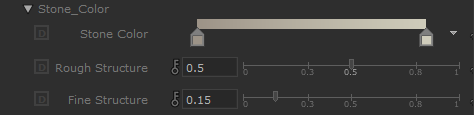
The gradient used to drive the stone color.

|

|

|
| Stone Color: Sand gradient (default) | Black to green gradient | Dark and desaturated gradient |
Rough Structure
Controls the strength of low frequency noise visible in the stones.

|

|

|
| Rough Structure: 0 | 0.5 (default) | 1 |
Fine Structure
Controls the strength of high frequency noise visible in the stones.

|

|

|
| Fine Structure: 0 | 0.5 | 1 |
Gap Color
|
Color
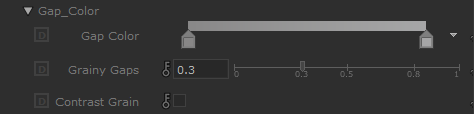
The gradient used to drive the gap color.

|

|
| Gap Color: Dark gradient (default) | Bright gradient |
Grainy Gaps
Controls how noisy the gaps look, higher values result in gaps that have more visual noise and grain.

|

|

|
| Grainy Gaps: 0.1 | 0.3 (default) | 1 |
Contrast Grain
Controls the type of color blending mode used between the gap color and gap graininess. When enabled, a softlight blend mode is used. When disabled, an overlay blend mode is used.

|

|
| Contrast Grain: Disabled (default) | Enabled |
Smudgy Color
|
Color
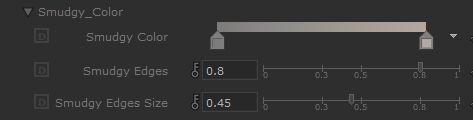
The gradient used to drive the color of the smudge overlay, this effect is mainly visible near the gaps which gradually fade out toward the center of each stone.

|

|
| Smudgy Color: Dark gradient (default) | White to black gradient |
Smudgy Edges
Controls the strength of the smudge overlay.

|

|

|
| Smudgy Edges: 0.3 | 0.8 (default) | 1 |
Smudgy Edges Size
Controls how far the smudge overlay travels across the stones. Higher values allow the smudge to effect to cover the entire stone while lower values restrict it to an area around the edges of each stone.

|

|

|
| Smudgy Edges Size: 0 | 0.45 (default) | 1 |
Node Outputs
The pavement shader has multiple outputs that can be used to drive parameters for a standard material.
Out Color
Color output for pavement, this includes the stone color, gap color, and smudge color.
Out Displacement Color
Black and white output for pavement displacement map, this can be used to drive a displacement shader to add depth to your pavement material.
Out Gap Mask
Black and white mask output for the gaps and pavement stones, this can be used to isolate the stones from the gaps.