
State
Overview
This shader allows you access different aspects of the shading state for various shading effects, debugging, or AOV output.
Example Graphs
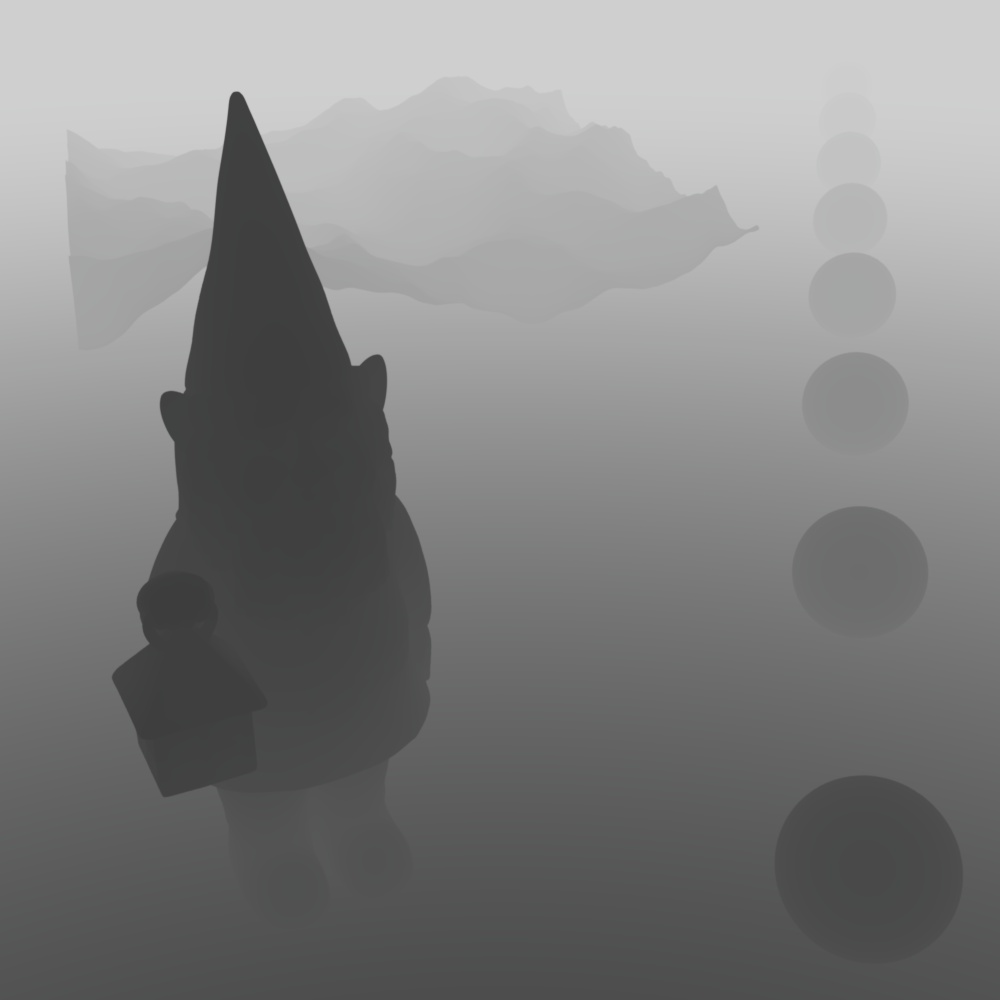
Custom Depth
|
| Custom Depth Pass |
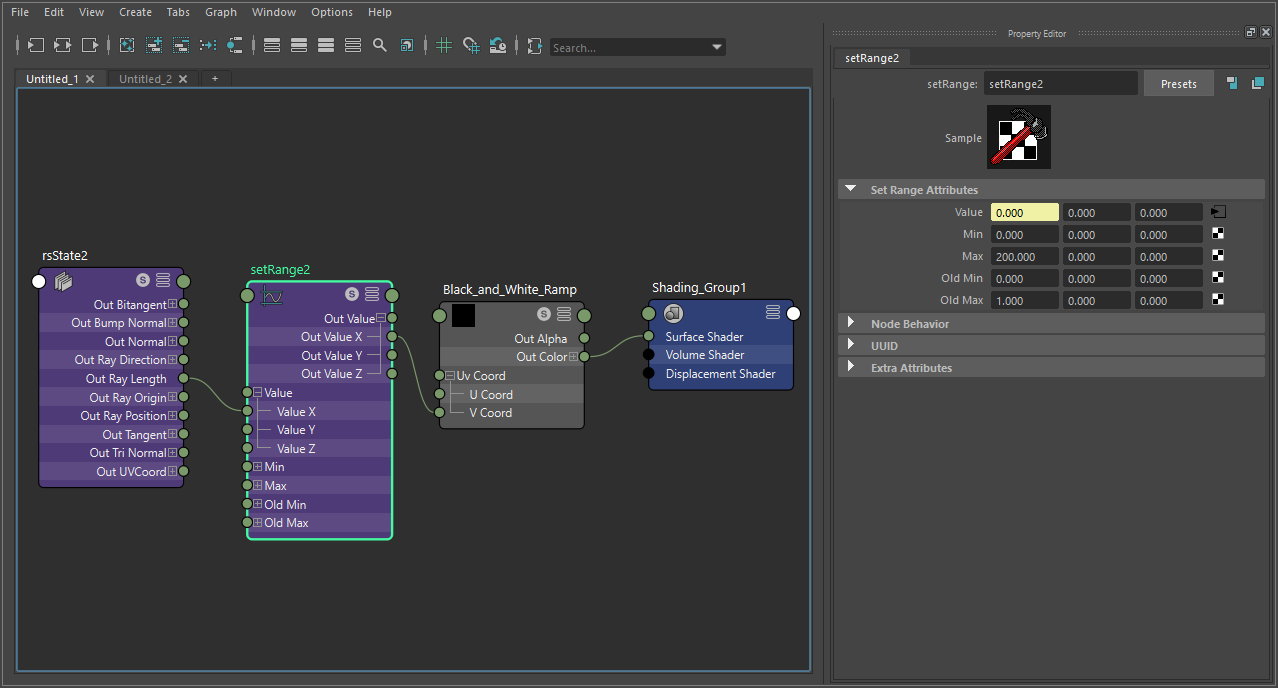
A custom depth pass can be created by using the ray length output into a Change Range node which is used to drive a black and white ramp. The ray length produces the distance an object is from the camera so the change range input should be set to the maximum depth in scene units to the minimum distance to control the farther and nearest points of the depth pass. The output range should be set to 0 to 1 which is fed into the ramp in order to color the depth from white to black. This same process can be used for other camera distance effects, like changing the thickness of contour lines based on distance.
|
Custom Axis Gradient
|
|
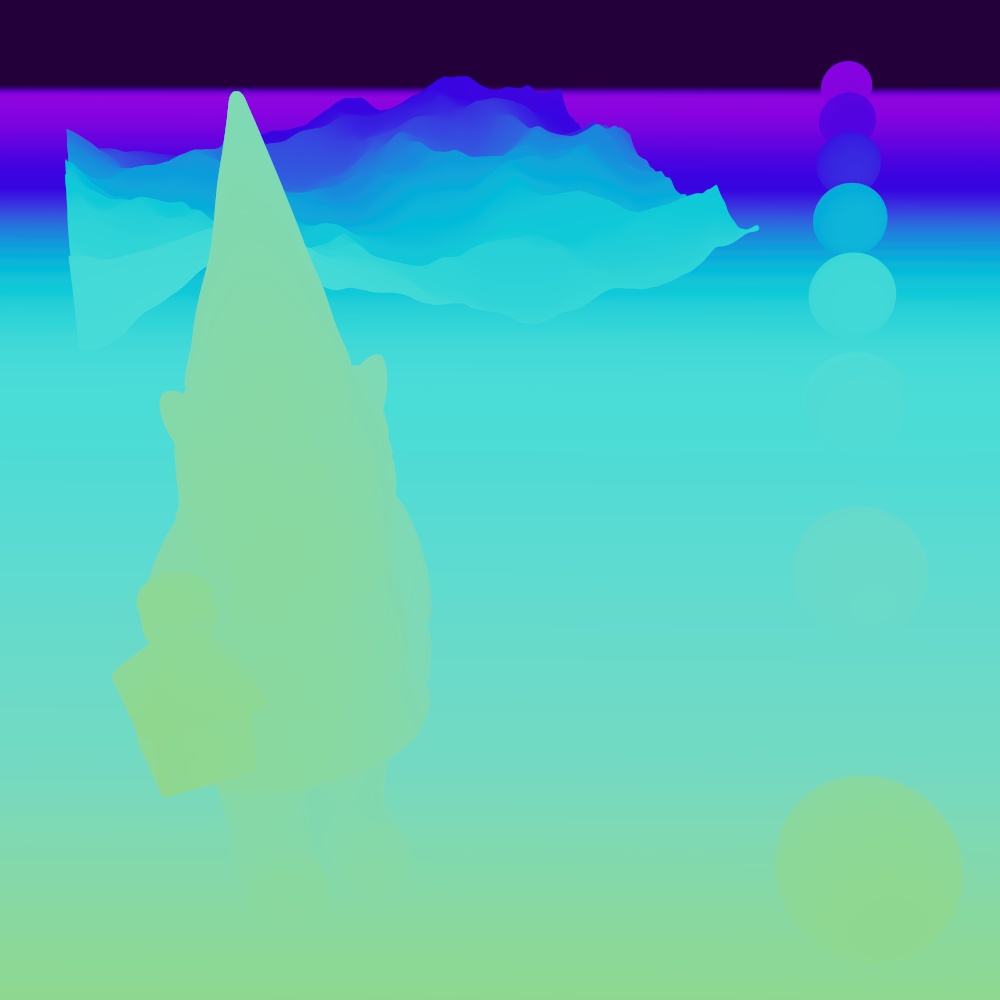
|
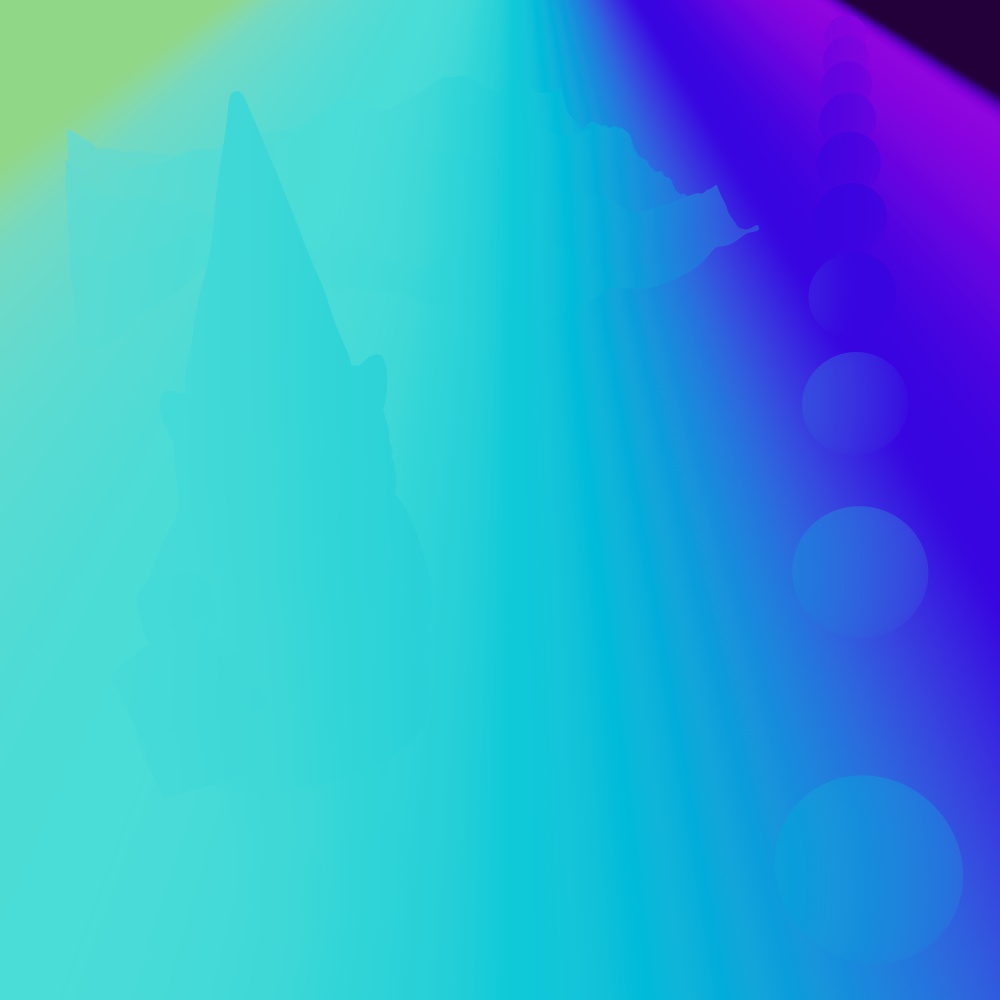
| Custom World Position Axis: X Color Channel: Red |
Y Green |
Z Blue |
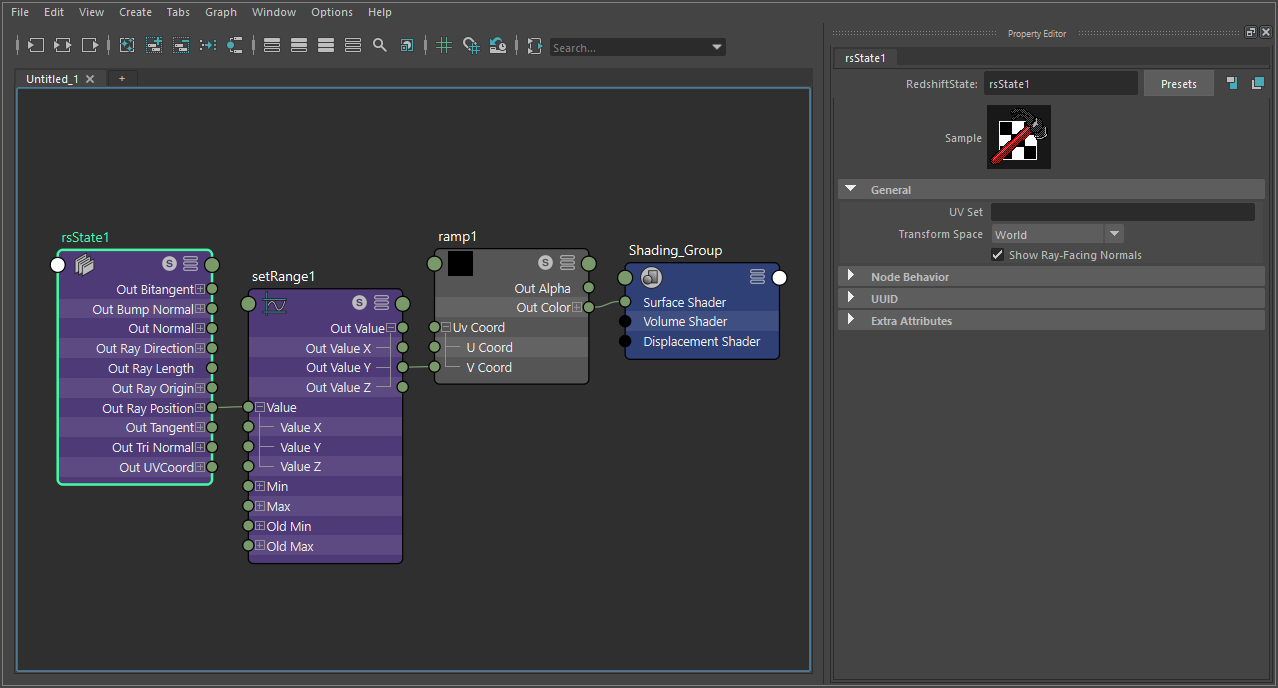
A custom axis gradient can be created by using the ray position output with the State node in Transform Space: World mode. The ray position produces a vector so it should be split in order to isolate an axis to drive a change range node. The change range input controls the range of the gradient in scene units and the output should be set from 0 to 1 which is used to drive a color ramp.
|
Camera Space Normals
|
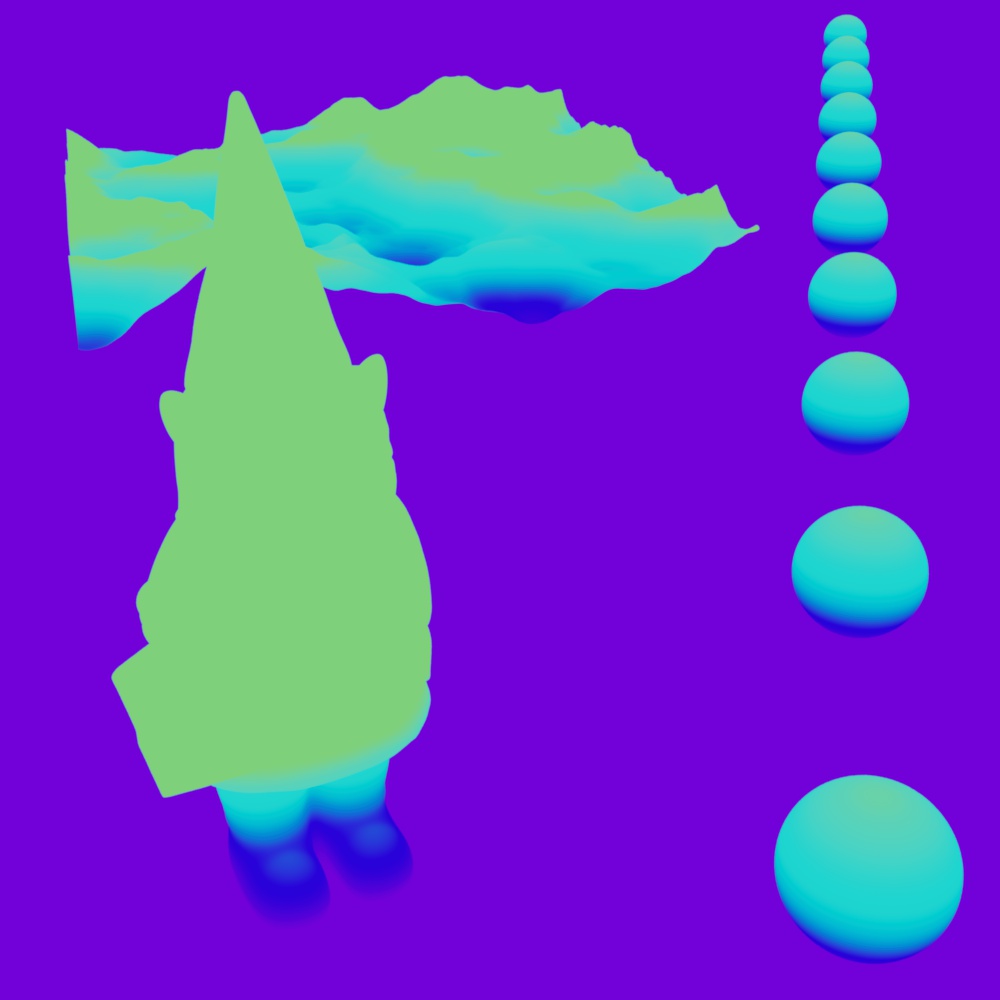
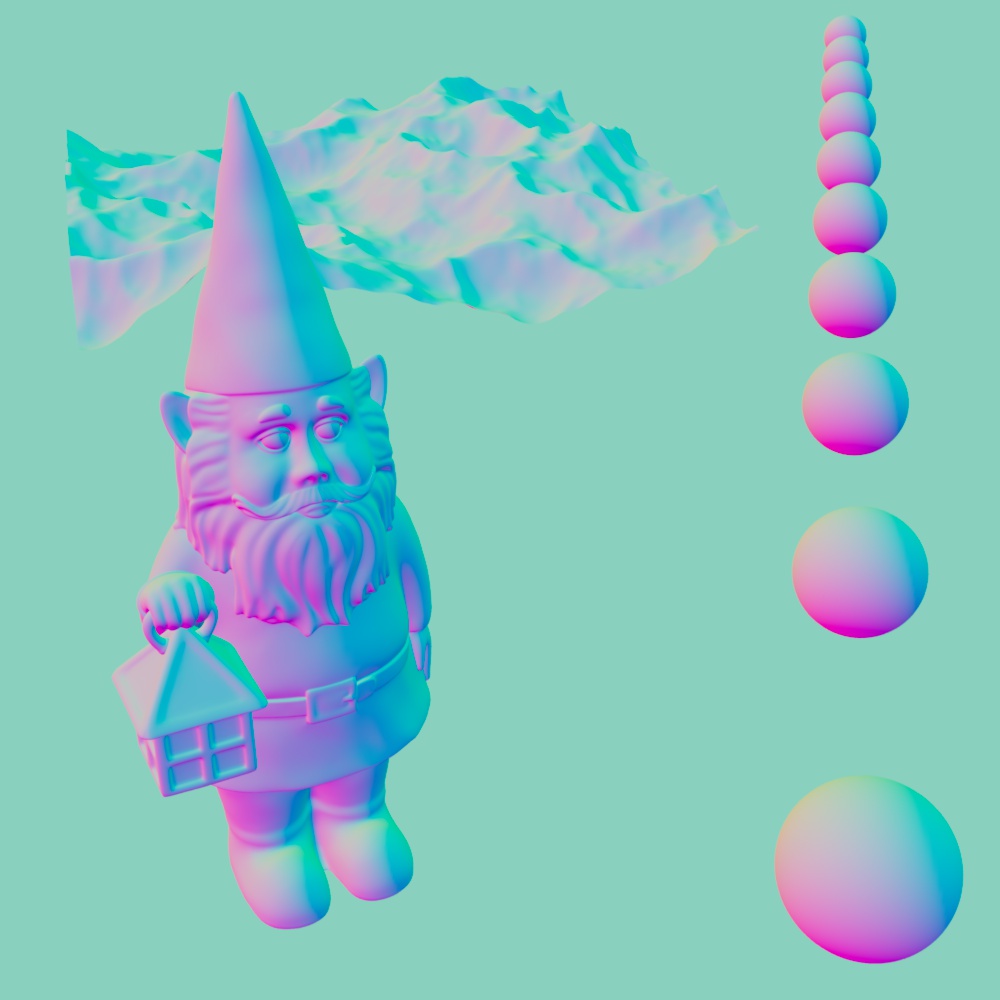
| Camera Space Normals |
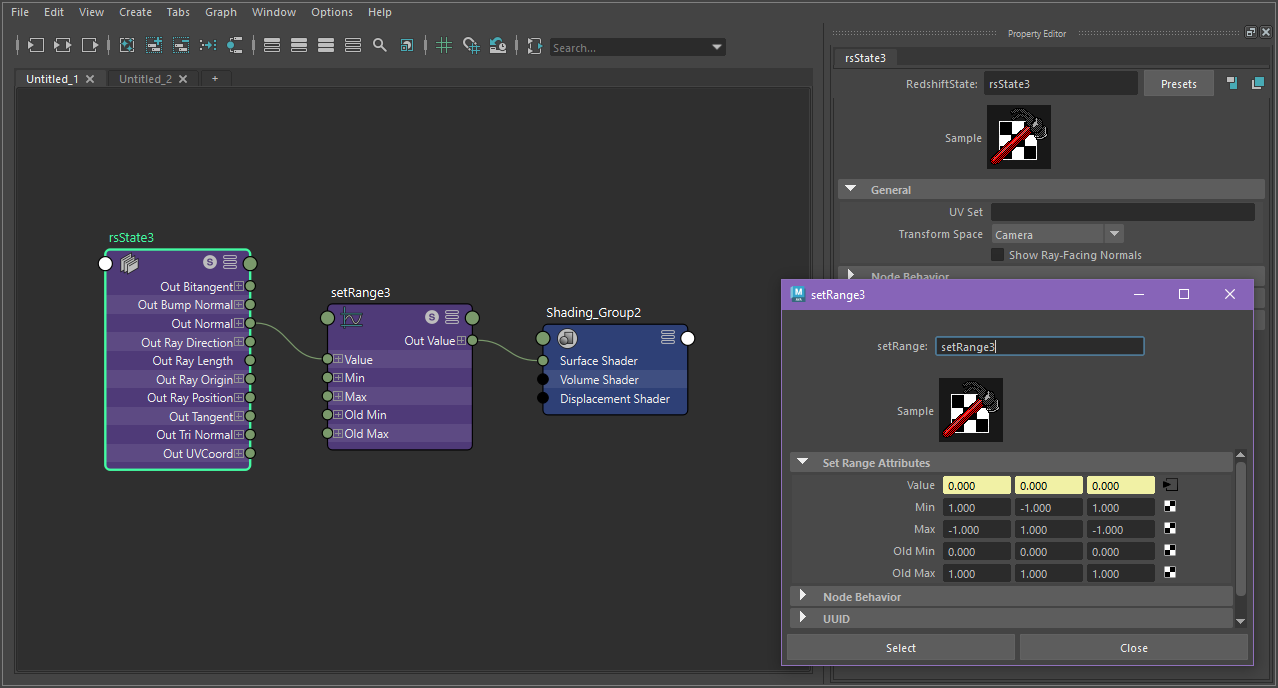
A camera space normal pass can be created by using the normal output with the State node in Transform Space: Camera mode. The normal output should be remapped using a vector change range with the following values:
| Old Min | Old Max | New Min | New Max | |
| X | 1 | -1 | 0 | 1 |
| Y | -1 | 1 | 0 | 1 |
| Z | 1 | -1 | 0 | 1 |
|
Parameters
|
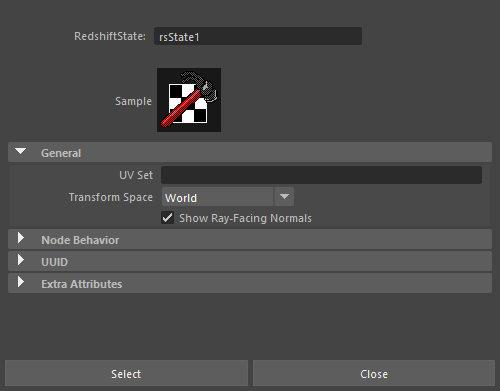
UV Set
The name of the uv map channel to read the uvw/tangent/bitangent state from.
Transform Space
- World - show normals/directions/positions in world-space coordinates. This coordinate space is what Redshift uses internally to compute lighting.
- Object - show normals/directions/positions in object-space coordinates, i.e. without any world transforms.
- Camera - show normals/directions/positions in camera-space coordinates, i.e. relative to the camera.
Output States
|
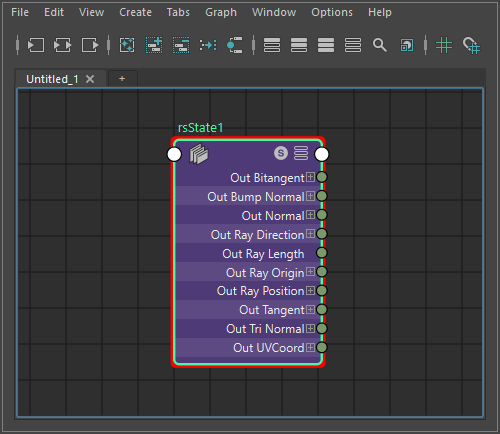
Normal
The shading normal, with bump mapping.
Normal No Bump
The shading normal, without bump mapping.
Normal Geom
The geometric normal.
Tangent
The tangent as read from the UV Set / Tangent Space channel, if available.
Bitangent
The bitangent as read from the UV Set / Tangent Space channel, if available.
UVW Coord
The uvw coordinate as read from the UV Set / Texture Space channel, if available.
Ray Origin
The origin of the ray that has intersected this surface.
Ray Direction
The direction of the ray that has intersected this surface. This vector has been normalized.
Ray Position
The position of the ray intersection on this surface. Helpful for positioning effects within the scene.
Ray Length
The length of the ray that has intersected this surface. Helpful for distance based outputs, like scene depth.