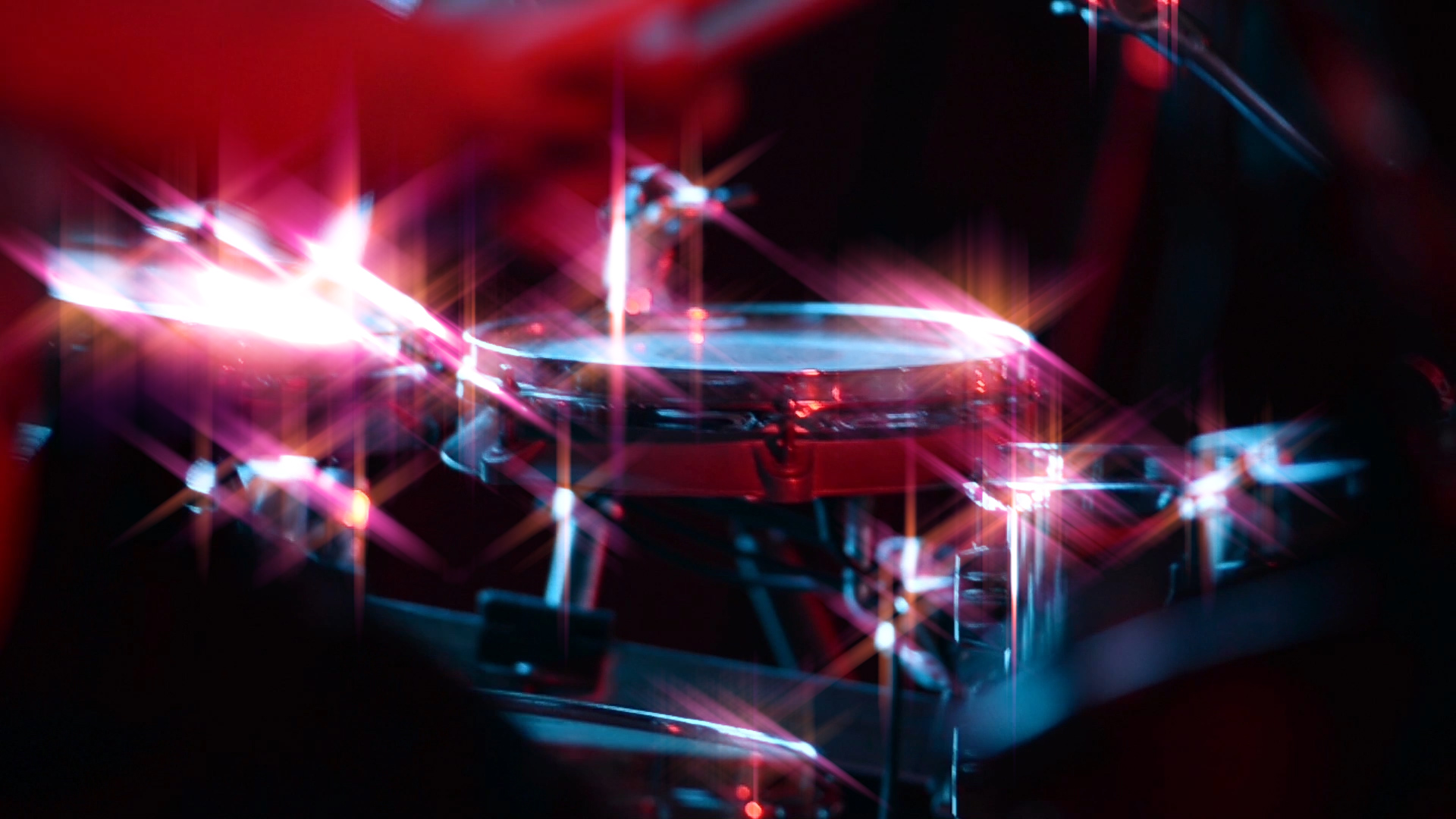
Create colorful glints and animated twinkling effects in your image's bright areas. Great for beauty shots, titles, music videos, and more.
Create colorful glints and animated twinkling effects in your image's bright areas. Great for beauty shots, titles, music videos, and more.
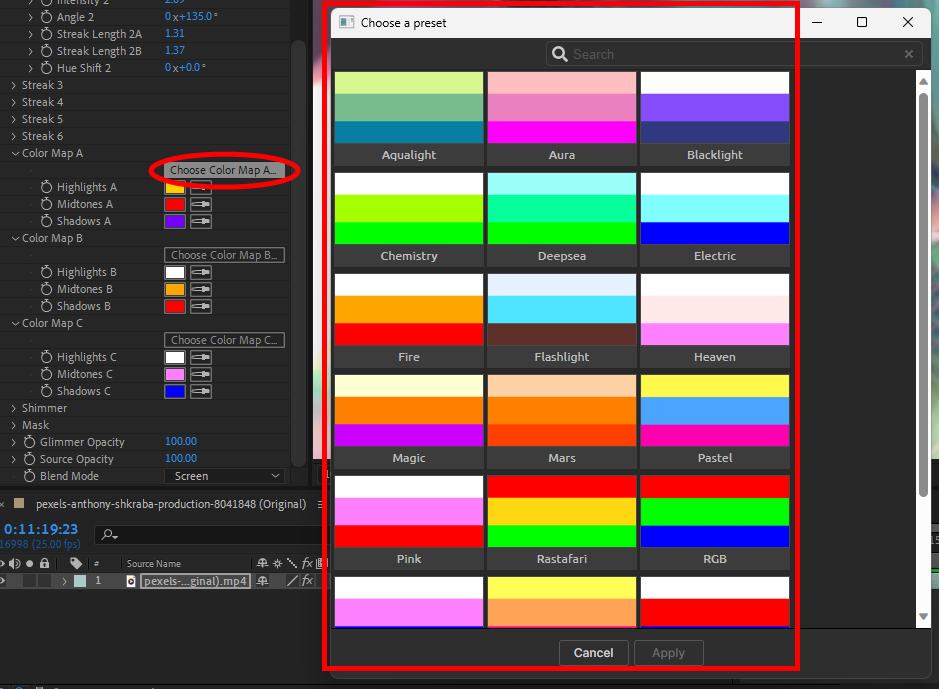
Glimmer offers a wealth of glittering, multifarious presets that bring instant sparkle to your footage. Find these via the blue Open Dashboard... button or the Choose a Preset... button below it.
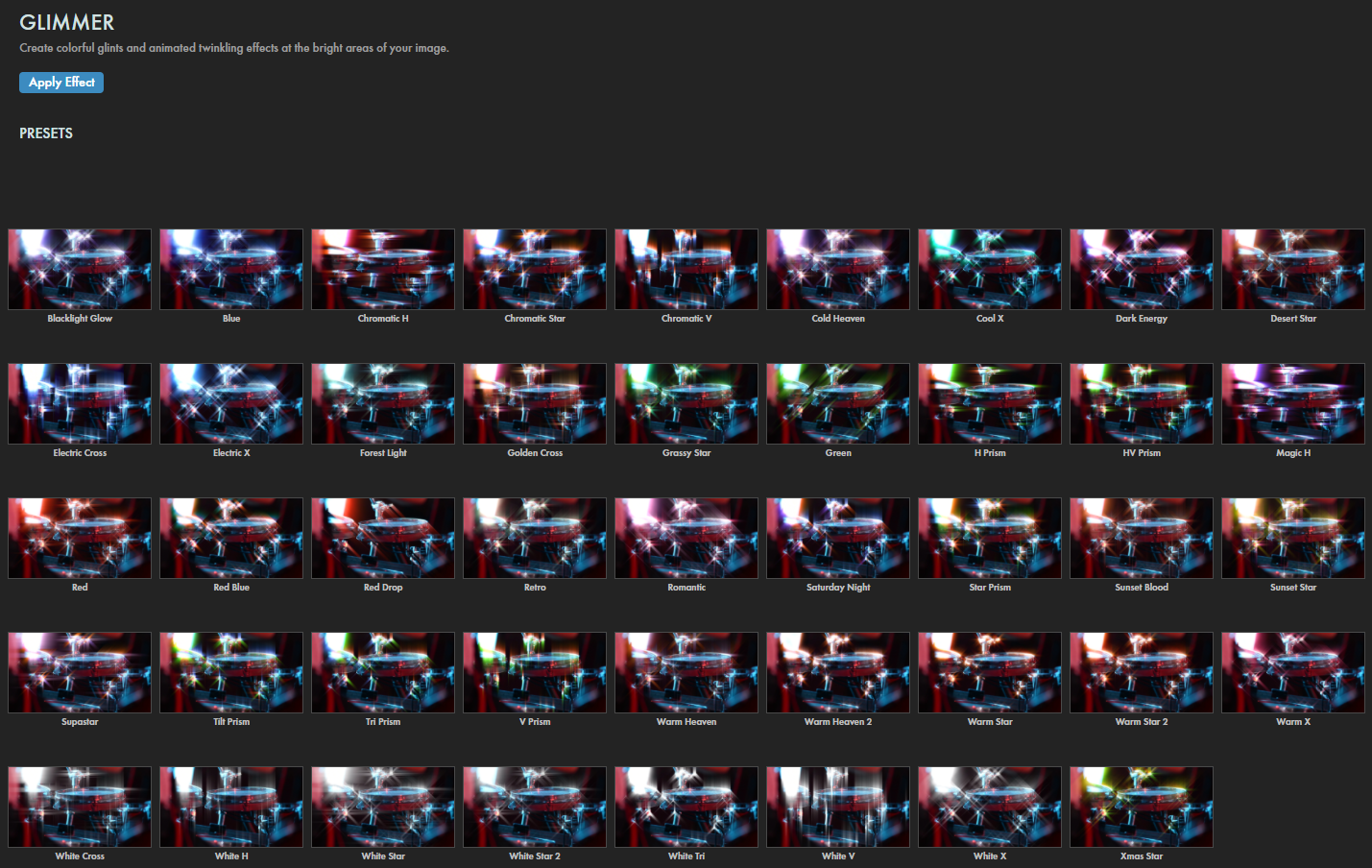
As with all other Universe tools, you can modify or create a Glimmer look and then save it under its own name by pressing the Save Preset... button.
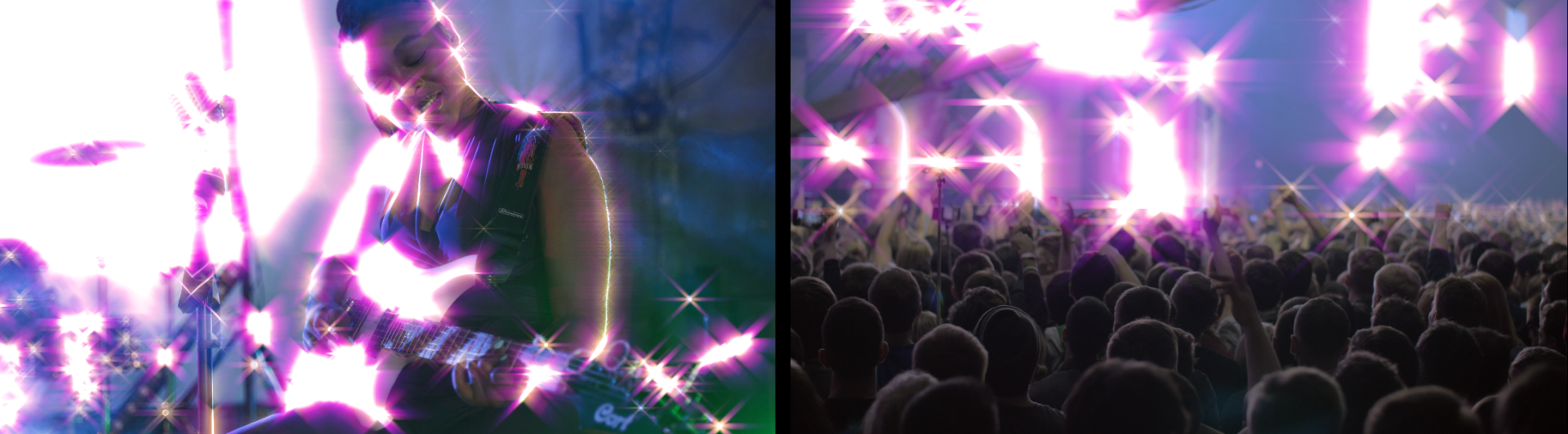

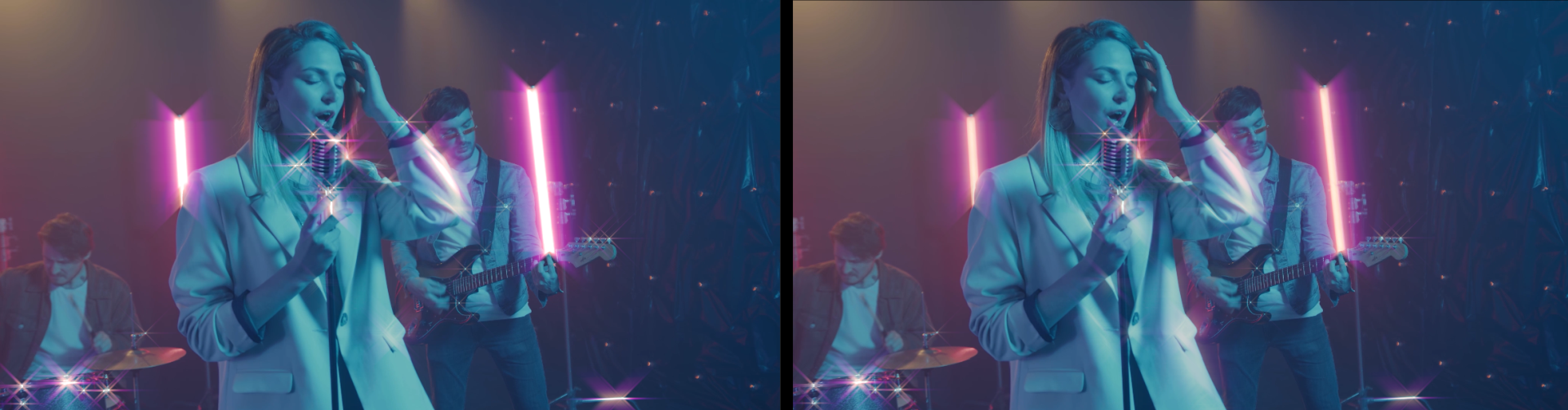

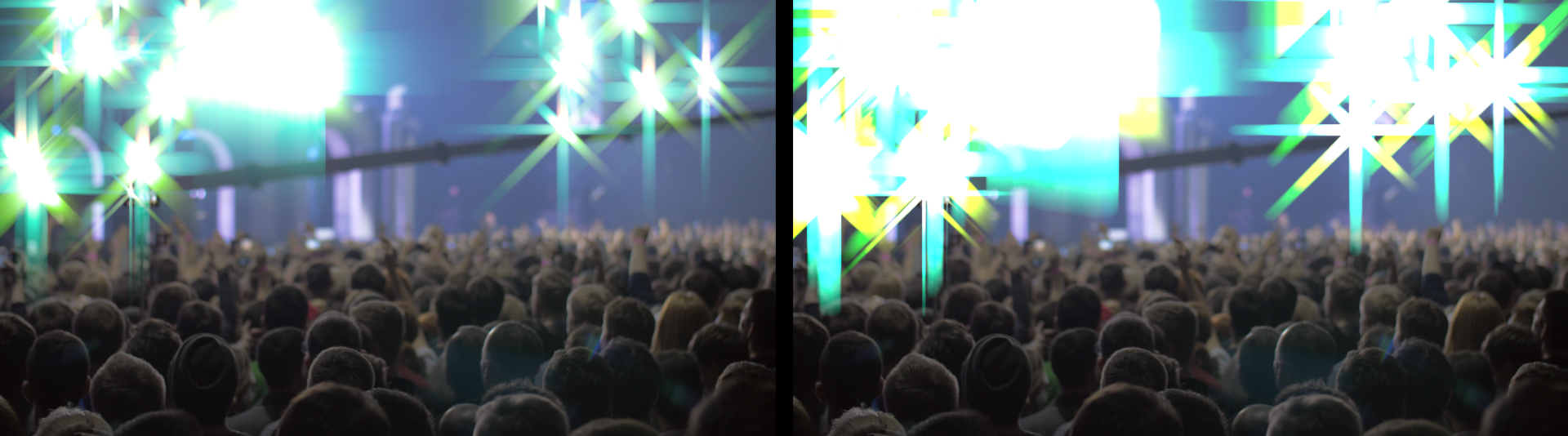
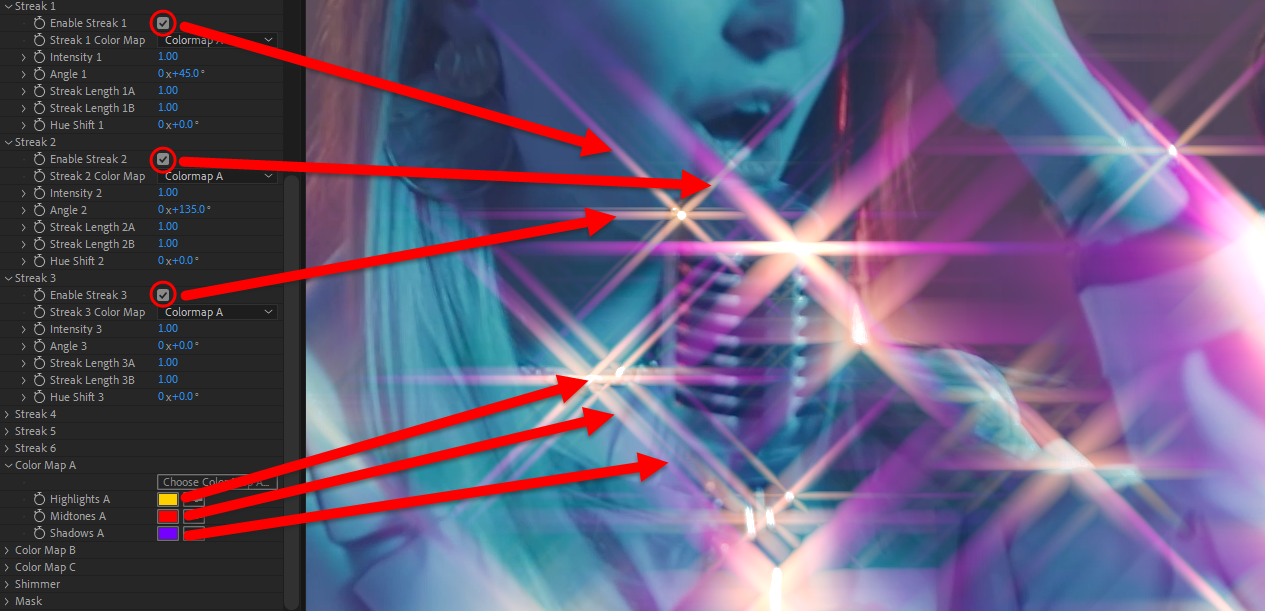
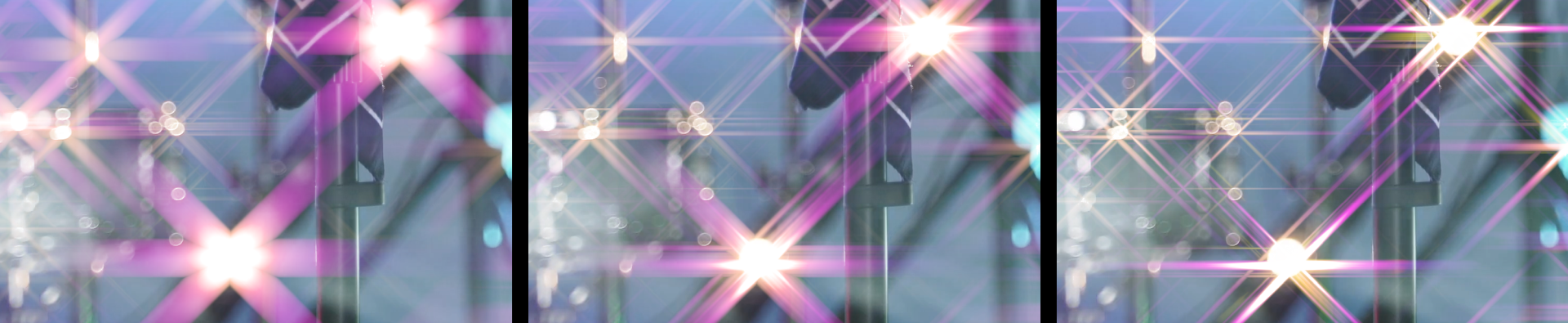
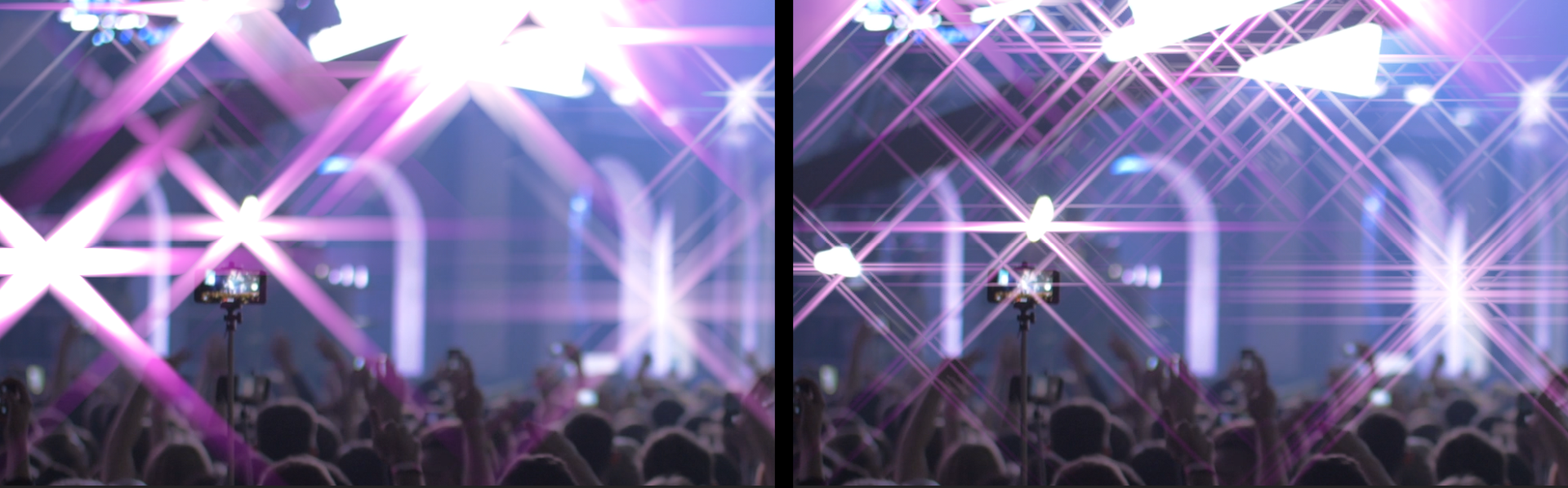
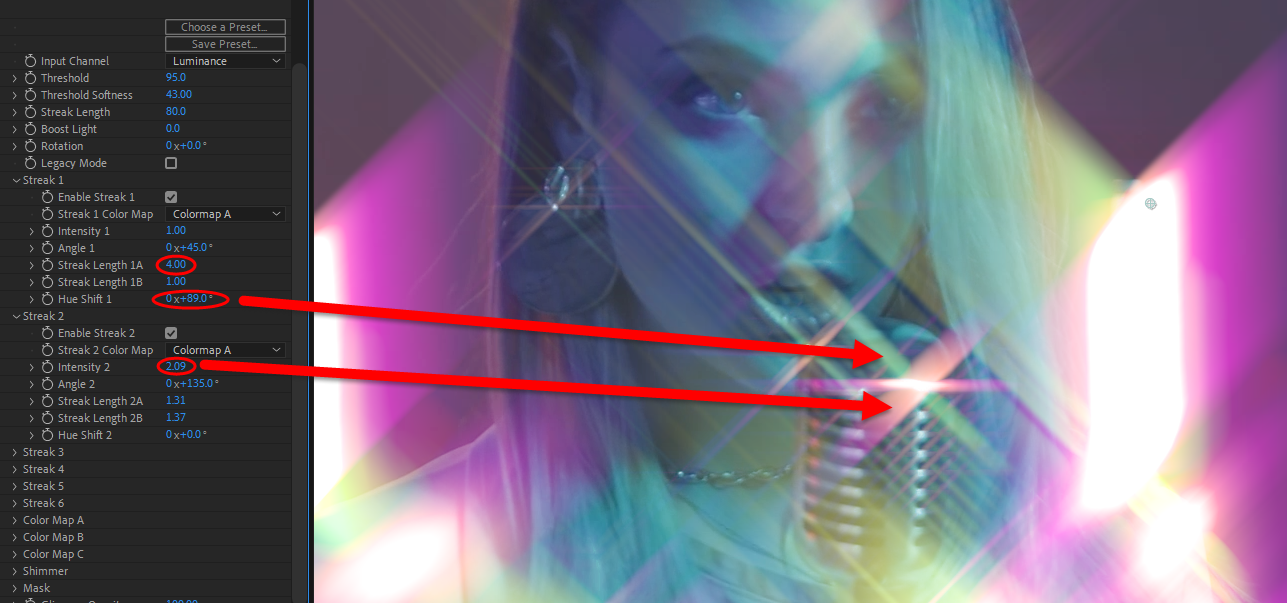 Streak 4, 5, and 6 serve as additional accents that overlay on half of the prior three streaks. We pinpoint an example of them here: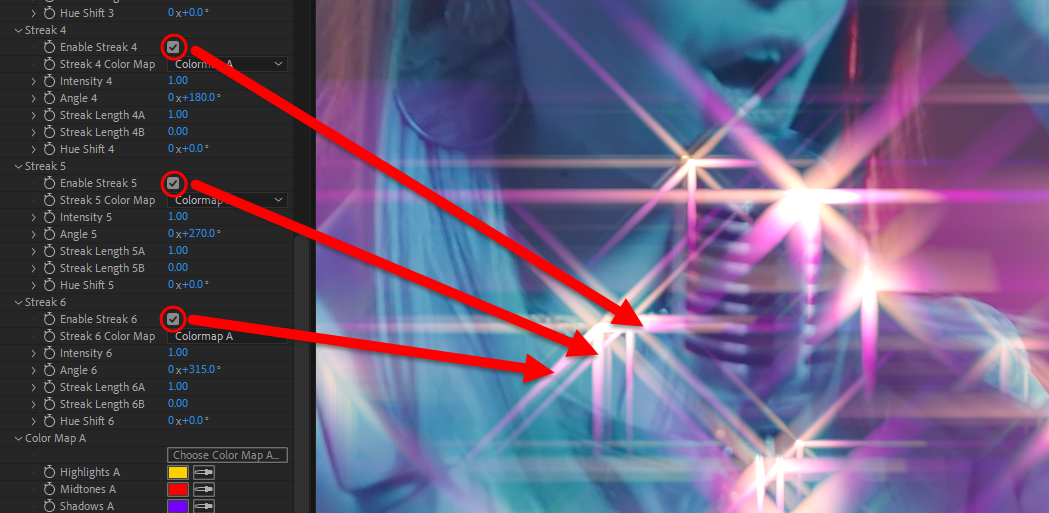
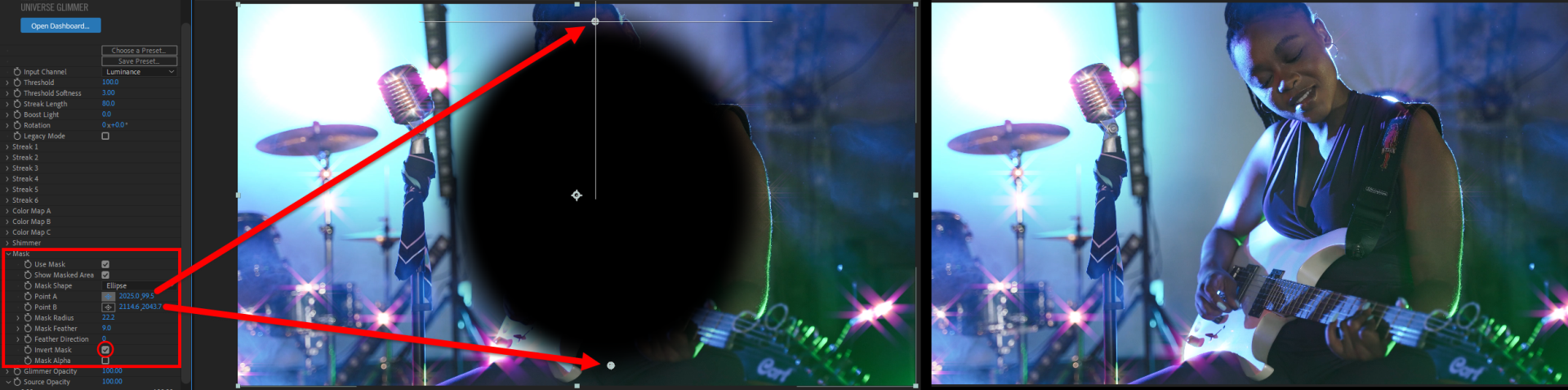
The Mask control group makes quick work of masking your glow effect, if desired.
Glimmer Opacity lowers the transparency of the effect on the layer. This is another method for lowering the strength of Glimmer's presence in your comp without modifying other effect characteristics.
Source Opacity, when lowered from its default of 100, increasingly renders the source layer as transparent.
The Blend Mode drop-down menu offers the usual assortment of blending modes to composite Glimmer results over the original image.