
Bump Map
Introduction
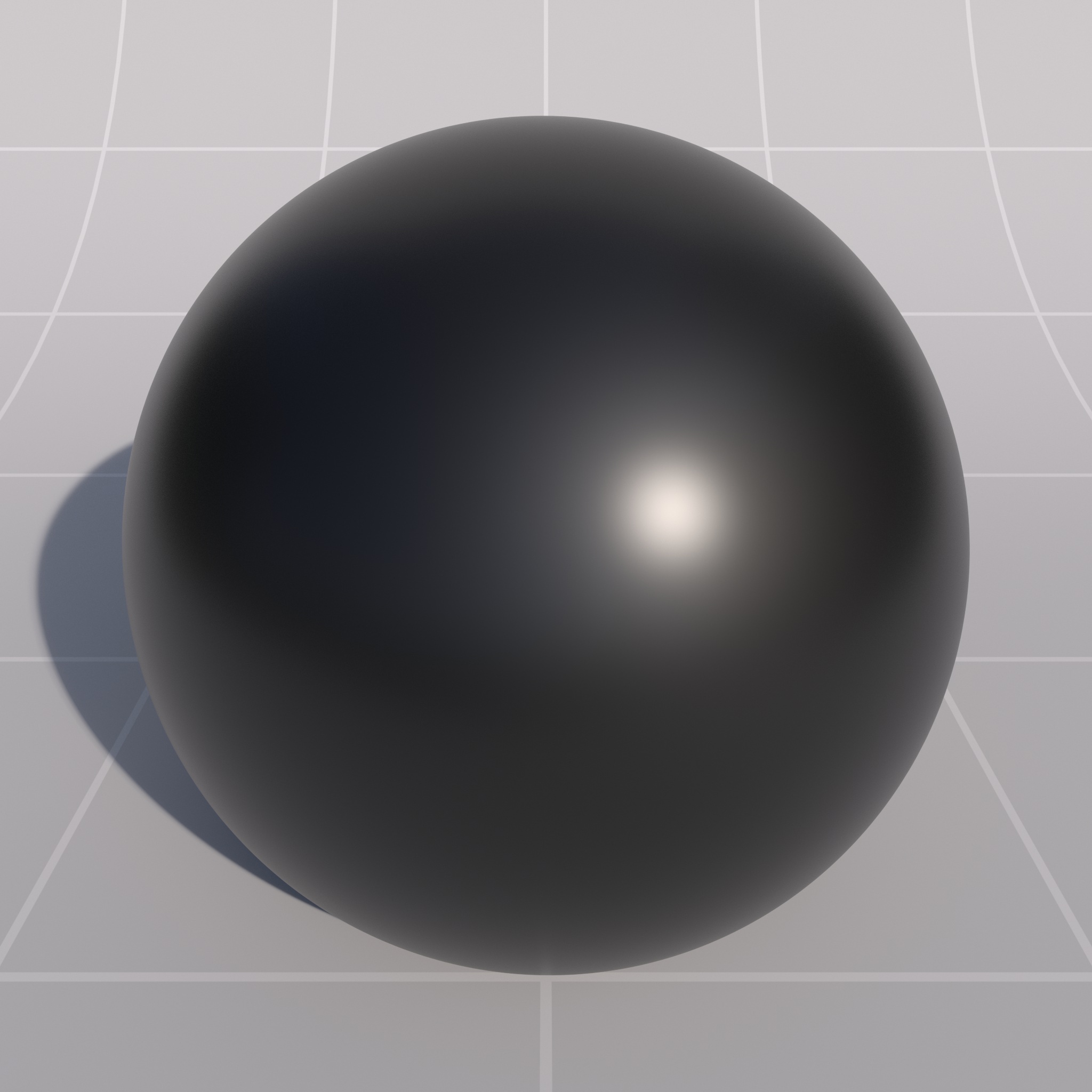
The Redshift Bump Map node supports both height maps for bump mapping and object space or tangent space normal mapping. Bump / Normal mapping is a texture-based technique used to give the impression of sub-polygon lighting detail, without having to model it.
The resolution of the these textures are important – you ideally want a one pixel per texel maximum resolution to get the best visual results. Magnifying the texture will blur the results and minifying will lessen the effect with distance.
Redshift Normal Map Format
Redshift expects normal maps in OpenGL format.
If you use a DirectX formatted normal map the Y axis of the texture will be inverted. To fix this you can use the Flip Normal Y option built into the Bump Map node instead of needing to re-export a normal map.
Mixing Multiple Bump Maps
To mix multiple bump maps and normal maps together we supply a Bump Blender shader node which has been optimized to efficiently blend resultant bump-map displacement vectors together.
|
|
|
|
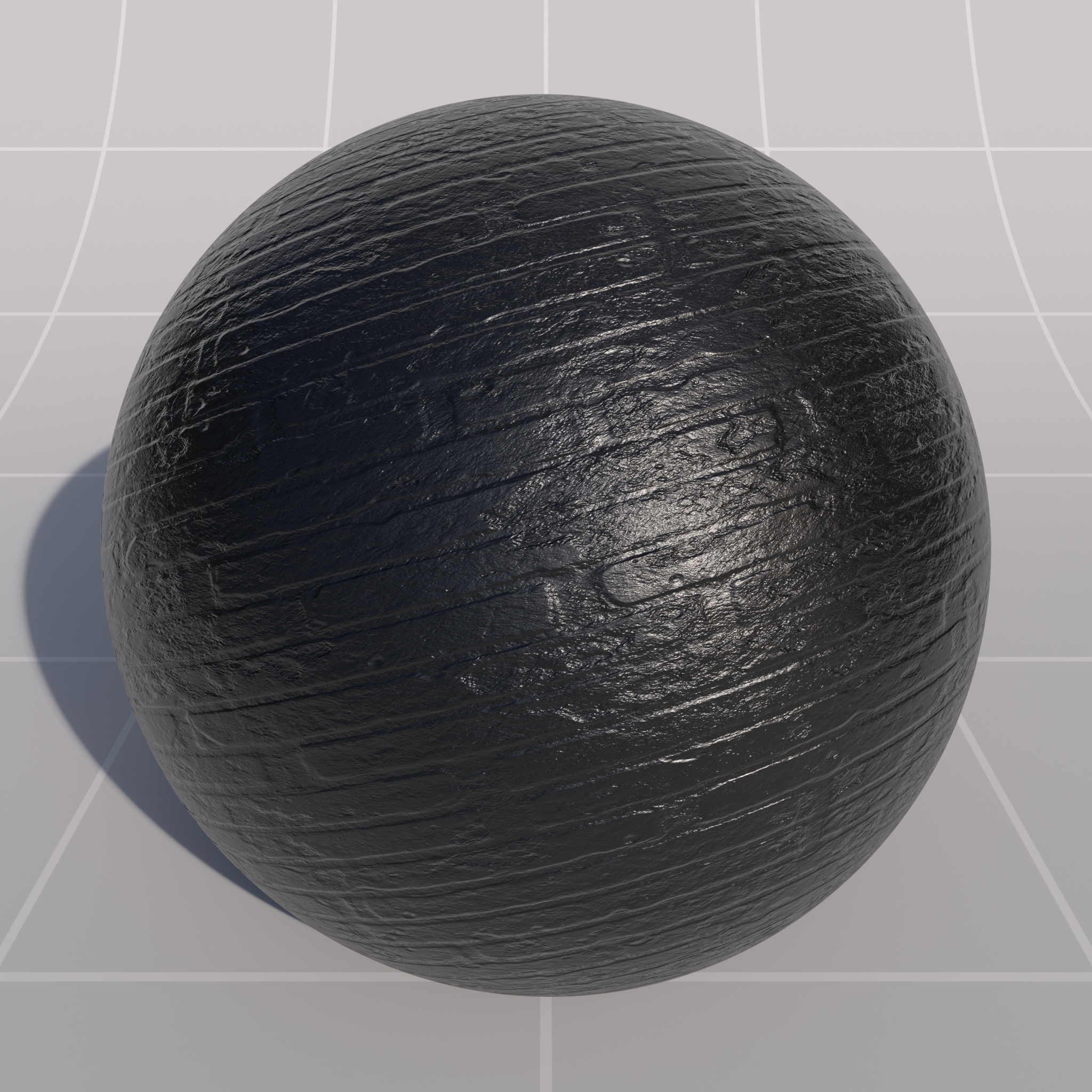
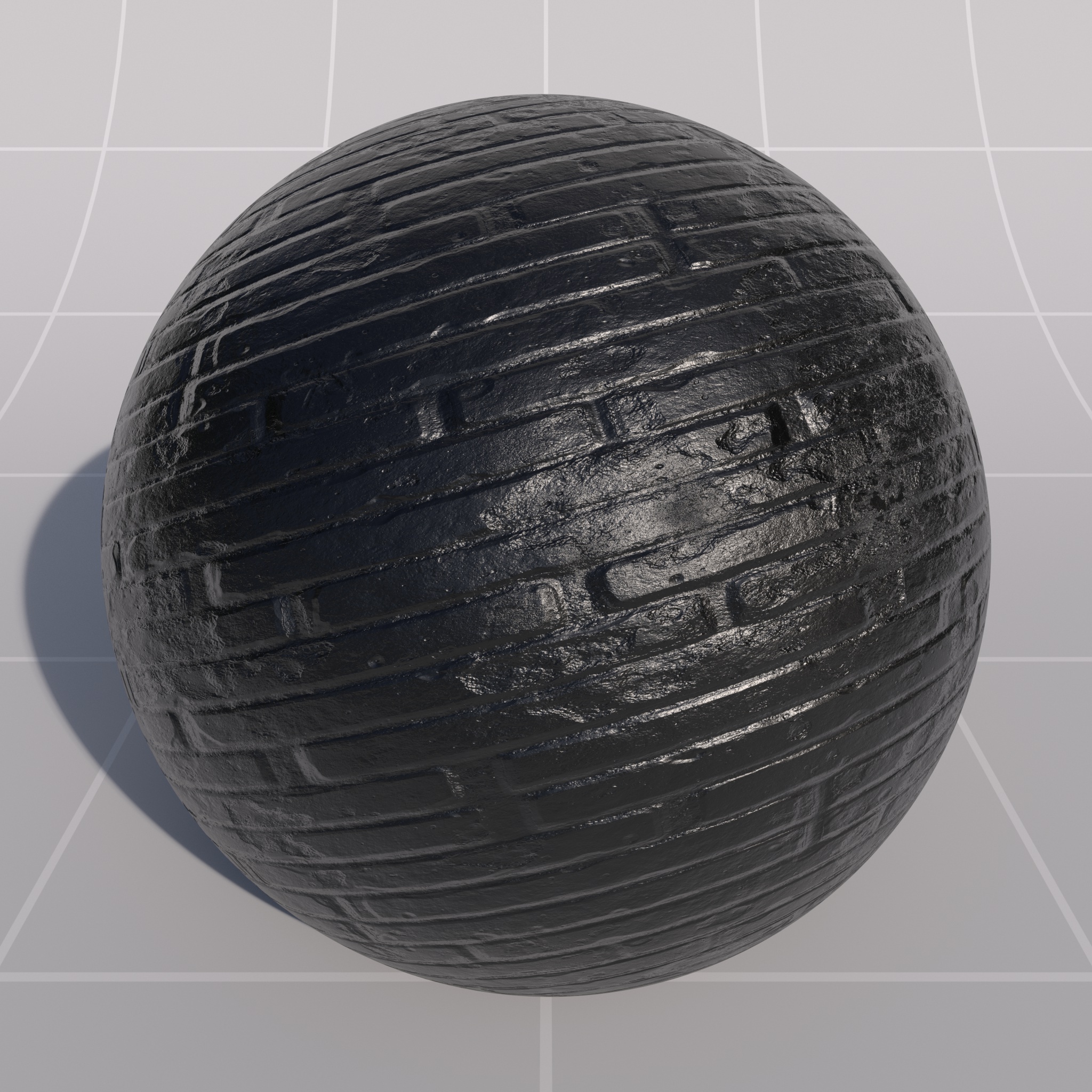
| No Bump Mapping | Bump Mapping | Normal Mapping |
|
|
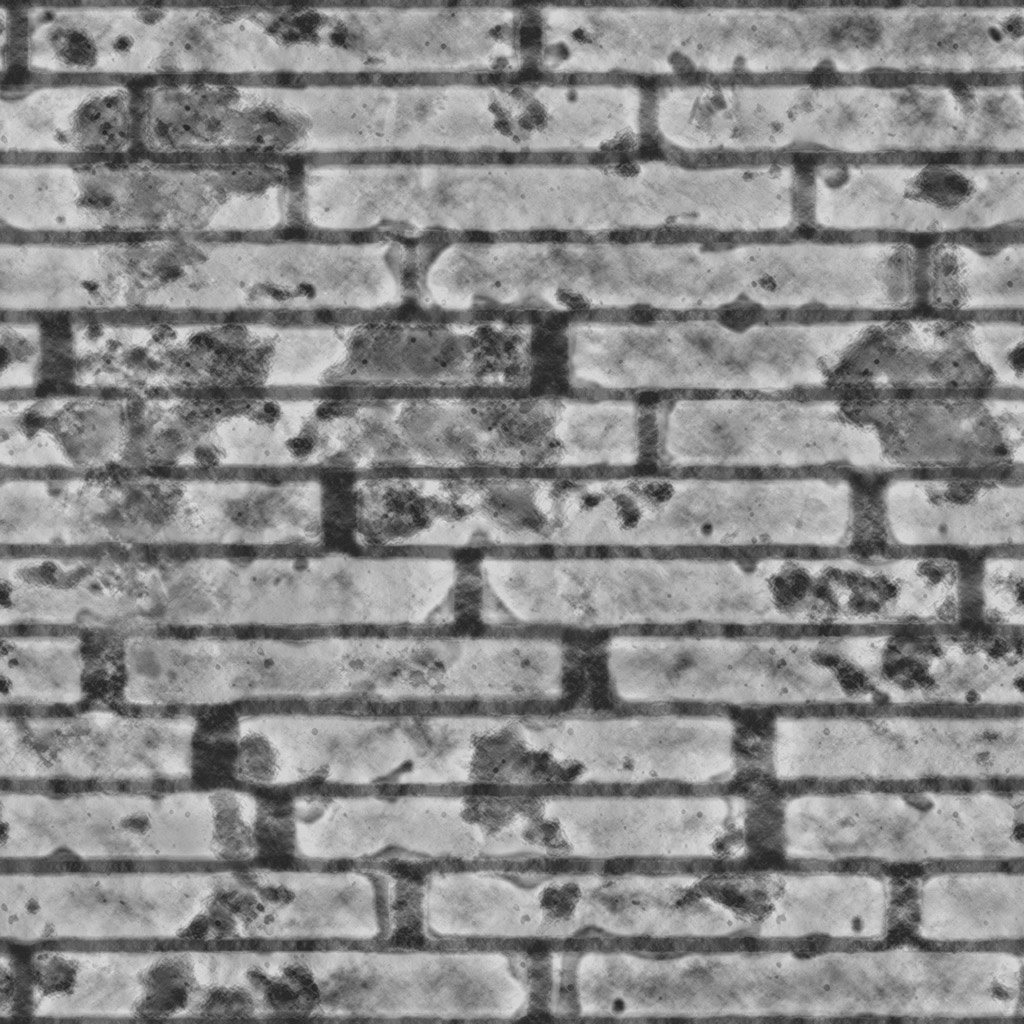
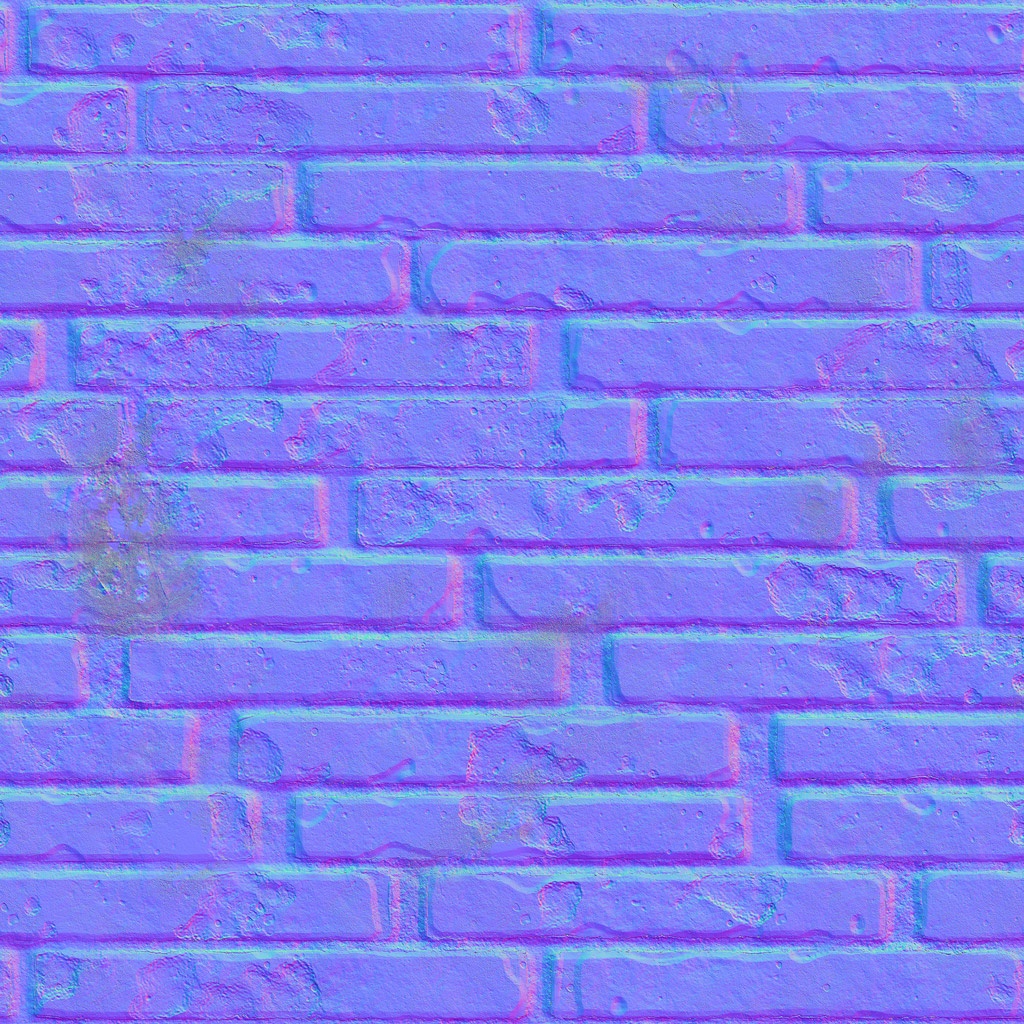
| Bump Map | Normal Map |
Bump Mapping
Bump maps are controlled by a height map texture which is used to perturb the surface normal. Since only normals are perturbed, not geometry, it does not affect shadows. Bump maps do not contain directional information.
Normal Mapping
Normal maps are controlled by a 'normal' texture which is used to perturb the surface normal. Since only normals are perturbed, not geometry, it does not affect shadows. Normal maps contain directional information.
It is very important that your normal maps have the correct color space and gamma settings. Gamma should be 1 and color space should be set to raw / linear. If set incorrectly, normal mapping will not work properly.