
Flakes
This page documents the Flakes node of the Redshift renderer in Cinema 4D. It procedurally scatters randomly oriented micro-flakes as a bump effect — the sparkle in car paint, glitter, snow and shimmering fabrics.
Overview

|
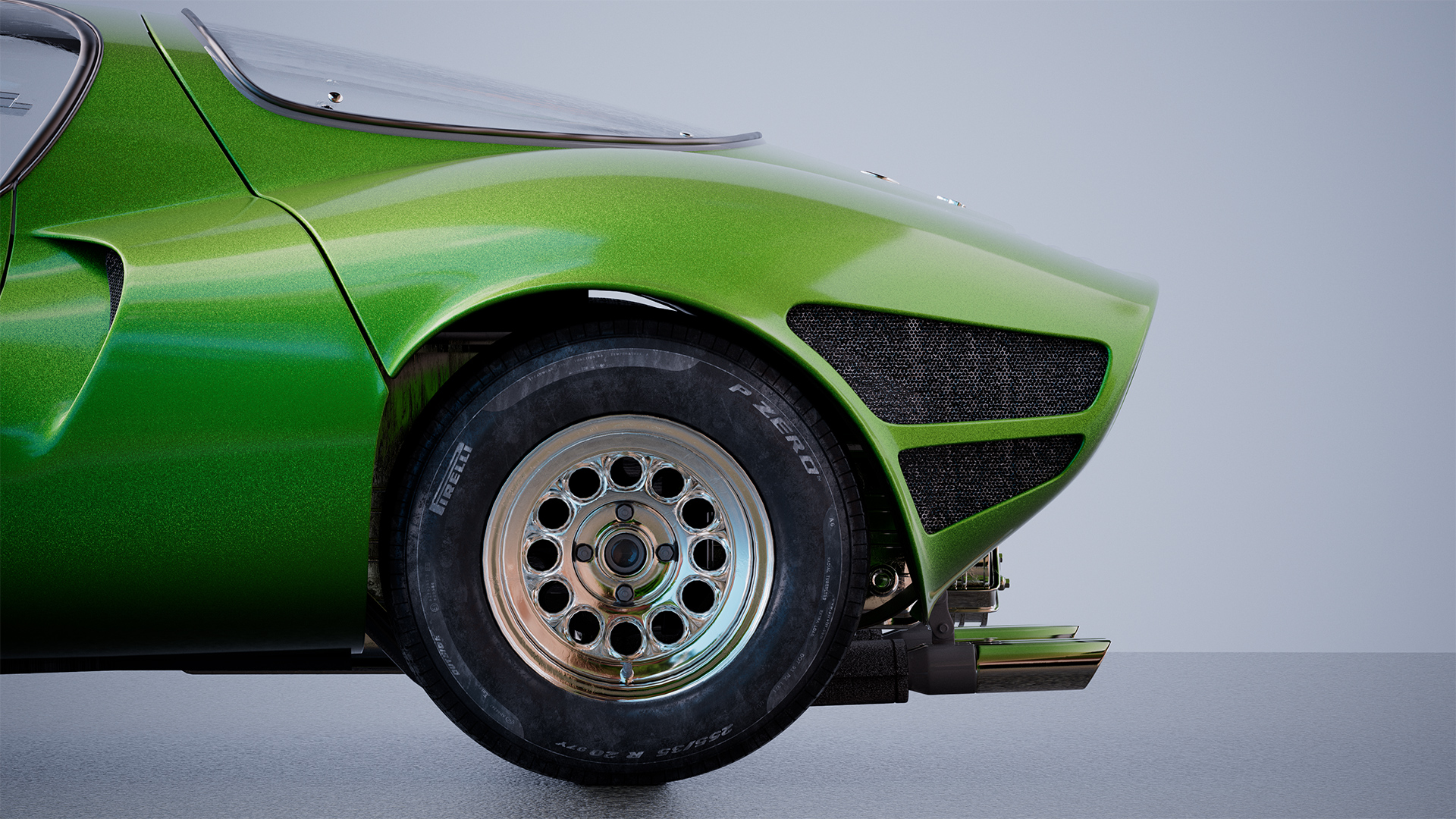
|
| Car model by Luis Lara and Maxime Truchon |
The flakes shader is a procedurally driven bump texture that creates a sparkly reflection effect that is helpful for creating materials like car paint, glitter, snow, sand, and some fabrics. This effect is created by randomly changing the orientation of each flake relative to the original objects surface normals, the higher the flake randomization the more prominent the flake pattern will appear as light hits each flake at a different angle than before.
Examples
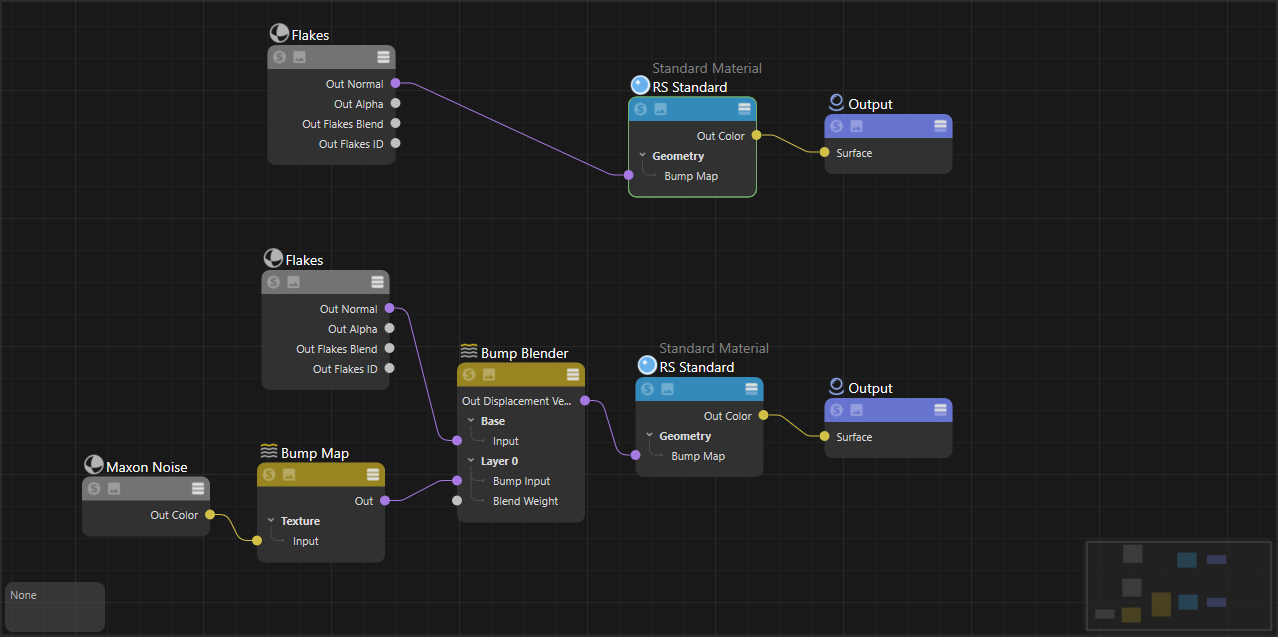
Connect the "Out Normal" of a flakes shader directly to a bump input on a material or bump blender - do not plug a flakes node into a Bump Map node the way you would a texture. The image below illustrates the correct way to connect a flakes shader to a standard material or blend flakes with another bump map texture.
|
Car Paint
To make a simple metalic car paint material:
-
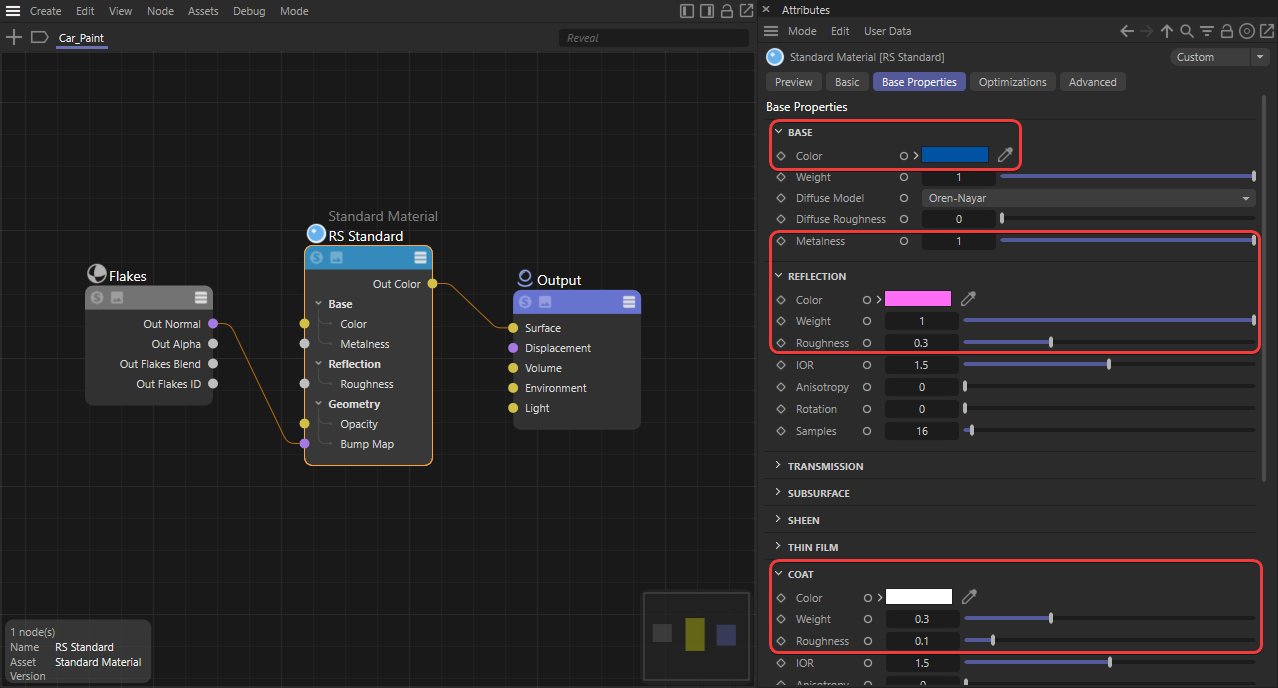
Create a OpenPBR Material and connect the "Out Normal" of a flakes shader to the base Geometry > "Bump Map" input.
-
Set the Standard material's metalness to 1, this changes the reflectance from behaving like a dielectric material to a fully reflective metallic conductor. The base color now controls the car paint's primary color while the reflection color is used to tint reflections along the glancing angles of an object.
-
Increase the coat reflection weight and set the coat roughness to a low value to create a glossy clear coat look.
|
|
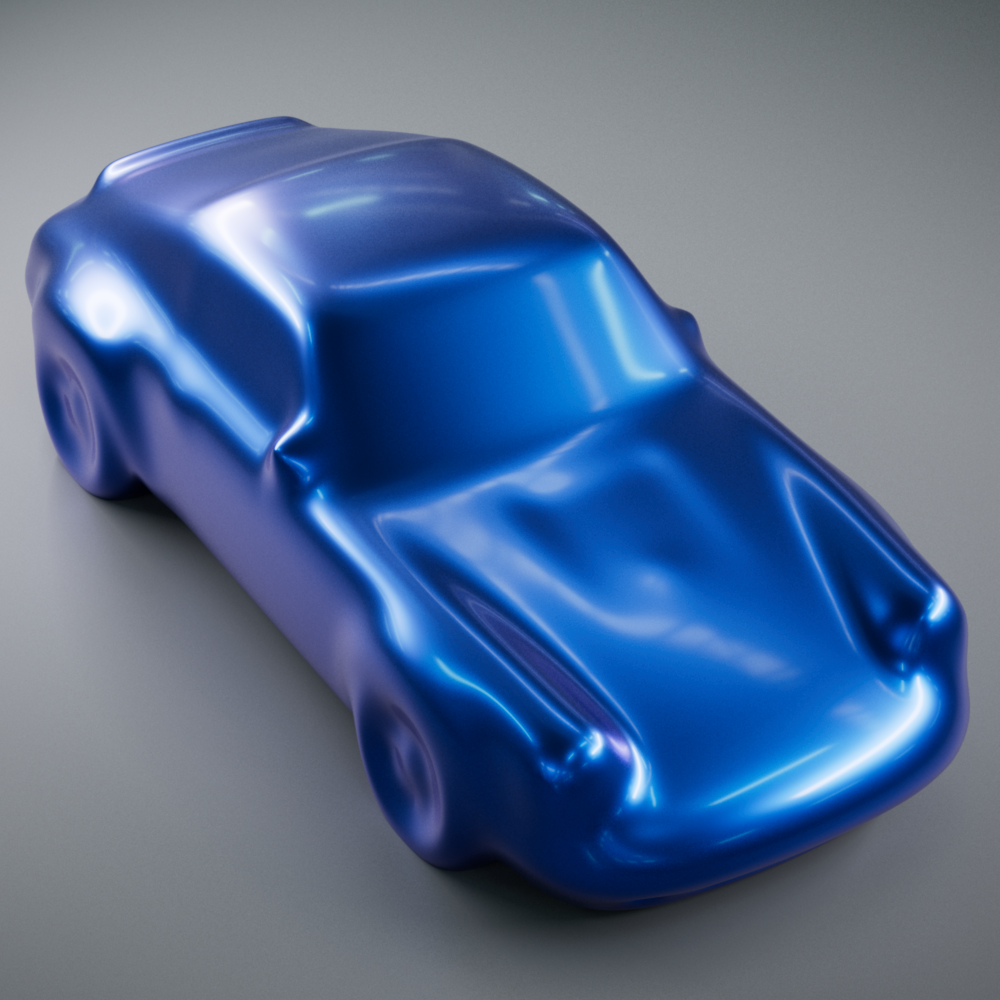
|
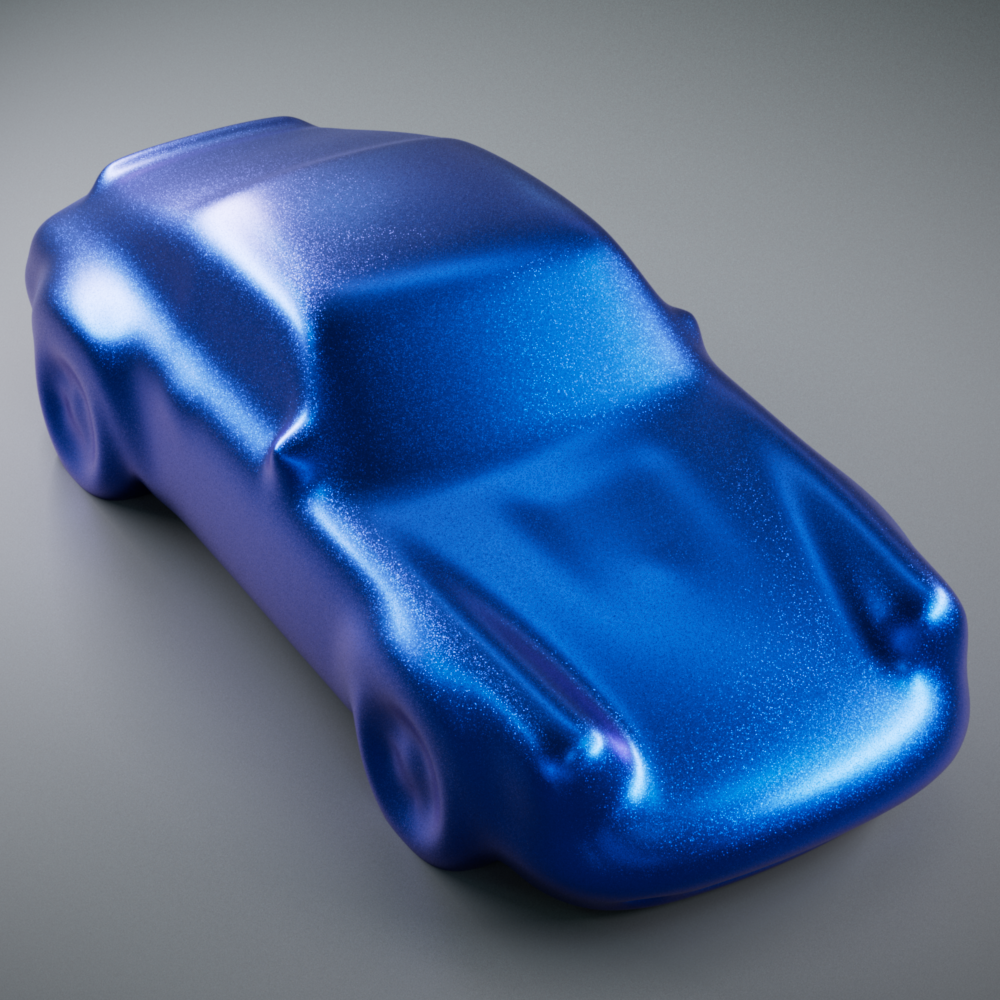
|
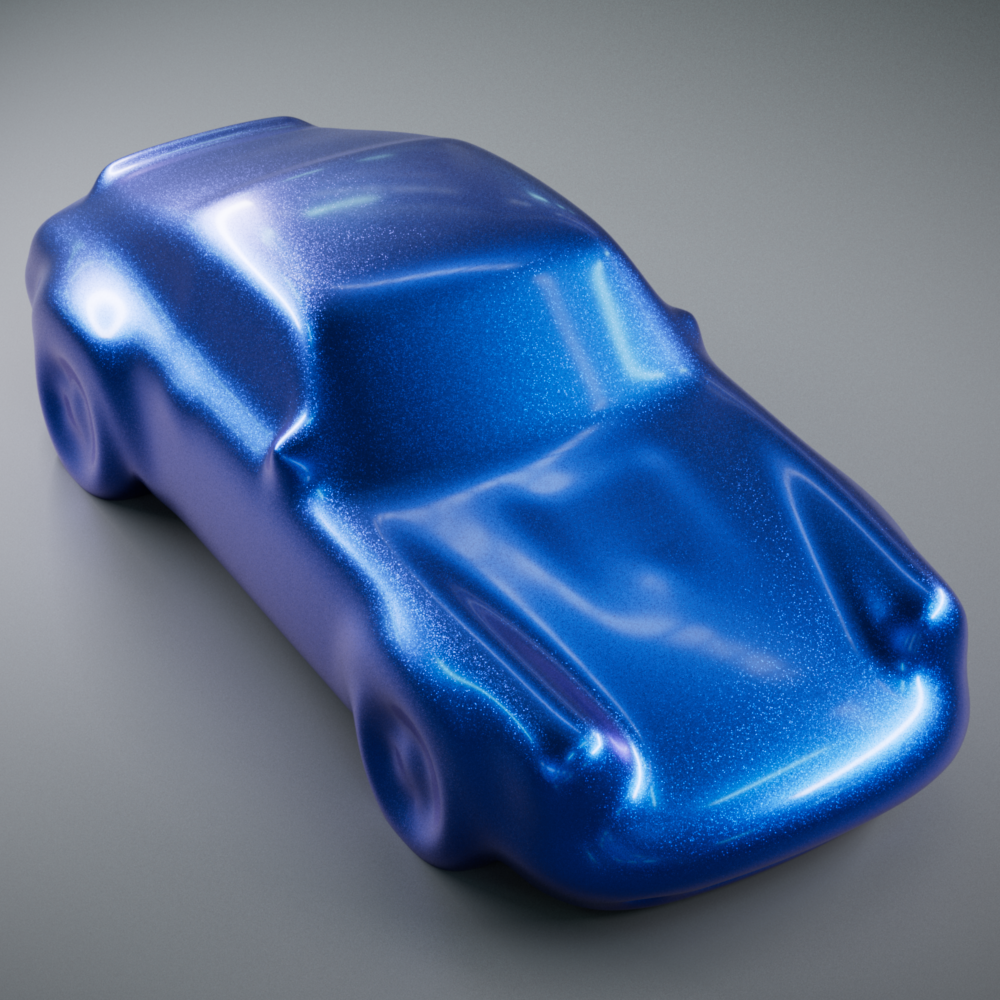
| Car Paint | Car Paint without Flakes | Car Paint without Clear Coat |
|
Car shape created from Szymon Kubicki's free model |
||
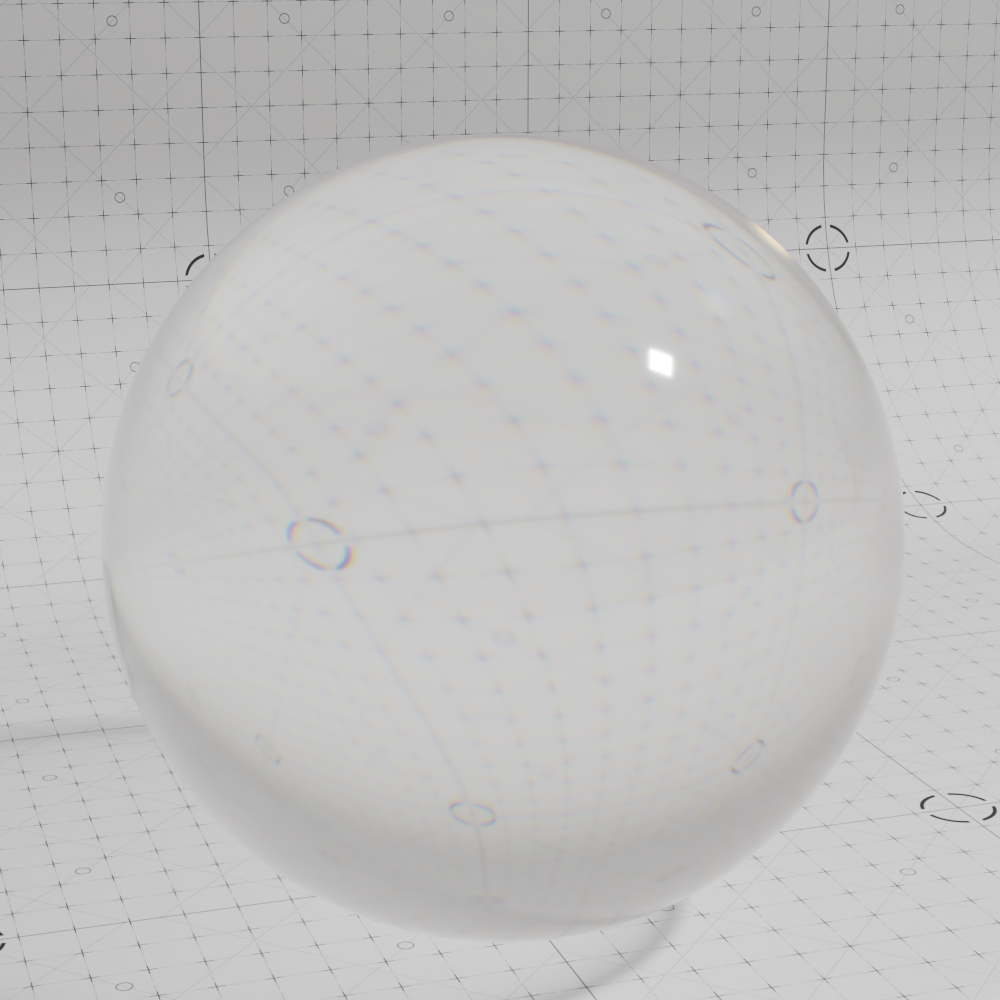
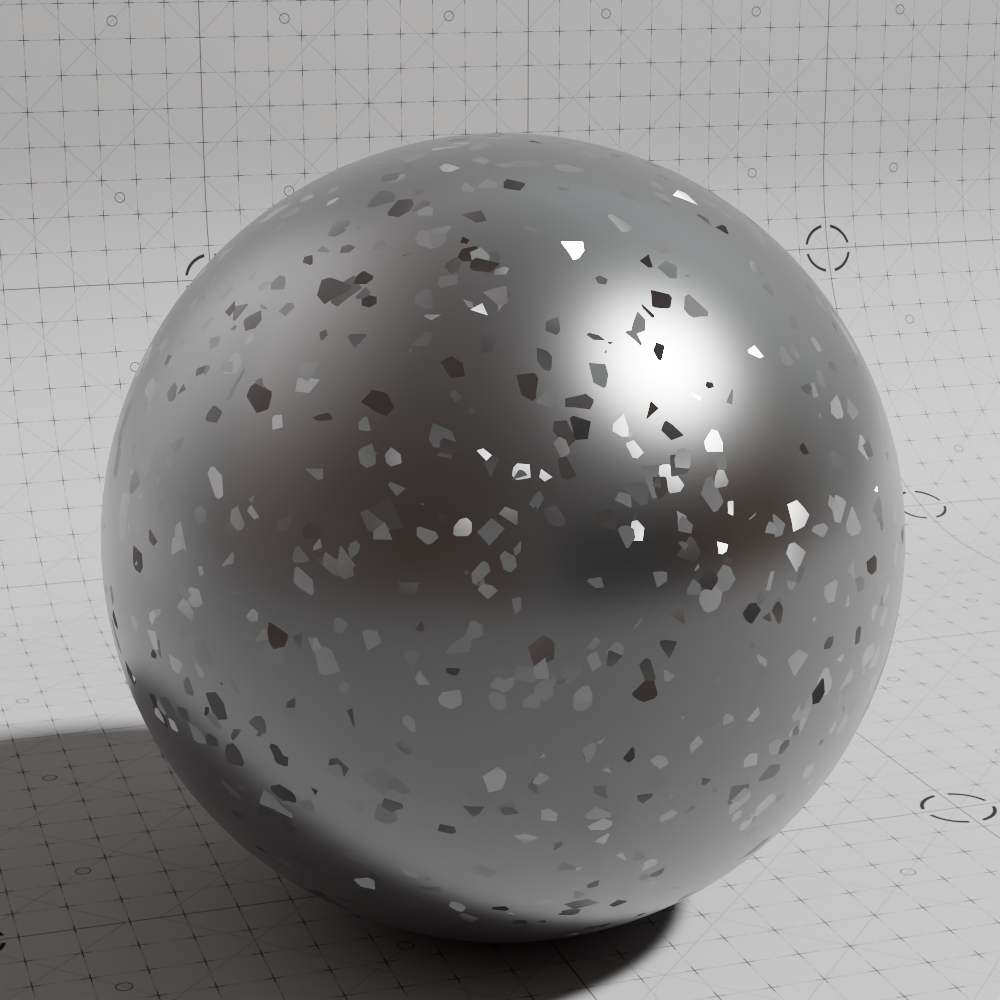
3D Flakes in Glass
To create the appearance of flakes floating around inside a glass object:
-
Create a fully transmissive standard material and connect it to the "Base Material" of a Material Layer or Material Blender node.
-
Create a fully metallic standard material and connect it to the Layer 1 color of the Material Layer.
-
Create a flakes shader and connect its "Out Normal" to the base Geometry > "Bump Map" input.
-
Enable 3D flakes by increasing the depth parameter and adjusting the step size parameter according to your scene scale. Please see the 3D Flakes section for more information on these parameters.
-
Use the flakes "Out Alpha" to drive the Layer 1 Mask of the Material Layer.
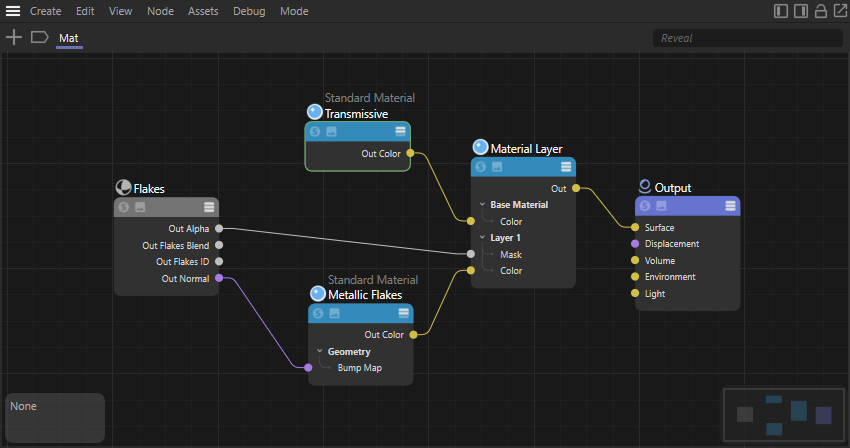
|
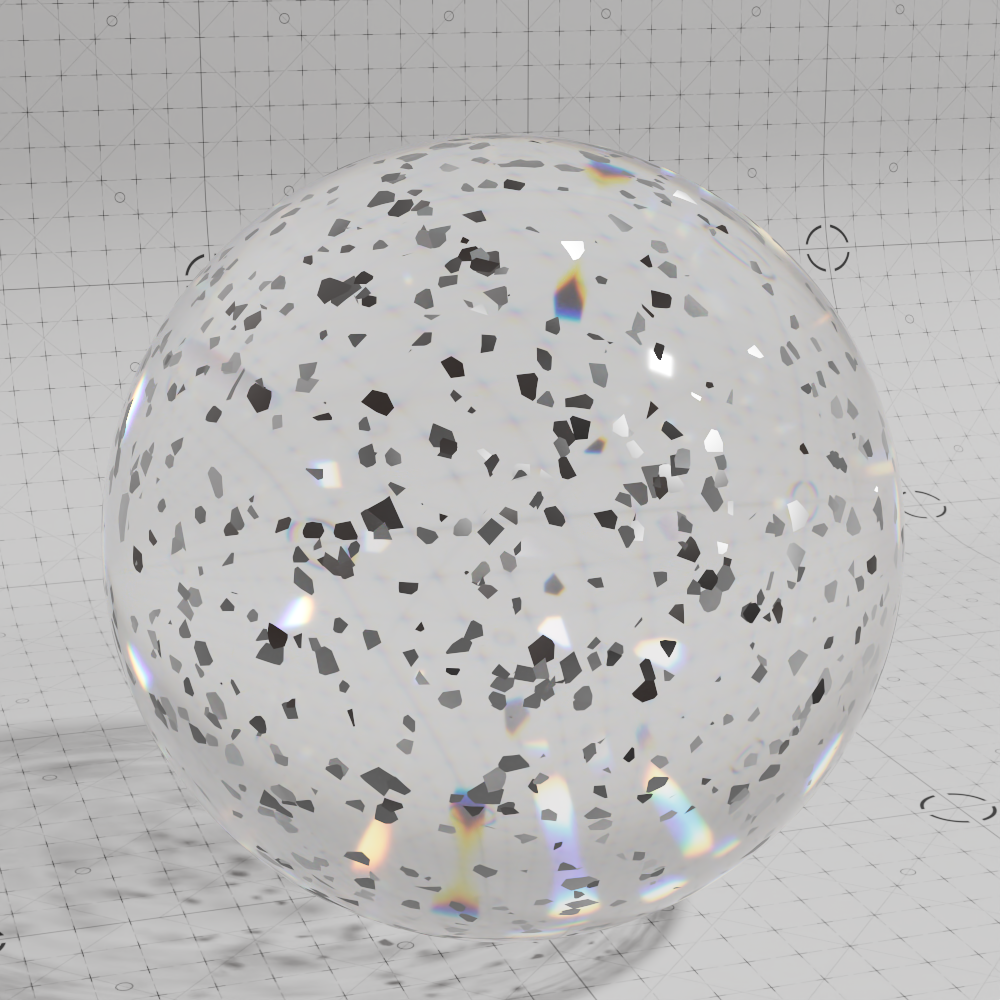
|
|
|
| 3D Flakes layered with Transmissive | Transmissive material solo | Metal 3D flakes material solo |
Multicolored Flakes
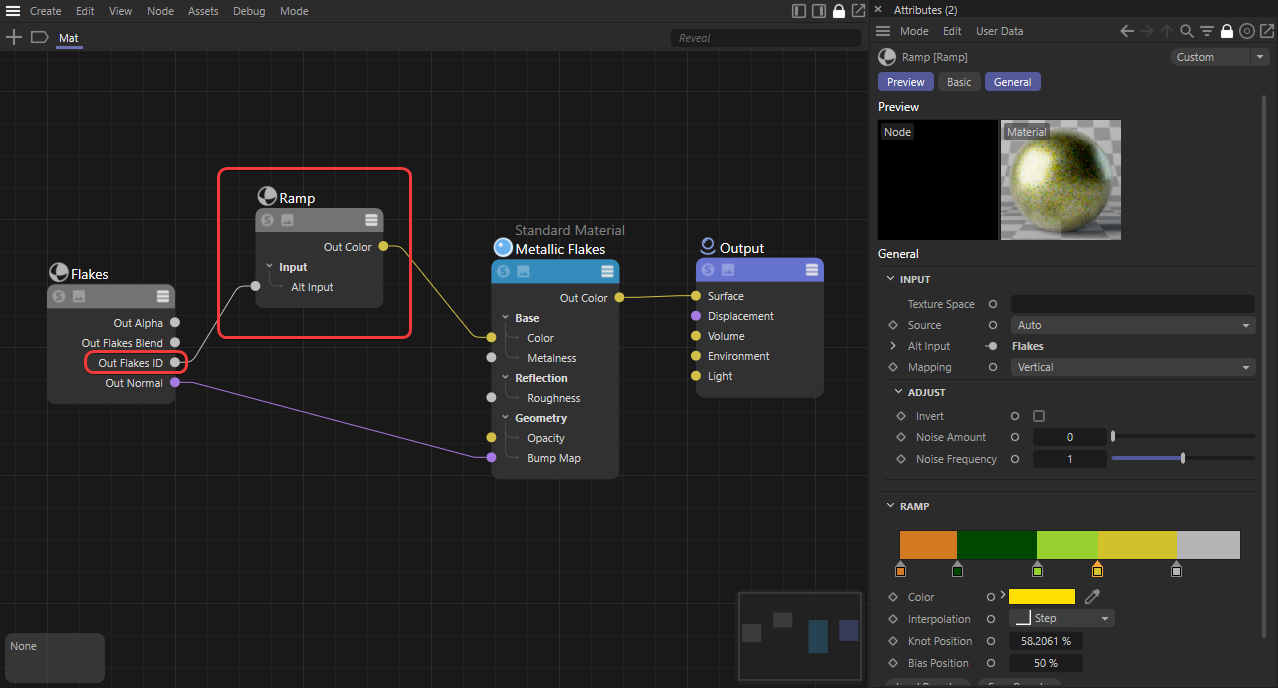
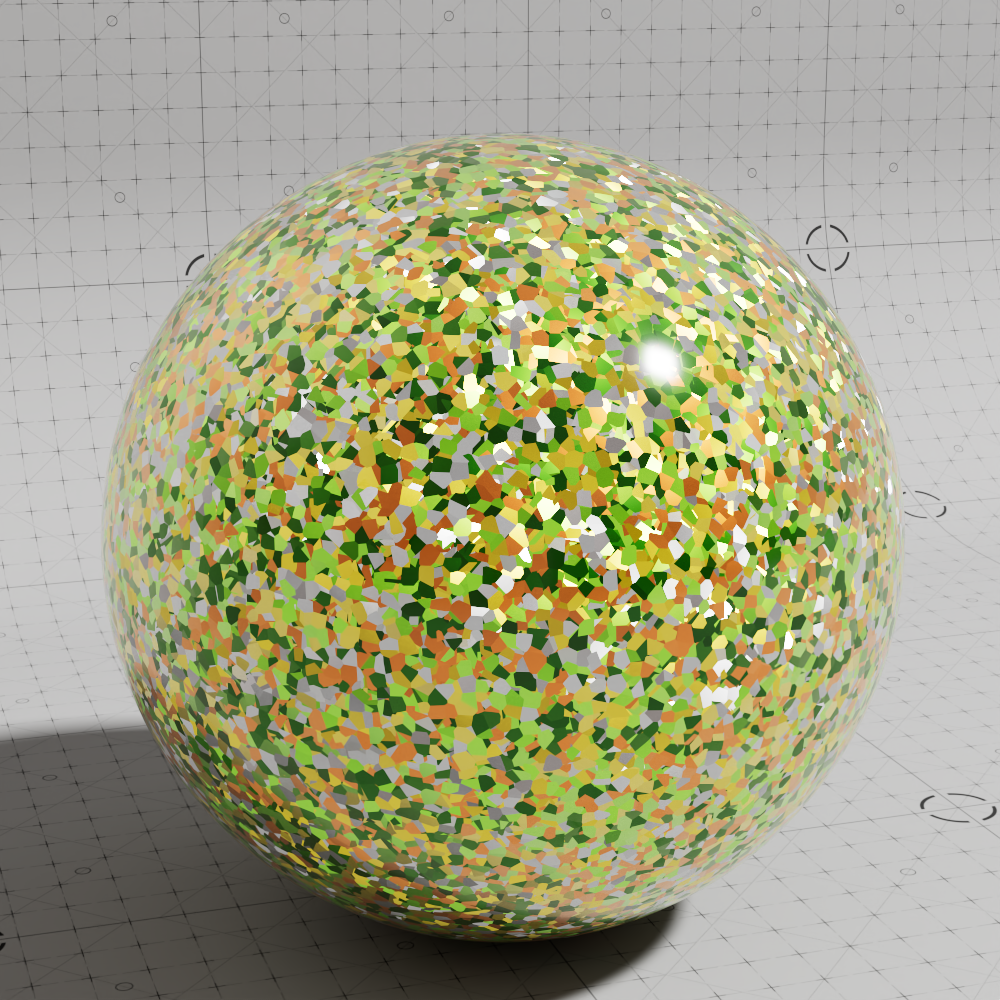
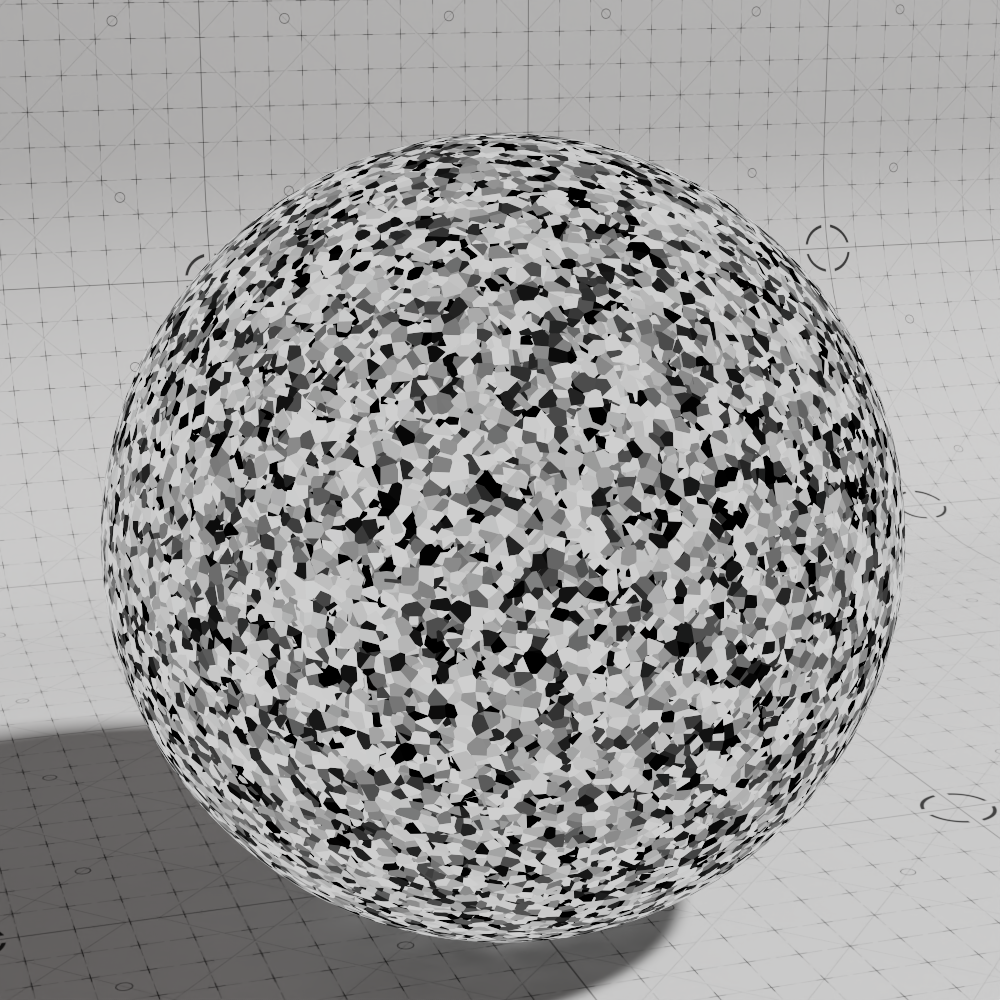
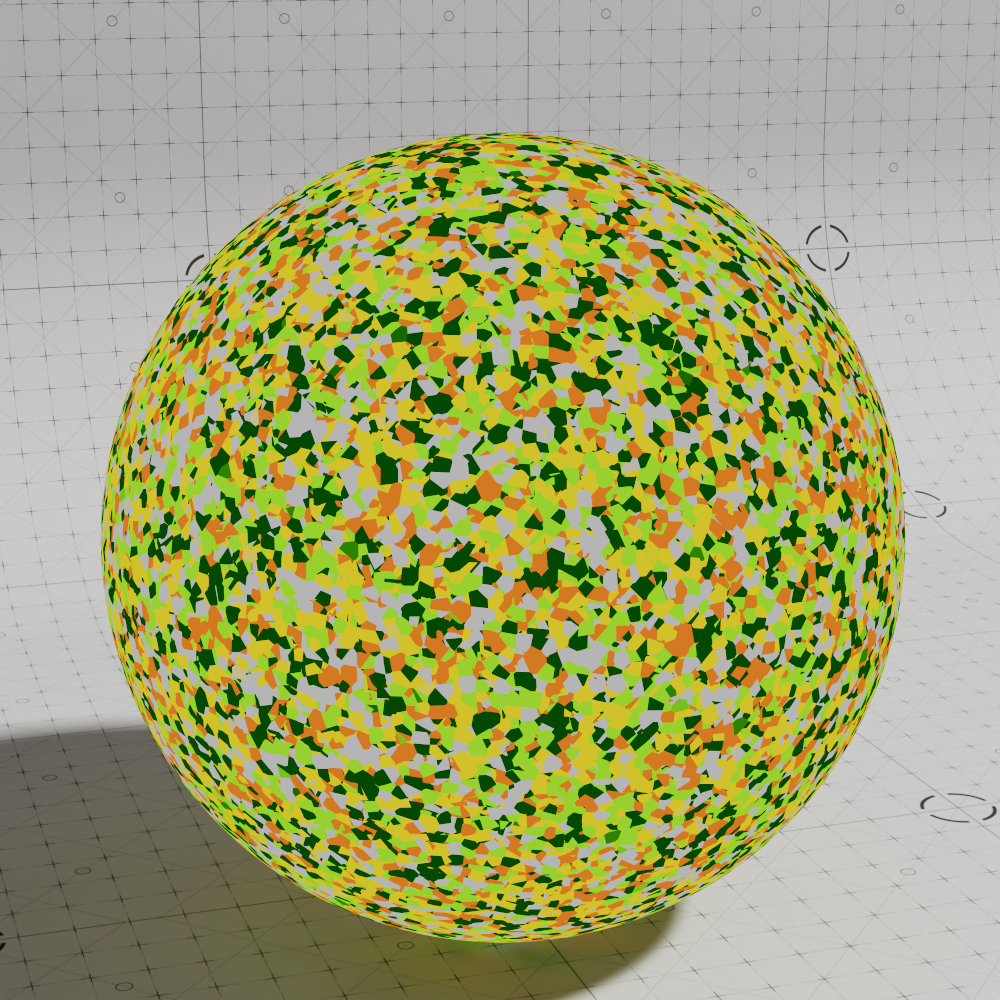
Use the "Out Flake ID" output to control the color of each flake by driving a gradient ramp and connecting it to the "Base Color" of a metallic Standard Material.
|
|
|
|
| Multicolored Flakes render | Flake ID Black and White | Flake ID remapped by gradient |