
Maxon Noise
This page describes the Maxon Noise node of the Redshift renderer in Cinema 4D. It brings the native Cinema 4D procedural noises into Redshift shading — including 3D object- and world-space mapping — for surface detail, masks and bump driving.
The Maxon Noise shader brings native support of the Cinema 4D procedural noises to all Redshift DCCs. These are very useful for adding surface detail, special effects and driving bump-maps.
For C4D users, the main benefit is that C4D noises are no longer constrained to 2D textures, and can be mapped in Object or World coordinates for more shading possibilities. Another benefit is that in most cases editing parameters will no longer trigger bakeing and slow texture conversions. Note that the existing C4D Shader node will continue to work in bake mode, so that existing materials will render the same as before.
Please be aware that the algorithms used in the Maxon Noise node are based on a customized GPU-friendly implementation instead of the CPU-based code used by the original C4D shader. For this reason while the noises and most of the parameters are the same, their output will not be pixel-identical to the original C4D version.
Adding noise to Global Fog
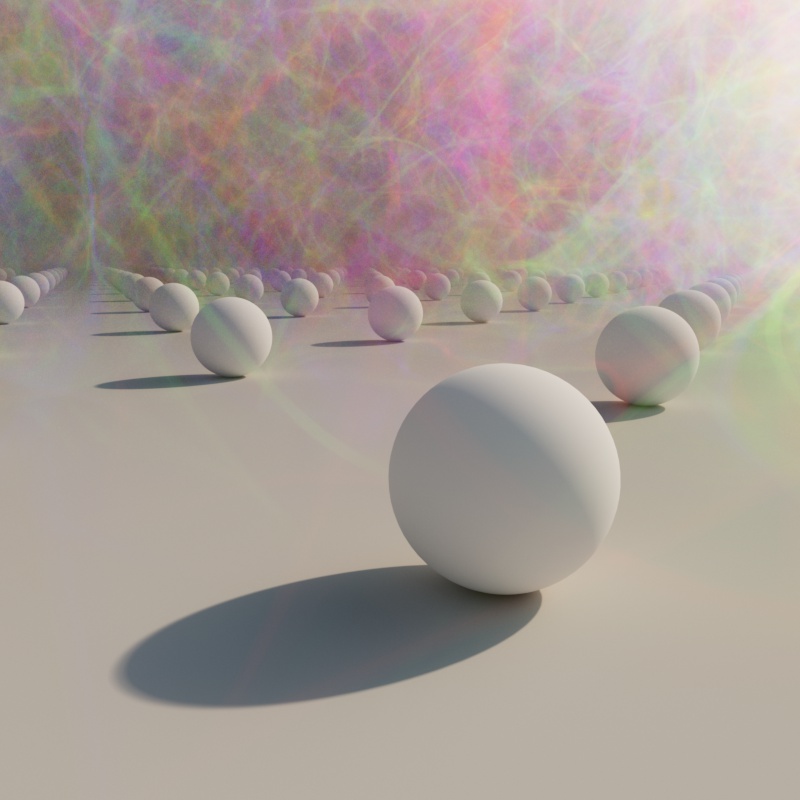
Noise can be added to a global fog volume by connecting a noise shader to the Volume input of a Material Output node and applying that material directly to the RS Environment object as pictured below.

|
|

|
| Volume Fog with Maxon Noise | 3 noises blended with a Color Layer | Volume Fog without Noise |
| Applying volume noise to global fog |