Depth Generator
Depth Maps and Their Use
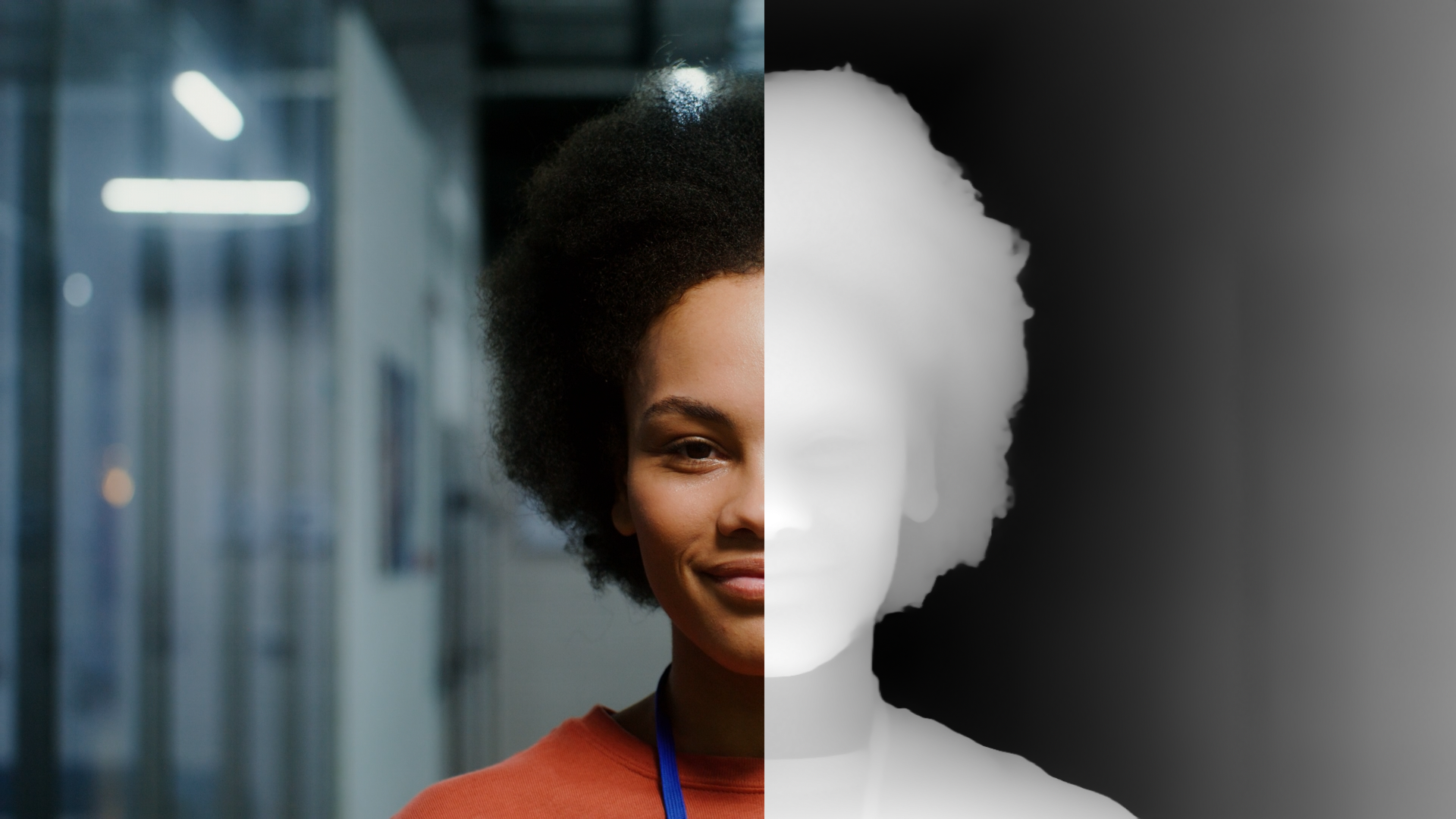
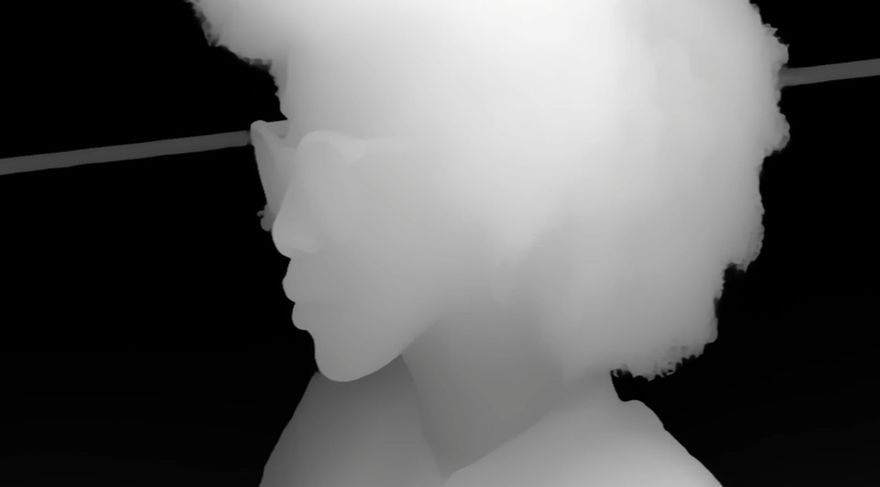
A depth map is a grayscale image that encodes distance information in a scene. Bright areas are close to the camera; darker areas are farther away. Unlike a color or luminance channel, a depth map describes space rather than appearance, making it a building block for depth-aware effects (e.g., blur, fog, and occlusion).
Maxon's Depth Generator plugin for After Effects creates depth computation passes directly from your footage or stills. When applied, the plugin creates a dedicated solid layer linked to your source clip and generates a live depth pass. From there, you can either preview the result or render it out as a finished MP4 or PNG sequence. A Depth Isolation section provides a curve UI to remap brightness (near/far ranges) so you can target foreground, mid, or background for selective effects. Post-processing options like Deflicker and smoothing help stabilize frame-to-frame variance and reduce banding before export.
Compared to more complex alternatives, such as full 3D camera tracking, geometry reconstruction, or lidar scans, Depth Generator strikes a balance of speed and practicality. It doesn’t produce true 3D geometry, but for depth-based blurs, compositing, and stylized looks, Depth Generator delivers high-quality results without leaving After Effects or setting up a full 3D pipeline.
Depth Maps in Action
With a depth map in hand, you can unlock a wide range of creative effects across the Red Giant tool family. Here are a few examples:
Particular/Form Z Buffer
Maxon's Particular and Form tools can reference depth passes in various ways. For example, in both Particular and Form, the Layer Maps feature can use reference layers to drive various particle characteristics, such as color, displacement, size, and rotation. The above video clip uses a grayscale depth map to drive particle displacement, giving the woman's head shape its 3D depth.
Alternatively, depth maps can serve as a “Z buffer” in both tools. The depth map helps determine whether generated particles render "before" or "behind" elements within a scene. For example, in the image below, you see how we used the depth pass as a Z buffer in Particular to drive particle displacement. In practice, you set the Z Buffer source parameter in Particular to your Depth Generator layer, as shown here:
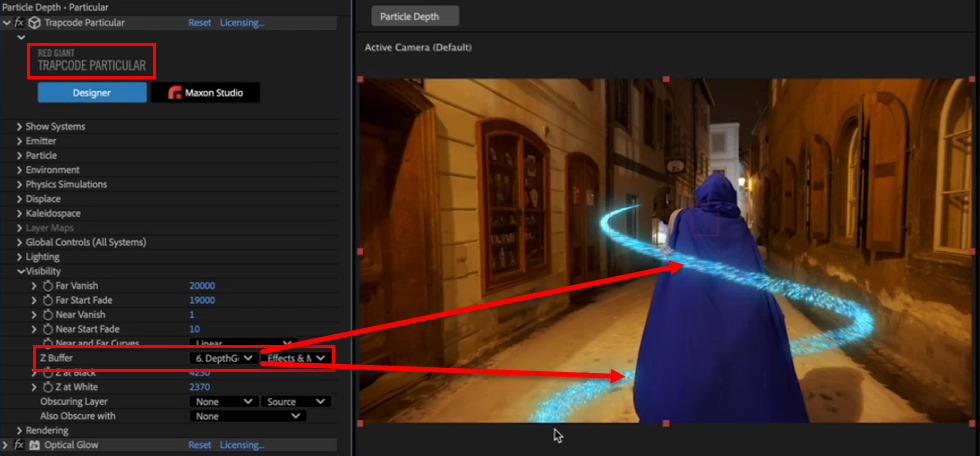
For a great how-to on using depth mapping in Particular, see this video. Depth Generator supersedes this process in many ways, but it's still an excellent look at applying depth mapping with particles in a real usage scenario.
Mir Displacement
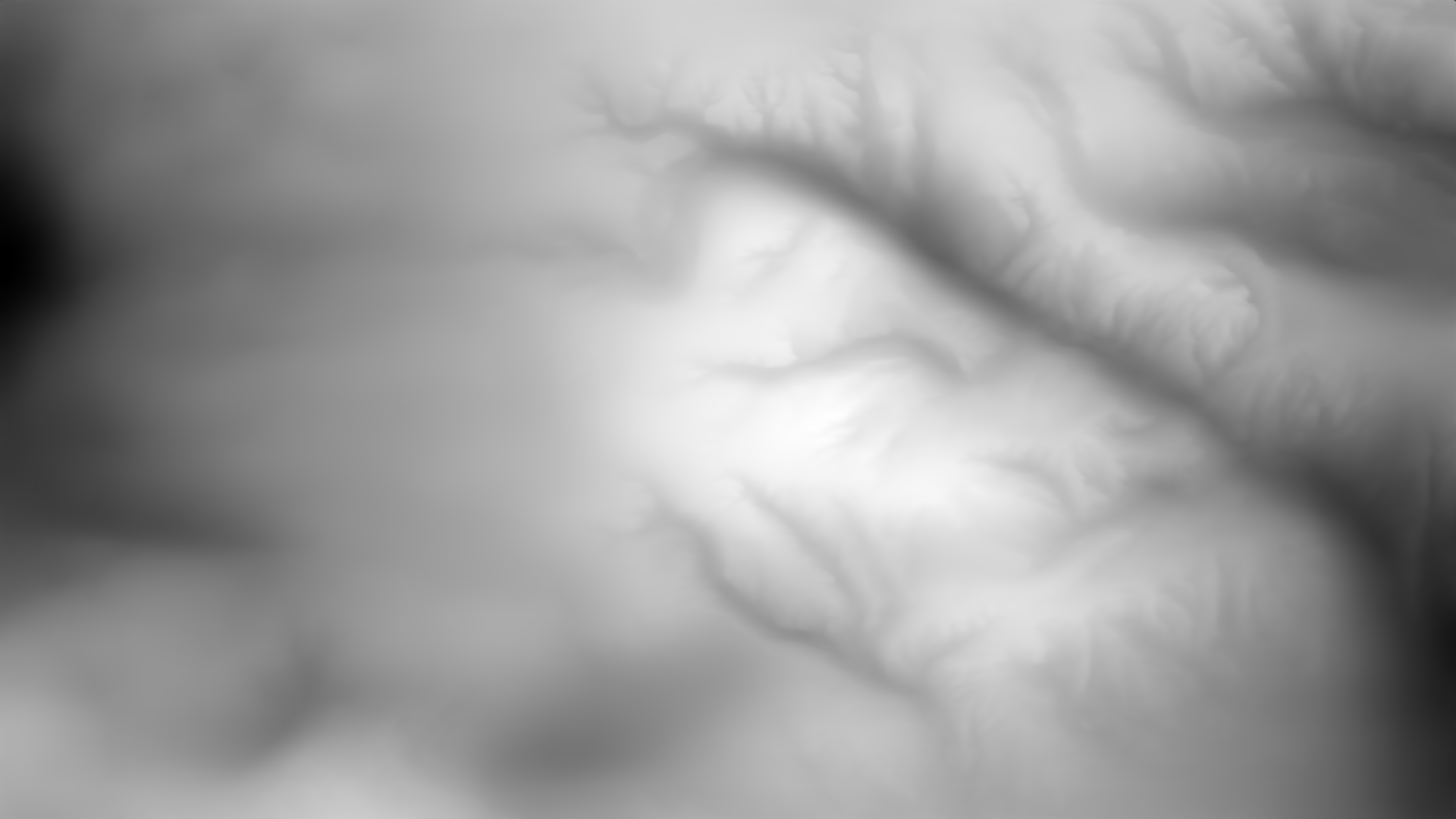
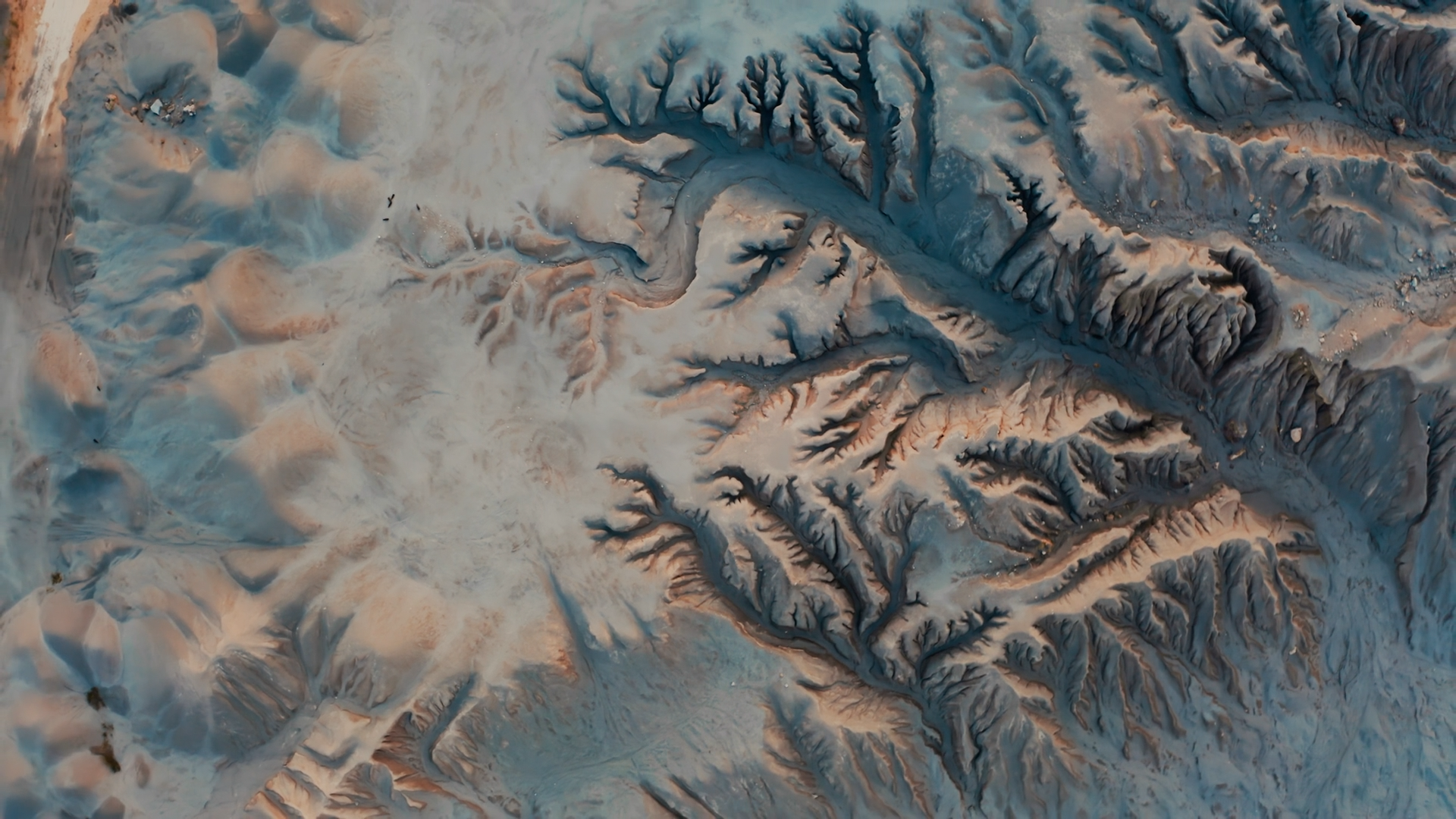
Mir has the ability to use grayscale height maps (depth maps) to displace its mesh. Observe in the clip and images above how the depth map drives the effect.
Bokeh (Depth of Field)
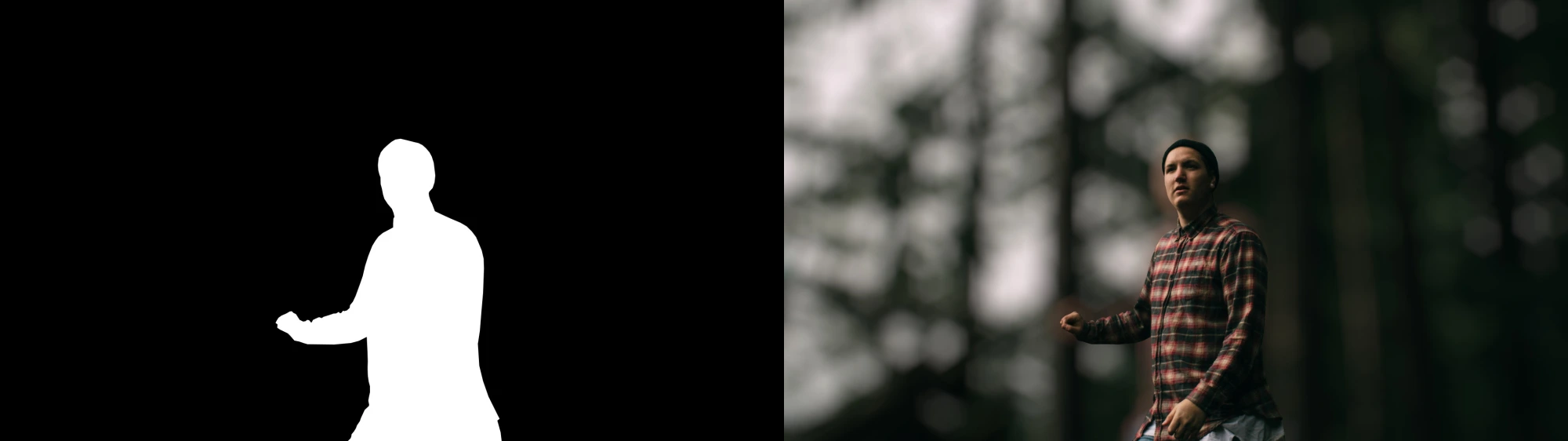
Bokeh can use depth maps to determine what areas of an image should have blur applied to them. The above example (borrowed from the Bokeh user guide) shows a very black-and-white example, if you will, with the white area being in focus and everything else (represented as solid black in the depth map) being out of focus.
AE (with Colorista)
After Effects can apply depth maps to any effect. The above example shows this process with Maxon's Colorista tool. Play with our interactive widget below to see how increasing the colorization value (moving the slider to the right) increasingly applies Colorista as you progress from white through black depth map values. This manifests first as color blossoming in the subject's hair, followed by her face, and finally the water in the distance.