
Particular
Layer Maps Group
The Layer Maps group enables the pixels of another layer to control various aspects of the particles in the field. Most Layer Map groups work with the luminance values of grayscale maps, which treat black pixels as "off," white pixels as "on," and gray pixels as transitional values. Note that the selected Emitter Behavior will impact how Particular samples a layer map. For Continuous, Explode, and Dynamic Form, the particles sample the layer map at birth time (which is frame 0 for Explode and Dynamic Form). For Classic Form, particles update on every frame.
This page covers the common parameters, along with six subgroups, that specify the source layer and the kind of layer map used.
- Color and Alpha group
- Displacement group
- Size group
- Turbulence Strength group
- Disperse group
- Rotate group
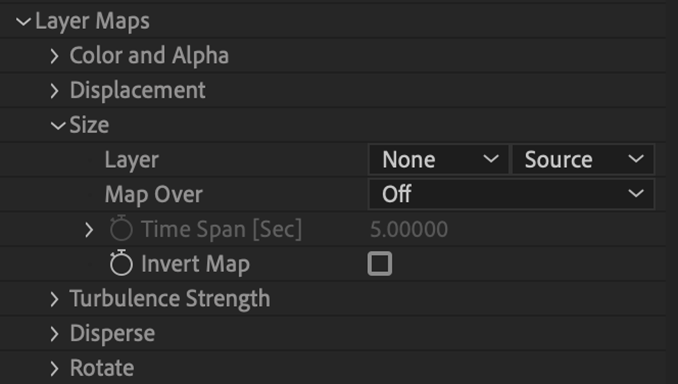
The Layer Maps Group with the Size sub-group open.
Layer pop-up: All Layer Maps have a Layer menu, which lets you specify a source from an existing composition layer. If you specify a source layer that contains no animation, Particular will generate a static field. If the source layer changes from frame to frame, Particular will use this information to generate an animated field.
NOTE: In general, you'll achieve the best results when the layer map size equals the particle field size as defined in the Emitter controls.
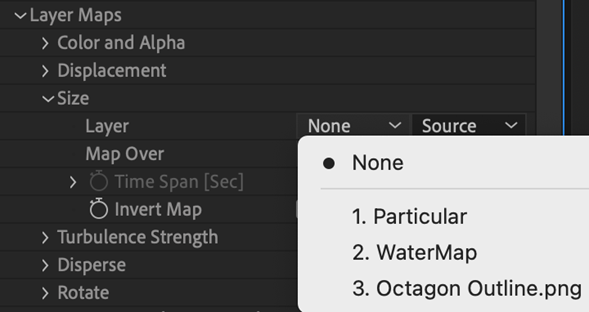
Map Over pop-up: All Layer Maps have a Map Over menu. This determines the axes or manner in which you want the source layer’s values to apply to your particle field.
- Off: (the default) This indicates that the layer map is unused.
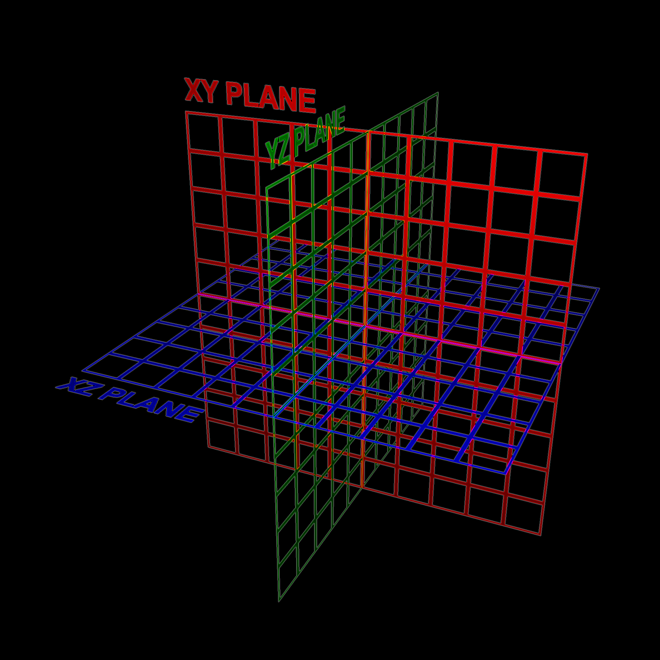
- XY: Maps the current frame from the layer map onto the particle field's XY plane.
- XZ: Maps the current frame from the layer map onto the particle field's XZ plane.
- YZ: Maps the current frame from the layer map onto the particle field's YZ plane.
- XY, time=Z: Maps the layer map onto the particle field's XY plane. Any animation in the layer map maps over Z so that Time Span extends the full field in Z.
- XY, time=Z+time: Same as above, but this option also adds the current time to the mapping, so the end result is an animation.
- UV (Models Only): Available only when emitting from faces, this option maps the particles over the UV of a 3D model. (If your model wasn't created with a UV, this will not have much effect.)
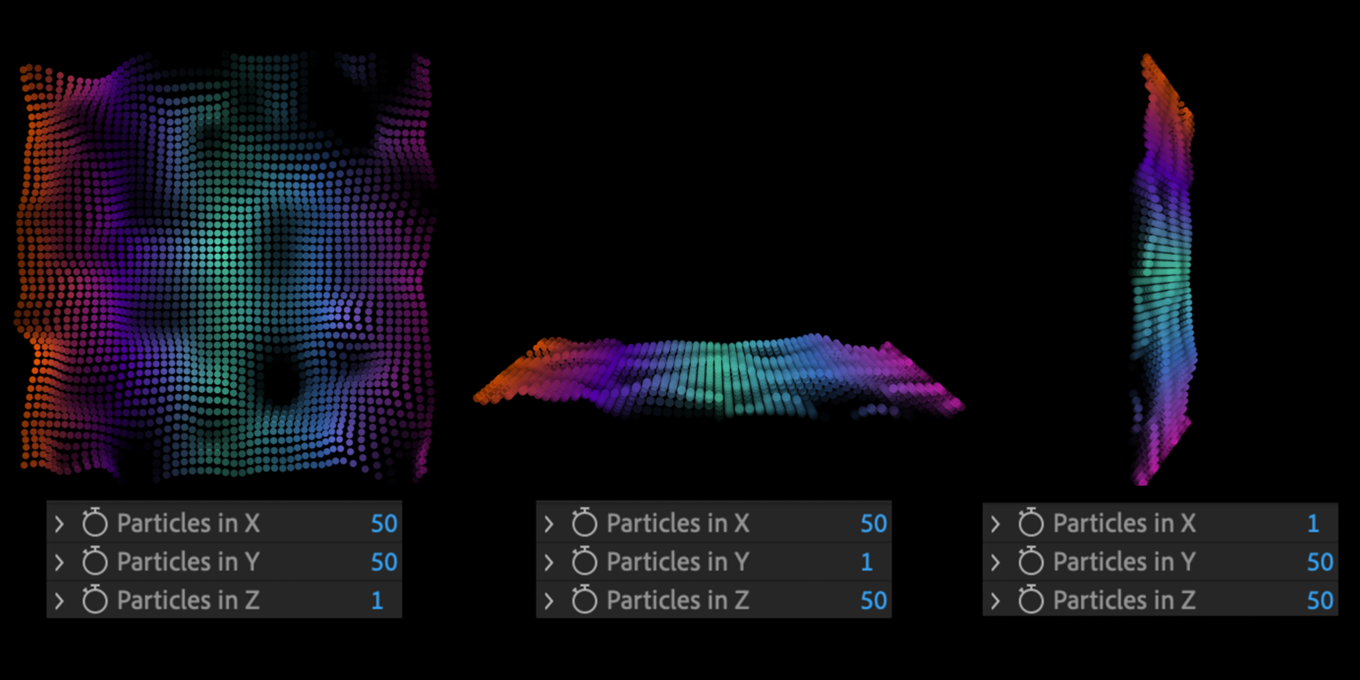
From left to right, the layer map mapped over XY Plane, XZ Plane, and YZ Plane.
Time Span [Sec]: This option controls the point at which the animation affects the planes in Z space. This control is active for the Map Over options of XY Time=Z and XY Time=Z+Time.
Invert Map checkbox: All Layer Maps have an Invert Map checkbox. This feature saves you from having to create precomps of the same map, only inverted, to get the same effect.