Live/Preview/Disk Rendering
Redshift for Katana supports all the rendering workflows available in Katana, including the >Live, Preview and Disk rendering. The plugin has a custom Katana driver to link Redshift to the Katana monitor. This driver support all the Katana monitor features, including the AOVs preview. Be aware that currently Redshift doesn’t support AOVs while rendering in progressive mode.
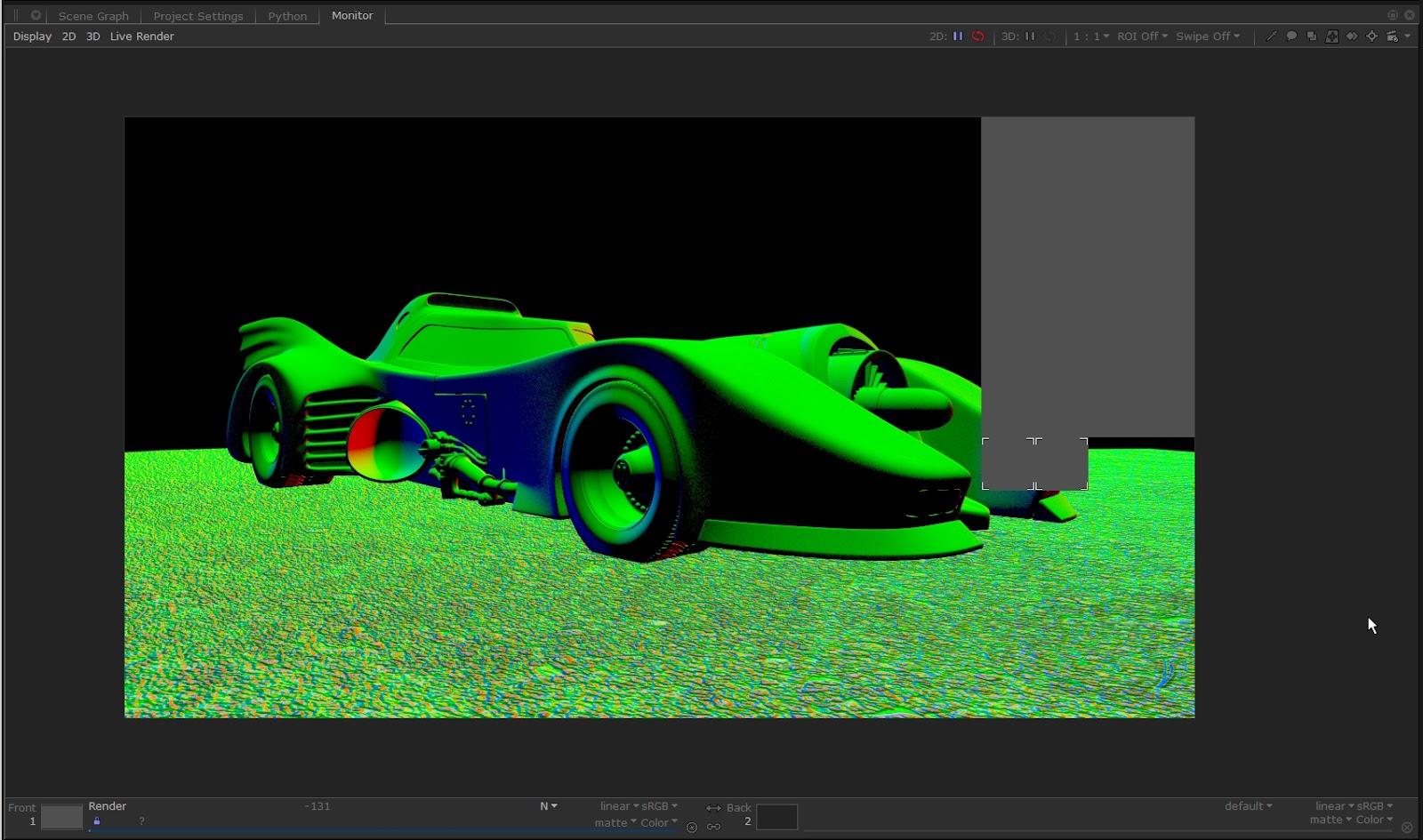
The plugin can render in Live mode to the Katana monitor, updating the scene in real time after a lot of event types without full reload it. Not all the events are supported, but the Live rendering will update the scene after the more common updates, like:
- Camera, lights, volumes, proxies or shapes transformations.
- Render and Live render settings.
- Visibility, tessellation, displacement and matte options.
- Camera settings, like dof, photographic exposure and lens distortion.
- Plain and networked materials and shaders parameters.
- Lights objects and shader settings.
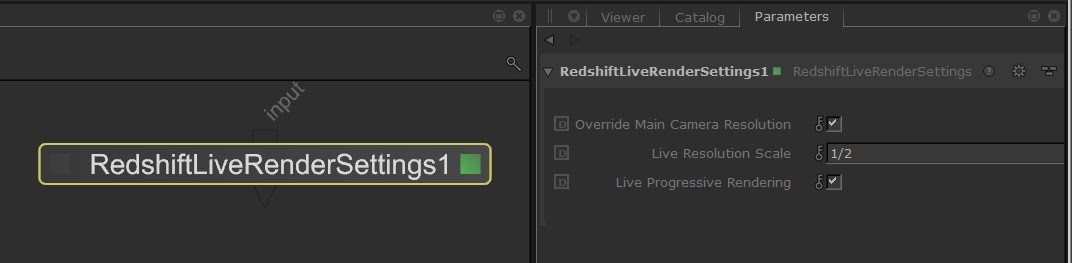
There is a custom RedshiftLiveRenderSettings node to configure some settings related to the Live rendering, like the live render resolution, or to force the progressive rendering.