Polygroups
Contains options to edit and create Polygroups for the selected subtool.
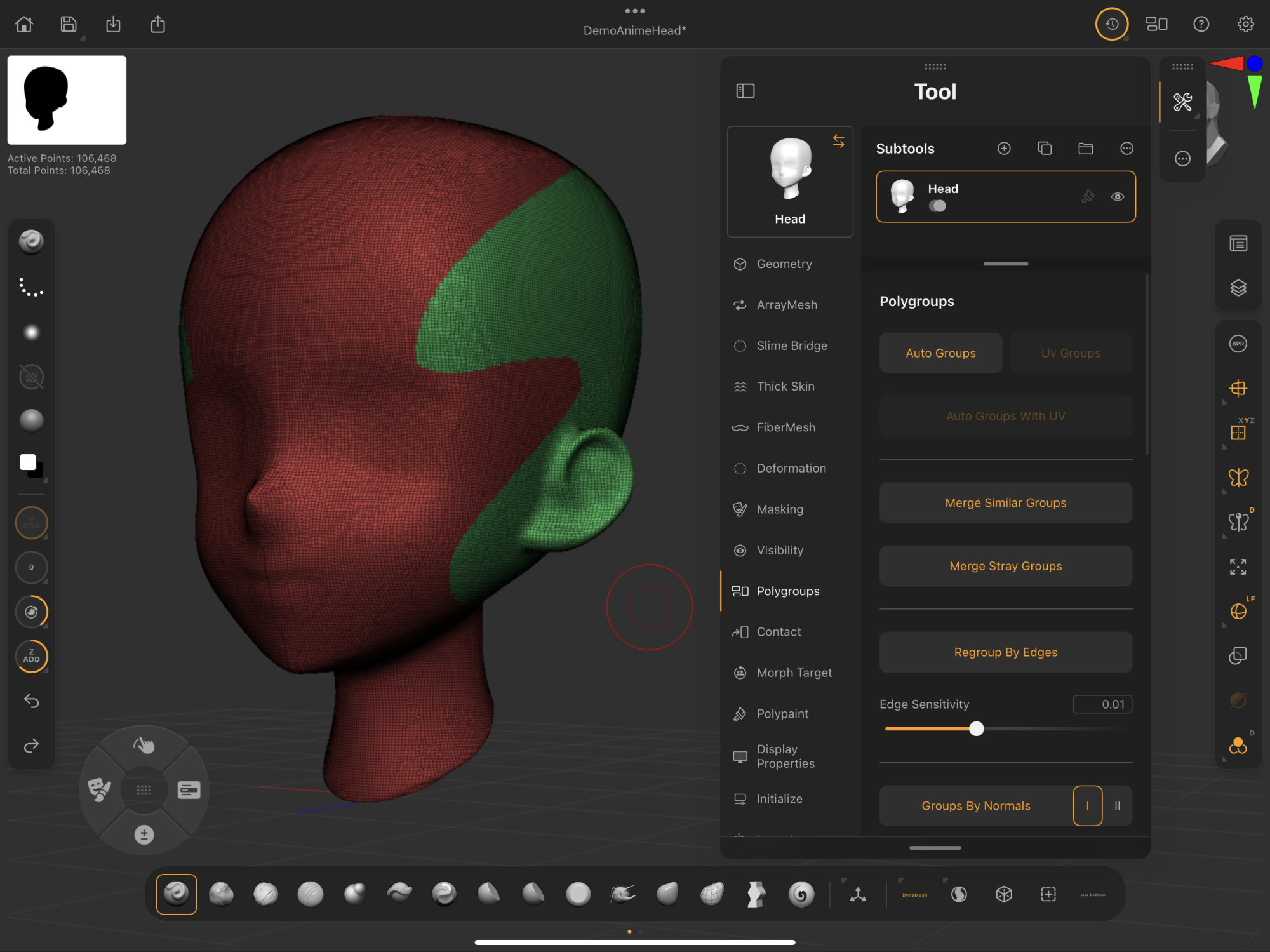 Palettes > Tool > Polygroups
ZBrush for iPad's Polygroups work the same as in ZBrush desktop. Learn more in our external ZBrush Polygroups documentation.
Learn basic Polygroup creation and editing skills in this guide's Polygroups Essentials section.
Polygroups
A collection of Polygroup features for assignment to the selected subtool.
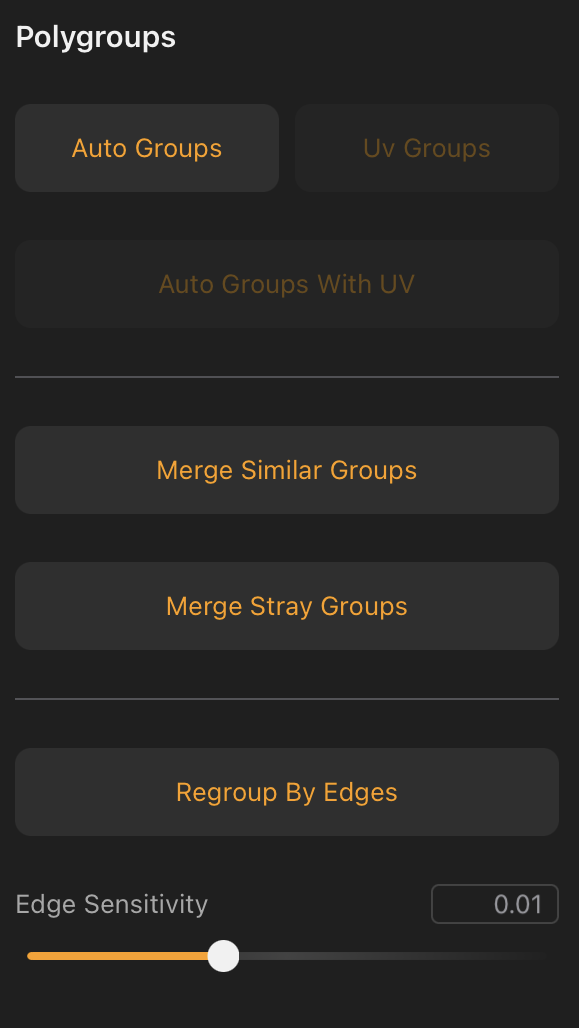
Auto Groups
Creates a new, unique Polygroup for each selected subtool's separate mesh shell.
When merging subtools into a single subtool, Auto Groups is a handy solution for assigning unique Polygroups to merged shells. This offers the ability to isolate specific shells within the merged subtool with Ctrl/Cmd + tap selection.
UV Groups
Creates a new Polygroup for each UV section of the model that has a unique UV tile.
This function is disabled when a model has no UVs.
Auto Groups with UV
Creates new Polygroups based on model topology and UV continuity.
This function is disabled when a model has no UVs.
Merge Similar Groups
Merges Polygroups that have the same vertex count.
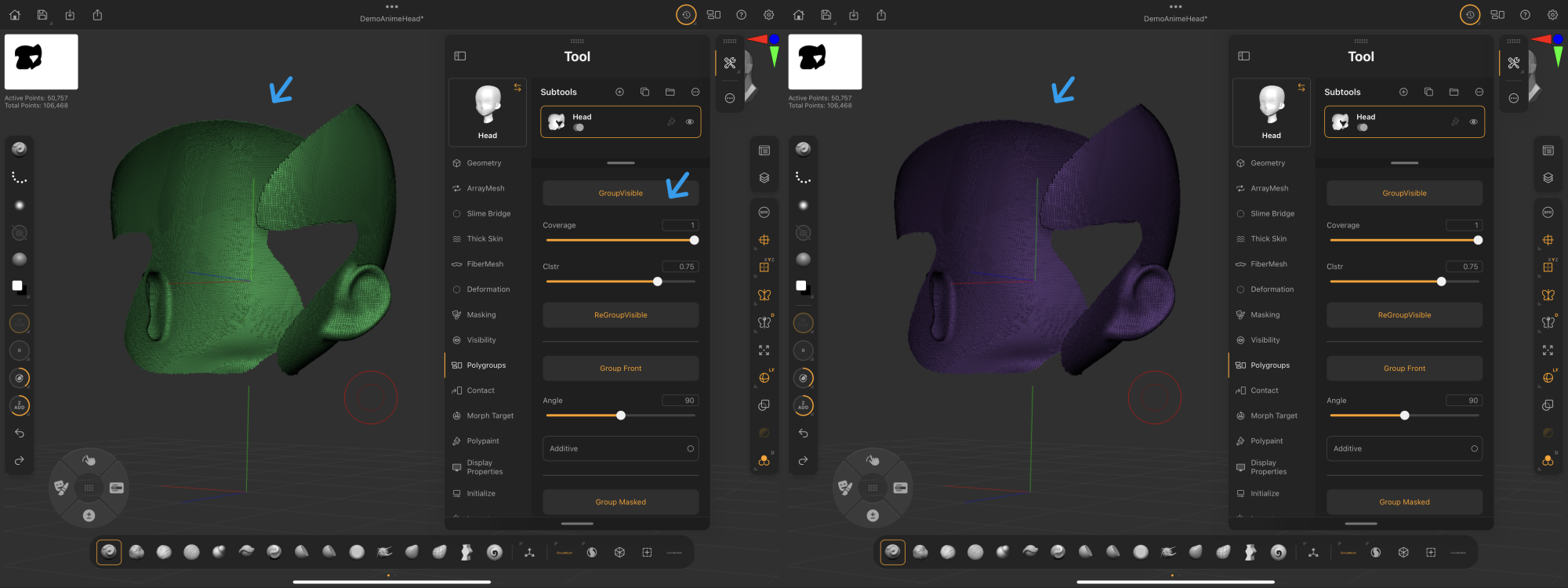
Group Visible
Creates a new Polygroup for the model's visible portions.
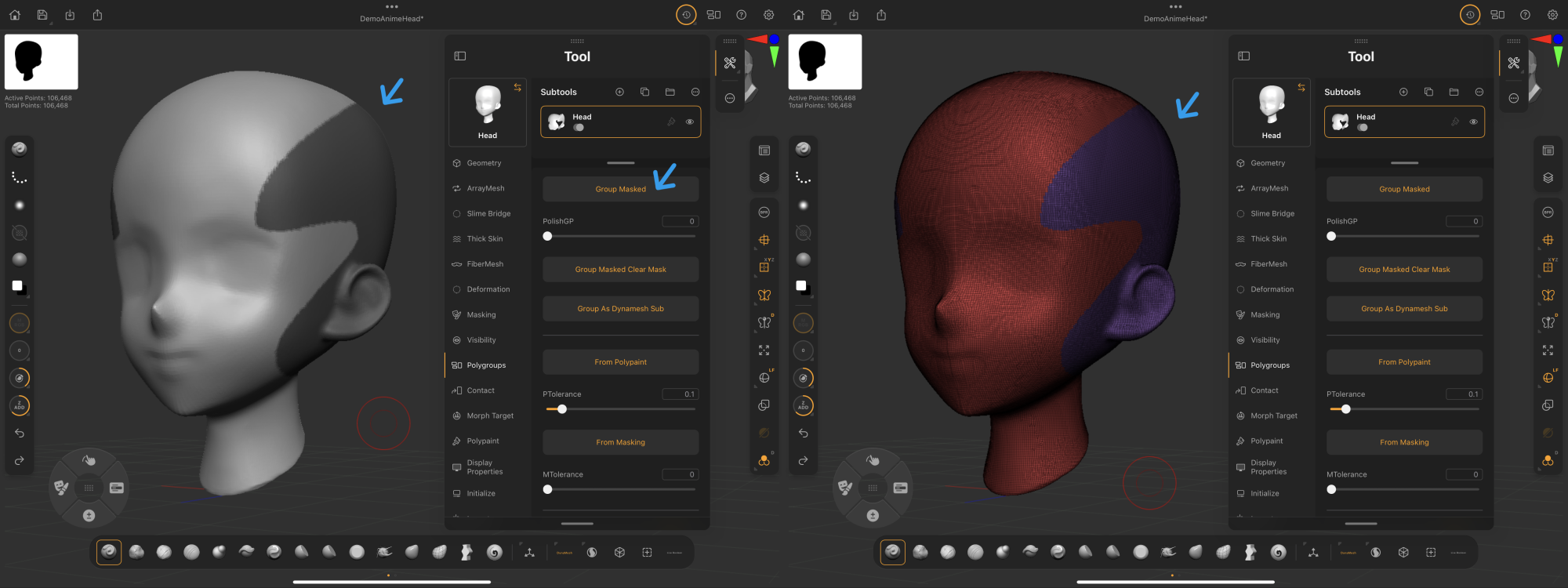
Group Masked
Creates a Polygroup from a mask on the selected subtool.