
Mask Region
A collection of parameters to fill existing mask regions.
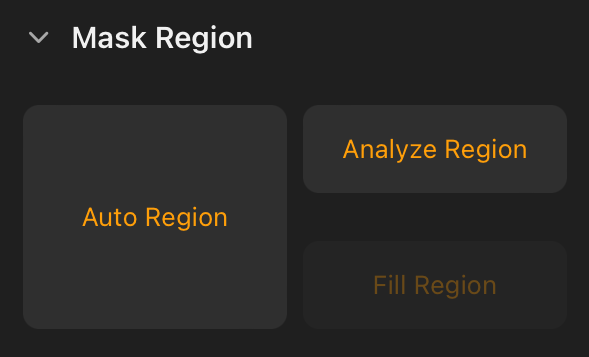
Auto Region
Auto-fills masked shapes with closed borders.
Analyze Region
Analyzes the mask shape regions, offering the ability to select specific mask regions to fill with the Fill Region button.
Fill Region
Fills masked regions based on the evaluation results from the Analyze Region feature.
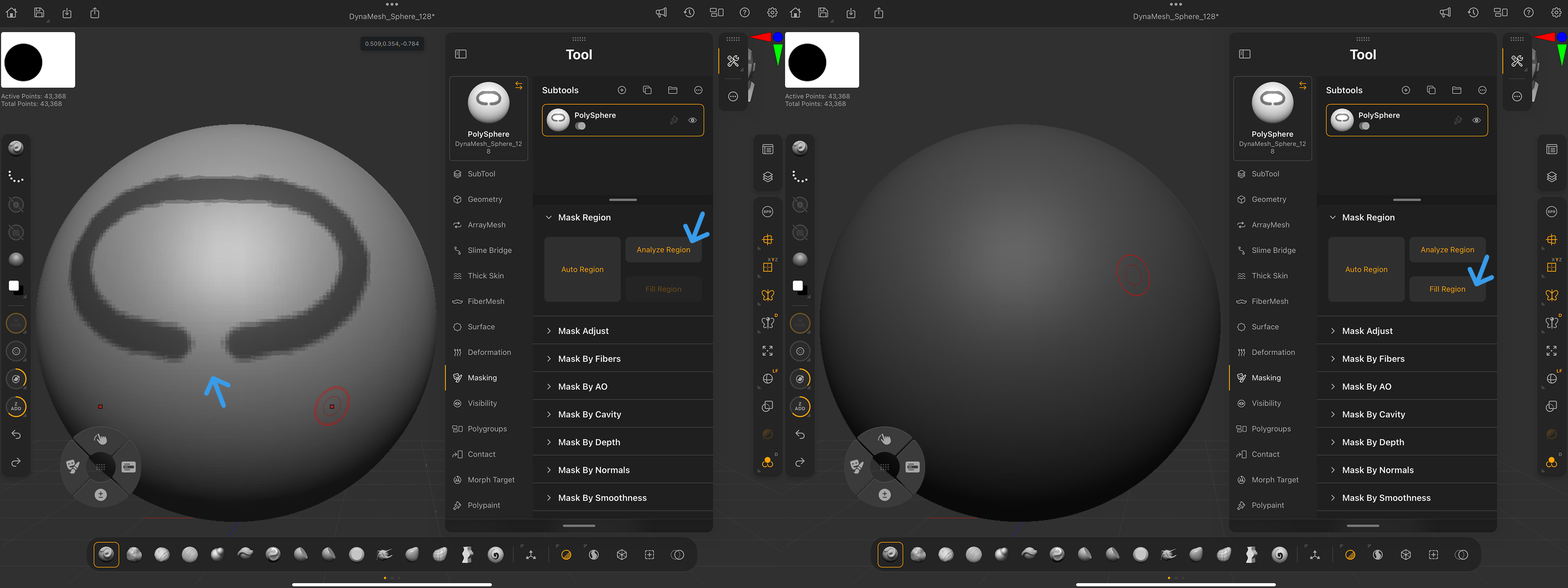
Analyze & Fill Region Steps:
The example video demonstrates the steps described below.
1.) Draw two or more closed mask regions on the surface.
2.) Tap Analyze Region.
3.) Hold Ctrl/Cmd and paint a small mask within one of the mask regions to designate it as the target for the Fill Region.
4.) Tap Fill Region to fill the masked region interacted with in step 3.
If a masked shape lacks closed borders, Fill Region masks the entire surface.
The ZBrush for iPad Mask By Region parameters work the same way in ZBrush desktop. Learn more in the external ZBrush desktop Mask Region section.