
Geometry
A complete overview of the Tool palette's Geometry features. These options include all geometry conversion, remeshing, resolution, and essential editing features.
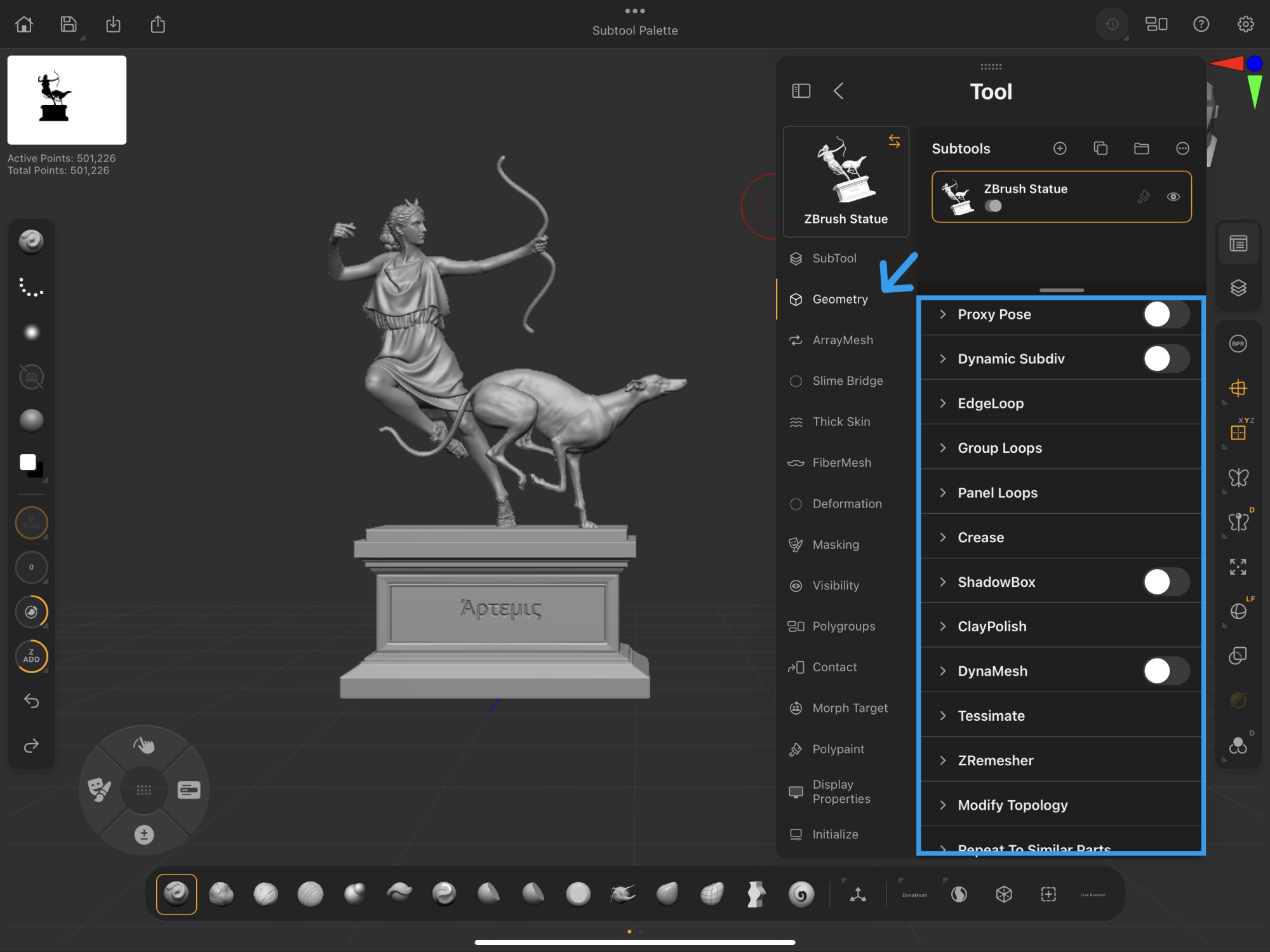 Palettes > Tool Palette > Geometry
ZBrush for iPad Geometry features work just the same as in ZBrush desktop. Learn more in our external ZBrush Geometry Palette documentation.
Geometry
Add, remove, and edit subdivisions.
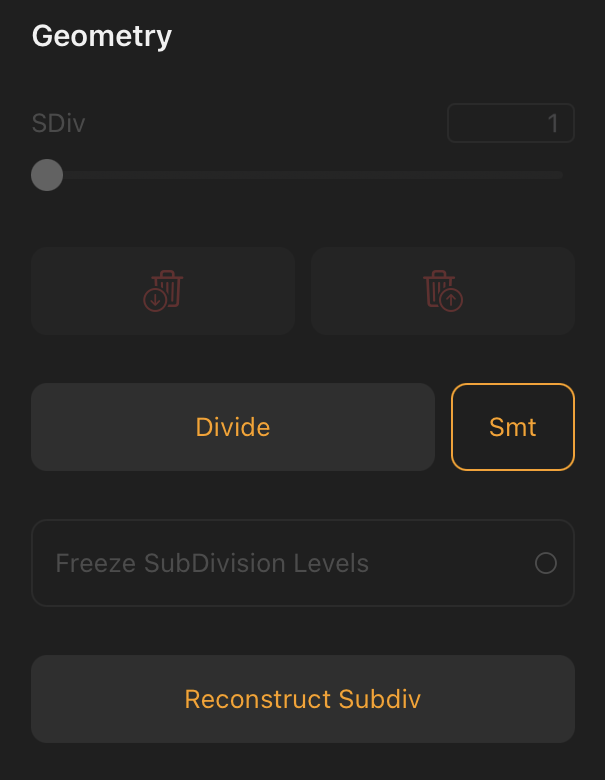
Divide
Clicking this button subdivides the selected subtool to increase its active point count. This serves to capture brush details from sculpting and painting brushes.
Continue to divide a model until the surface resolution reaches a level that captures your desired sculpting and painting fidelity.
SDiv Slider
Subdivision slider (SDiv). After applying subdivisions to the model, this slider can set your model from lowest to highest existing subdivisions.
The SDiv slider must be set to the highest level to apply further subdivisions with the Divide button.
Delete Higher & Lower Subdivisions
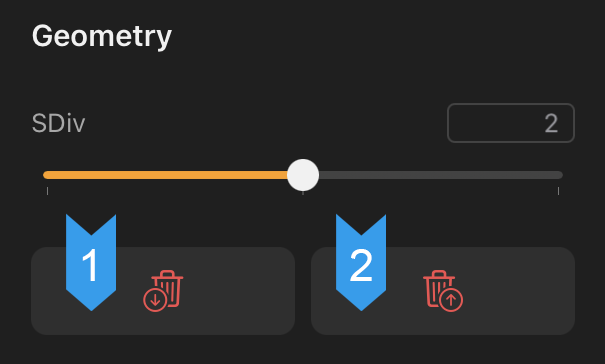 Geometry > Delete Higher and Lower Subdivision buttons
1. Delete Lower
When the SDiv slider is set above its minimum value, Delete Lower deletes all subdivisions lower than the selected point.
2. Delete Higher
When the SDiv slider is set below its maximum level, Delete Higher deletes all subdivisions higher than the selected point.