
Visibility
Contains options to control geometry visibility for the selected subtool.
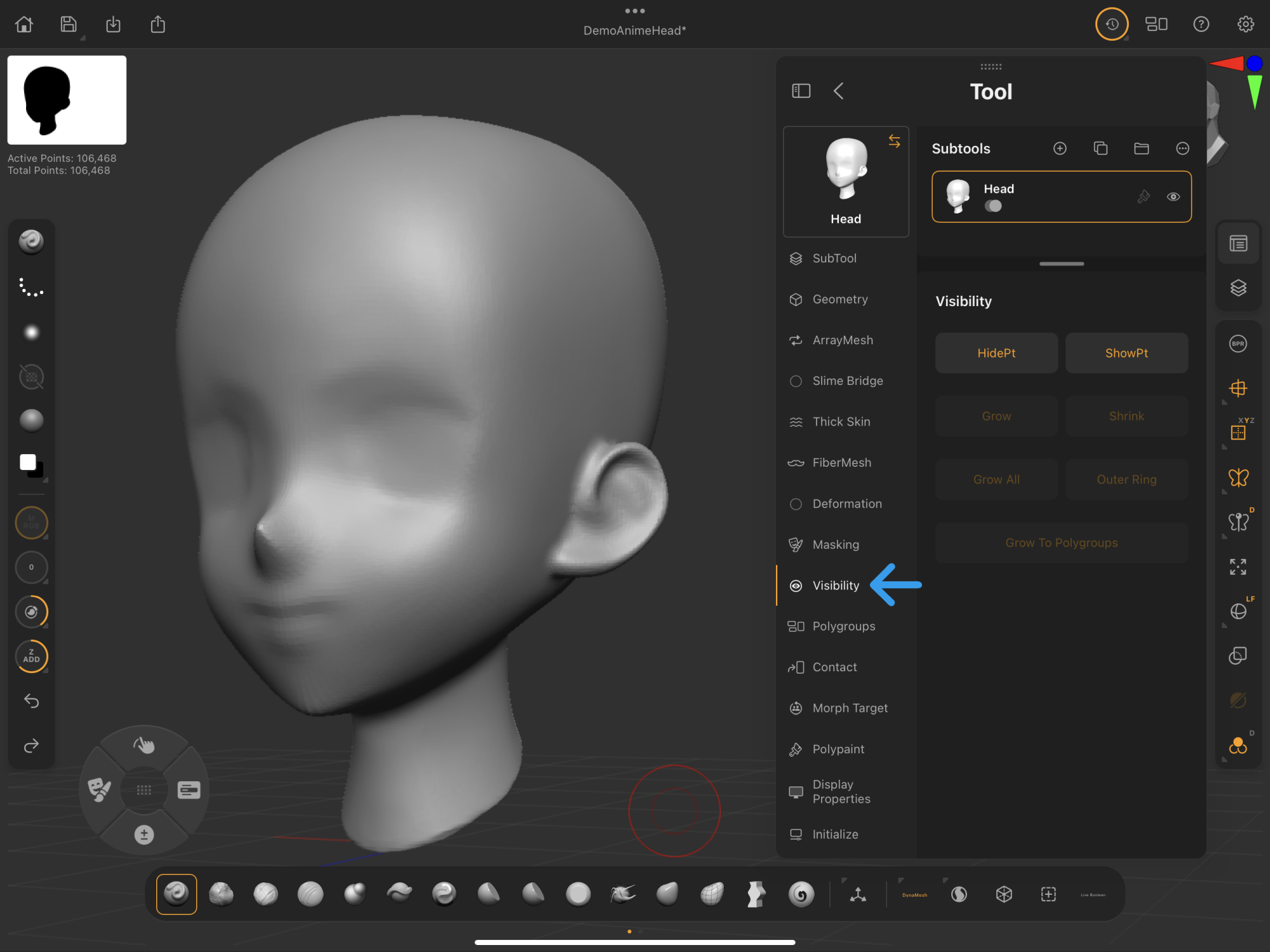 Palettes > Tool > Visibility
ZBrush for iPad's Visibility features work the same as in ZBrush desktop. Learn more in our external ZBrush Visibility documentation.
Visibility
Controls for making selections to isolated parts of the selected subtool.
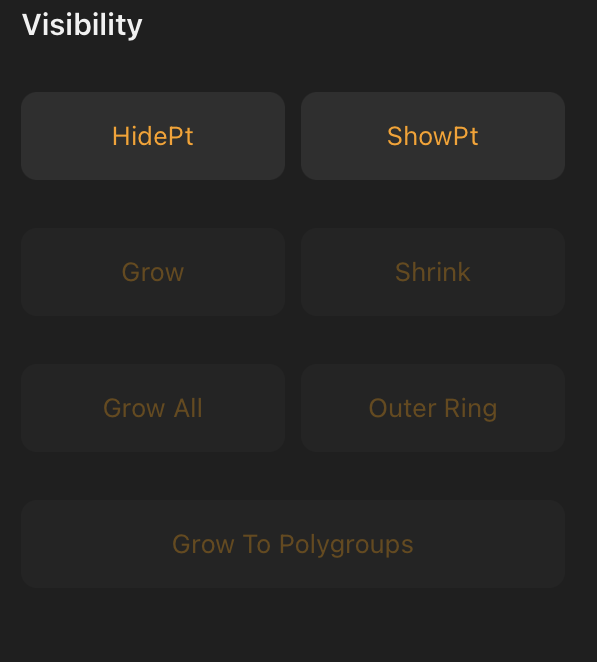
Grow, Shrink, Grow All, Outer Ring, and Grow To Polygroups require that a portion of the model be hidden to activate these options.
Example:
Use Selection brushes with Ctrl/Cmd + Shift modifiers to select part of the model and display all Visibility options.
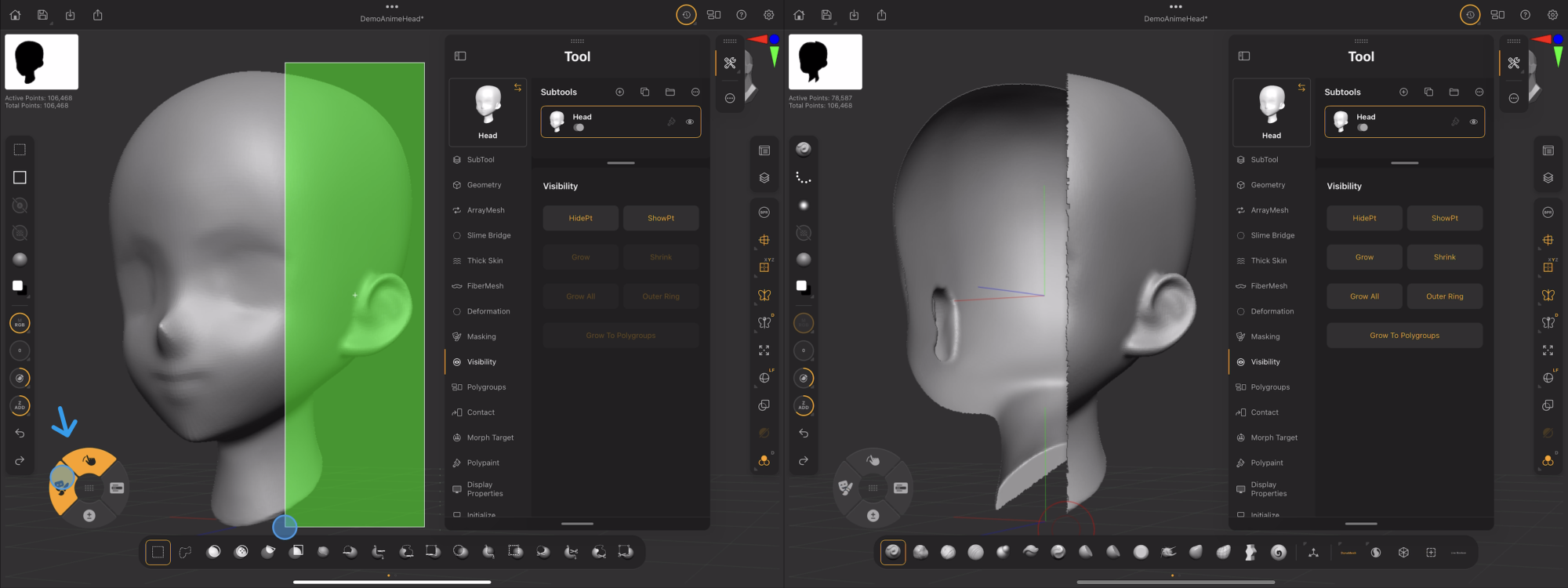
Learn more in this guide's Selection Brush Essentials section.
HidePt
Hides unmasked parts of your model.
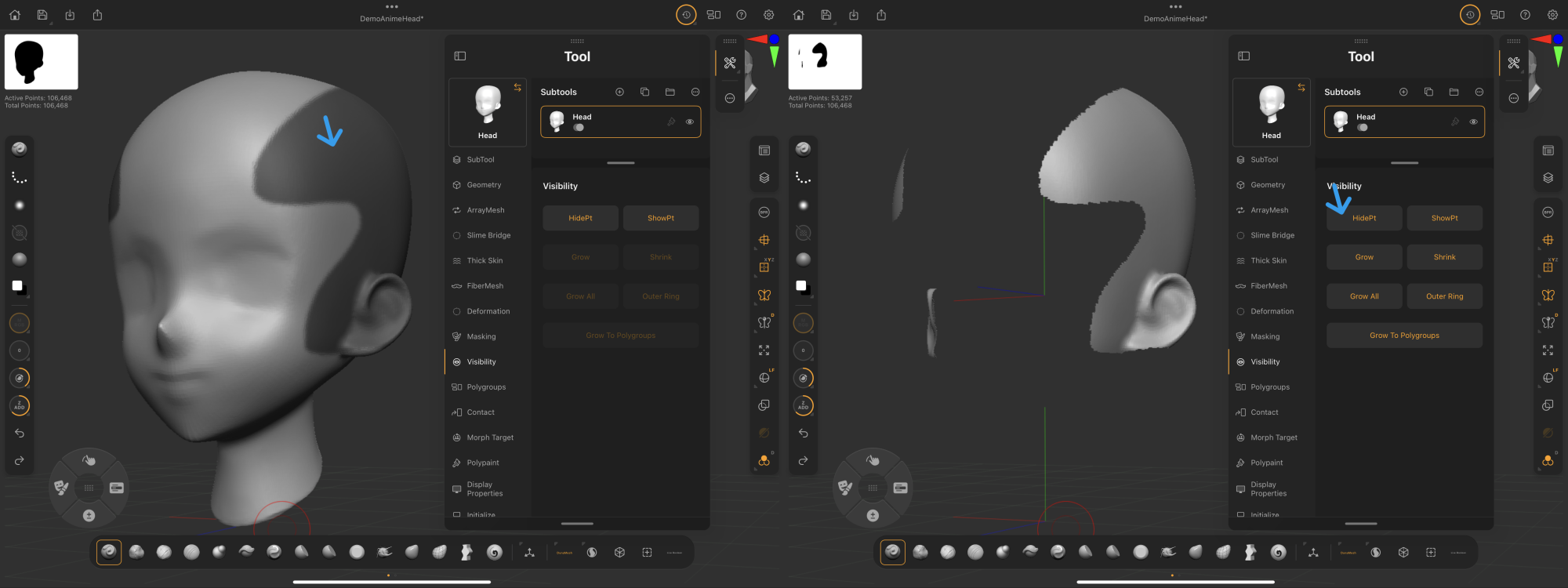
ShowPt
Shows masked parts of your model.
Grow
With hidden surfaces, Grow increases the visible polygons at the model's exposed edges one loop at a time.
Shrink
With hidden surfaces, Shrink decreases the visible polygons at the model's exposed edges one loop at a time.
Grow All
With hidden surfaces, Grow All sets all surfaces visible for the selected subtool.