
Masking
Features for applying, editing, and removing masks applied to subtools.
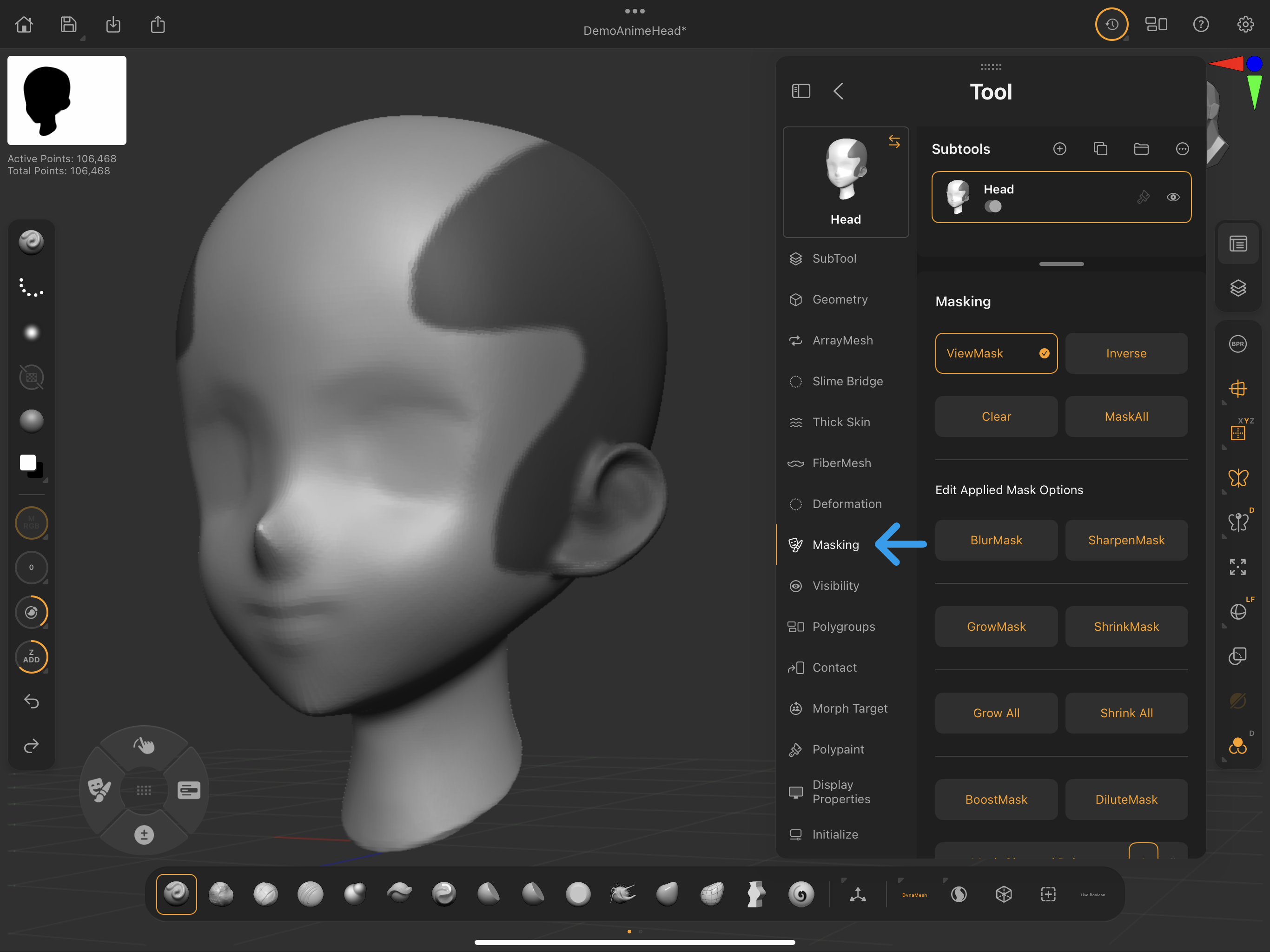 Palettes > Tool > Masking
ViewMask
Toggle to view an existing mask applied to the selected subtool.
Inverse
Inverses a mask applied to the selected subtool.
If the entire model is masked, Inverse results in clearing the mask and disabling the View Mask option.
Clear
Clears an existing mask applied to the selected subtool.
MaskAll
Masks the entire selected subtool.