
Polypaint
The Polypaint menu offers all essential Polypaint editing and automation features.
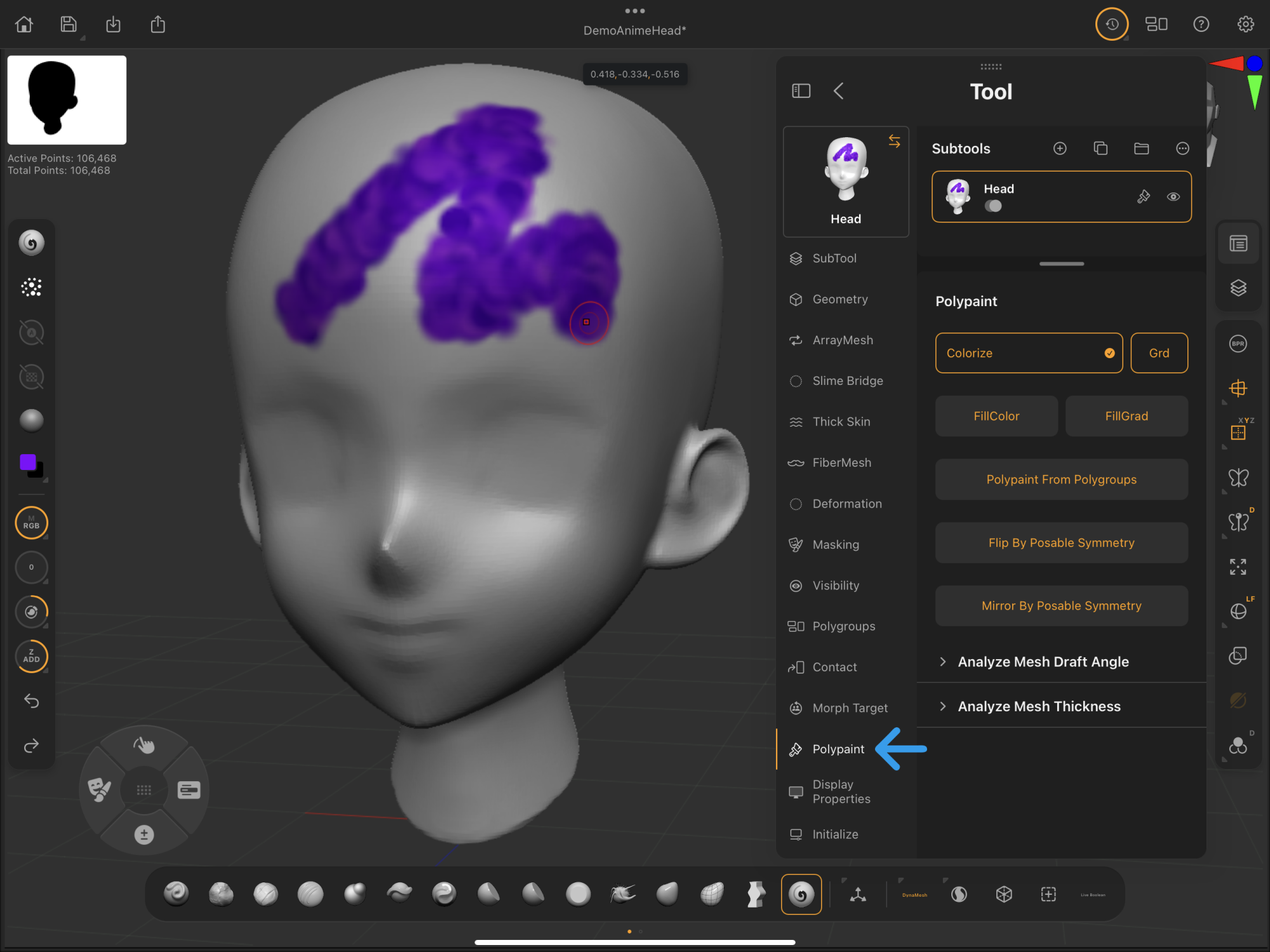 Palettes > Tool > Polypaint
ZBrush for iPad's Polypaint works the same as in ZBrush desktop. Learn more in our external ZBrush Polypaint documentation.
Learn basic Polypaint applications in this guide's Painting Essentials section.
Polypaint
A collection of features to view, fill, and translate Polypaint for a selected subtool.
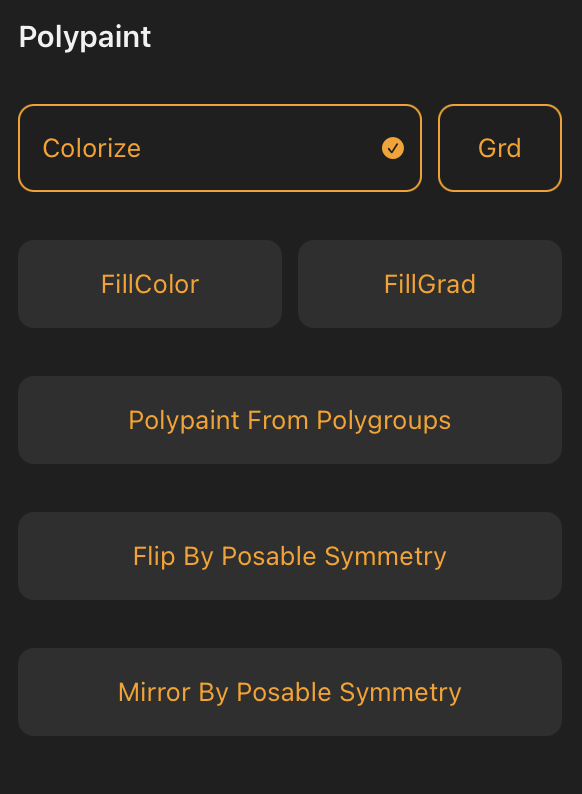
Colorize
Toggles Polypaint visibility for the selected subtool.
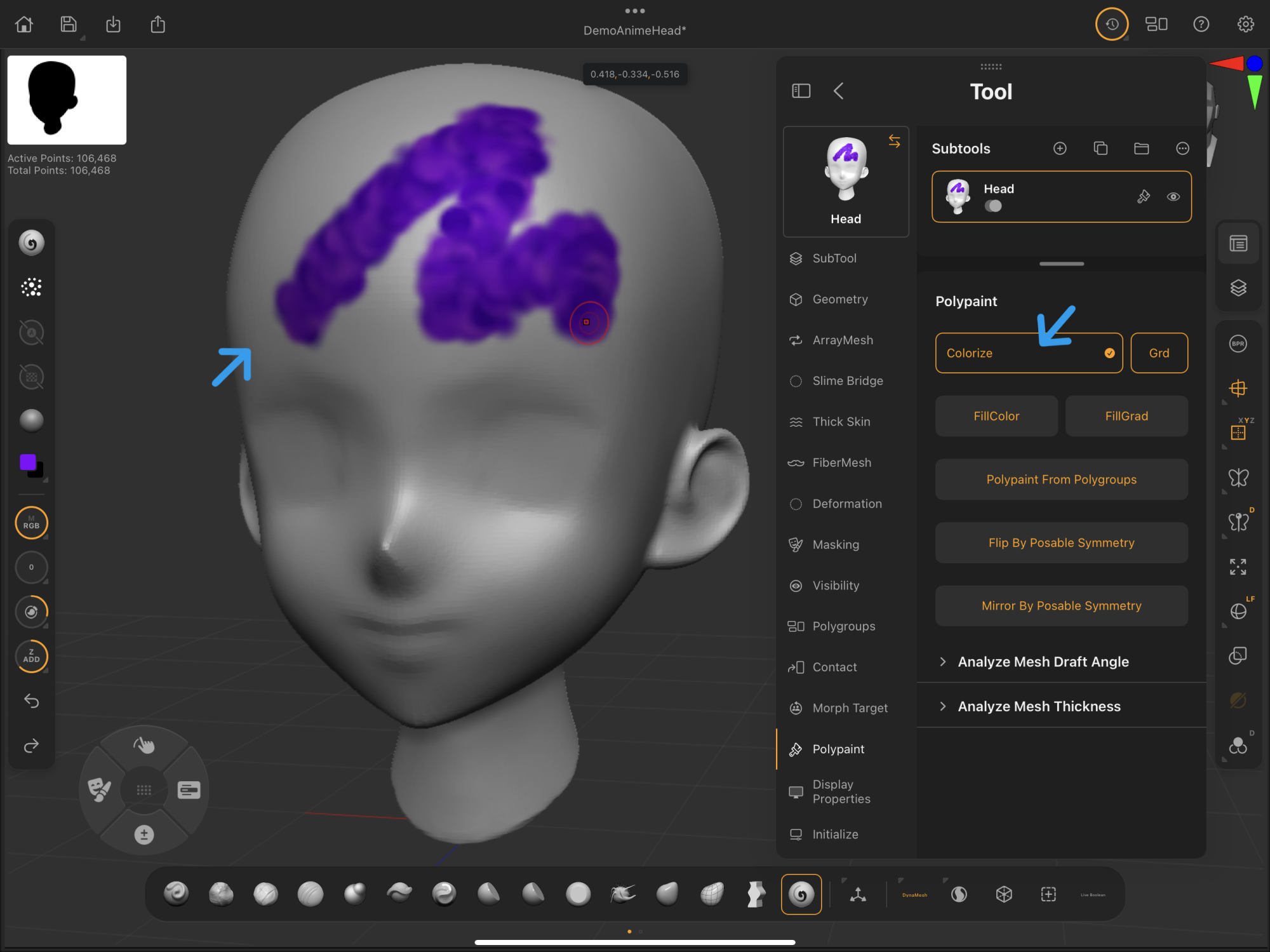
The Colorize button is the first instance of the Polypaint visibility icon attached to the selected subtool in the Subtool palette.
FillColor
Fills the selected subtool with the selected color.
Analyze Mesh Draft Angle
Analyzes and draws a draft angle as Polypaint on the model for prototyping purposes.
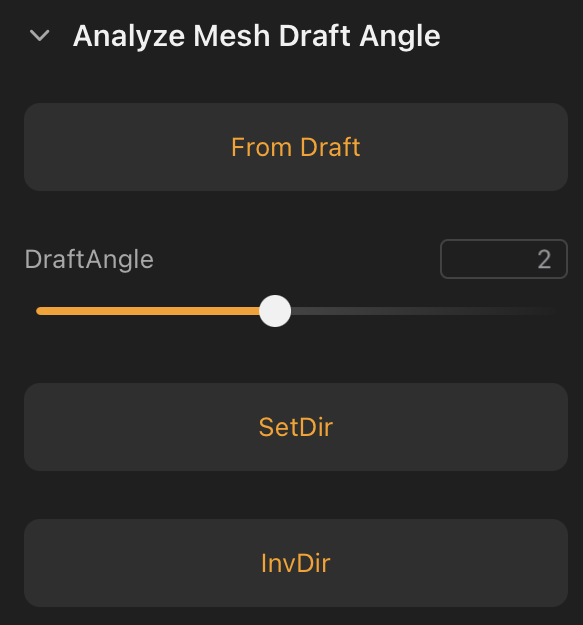
From Draft
Applies draft information as a Polypaint based on the DraftAngle and SetDir settings.
SetDir aligns to the z axis by default.
SetDir
Set Direction (SetDir) assigns the angle for draft capture based on the current camera direction relative to the model.
ZBrush for iPad's Draft features work just the same as in ZBrush desktop. Learn more in our external ZBrush Polypaint From Draft documentation.