
Brick
Node Outputs
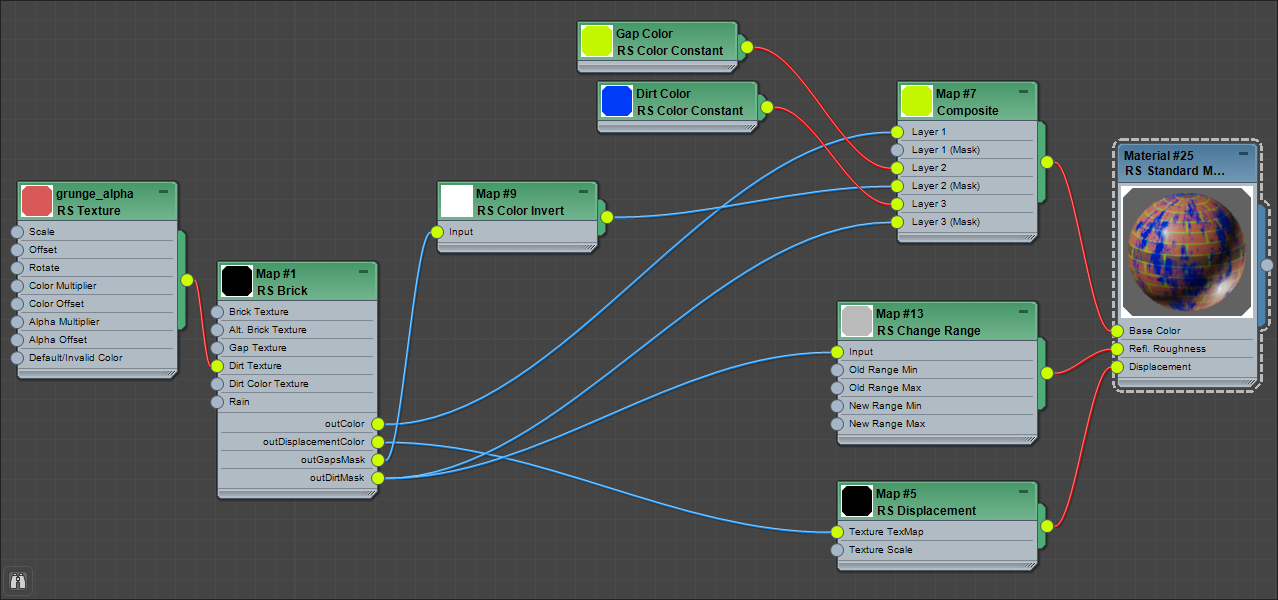
The brick shader has multiple outputs that can be used to drive materials as seen in the example shader graph with the following key details:
-
The Dirt Mask output is being used to drive the reflection roughness of a material even though the dirt layer is not visible in the Color output itself, all of the dirt parameters are still being fully utilized to determine the dirt mask.
-
A color layer node is being used to change the surface color of the material by using the dirt mask and gaps mask to control where the additional blue and green coloring should be visible.
-
The Displacement Color output is being used to give the bricks in the scene actual 3D depth at render time.
|
Out Color
Color output for brick color, this includes the brick color, alt brick color, and any brick color textures if present.
Out Displacement Color
Black and white output for brick displacement map, this can be used to drive a displacement shader to add depth to your brick material.
Displacement color does not work for bump mapping, use out color instead.
Out Gaps Mask
Black and white output for the gaps and bricks, this can be used to isolate the bricks from the gaps.
Out Dirt Mask
Black and white output for the dirt layer, this can be used to isolate the dirt layer from the rest of the bricks. Particularly helpful for driving things like reflection roughness which is likely to require a different roughness compared to the bricks surface.
A dirt mask can be used even if dirt is disabled, this allows the dirt parameters to be utilized for different effects without affecting the overall out color.
Parameters
Shader
|
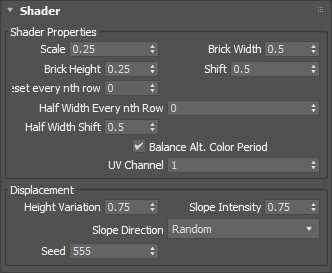
Shader Properties
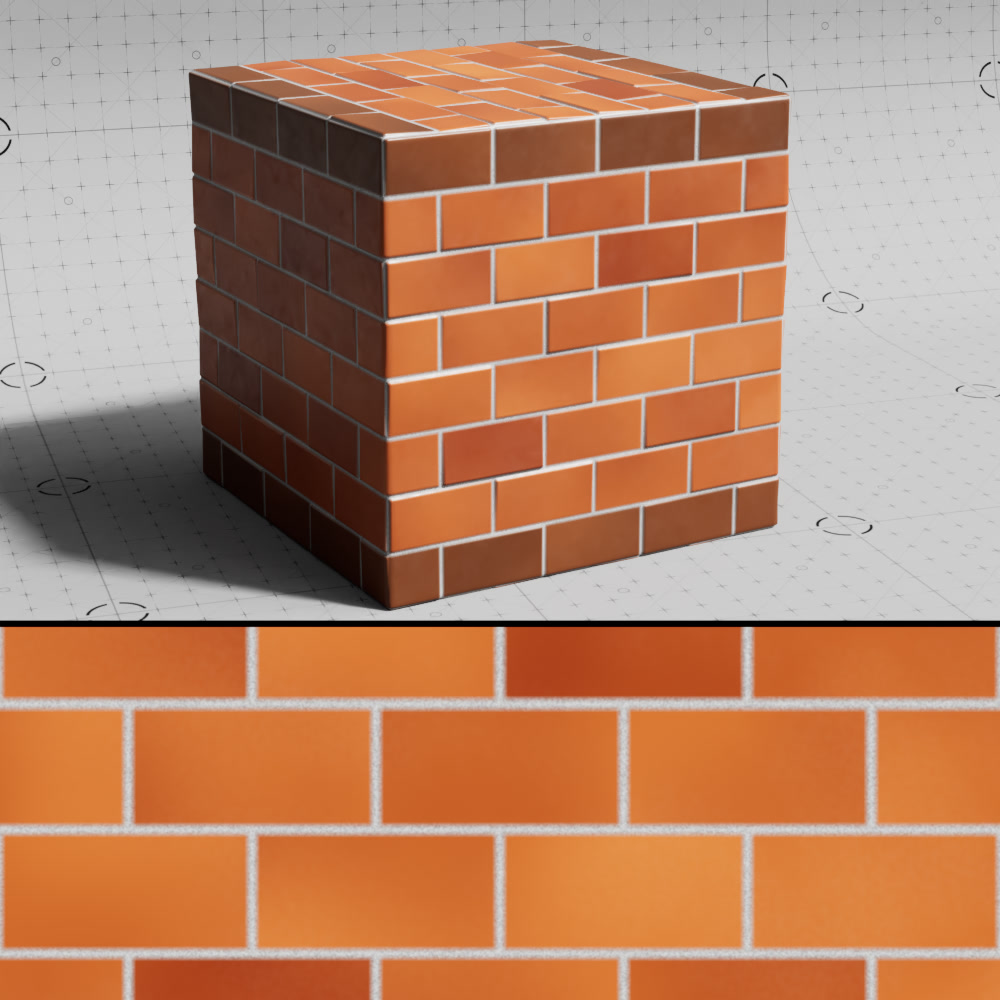
Scale
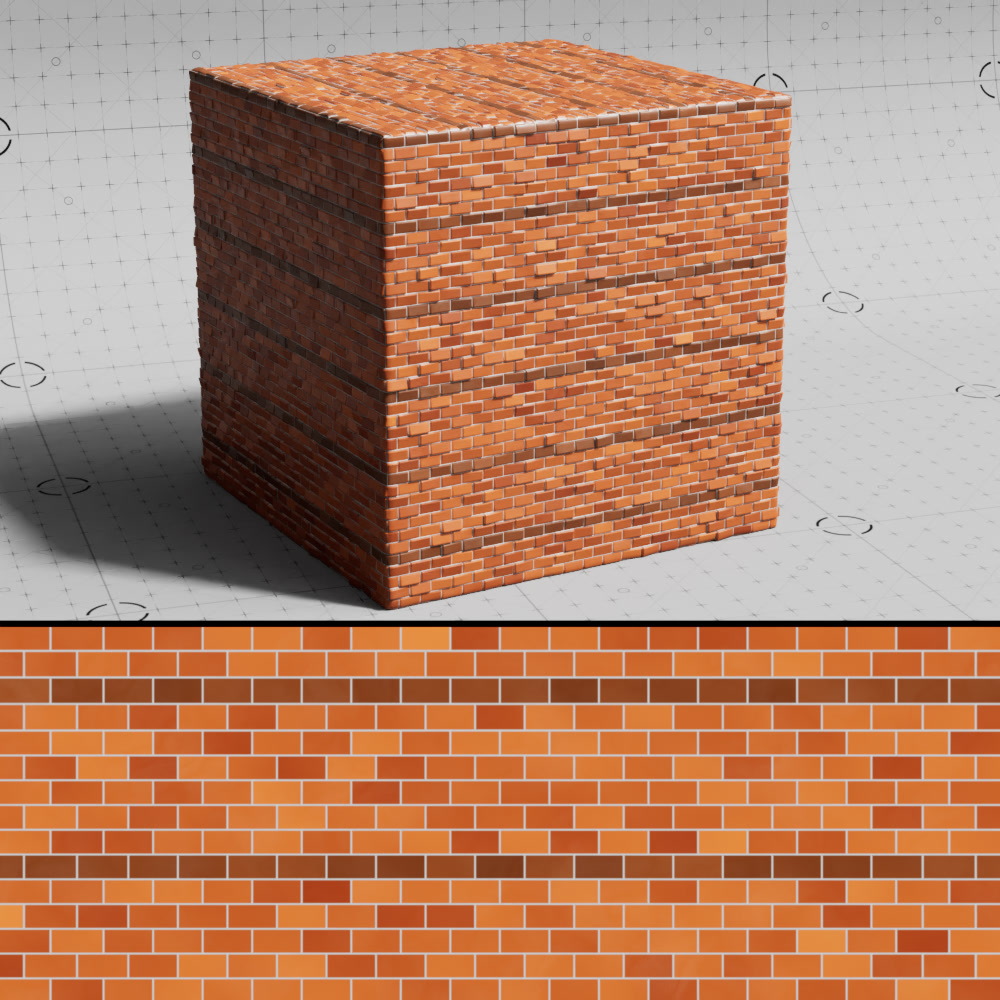
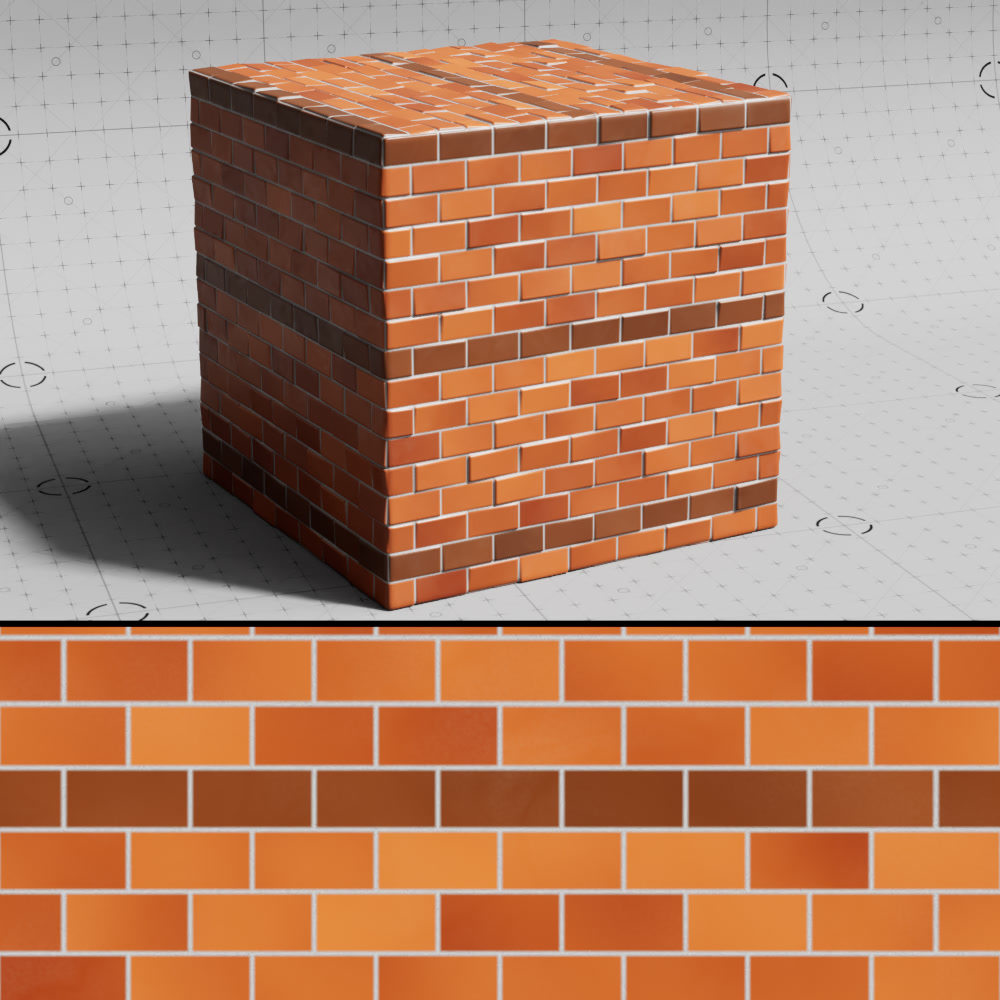
Scales the brick pattern uniformly. Higher values result in larger bricks while lower values result in smaller bricks.
|
|
|
| Brick Scale: 0.1 | 0.25 (default) | 0.5 |
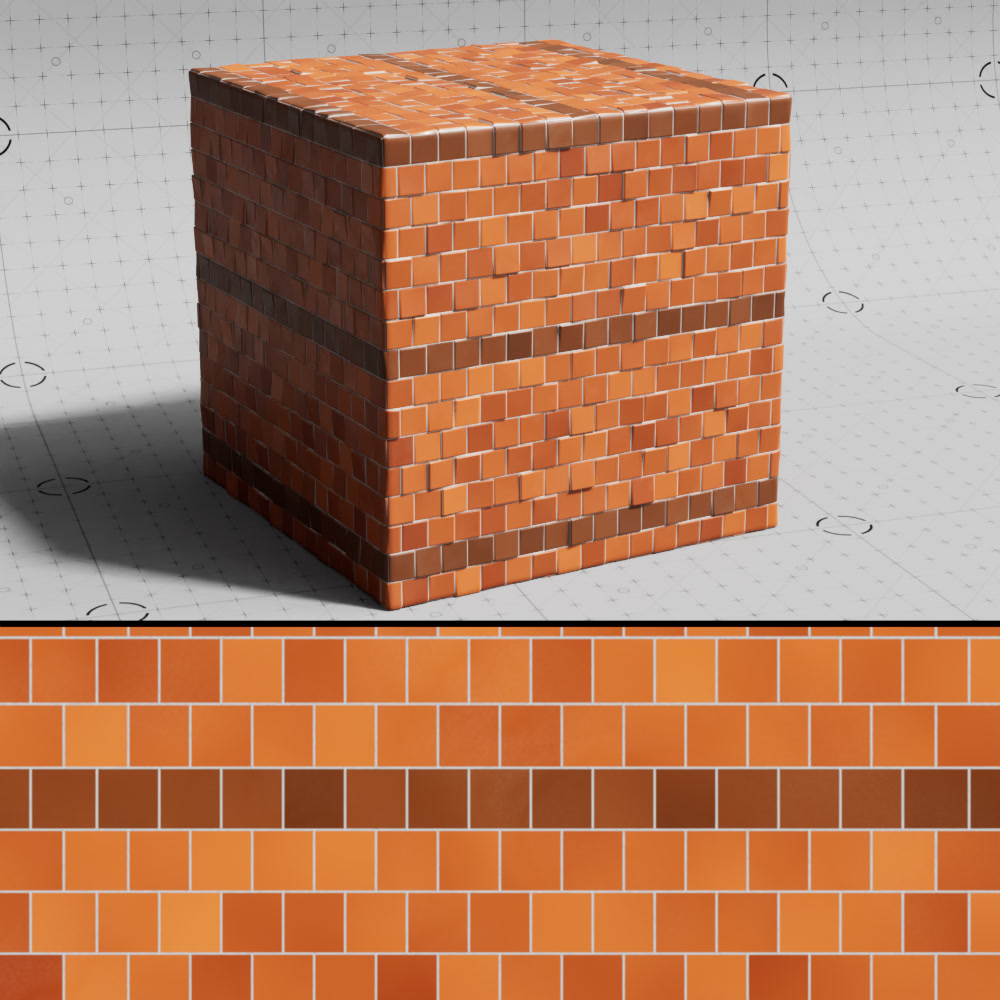
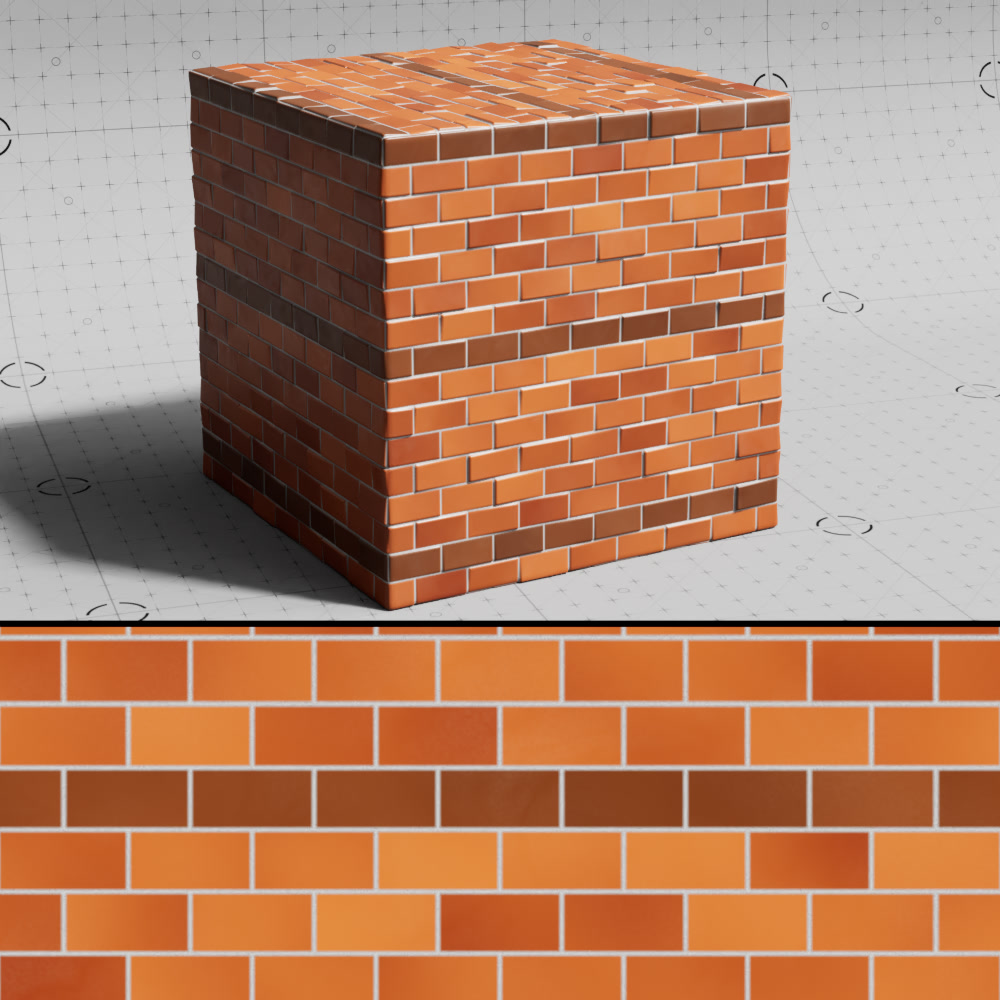
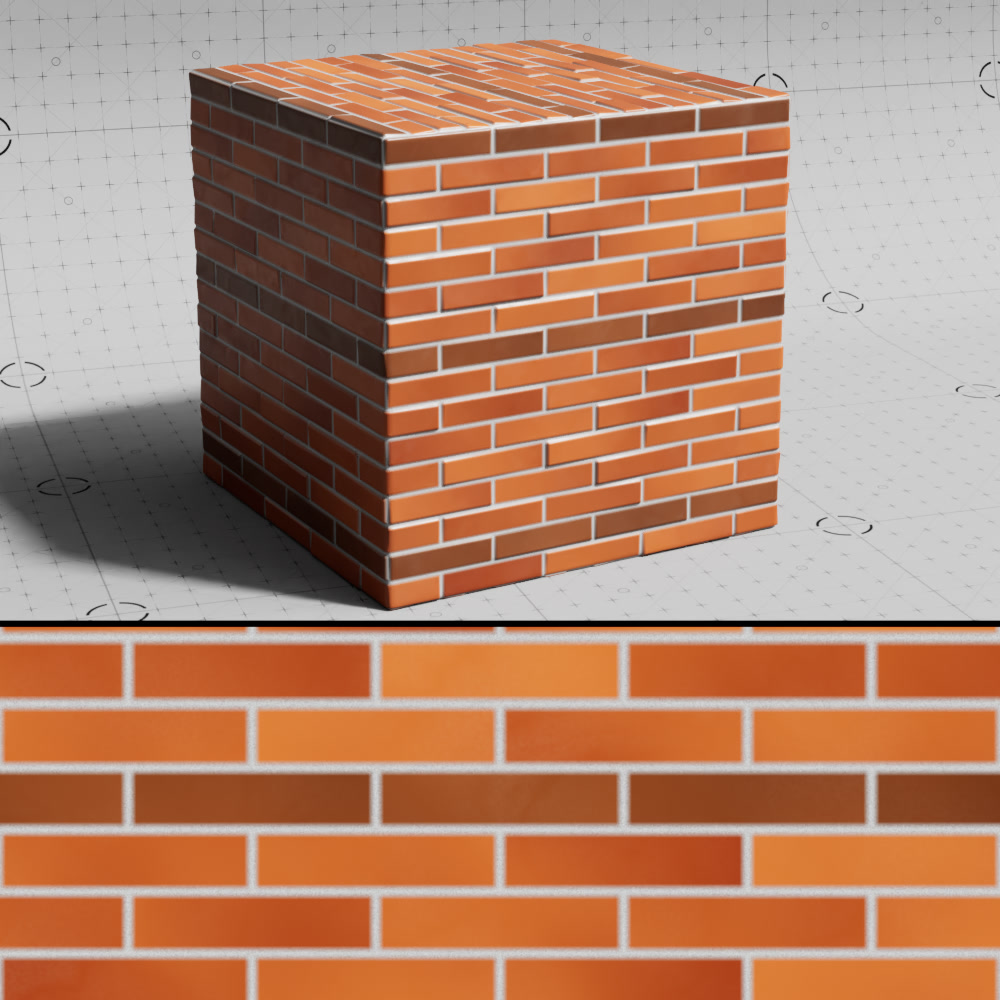
Brick Width
Scales the width of the brick relative to the global scale. Higher values result in wider bricks while smaller values result in narrower bricks.
|
|
|
| Brick Width: 0.25 | 0.5 (default) | 1 |
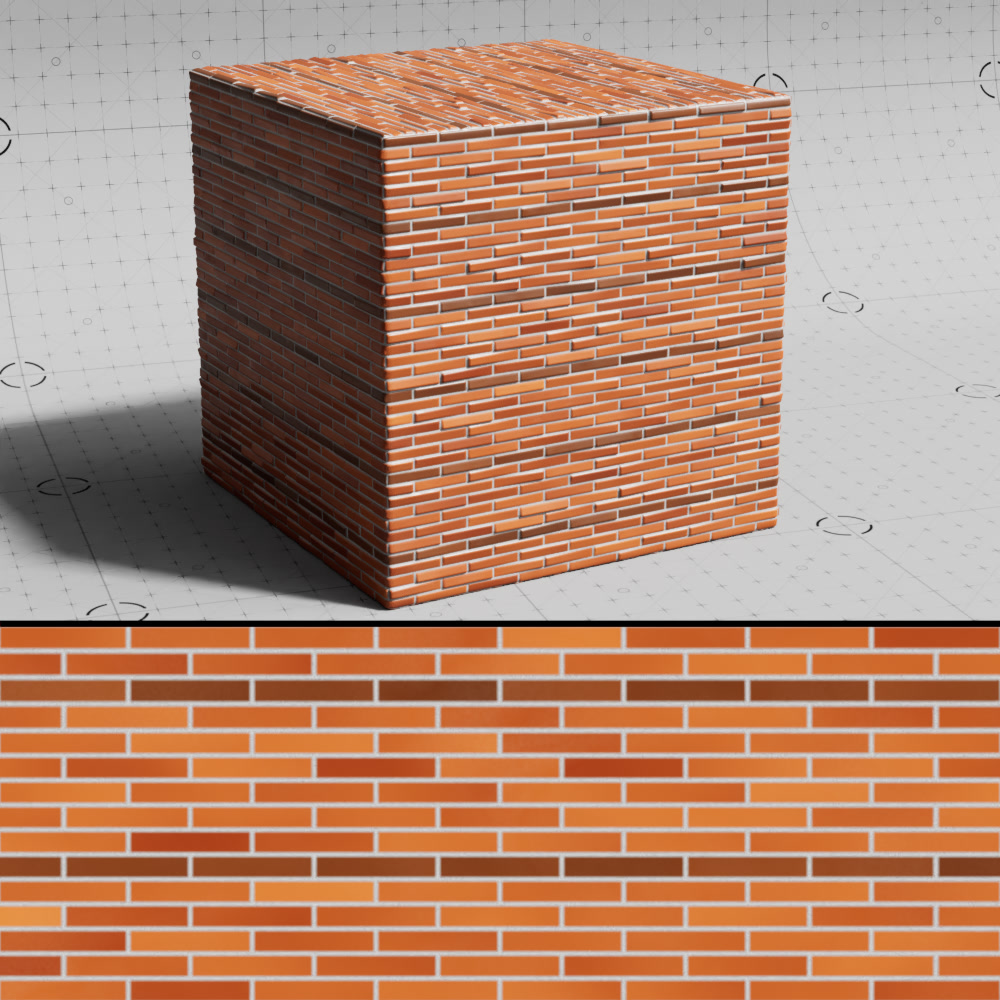
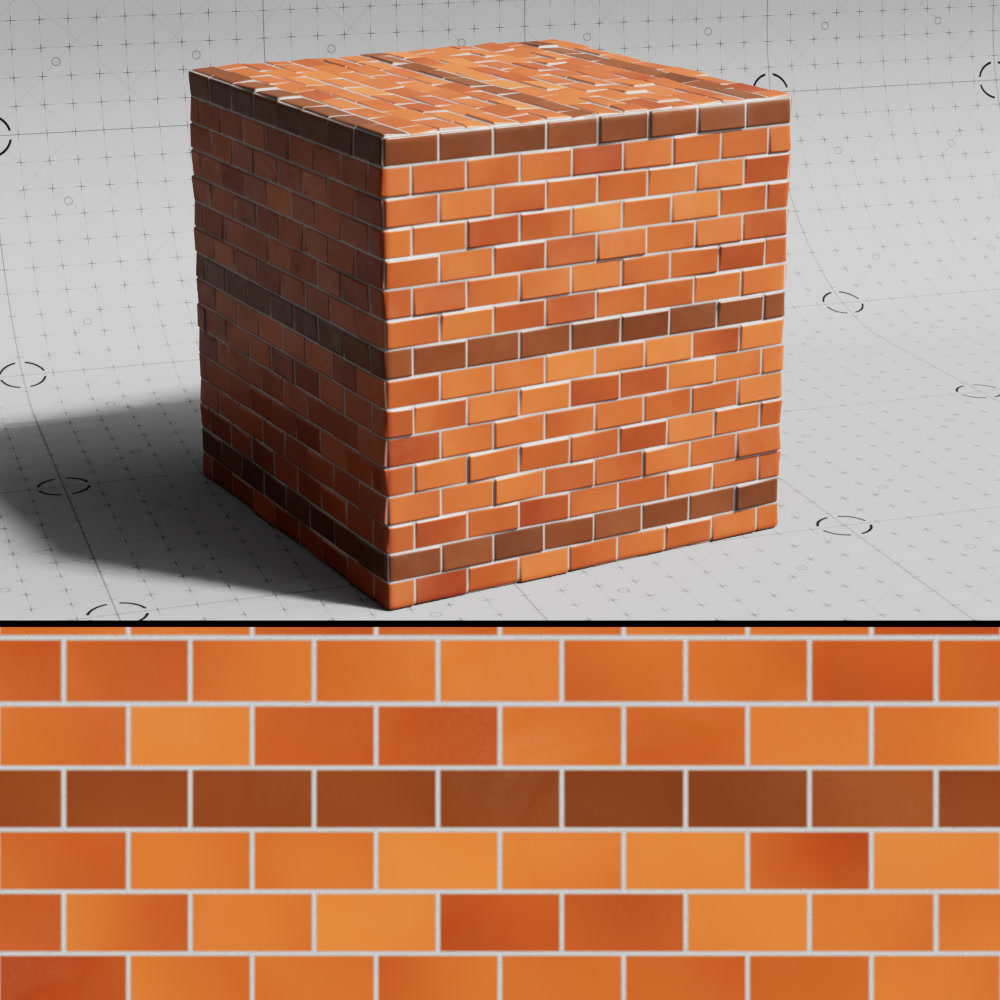
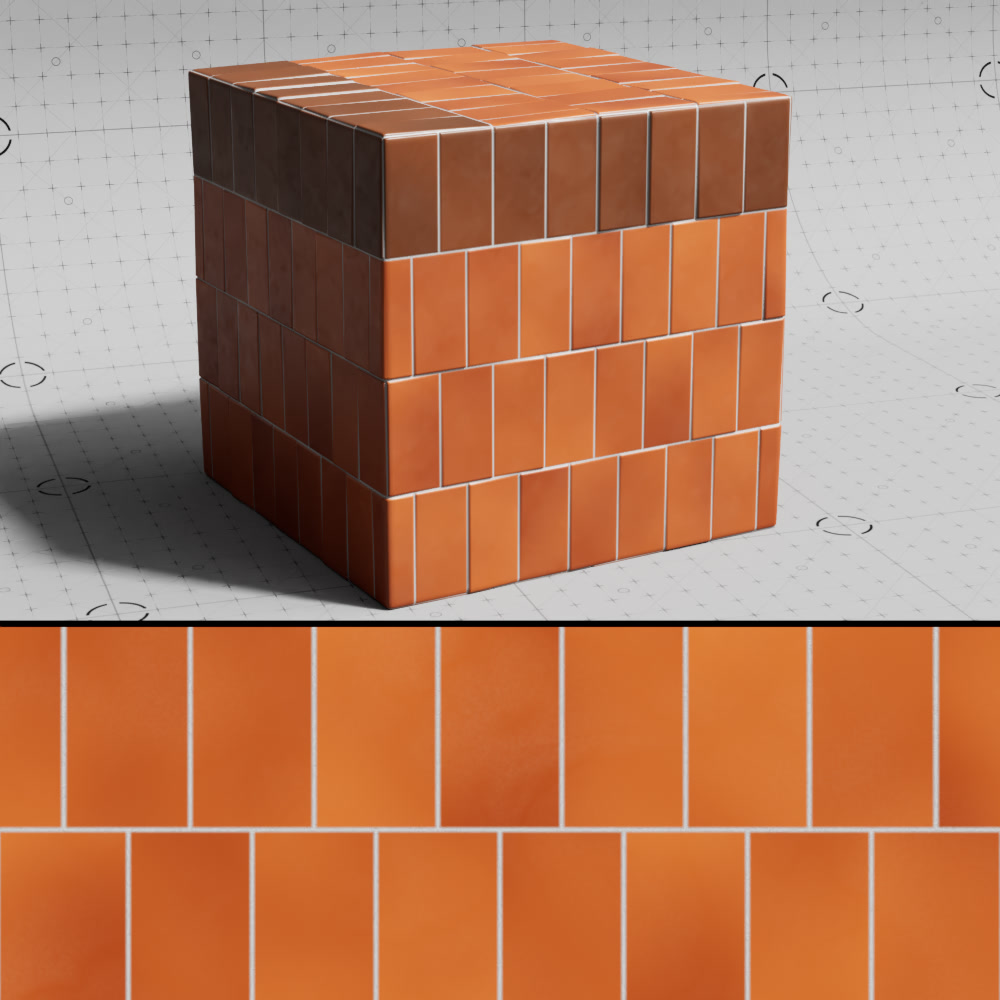
Brick Height
Scales the height of the brick relative to the global scale. Higher values result in taller bricks while lower values result in shorter bricks.
|
|
|
| Brick Height: 0.1 | 0.25 (default) | 1 |
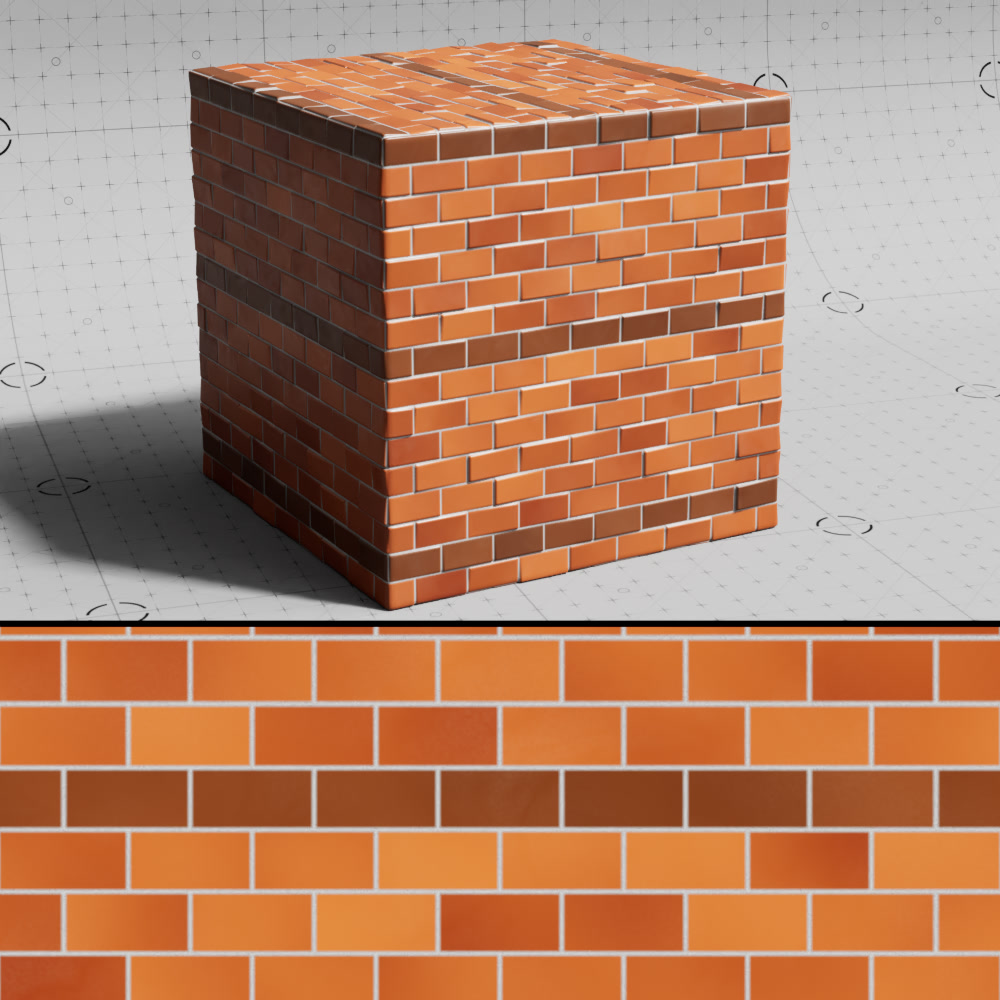
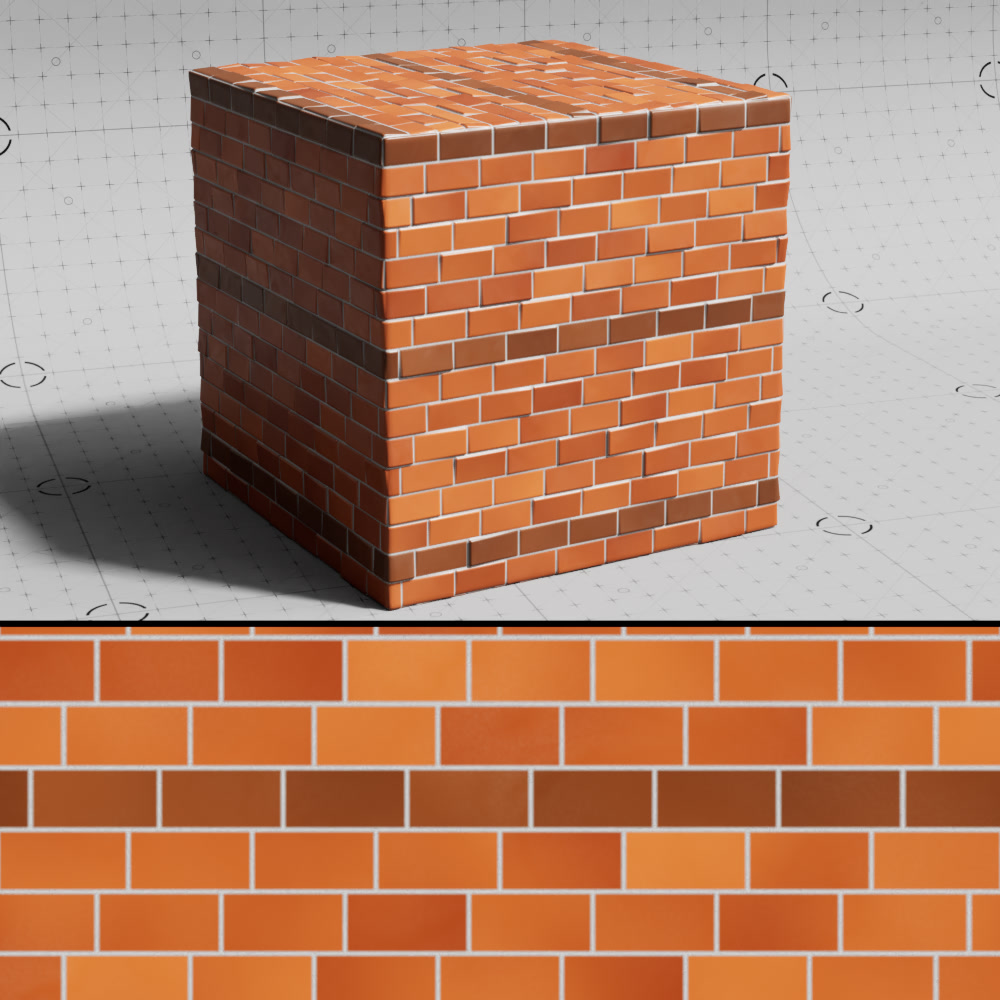
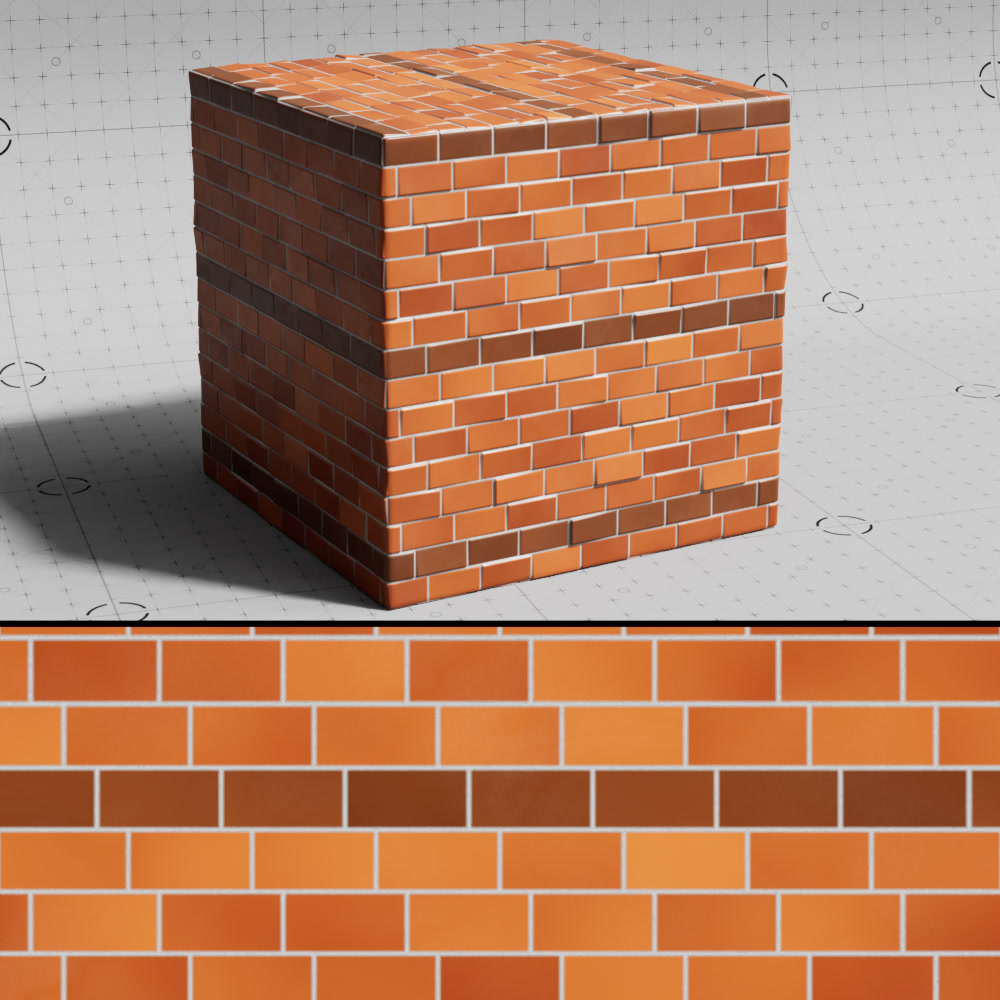
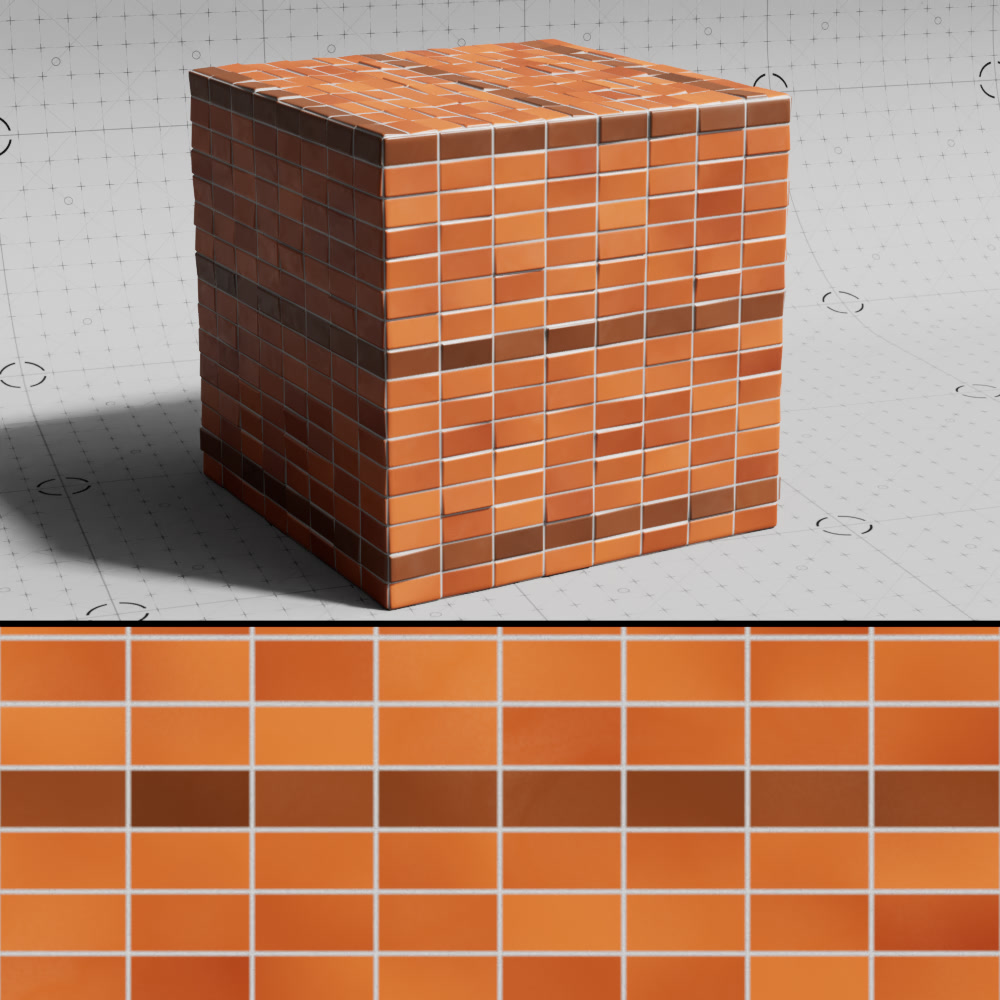
Shift
Moves each successive row of bricks a specified amount relative to their size.
|
|
|
|
| Shift: 0.5 (default) | 0.25 | 0.75 | 1 |
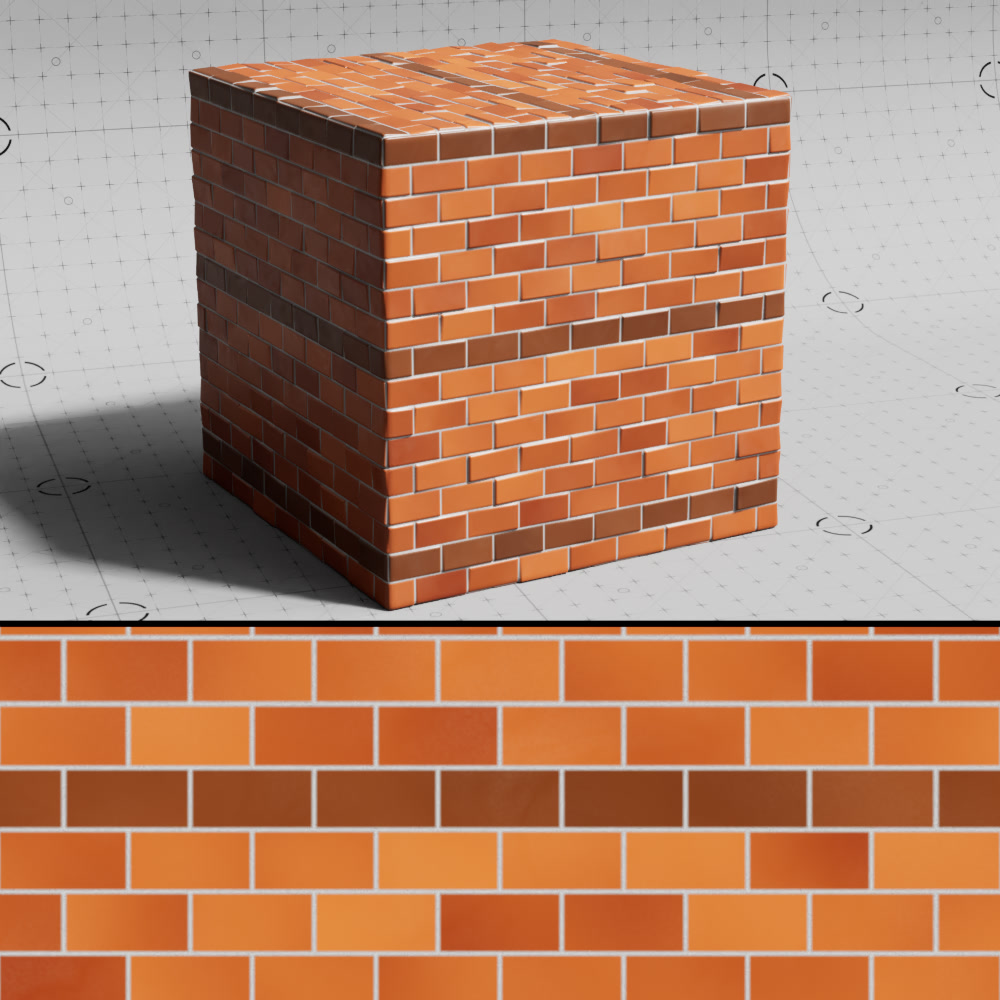
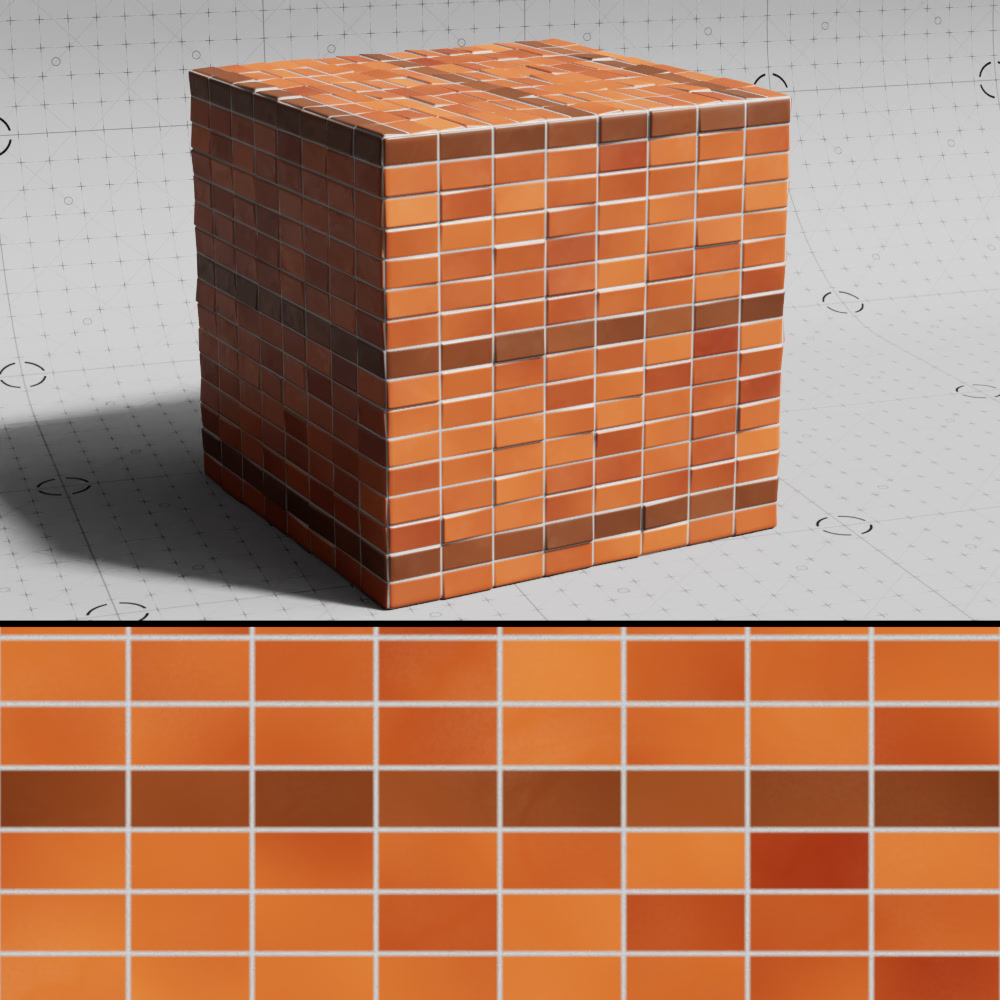
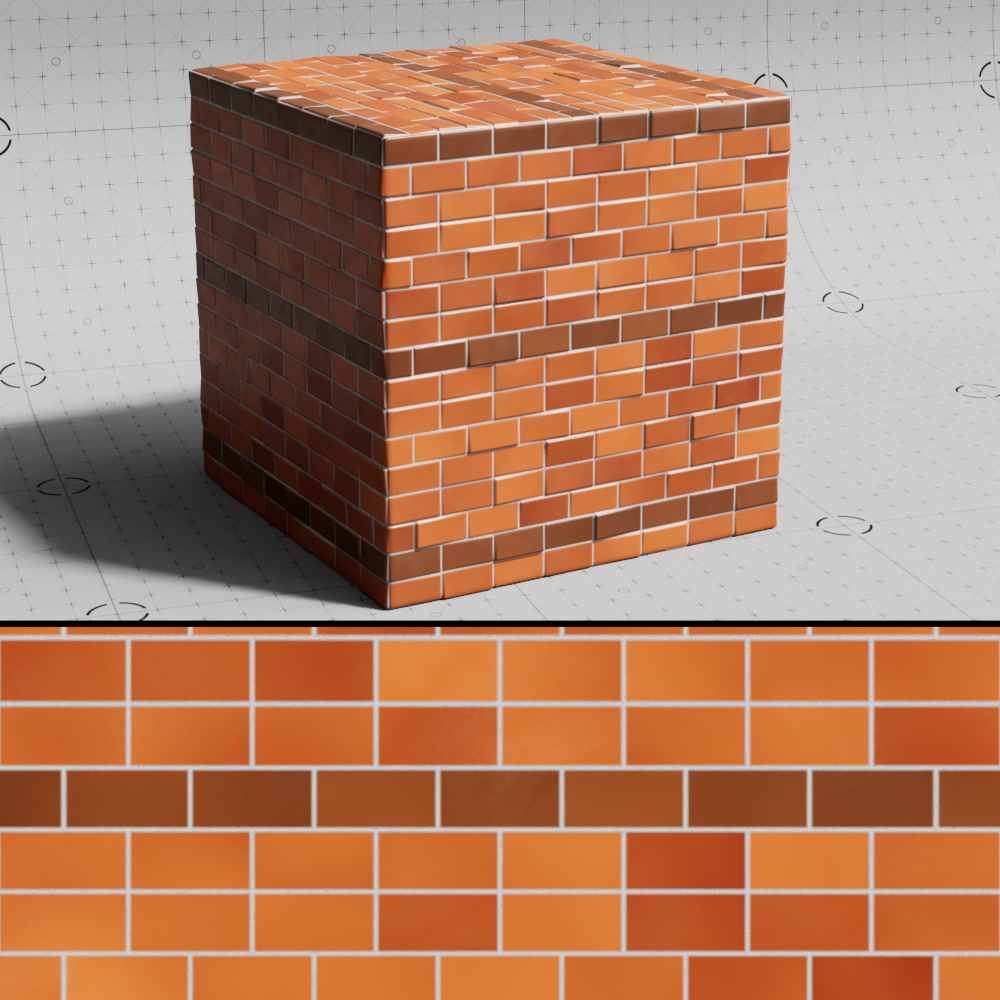
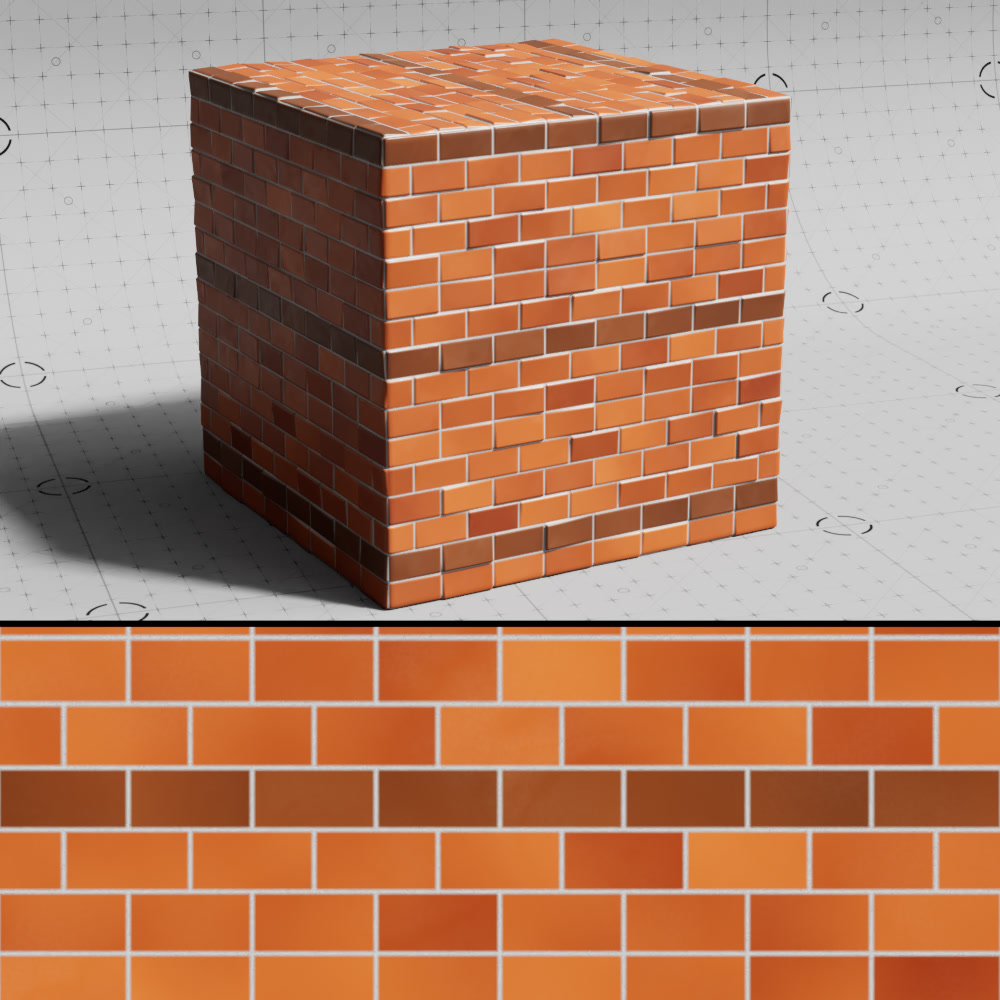
Reset Every Nth Row
Controls after how many rows the shift is reset.
|
|
|
|
| Reset Every Nth Row: 0 (default) | 1 | 3 | 5 |
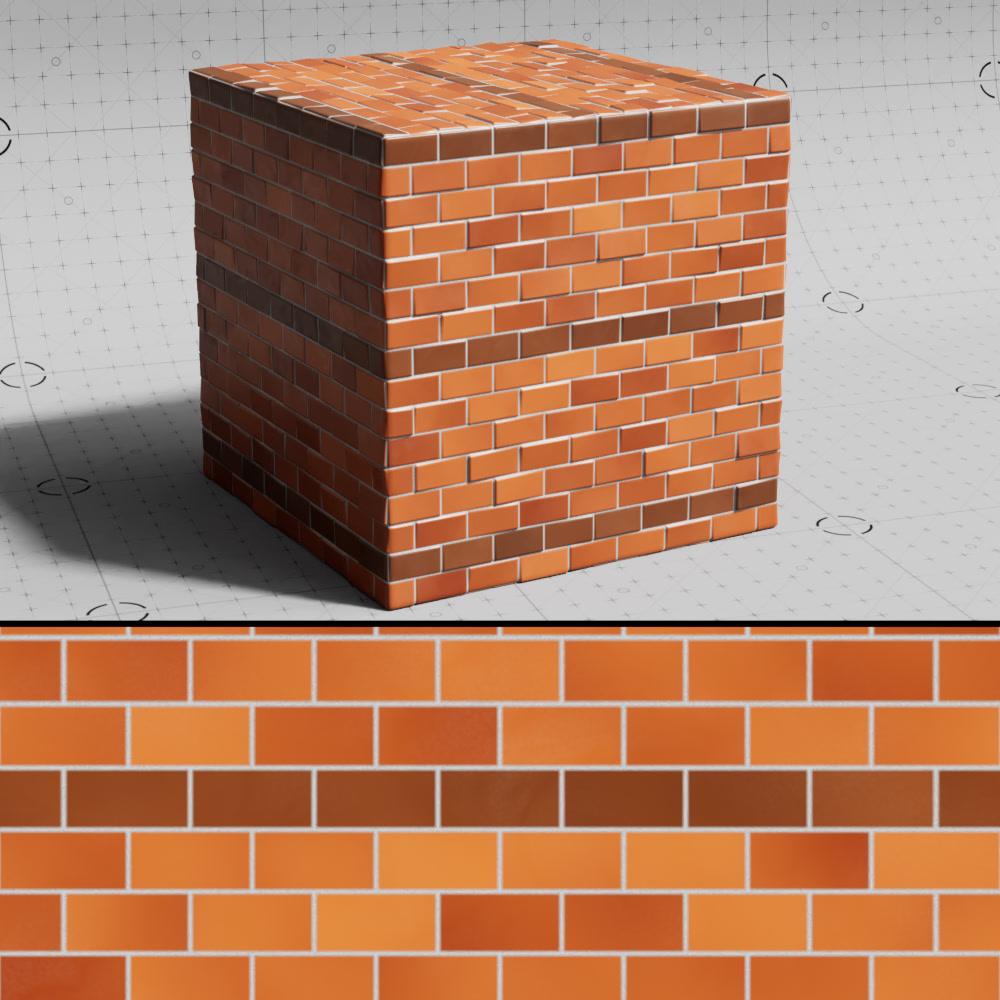
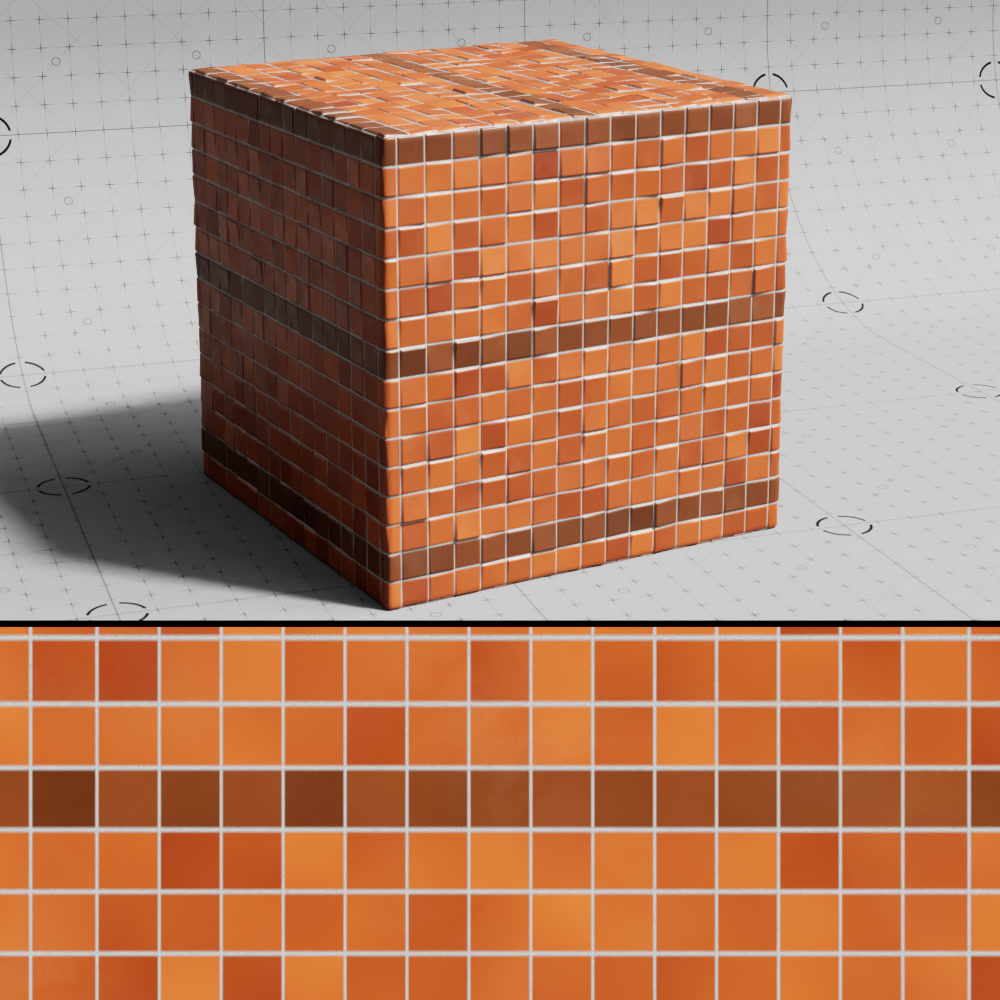
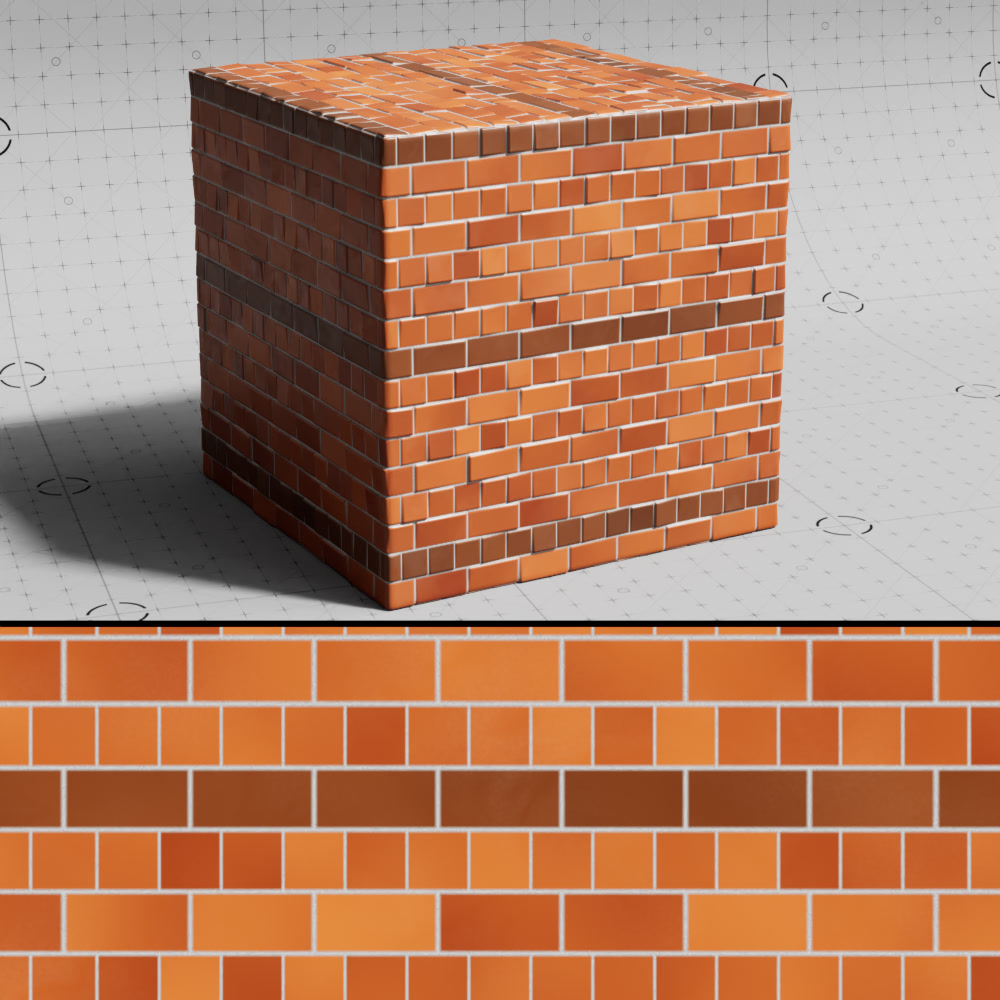
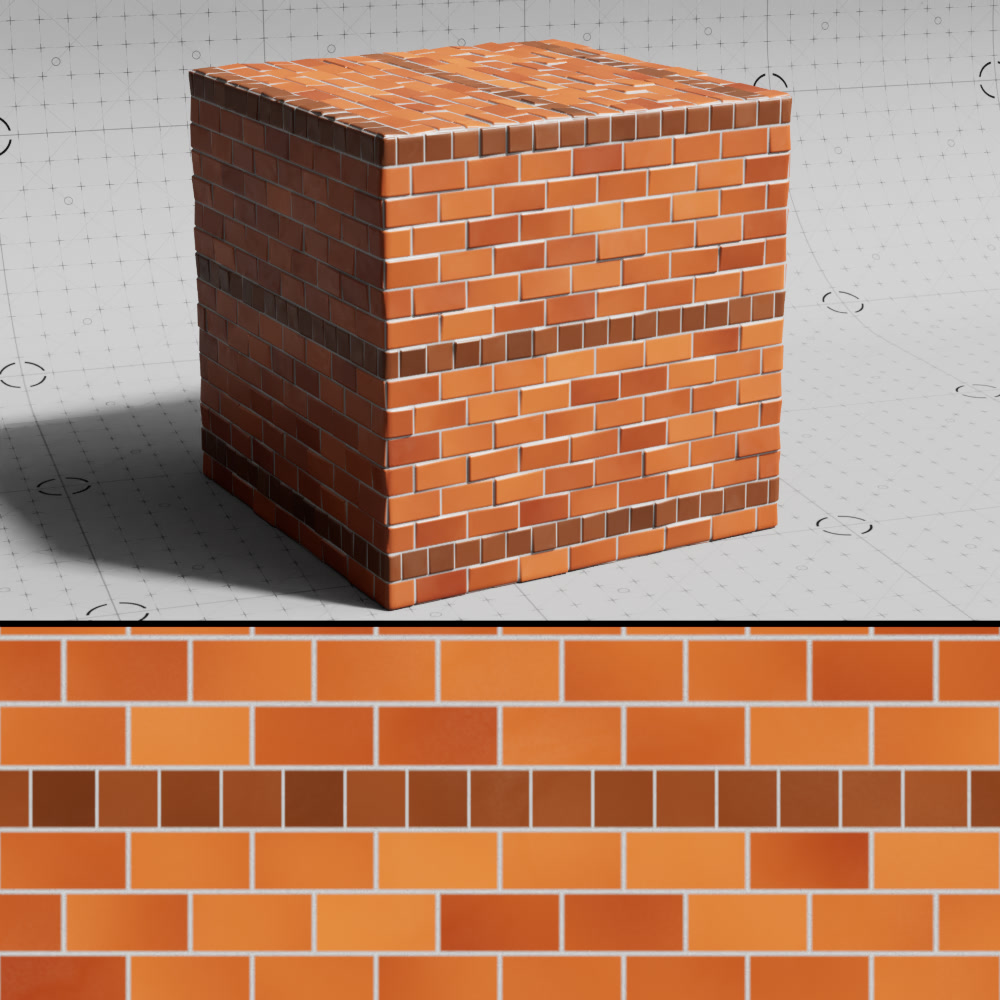
Half Width Every nth Row
Controls after how many rows a row of bricks with half their width are used.
|
|
|
|
| Half Width Every Nth Row: 0 (default) | 1 | 2 | 7 |
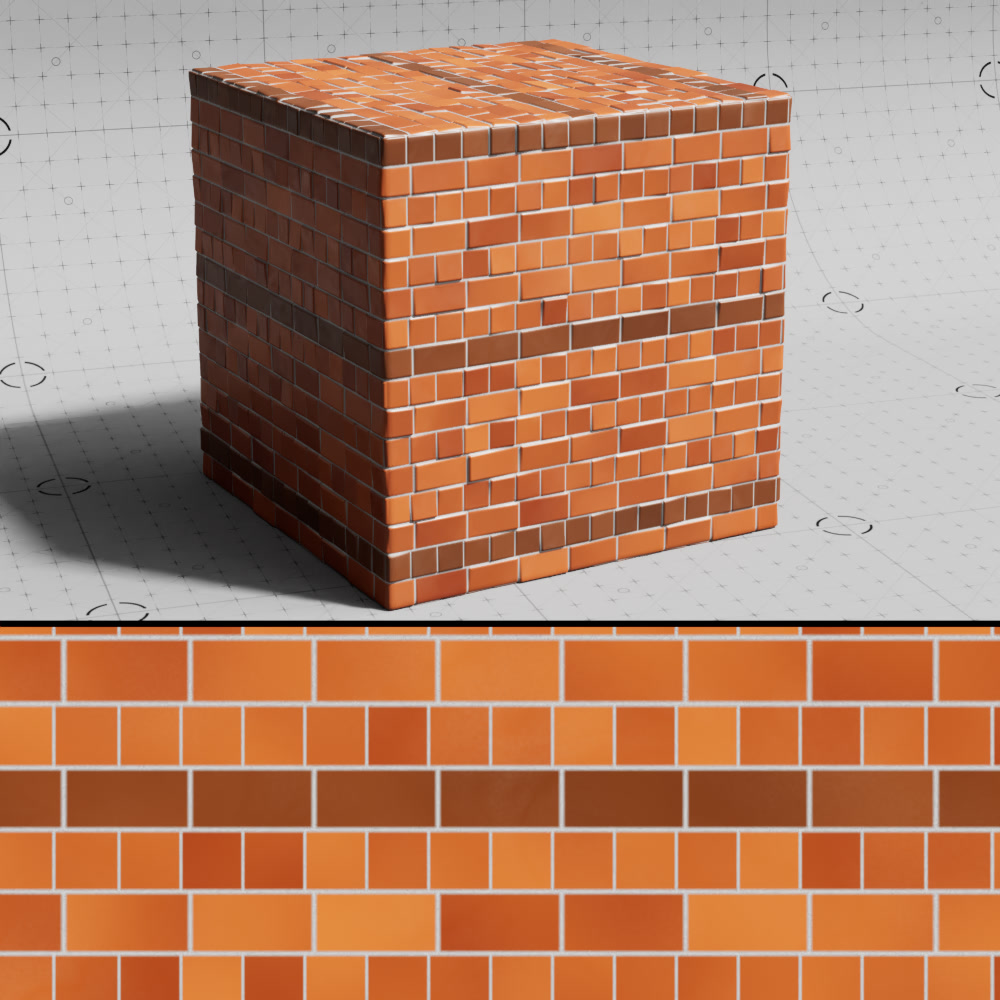
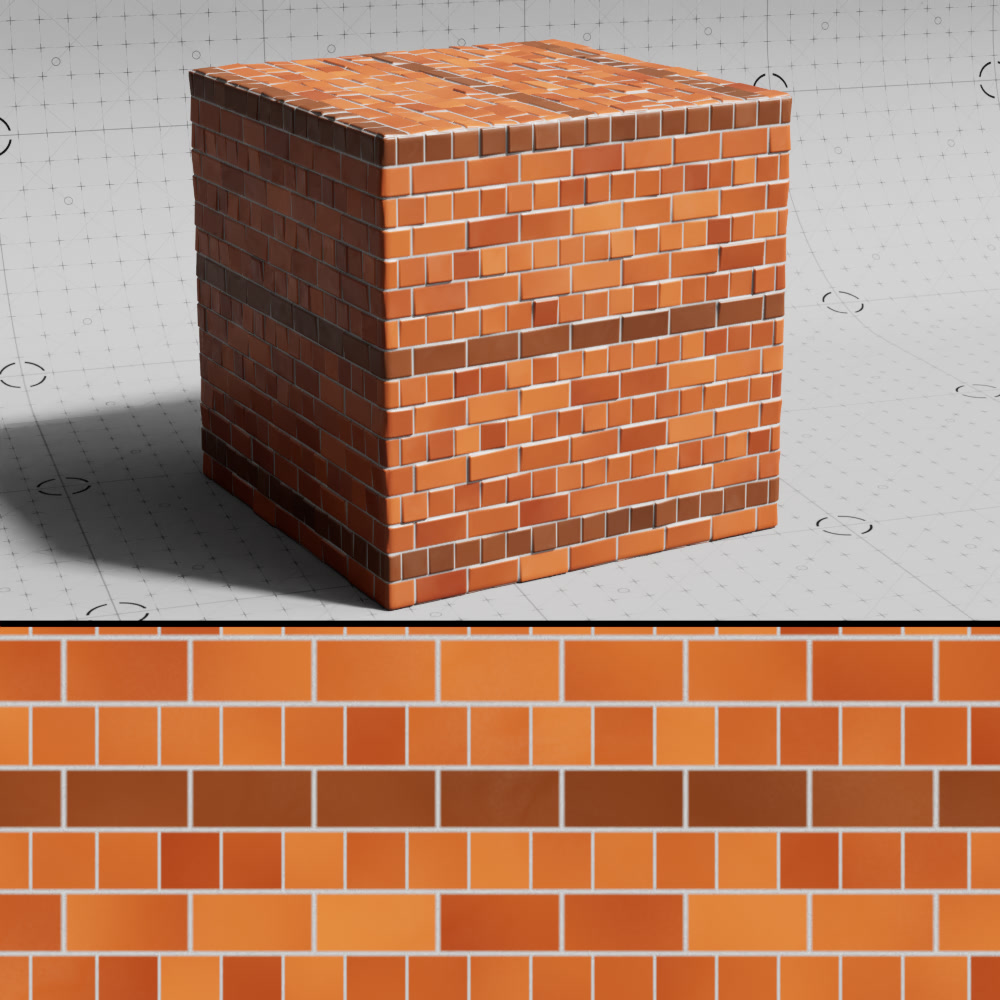
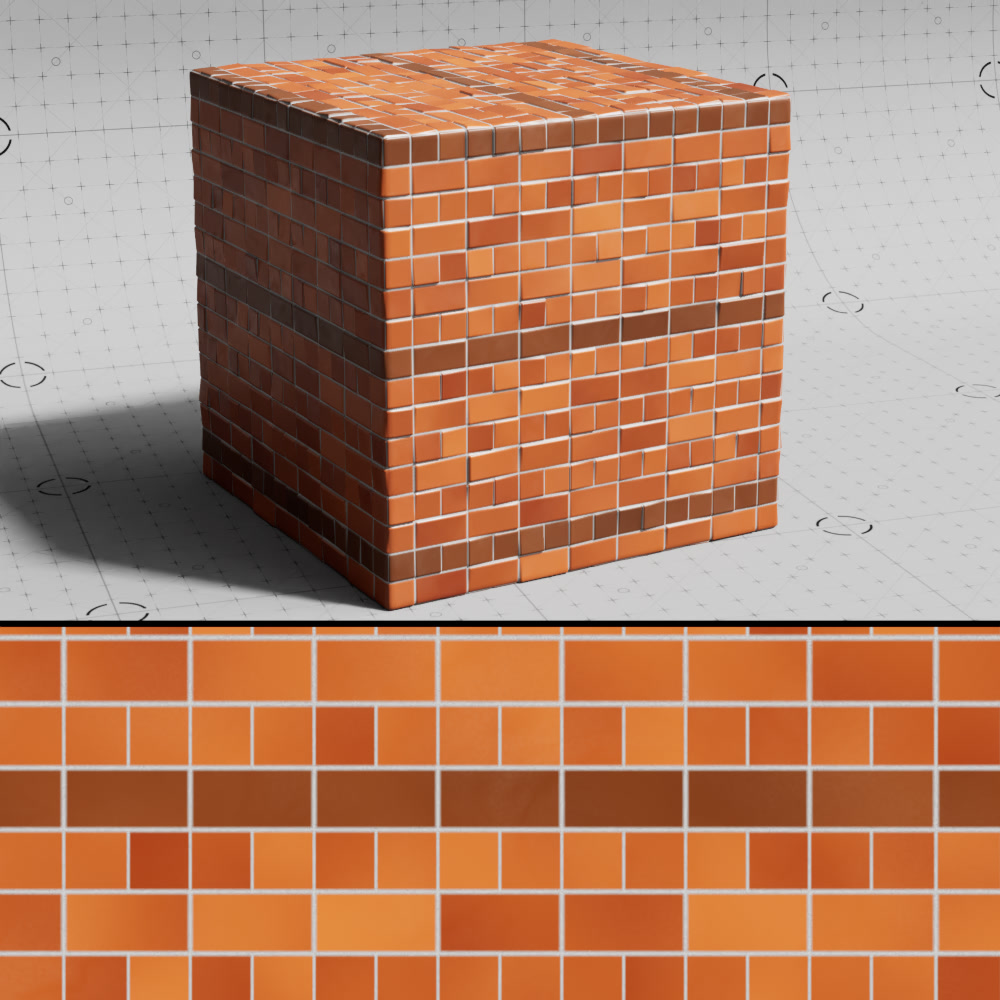
Half Width Shift
Moves each row of half-width bricks by the specified value relative to their size.
|
|
|
| Half Width Shift: 0.15 Half Width Every Nth Row: 2 |
0.5 (default) |
1 |
Balance Alt. Color Period
Influences how the primary brick color is used when a row of alternatively colored bricks is also a half-width row.
UV Channel
Specifies which UV set to use for texture placement.
UV Context
Connect a UV Context Projection node here to enable a local connection for simplified texture mapping. For more information, please see the UV Context Projection page.
Displacement
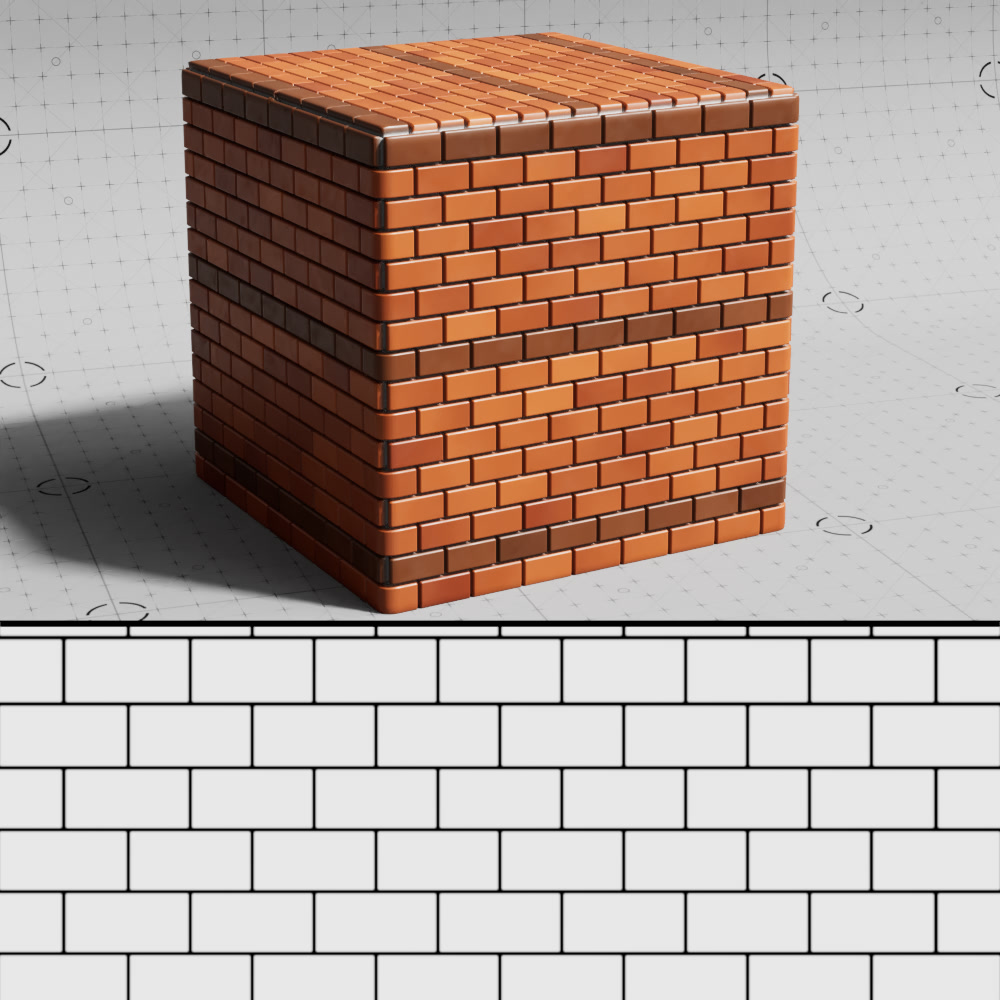
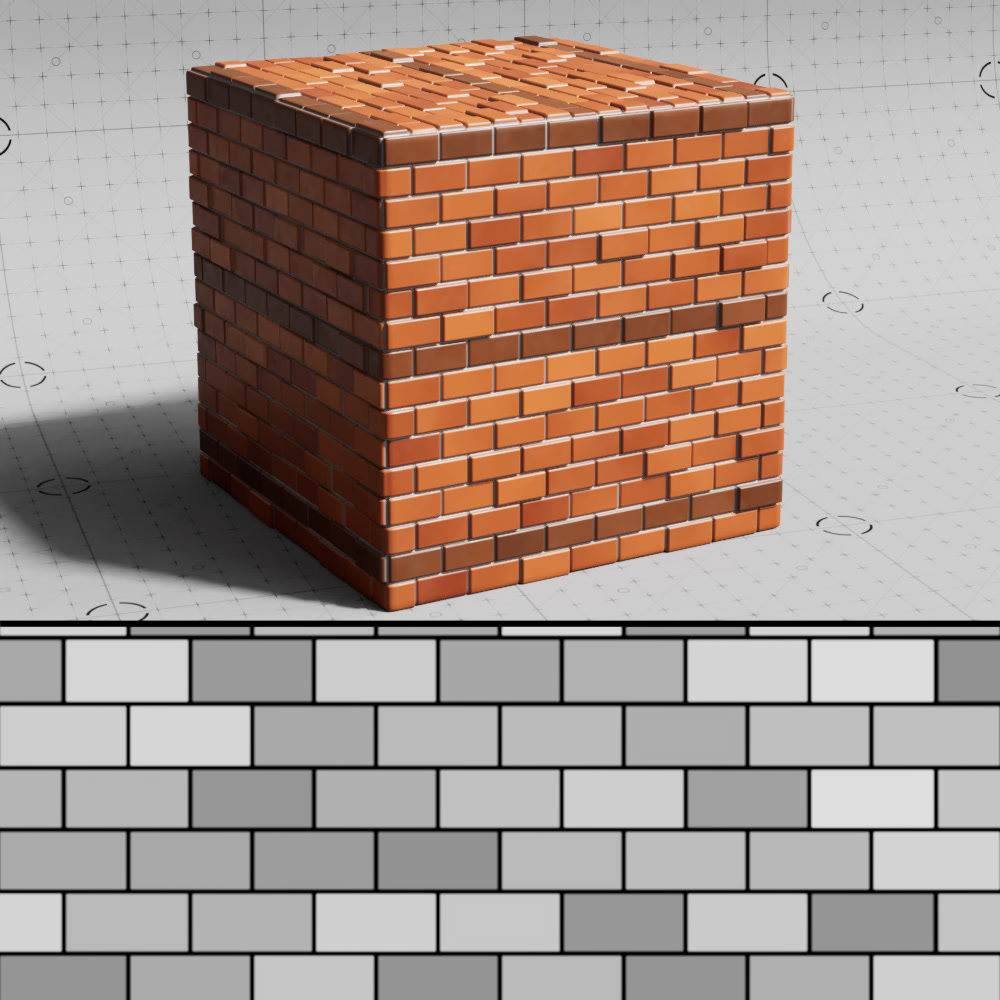
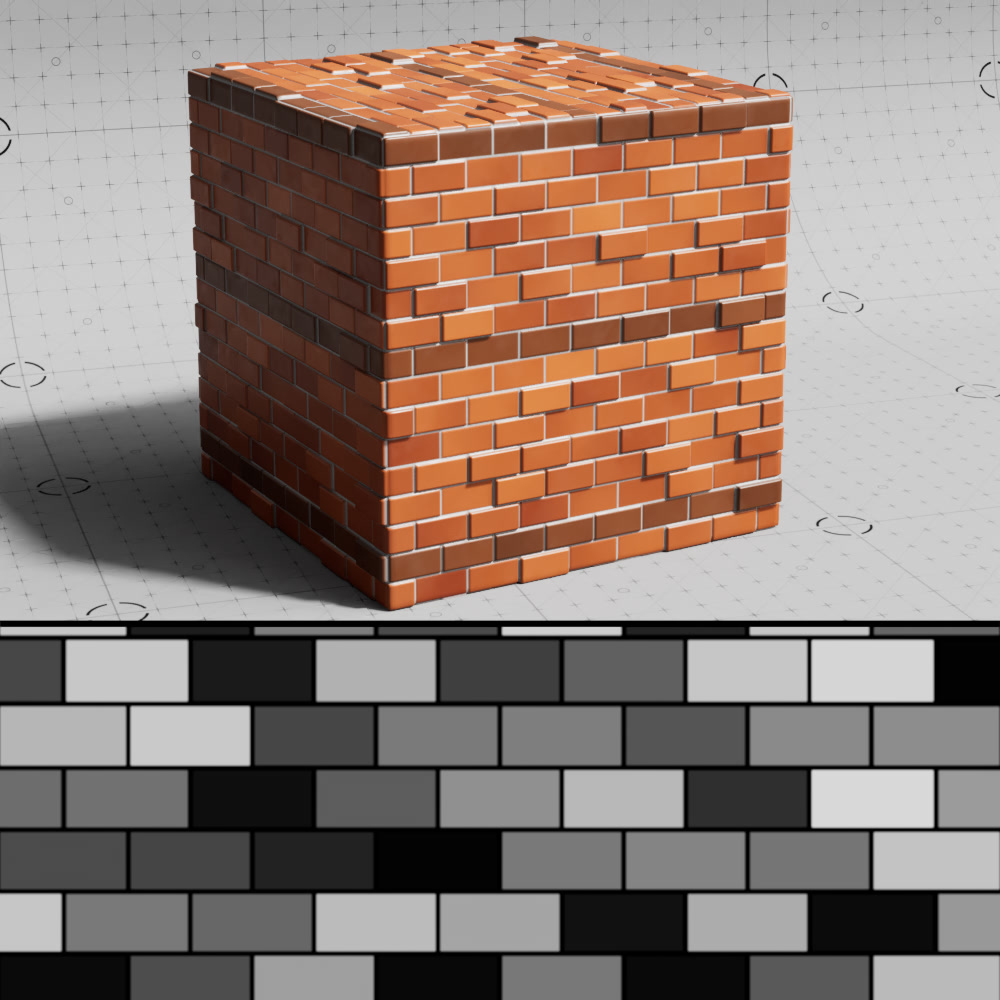
Height Variation
Controls height variation per brick. Higher values result in more irregular height variation for individual bricks while lower values result in more consistent height variation across all bricks.
|
|
|
| Height Variation: 0 Slope Intensity: 0 |
0.75 (default) | 1 |
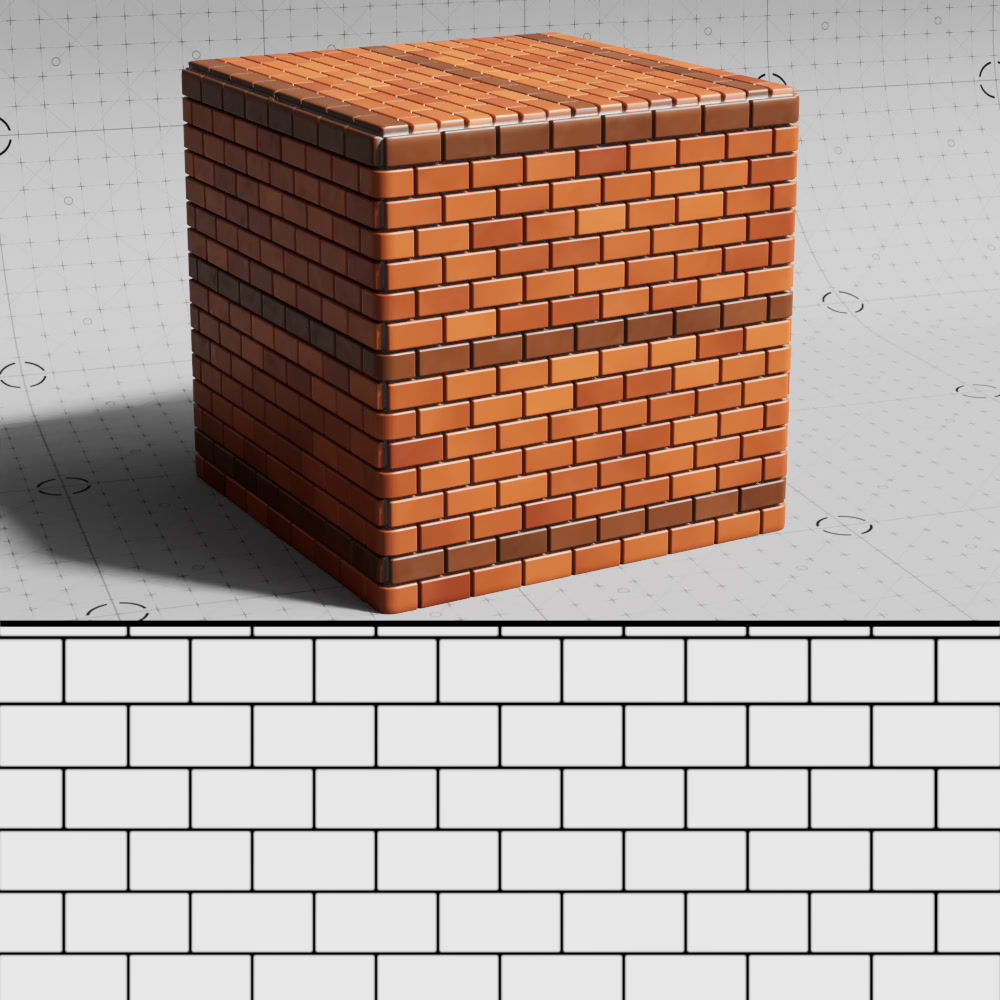
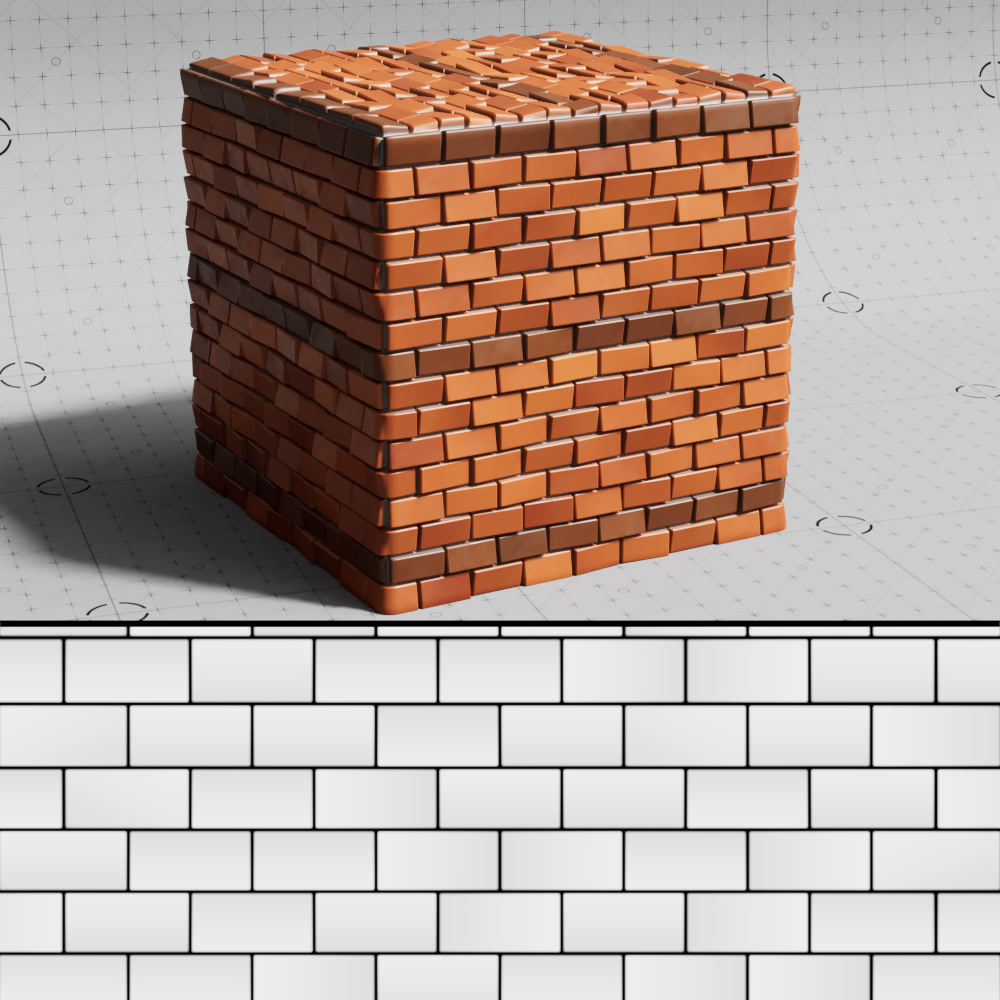
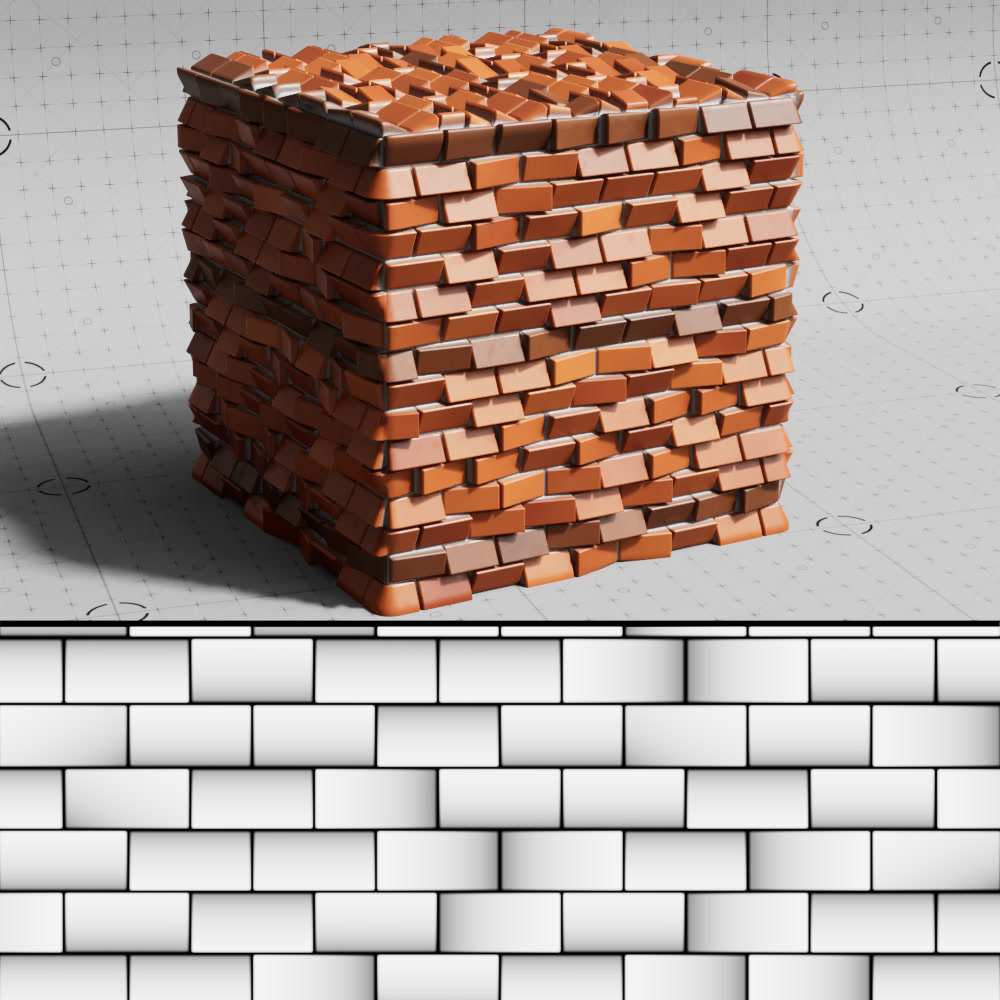
Slope Intensity
Controls how intense individual bricks can be angled. Higher values result in more intensely tilted bricks while lower values result in little to no tilt.
|
|
|
| Slope Intensity: 0 Height Variation: 0 |
0.25 | 0.75 (default) |
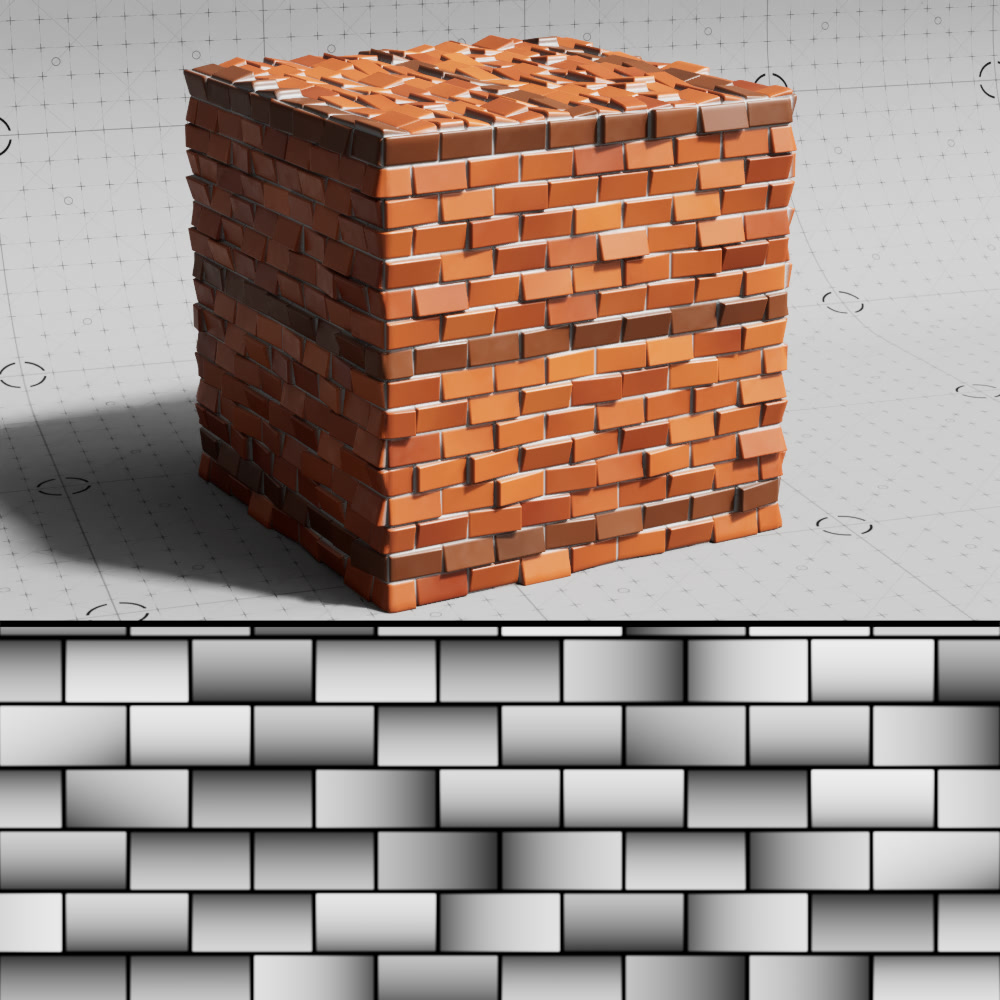
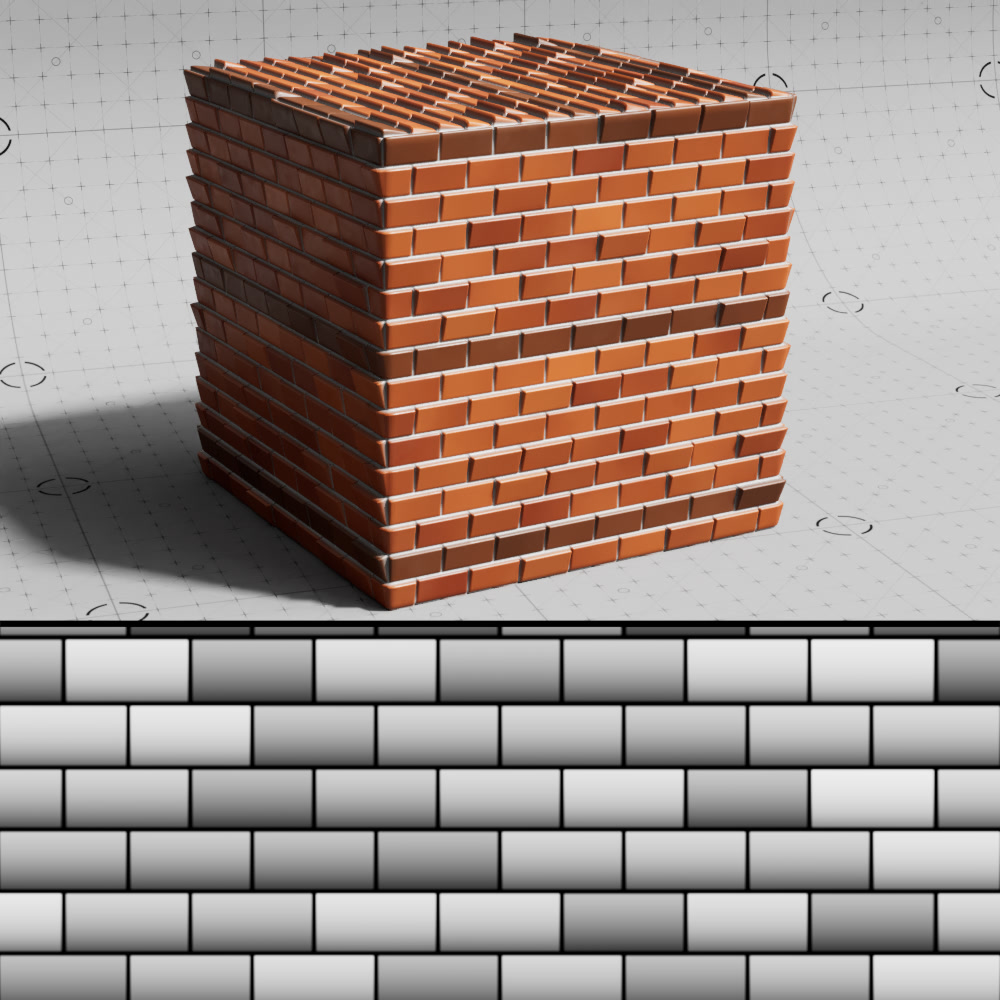
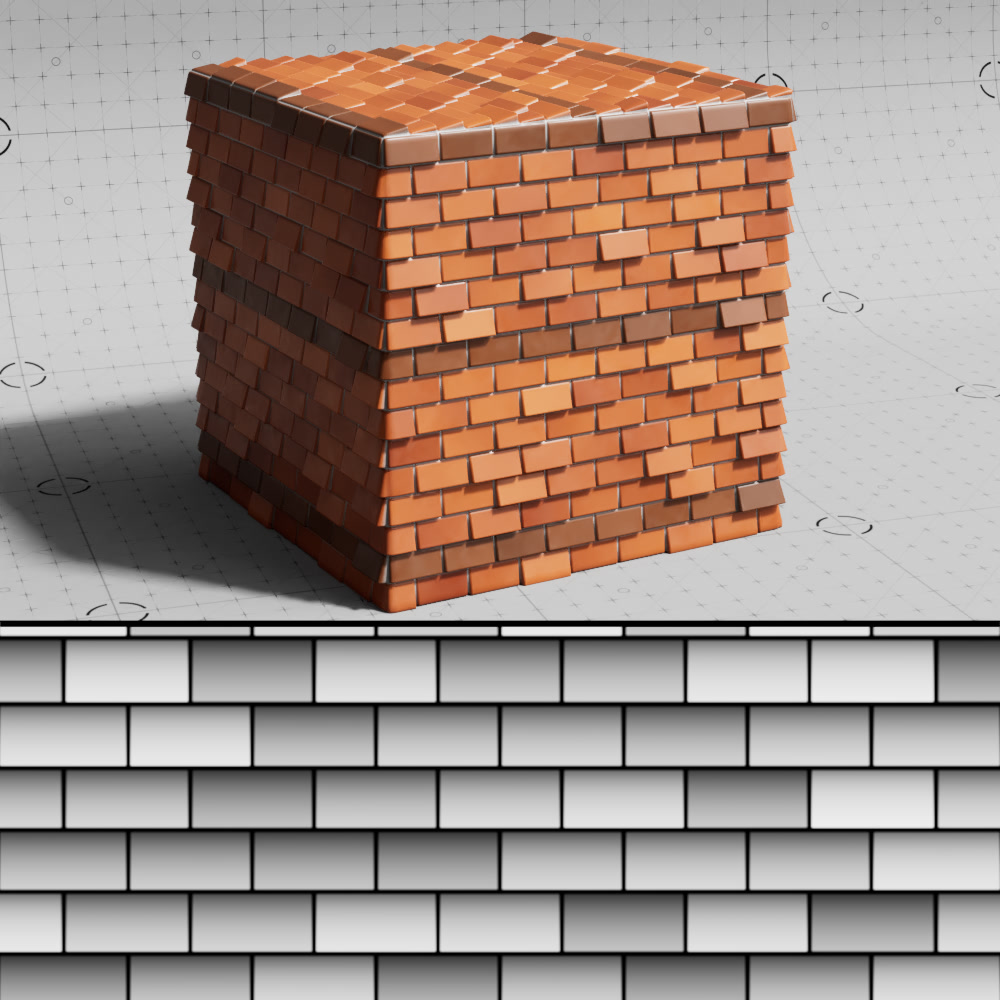
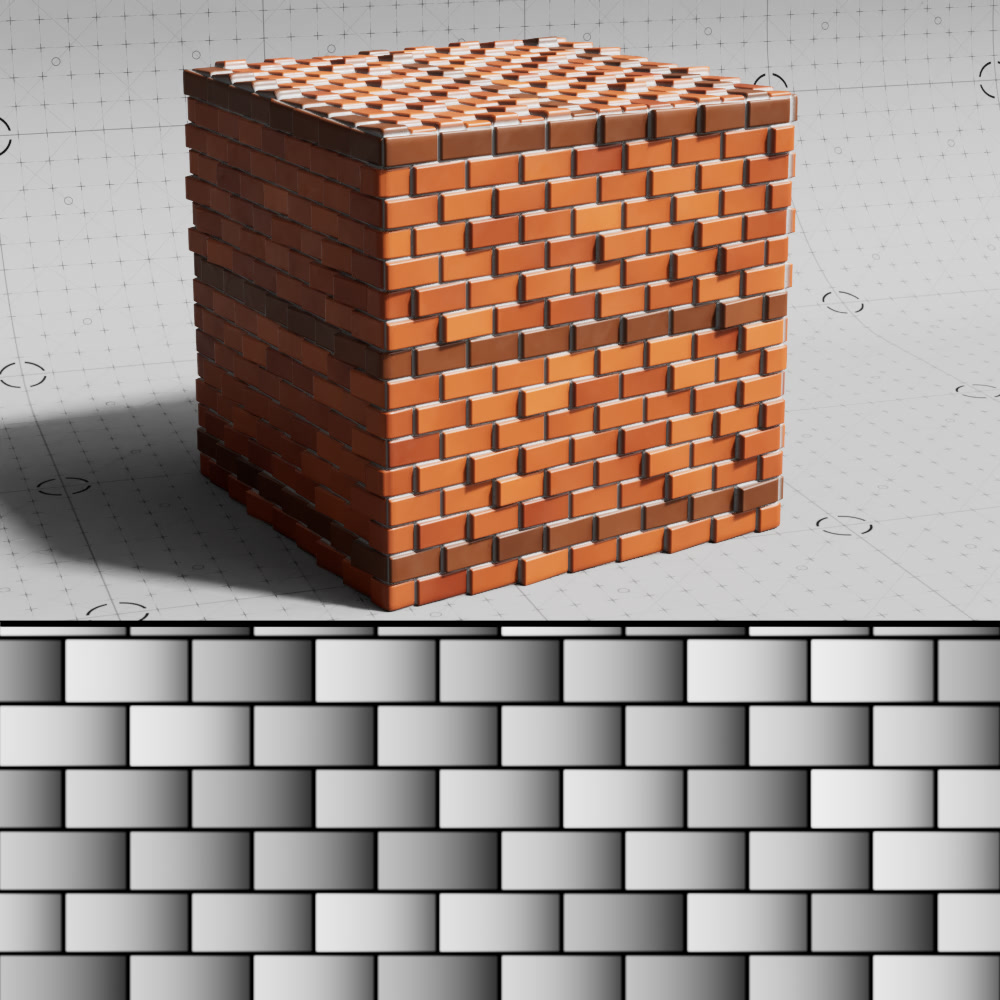
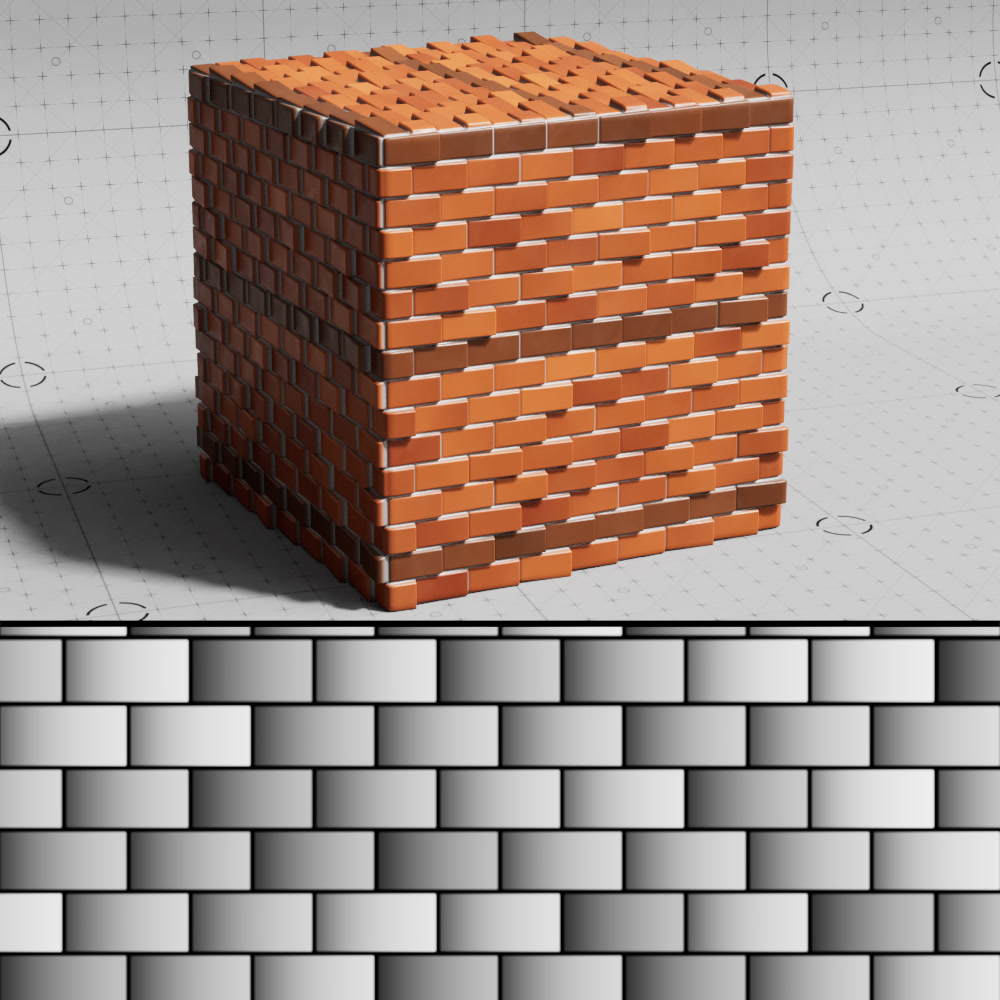
Slope Direction
Controls the direction of the each bricks slope angle.
|
|
|
|
|
| Slope Direction: Random | Up | Down | Left | Right |
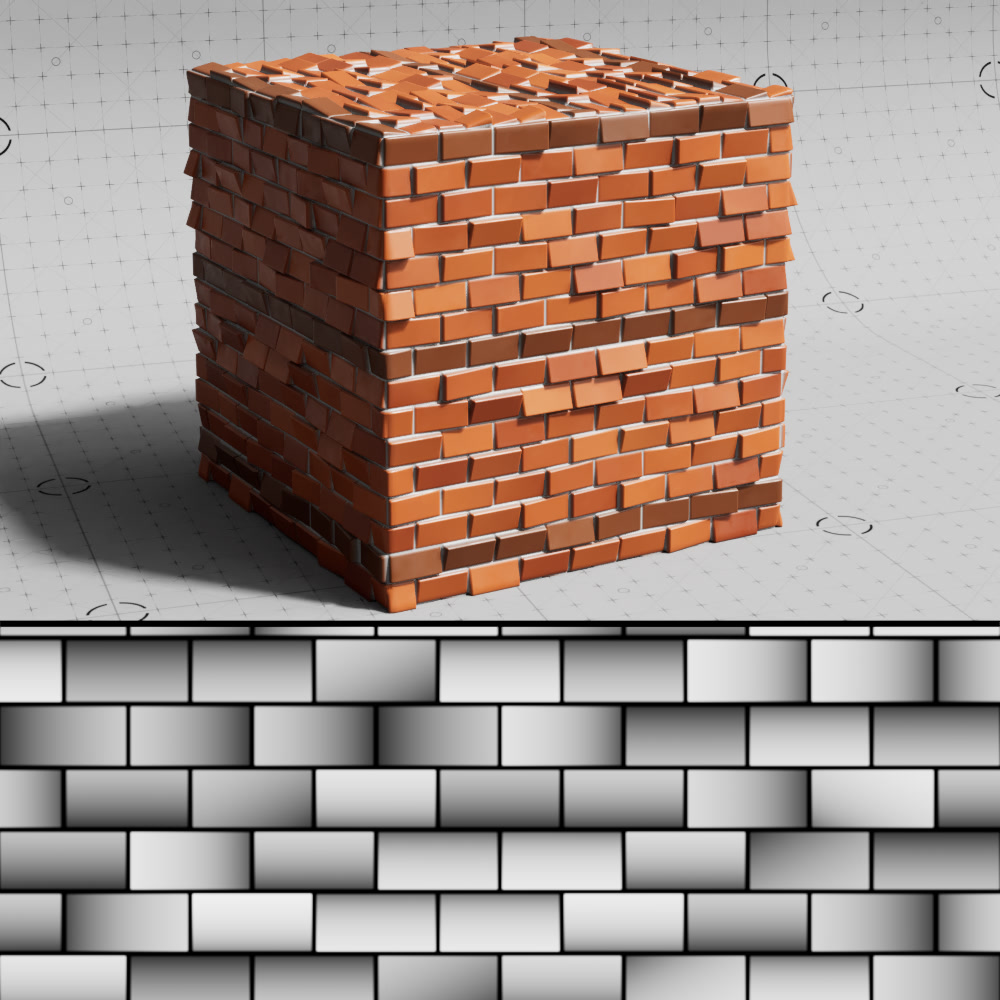
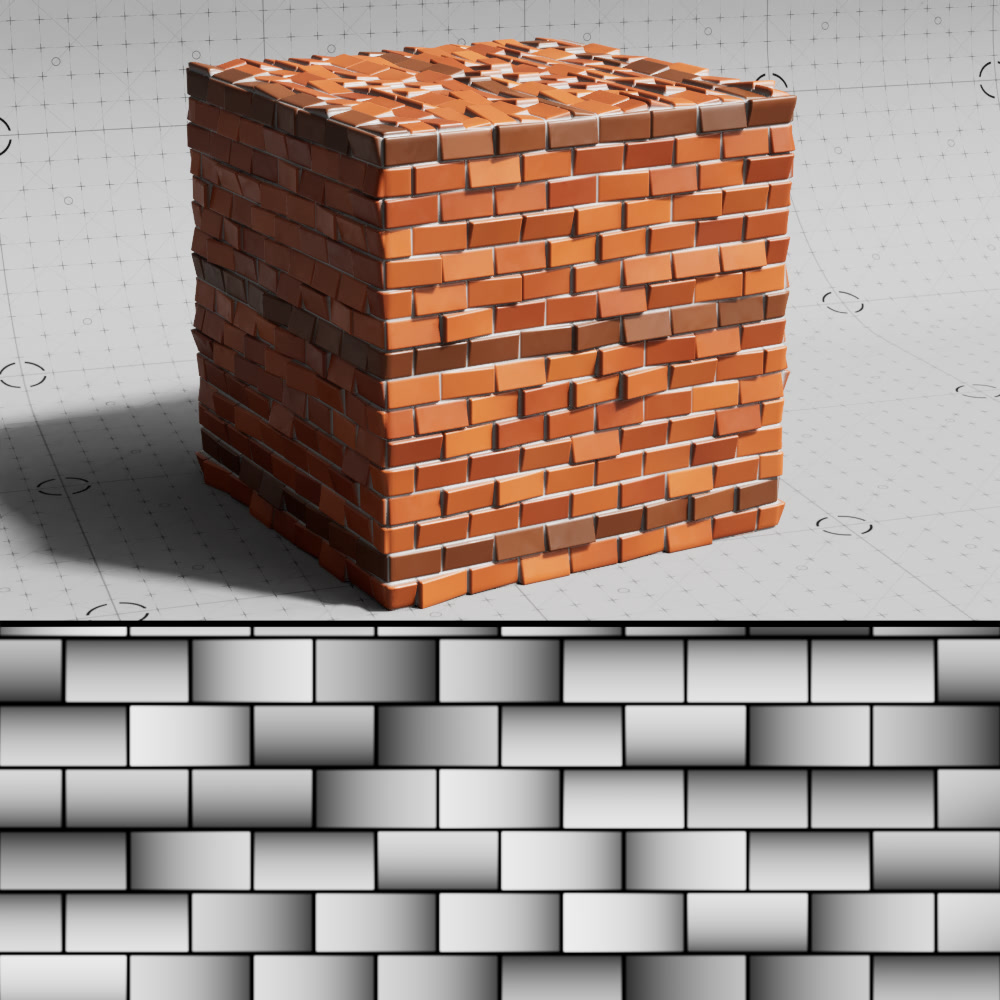
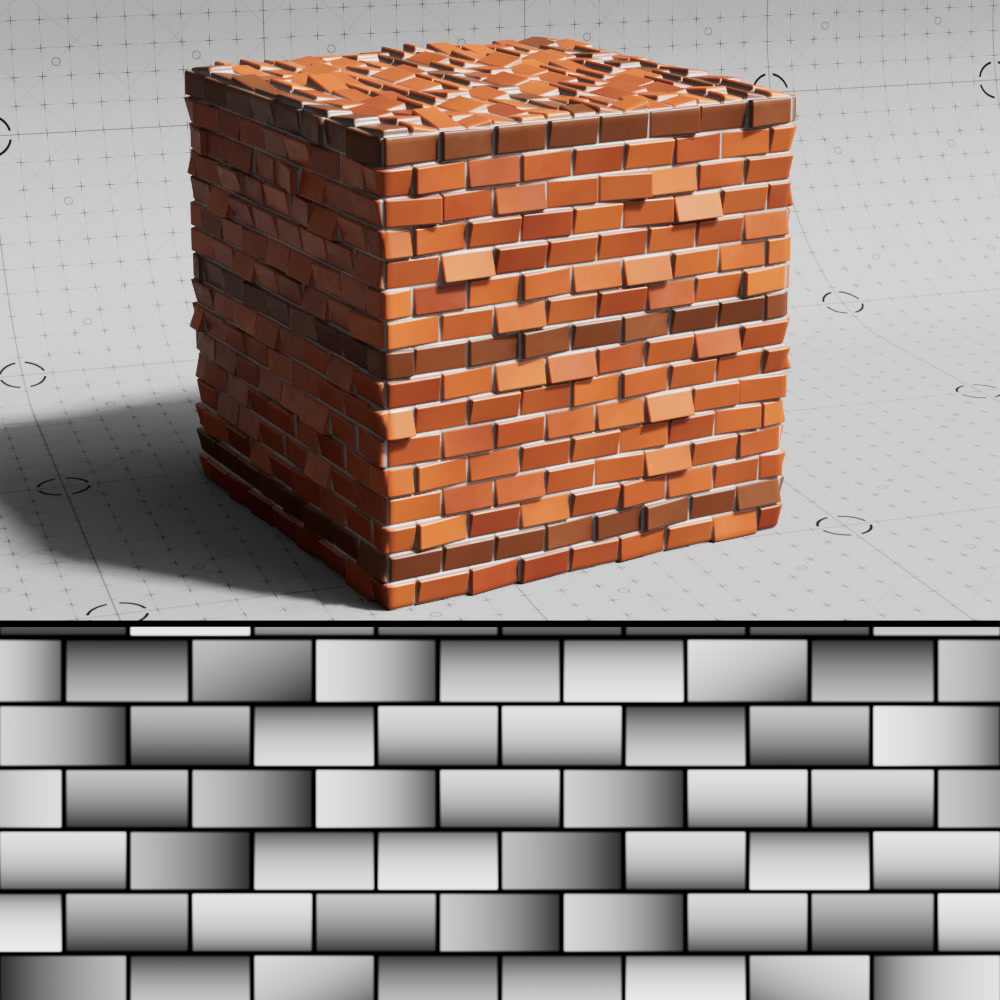
Seed
Controls the seed value for all randomized operations of the shader.
|
|
|
| Seed: 1 | 2 | 3 |
Colors
|
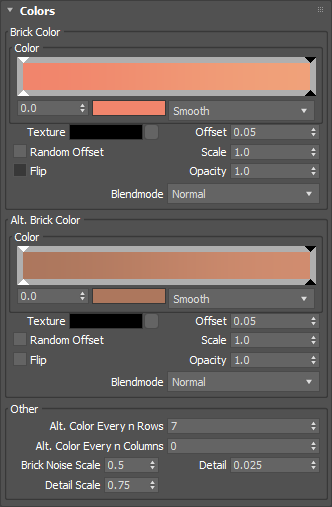
Brick Colors
Color
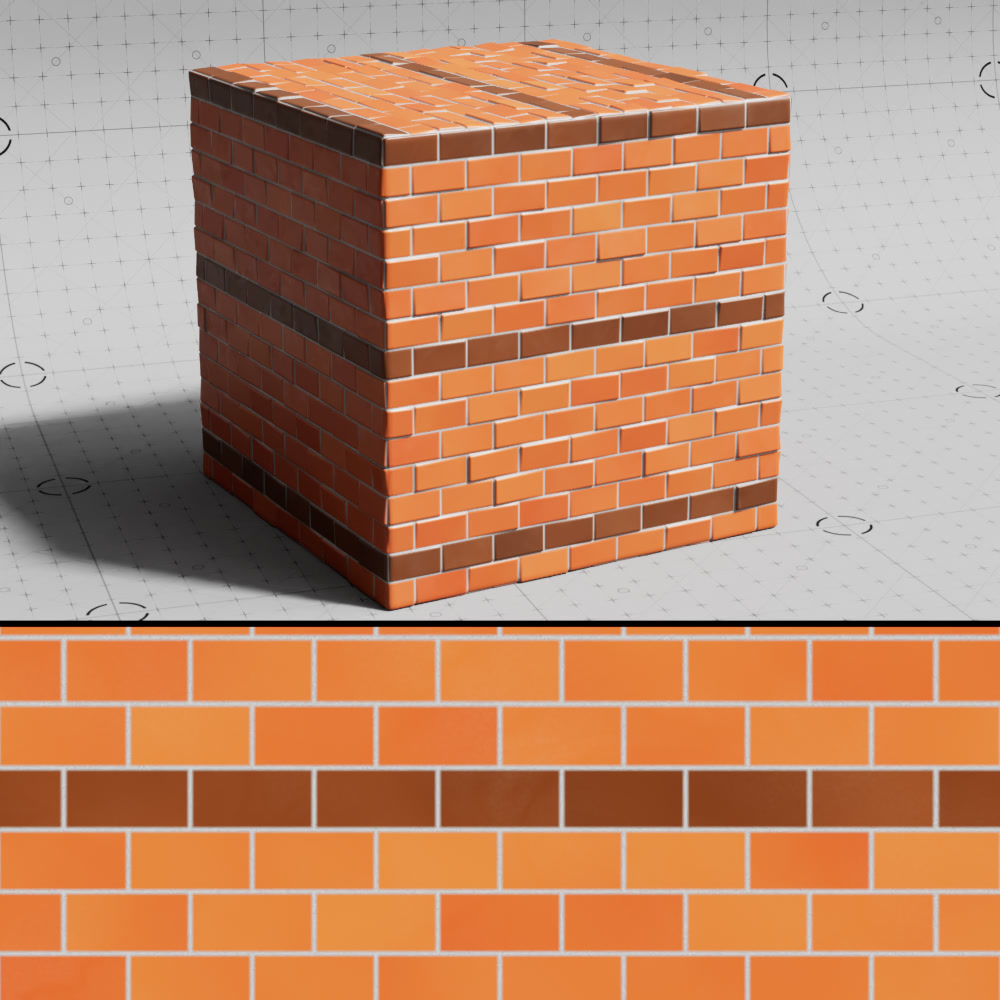
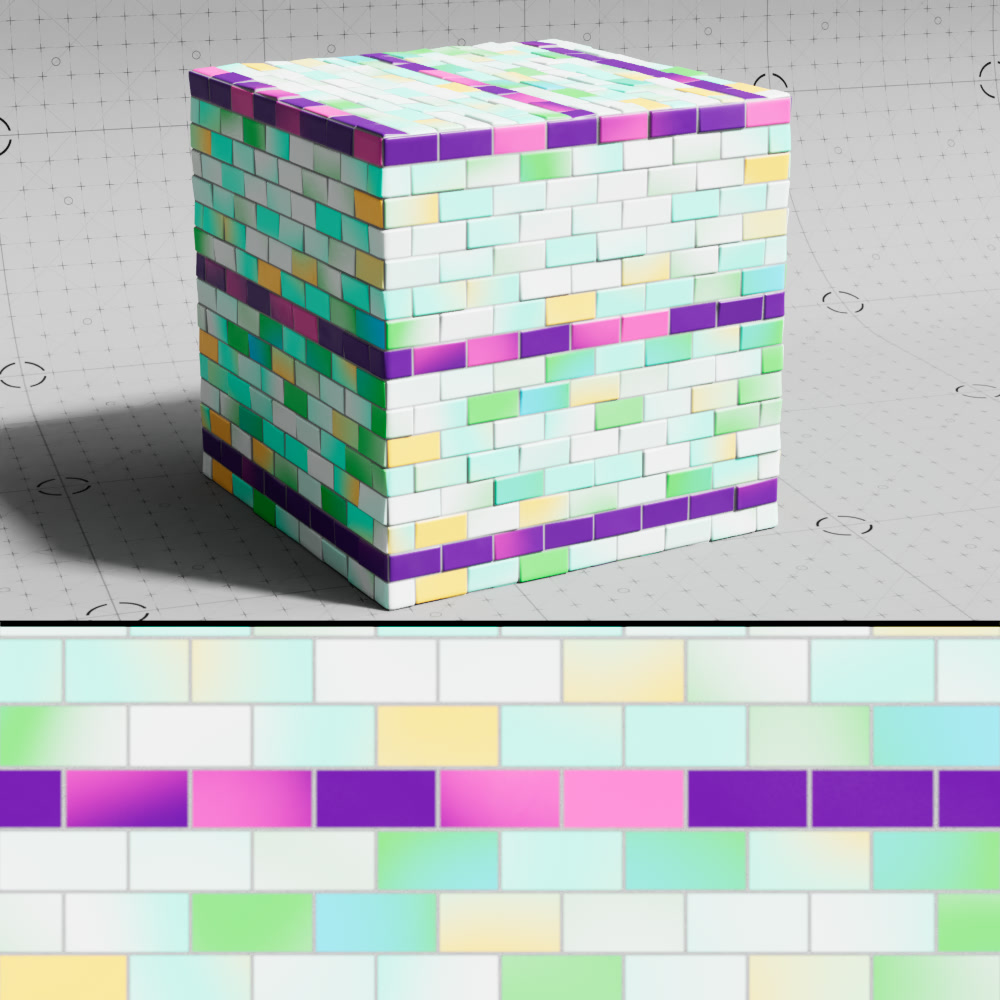
A color-ramp sampled to get the brick color.
|
|
| Brick Color: Default | Custom color ramp |
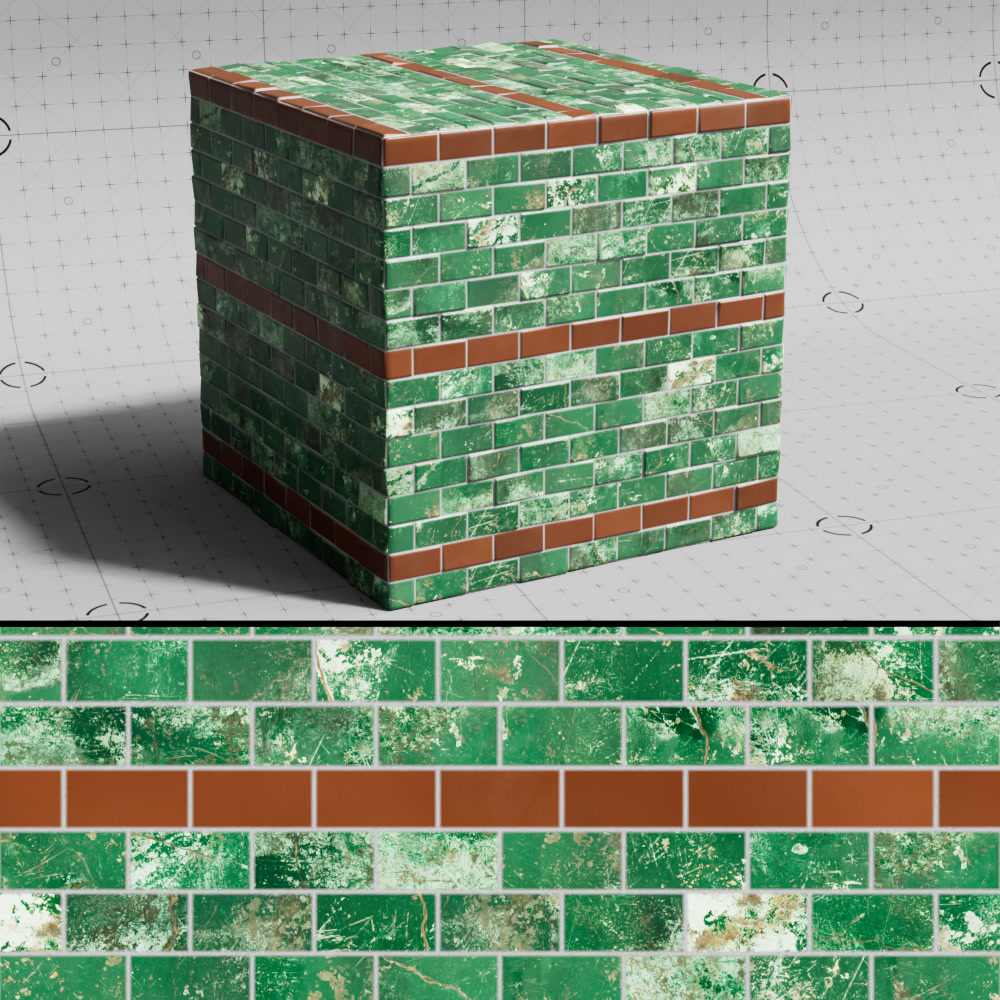
Texture
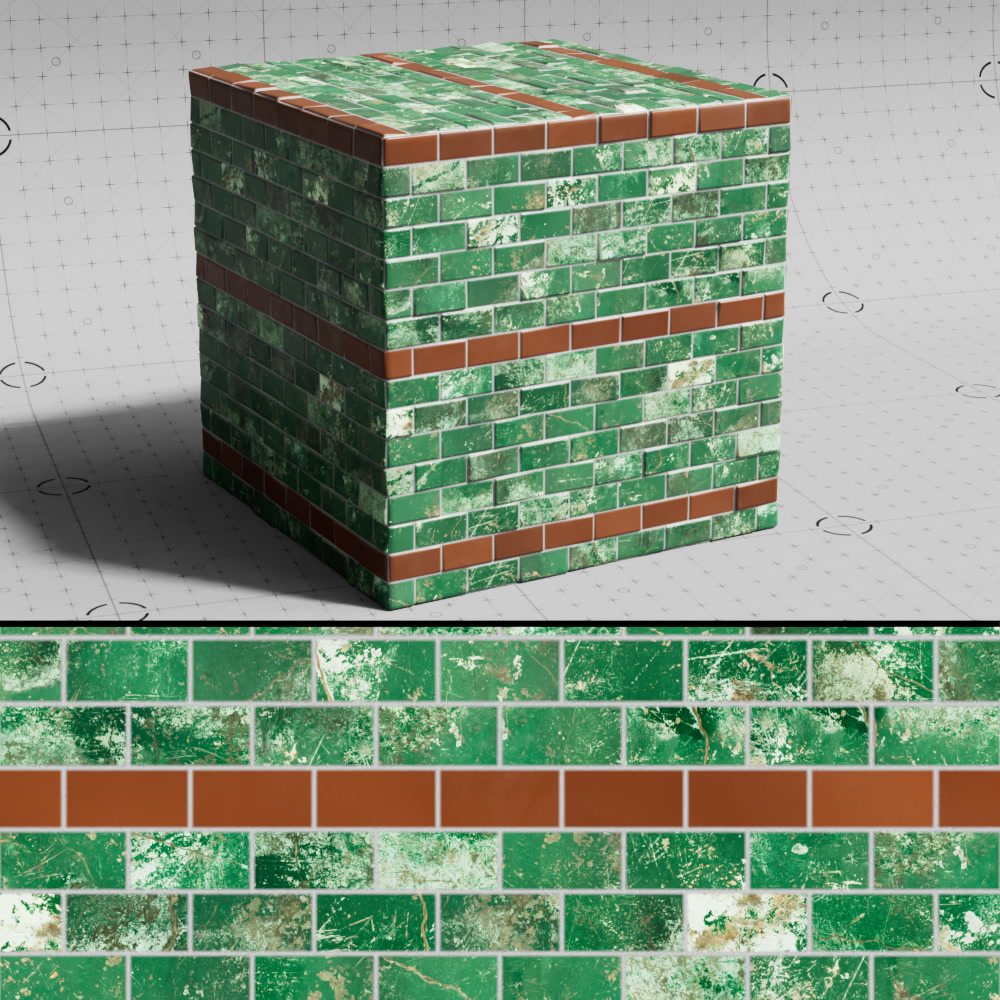
A texture input used to drive the look of the bricks.
|
|
| Brick Color: Green paint texture | Color Ramp |
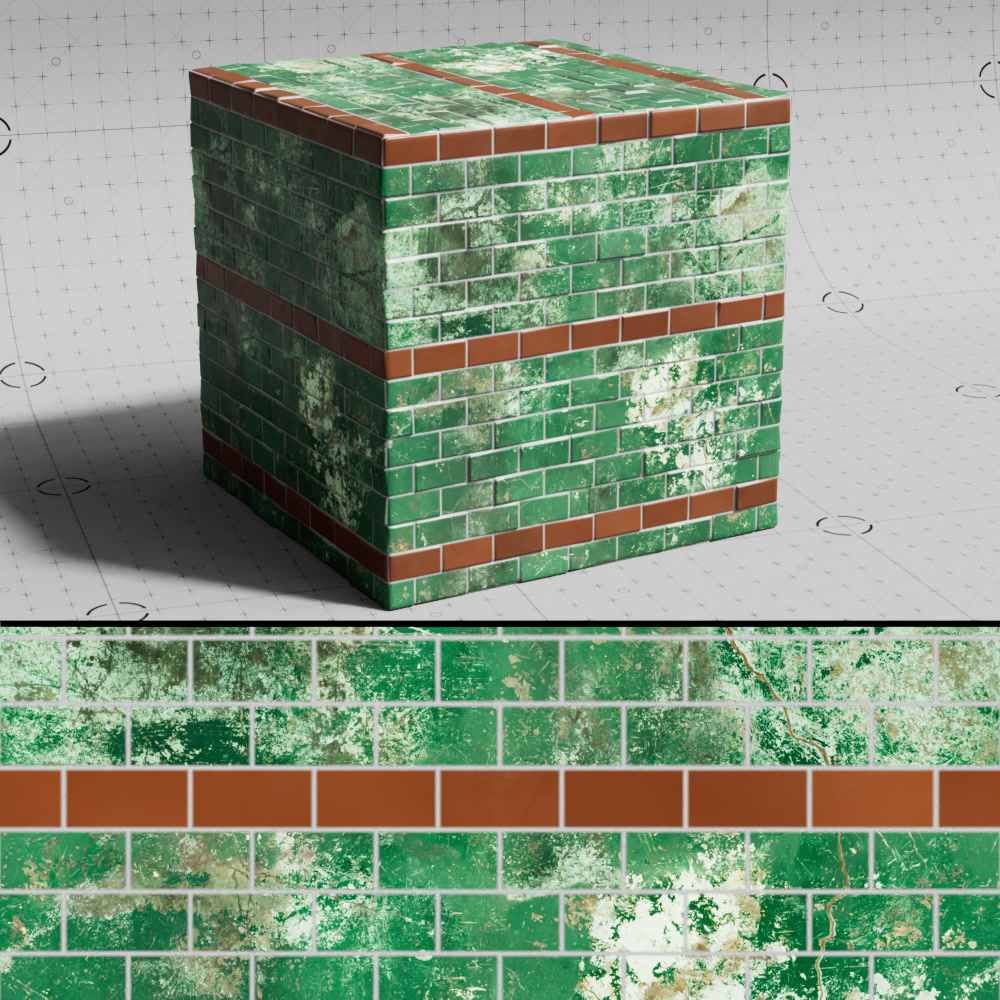
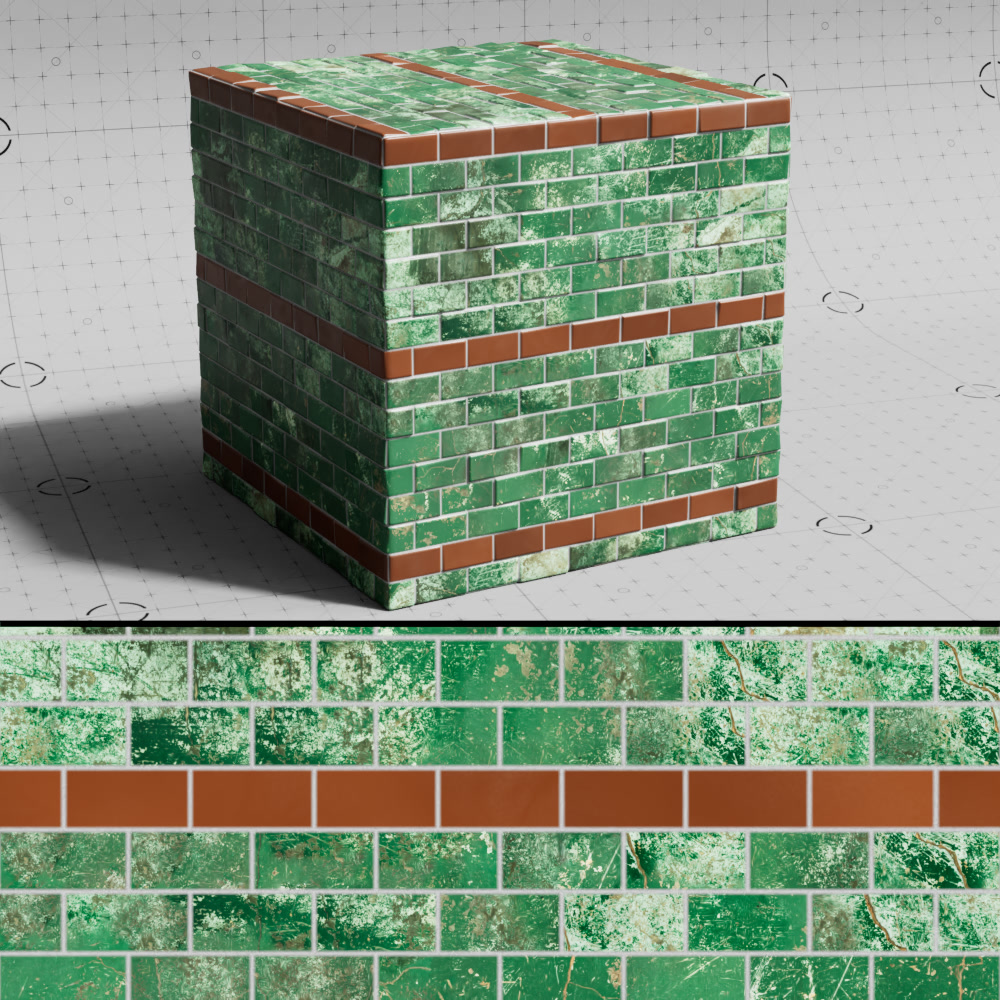
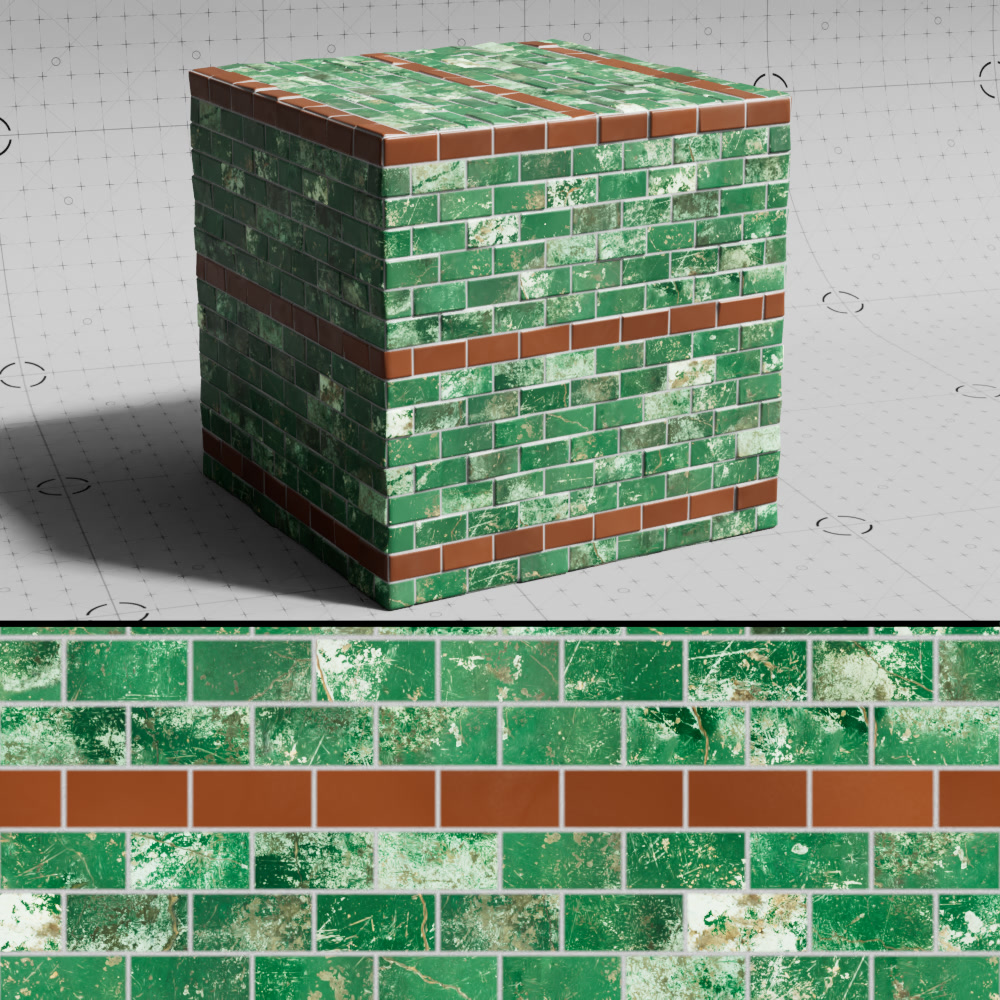
Offset
Controls the texture offset to randomize the sampled area of the texture used for each brick.
|
|
|
| Texture Offset: 0 | 0.05 (default) | 1 |
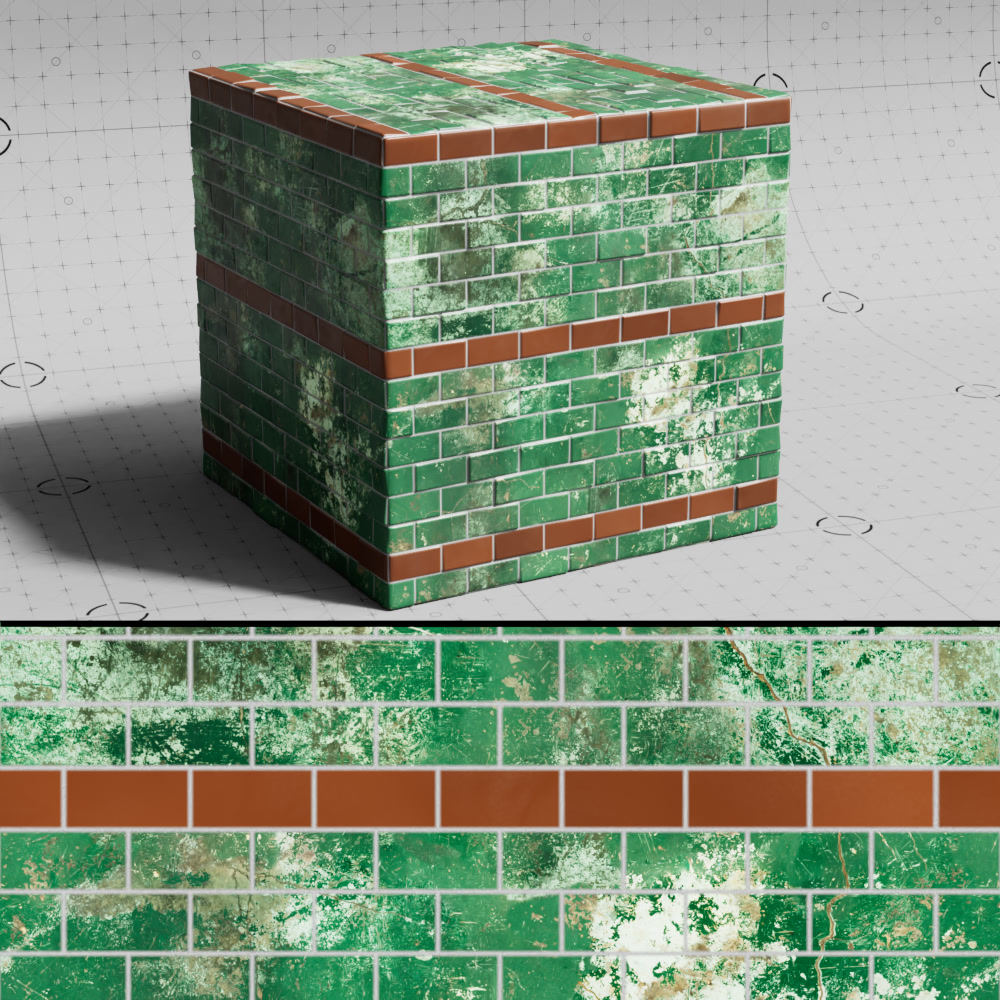
Random Offset
When enabled, randomizes the offset for each brick to break up texture tiling.
|
|
| Random Offset: Disabled | Enabled (default) |
Scale
Controls the size the brick texture.
Flip
Changes the orientation of the brick texture.
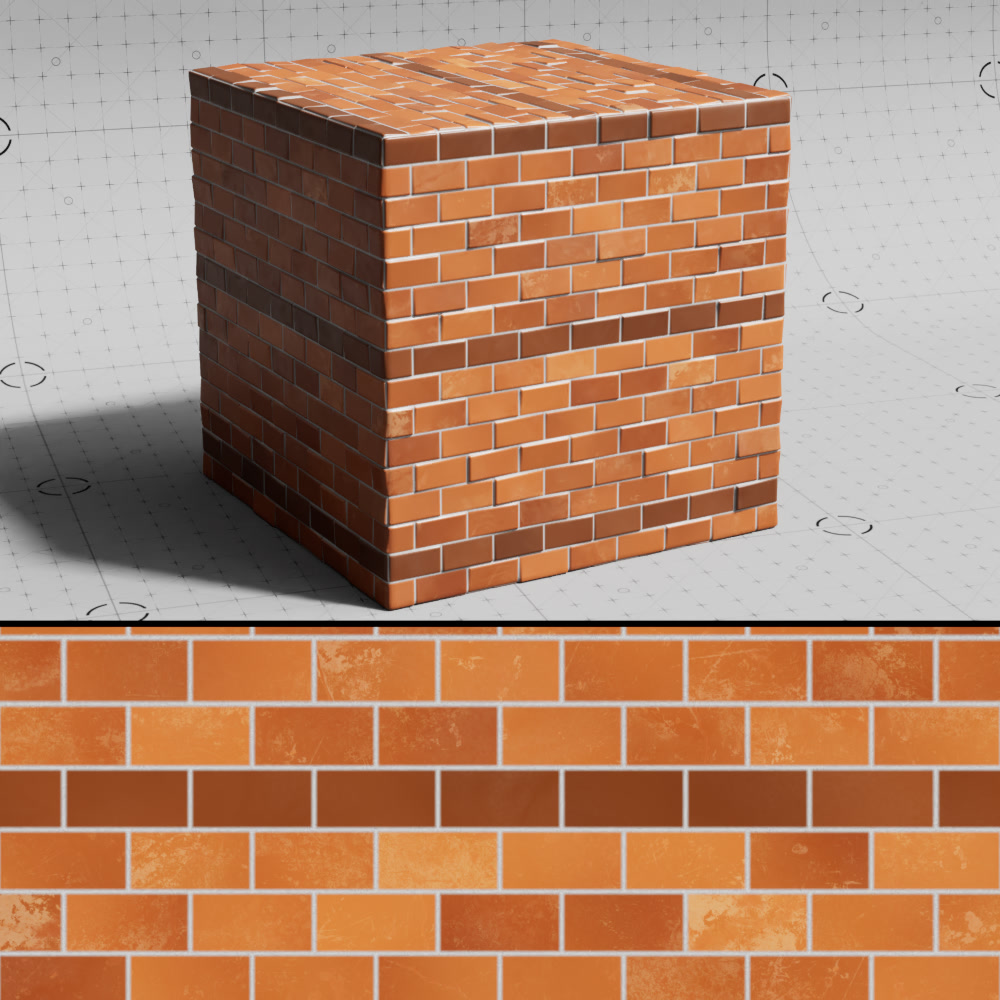
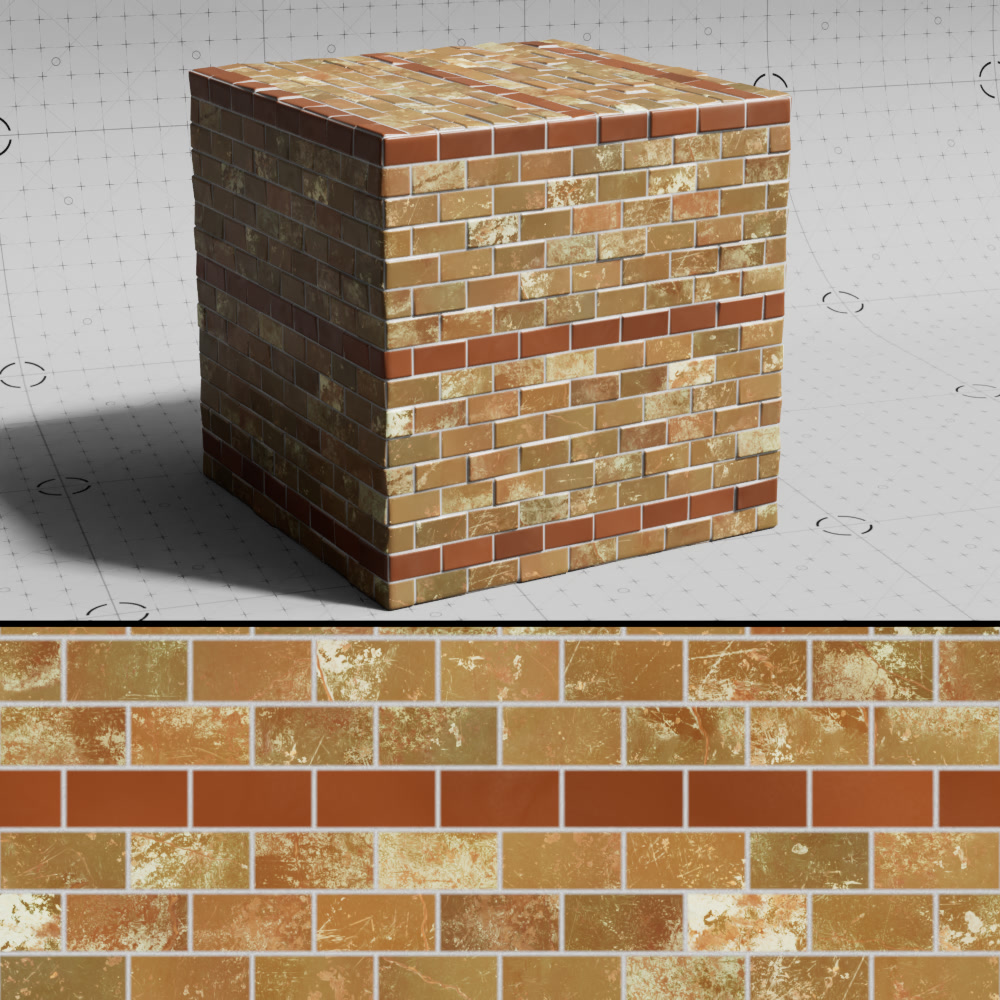
Opacity
Controls the opacity of the brick texture blended with the brick color.
|
|
|
| Texture Opacity: 0.1 | 0.5 | 1 |
Blendmode
Sets the blending mode used to blend the brick texture with the brick color from the following options: Normal, Multiply, Overlay, Dodge, Burn, Lighten, Darken, Color
Alt. Brick Color
Color
A color-ramp sampled to get the alternate brick color.
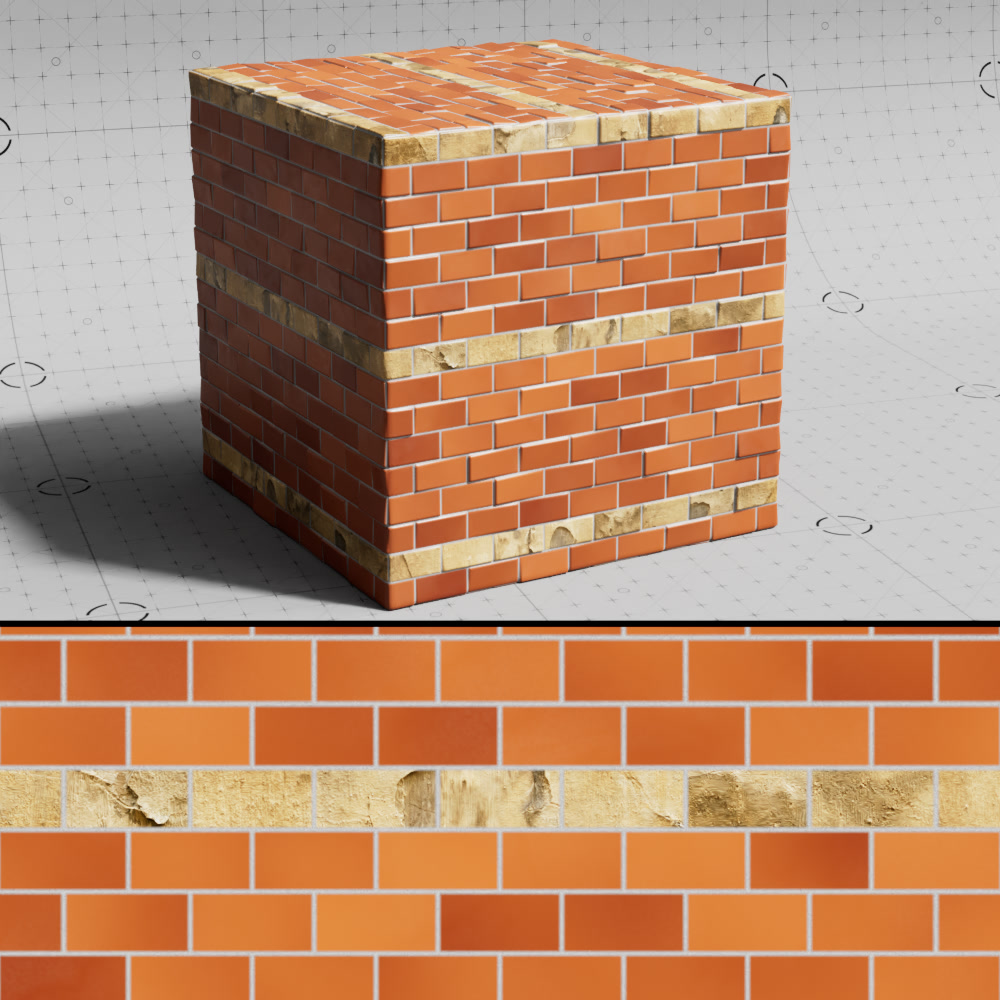
Texture
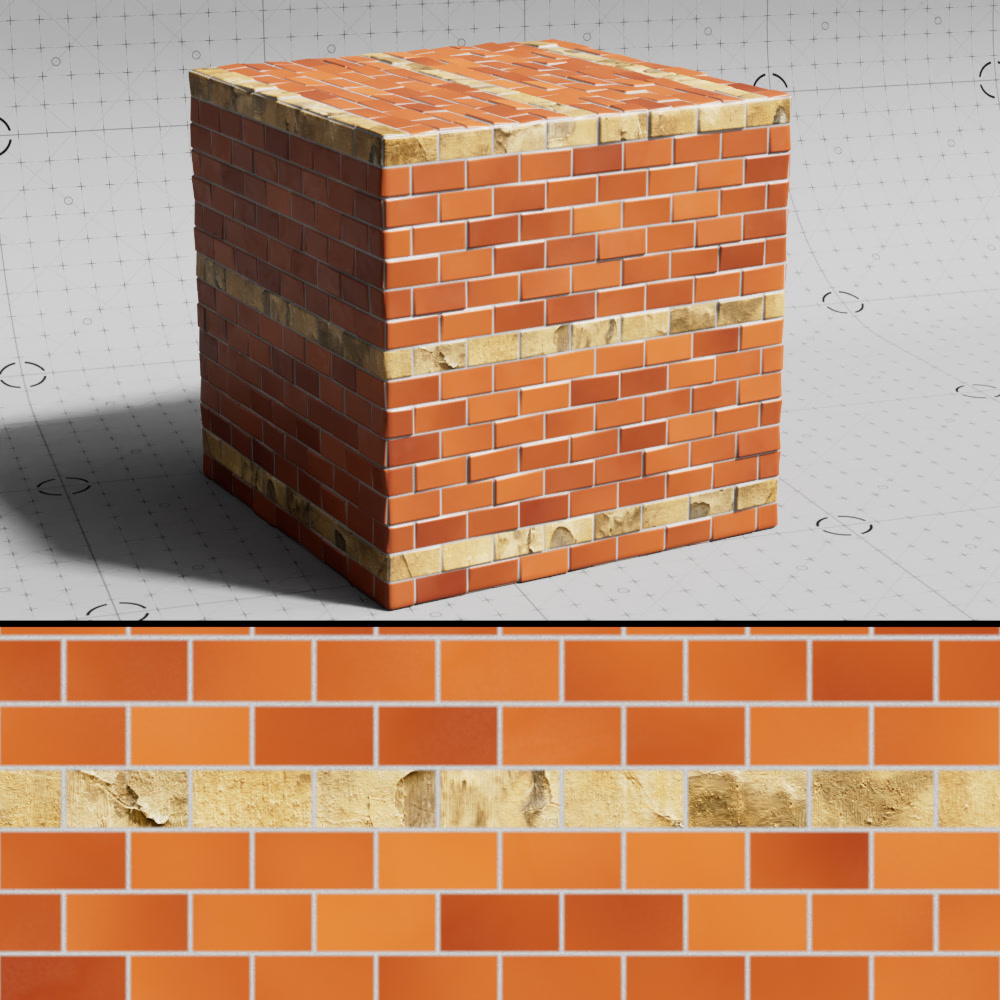
A texture input used to drive the look of the alternate bricks.
|
|
| Alt Brick Color: Stone texture | Color Ramp |
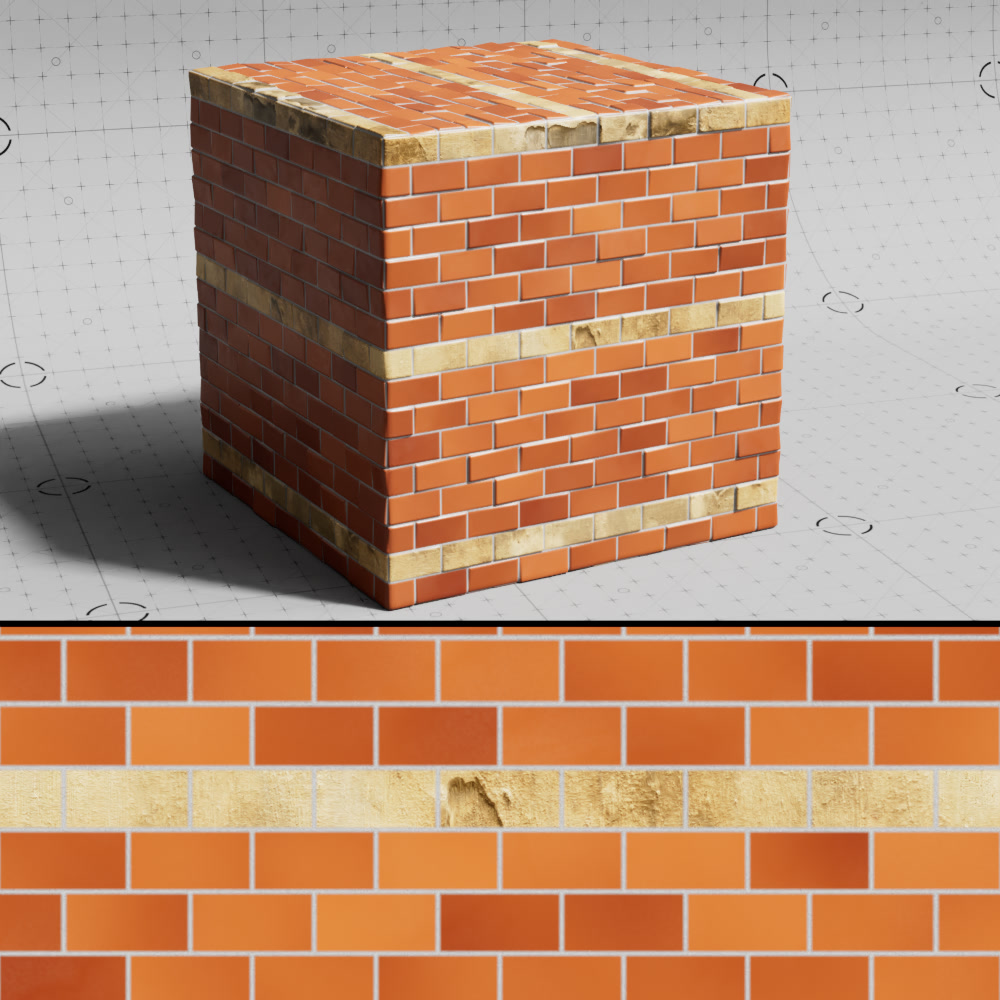
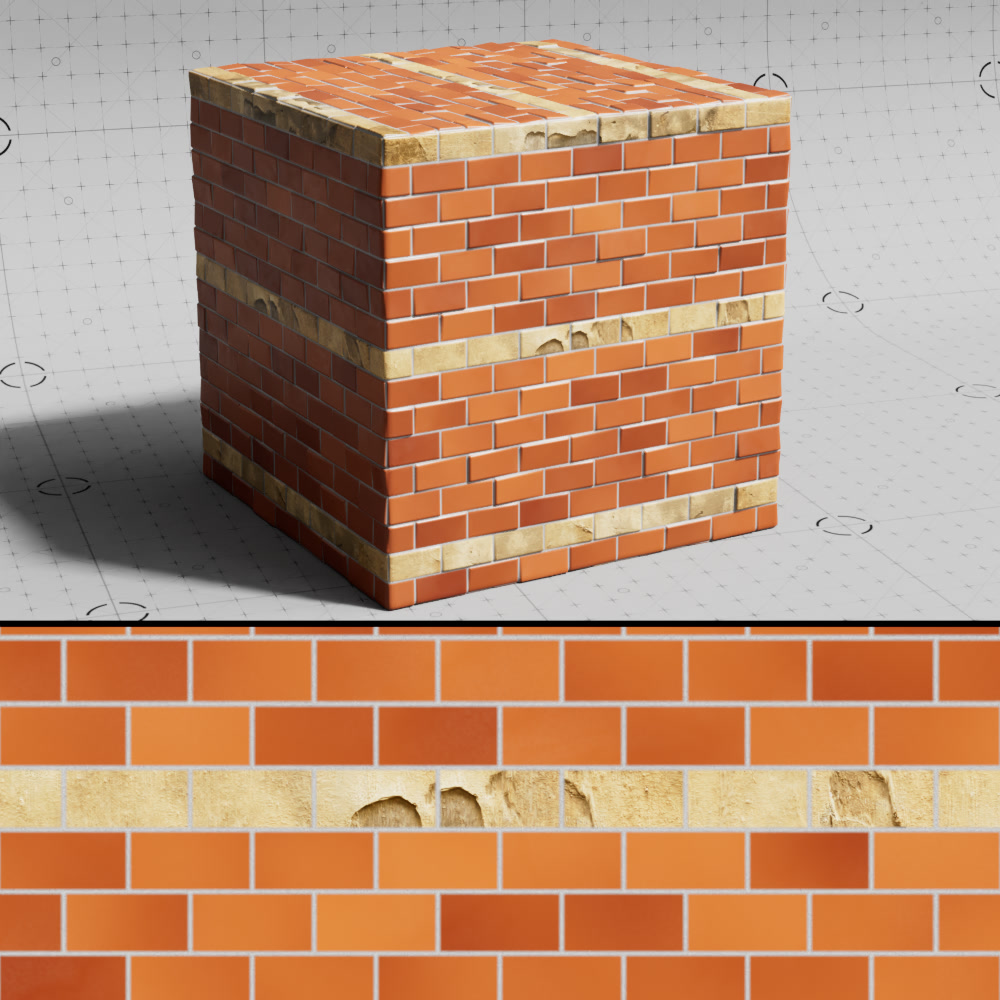
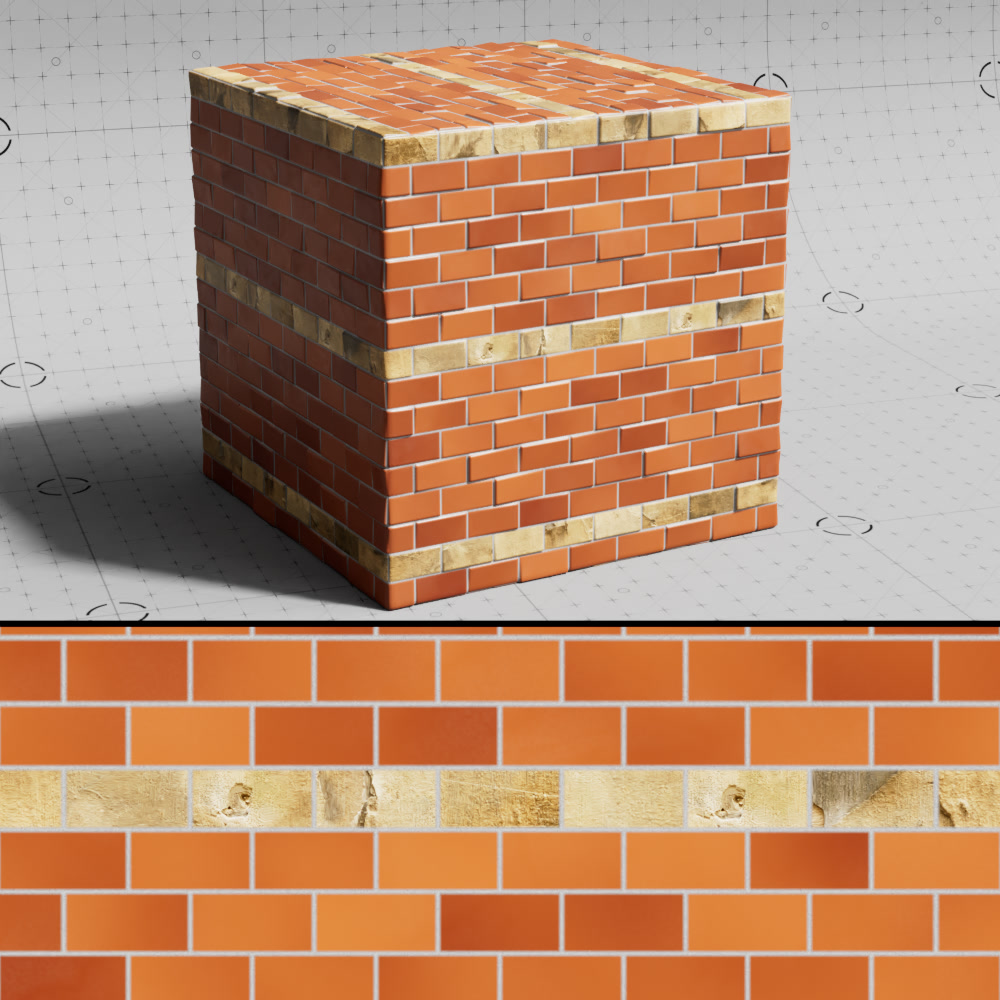
Offset
Controls the texture offset to randomize the sampled area of the texture used for each alternate brick.
|
|
|
| Alt Brick Offset: 0 | 0.05 (default) | 2 |
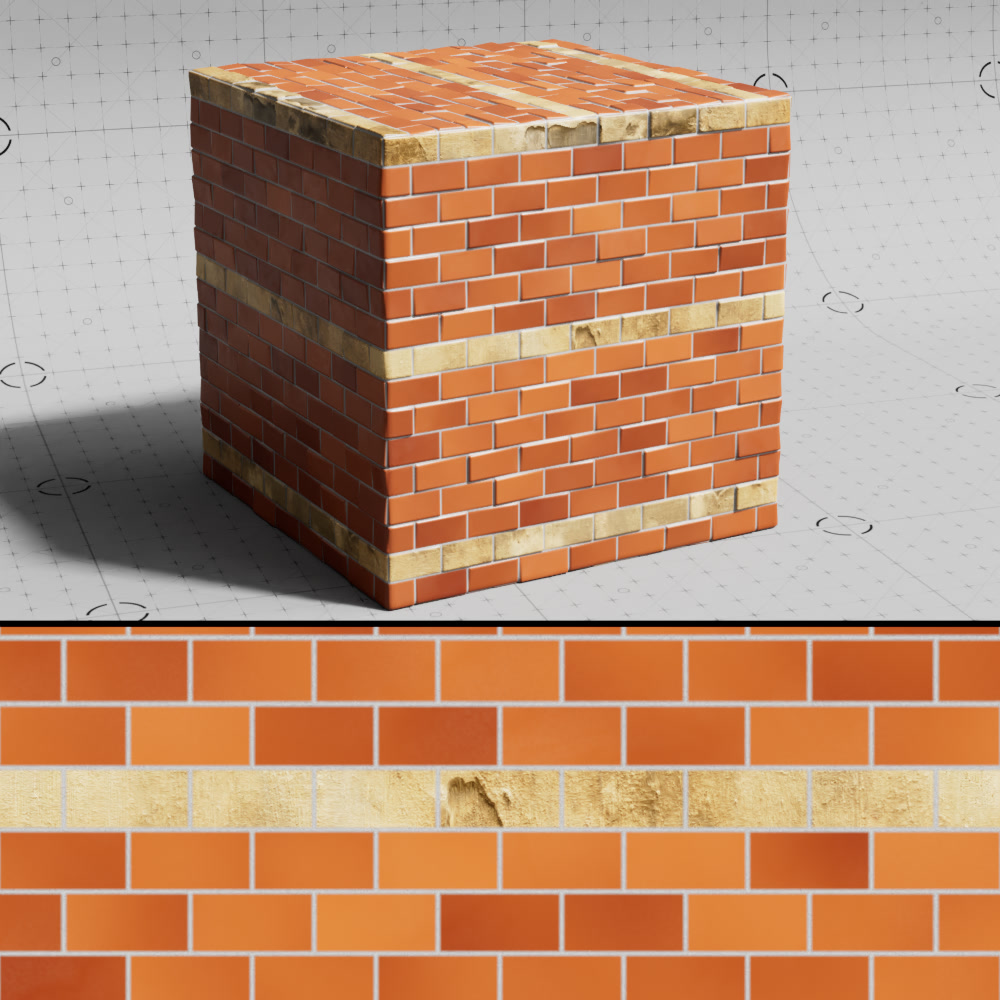
Random Offset
When enabled, randomizes the offset for each alternate brick to break up texture tiling.
|
|
| Alt Brick Random Offset: Disabled | Enabled |
Scale
Controls the size of the alternate brick texture.
Flip
Changes the orientation of the alternate brick texture.
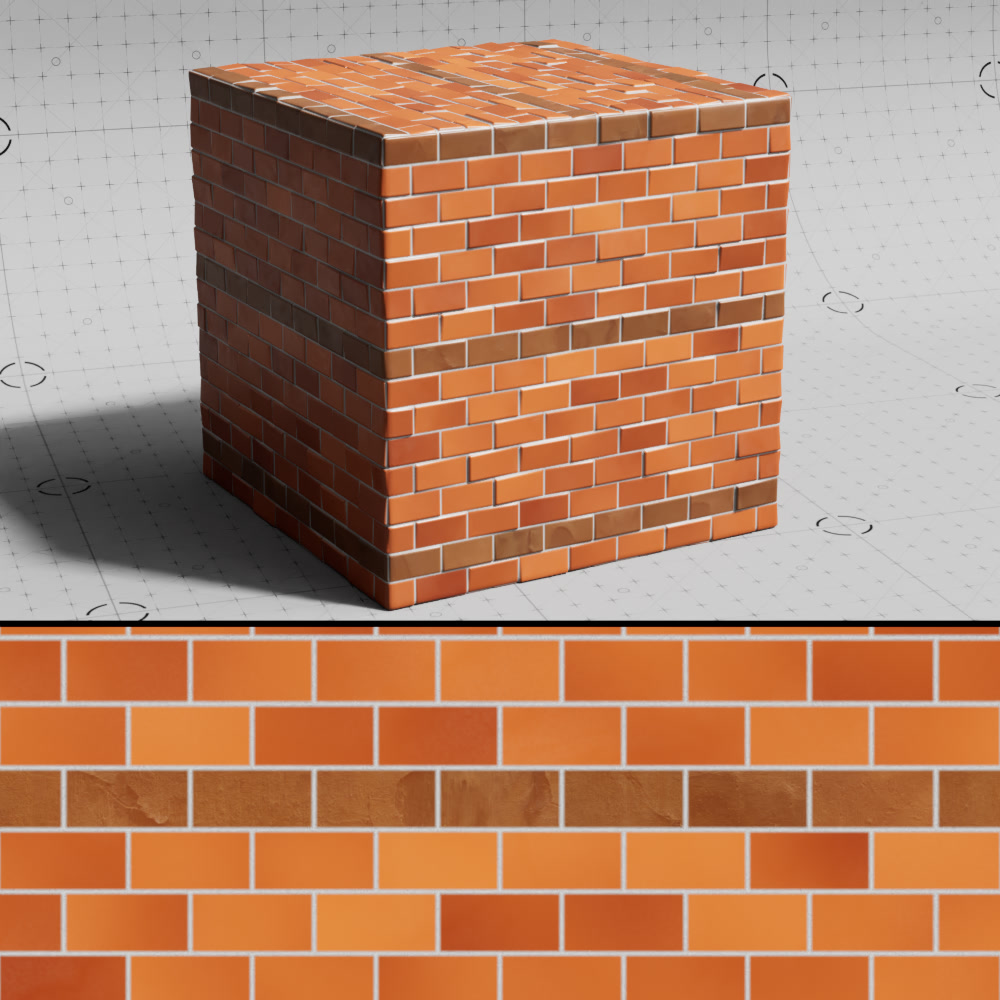
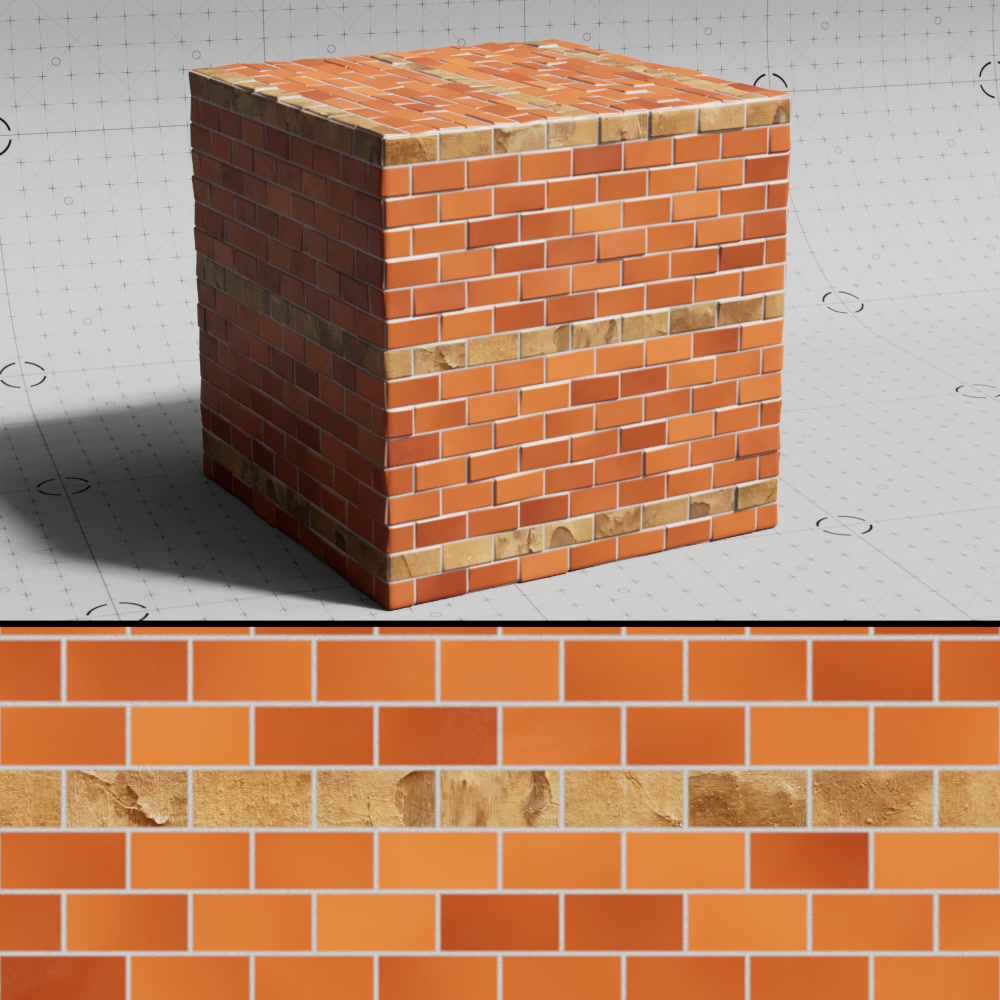
Opacity
Controls the opacity of the alternate brick texture blended with the brick color.
|
|
|
| Alt Brick Texture Opacity: 0.1 | 0.5 | 1 |
Blendmode
Sets the blending mode used to blend the alternate brick texture with the alternate brick color from the following options: Normal, Multiply, Overlay, Dodge, Burn, Lighten, Darken, Color
Other
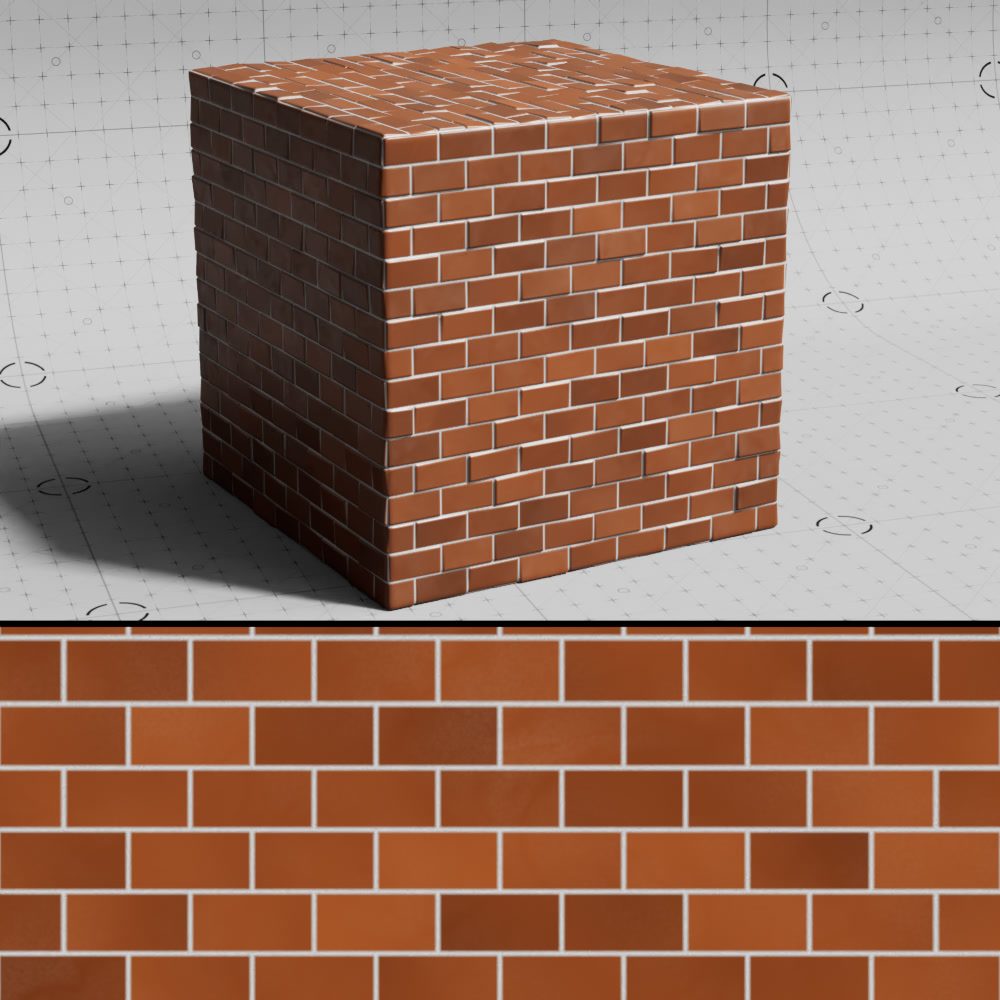
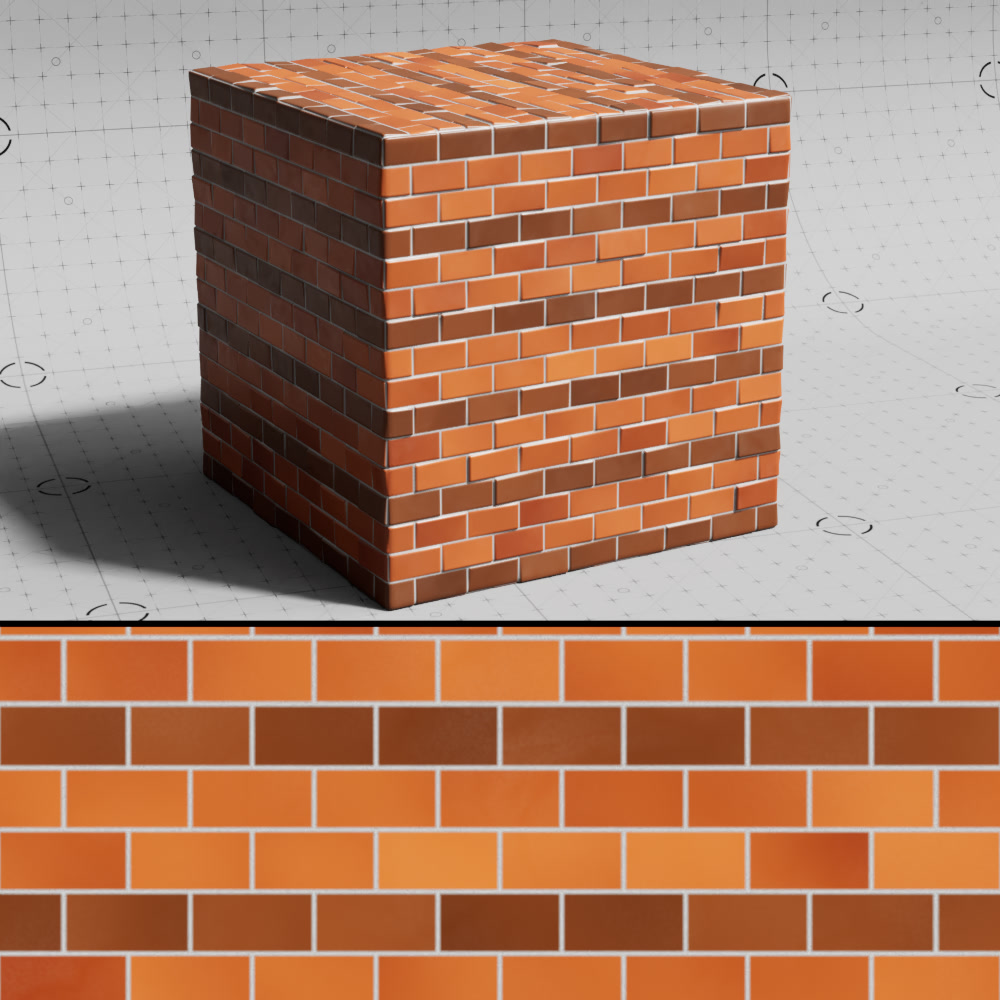
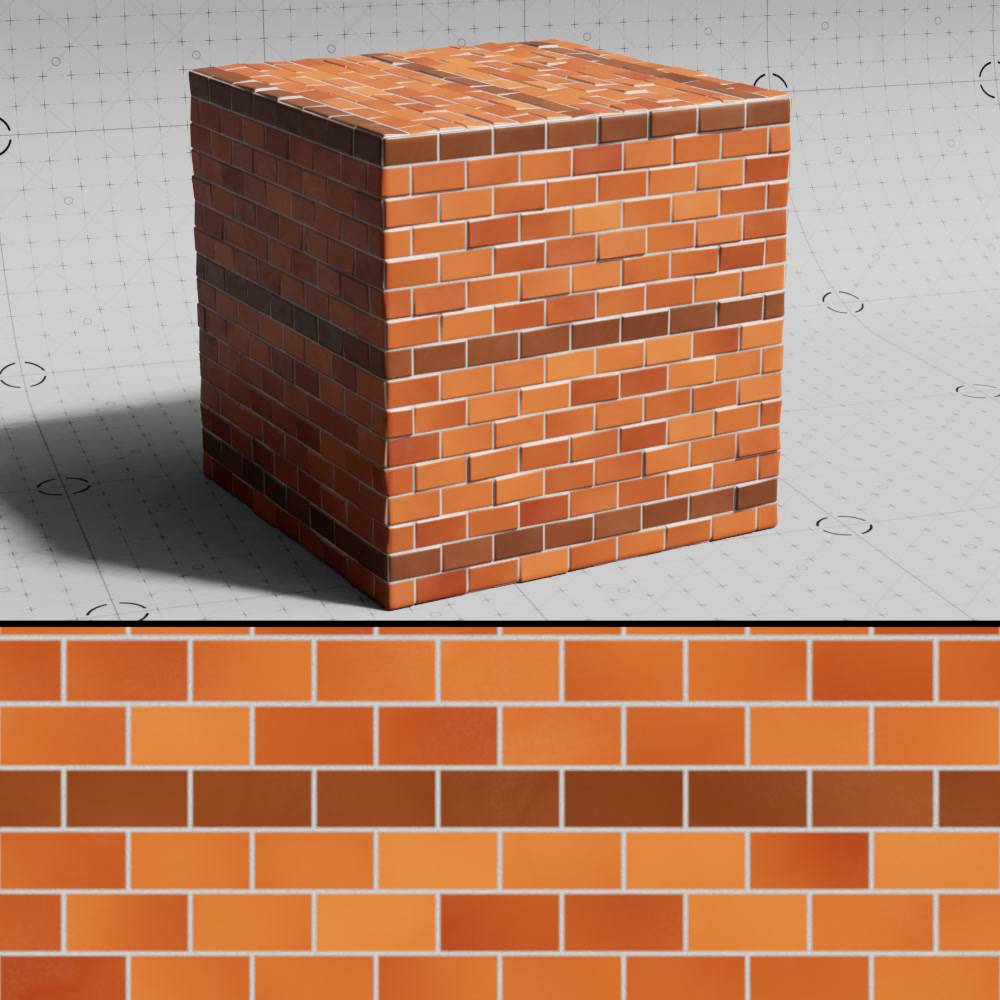
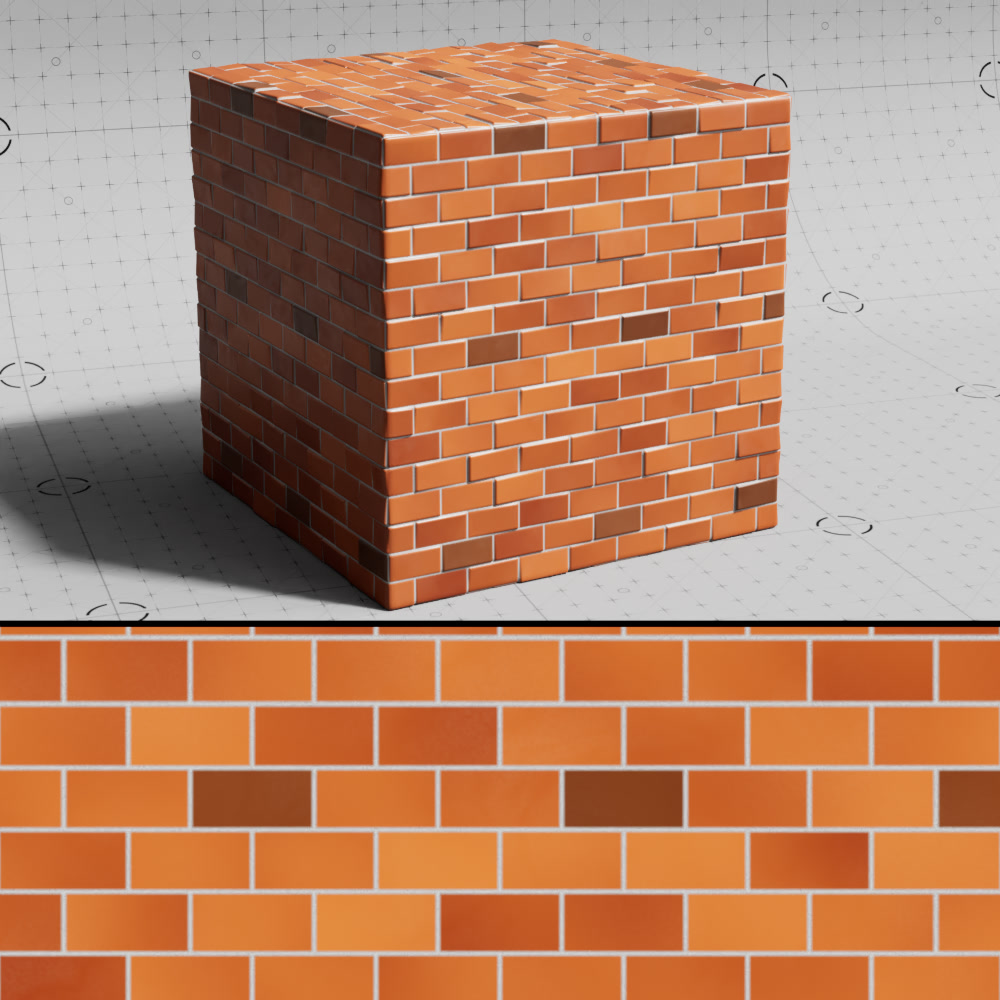
Alt. Color Every n Rows
Controls how often an alternate brick color row is used.
|
|
|
| Alt Color Every N Rows: 1 | 3 | 7 (default) |
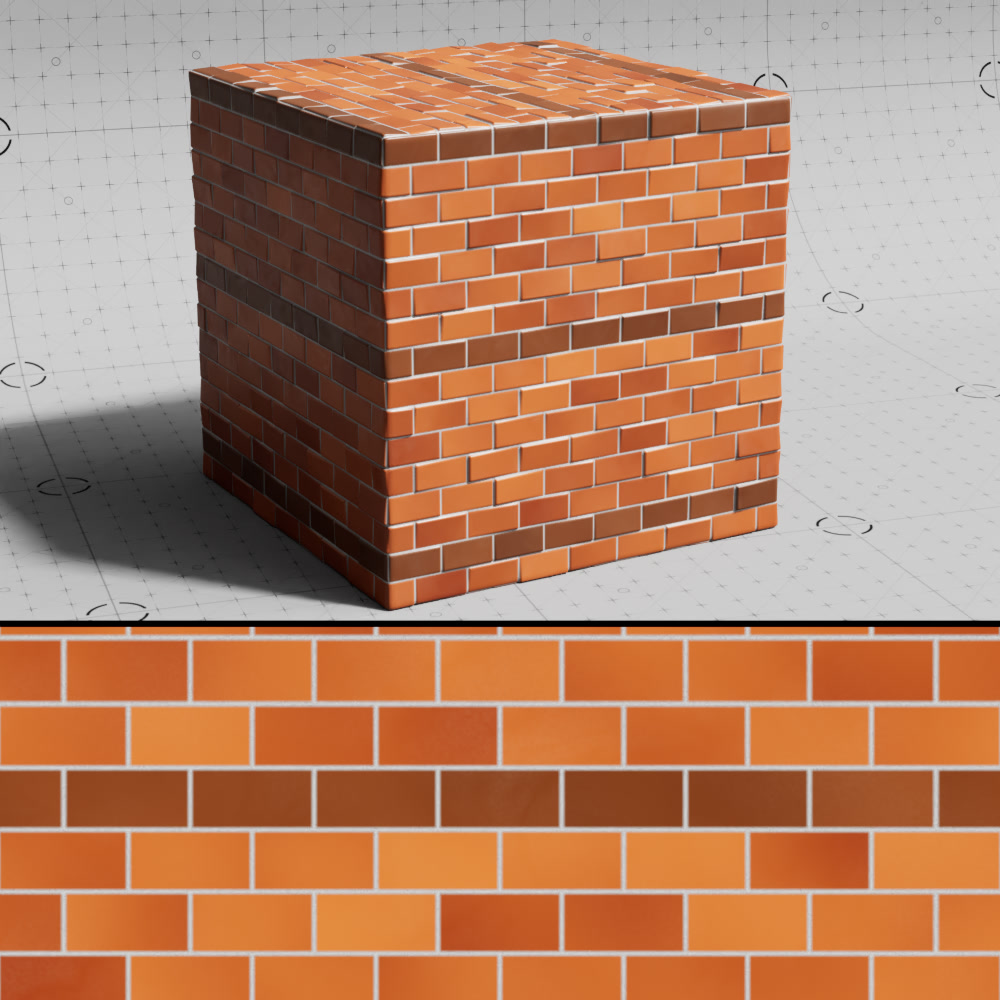
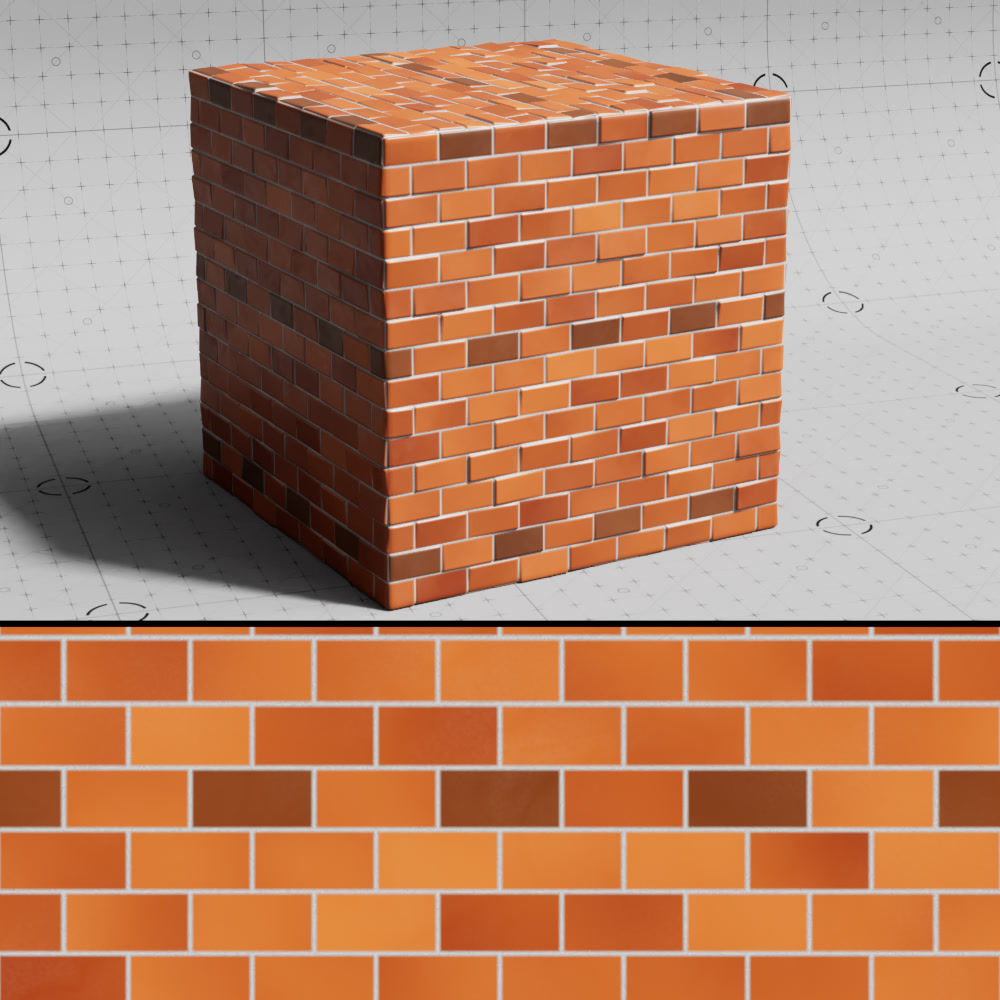
Alt. Color Every n Columns
Controls how often an alternate brick color column is used.
|
|
|
| Alt Color Every N Columns: 0(default) | 2 | 3 |
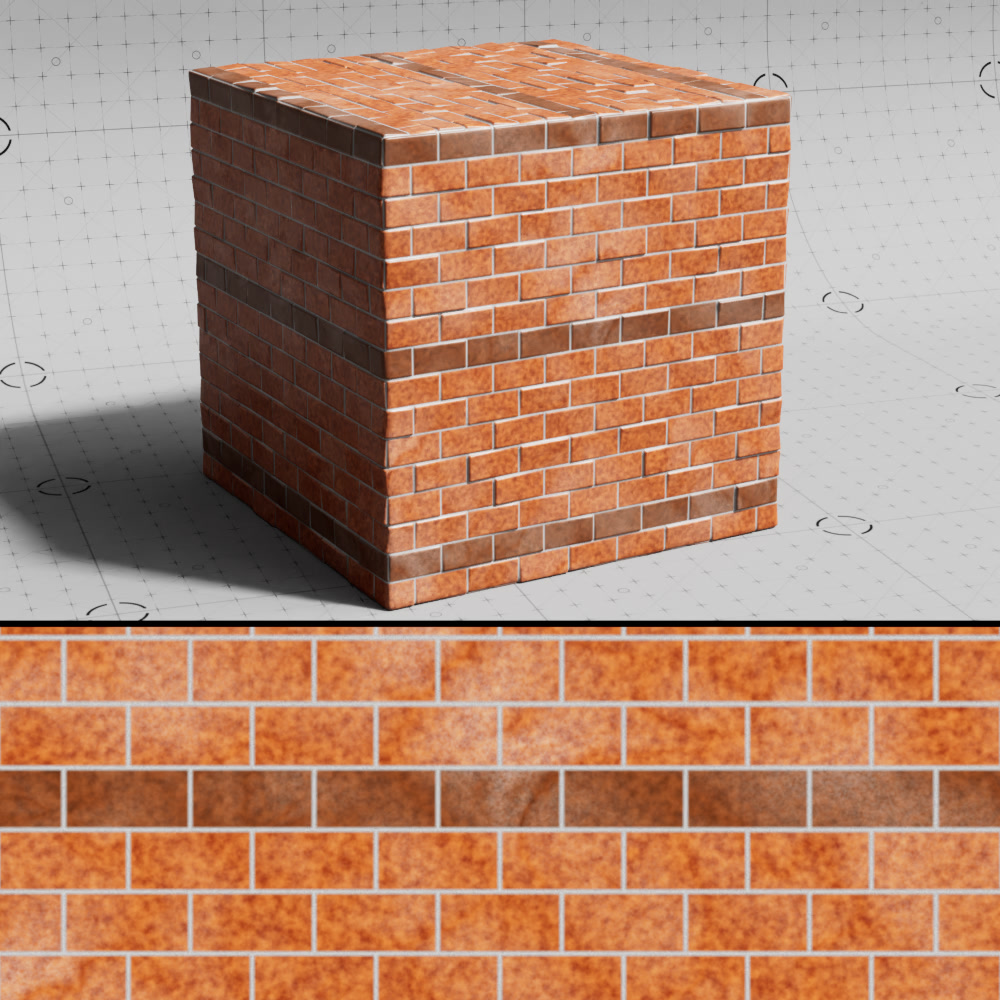
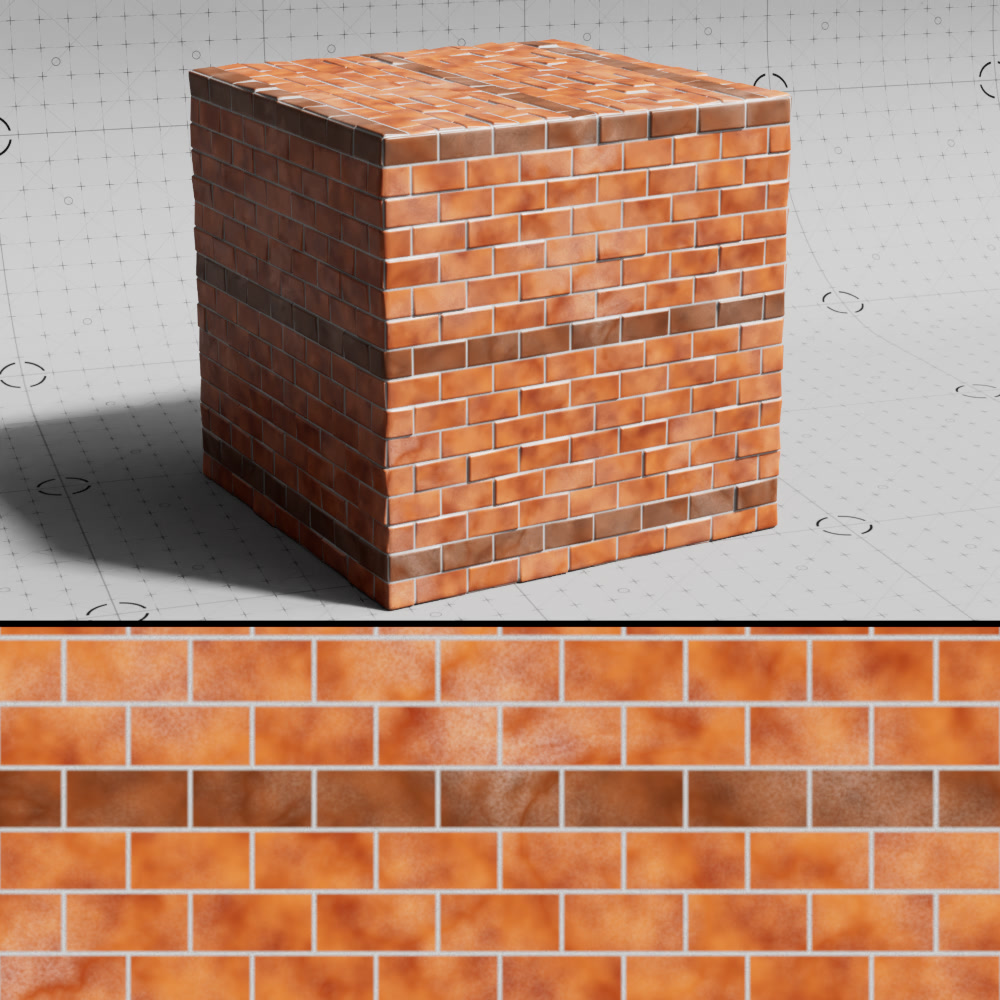
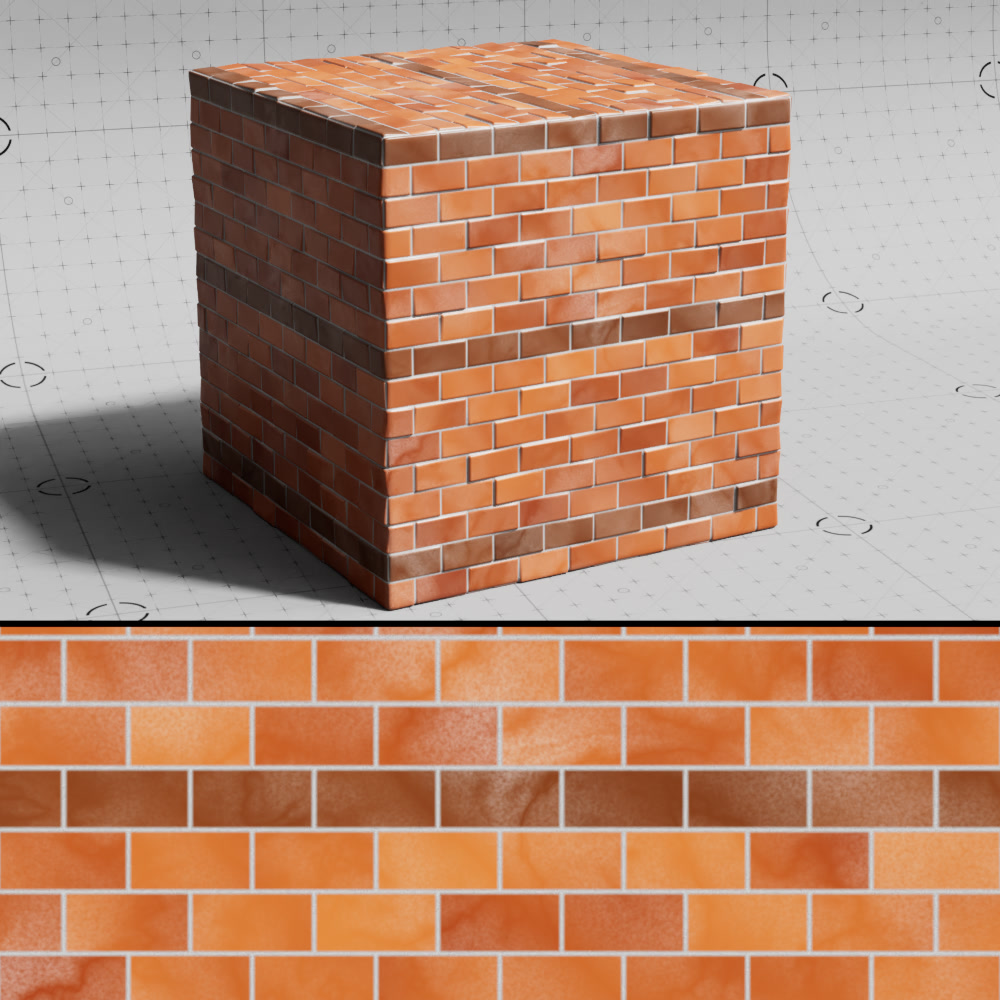
Brick Noise Scale
Controls the scale of the noise used to sample the brick color ramp.
|
|
|
| Brick Noise Scale: 0.01 Noise Detail: 0.2 |
0.05 | 0.5 (default) |
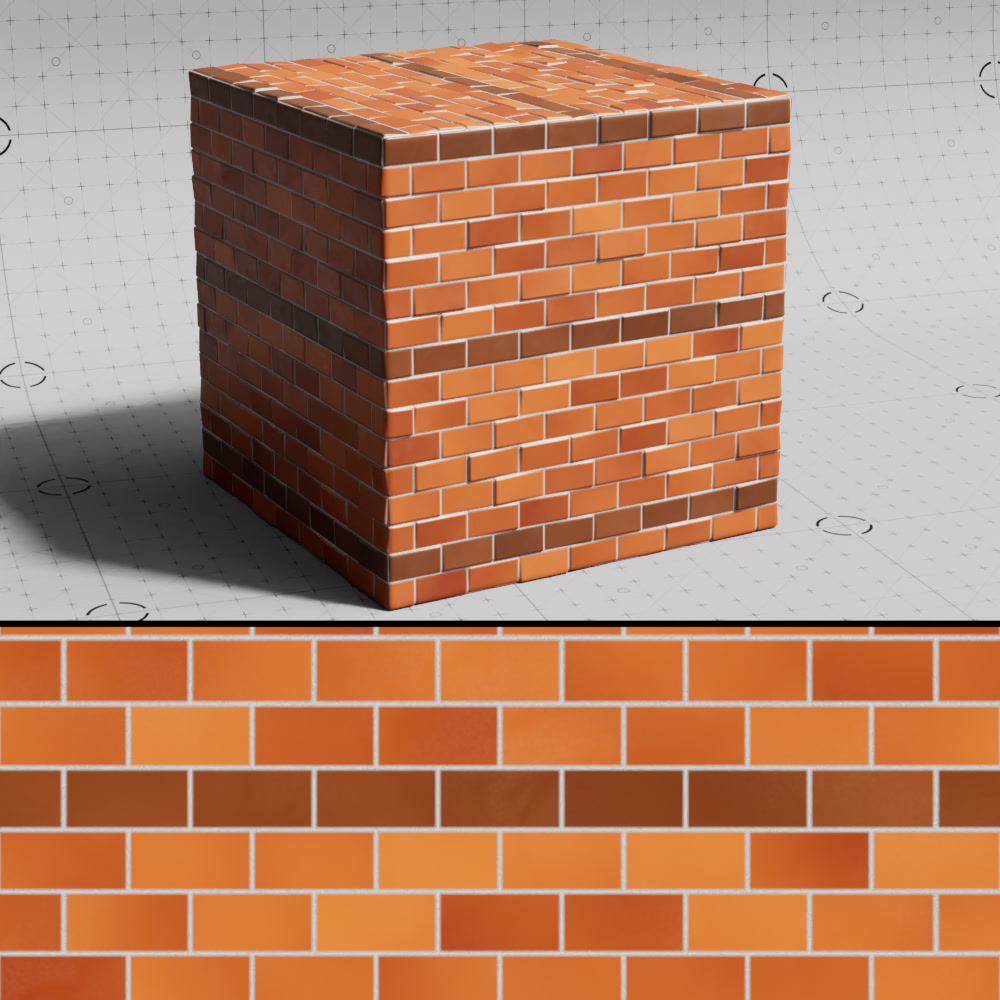
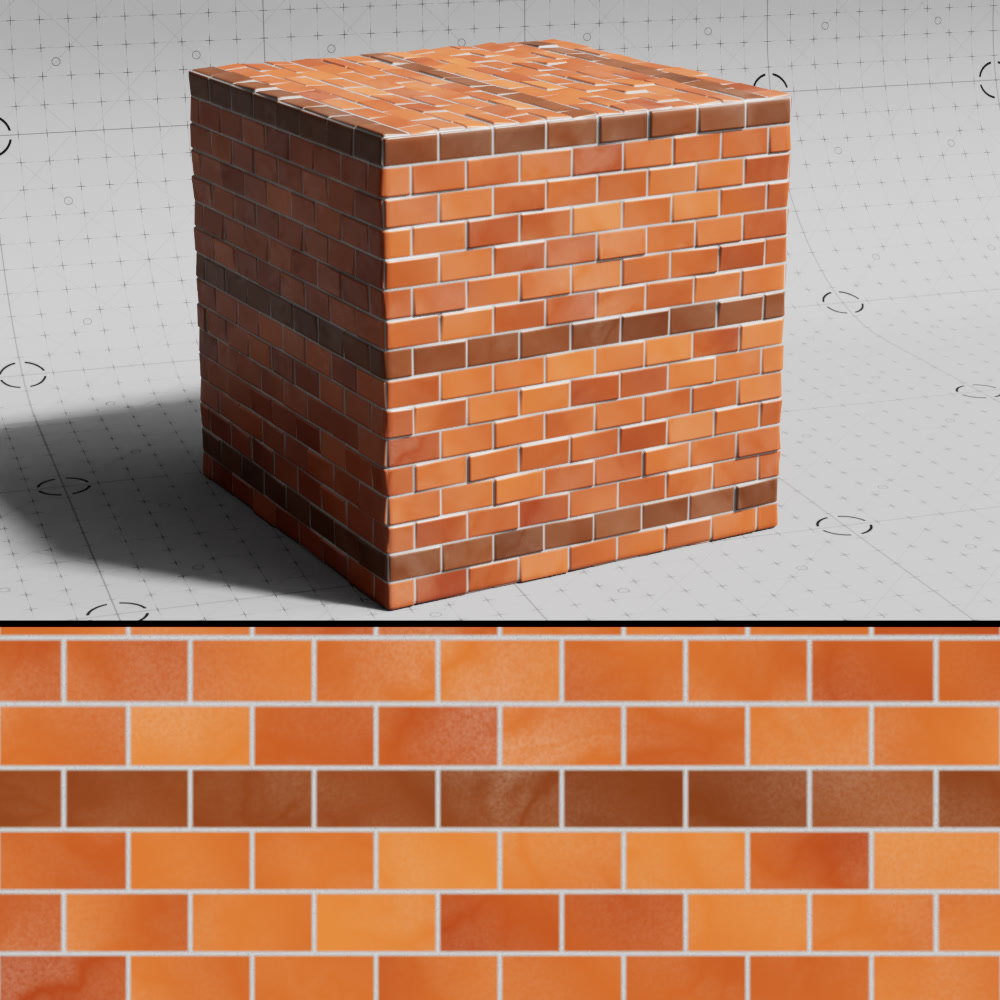
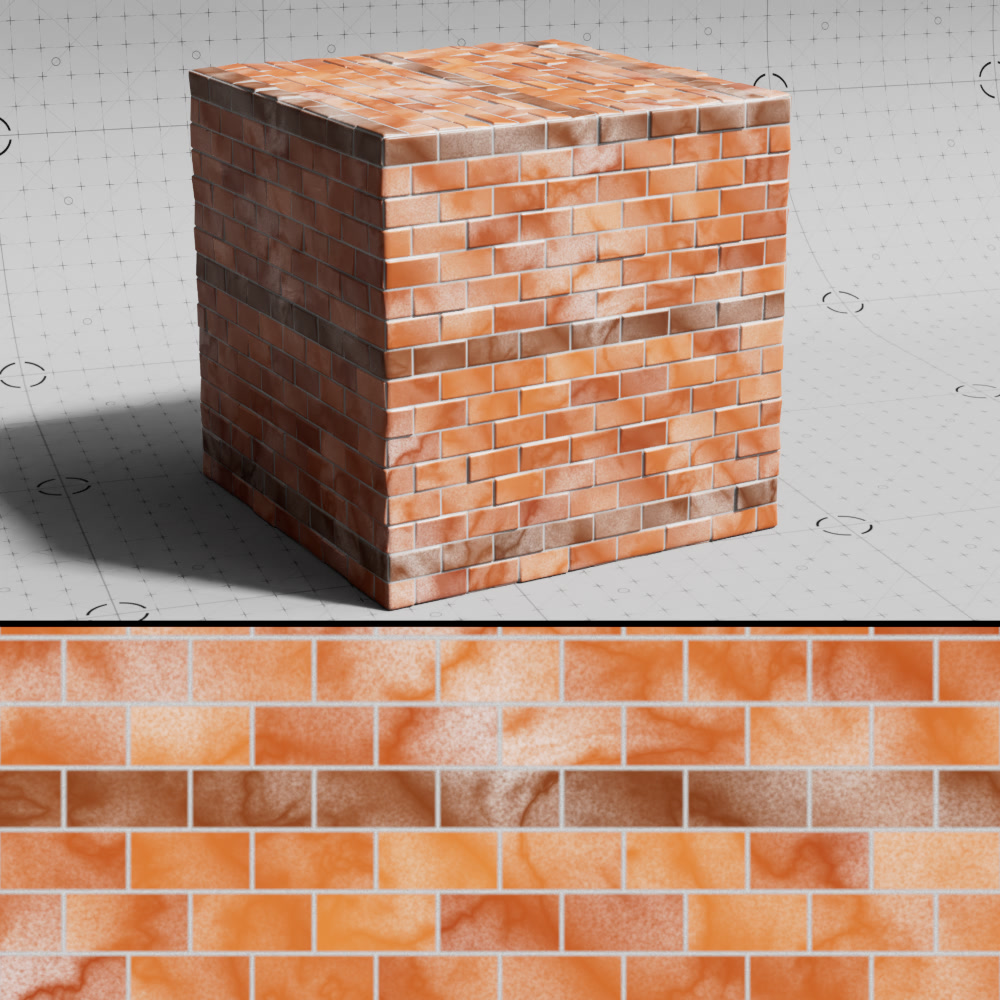
Detail
The blending value for an additional layer of noise applied to each brick.
|
|
|
| Noise Detail: 0.025 (default) | 0.1 | 0.5 |
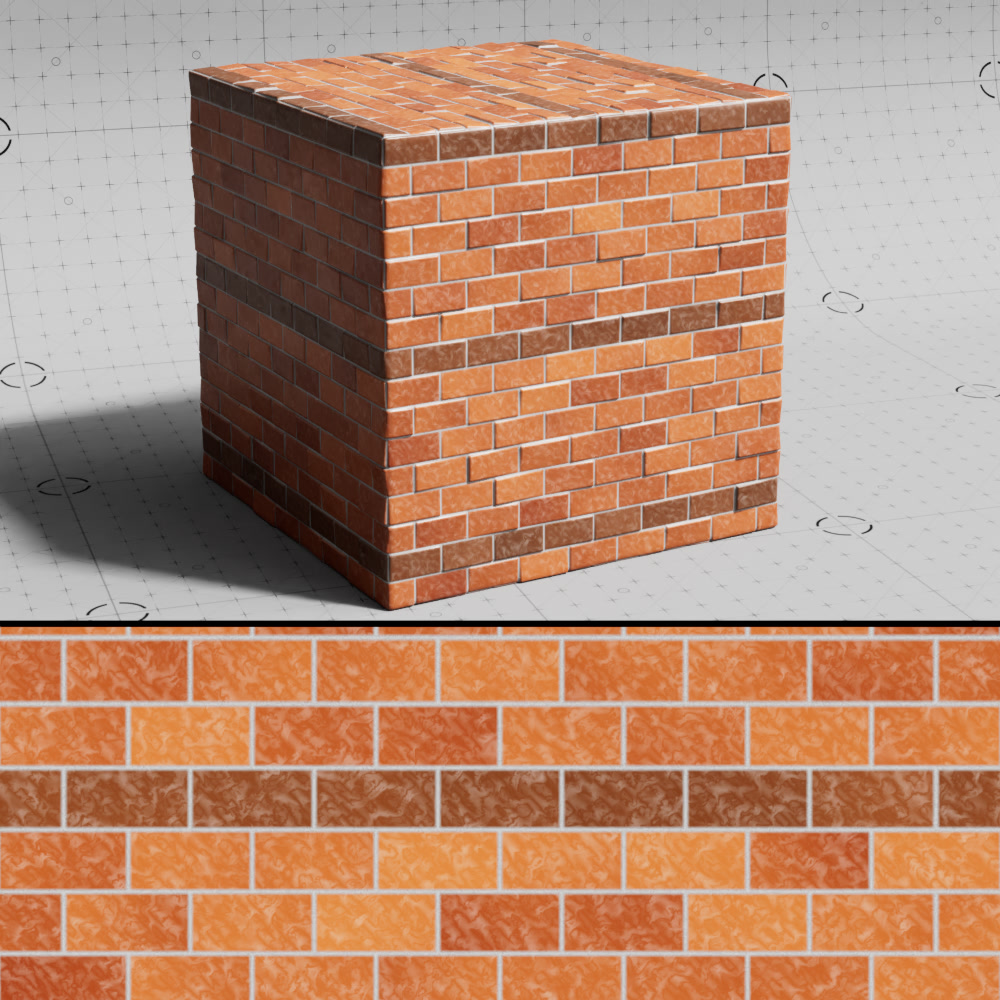
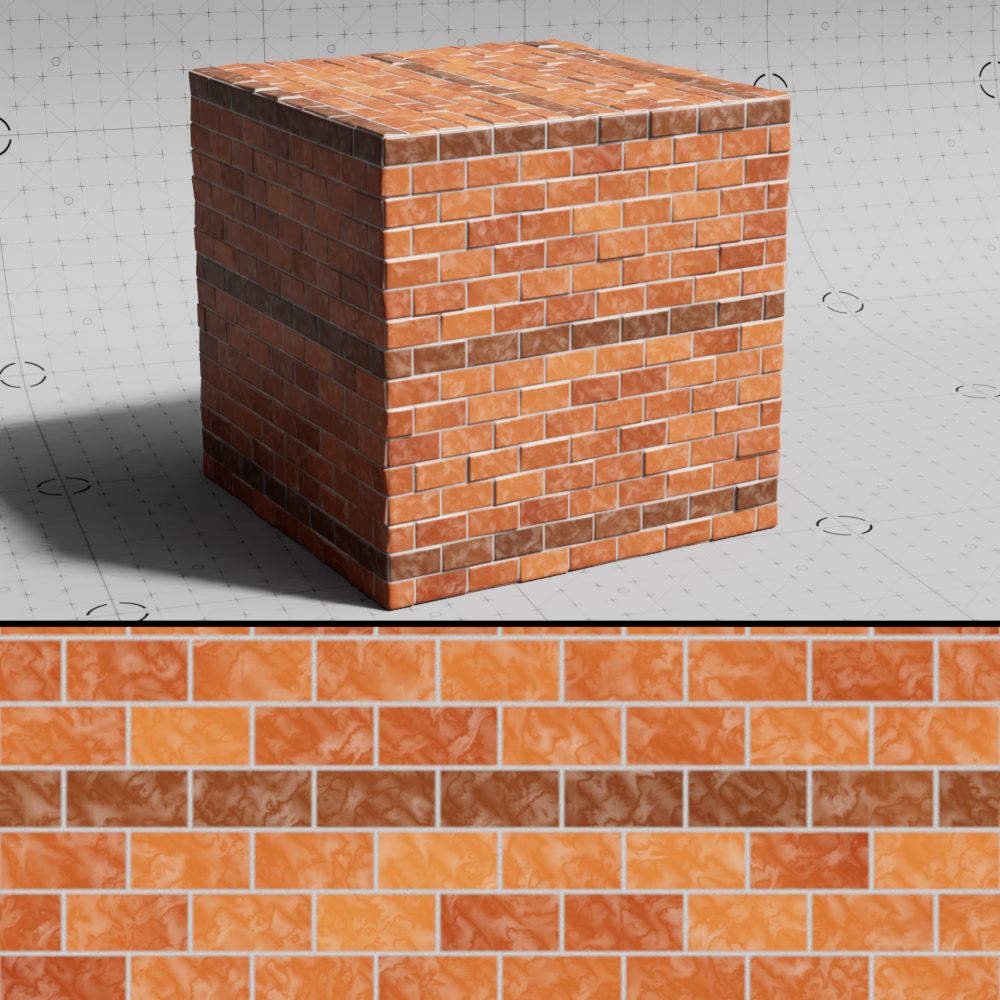
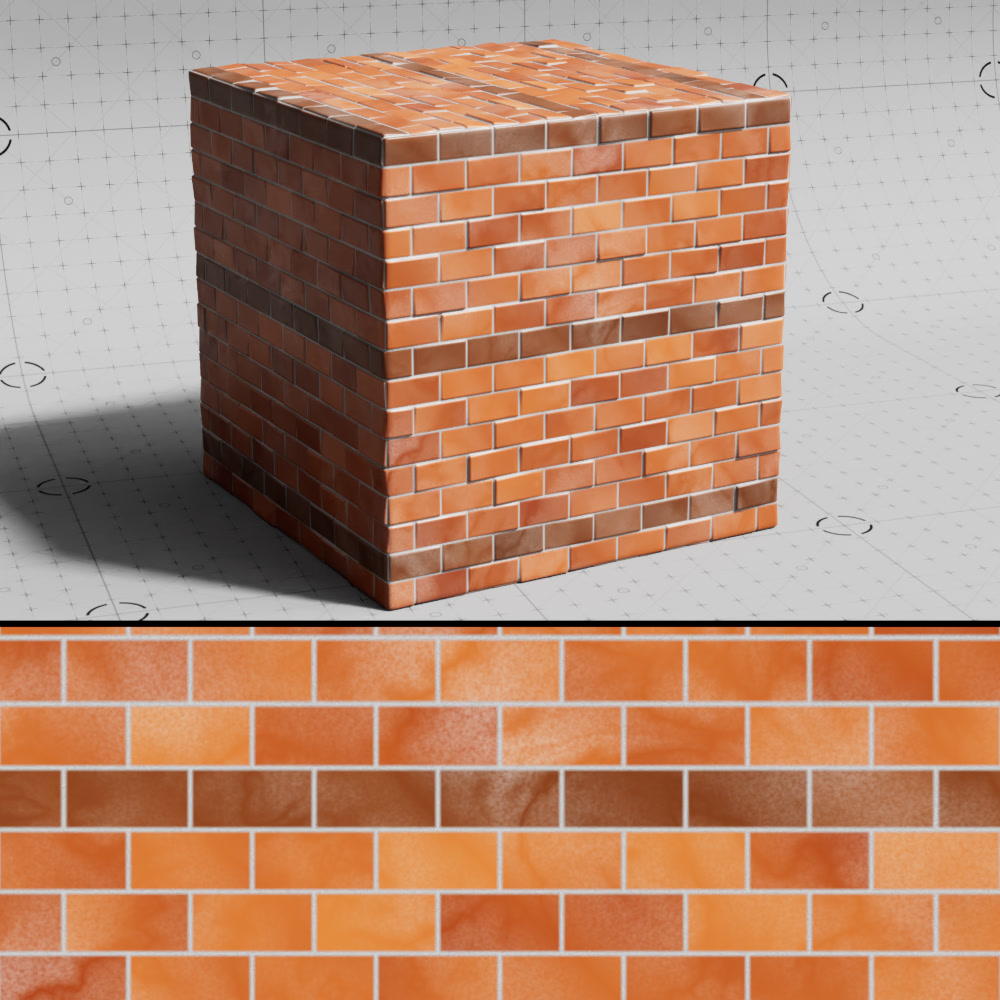
Detail Scale
Controls the scale of the noise used for the additional noise detail layer.
|
|
|
| Detail Scale: 0.05 | 0.1 | 0.75 (default) |
Gaps
|
Gap Color
Color
A color-ramp sampled to get the gap color.
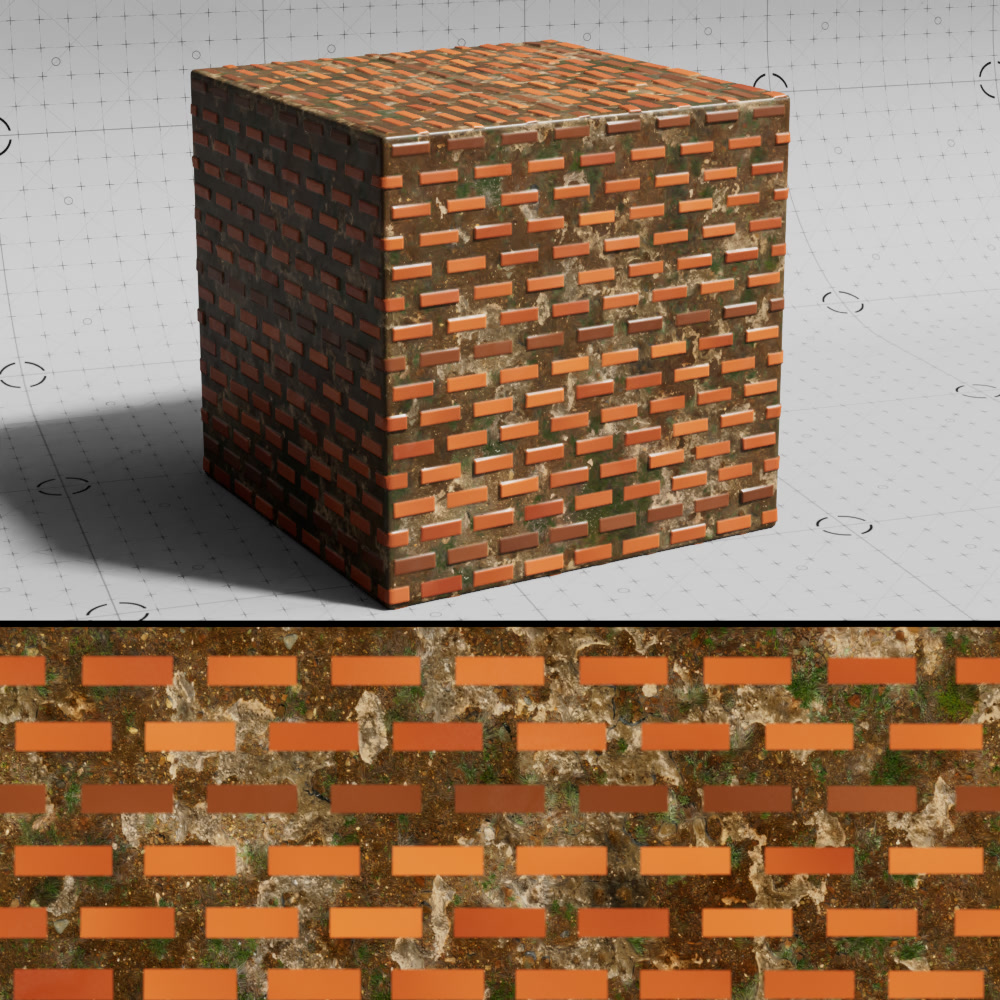
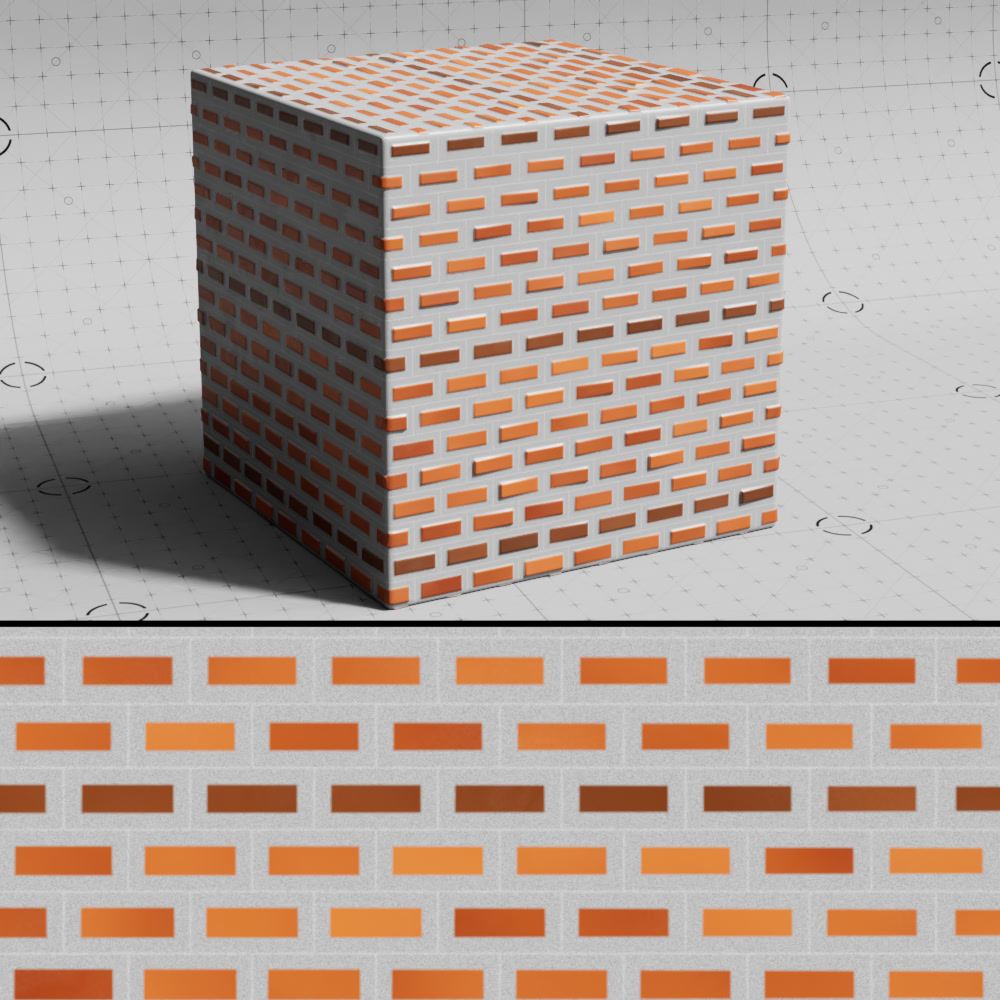
Texture
A texture input used to drive the look of the gap in between each brick.
|
|
| Gap Color: Dirt texture | Gap color ramp |
Scale
Controls the size of the gap texture.
Flip
Changes the orientation of the gap texture.
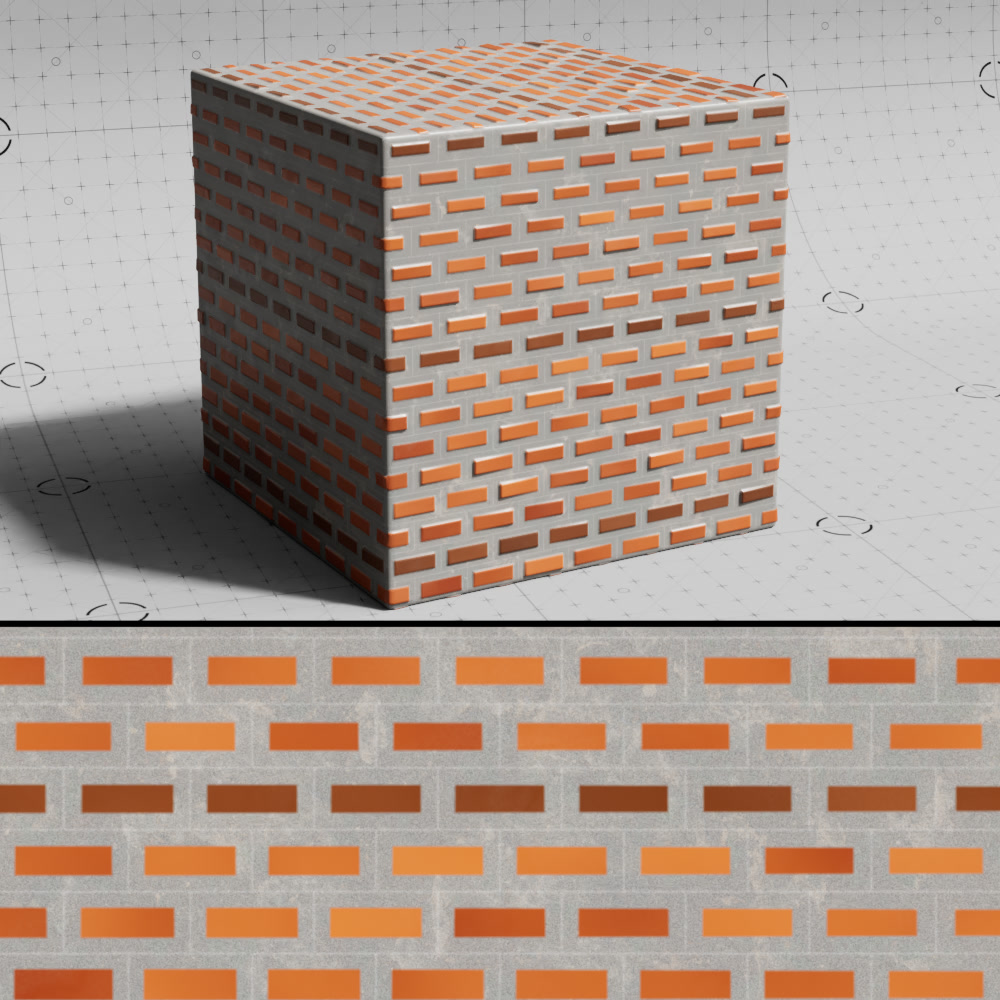
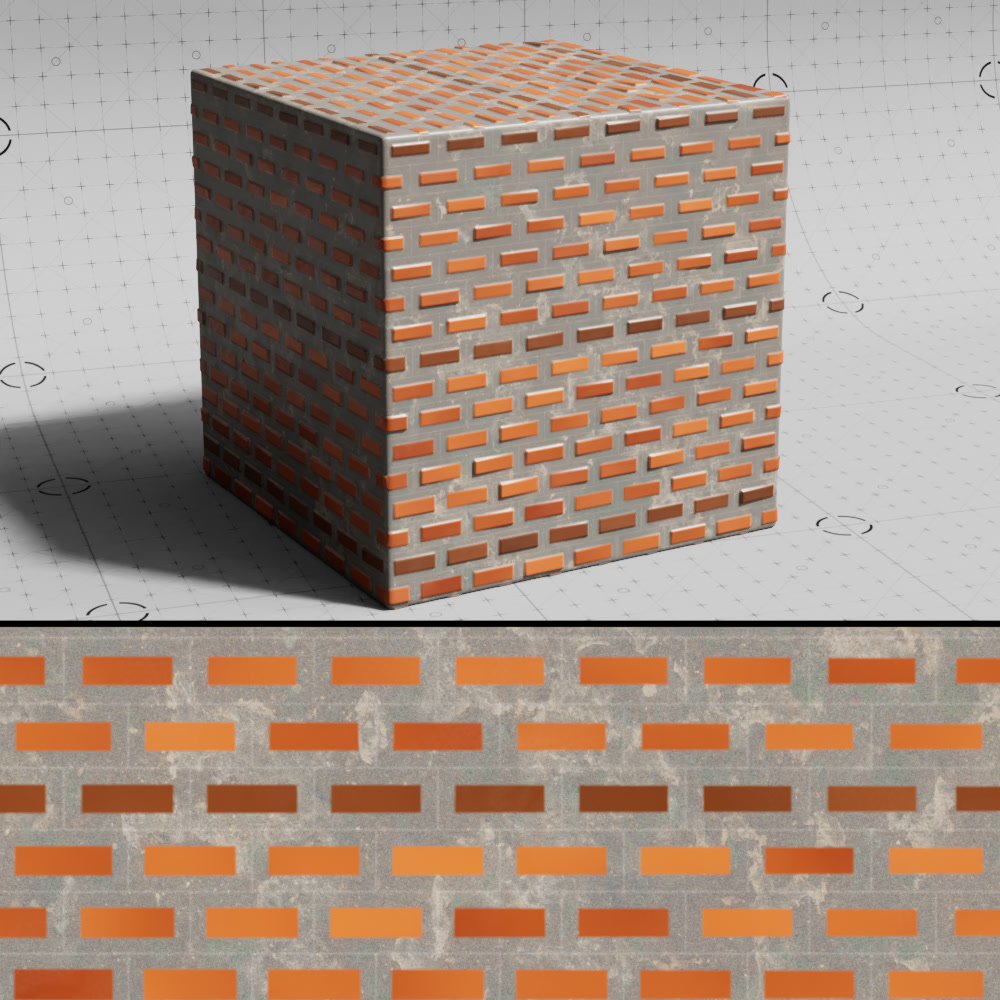
Opacity
Controls the opacity of the gap texture blended with the gap color.
|
|
|
| Gap Texture Opacity: 0.3 | 0.5 | 1 |
Gap Texture Blendmode
Sets the blending mode used to blend the gap texture with the gap color from the following options: Normal, Multiply, Overlay, Dodge, Burn, Lighten, Darken, Color
Other
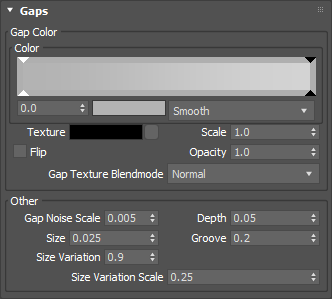
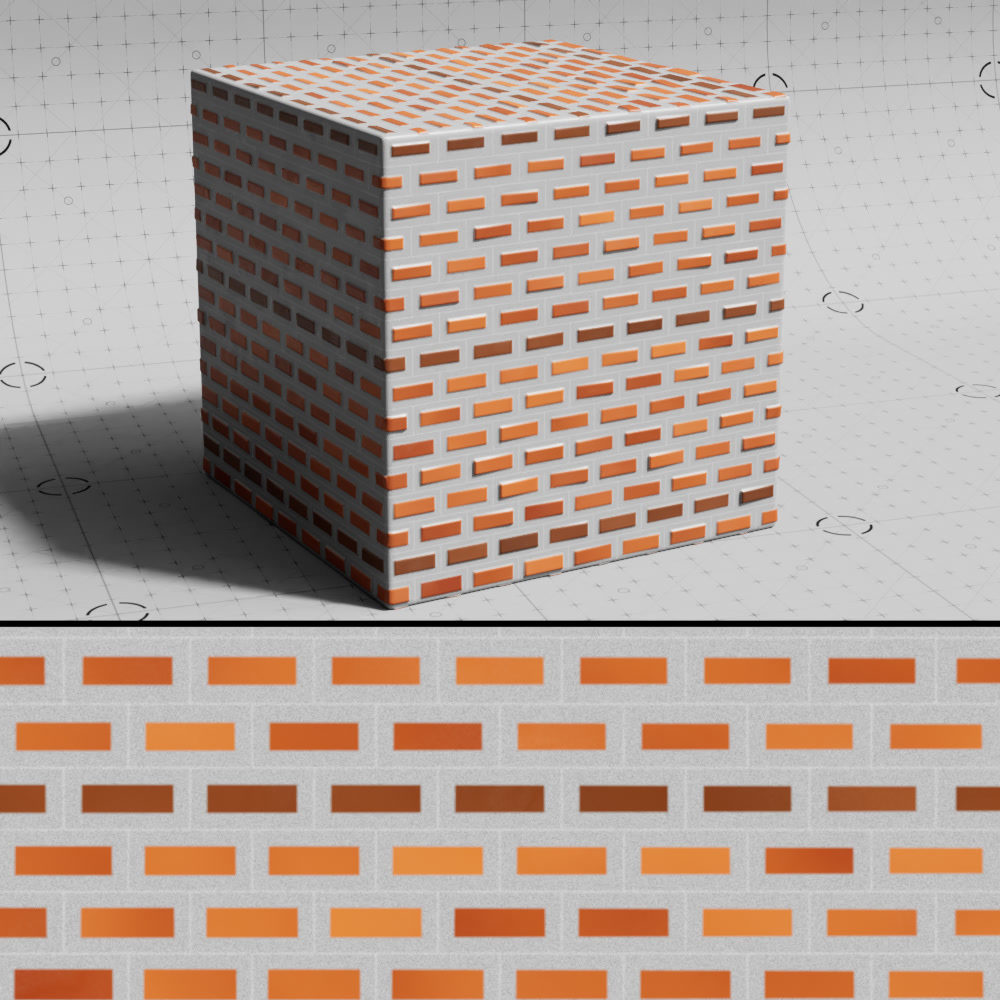
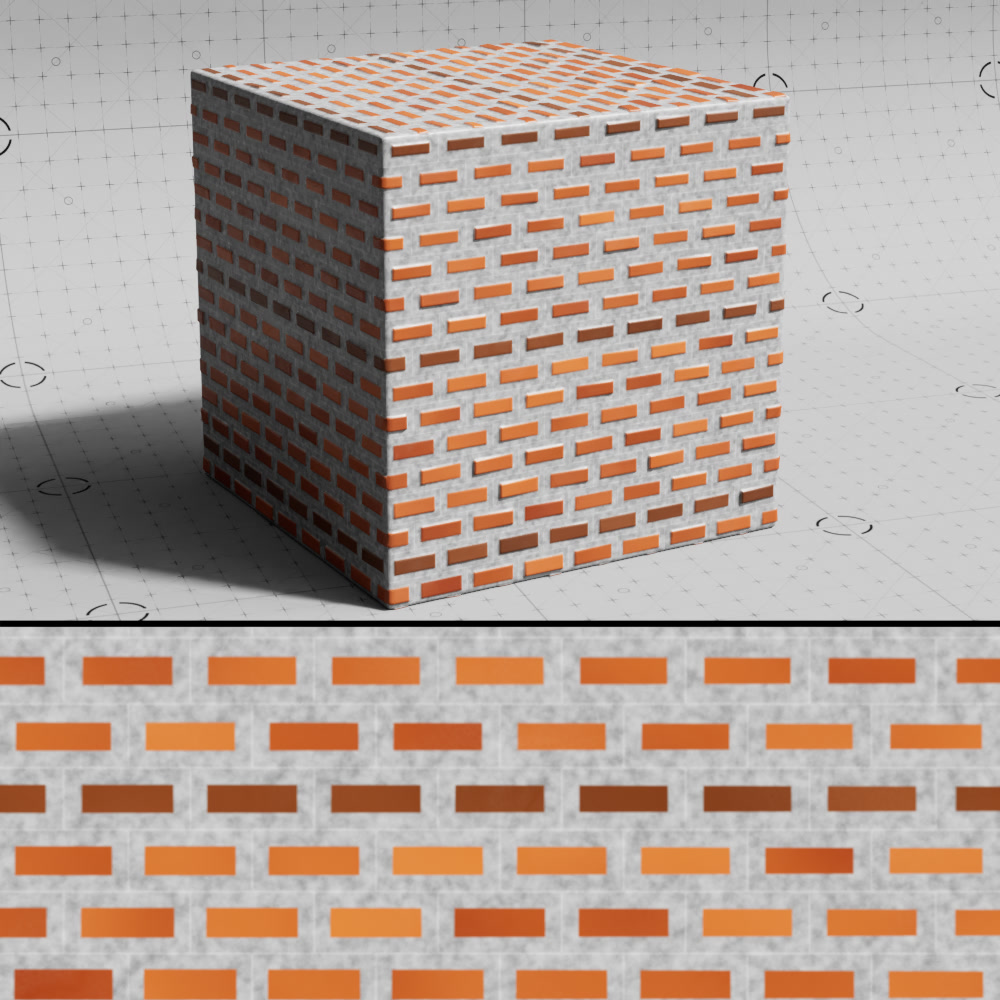
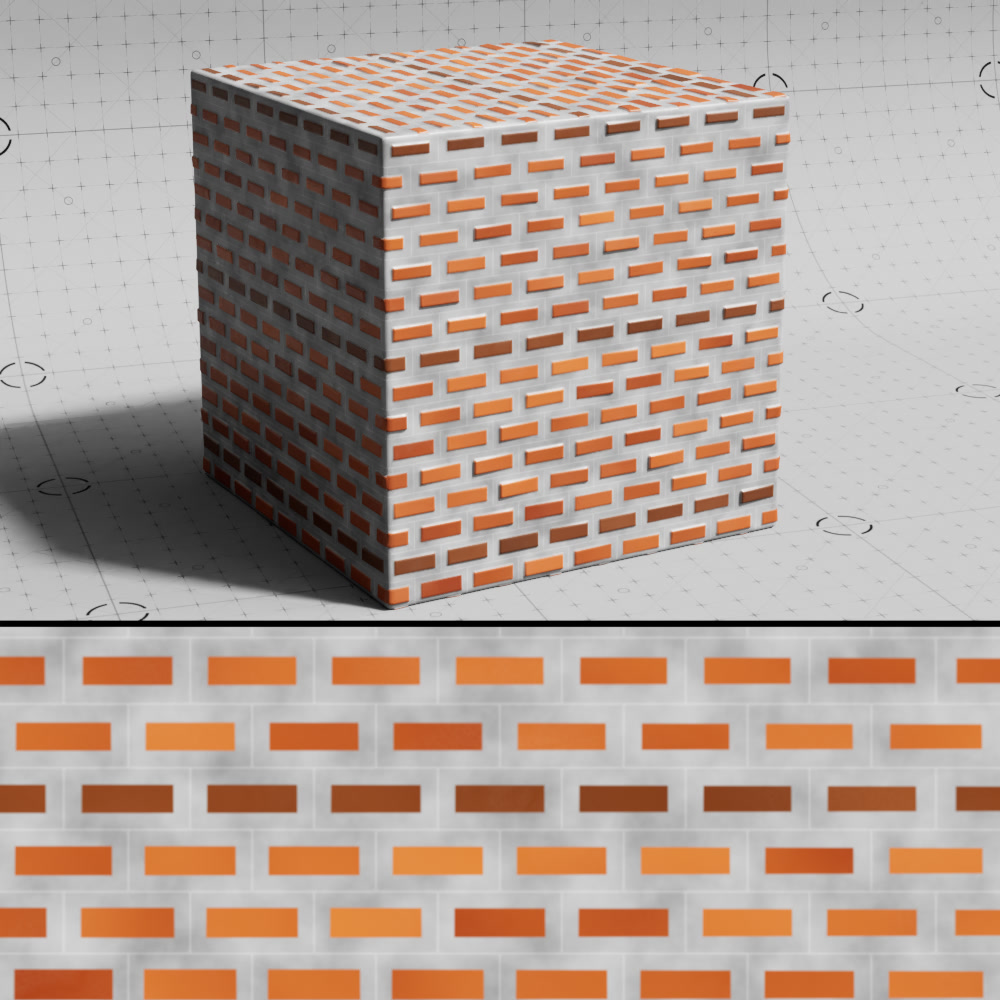
Gap Noise Scale
The scale of the noise used to sample the gap color ramp.
|
|
|
| Gap Noise Scale: 0.005 (default) | 0.05 | 0.25 |
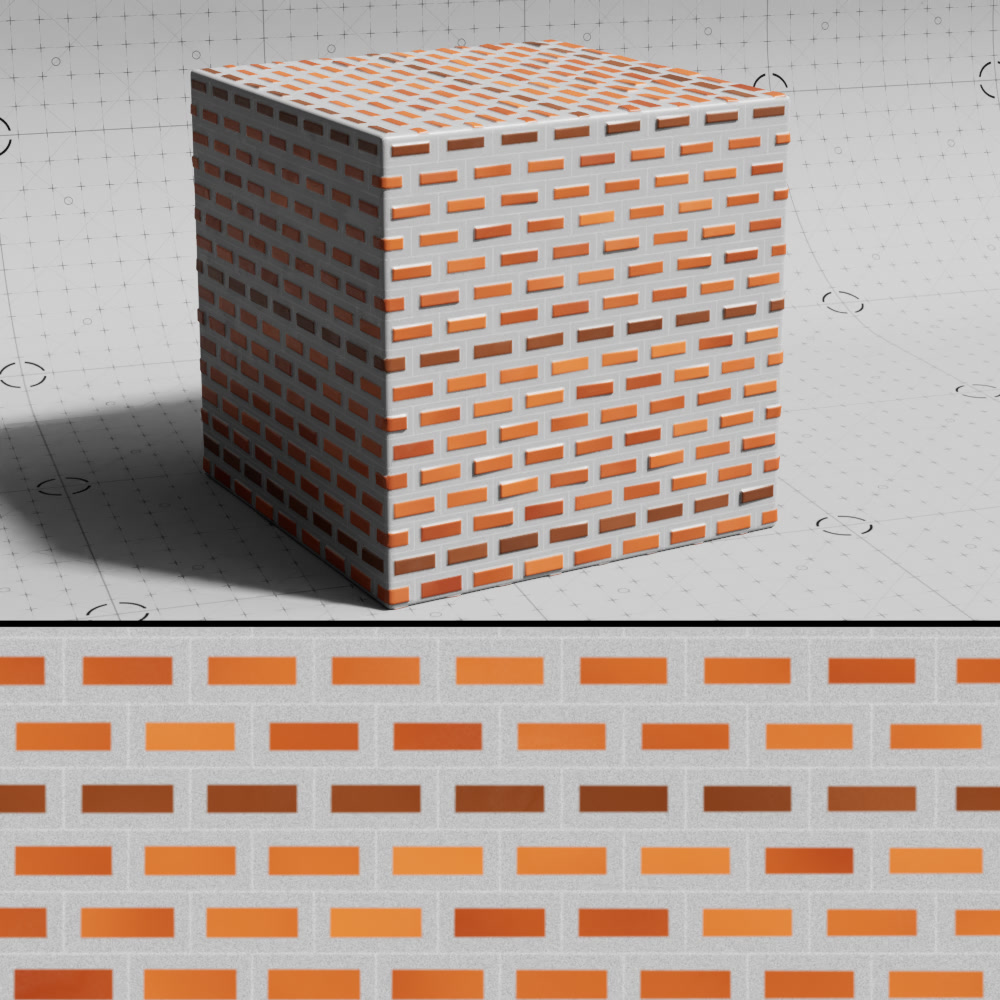
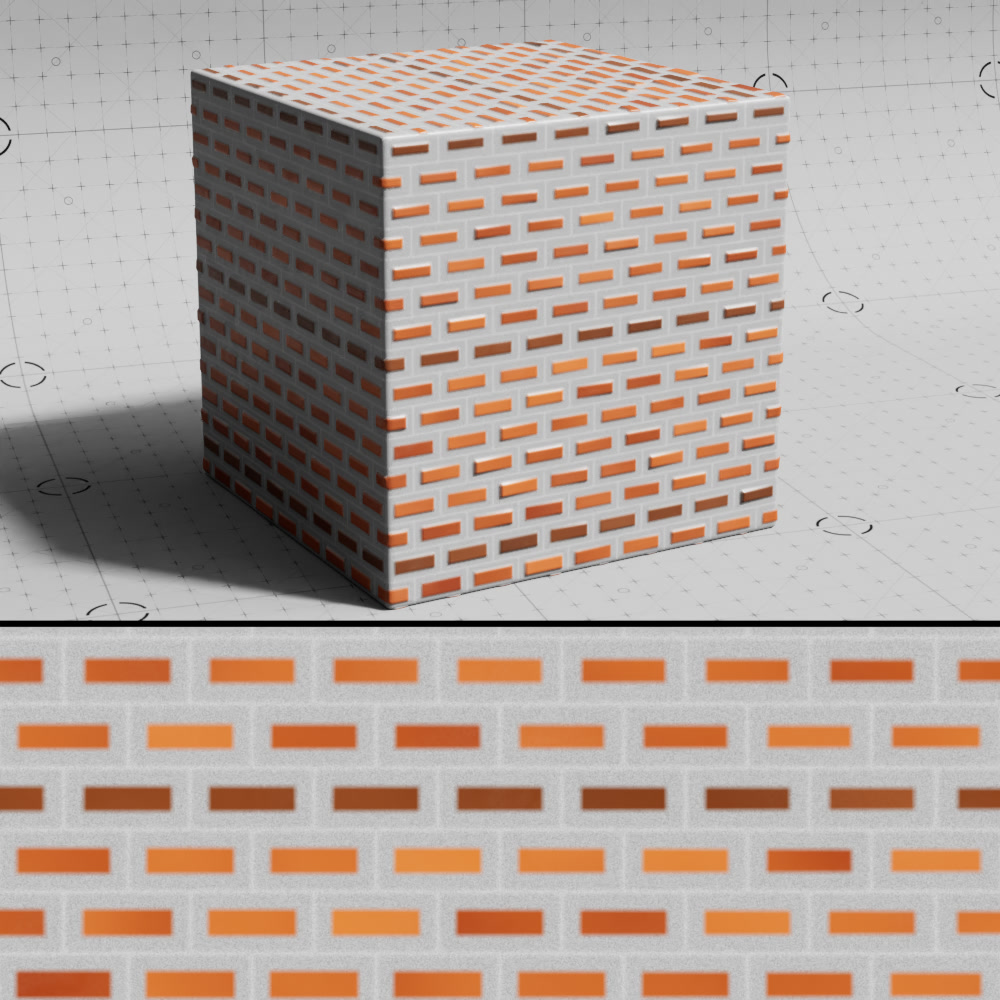
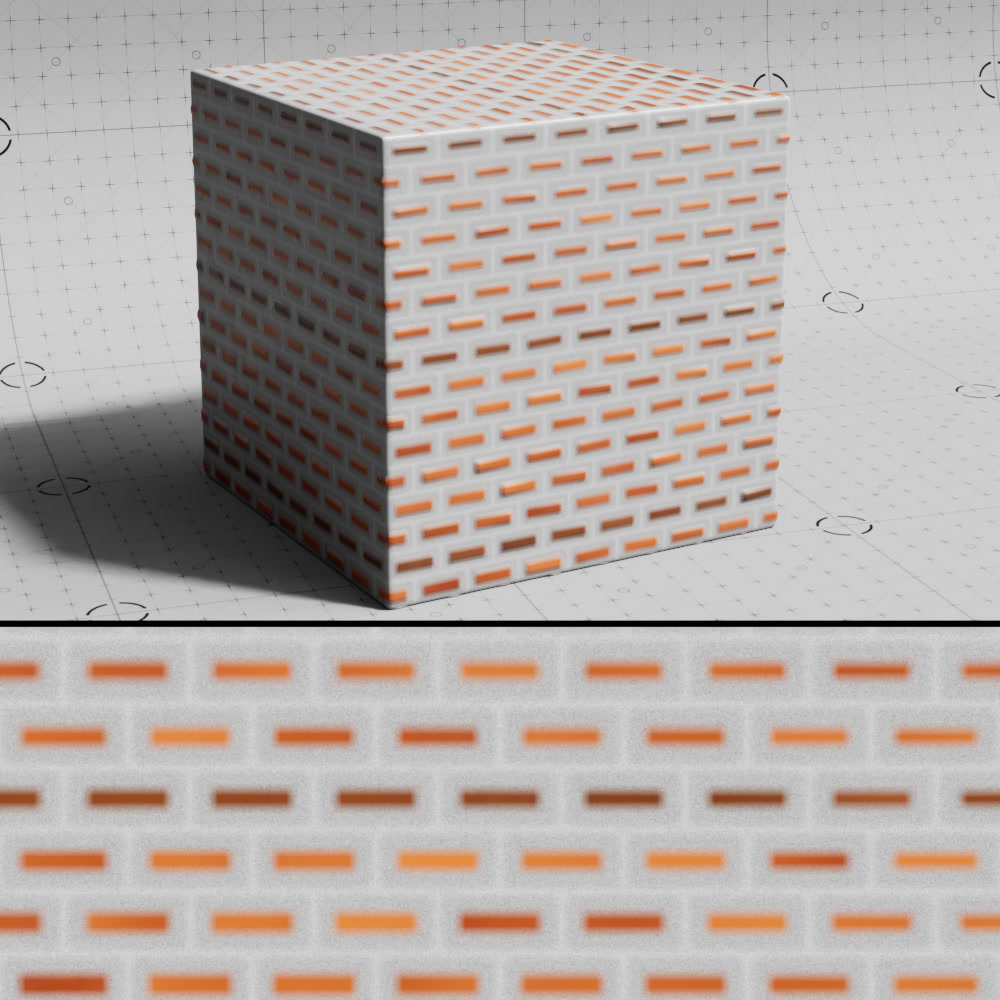
Depth
Controls how the gap blends into the bricks. Higher values result in a smoother transition.
|
|
|
| Gap Depth: 0.05 (default) | 0.1 | 0.2 |
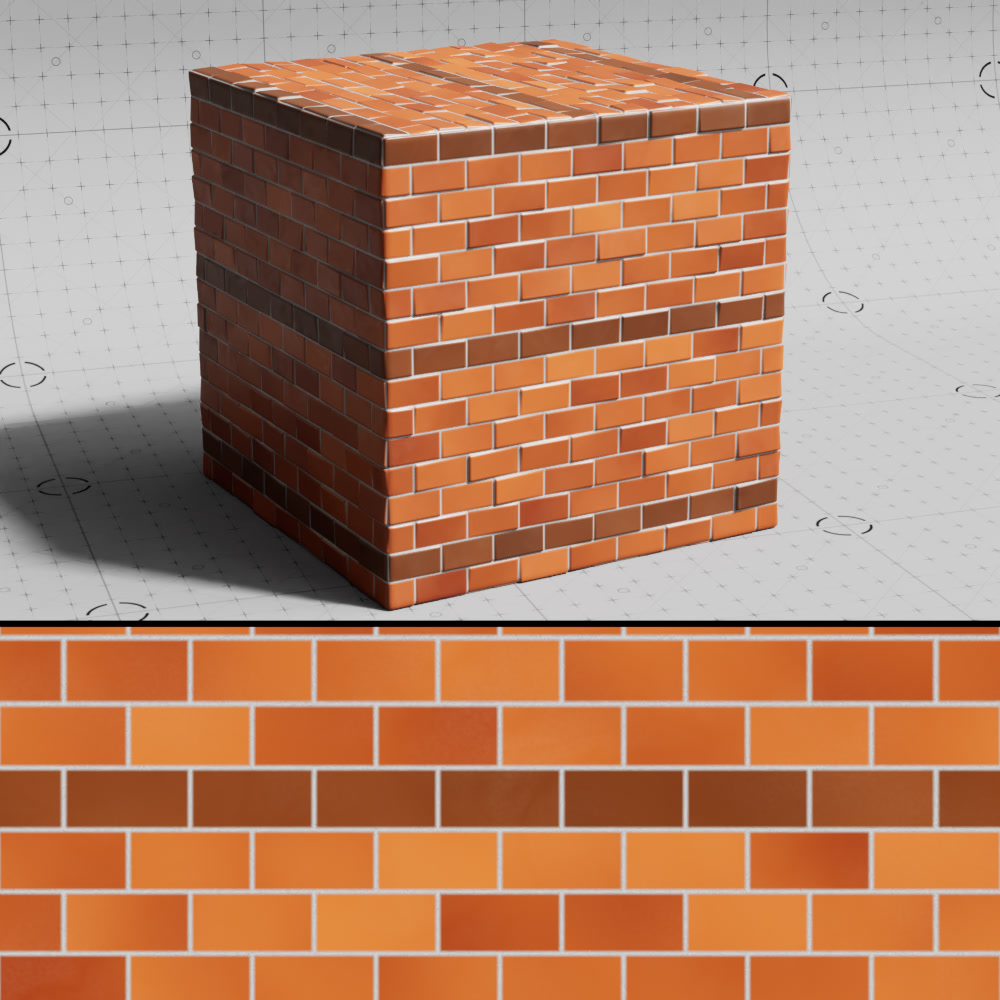
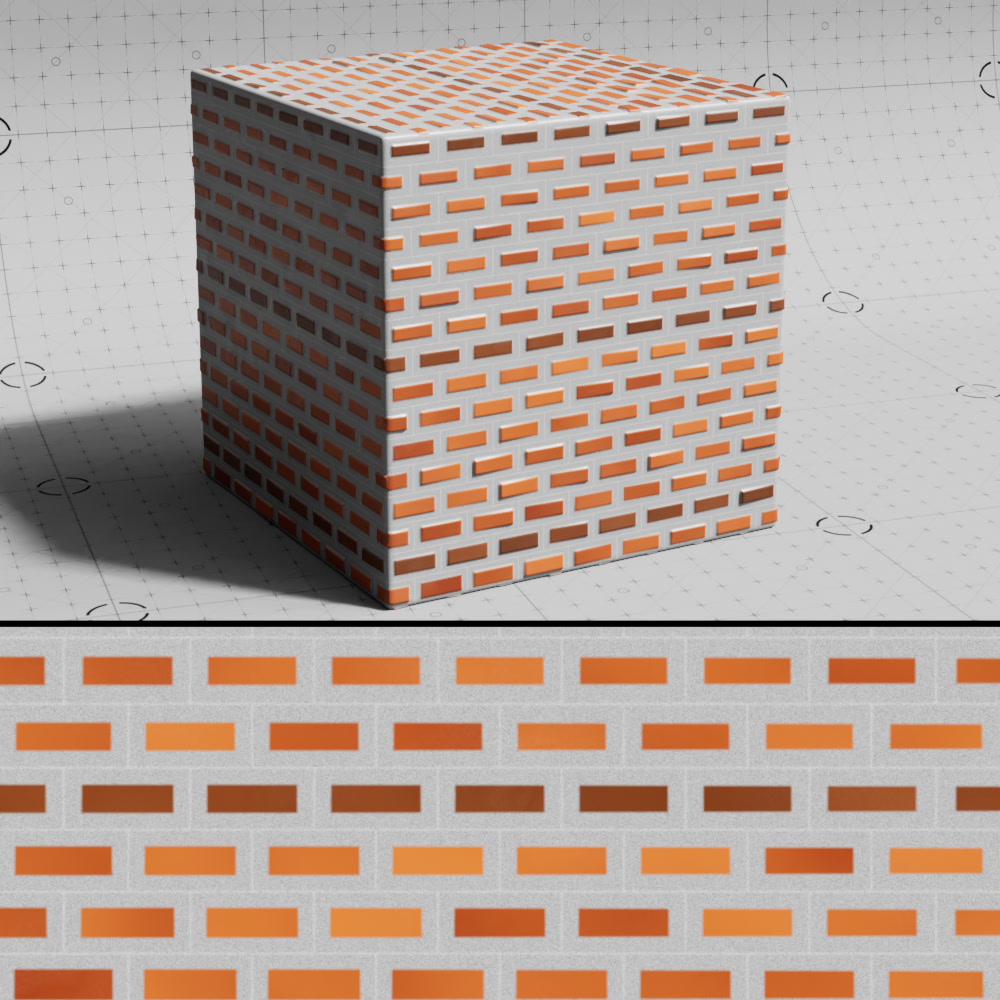
Size
Controls the size of the gaps.
|
|
| Gap Size: 0.025 (default) | 0.5 |
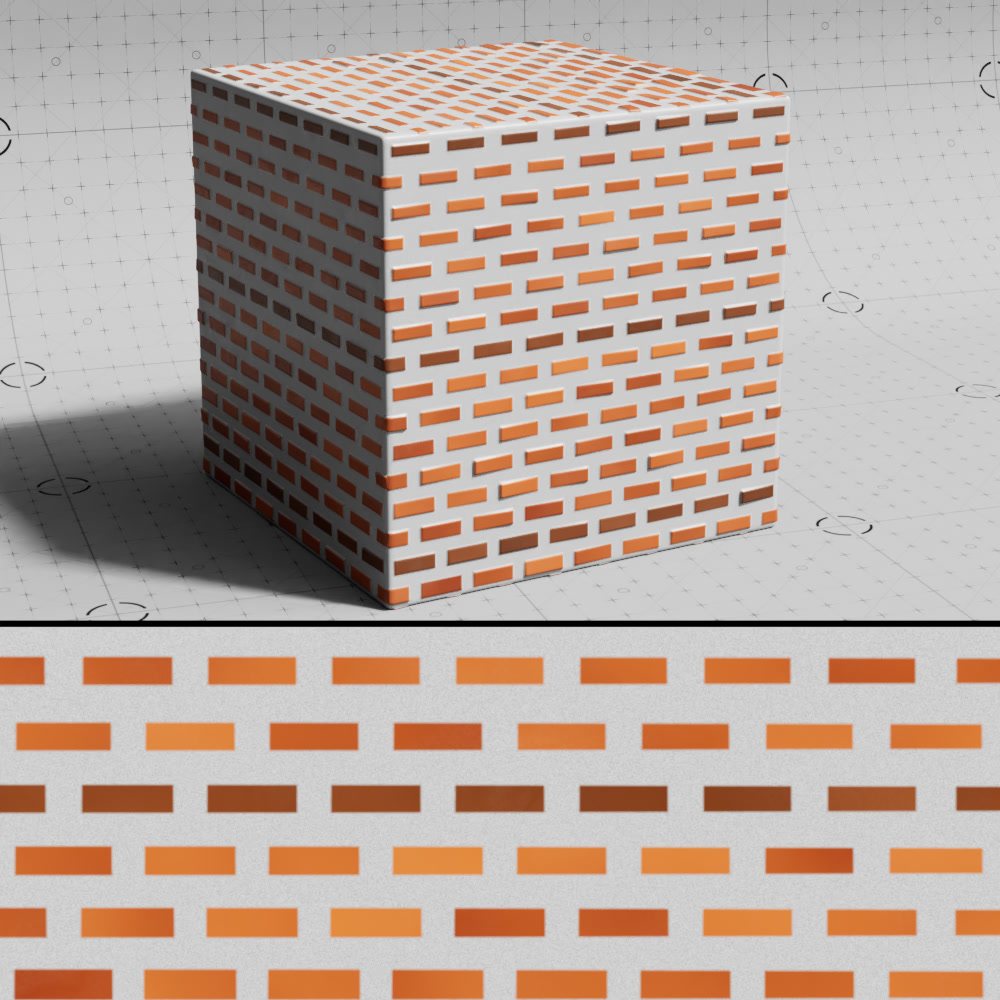
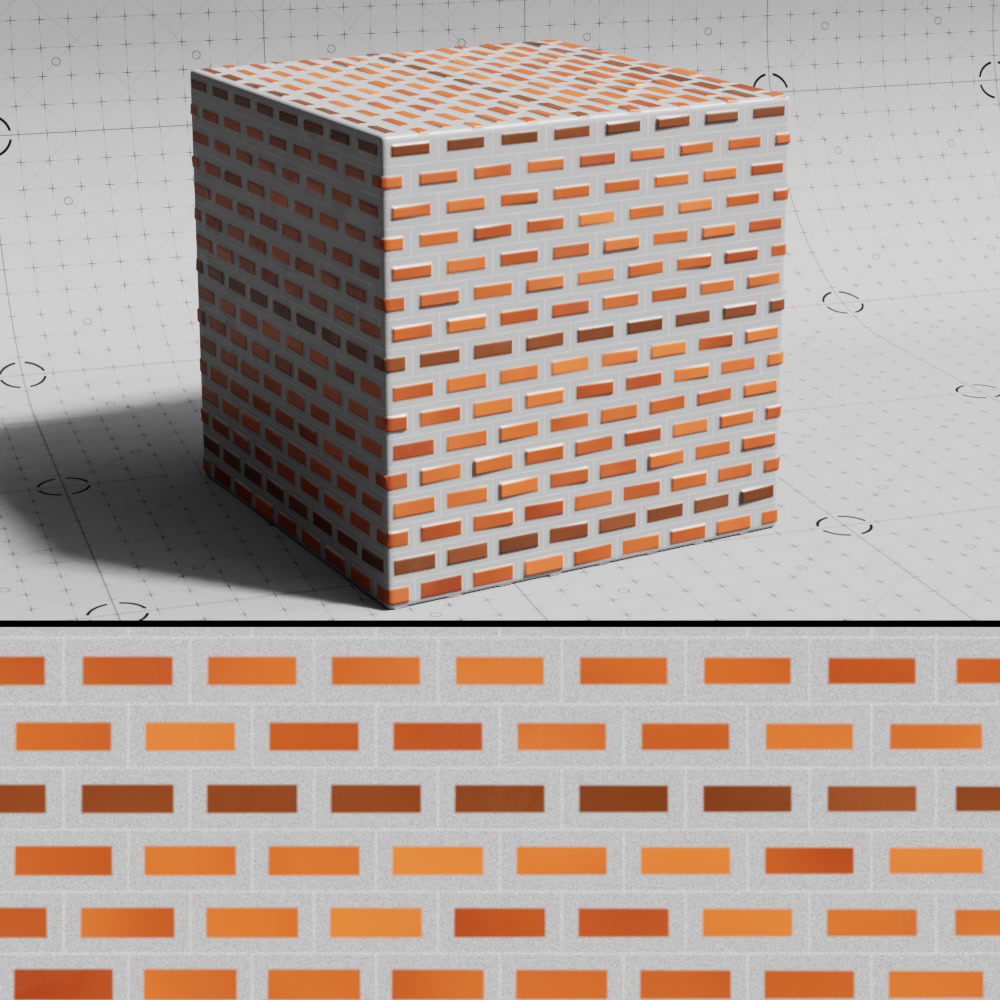
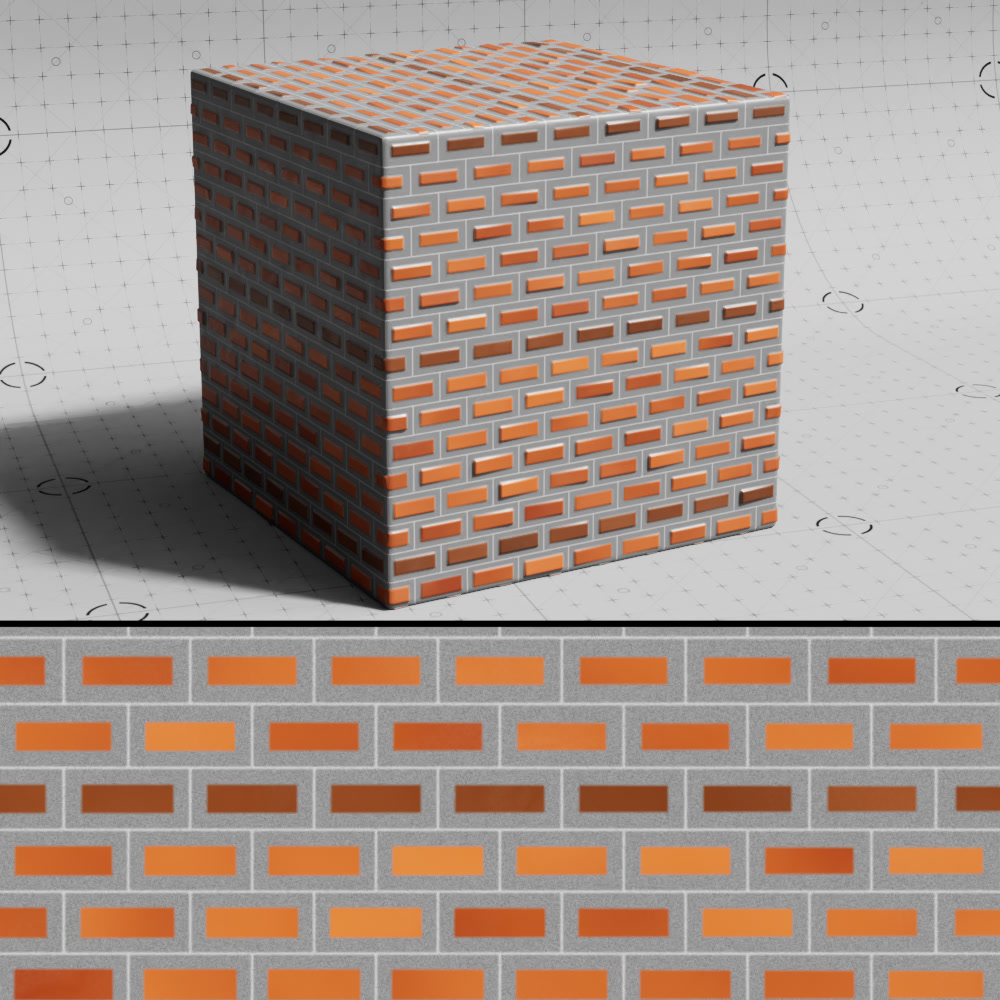
Groove
Controls the strength of the groove at the center of each gap.
|
|
|
| Gap Groove: 0 | 0.2 (default) | 0.5 |
Size Variation
Adds noise based variation to the size of the gaps.
Size Variation Scale
Controls the scale of the noise structure used to vary the size of the gaps.
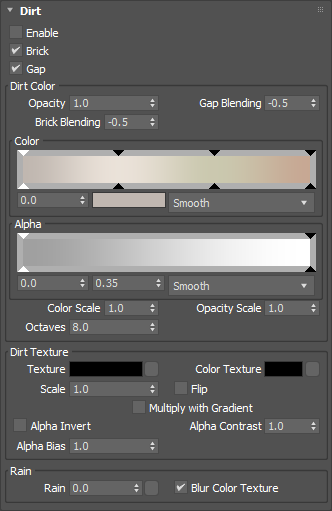
Dirt
|
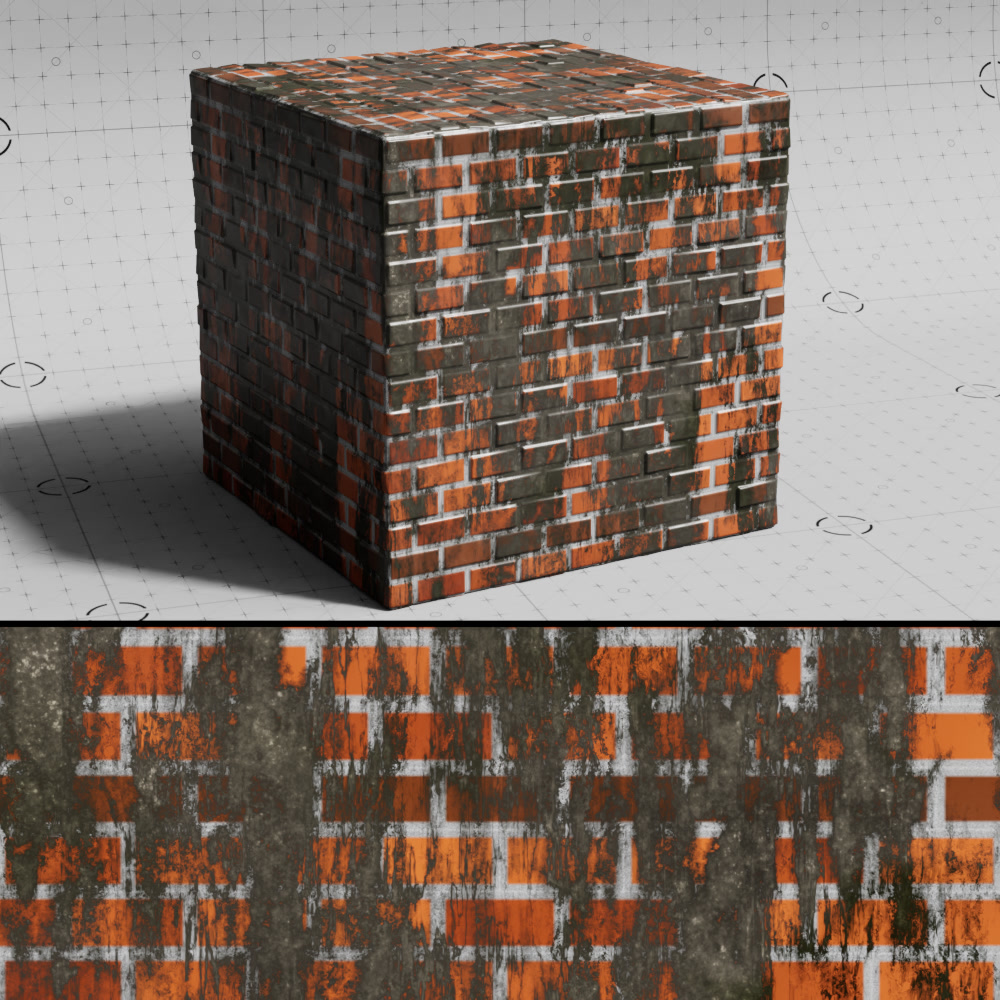
Enable
When enabled, the dirt layer is made visible in the overall color output. Even when disabled, the dirt effect and its parameters below can still be used as an output mask.
In most example images below, a dirt alpha texture is used multiplied with the dirt color noise.
|
|
| Dirt: Enabled | Disabled |
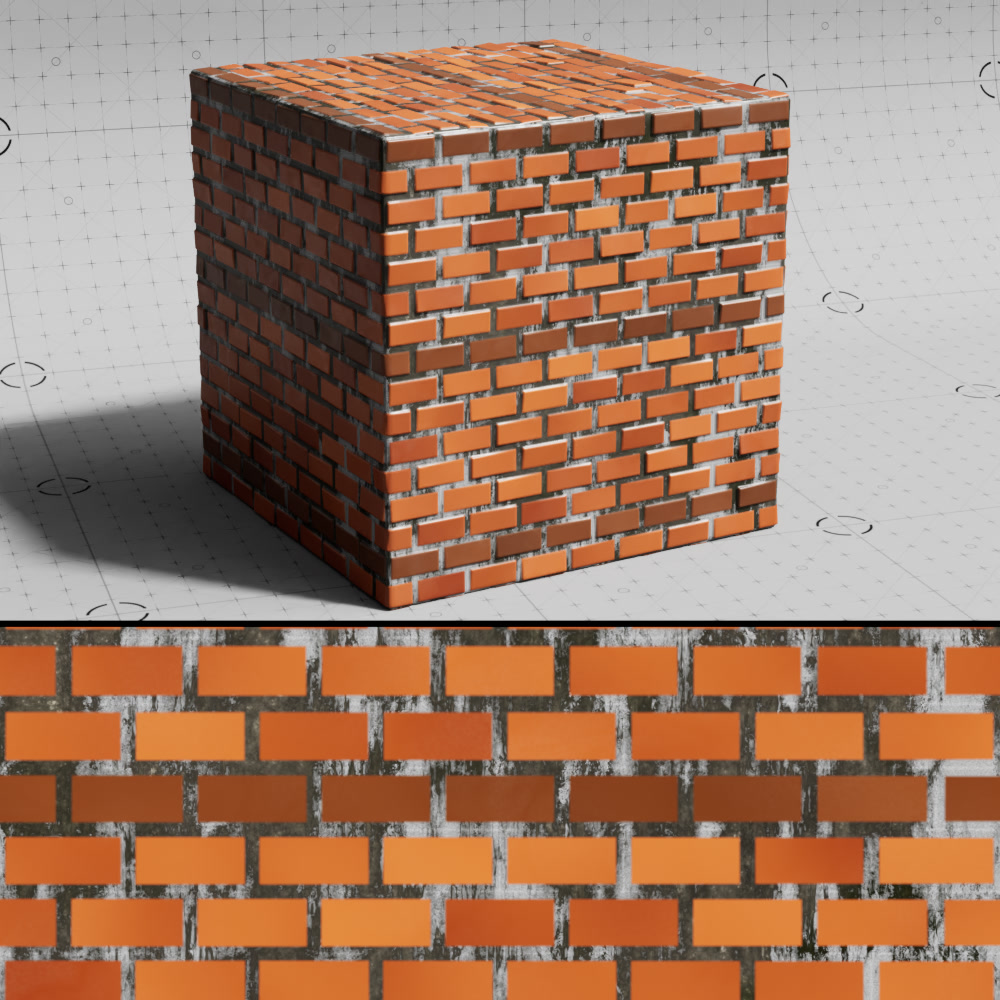
Brick
When disabled, the dirt layer is not visible on top of the bricks.
|
|
|
| Dirt Brick: Enabled | Disabled |
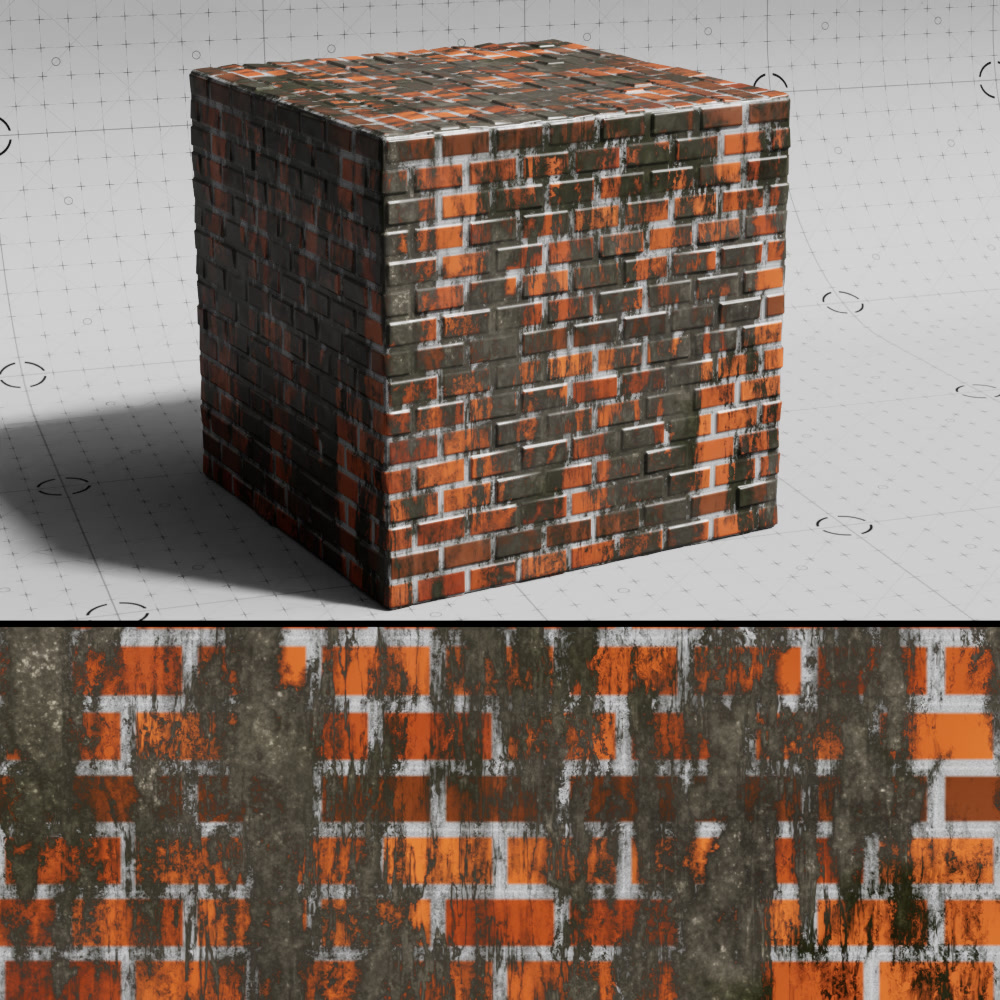
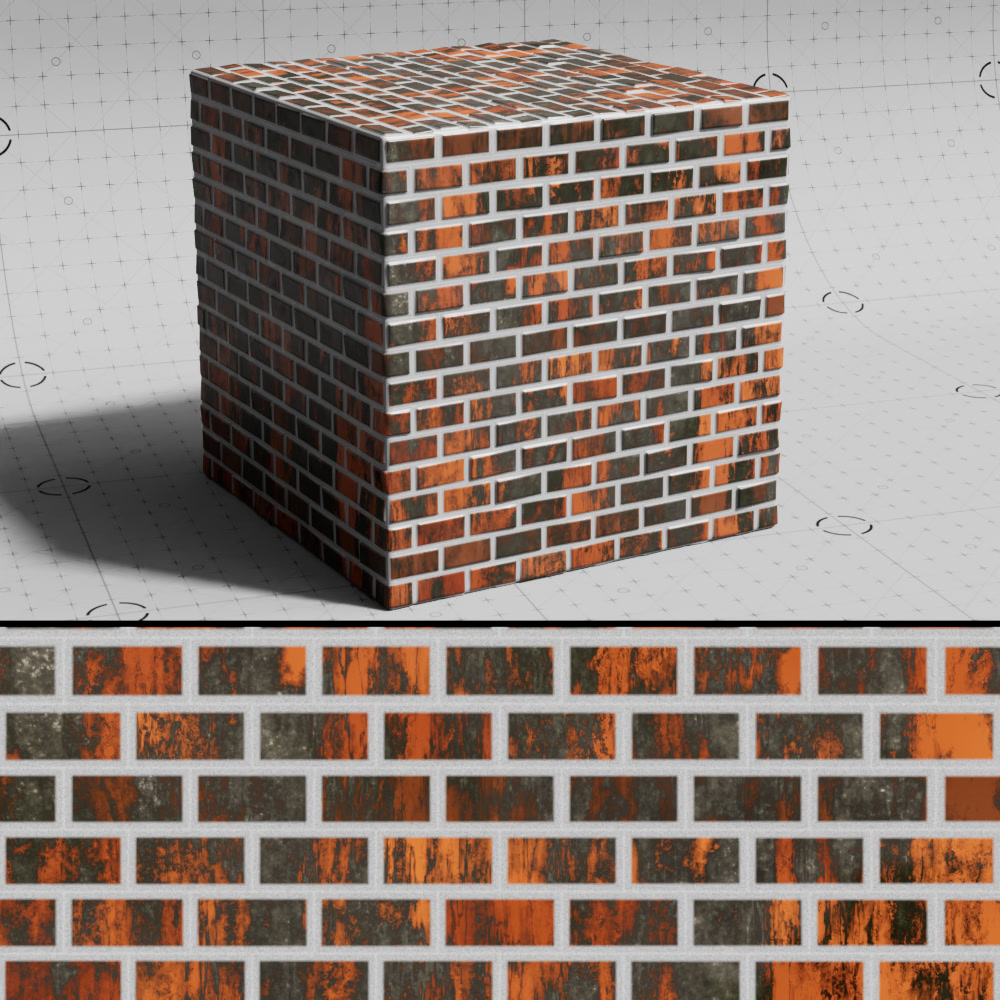
Gap
When disabled, the dirt layer is not visible on top of the gap in between the bricks.
|
|
| Dirt Gap: Enabled | Disabled |
Dirt Color
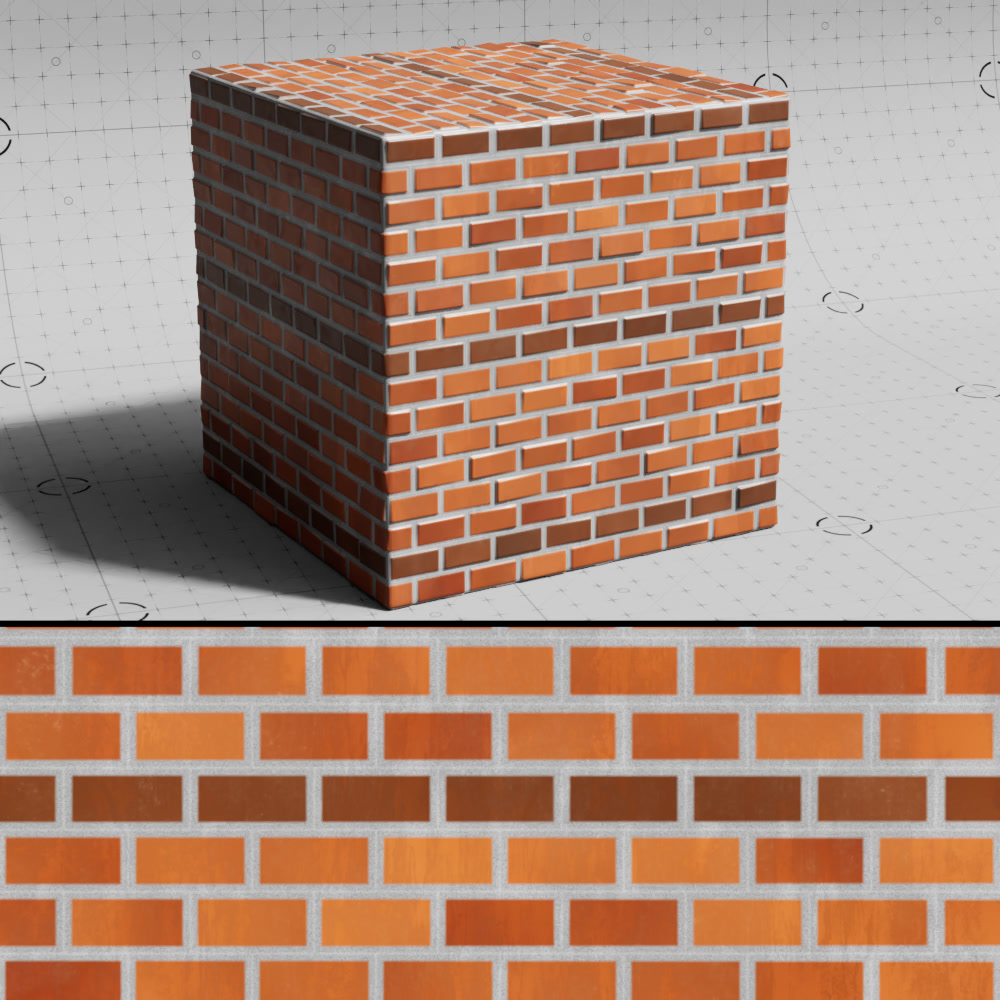
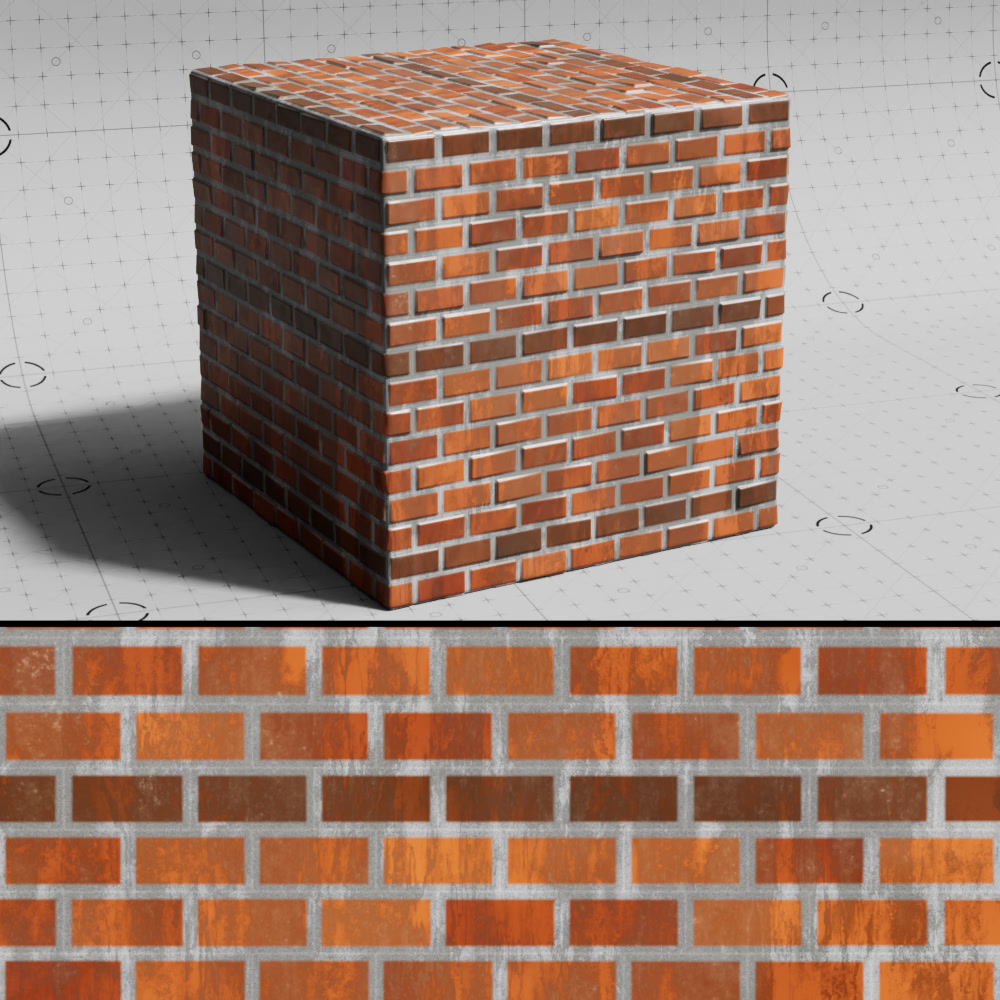
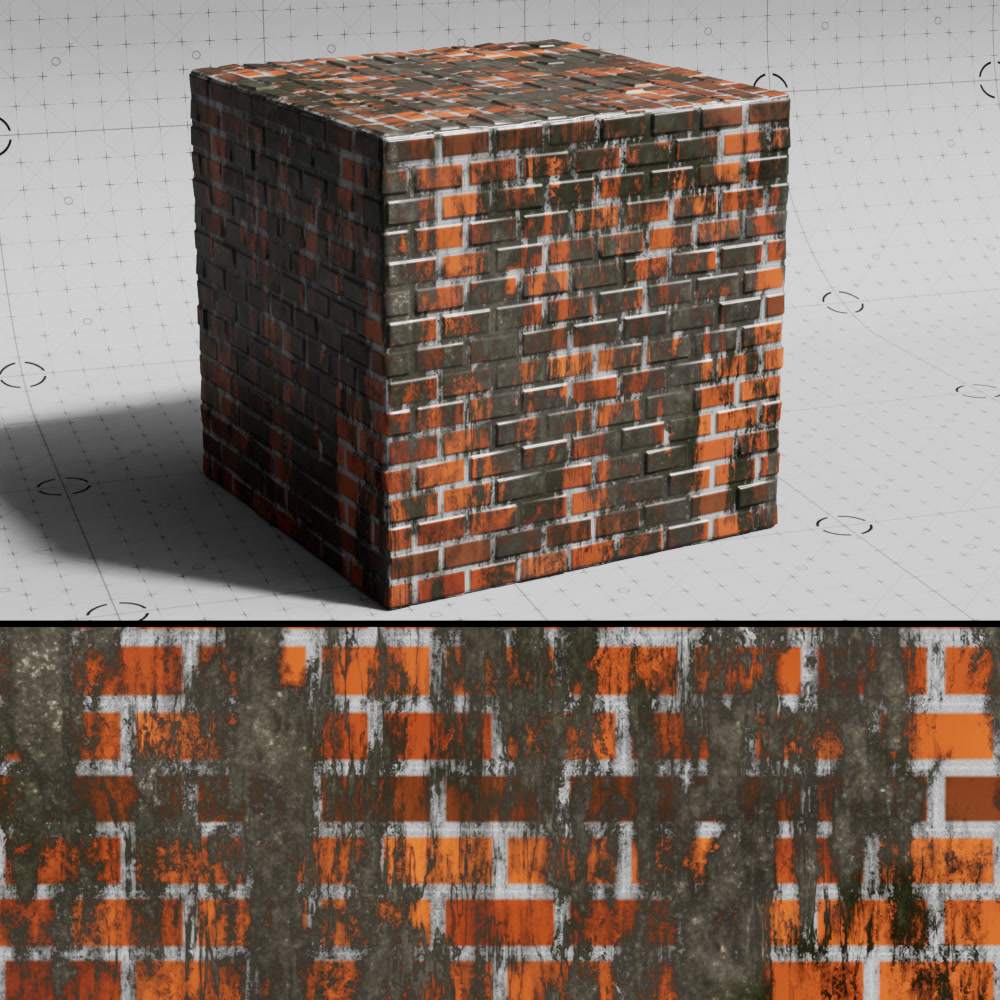
Opacity
Controls the opacity of the dirt layer.
|
|
|
| Dirt Opacity: 0.2 | 0.5 | 1 |
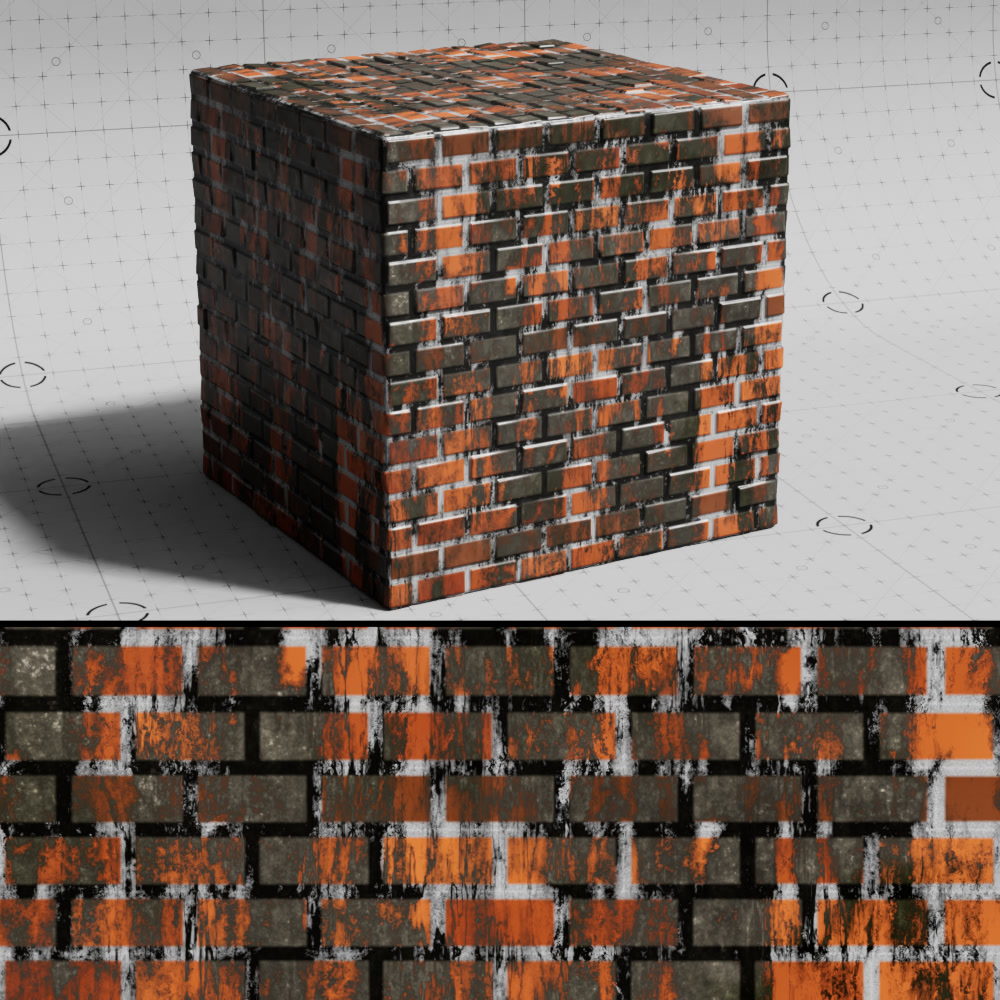
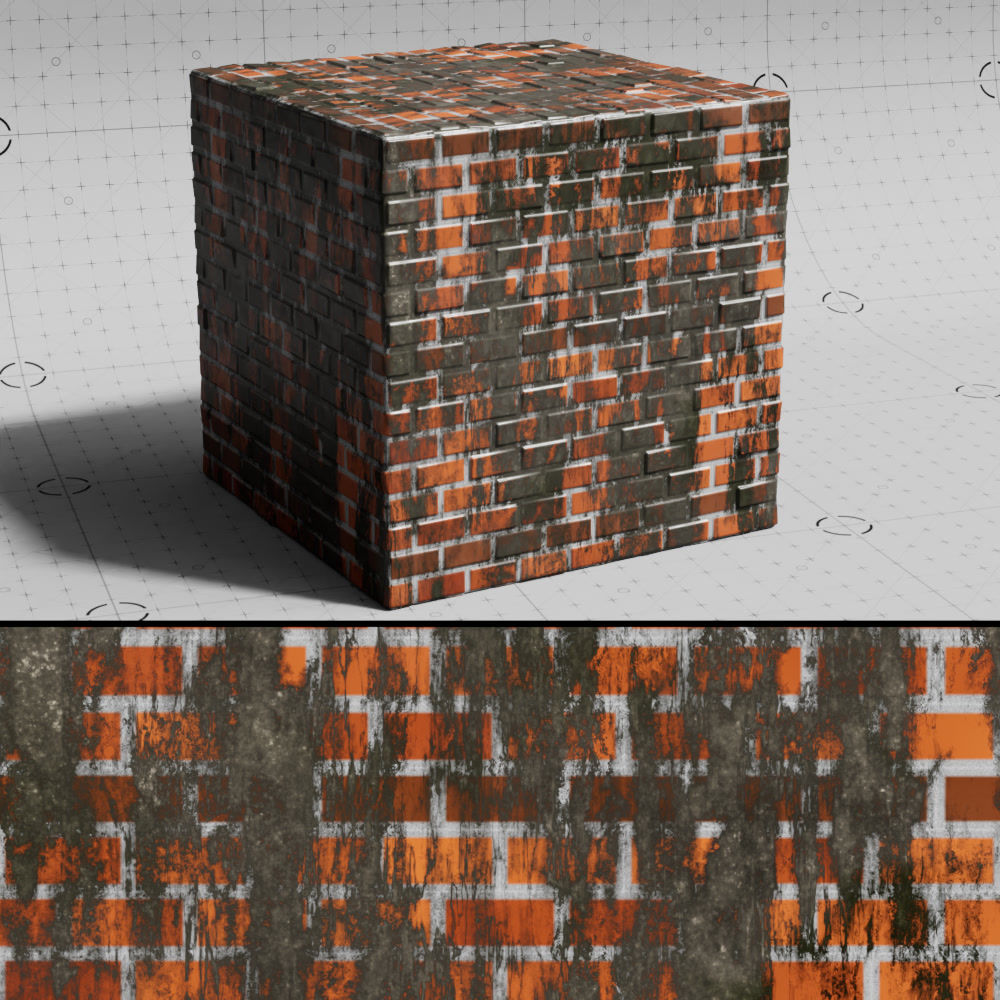
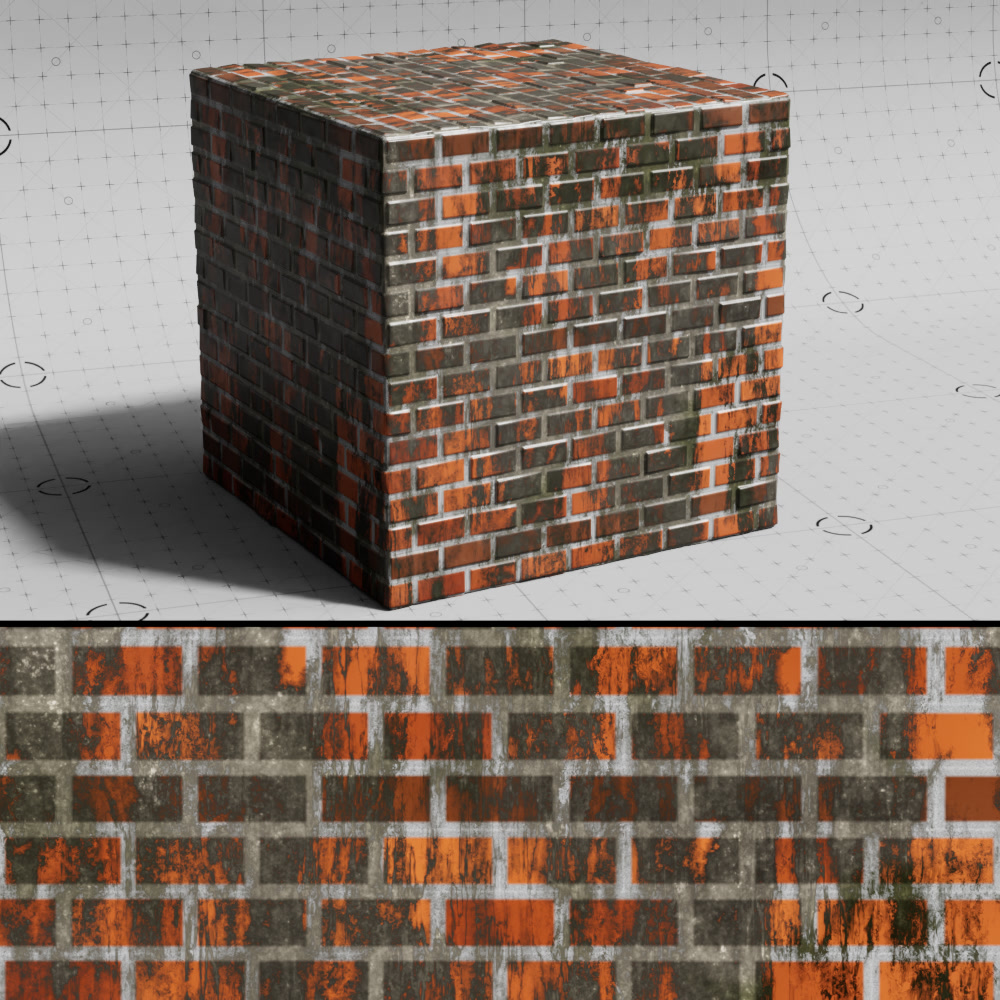
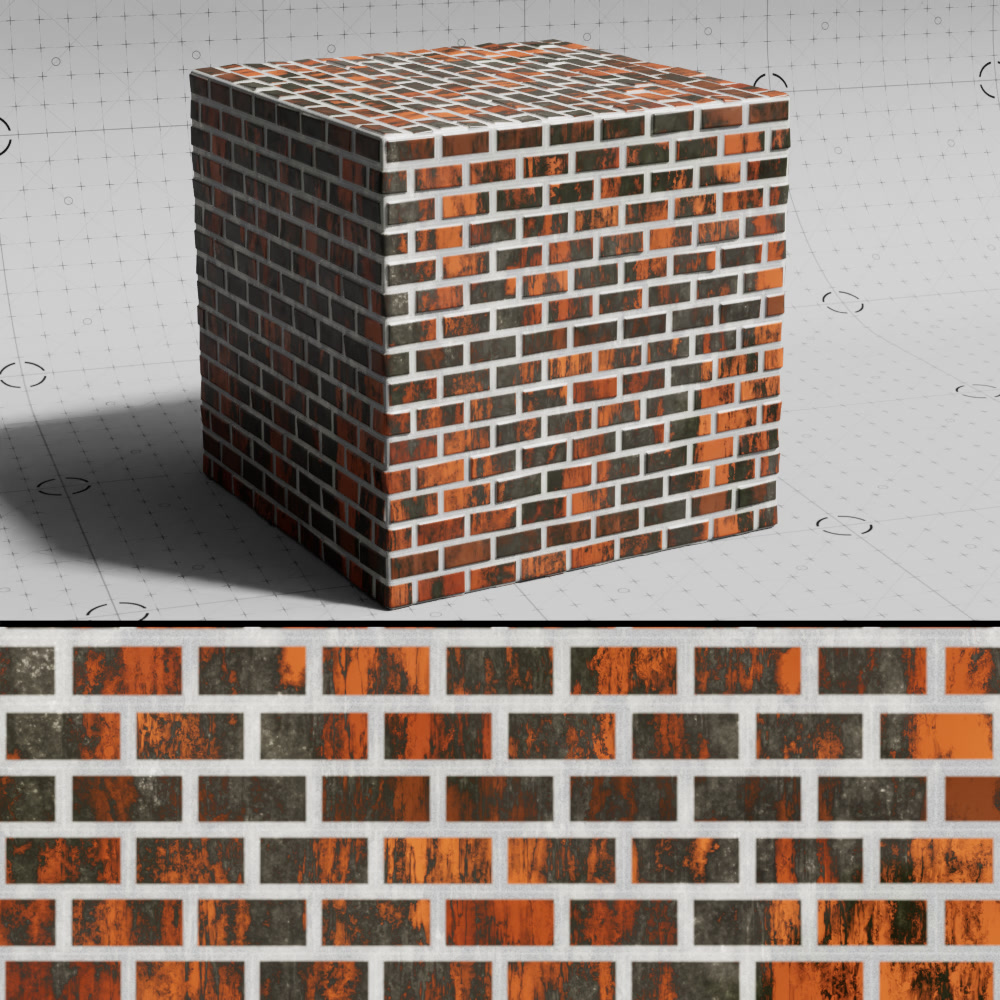
Gap Blending
Controls how the dirt effect is blended on top of the gaps. If negative, applies linear dodge blending between the dirt layer and the gap color. If positive, applies linear burn blending between the dirt layer and the gap color. The magnitude of the value determines the strength of the blending effects. If the value is 0, regular alpha blending is applied.
|
|
|
|
| Dirt Gap Blending: -0.9 | -0.5 (default) | 0 | 0.9 |
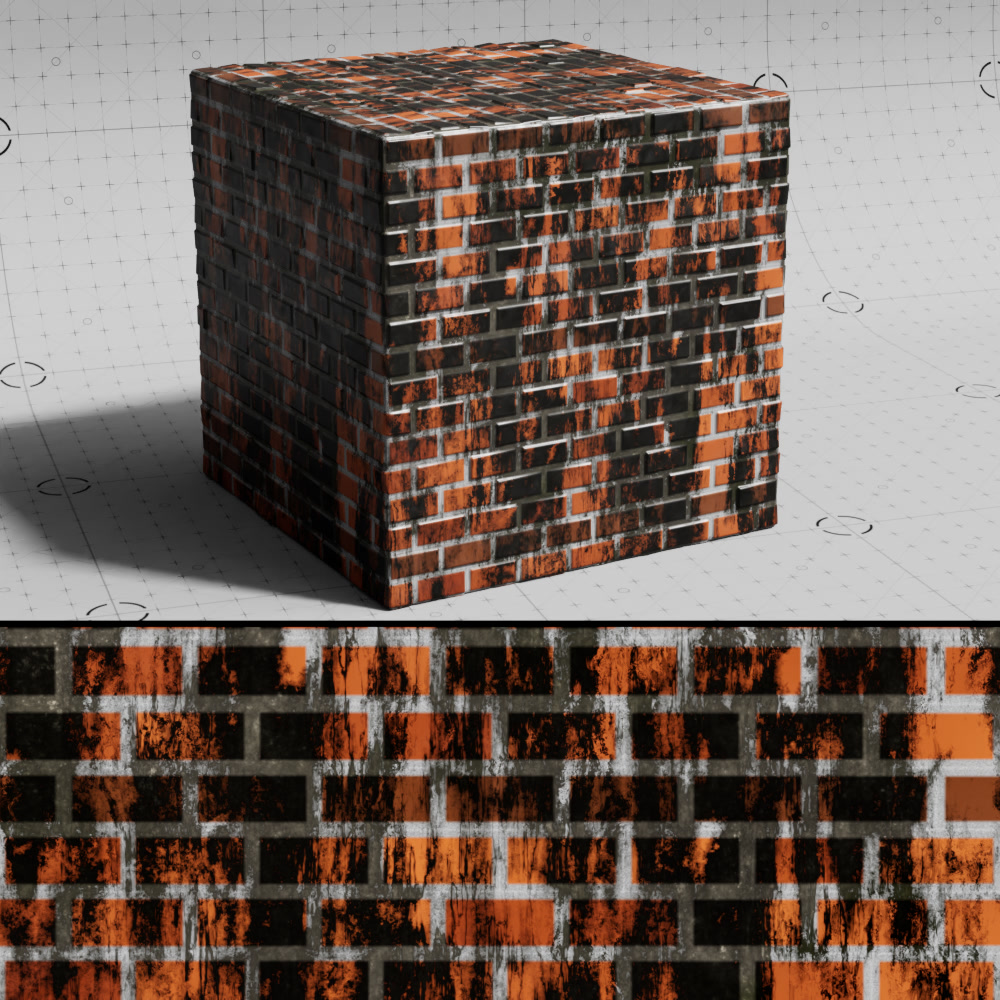
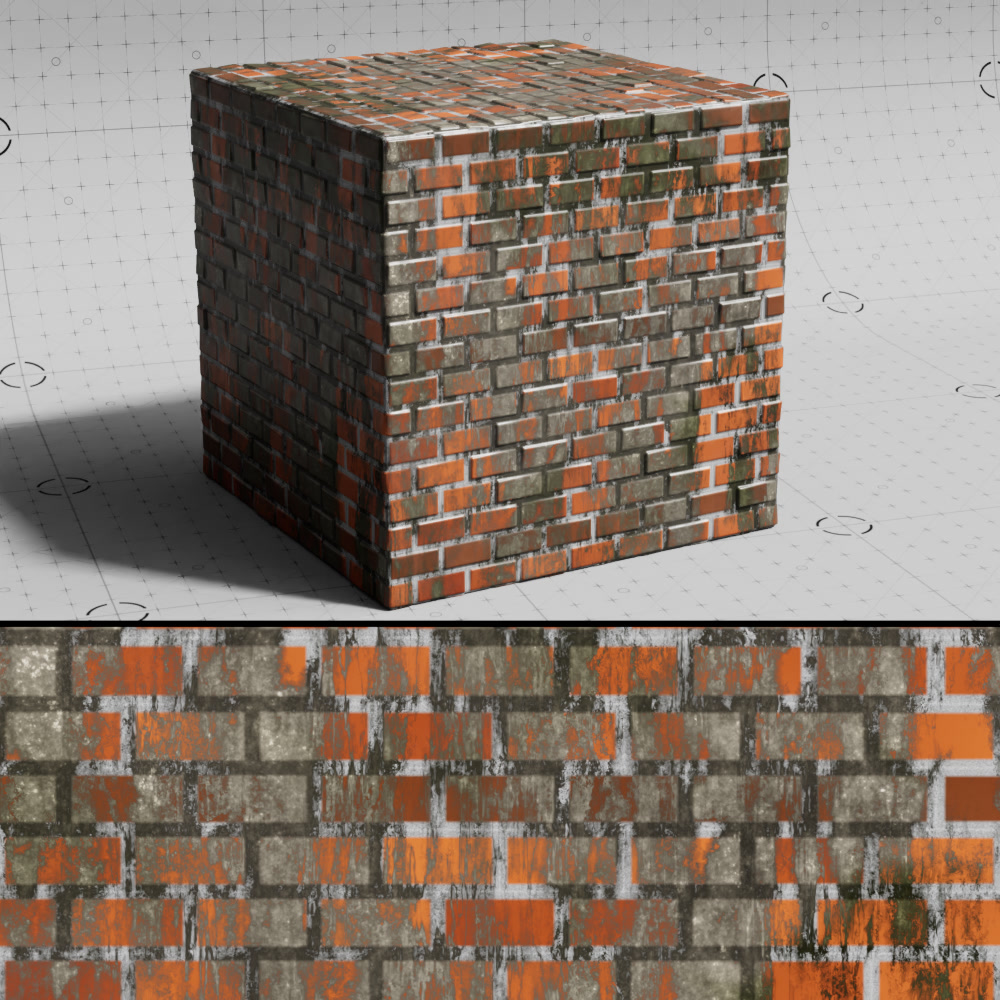
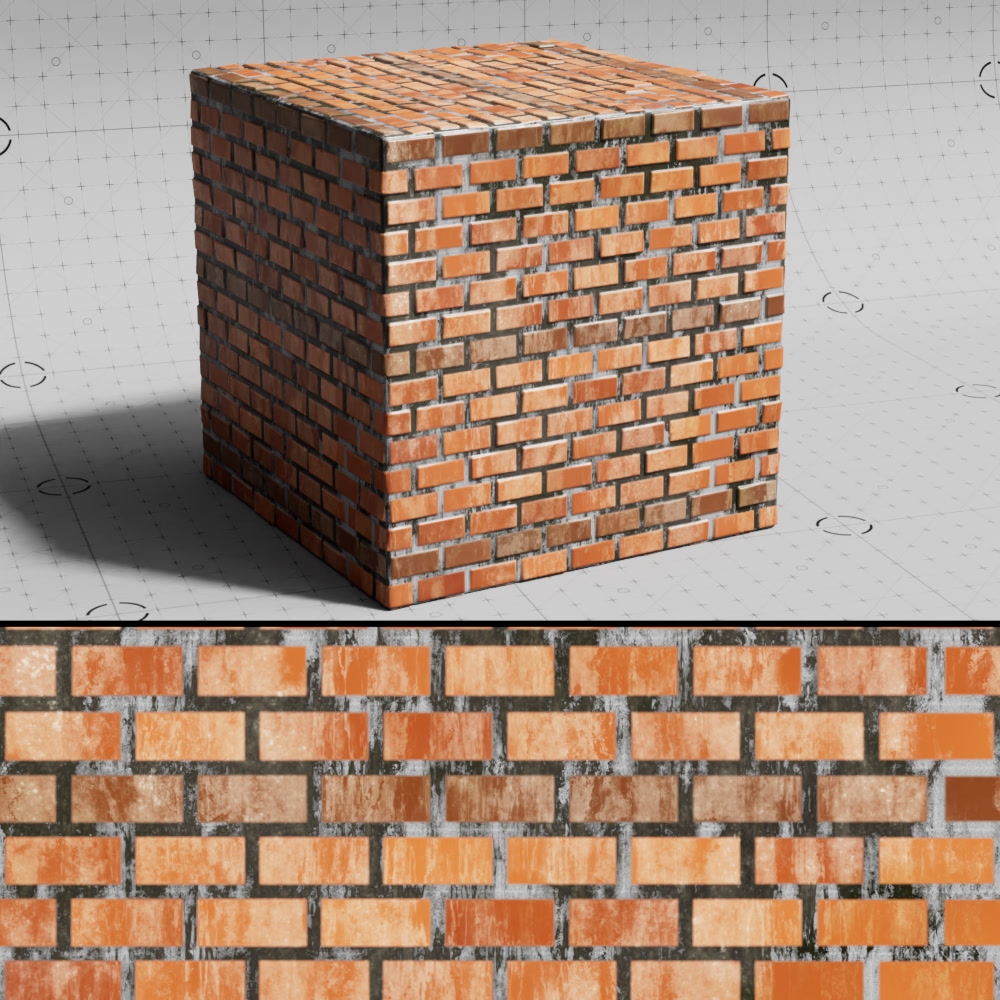
Brick Blending
Controls how the dirt effect is blended on top of the bricks. If negative, applies linear dodge blending between the dirt layer and the brick color. If positive, applies linear burn blending between the dirt layer and the brick color. The magnitude of the value determines the strength of the blending effects. If the value is 0, regular alpha blending is applied.
|
|
|
|
| Dirt Brick Blending: -0.9 | -0.5 (default) | 0 | 0.9 |
Color
A color-ramp sampled to get the dirt color.
Alpha
A scalar-ramp that is sampled to get the dirt alpha.
Color Scale
The scale of the noise that is used to sample the color ramp.
Shift
Applies a shift to the alpha noise.
Opacity Scale
Controls the scale of the noise used to sample the alpha ramp.
Octaves
Controls the number of octaves used for the alpha noise.
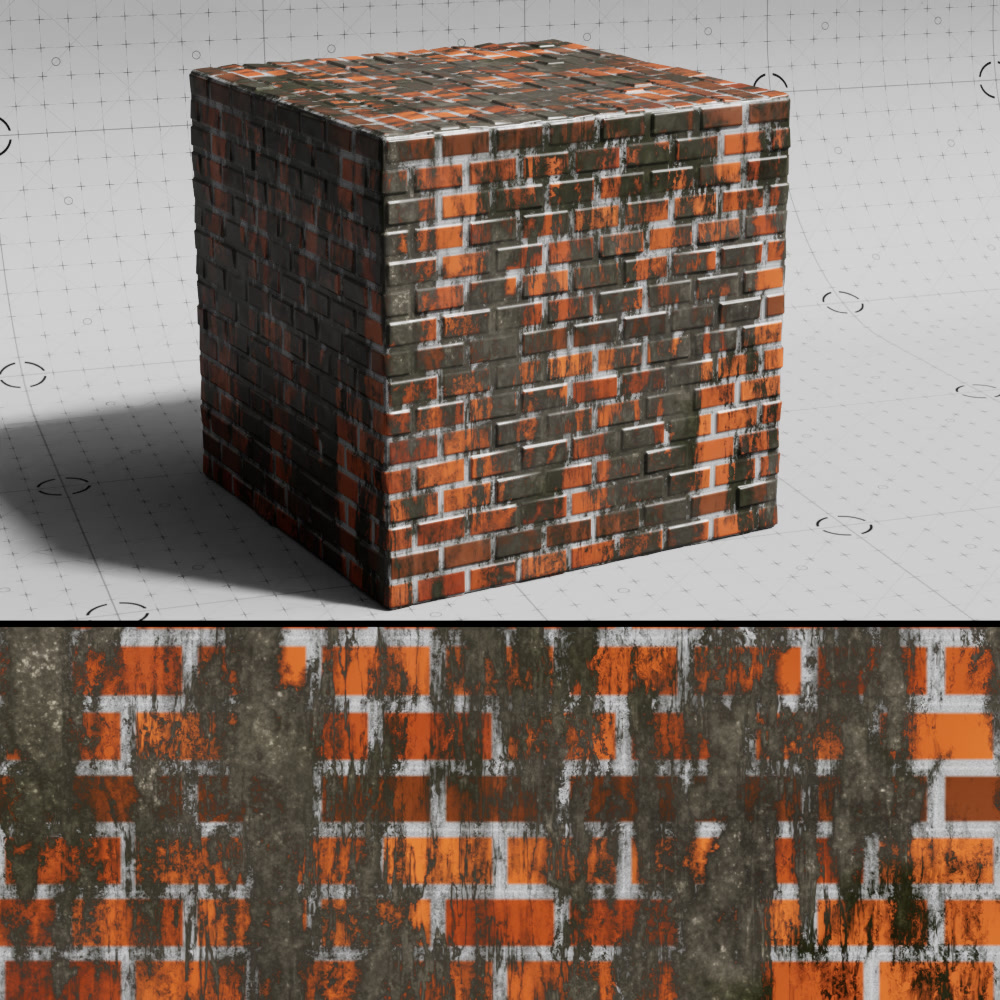
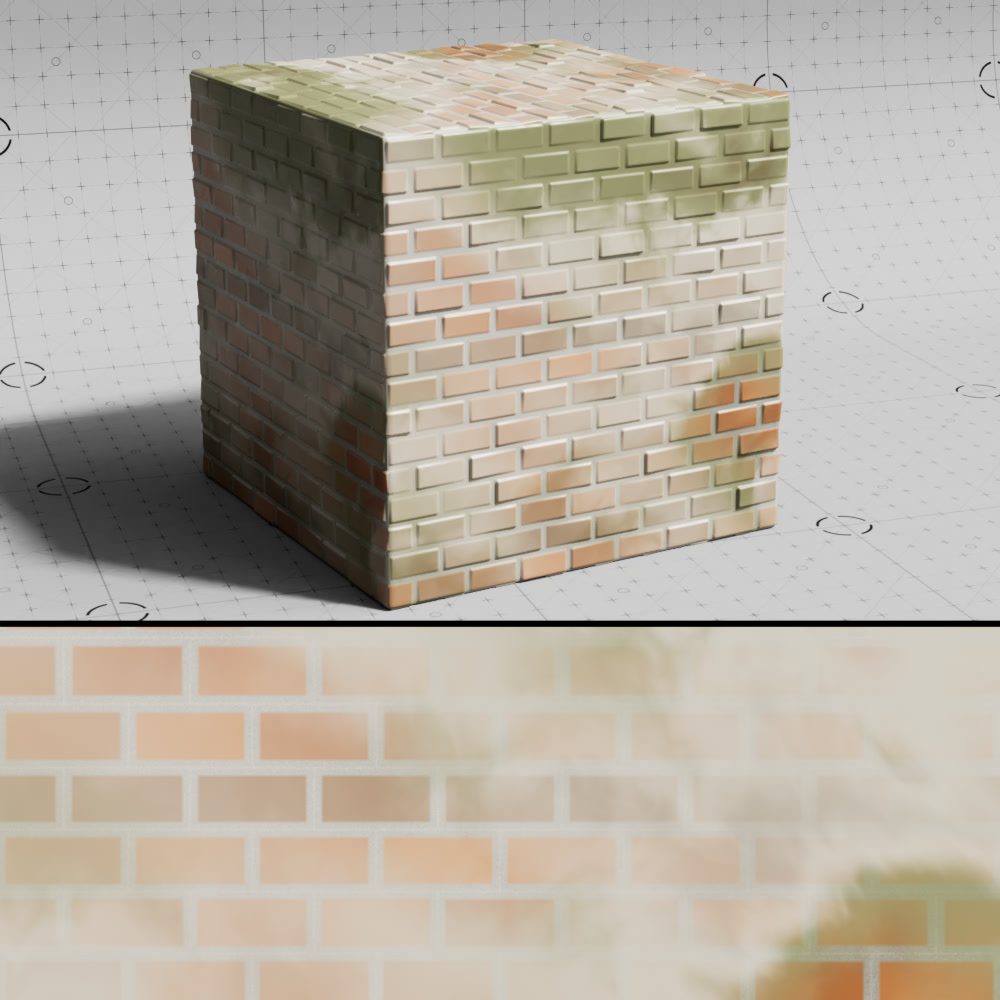
Dirt Texture
Texture
A texture input used to drive an alpha mask for the dirt layer.
|
|
| Dirt Alpha Texture: Grunge map Multiply with Gradient: Enabled |
No alpha texture (only dirt color) |
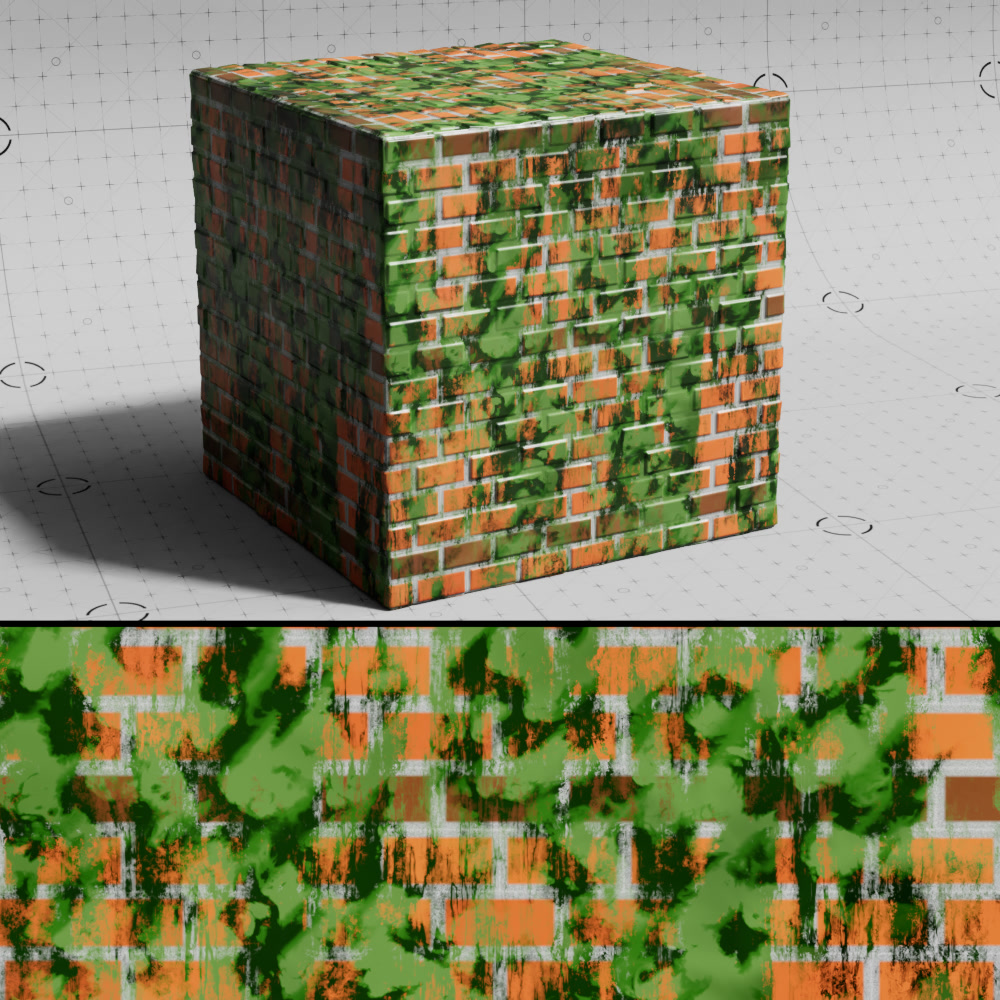
Color Texture
A texture input used to drive the color the dirt layer.
|
|
| Dirt ColorTexture: Green Maxon Noise | No color map (only dirt color + alpha texture) |
Shift
Applies a shift to the textures.
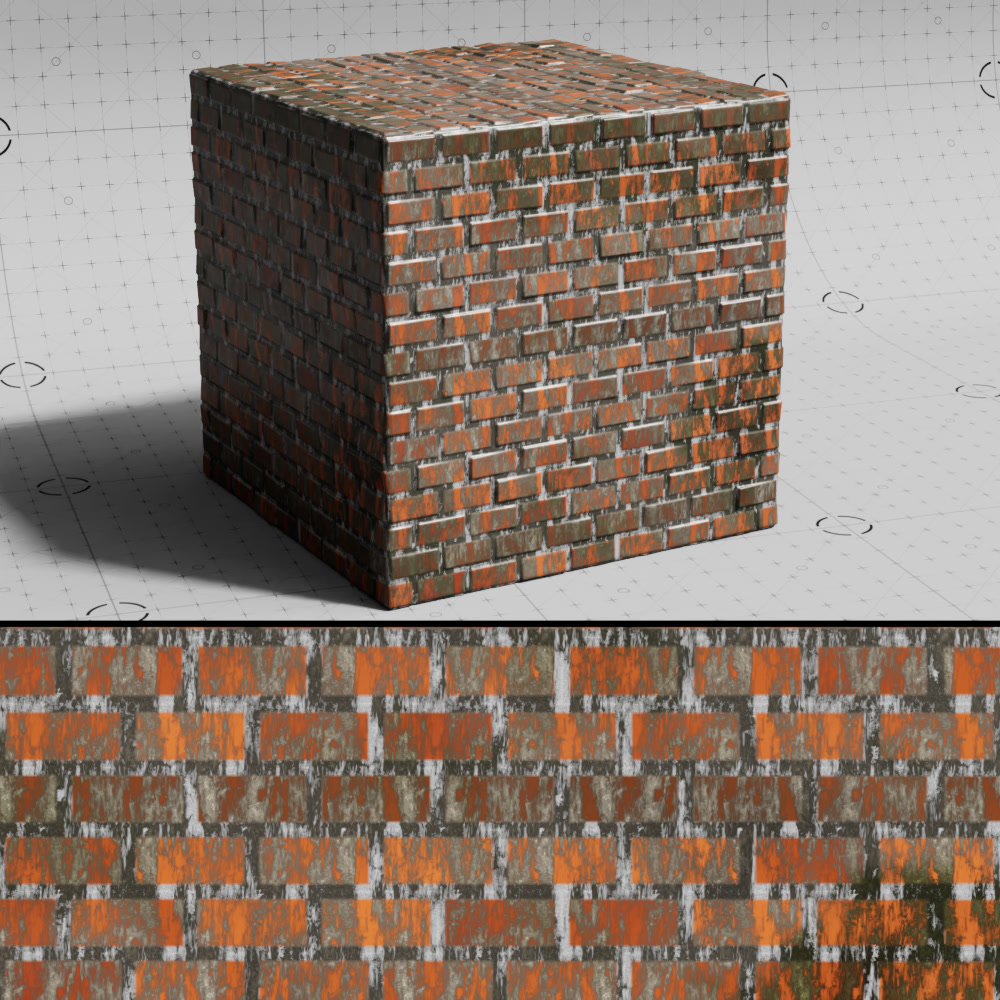
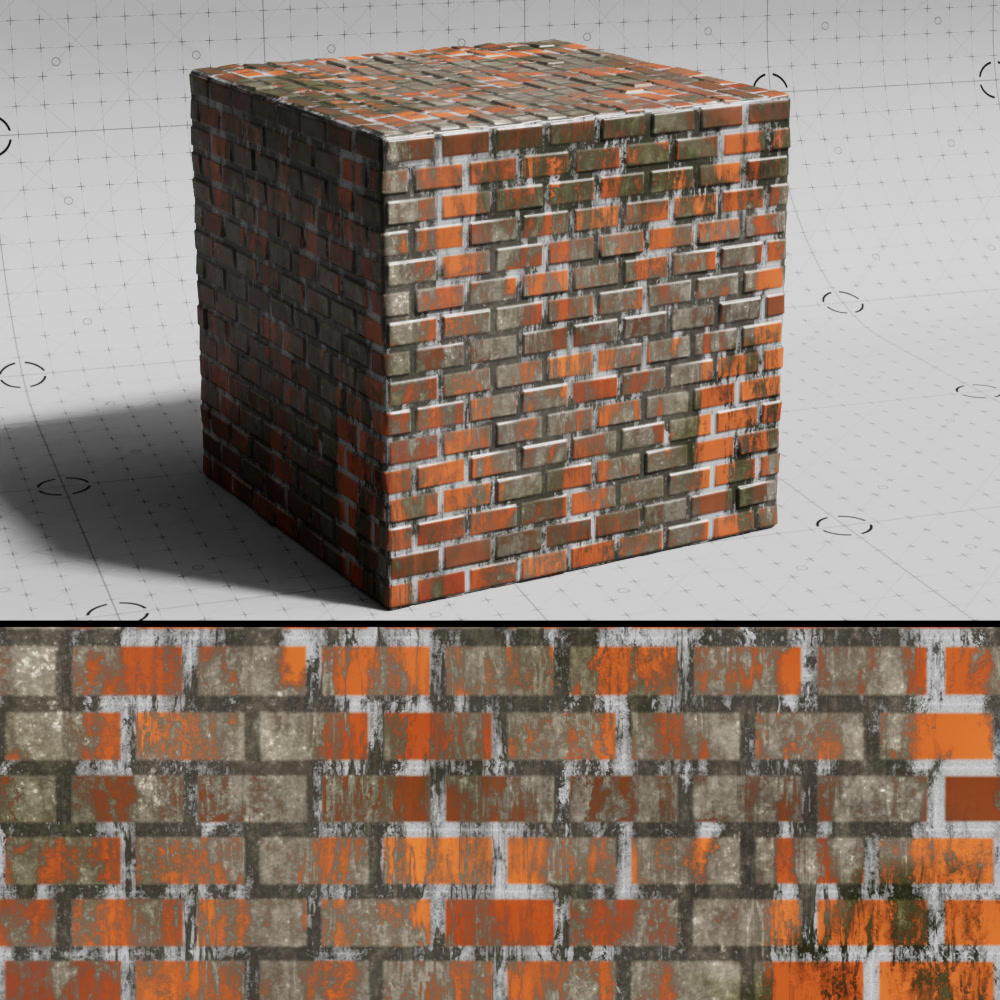
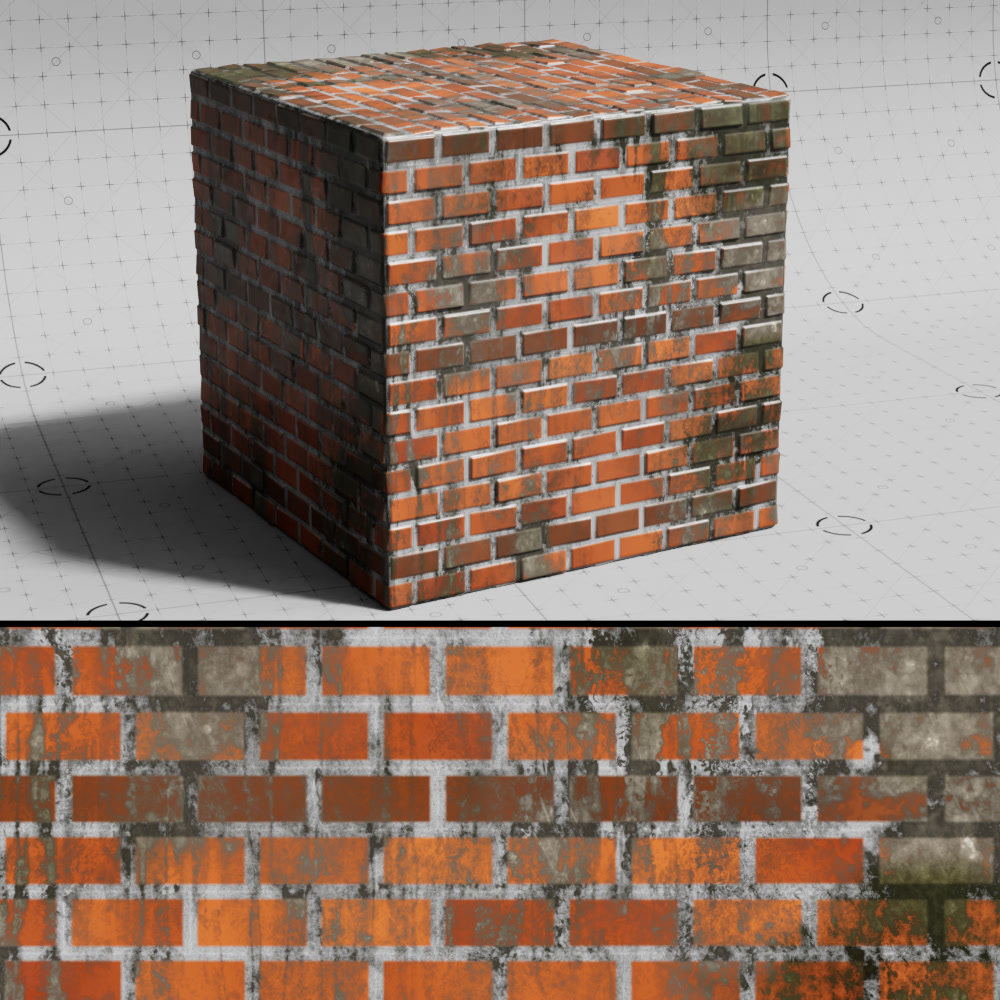
Scale
Controls the size of the dirt textures.
|
|
|
| Dirt Texture Scale: 0.2 | 1 (default) | 3 |
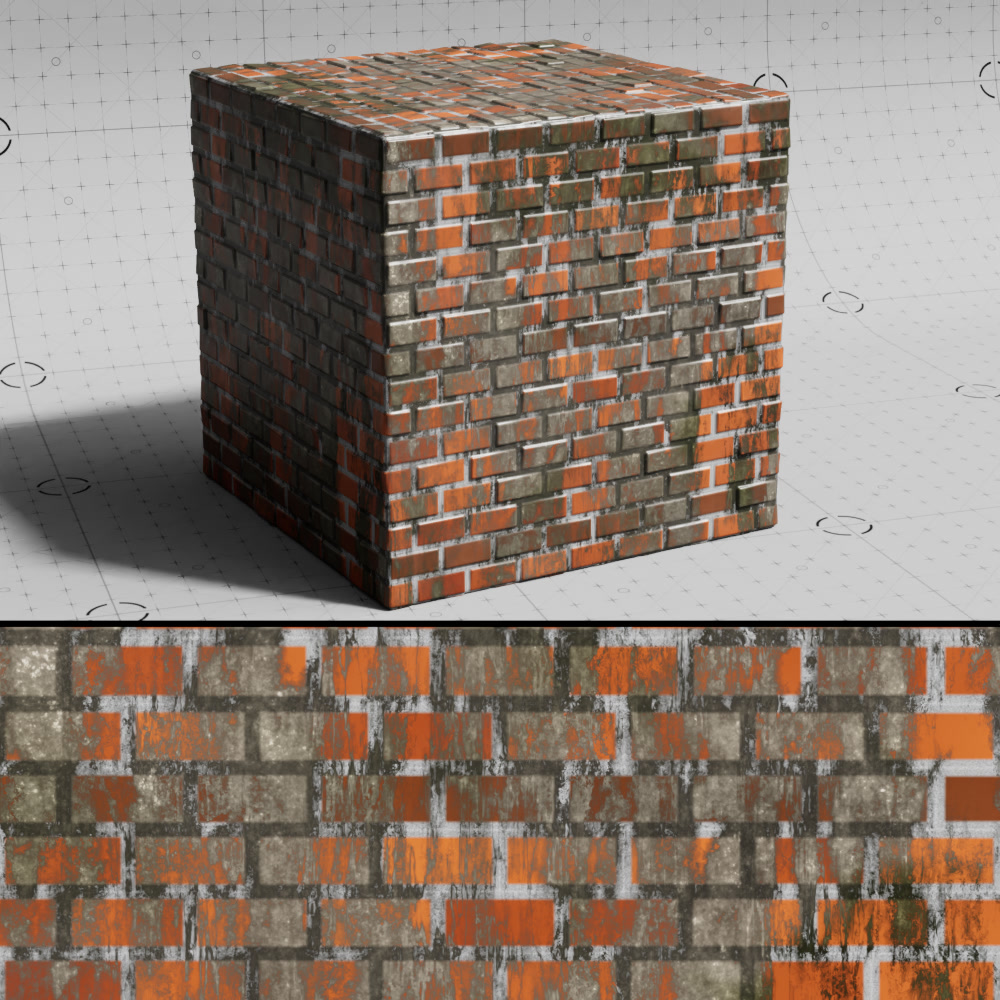
Flip
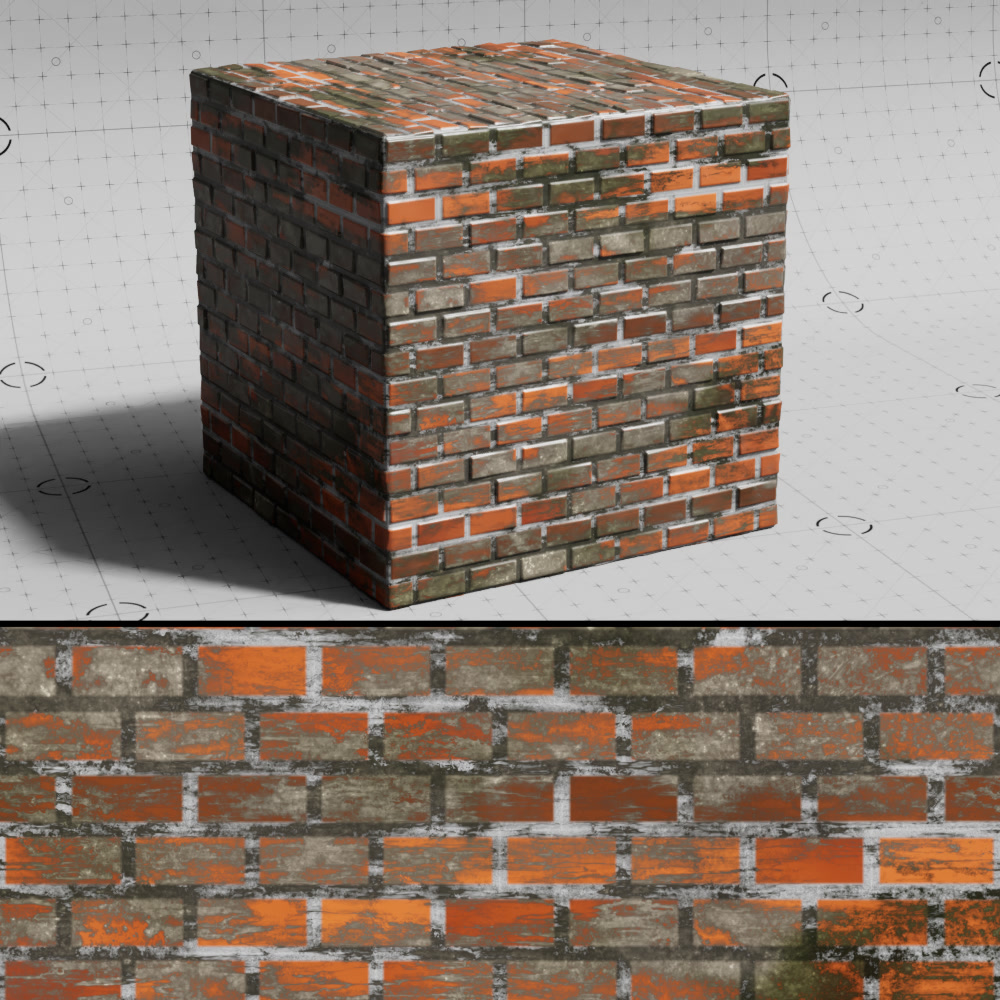
Changes the orientation of the dirt textures.
|
|
| Dirt Texture Flip: Disabled | Enabled |
Multiply with Gradient
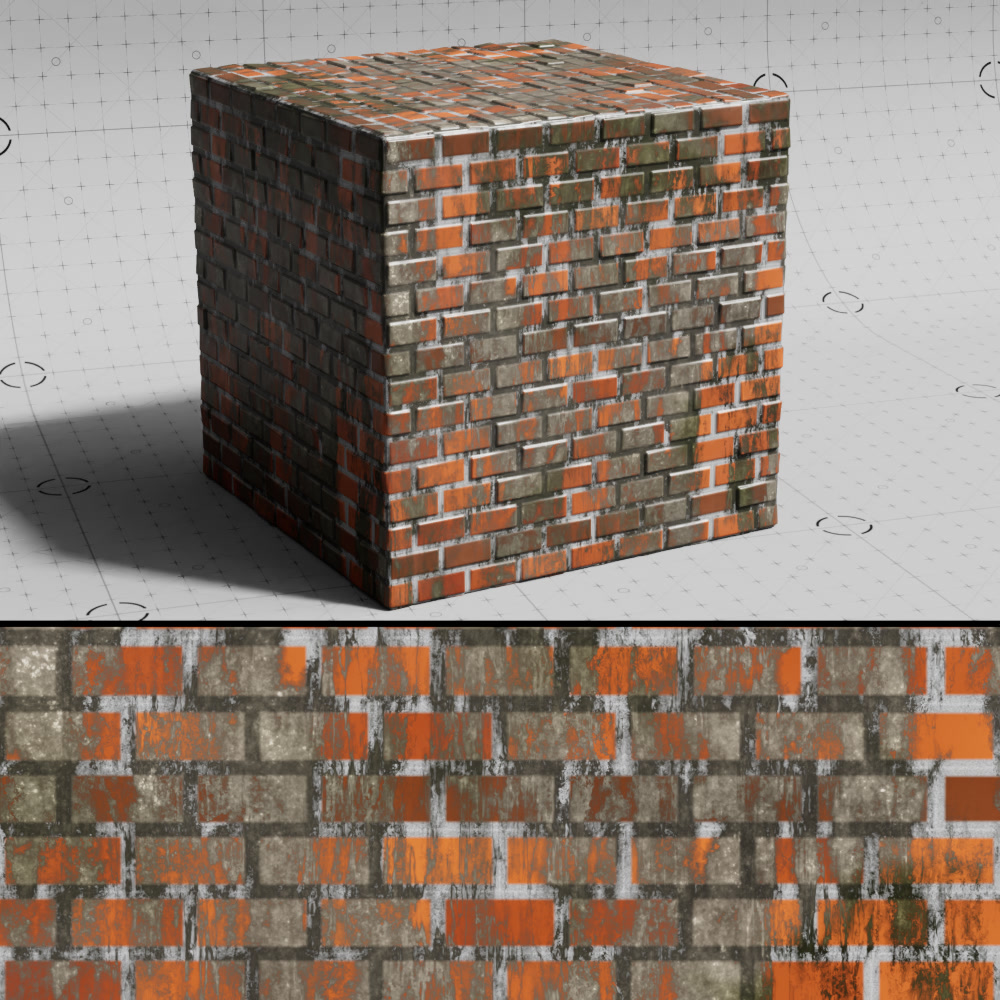
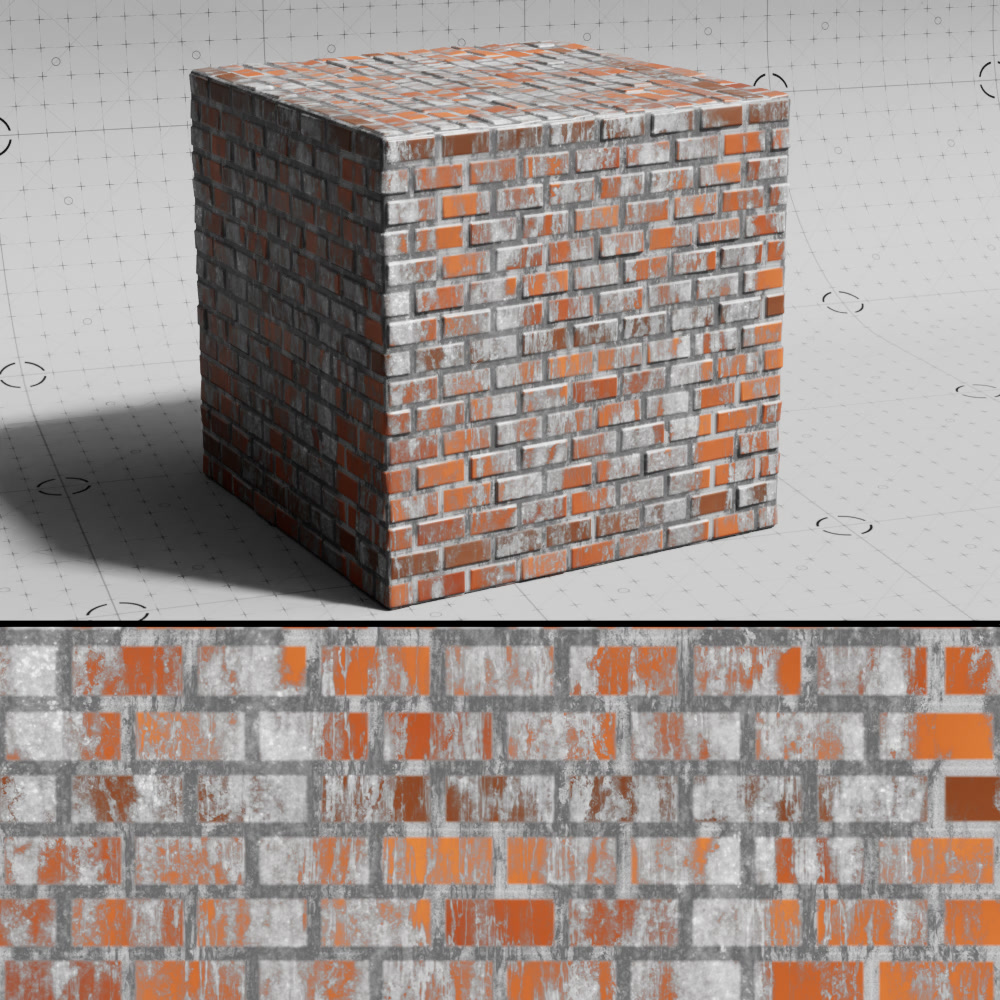
When enabled, a multiply blending operation is applied between the dirt color noise and the dirt color texture.
|
|
| Dirt Multiply with Gradient: Enabled | Disabled |
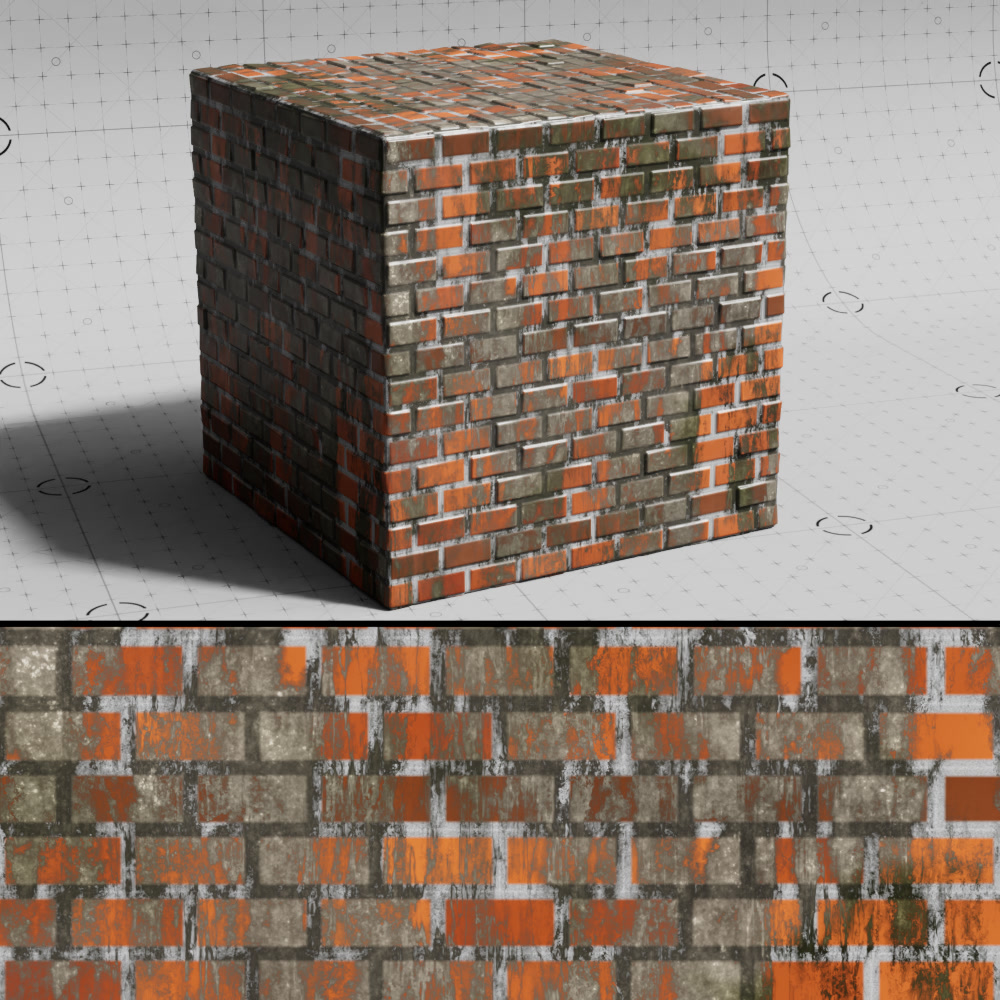
Alpha Invert
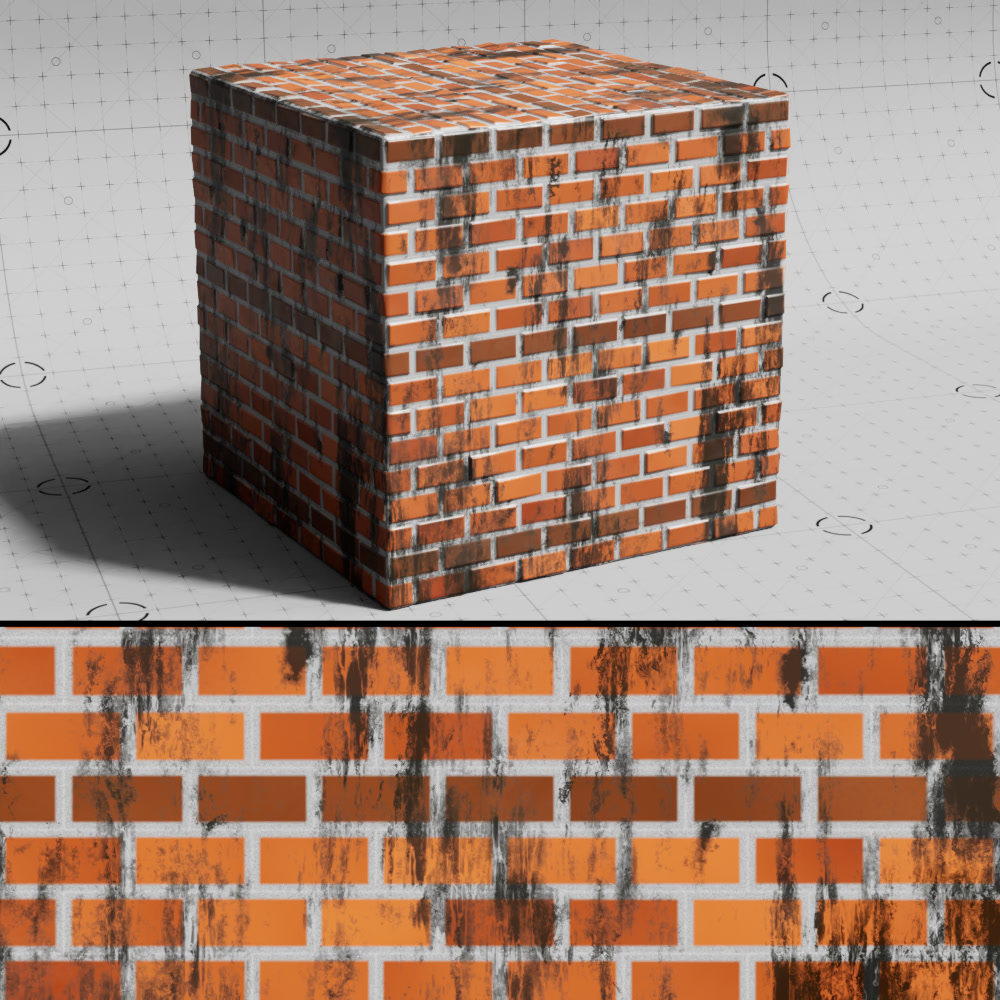
When enabled, inverts the alpha result of the dirt alpha texture.
|
|
| Dirt Alpha Invert: Disabled | Enabled |
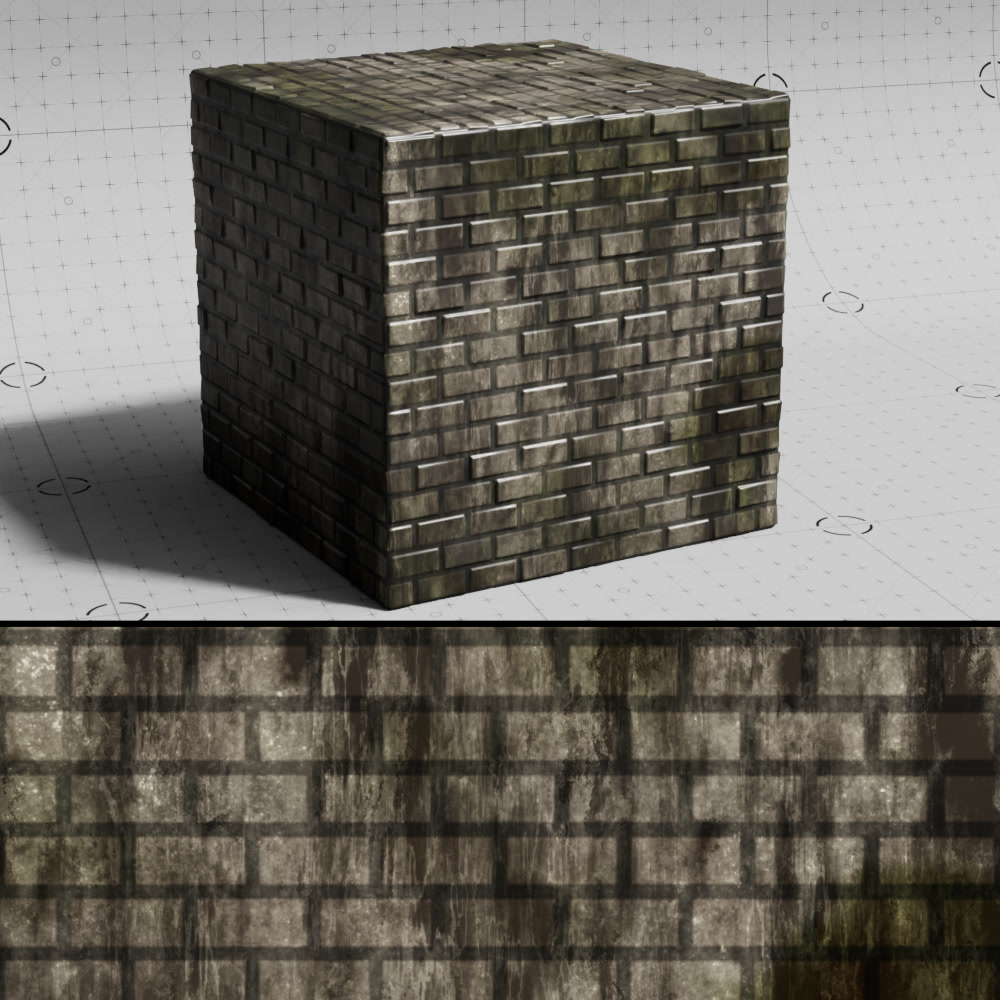
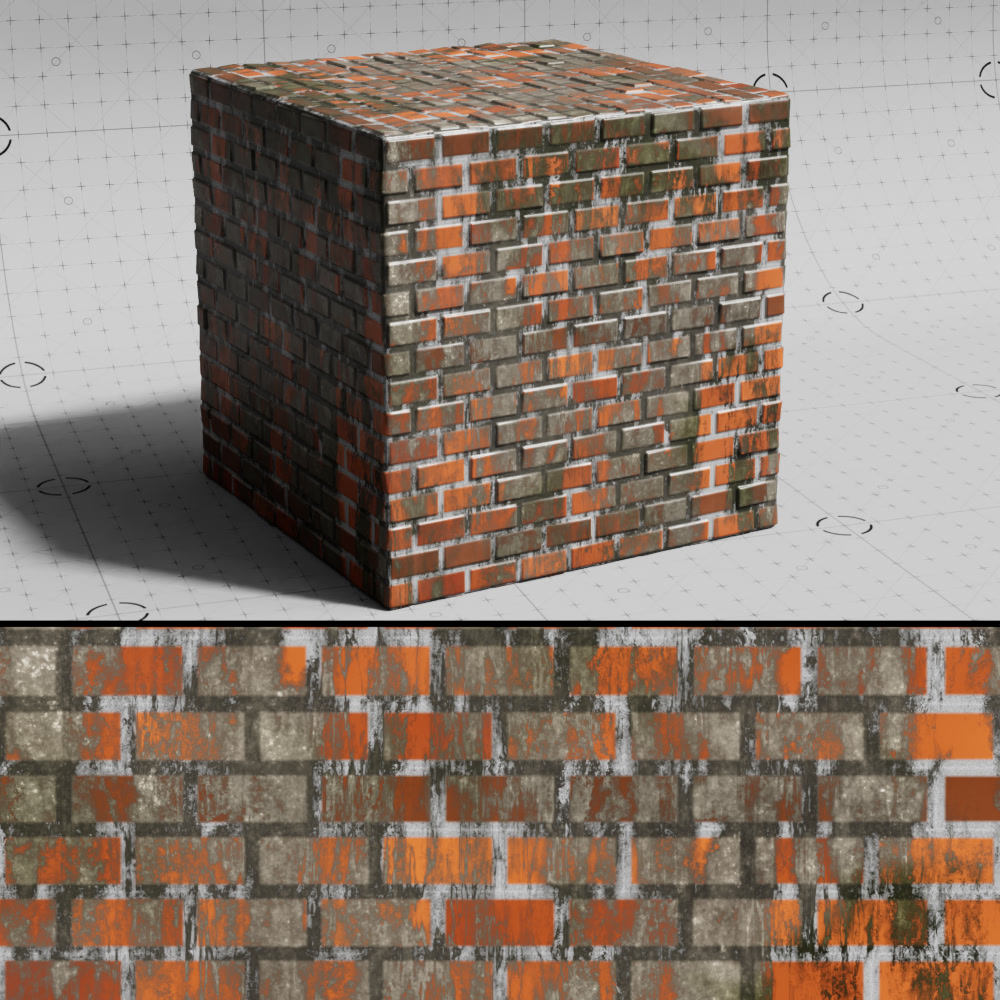
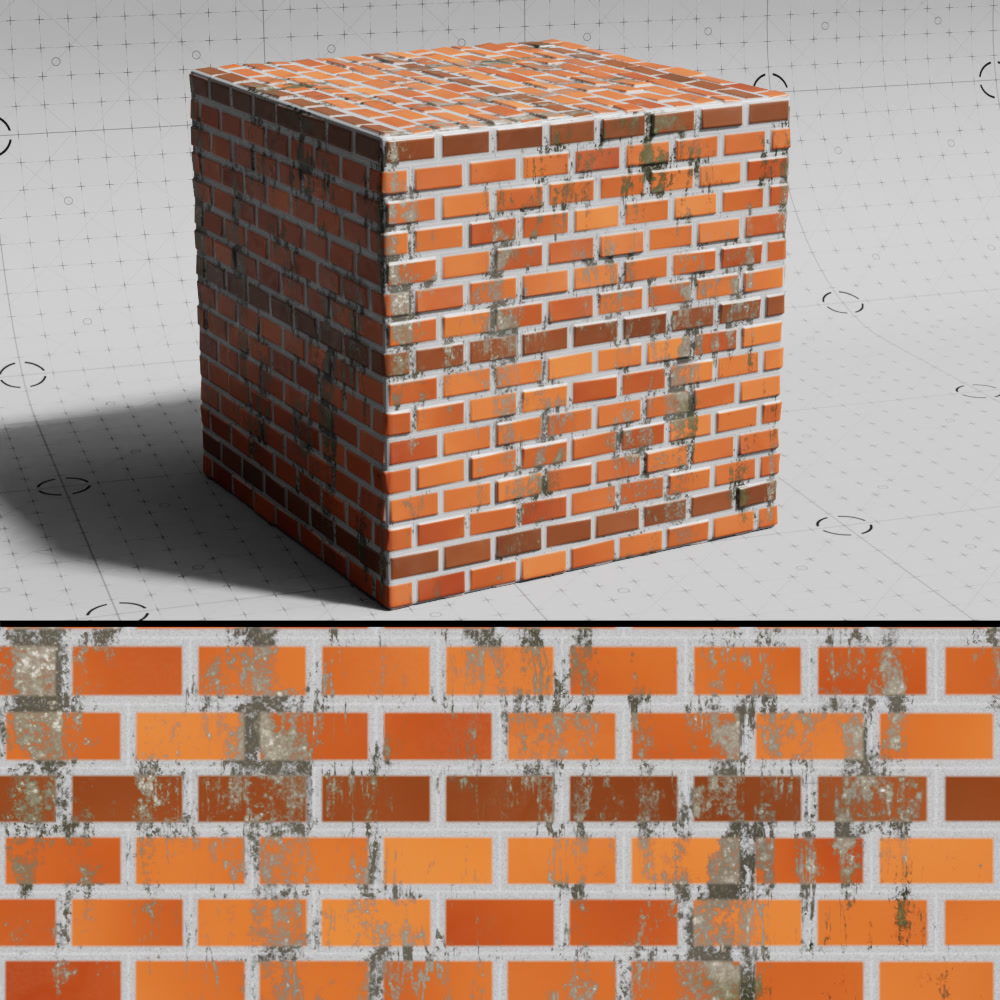
Alpha Contrast
Controls the contrast of the alpha map.
|
|
|
| Dirt Alpha Contrast: 0.2 | 1 (default) | 1.3 |
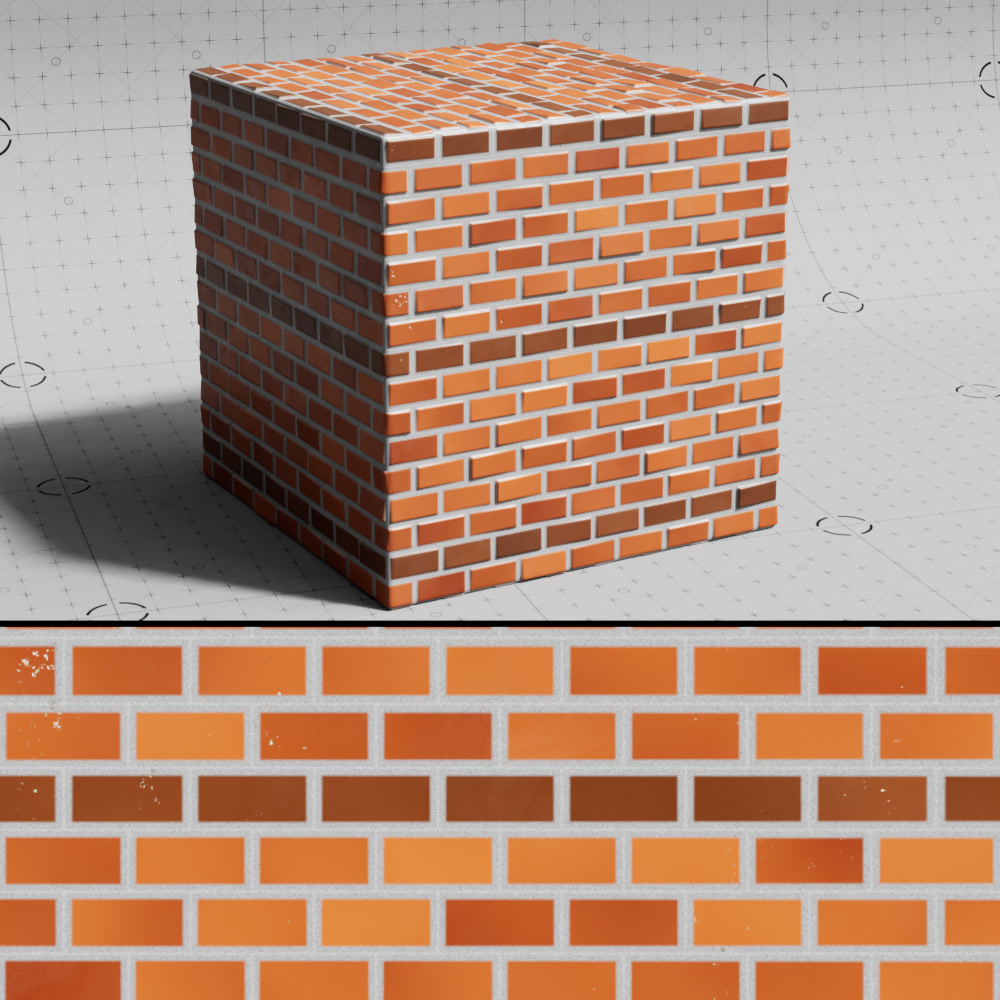
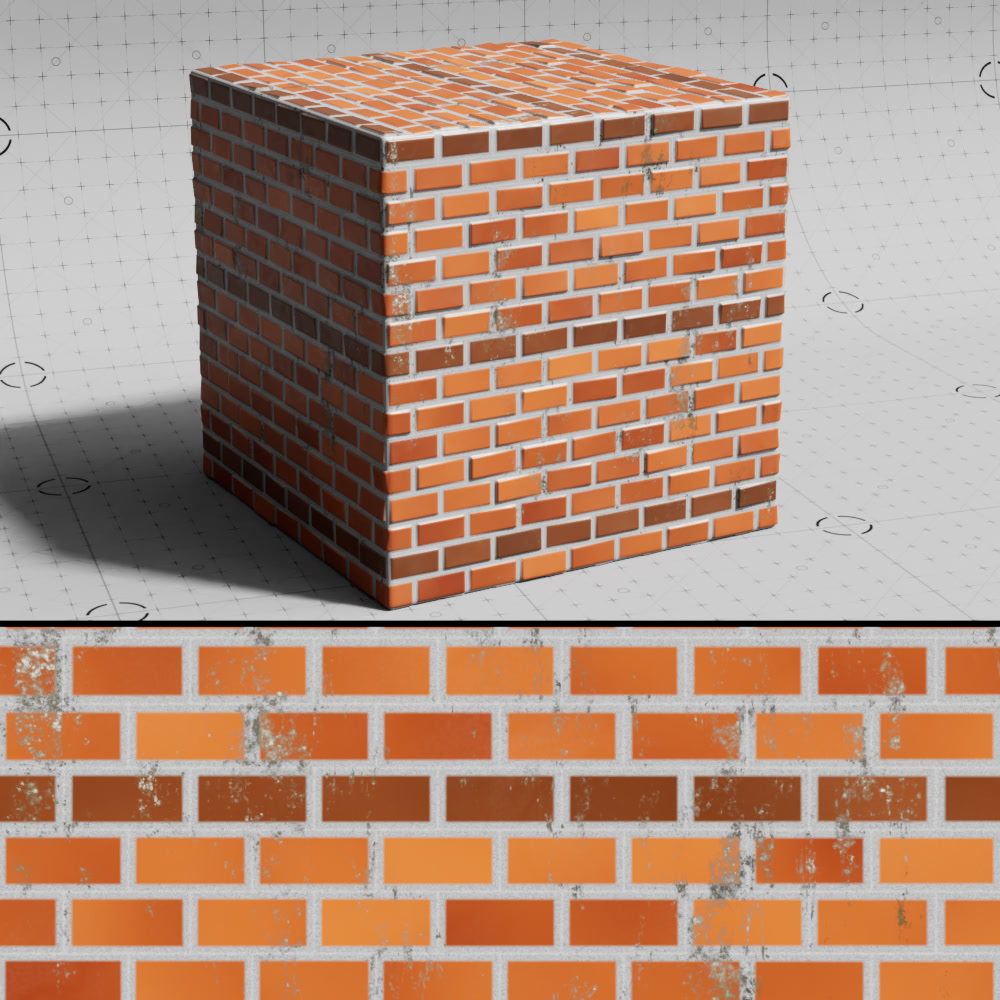
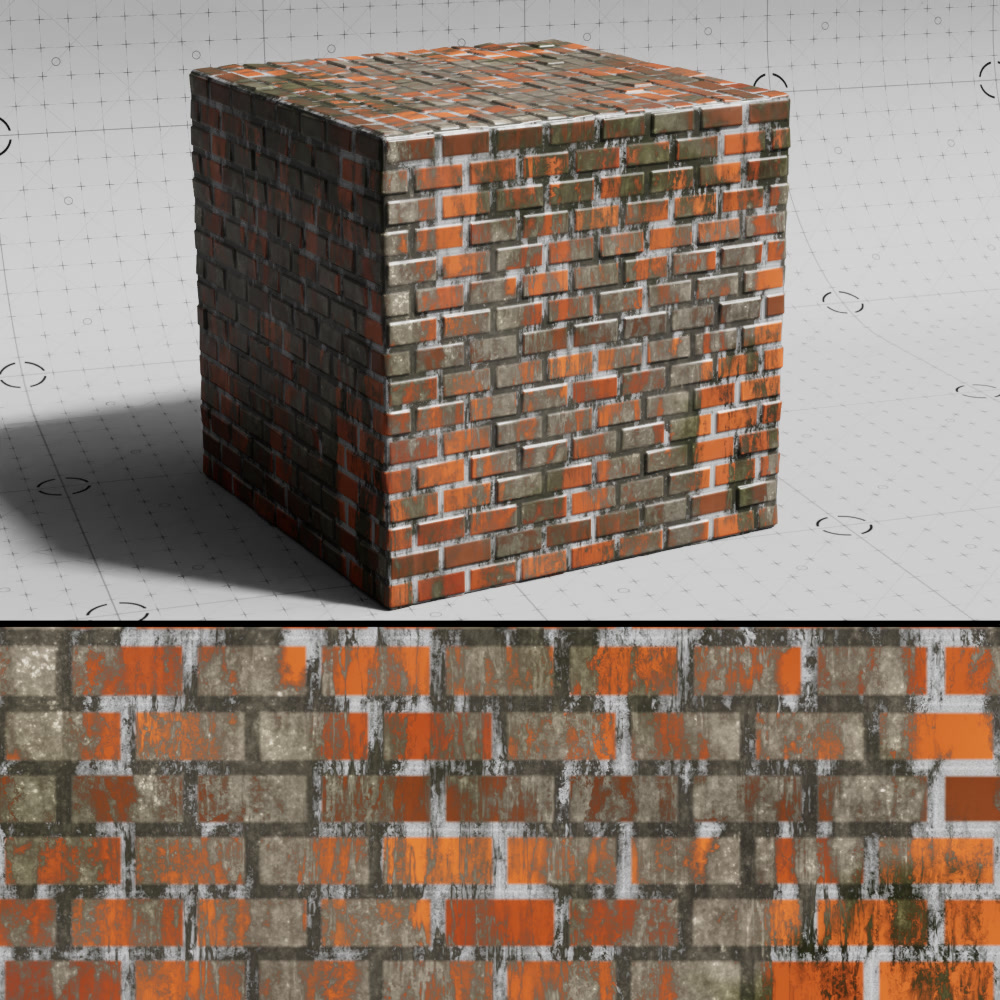
Alpha Bias
Applies a bias to the alpha map.
|
|
|
| Dirt Alpha Bias: 1 (default) | 3 | 4.5 |
Rain
The rain effect only works when a texture is connected to the dirt texture input that controls the dirt alpha mask.
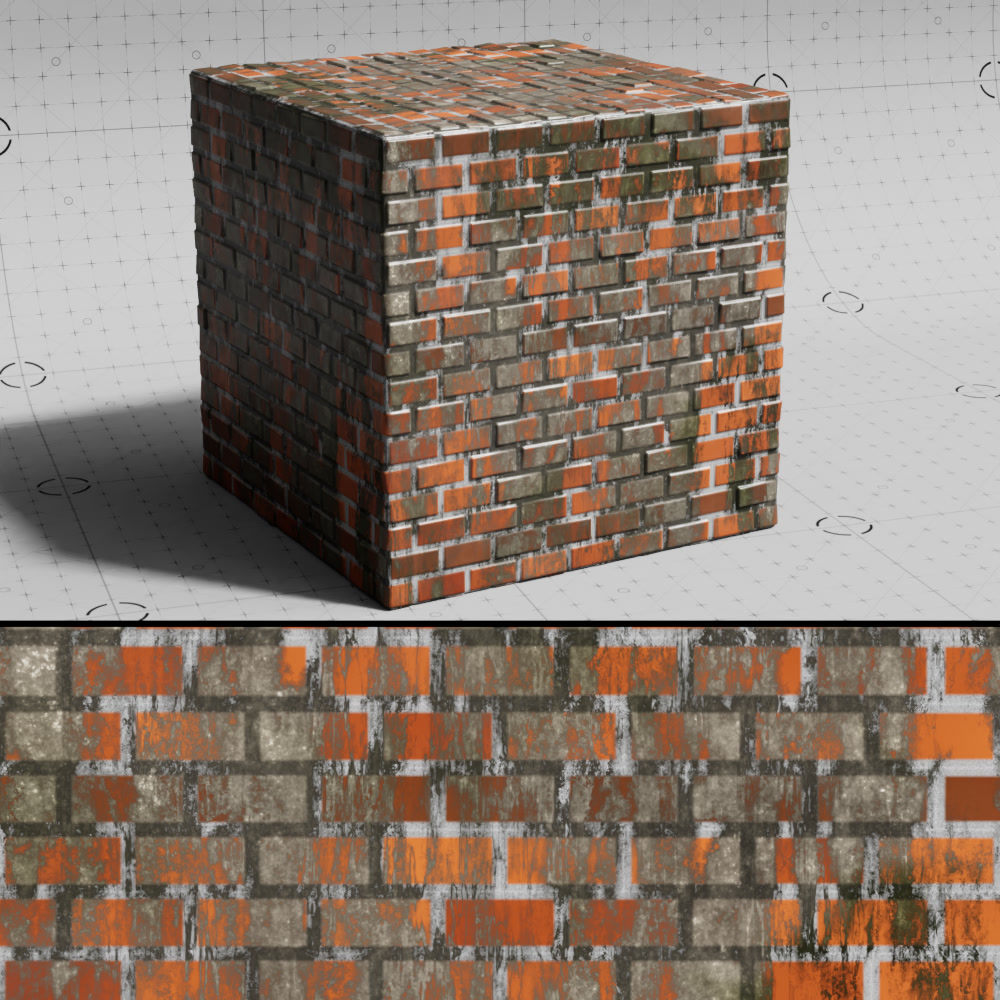
Rain
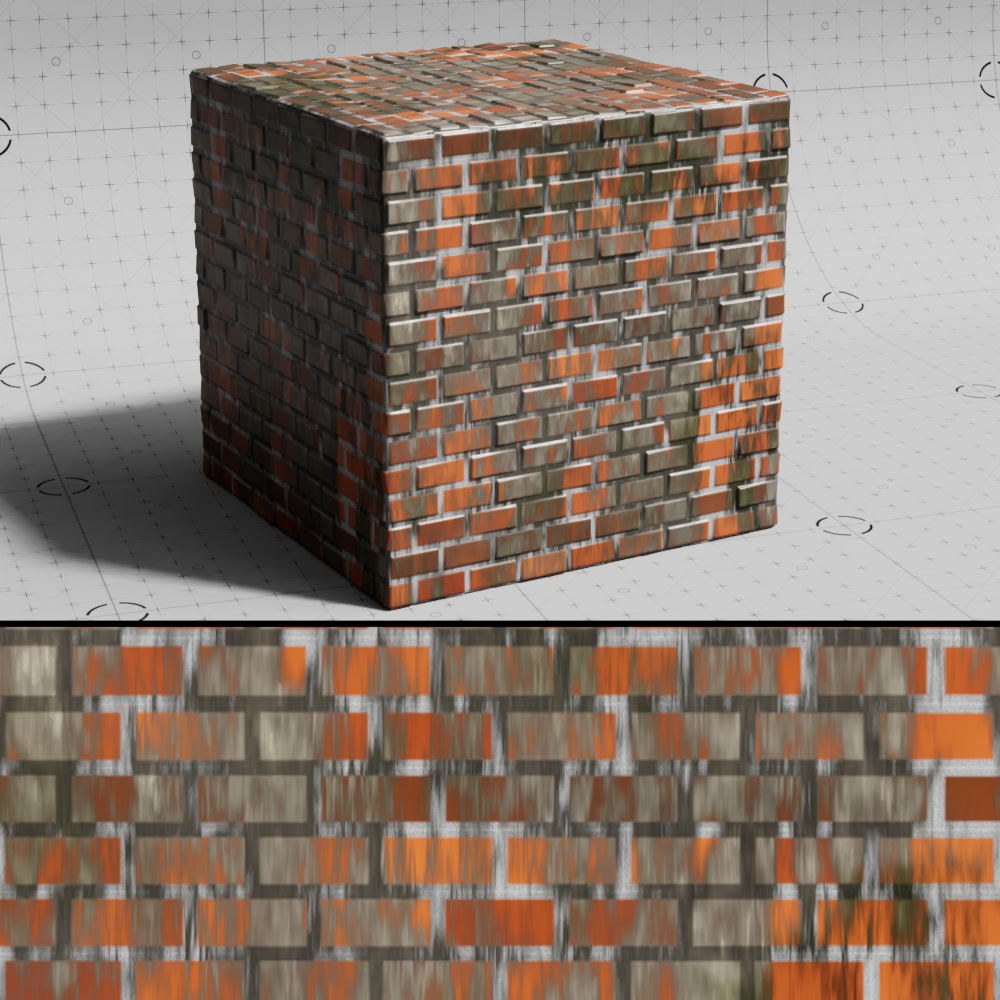
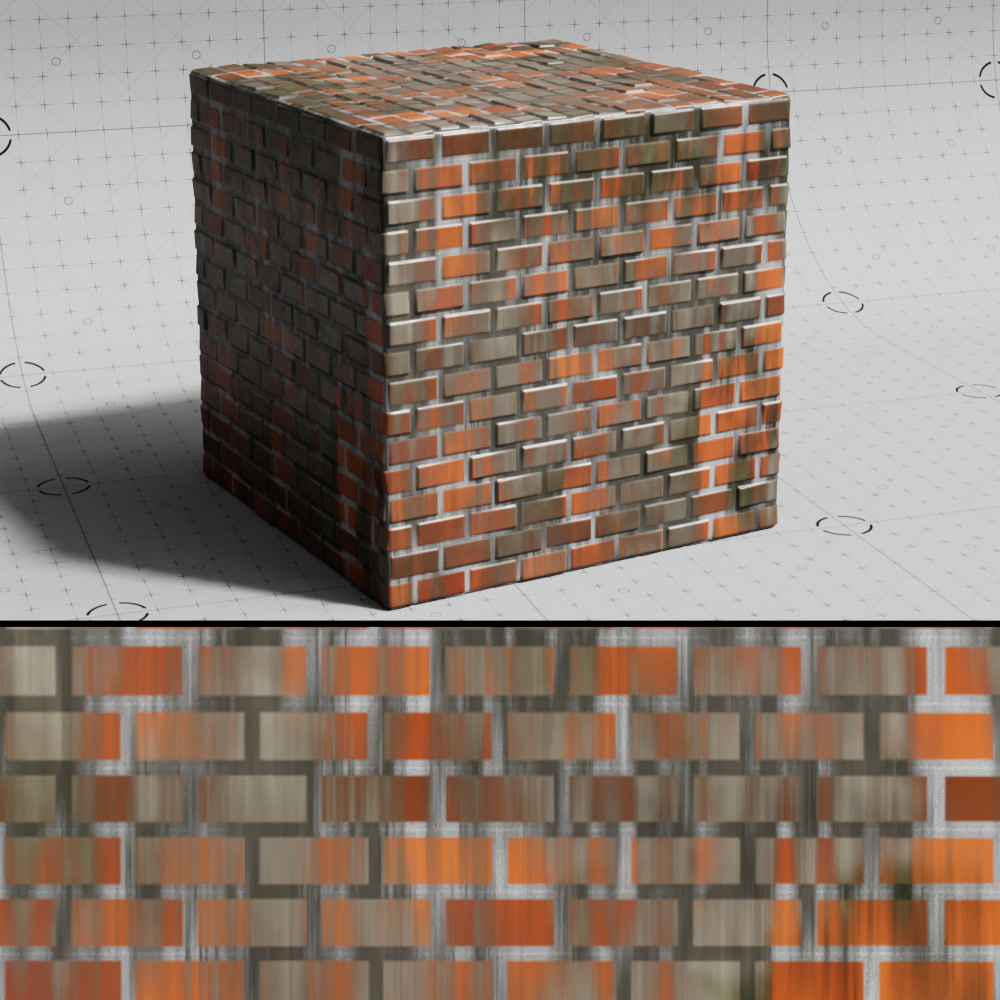
Controls the strength of the rain effect. Higher values result in longer rain streaks while lower values result in shorter rain streaks.
|
|
|
| Rain: 0 (default) | 1 | 5 |
Blur Color Texture
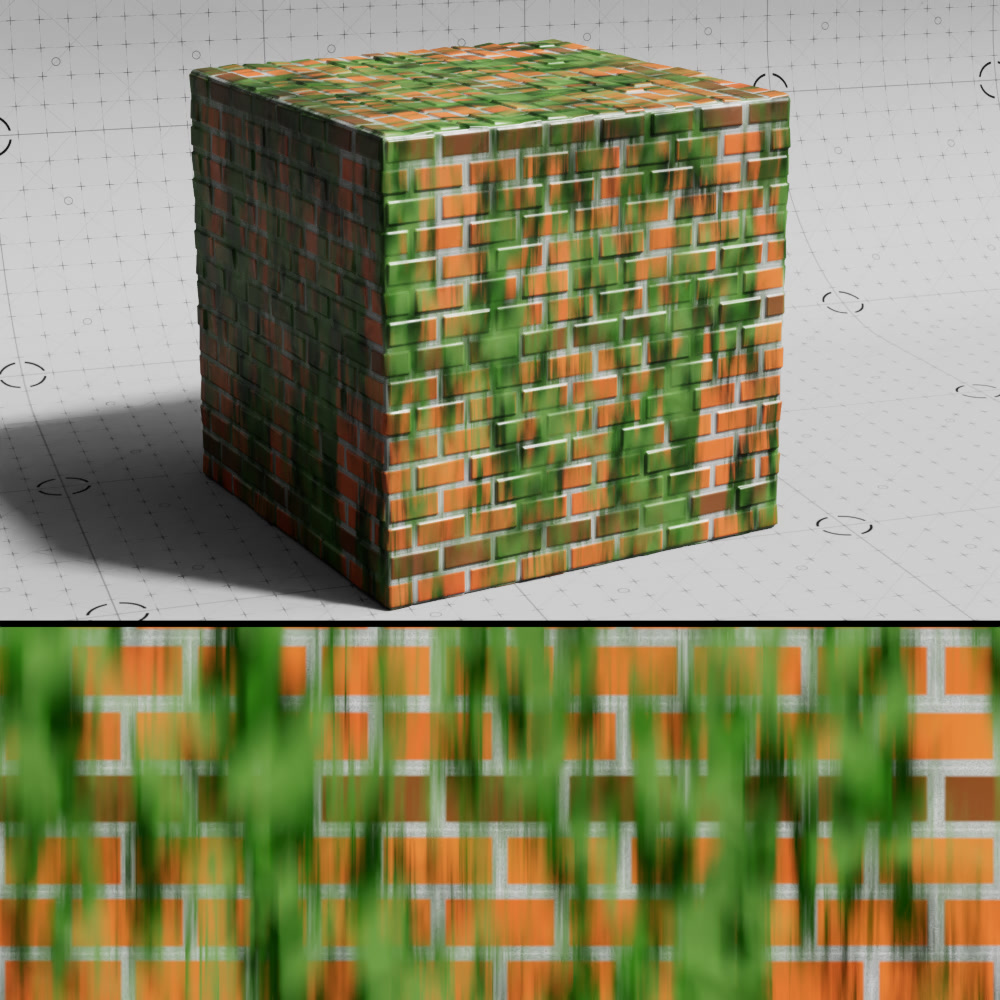
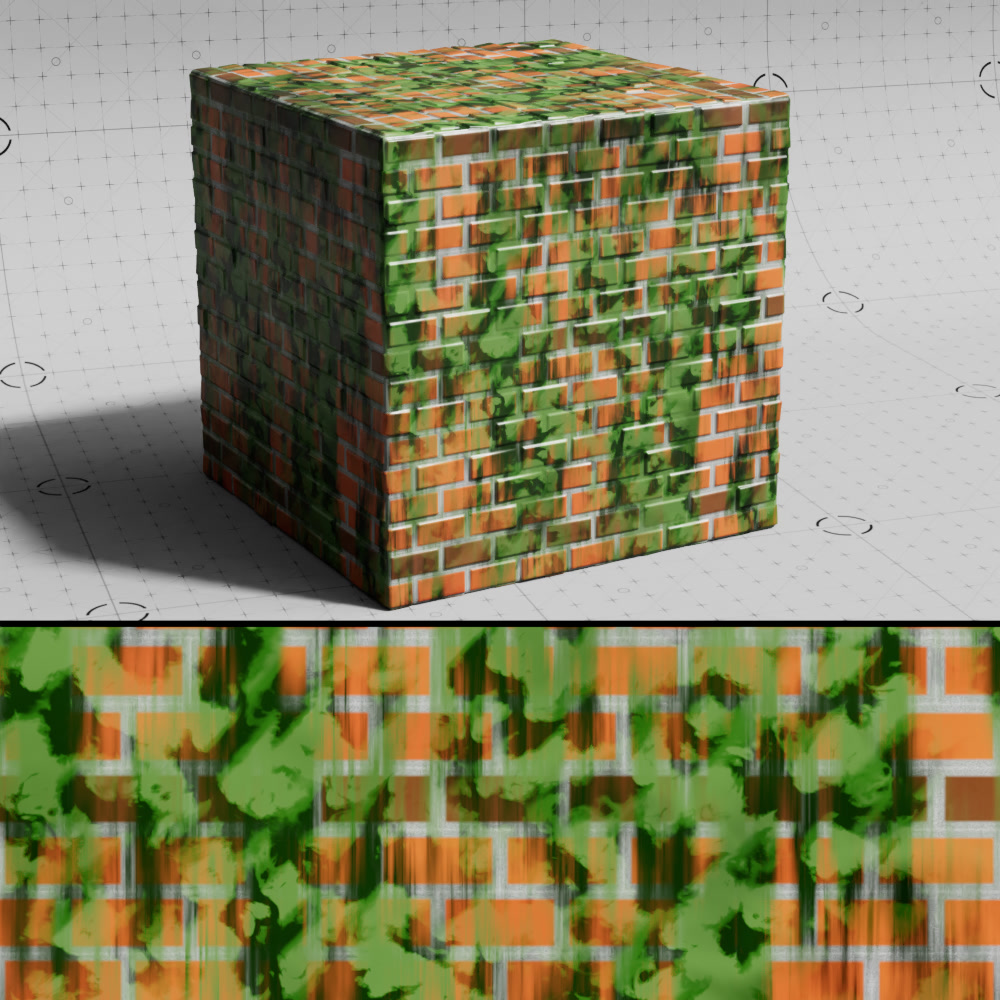
When enabled, the rain effect is applied to the dirt alpha and color textures. When disabled, the rain effect is only applied to the dirt alpha texture which leaves the color texture clear and unblurred.
|
|
| Blur Color Texture: Enabled (default) | Disabled |