

Clouds
|
|
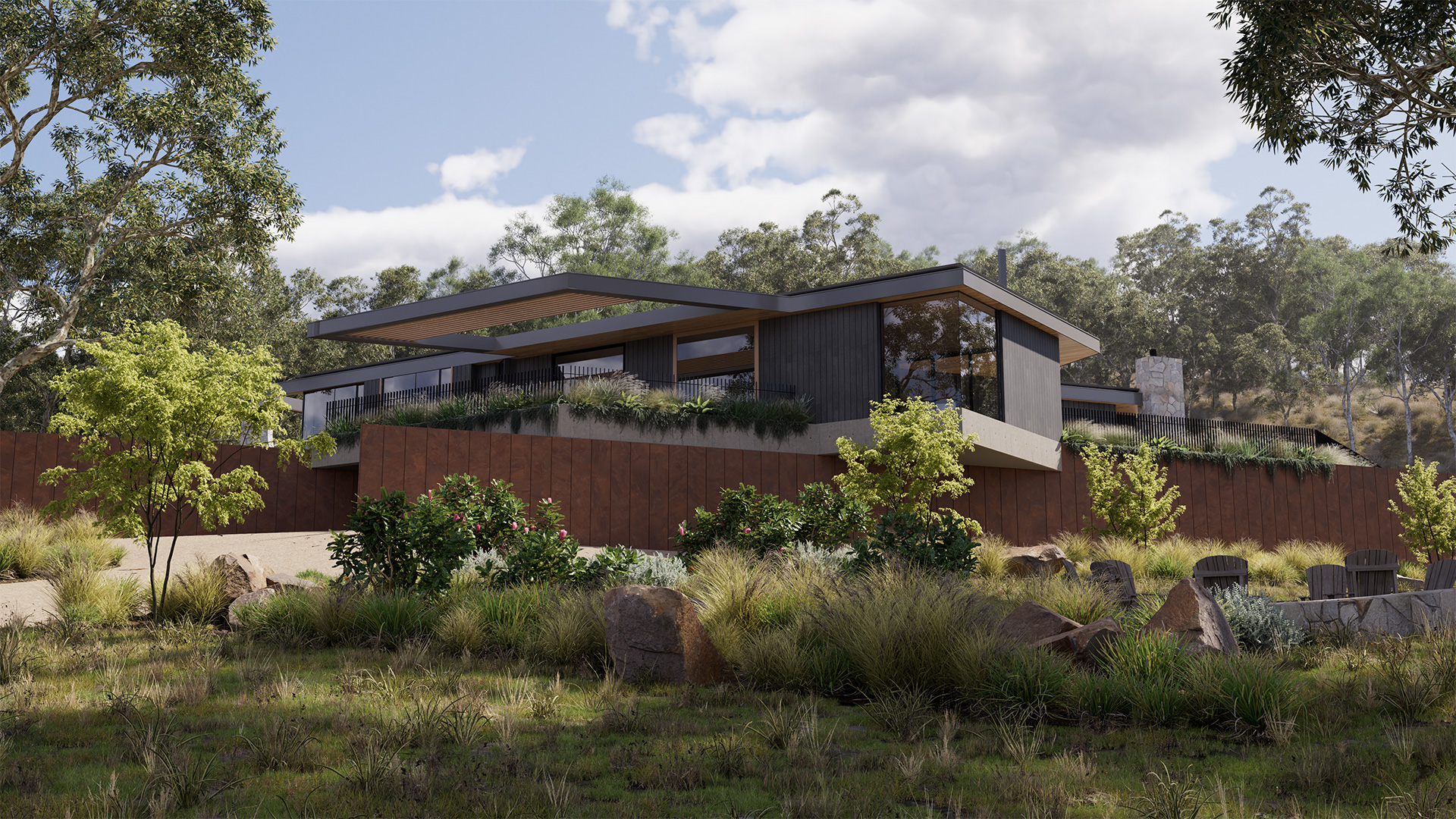
| by Saul Espinosa | Model by Brad Goldsworthy, Lighting and Rendering by Saul Espinosa |
The Redshift Clouds object generates procedural clouds based on noise shaders. The clouds are highly adjustable and can be animated easily with wind speed and wind direction controls.
Fast Clouds vs Volumetric Clouds
There are two modes for rendering clouds, the default mode renders clouds quickly as a background shader, these are referred to as Fast Clouds. The second mode enables real Volumetric Clouds that render much slower, but they allow for full volumetric multi-scattering the same as any other VDB, which allows for more flexibility. This is controlled by the "Volumetric Clouds" option found in the Advanced section, when enabled Volumetric Clouds are used and when disabled Fast Clouds are used.
Since Fast Clouds are rendered as a background shader this means they can never be visible in front of any other object in the scene - they are only rendered when a ray exits the scene. Whereas Volumetric Clouds can be seen in front of objects and have objects rendered behind them, like a skyscraper or mountain pushing up into the clouds.
By default the Clouds are rendered as a special background shader with Volumetric Clouds disabled. This heavily prioritizes performance but limits how the clouds can be used because they can only be seen behind other objects in the scene. Only the Sun & Sky and Dome Lights affect cloud lighting in this mode.
In the example below a massive desk lamp towers above the landscape, it stretches well above the altitude of the clouds. When Volumetric Clouds are disabled the clouds can only ever be seen behind the lamp, and its light cannot affect the clouds. However, when enabled, the clouds envelope the lamp and the light inside scatters through them.

|

|
| Volumetric Clouds: Disabled (default) | Enabled |
| Lamp model by Pavel Zoch and scene by Derya Öztürk-Prehn | |
- Fast Clouds
- Pros
- Fast
- High quality
- Cons
- Only visible in the background, making them ideal for a distant sky
- Only Sun & Sky and Dome Lights can affect them
- Pros
- Volumetric Clouds
- Pros
- Full scene interaction
- Visible in foreground and background
- All lights can affect them
- Cons
- Slow
- Pros
Limitations
Only one Cloud object can be rendered at a time. It is possible to create multiple Cloud objects and switch between them to trial different setups, but only one is rendered.
Camera Clipping
When using Volumetric Clouds the camera's clipping planes affect the visibility of the clouds, so make certain that your far clip plane extends far enough for the clouds to be visible into the distance. Fast Clouds are not affected by the camera clip planes.
In this example, the far clip plane is animated from near to far. Note how the visibility of the clouds is affected the same way the terrain is when using Volumetric Clouds, meanwhile Fast Clouds are always visible.
| Fast Clouds |
Volumetric Clouds |