
UV Projection
Please use the UV Context Projection node instead, it offers more features and is much more powerful.
Introduction
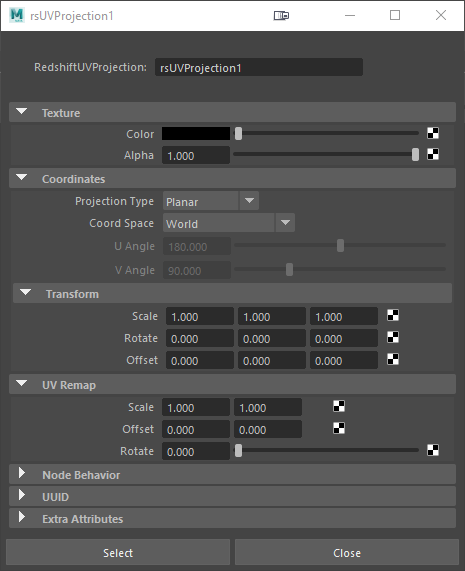
This node is useful for quick 3D projections of 2D textures onto objects with customizable placement.
|
Texture
Color
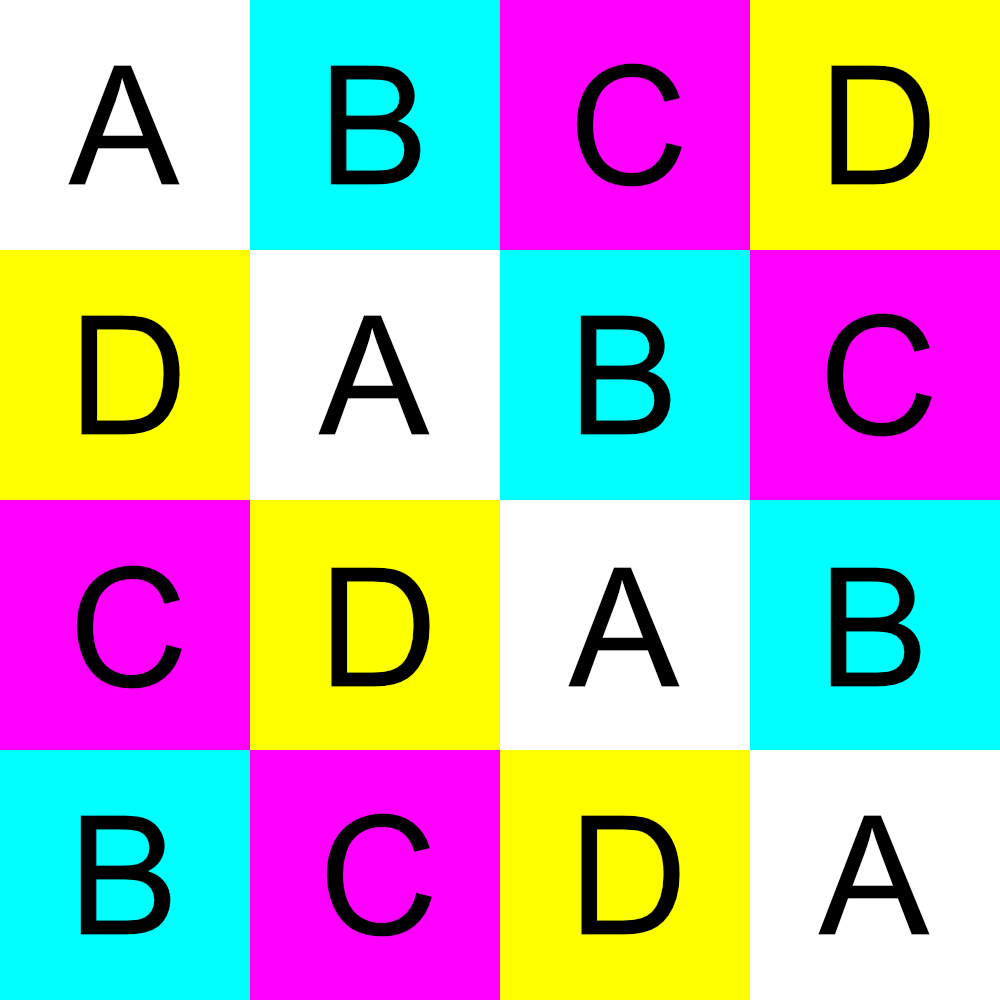
Connect your texture or select a color here.
|
|
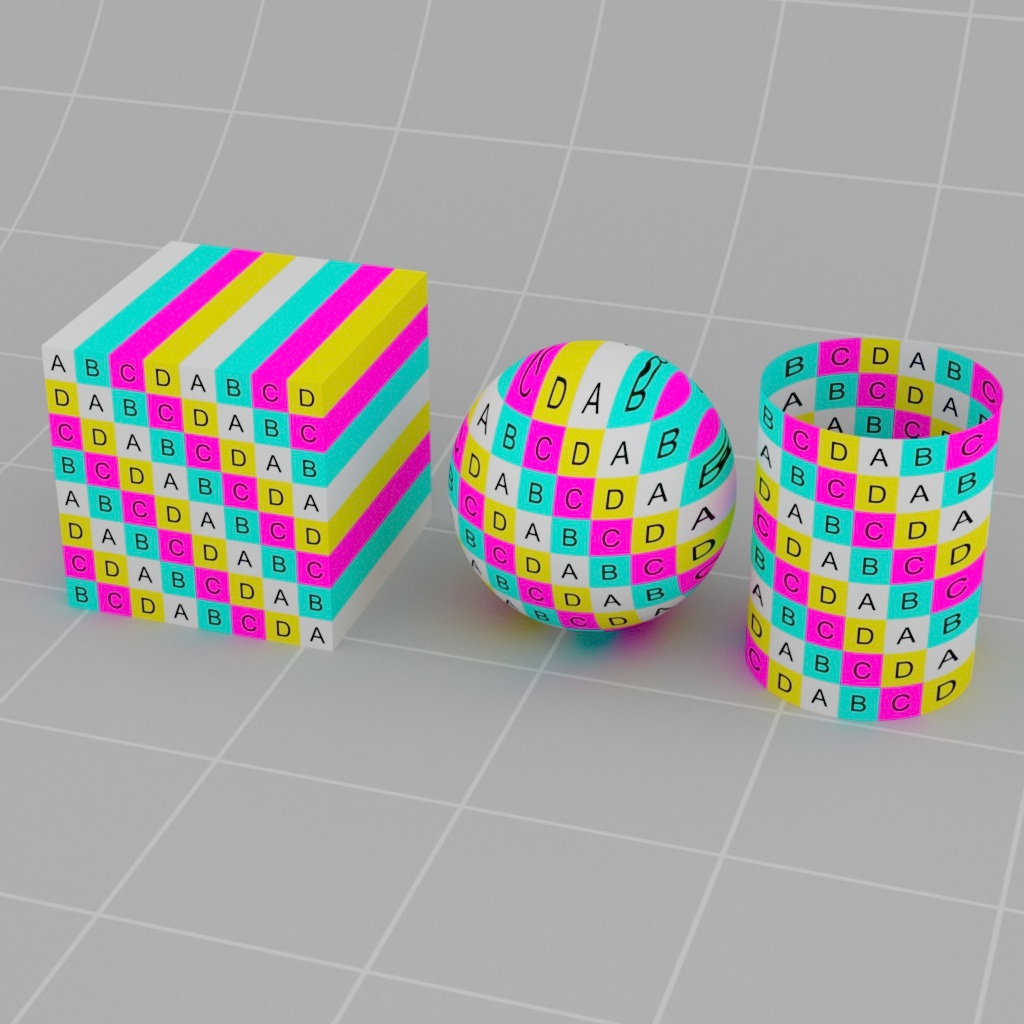
| Source texture | Projection result |
Coordinates
This section controls the type of 3D projection and the transform parameters of said projection.
Projection Type
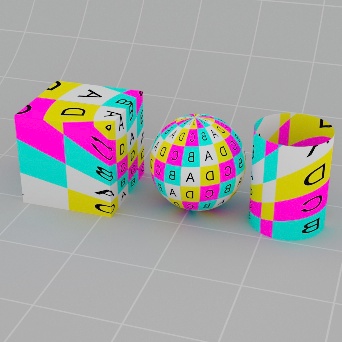
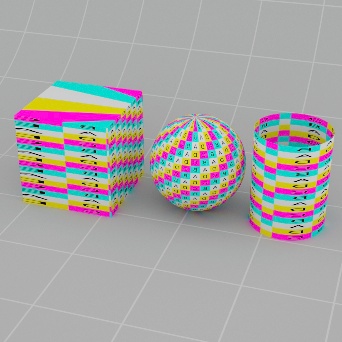
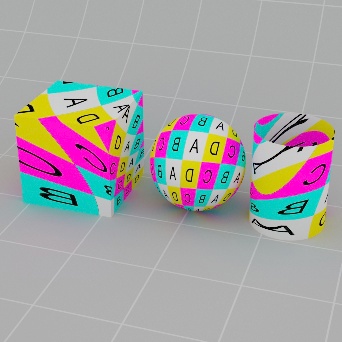
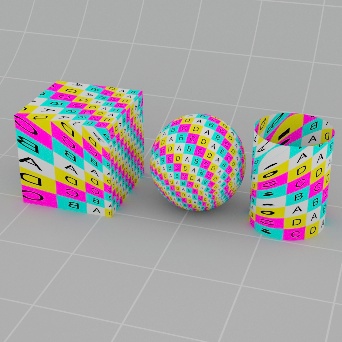
This option sets the projection style from the following types:
- Planar - projects the texture on an object from a planar surface.
- Spherical - projects the texture from the inside of a sphere onto an object.
- Cylindrical - projects the texture from the inside of a cylider onto an object.
- Ball - projects the texture from the inside of a ball onto an object.
- Cubic - projects the texture from the inside of a cube onto an object.
If you need to planar project a texture on each axis please see the Tri Planar node instead.
|
|
|
|
|
|
Projection Type: Planar Coord Space: World |
Spherical |
Cylindrical |
Ball |
Cubic |
|
|
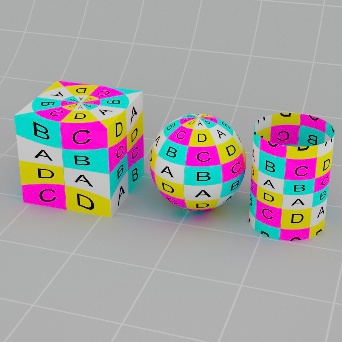
|
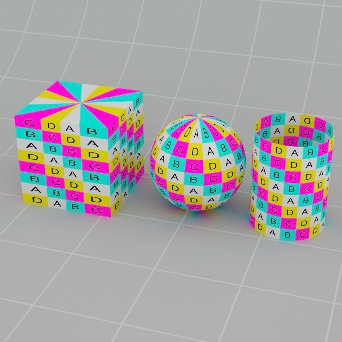
|
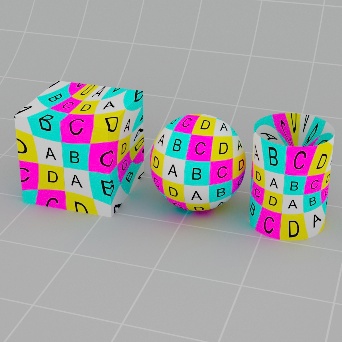
|
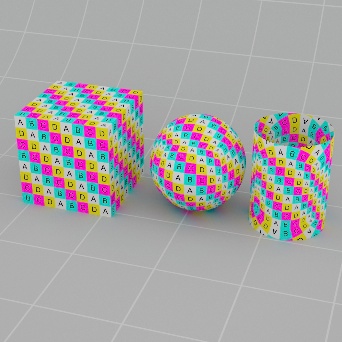
|
|
Projection Type: Planar Coord Space: Object |
Spherical |
Cylindrical |
Ball |
Cubic |
Coord Space
This sets the projection coordinate space type. The options are as follows:
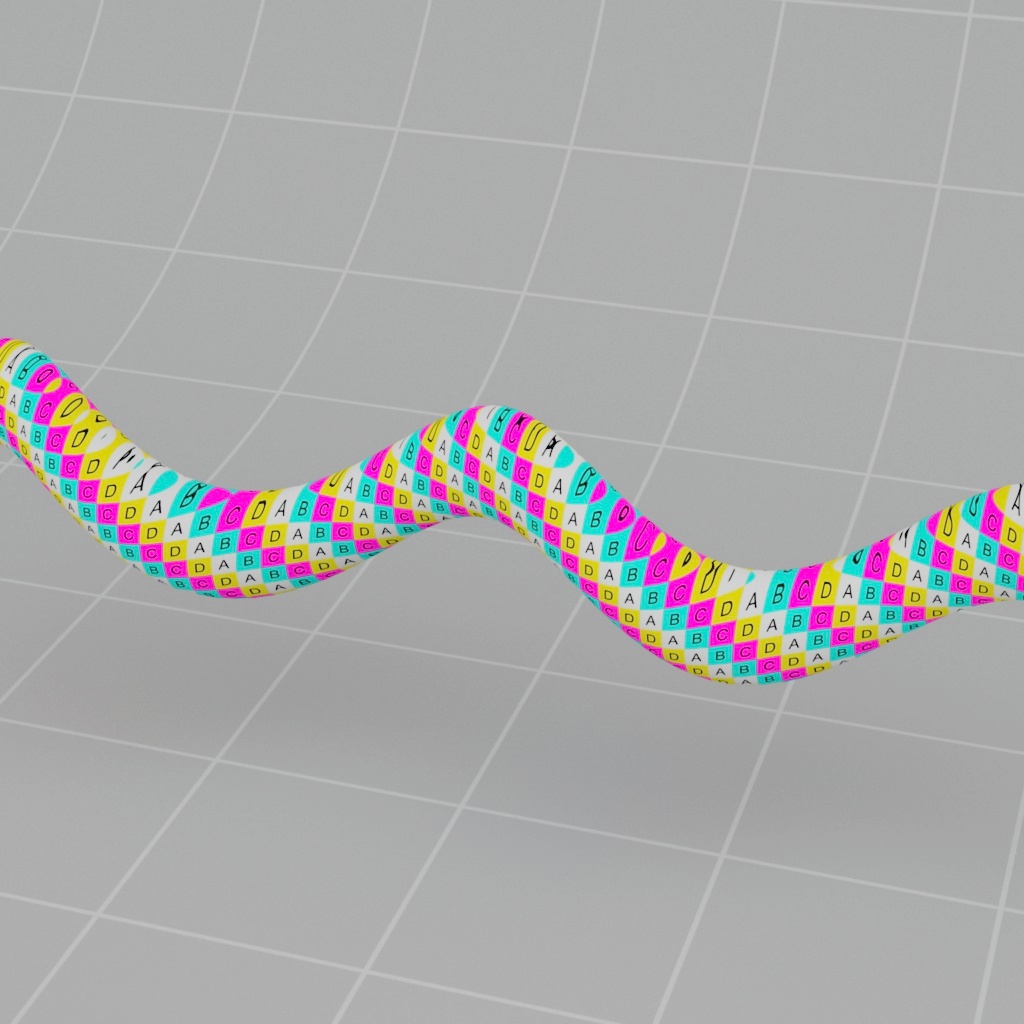
- World - uses the world-space coordinates that are being shaded. This option will result in texture projection 'swimming' if the object moves or is instanced.
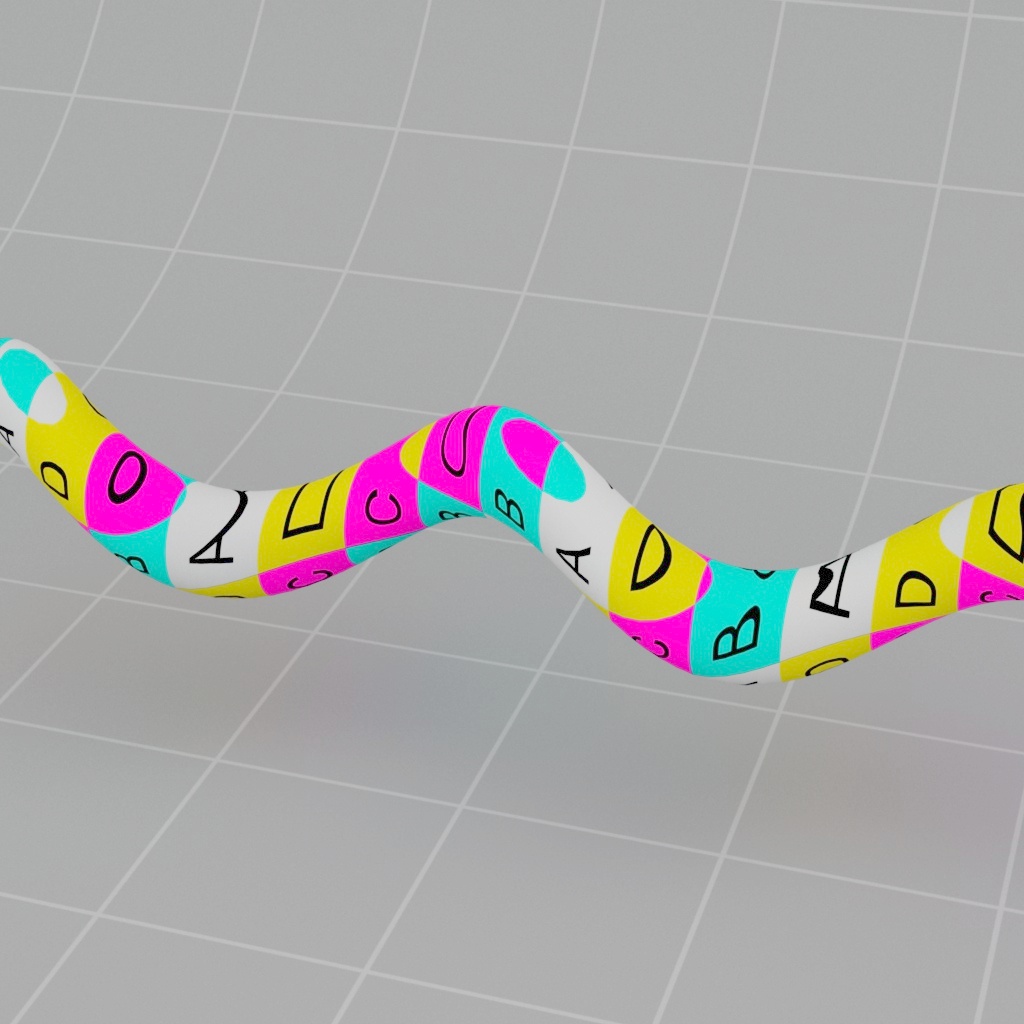
- Object - uses the object-space coordinates that are being shaded. This option undoes the world transform to lock the coordinates to the local object space, resulting in no texture projection swimming when the object moves or is instanced.
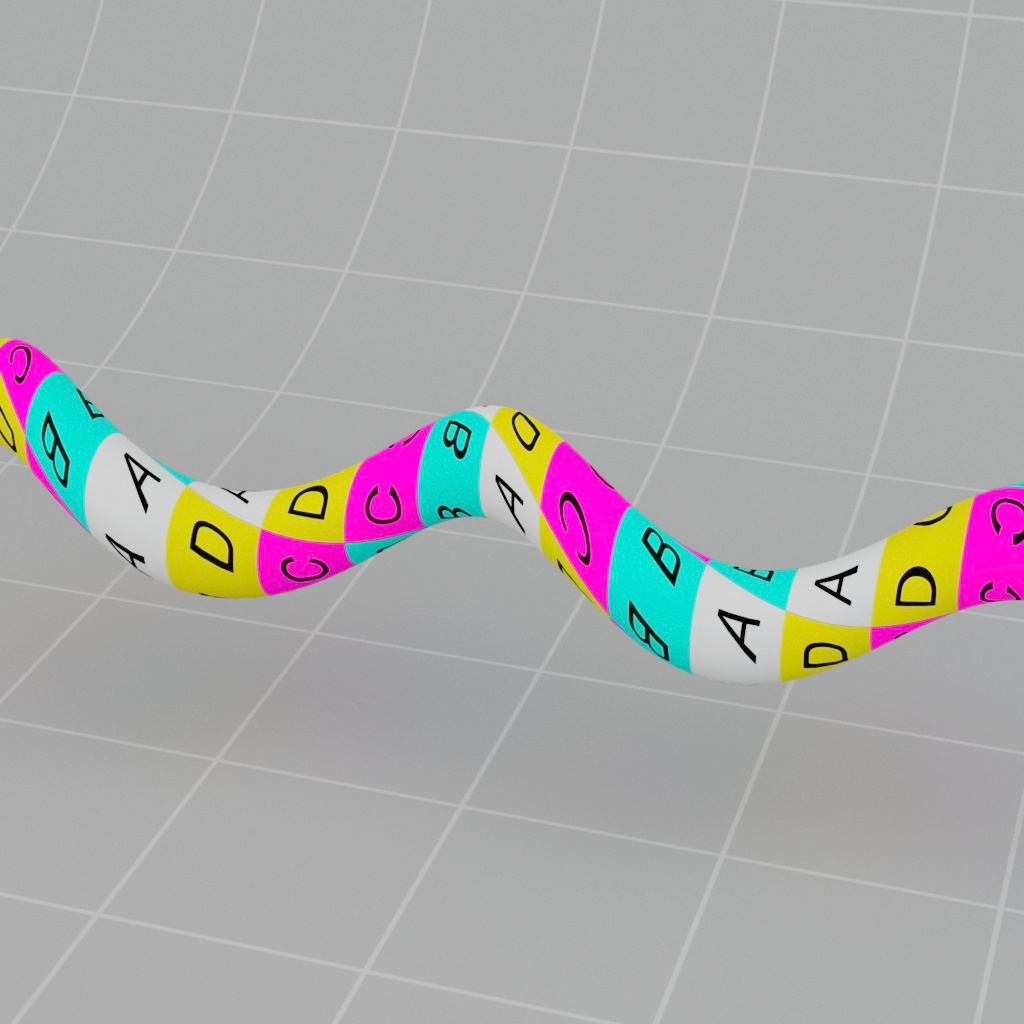
- Reference - uses the object reference pose coordinates, if available. This option results in no texture projection swimming when the object moves, is instanced or is deformed.
|
|
|
| Coord Space: World | Object | Reference |
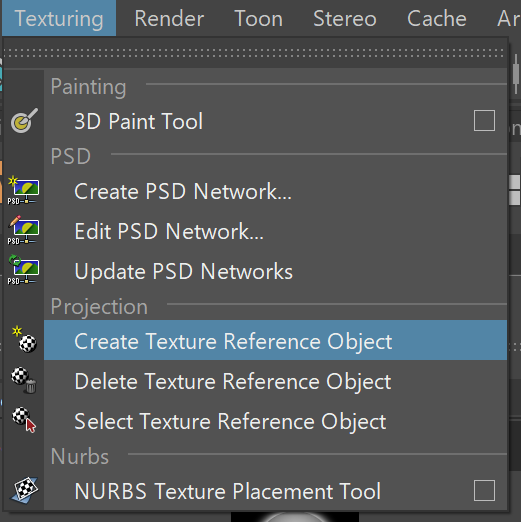
Create a Texture Reference Object in Maya to get Reference mode to work.
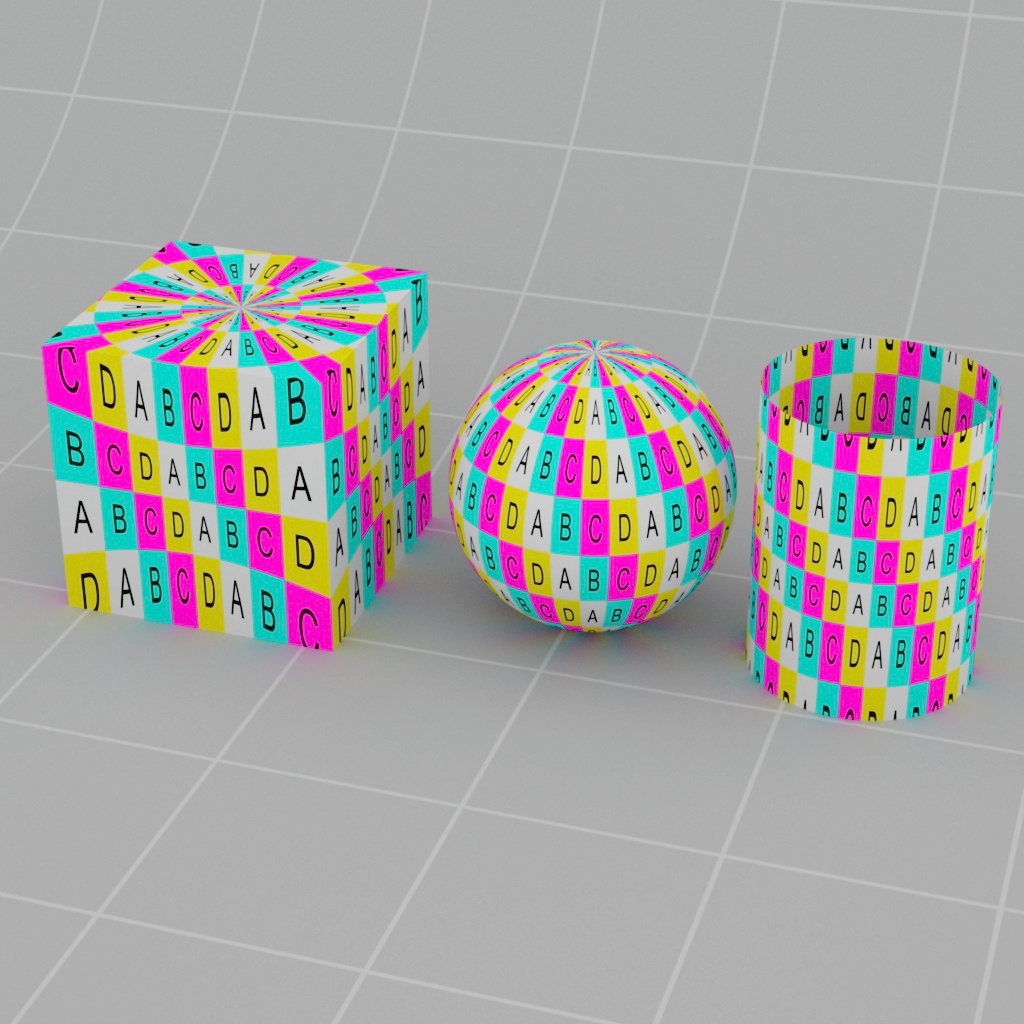
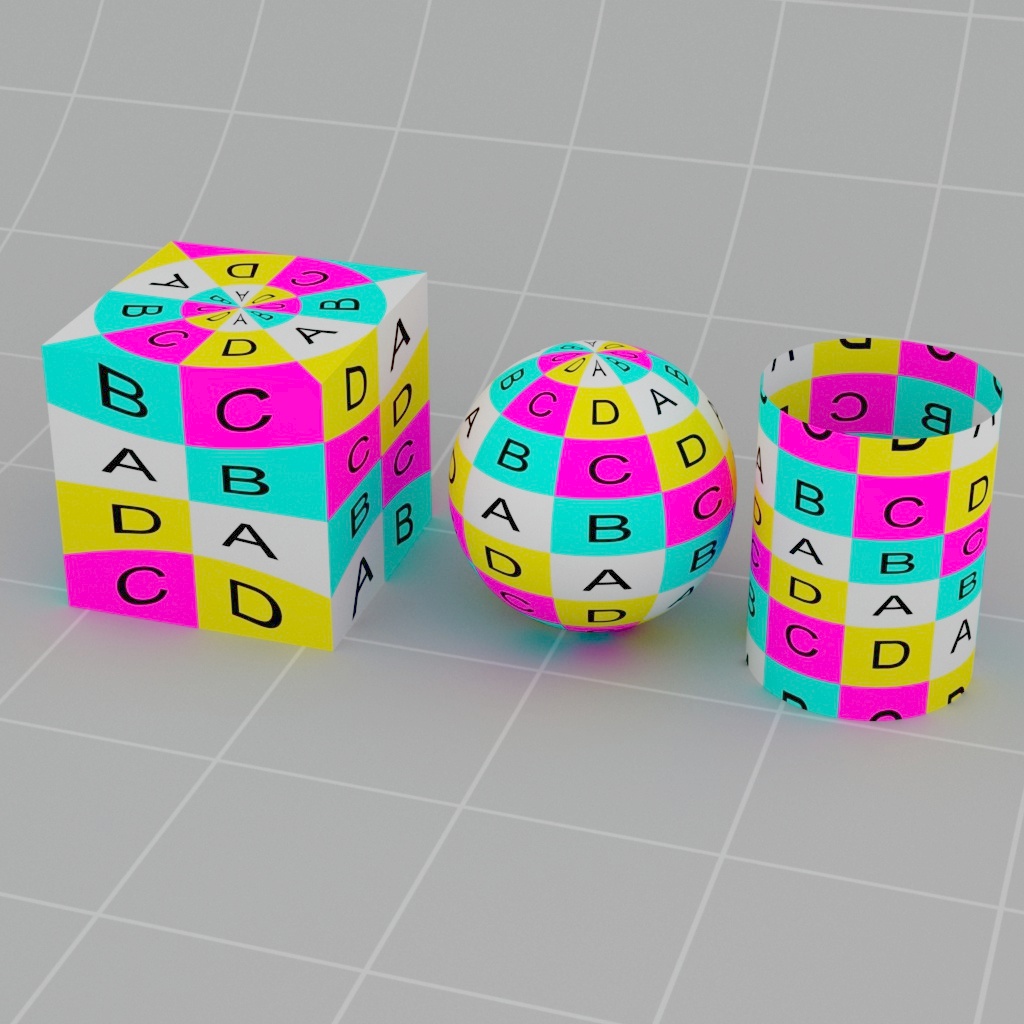
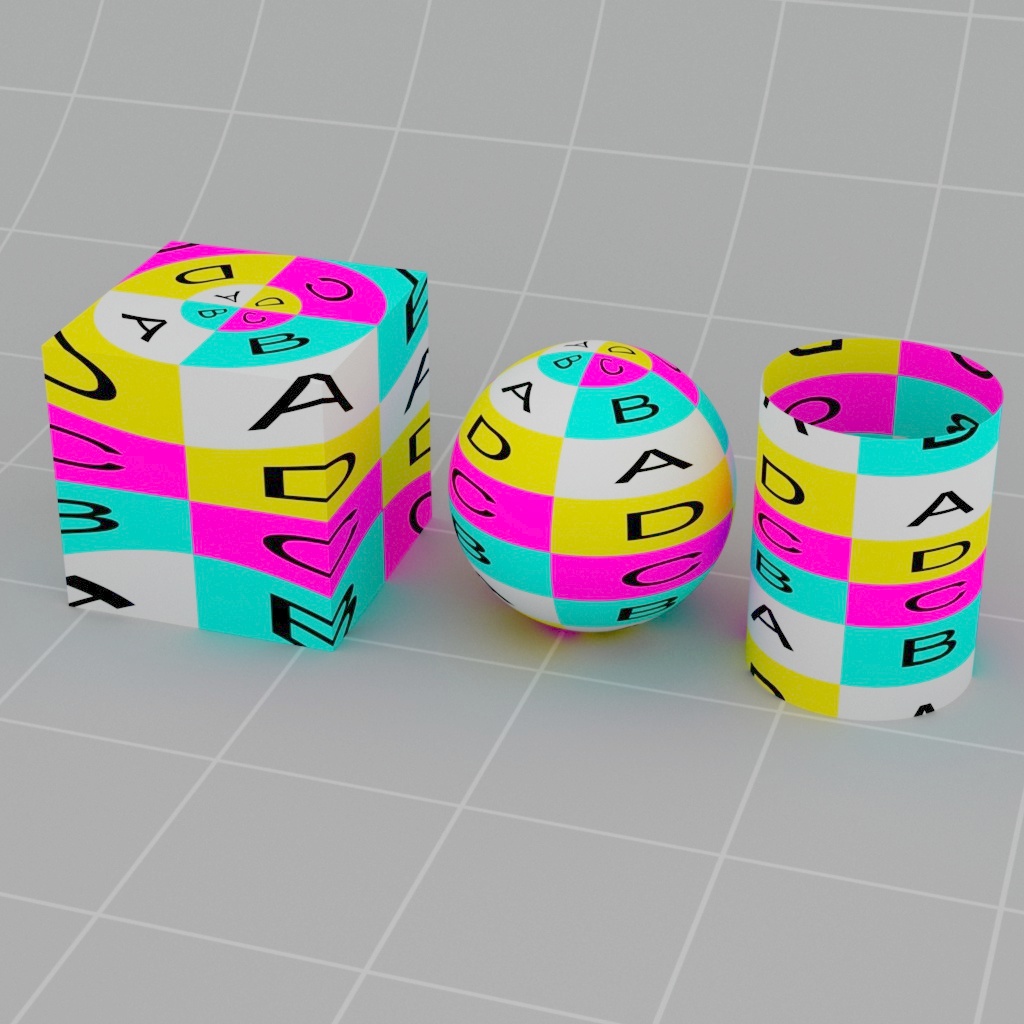
U Angle
Changes the U angle projection value for cylindrical and spherical projection types.
|
|
|
| U Angle: 45 | 180 (default) | 360 |
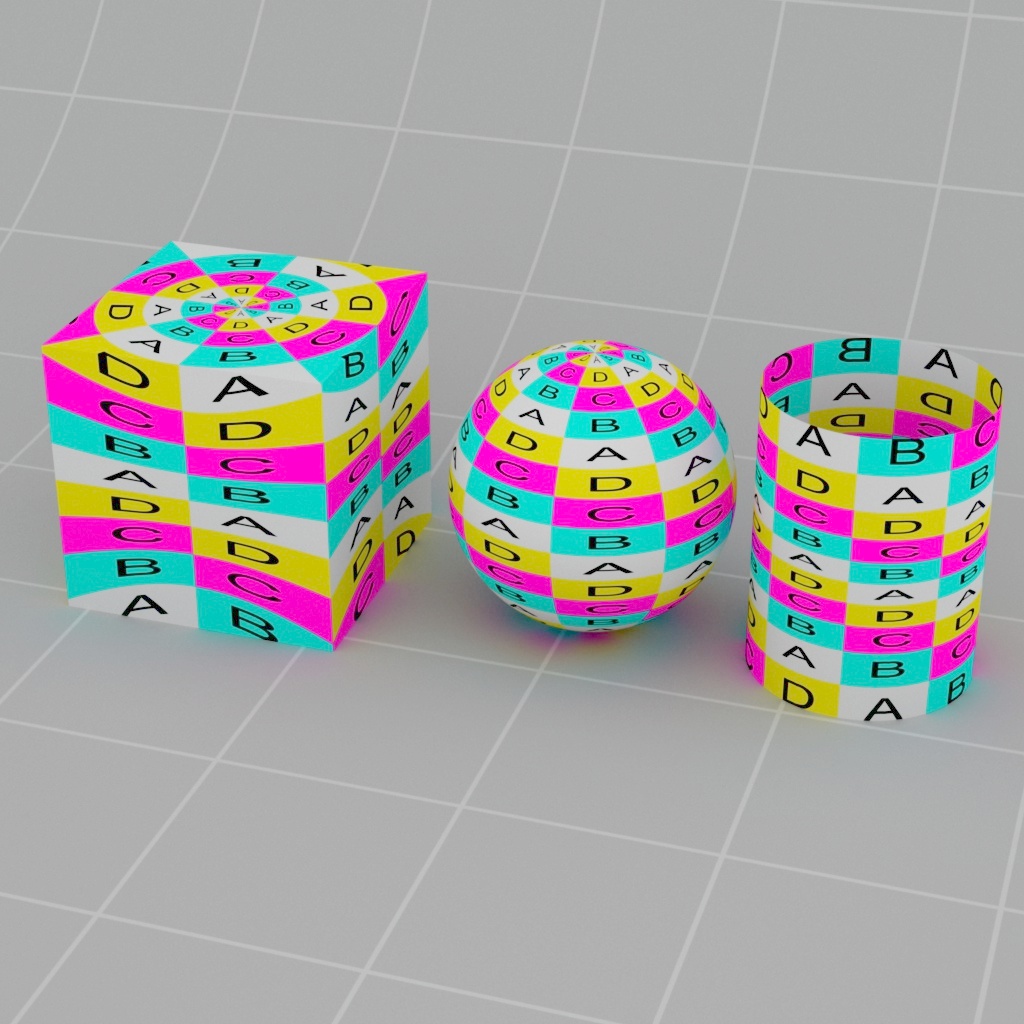
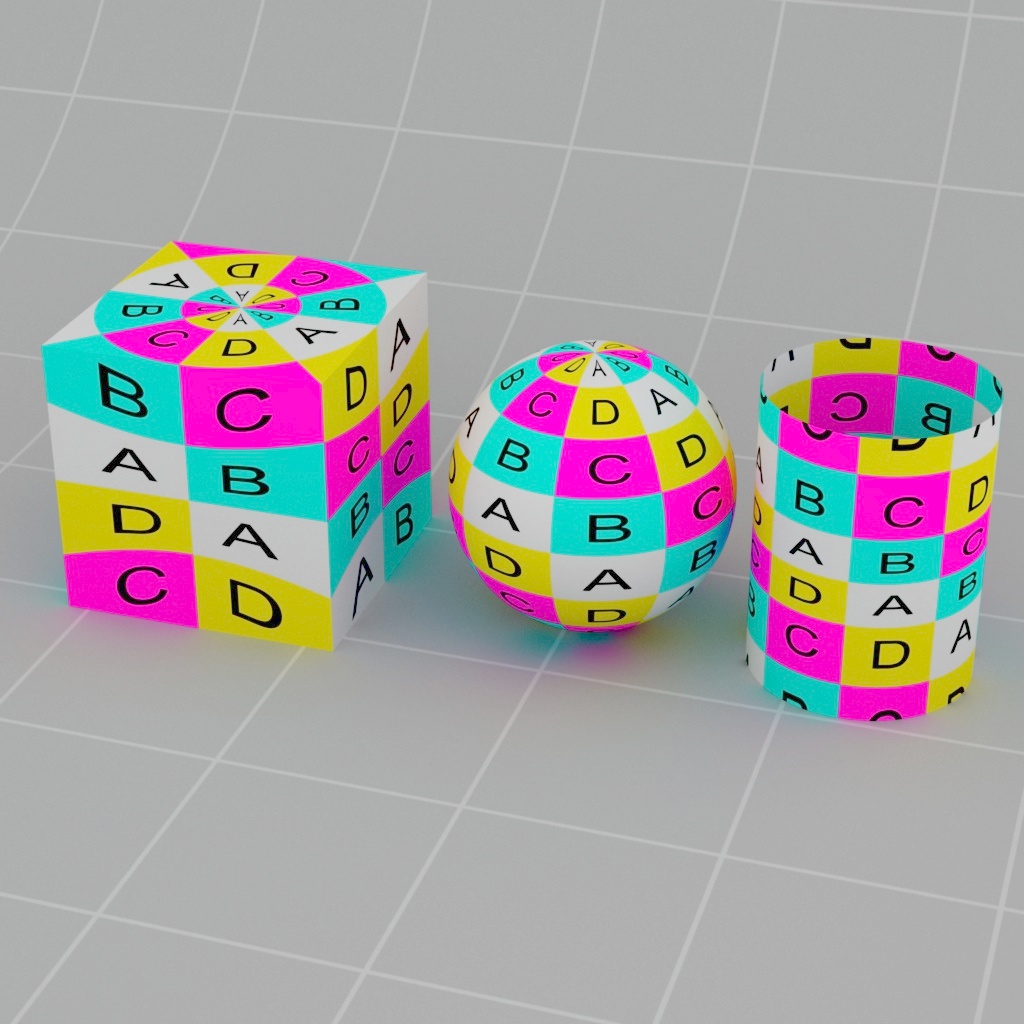
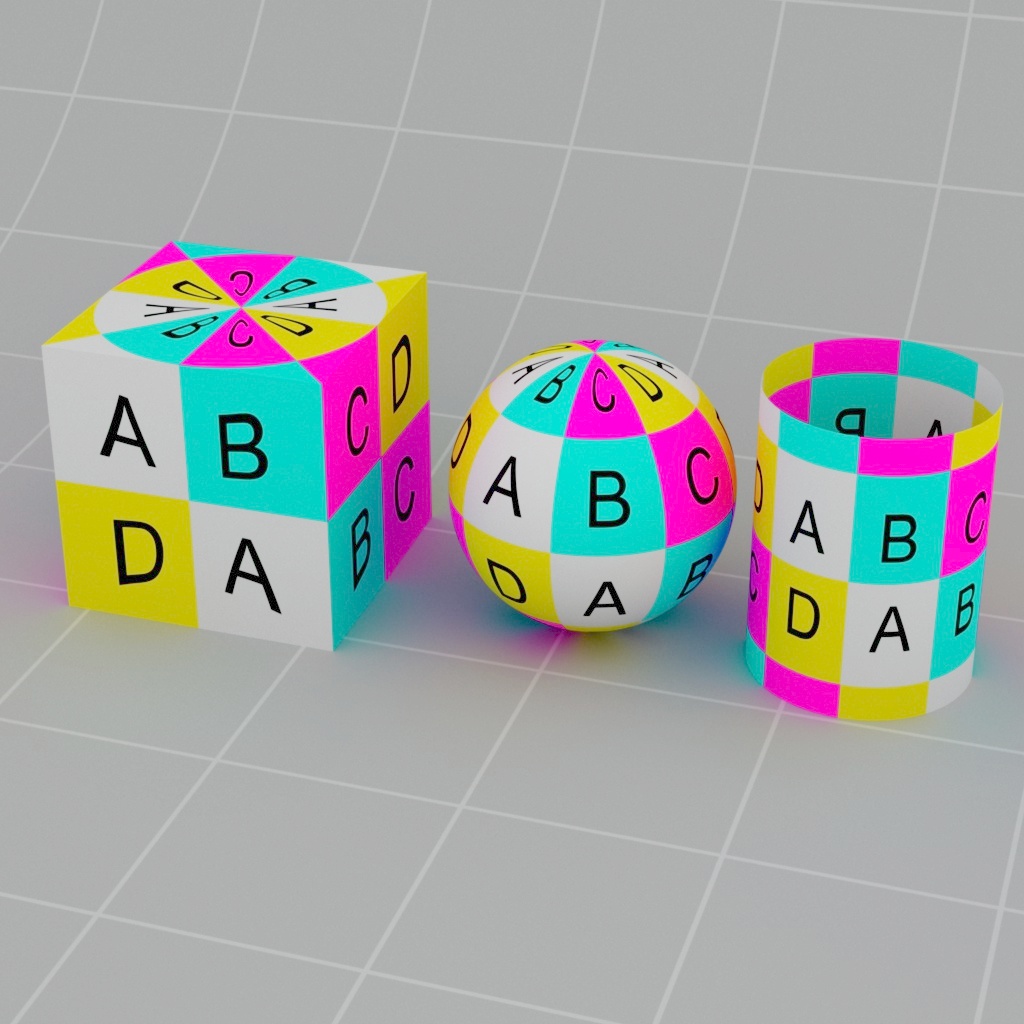
V Angle
Changes the V angle projection value for cylindrical and spherical projection types.
|
|
|
| V Angle: 45 | 90 (default) | 180 |
Transform
This section adjusts the 3D transform values of the projection in world or object space.
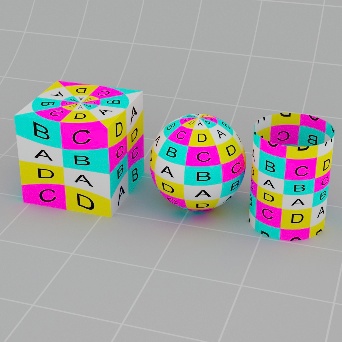
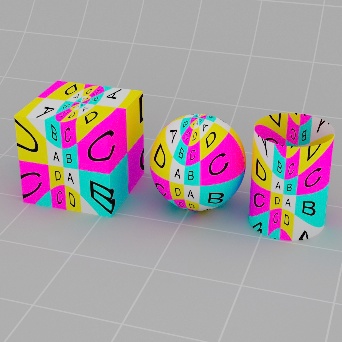
Scale
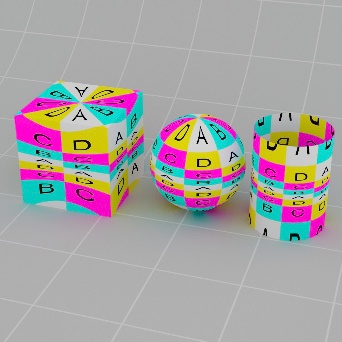
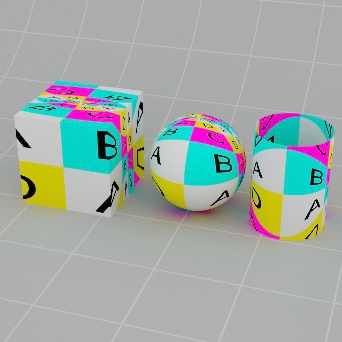
Sets the 3D scale of the projection.
|
|
|
|
| Scale X, Y, Z: 1, 1, 1 | 3, 1, 1 | 1, 3, 1 | 1, 1, 3 |
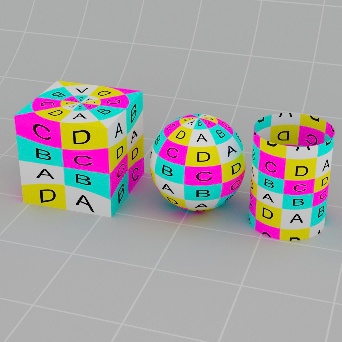
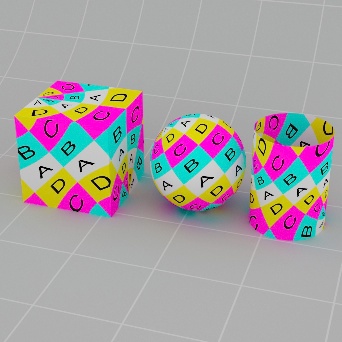
Rotate
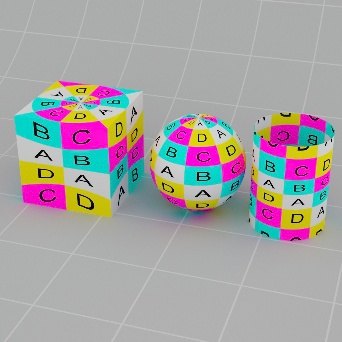
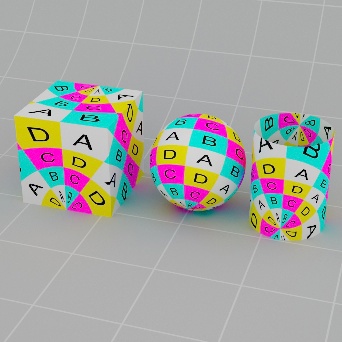
Sets the 3D rotation of the projection.
|
|
|
|
| Rotate X, Y, Z: 0, 0, 0 | 45, 0 , 0 | 0, 45, 0 | 0, 0, 45 |
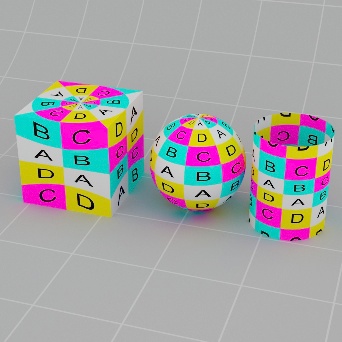
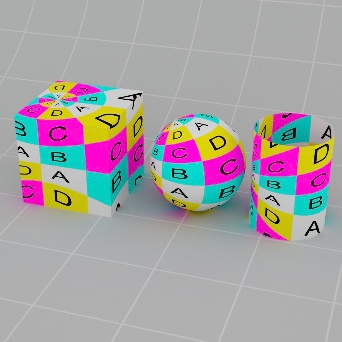
Offset
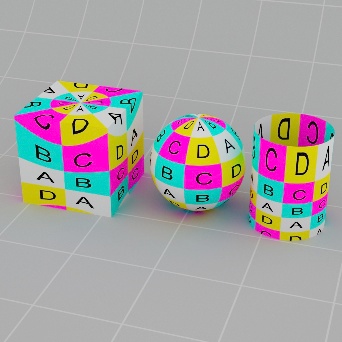
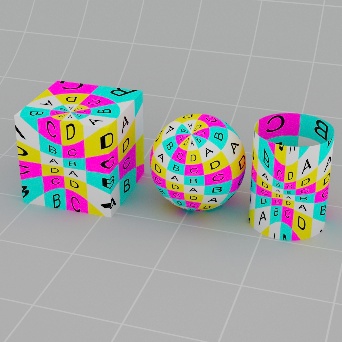
Sets the 3D translation of the projection.
|
|
|
|
| Scale X, Y, Z: 0, 0, 0 | 0.5, 0, 0 | 0, 0.5, 0 | 0, 0, 0.5 |
UV Remap
This section adjusts the transform values of the 2D texture.
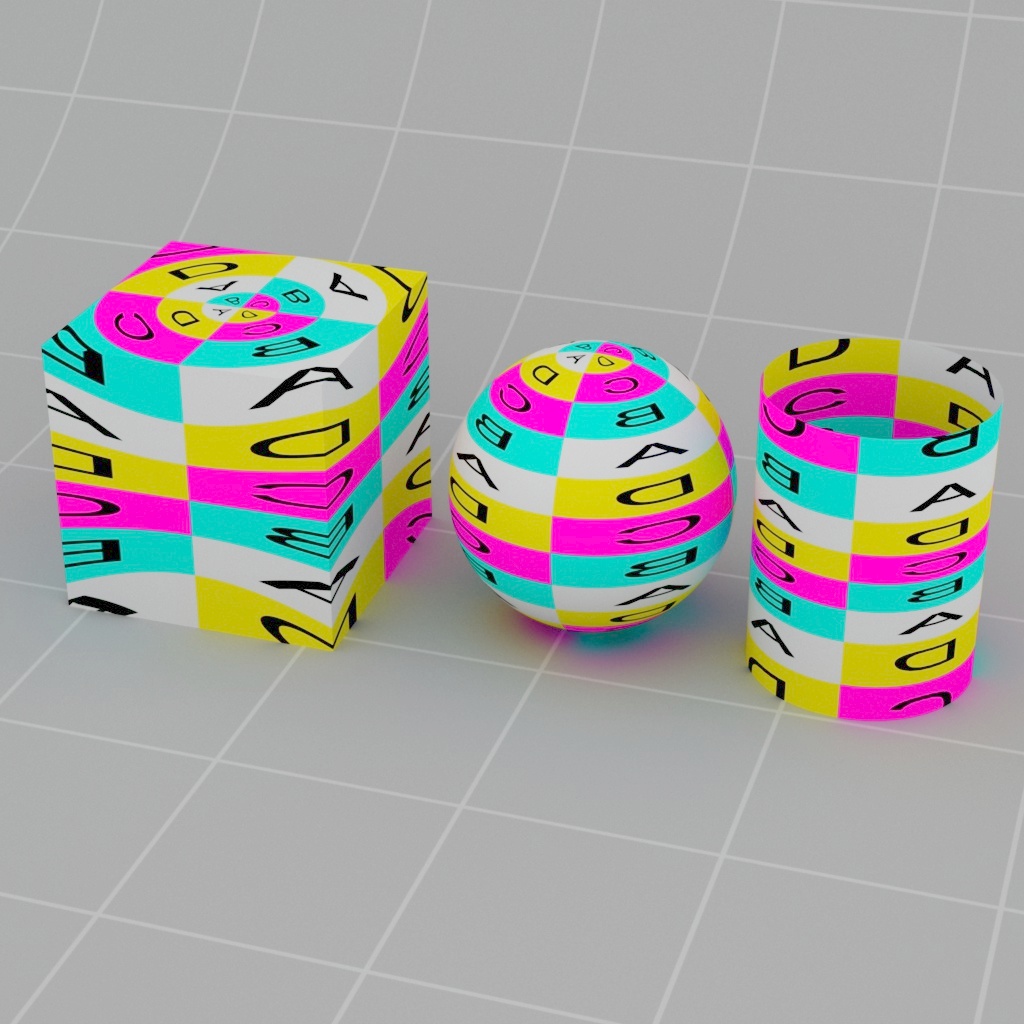
Scale
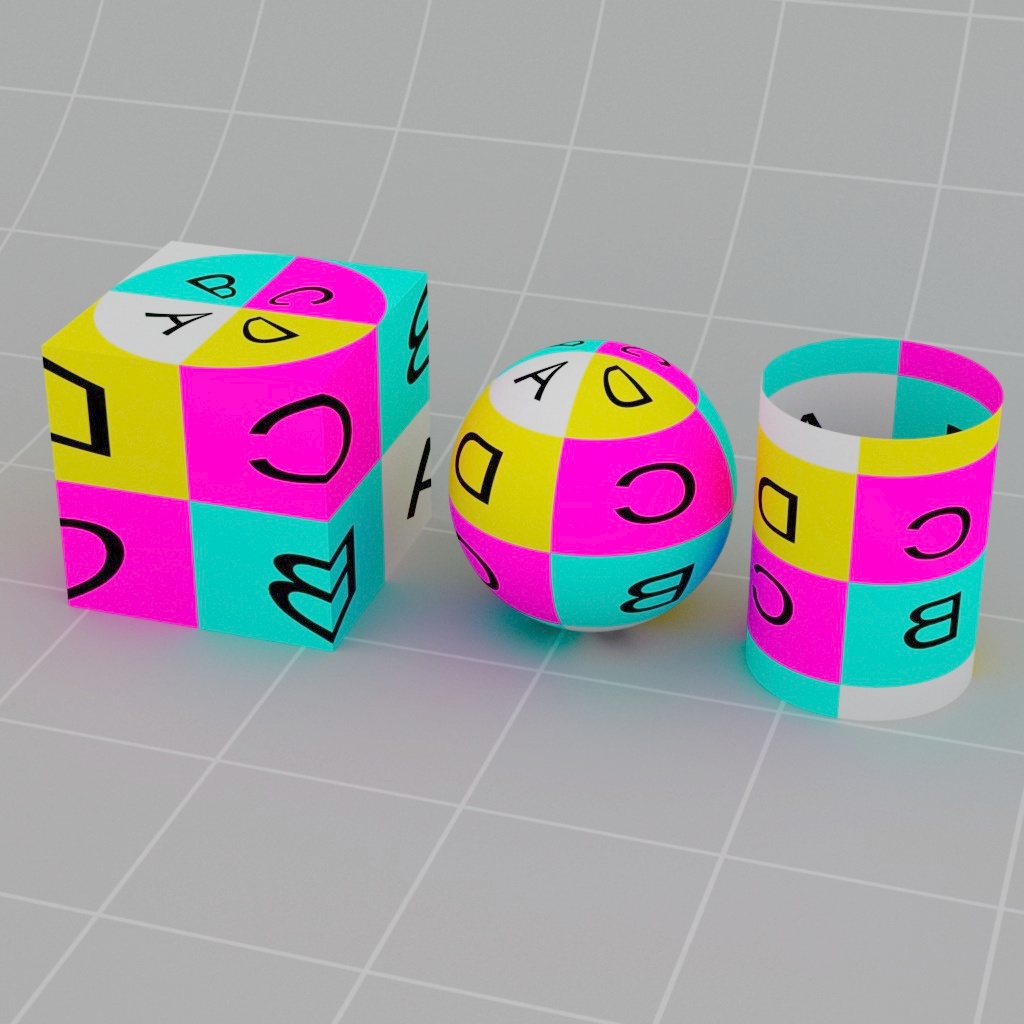
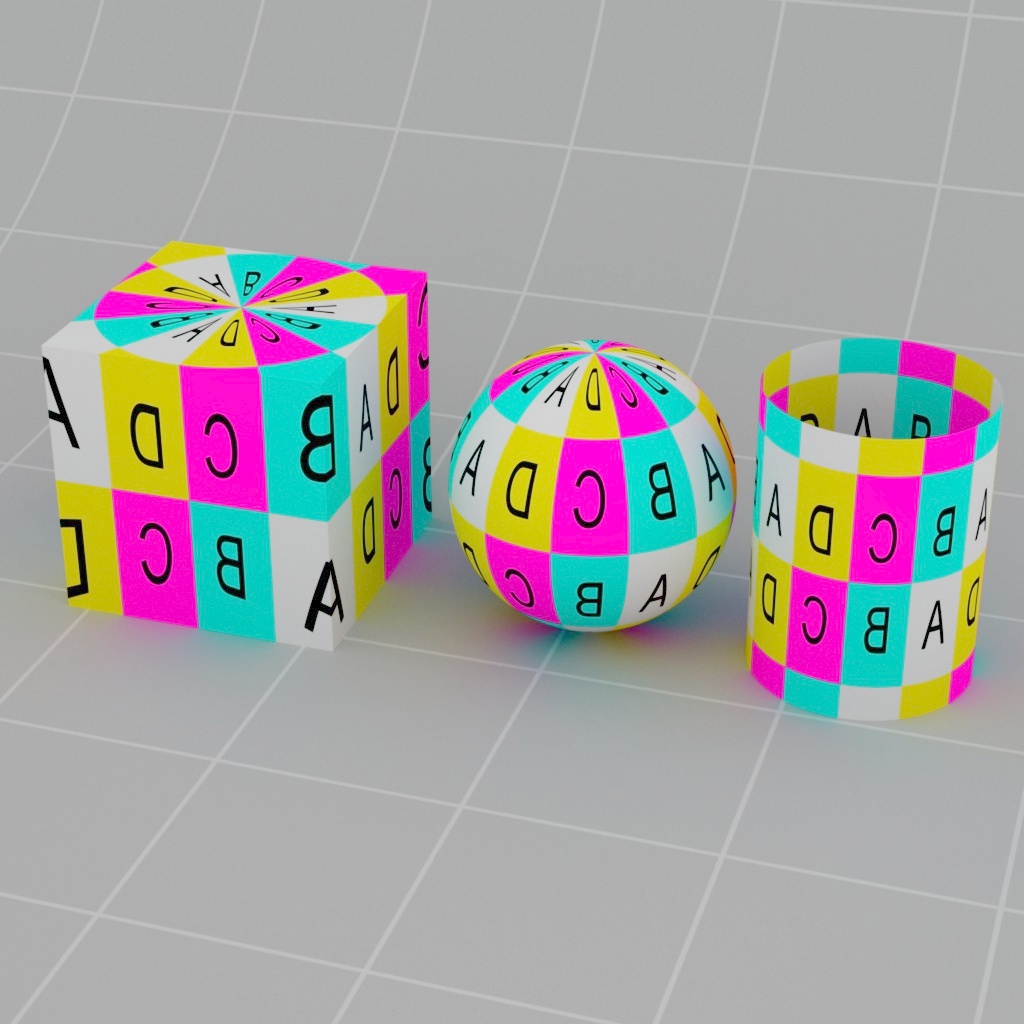
Sets the 2D scale of the texture.
|
|
|
| Scale U, V: 1, 1 | 3, 1 | 1, 3 |
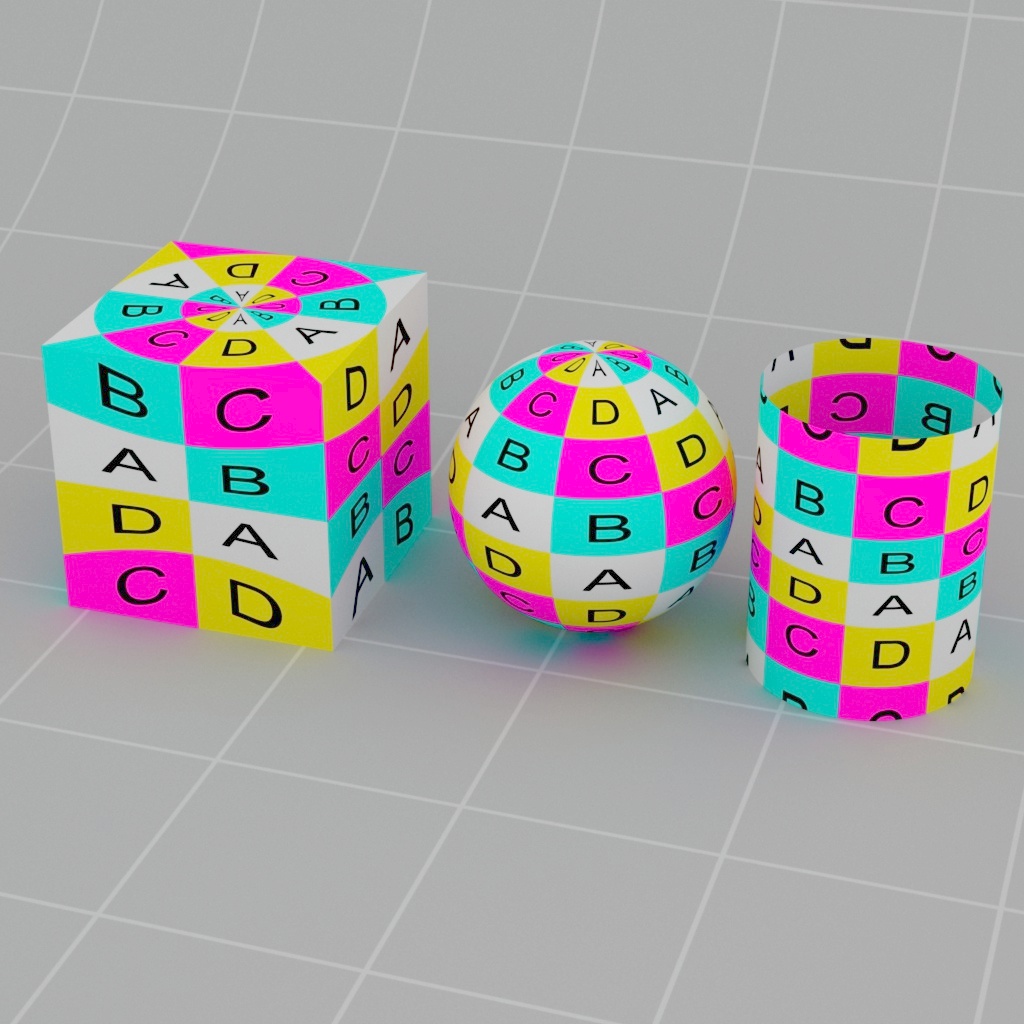
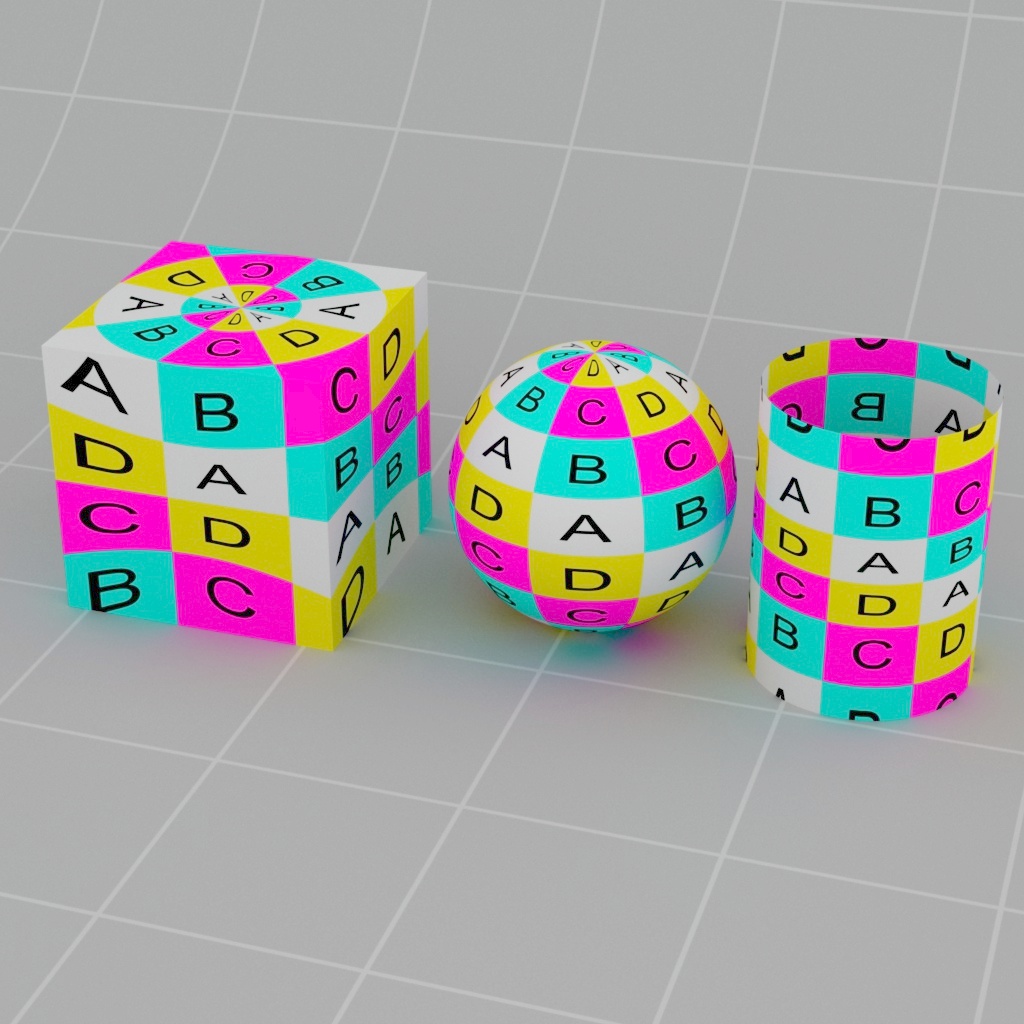
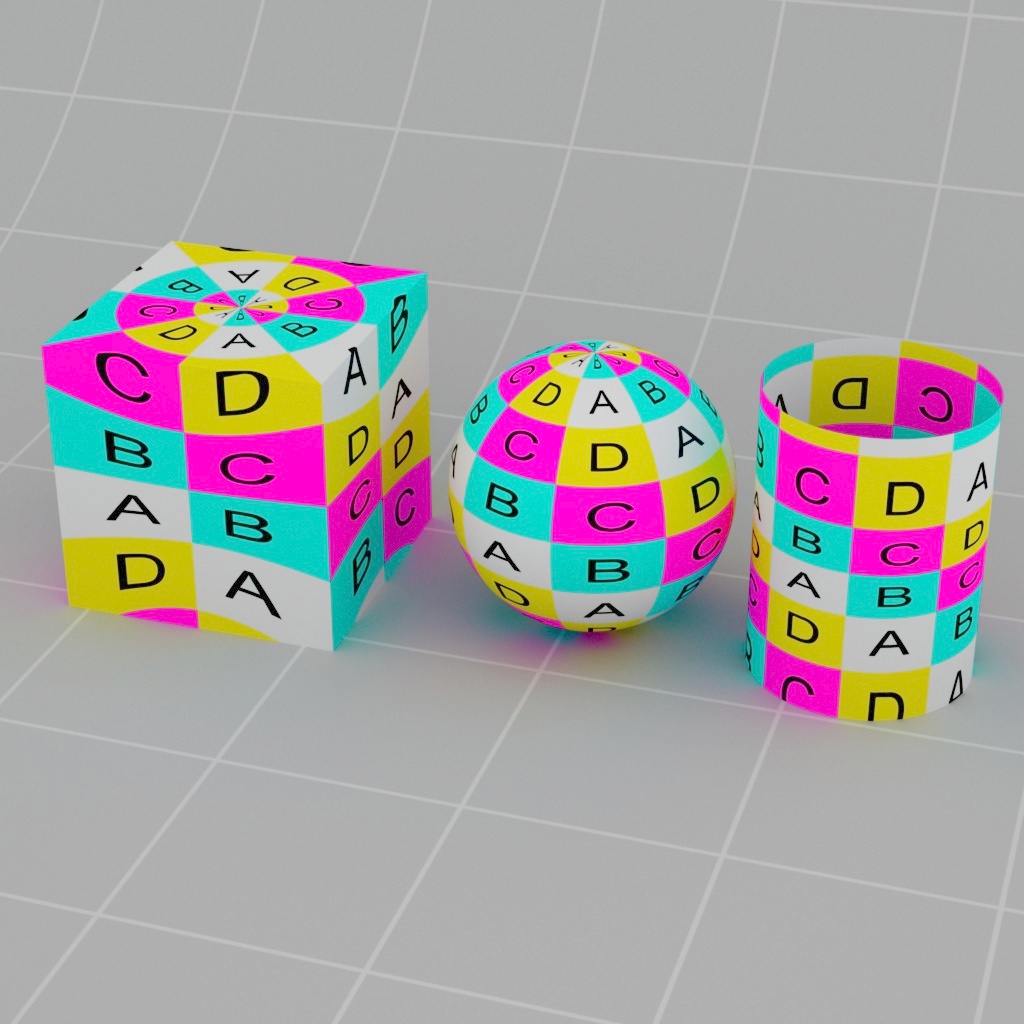
Offset
Sets the 2D translation of the texture.
|
|
|
| Offset U, V: 0, 0 | 0.1, 0 | 0, 0.1 |
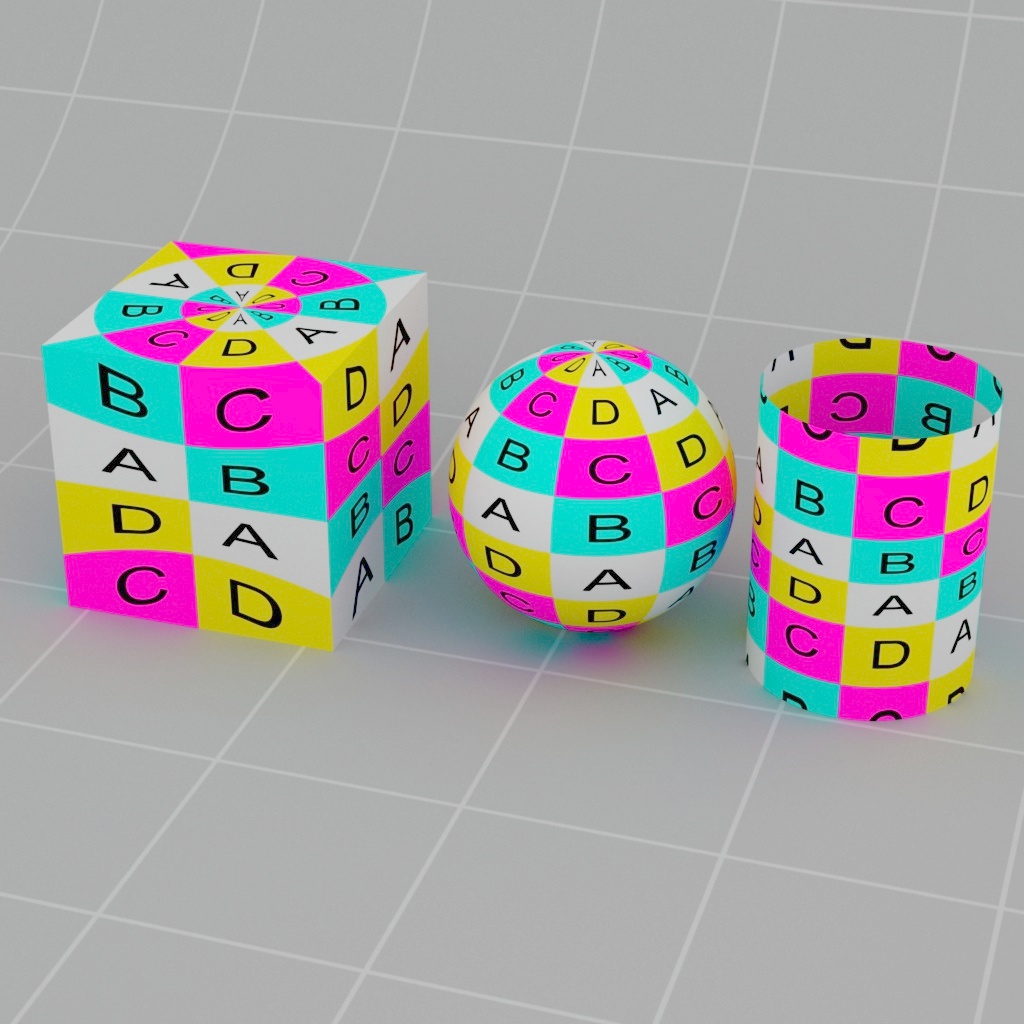
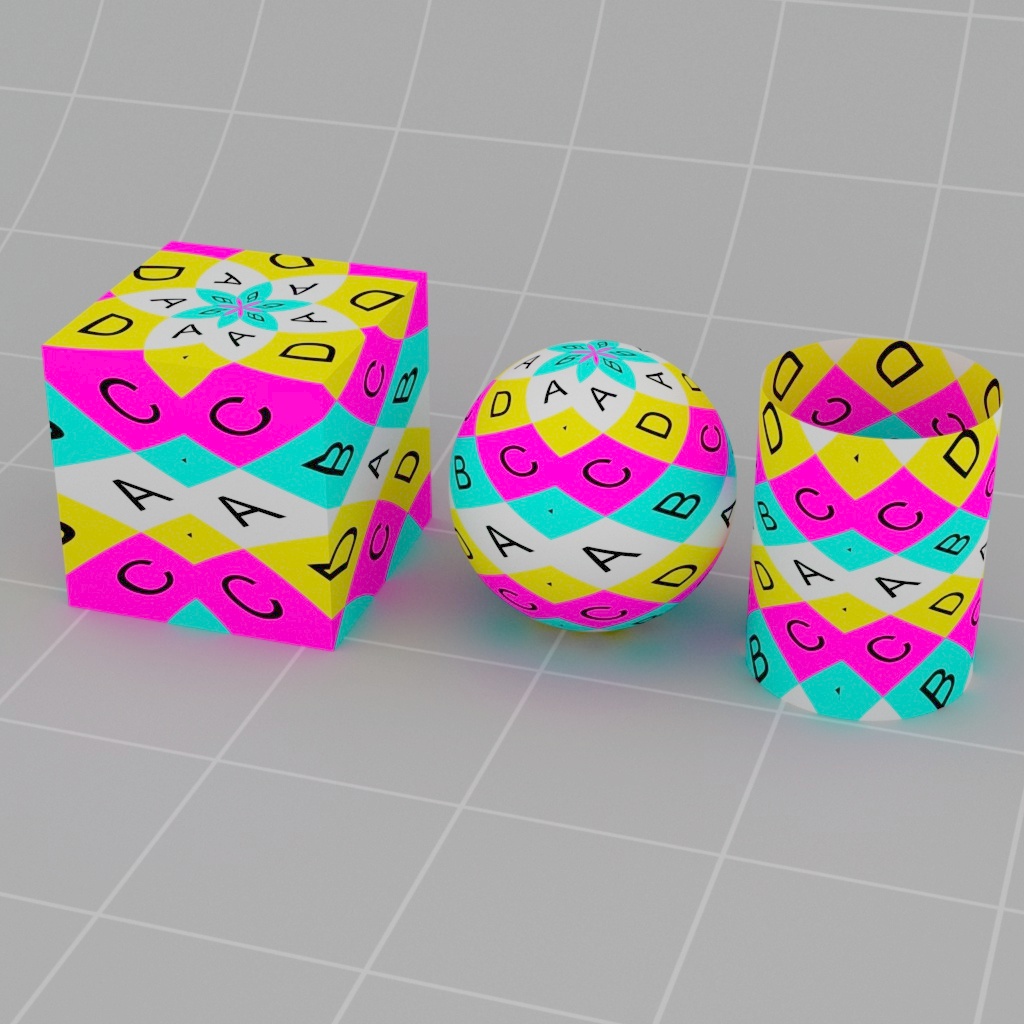
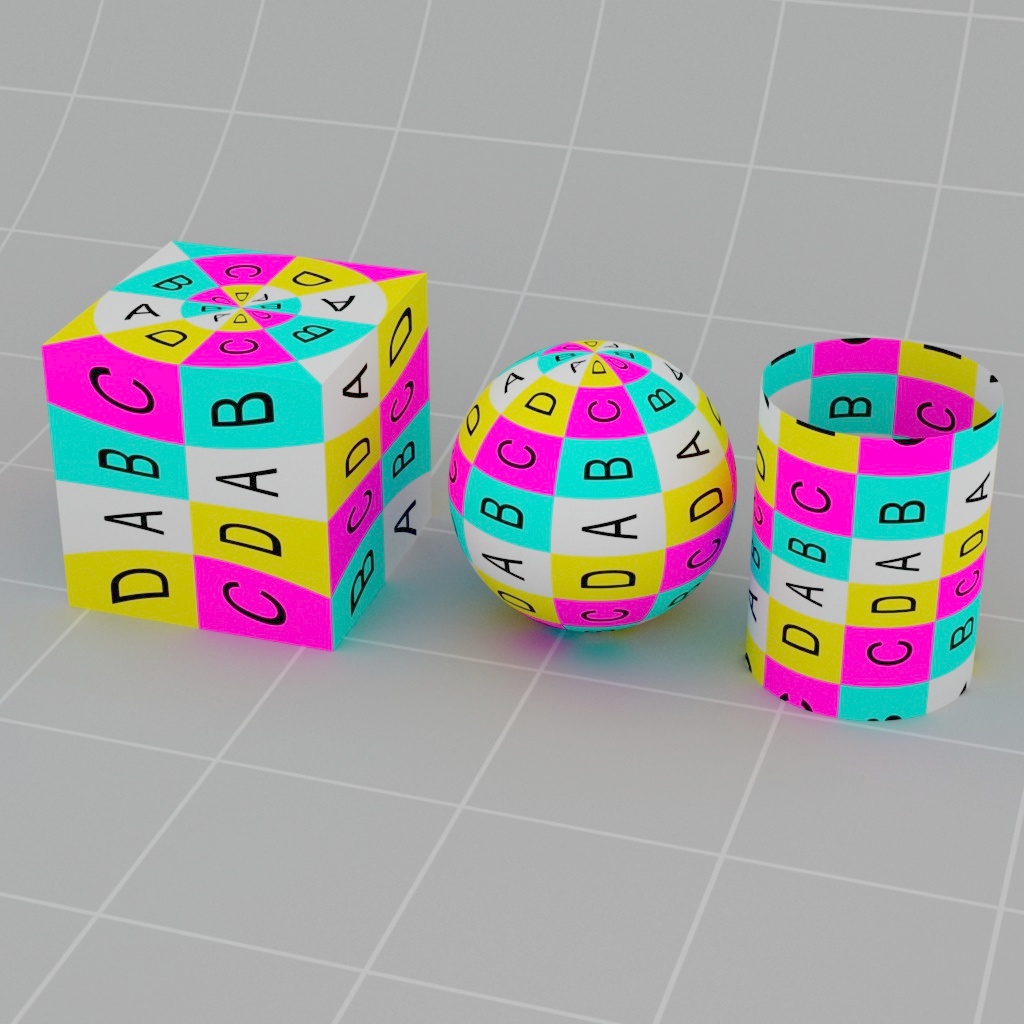
Rotate
Sets the 2D rotation of the texture.
|
|
|
| Rotate: 0 | 45 | 90 |