
Generating a base mesh from a text prompt
To create a base mesh from a description, enter it on the Text tab of Clay Builder. Clay Builder first generates a preview image of the model, which you can refine with further text instructions, and then builds a 3D model with a clay surface from it. Describe the object, its main shapes and how it will be used.
Generating the base mesh
- Open Clay Builder and select the Text tab in the Create panel.
- Describe the model you want to create.
- Click Generate Preview Images. The number of credits is shown on the button. If Cost confirmation is turned on in the panel settings, confirm the number of credits in the dialog that appears, see Panel settings.
- In the Edit step, check the preview. To change it, describe the change, optionally add image references, and click Edit Image. Repeat until you are satisfied.
- Click Settings, choose the AI Provider and the Polygon Count.
- Click Generate Model. Here, too, the number of credits is shown on the button and, depending on the panel settings, confirmed in a dialog.
Example: a fantasy mask
The following prompt describes a wearable prop:
A mask based on the bone structures of a fantasy animal that gives the fierce look of a predator. Modelled as a wearable prop that can be worn by a human.
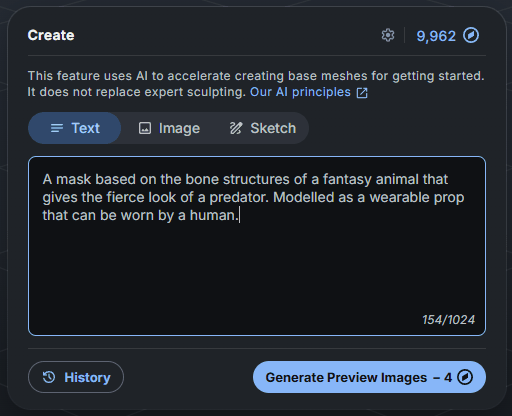
The preview shows a horned skull mask. To bring it closer to the intended prop, the following edit instruction was used in the Edit step:
Modify the mask to be closer related to a wearable dragon skull, covering the top a head and the forehead, leaving the lower half of the face uncovered.
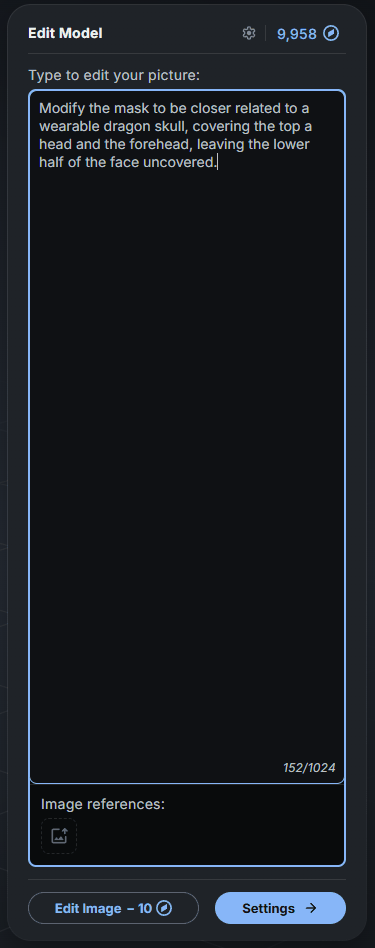
Mention how the model will be used, such as “wearable prop”. Edit instructions work best when they describe one clear change, for example which parts to keep and which to remove.