
Active Layer
When selecting several layers in the Stack, you'll notice that the last layer selected is a different color. This is known as the Active layer:
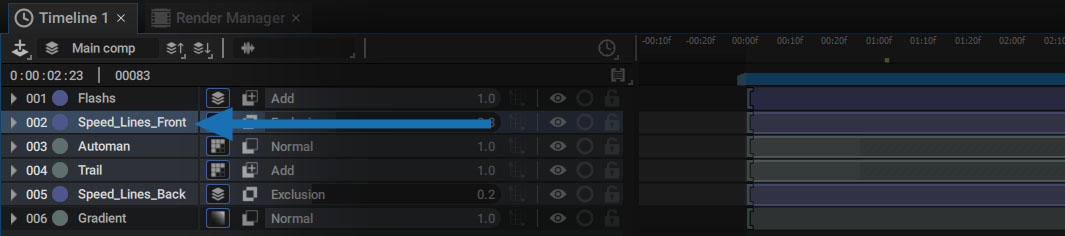
This lets you perform actions where several layers will refer to the active layer, for example:
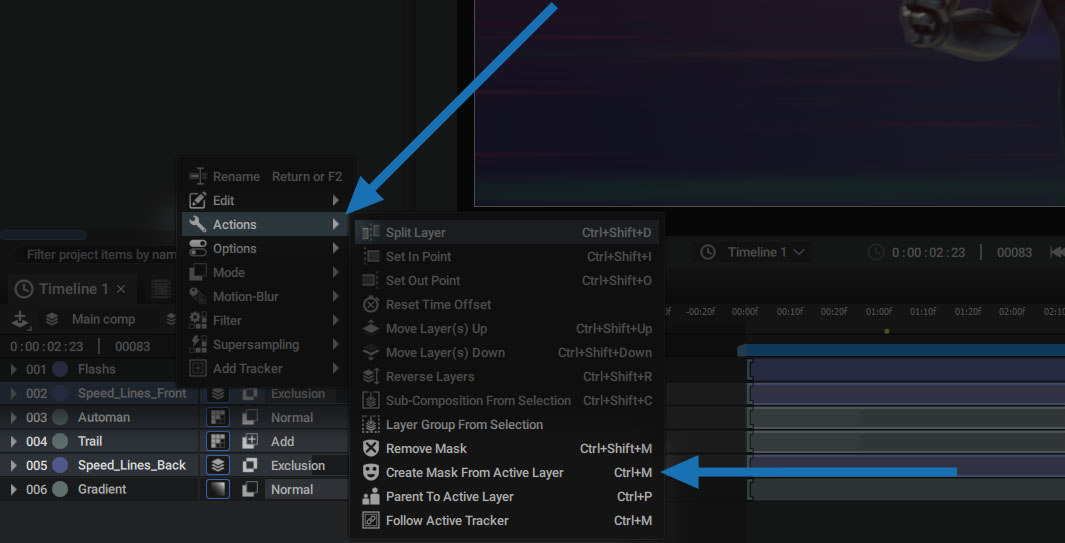
- Use the active layer as a Mask
- Establish a Parenting relationship where the active layer is the Parent
To do this, simply select the layers you want and click on the Action button:
Note:
The idea of Active Layer is also important when using Multi-Edit modes.