
Side Panels and Side Bars
Vertical and Top Toolbar
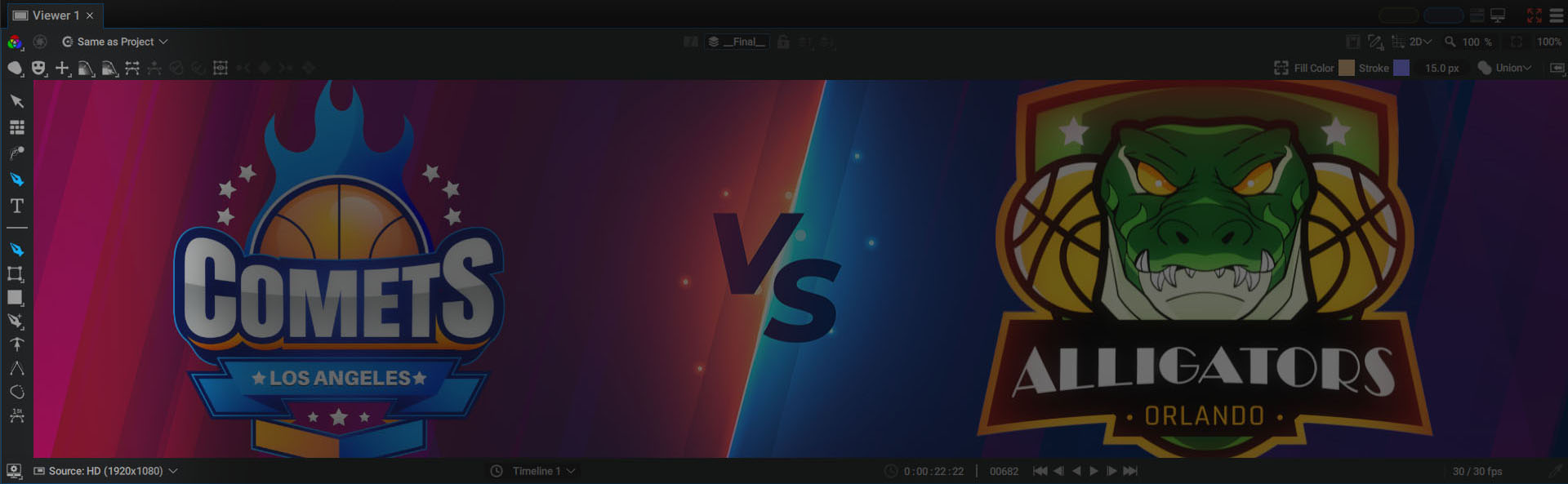
The vertical bar on the left of the Viewer contains various tools:
- 2D Transform Tool (shortcut t): for moving layers, paths, and their points. Turns into a 3D Transform Tool when the Viewer switches to 3D mode via the selector in the top right-hand corner, next to the Zoom Factor.
- Layout Tool (shortcut y): for distributing and aligning the current selection of layers or paths
- Motion-Path Tool (shortcut m): for working on multiple Motion Paths at the same time or tweaking the layer timing
- Shape Tool (shortcut d): for creating complex shape animations
- Text Tool (shortcut w): for animating every character, word, or line of text
Sub-Tools and Top/Options Bar:
For each tool, Sub-Tools may appear in the lower part of the vertical toolbar, and several context-specific options may appear in the horizontal bar just above the Viewer.
Side Panels
In addition to movable panels within a workspace, Autograph integrates four other types of panels into the Viewer, referred to as Side Panels.
To access them, click on the button at the top-right of the Viewer:

- Comp Overview Tree (shortcut c): equivalent of Selection Overview, but on the scale of a full project, a composition, or a layer selection
- Visual Stack (shortcut v): to view the contents of a composition at a glance
- Audio Meter: displays the Audio MixPeakmeter
Bear in mind that keyboard shortcuts in Autograph depend on mouse location. You'll need to place your cursor over the Viewer to use them.
Comp Overview Tree
This Side Panel displays dependencies between compositions, when using Sub-Compositions.
When a composition is used as a Sub-Composition, a Tree appears with the parent composition at the top, then the Sub-Composition as its child.
Simply clicking on the composition name will connect it to both the last active Viewer and the last active Timeline.
A composition can be used as a Sub-Composition by two parent compositions. In this case, its name will be displayed in the tree as many times as this source is used. Clicking on either will connect the same composition to the Viewer and Timeline.
Visual Stack
Despite Autograph's advanced selection process, sometimes getting an overview of all of the layers in a composition can be difficult, especially if some of them are hidden by others.
To better navigate in the Stack, you can check the Visual Stack (press the v key).

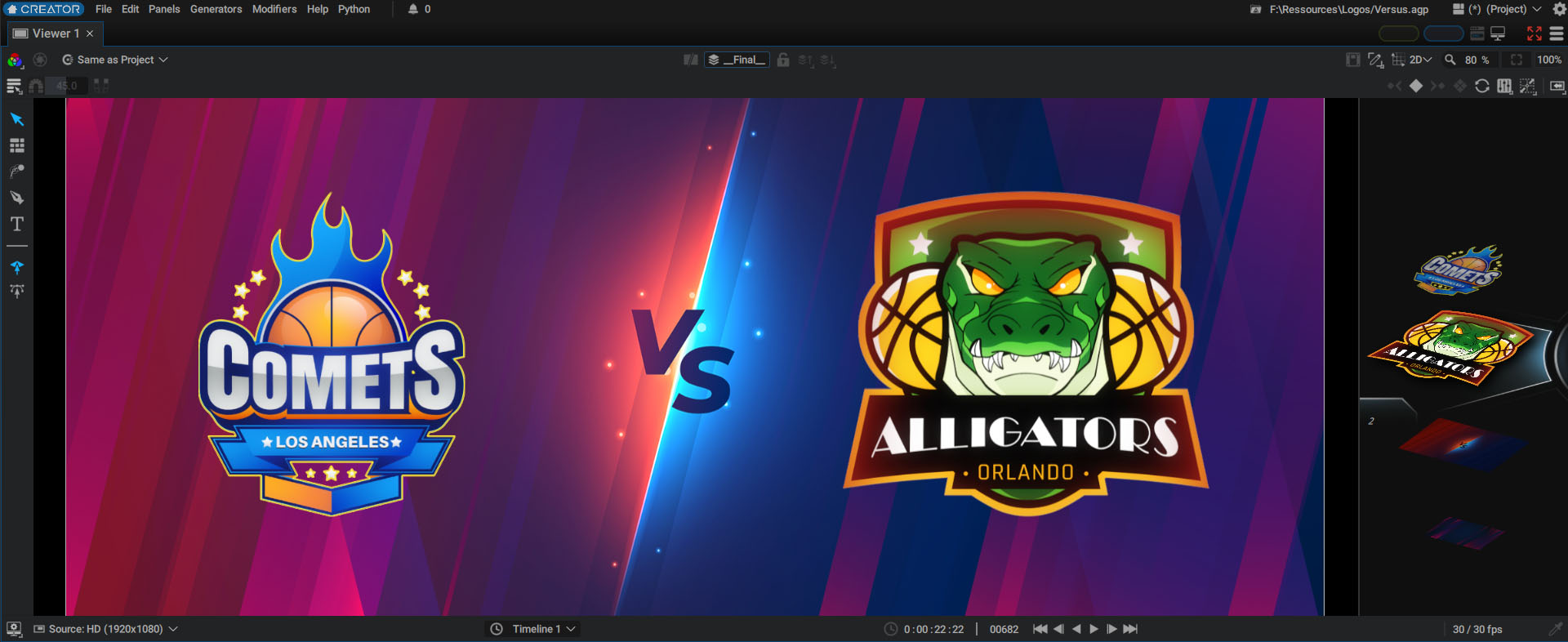
The Visual Stack is a stack of layers, represented in a 3D isometric view:
- Layer order in the Visual Stack is similar to that of the Stack in the Timeline
- Only layers visible at the current time are displayed; if the playhead in the dope sheet is not positioned over a layer block, the layer block will be not displayed in the Visual Stack
- Each thumbnail is the same size and represents the content of a layer's bounding box, which is useful for very small or large images
- Layers with an infinite size ("Unbounded"), will be cropped by the format of the current composition
On the left, there is a counter that represents the number of the current layer.
To navigate in this Stack:
- Use the "Mouse wheel"
- Press the middle-button
- Use the scroller on the right