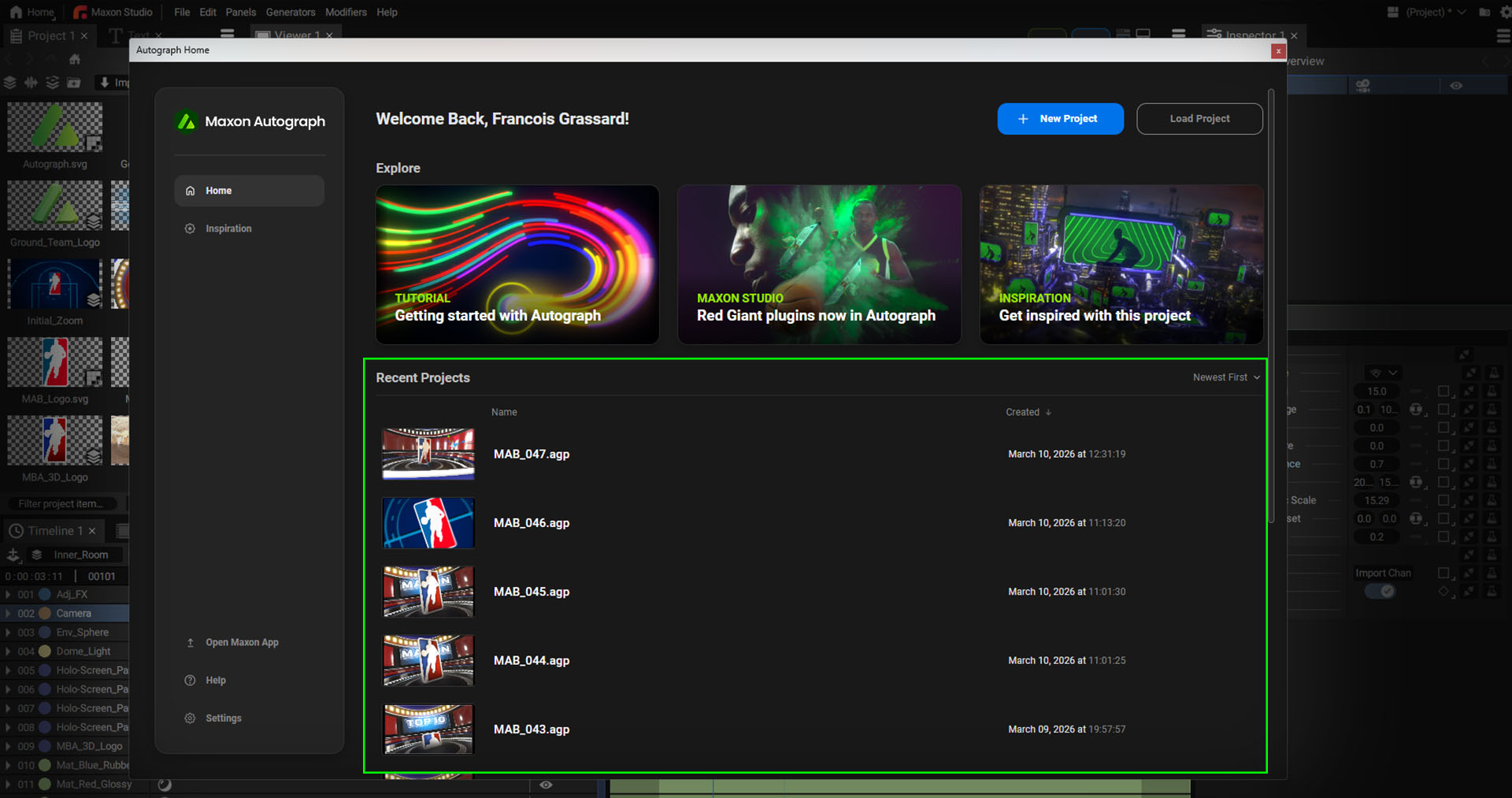
Welcome Screen
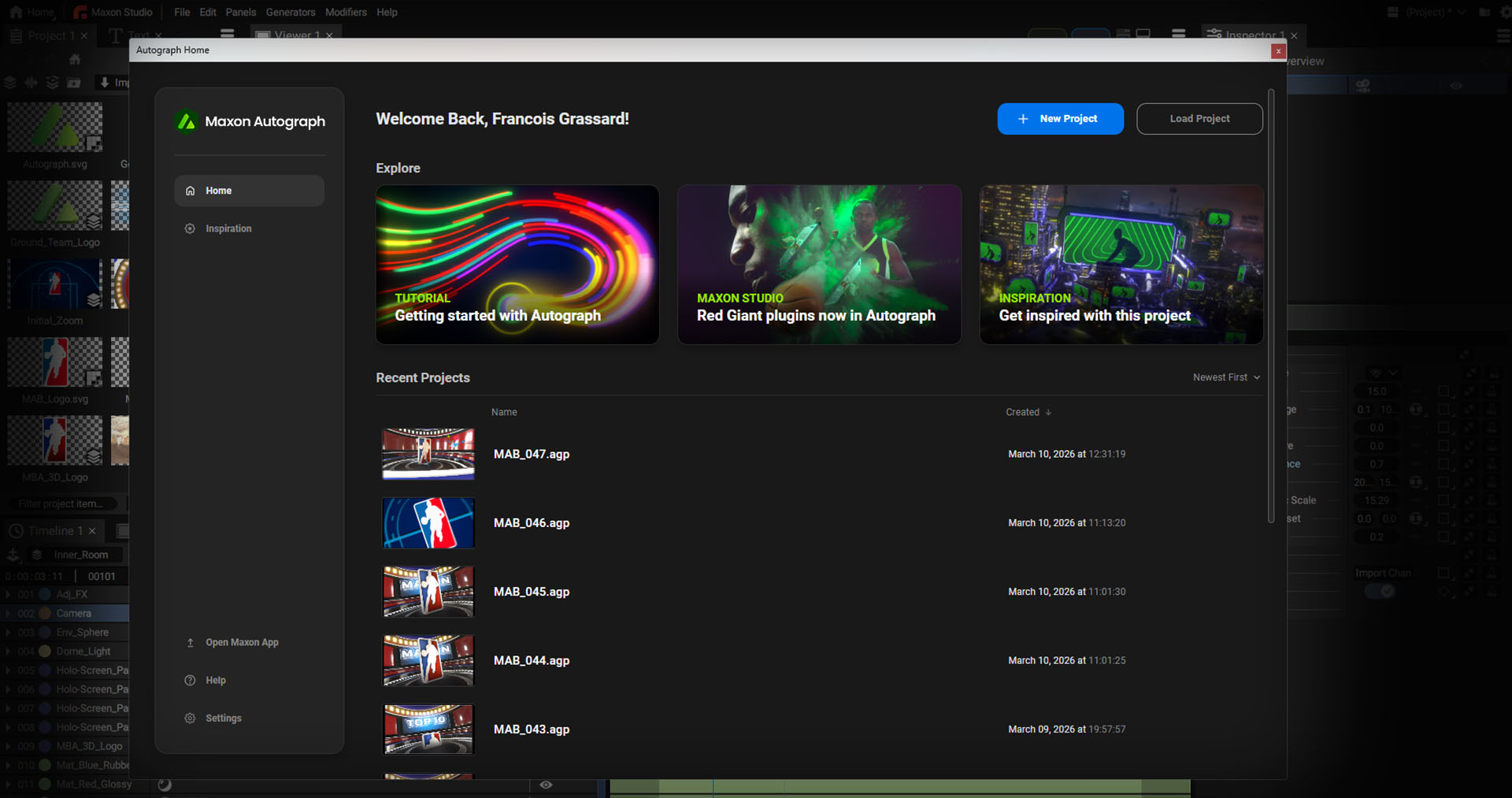
When starting Autograph, a Welcome Screen will pop up to provide quick access to the following:
- Tutorials: Autograph tutorials on Cineversity
- MaxonStudio: will bring the Maxon Studio panel on top of Autograph.
- Inspiration containing several demo projects
- Recent projects: sorted by date or name
- Open Maxon App. The Maxon App is the right place to check for any updates and to manage your Maxon licenses and subscriptions.
- Help will open this documentation
- Settings will open Autograph Preferences
Closing and accessing the welcome screen
To close the Welcome Screen, simply click the cross (Windows) or the button (Mac) in the window title bar. To open the welcome screen up again, click on the Home button in the top-left corner of the interface or click on the Help menu and select Home.

Assets
The Inspiration section provides dozens of demo projects:
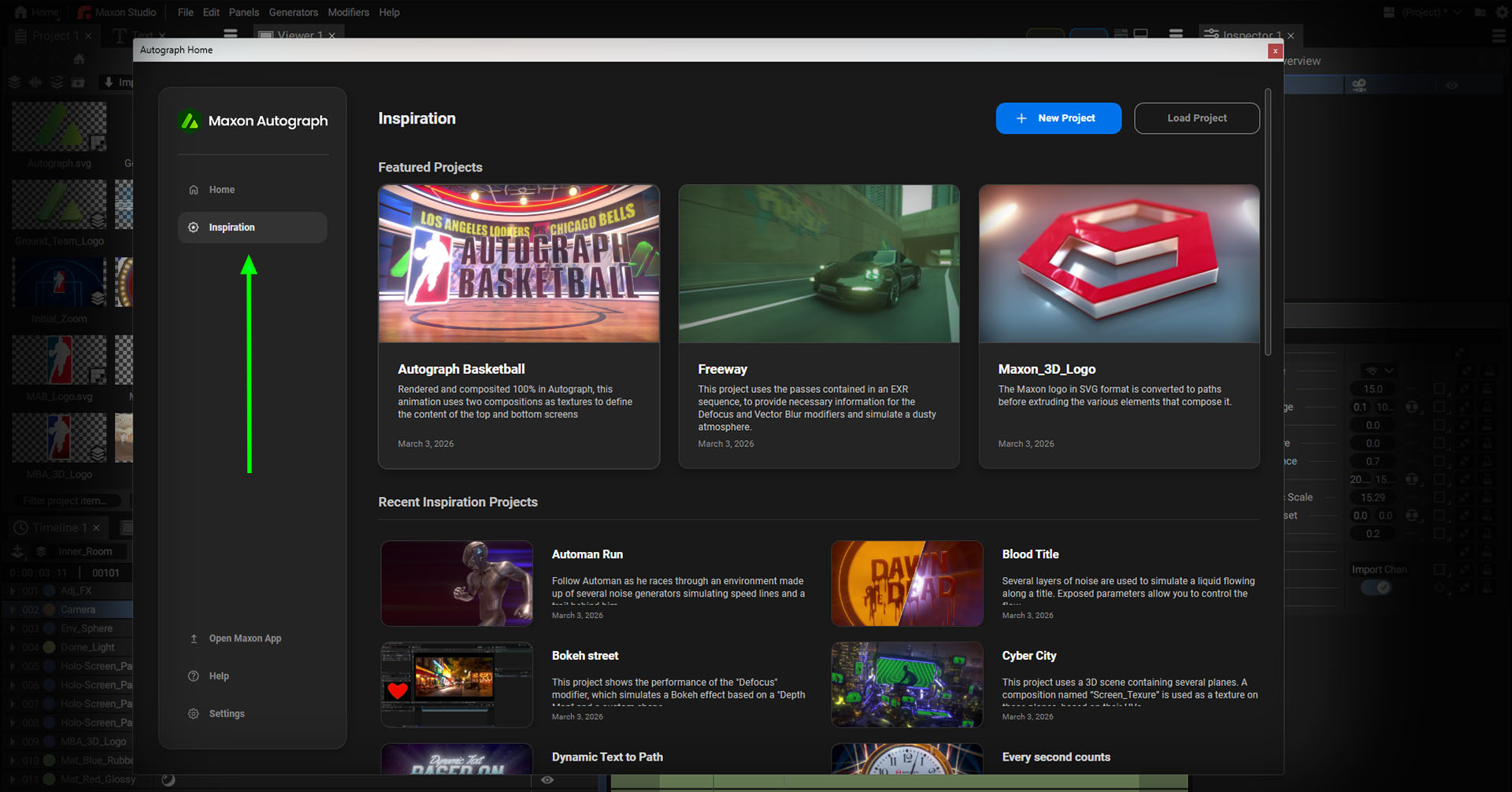
Clicking on a project will show a brief description, preview video, and Download button which will automatically download the project to your documents in the \Maxon\Autograph\Demo Projects folder.
All projects contain a PDF file just next to project file, with some additional information.
Recent projects
The recent projects section, accessible from the menu at the top, lets you to quickly view the most recently opened projects. *.Agp files containing Autograph projects also contain an image of the active Viewer at the time of saving, making it easy to find a particular project.