
Collect Files
Located in the File menu, Collect files from Project allows you to copy or move files used by a project to a new destination.
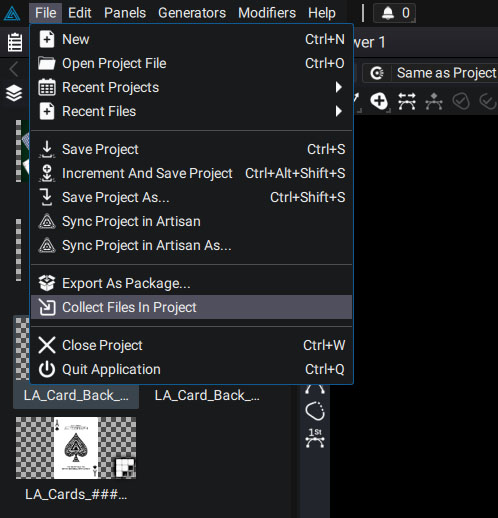
- The first thing you are asked to do is to define a folder where all the resources will be located in the end.
- You will then be asked if you want to create a copy of the files used by the project.
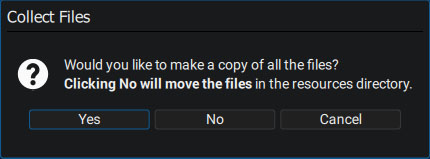
Warning:
If you answer No, the original files will be moved to this new folder and deleted from their current locations!
If you answer Yes (the focus is on this choice by default), then the files will remain in their locations and copies will be made in the destination folder.
Substructure of the destination folder
- The chosen folder contains an ".agp" file (Autograph Project file) that is a copy of the one currently open in the software
- Next to it, there is a Resources folder, containing all the files it uses.
New subfolders may be found in this folder, especially for image sequences. The collected project is automatically loaded in Autograph and all files are now directed to these new resources, with paths set relative to the project.