
Particular
Physics Simulations > Meander Subgroup
While Flocking controls how particles interact with each other, Meander controls the independent wandering of each particle. Meander is affected by the particle's Mass. It can add some nice individual movement or work in tandem with other features, such as Attract and Separate in Flocking, to add some group motion.
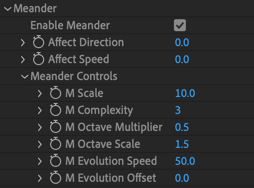
Turn on Enable Meander to activate the Meander simulation.
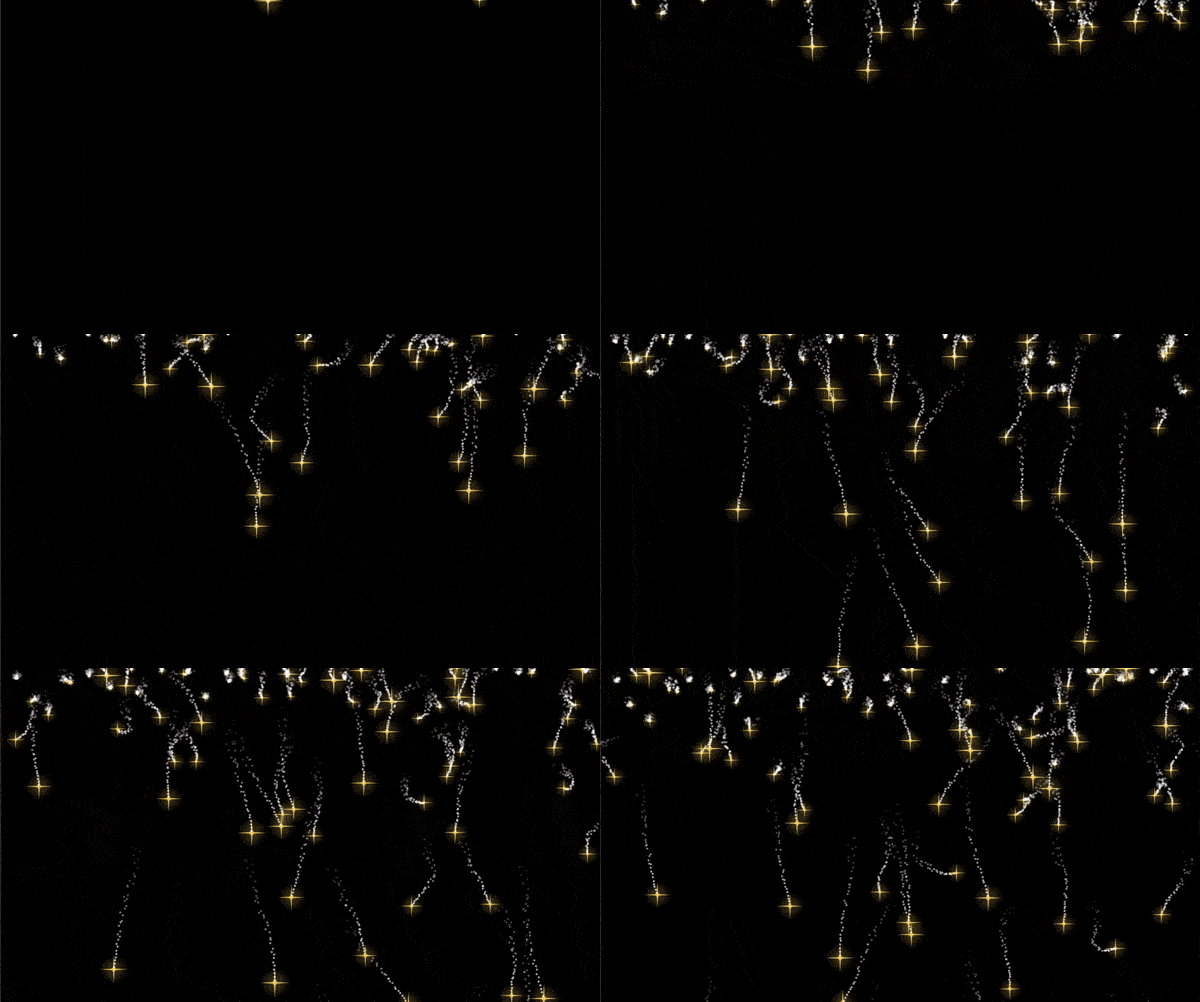
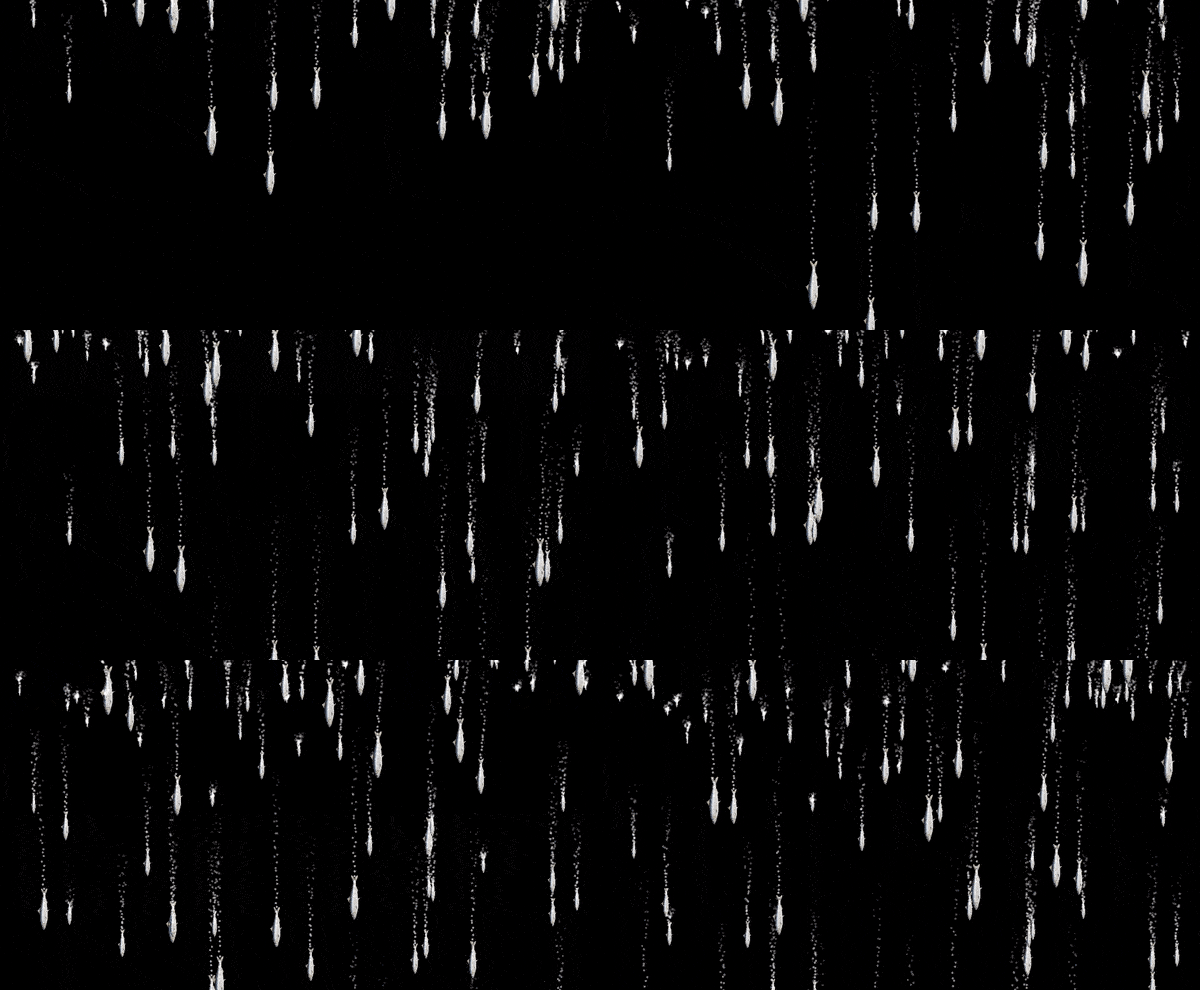
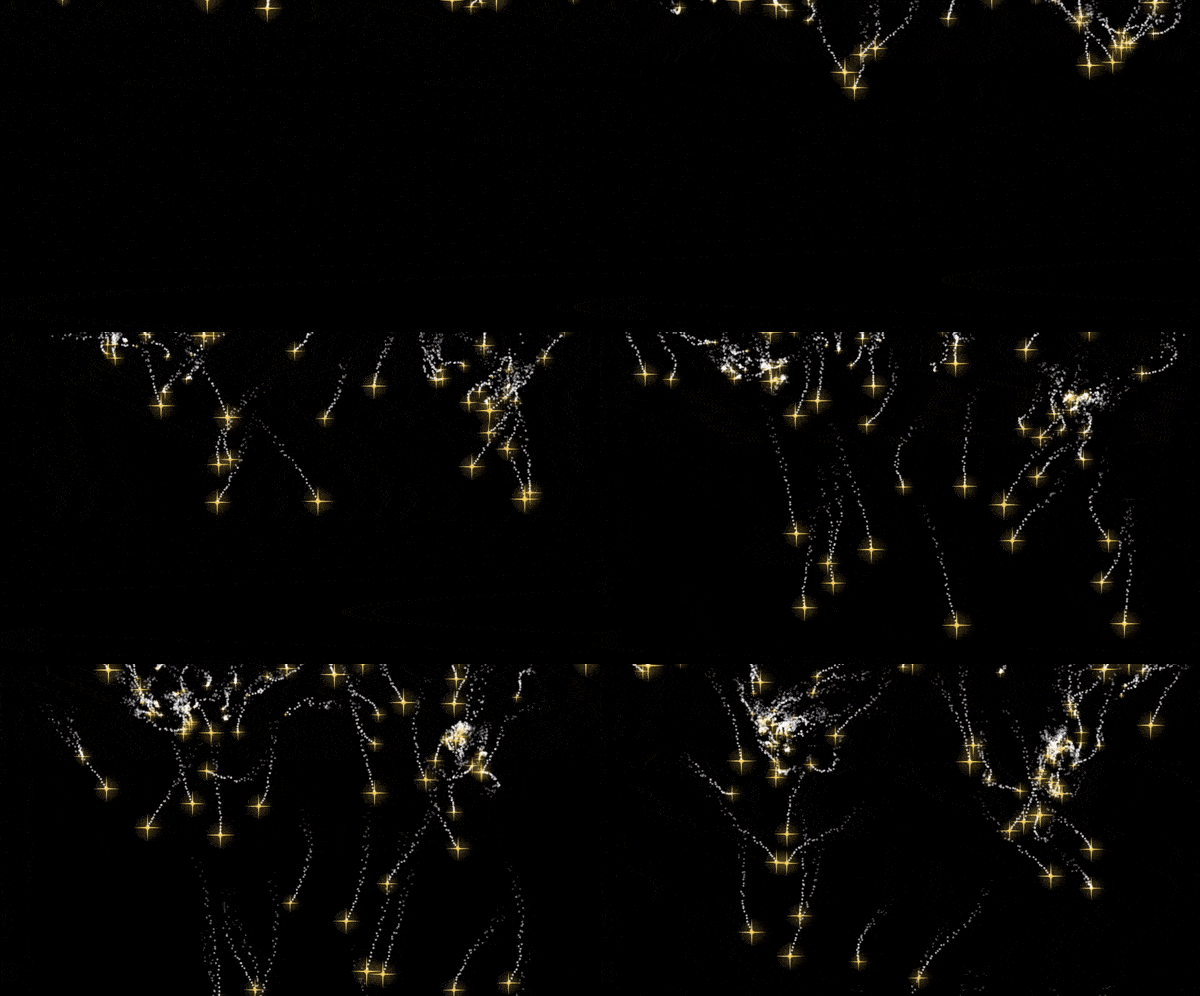
In the following examples, we use a Box Emitter with y and z set to 0, some size randomness added, and the Mass affected by Size turned up to 100 percent.
Affect Direction allows individuals to wander, like a crowd milling about in a mall:
Affect Speed adds variance to the speed of individuals, like traffic moving in different lanes:
Here’s Affect Direction with some Attract turned up in Flocking. Since Mass is taken into account, note how smaller particles get drawn to each other quickly:
Meander Controls adjust the underlying guiding fractal.
- M Scale sets the overall scale of the fractal.
- M Complexity is the number of Perlin noise fields added together to form the fractal.
- M Octave Multiplier sets the influence of each added noise field as compared to the previous field.
- M Octave Scale sets the scale of each added noise field compared to the previous one.
- M Evolution Speed sets how fast the Turbulence Field evolves over time.
- M Evolution Offset offsets the Turbulence Field in time. Evolution Offset gives more control over how the Turbulence Field can be moved.