
Form
Fluid & Global Fluid Controls
These two sets of parameters control the fluid behavior of particles when Fluid Motion is enabled.
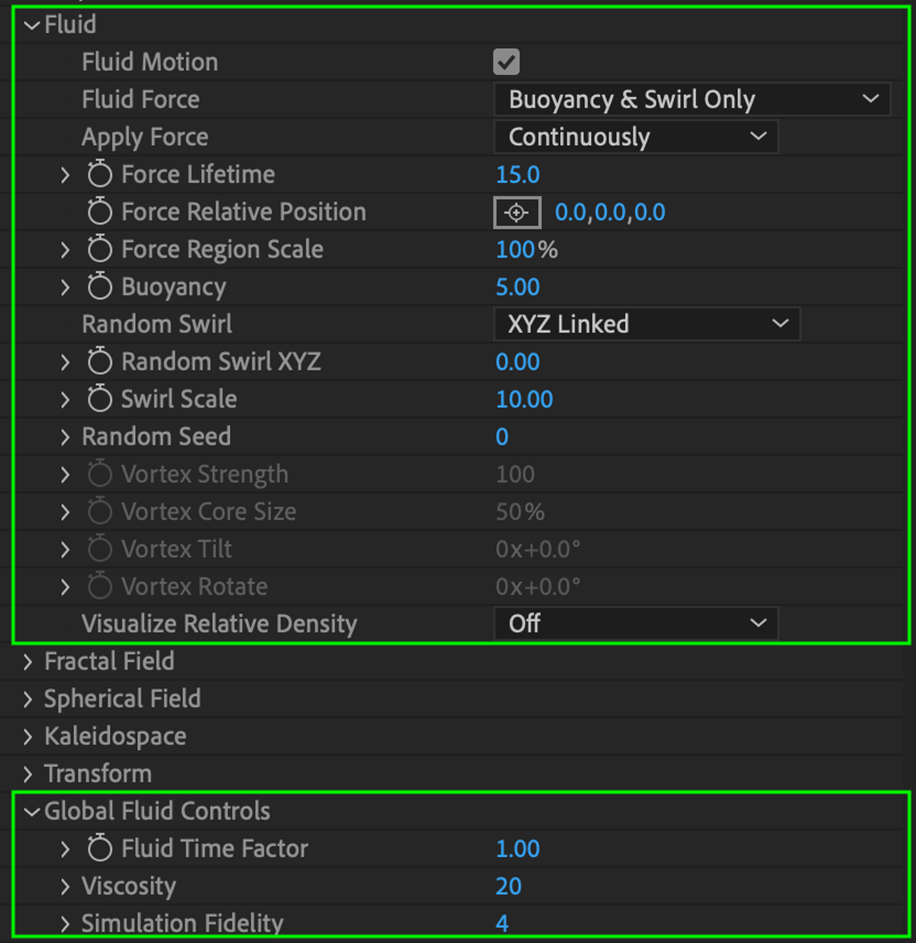
Fluid
The Fluid model creates a field of buoyant (upward or downward) and vortex (spiral) forces that move particles within your form in a fluid-like manner. Special notes:
- When working with 3D models, animated sequences are not supported when working with fluid dynamics.
- When Fluid Motion is enabled, the base form position cannot be animated.
Fluid Motion
Toggles whether fluid forces are applied to your particle form.
Fluid Force
Defines what type of force applies to fluid particles
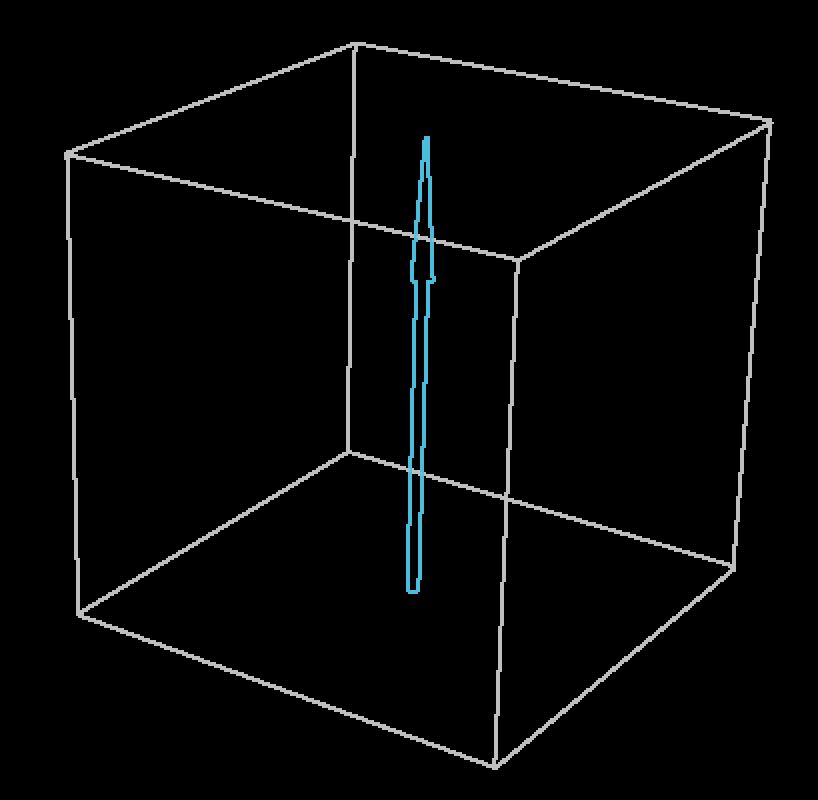
- Buoyancy & Swirl Only: Particles receive an upward force akin to buoyancy, as well as a random force applied individually or jointly across all three axes.
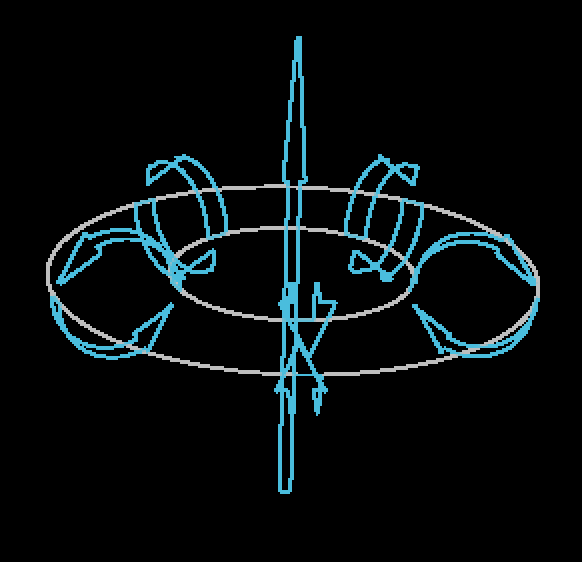
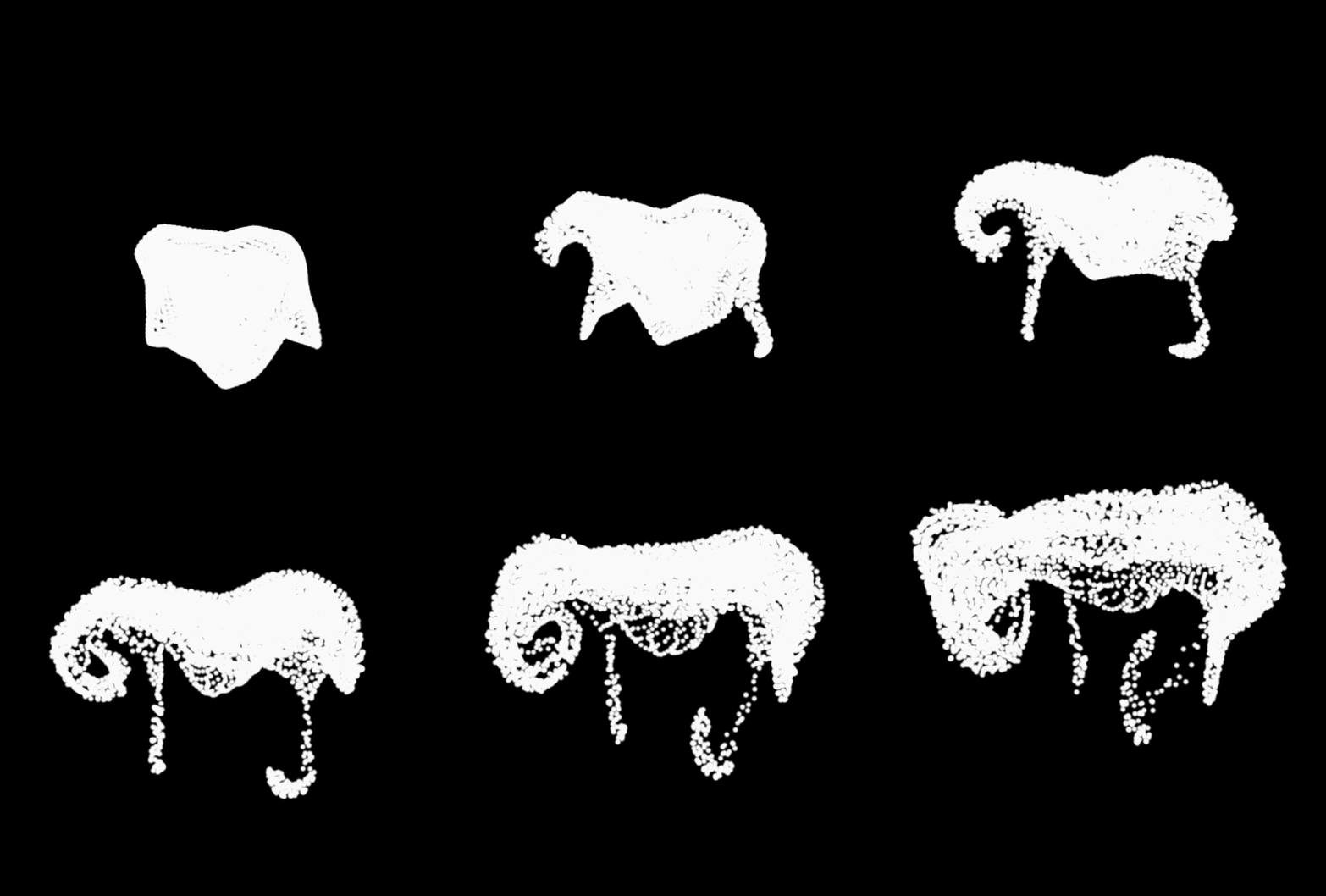
- Vortex Ring: Particles receive an upward buoyant force, which is centered in a ring comprised of vortex forces that propel particles in a determined direction.
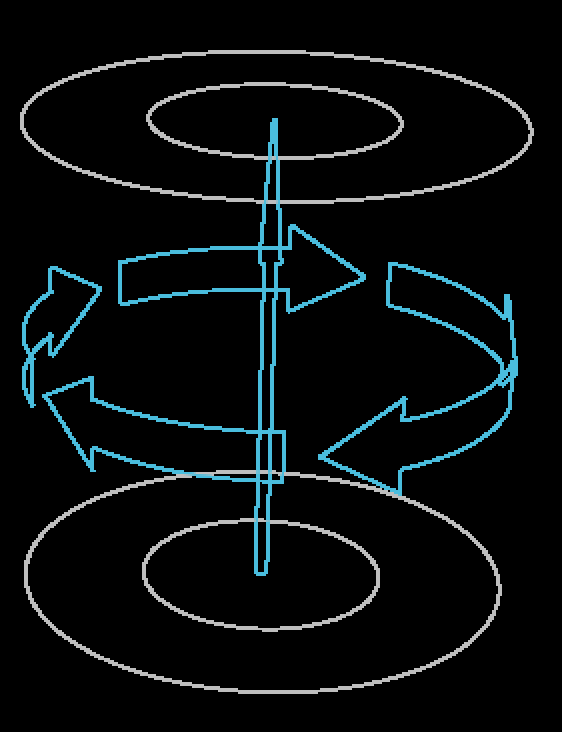
- Vortex Tube: Particles receive an upward buoyant force while surrounded by a single vortex force, spinning particles in a cylindrical manner.
Apply Force pop up
Determines if the force dictated above applies continuously or only once at the start of the effect.
Force Lifetime
Defines the timeframe in which fluid forces apply to the particle form. Lower values equal a shorter timeframe and faster motion while higher values create slower forces and slower motion. If Apply Force is set to Continuously, this determines when the forces are regenerated.
Force Relative Position
Determines where, in relation to the base form, the forces defined above are applied to the particles on x, y, and z coordinates.
Force Region Size
Determines the size of the area in which fluid forces are generated.
Buoyancy
Defines how much upward or downward force is applied to the particles.
Random Swirl X, Y, Z
Controls how turbulent swirling forces are applied along particles’ x, y, and z axes. The higher the number, the stronger the forces and the farther the particles travel from their original position.
Swirl Scale
Adjusts the complexity of swirl patterns. Low values provide large swirls while higher values provide smaller swirls.
Random Seed
Adjusts the integer used to create a random effect. Changing this helps give one fluid particle effect a slight variation from others in your composition.
Vortex Strength
Controls the vortex spin speed, which increases and decreases the strength and direction of its force on fluid particles.
Vortex Core Size
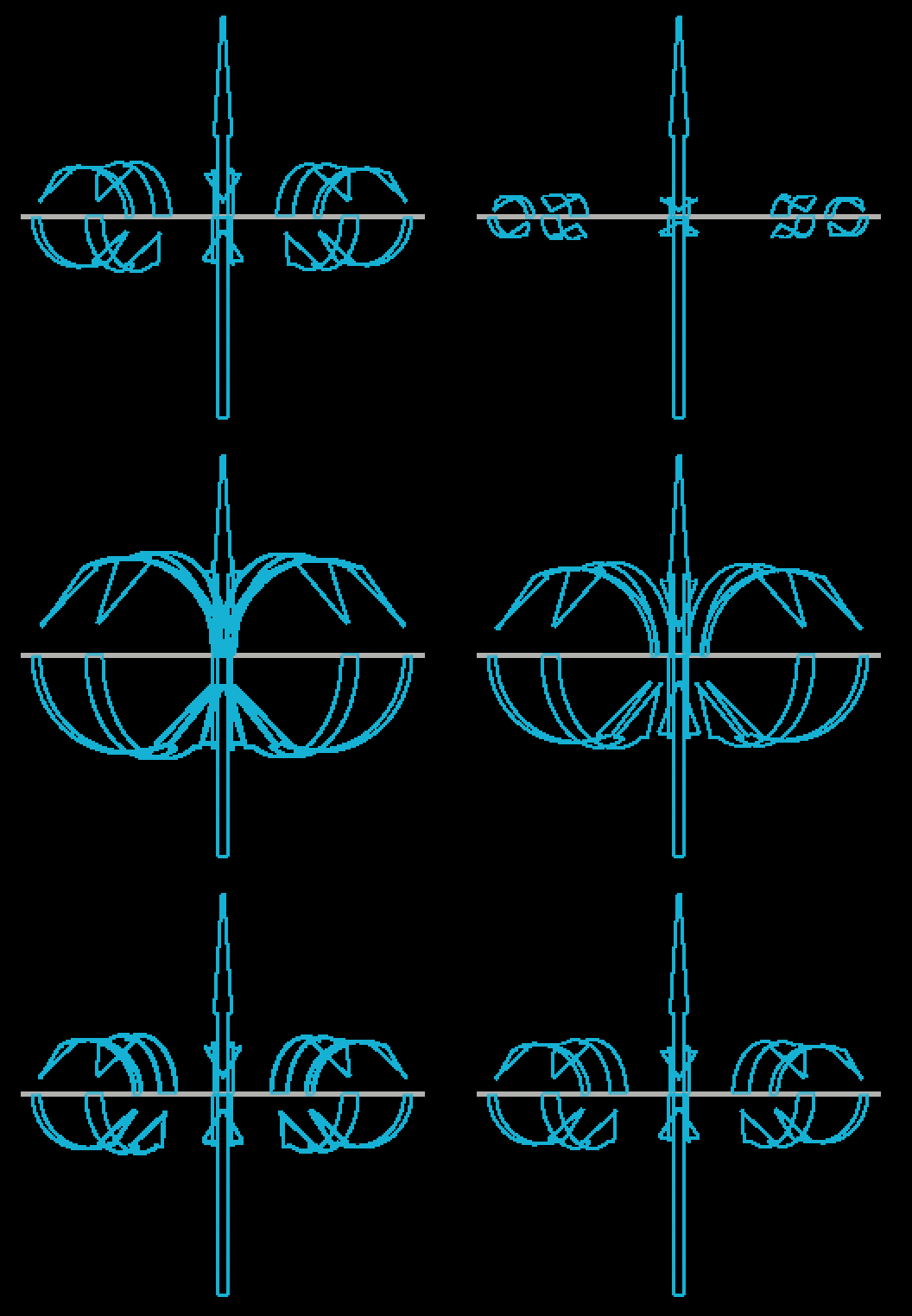
Adjusts the diameter of the vortex forces used to spin the fluid particles.
Vortex Tilt
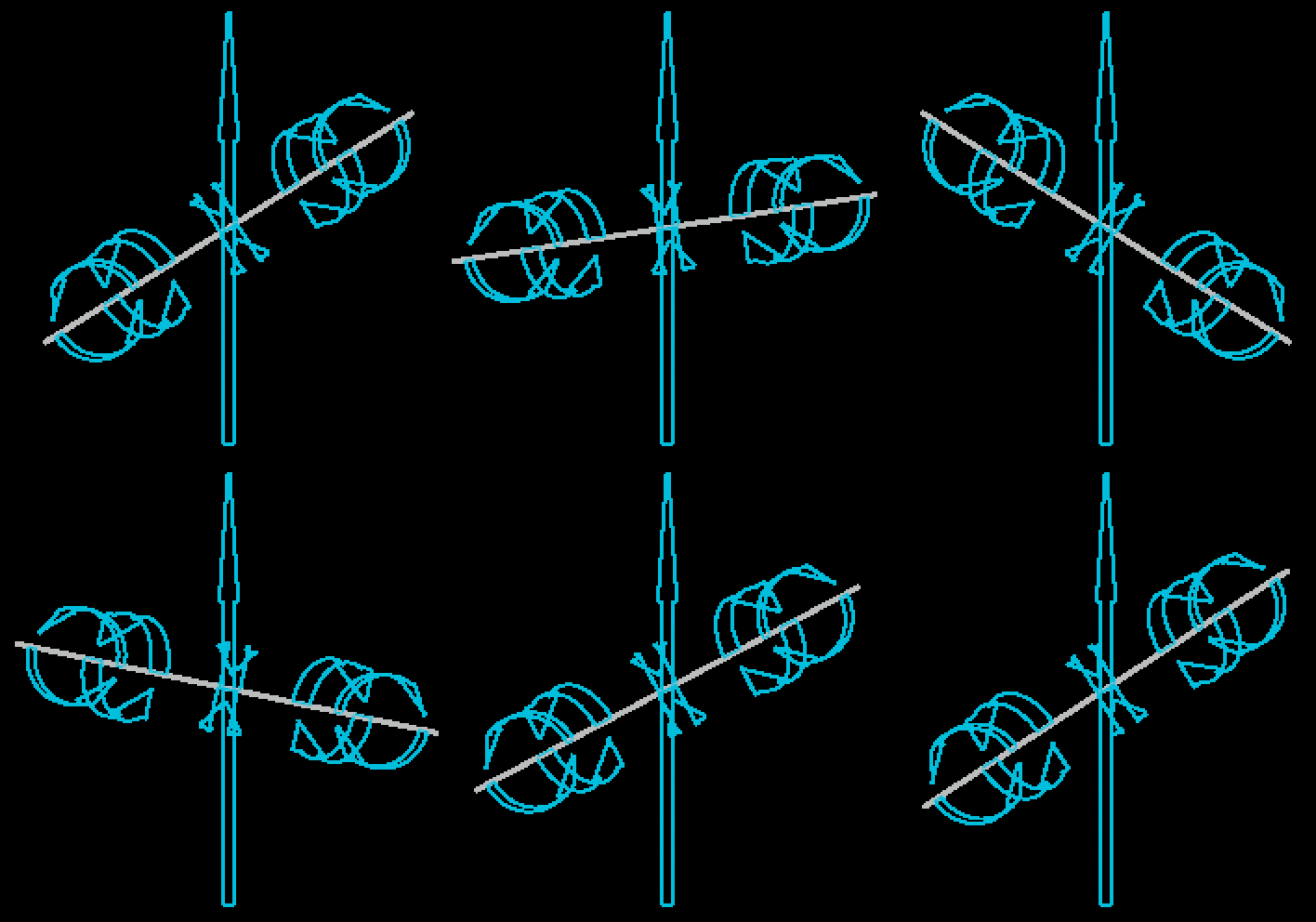
Tilts the vortex forces along the axis of the buoyancy force.
Vortex Rotate
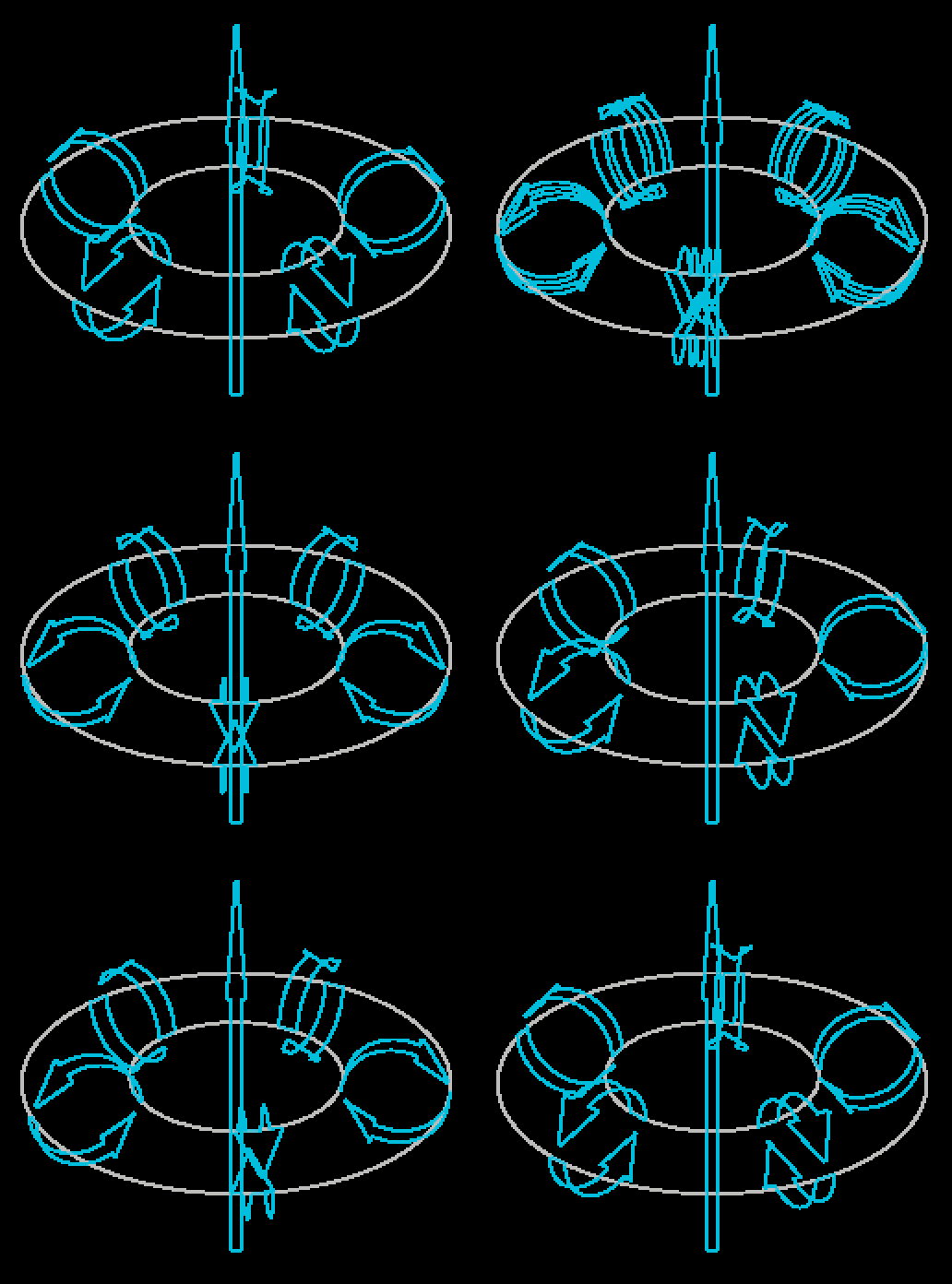
Rotates the vortex forces around the axis of the buoyancy force.
Note that this will only have a noticeable effect when the vortex tilt has been adjusted.
Visualize Relative Density
Controls particle appearance relative to the combined density of particles and the fluid forces surrounding them:
-
Off: The default setting. Particle appearance is not affected.
-
Opacity: Changing the number of surrounding particles or the strength of fluid forces around them will affect a particle’s opacity. Increased levels make a particle more opaque while decreased levels make it more transparent.
-
Brightness: Changing the number of surrounding particles or the strength of fluid forces around them will affect a particle’s brightness. Increased levels make a particle brighter while decreased levels make it darker.
Global Fluid Controls

These controls affect all particle systems within your Form effect that are using the Fluid physics model.
Fluid Time Factor
Controls tthe timeframe in which forces apply to fluid particles. Lower values mean forces apply more slowly while higher values mean they apply faster. Note that this number increases exponentially, so if you're looking for finer controls — consider adjusting this value by the tenths — a shortcut for this is holding down the Alt key while scrubbing the parameter. Alternatively, you can manually enter your values.
Viscosity
Defines how sticky your particles are to one another, creating a semi-fluid or thicker appearance.
Simulation Fidelity
Controls the complexity of the pattern of forces applied to fluid particles. Higher values equal more granular, micro-scale interactions while lower values create broader, macro-scale interactions.
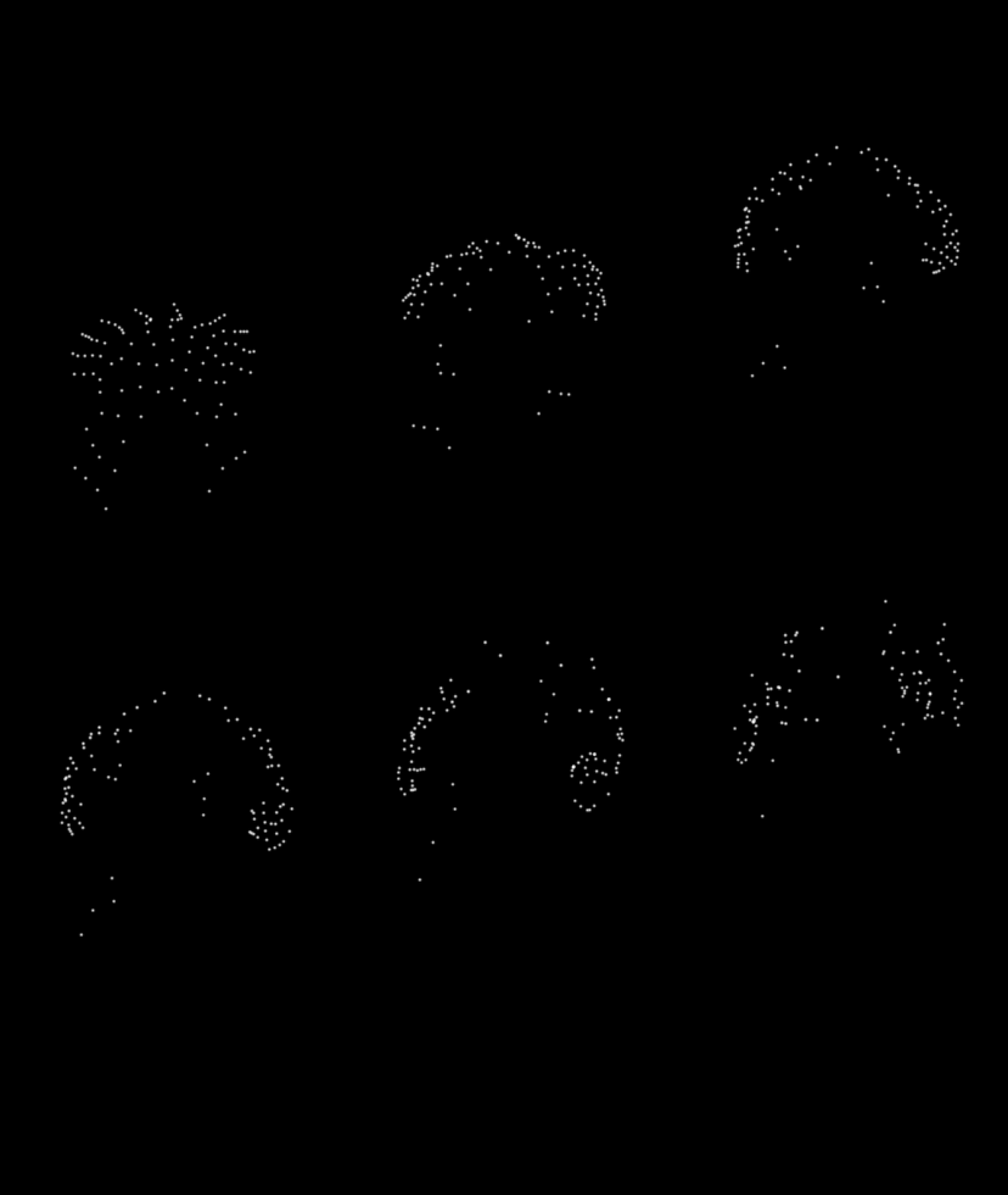
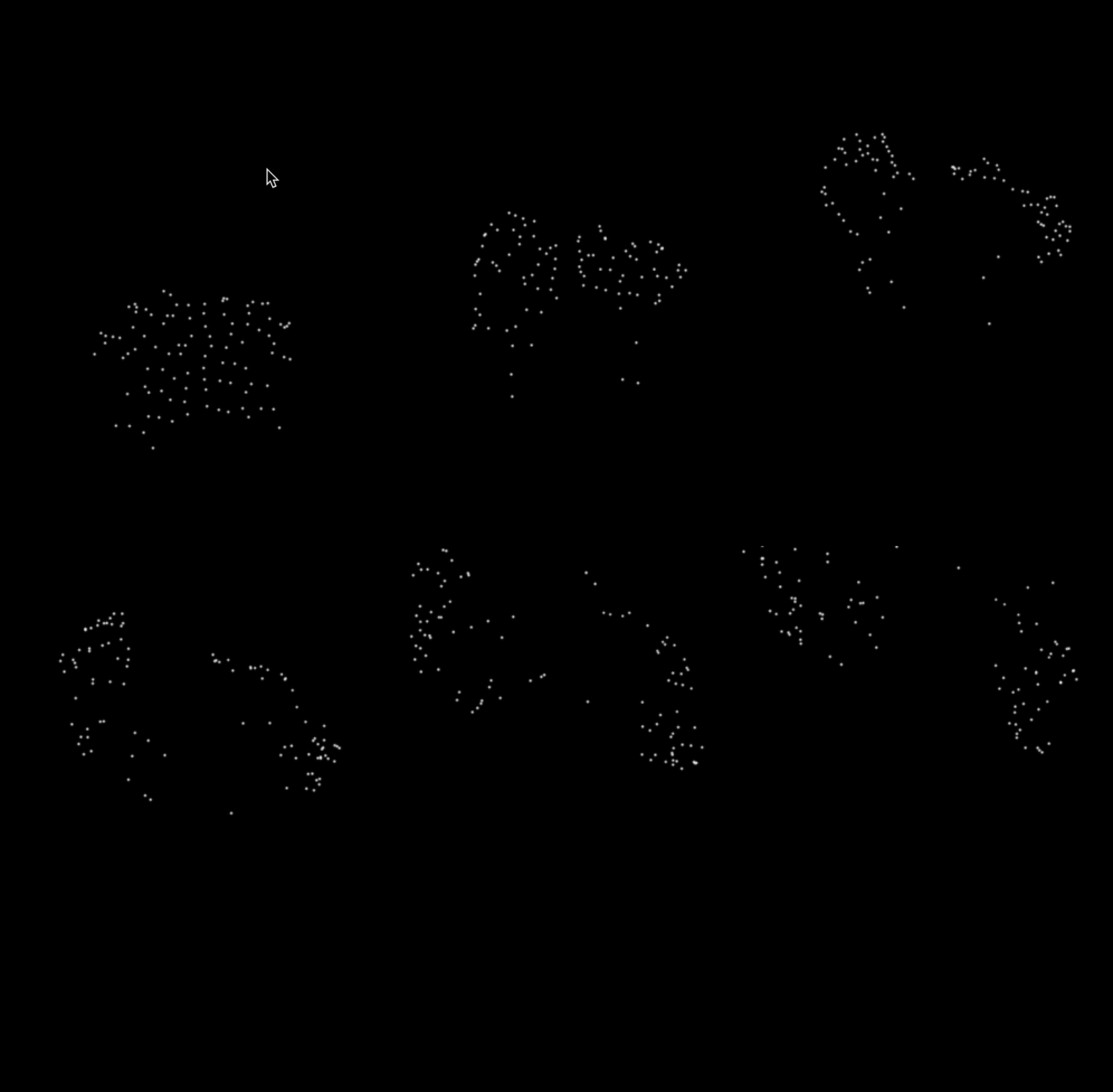
With high fidelity, the force affects finer areas of the form.