
Particular
Rendering > Depth of Field Controls
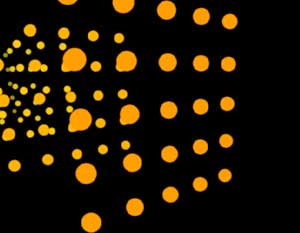
Depth of Field (DOF) simulates the focus of a real camera. Depth of Field is useful for increasing the a scene's realism as well as matching your Particular effect to footage shot with a real camera where Depth of Field is apparent.
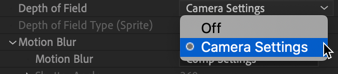
By default, DOF is turned on with the Camera Settings option. Choose the Off option to turn off DOF.

Depth of Field Type
This control sets the kind of render provided by Depth of Field. This setting only affects Sprites and is disabled for other Particle Types. There are two Depth of Field Types.
- Square (AE) uses the same square aperture that After Effects uses internally for DOF. This kind of render is useful when other elements are treated with AE's own DOF.
- Smooth gives a smoother DOF effect that in most cases looks more realistic. Its render is slightly slower than the Square mode.