
Particular
Emitter > Distribution Subgroup
When you select a Box, Sphere, Layer, 3D Model, or Text/Mask emitter, the Distribution subgroup becomes available. This allows you to distribute your particles evenly, in a grid-like manner. When On a Grid is checked, Distribution controls become active for all applicable emitter types.
When On a Grid is selected in the Designer, additional options become available. These will depend on the Emitter Type and behavior.
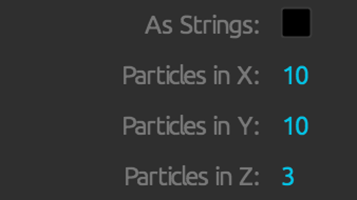
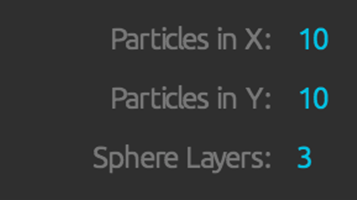
These Distribution properties enable when On a Grid is selected: options for a Box Emitter with a Form Behavior (left) and options for a Sphere Emitter (right).
As Strings
When the Box or Sphere Emitter is selected with one of the two Form behaviors enabled, As Strings becomes available. Activating it allows you to set the size and basic appearance of the Emitter under the String settings.
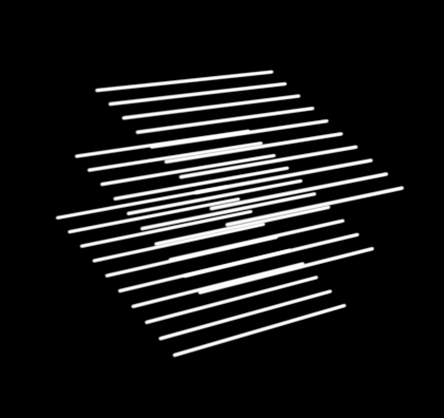
An example of a Box Emitter with As Strings selected.
Particles in X, Y, Z
This control sets how many particles emit along the grid's x, y, and z axes. Higher values make more particles.
Note: Sometimes, Particles in X, Y, Z may not seem to affect the grid of particles. To see the grid more clearly, you may need to increase the Emitter Size values in x, y, and z to disperse the grid. Also, if Initial Velocity is high, particle movement will mask the grid formation as the particles move from their initial grid formation. Emitter Size and Velocity parameters are in the main Emitter group.
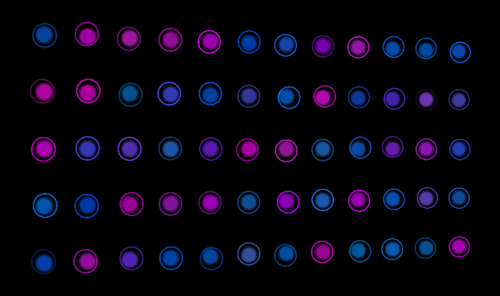
The Grid Circles preset with Particles X = 12, Y = 5, Z = 1.
Sequencing Type
Type controls the style of particle emission along the grid. There are four options.
- Periodic Burst (the default) means that an entire grid of particles emits at once.
- Traverse means that one particle at a time emits while the grid is traversed in order.
- Random emits particles randomly across the grid.
- Z Sync Traverse emits one particle at a time on the x and y axes. Particles emit together if they share the same z plane.
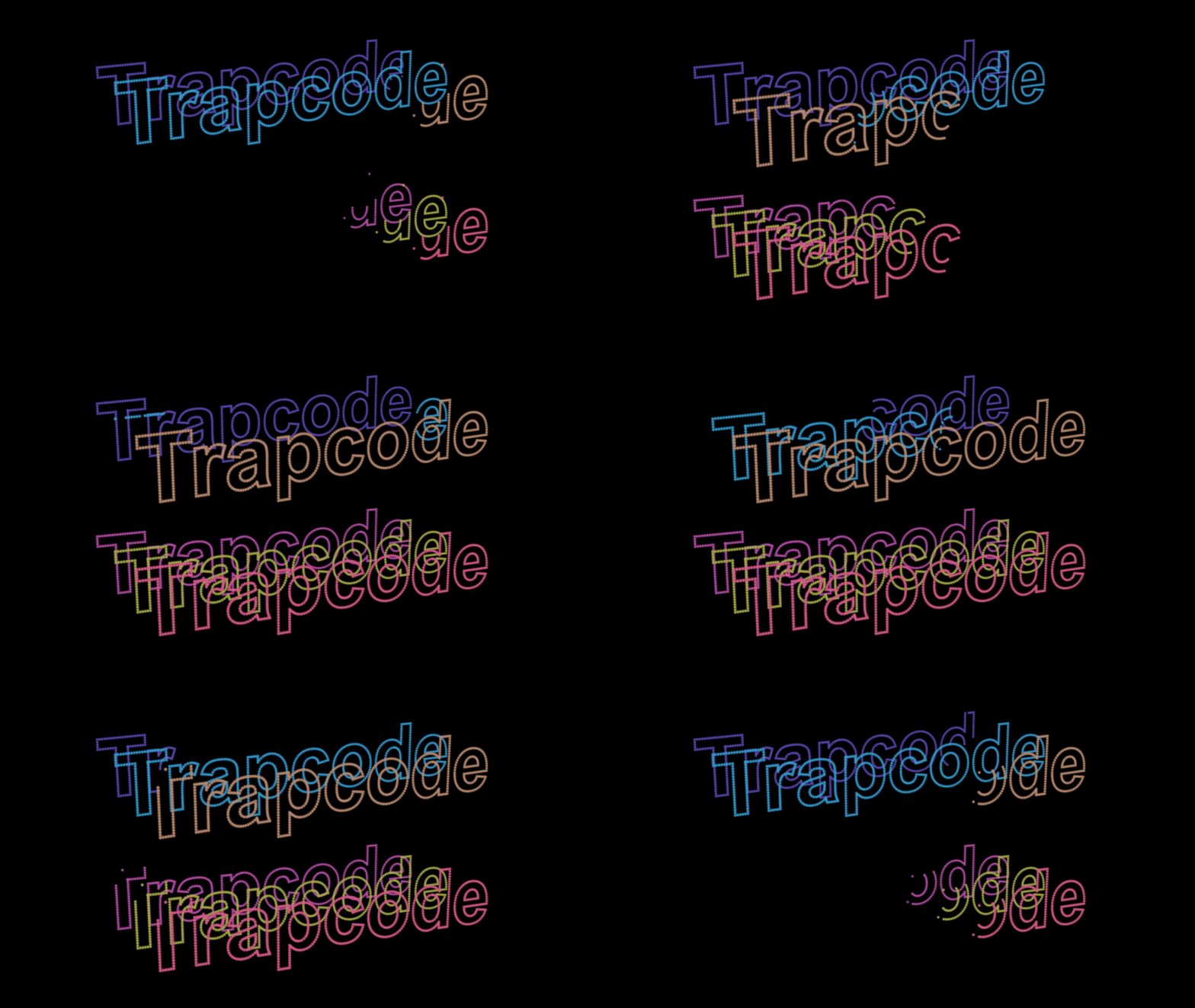
Traverse (top) versus Z Sync Traverse (bottom).
String Settings
These settings become available when As Strings is checked. They are available for Sphere and Box emitters set to Form behaviors.
The Drift Strings preset.
- Size Random sets a randomness to string size. By varying the size of the string's particles, some strings will be thicker or thinner than others.
- Size Rnd Distribution controls the random distribution of smaller and thicker strings while also generating lines that appear randomly thicker or thinner across the form.
- Taper Size pop-up applies a tapered string thickness at the ends of the strings with three options. The Off option applies no taper The Smooth option offers a taper that starts closer to the center of the form, making the falloff more gradual. The Linear option uses a linear falloff model, causing the taper to begin only near the form's edges.
- Taper Opacity pop-up applies a tapered opacity at strings' ends. There are three options. As with Taper Size, these controls produce slightly different visuals.
- Off: No tapered opacity is applied.
- Smooth: Causes the ends to appear shorter and more transparent.
- Linear: Only tapers the opacity close to the form's edge.