
Form
Overview of Form Interface
This page gives an overview of each controls section in Form.
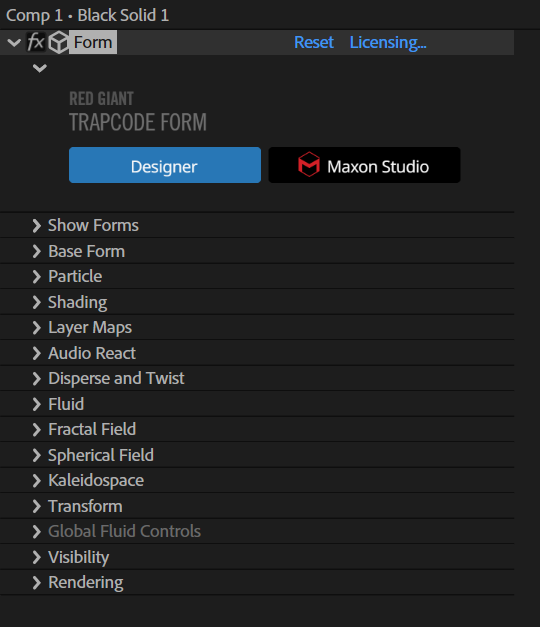
The Form interface, as seen in the Effect Controls panel in After Effects.
Following is an overview of Form's parameter groups.
-
Designer...
opens the Designer, which is an easy way to get started with Form. The Designer allows you to easily create complex animations by assembling (and tweaking) premade components. Read the Designer pages to learn more about this powerful feature.
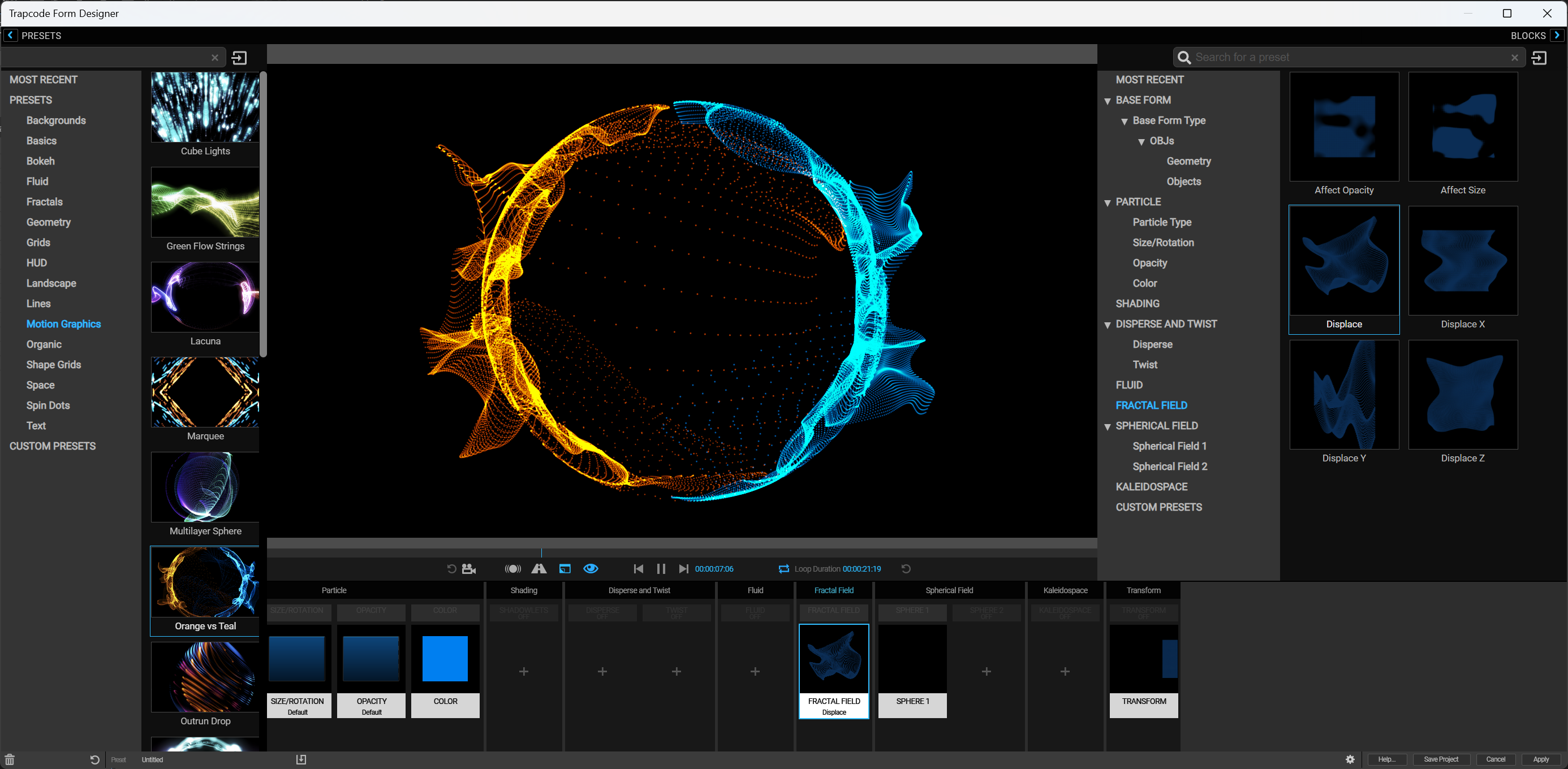
The Form Designer interface (within the Effect Controls Panel (ECP))
- Base Form group defines the original particle grid, called a “base form,” that can be affected by layer maps, particle controls, dispersion fields, and every other control in Form.
- String Settings (a subgroup in Base Form) enable when you choose the Box Strings base form and set its size and basic appearance.
- 3D Model Settings (a subgroup in Base Form) enable when you import a 3D Model. These settings help the base form to mold the shape of the model that it loaded.
- Particle group controls particle properties, such as size, opacity, and color. This section also controls how the properties vary over the particles' lifespan.
- Particle Type (a pop-up in the Particle group) sets the particles’ base shape.
- Streaklet group (a subgroup in the Particle group) controls the Streaklet particle type, which can create a long-exposure, light painting effect.
- Texture group (a subgroup in the Particle group) lets you select a timeline layer to be the custom particle and allows you to adjust the custom particle's behavior.
- Glow group (a subgroup in the Particle group) controls the glow around the Glow Sphere and Star particle types.
- Rotation group (a subgroup in the Particle group) rotates and orients particles on any axis.
- Shading group allows you to create shading on the Form particles.
- Shadowlet Setting group (a subgroup in the Shading group) creates a shadow off the main light for soft self-shadowing when the Shadowlet pop-up is set to On.
- Choose Name… allows you to change the name of the Shadowlet Light, which is used by the Shadowlet Setting group.
- Layer Maps group enables the pixels of another layer to control various aspects of the particles in the grid. The Layer Map subgroups include Color and Alpha, Displacement, Size, Fractal Strength, Disperse, and Rotate.
- Audio React group lets you use audio tracks to affect the animation of the particle form.
- Disperse and Twist group adds displacement by blowing apart or twisting your forms in 3D space.
- Fractal Field group generates a Perlin fractal noise map in x, y, and z directions and over time.
- Spherical Field group pushes particles toward or away from a spherical volume.
- Kaleidospace group adds 3D symmetry to the particle grid.
- Transform group lets you move around and rotate the whole particle system independently of the After Effects camera.
- Visibility group allows you to obscure particles based on their distance from the camera.
- Rendering group controls how the form looks when it renders.
- Motion Blur group (a subgroup in the Rendering group) gives fast-moving particles a smooth look, like a real camera does.