Universe
UNMULT
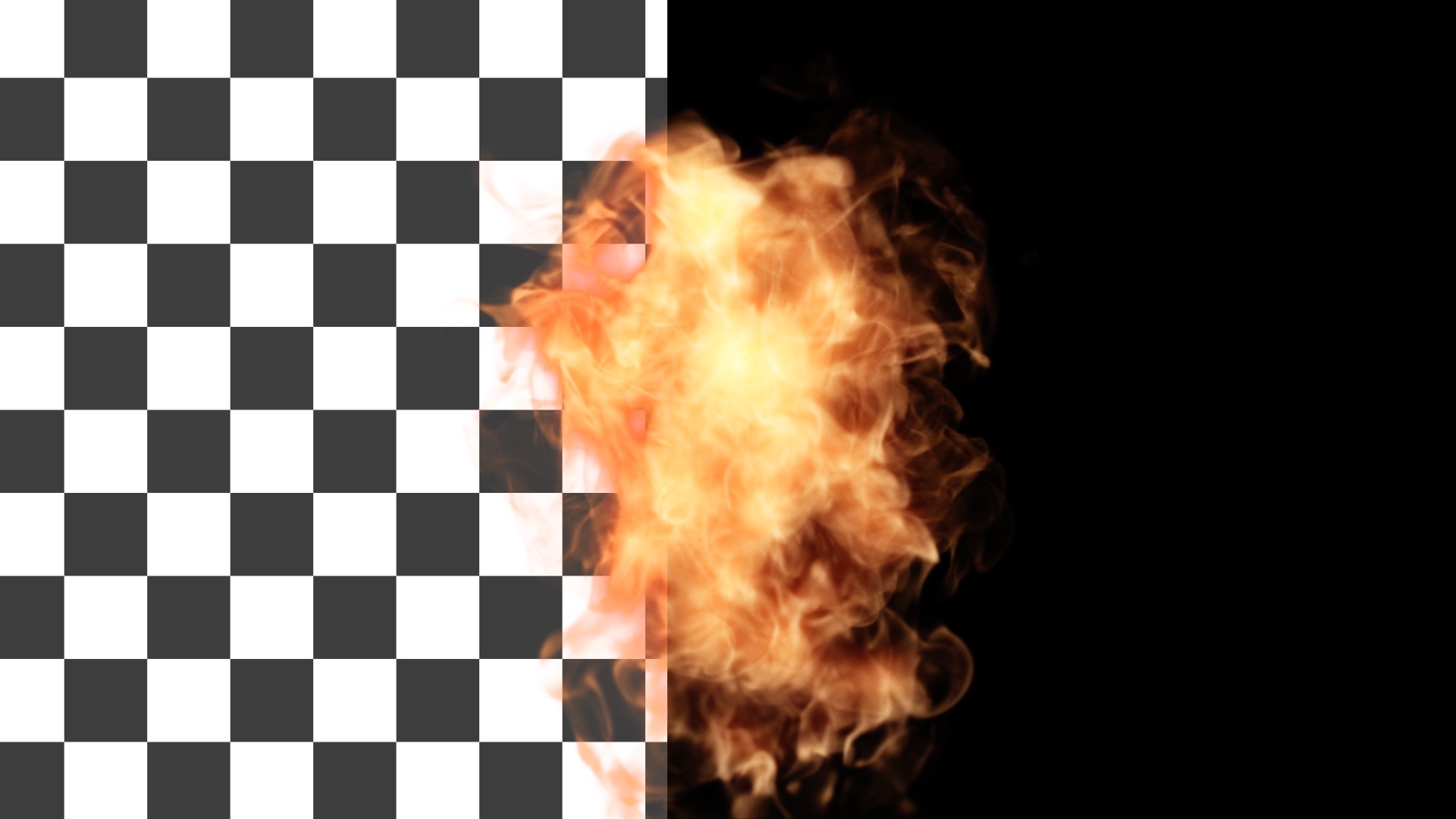
Create an alpha channel for any image or video shot on a black background. This tool is extremely useful for compositing footage of fire, smoke, water, and more.
Presets
Unmult offers two easy presets for turning black or white backgrounds into transparent alpha channels. Find them via the blue Open Dashboard... button or the Choose a Preset... button below it.
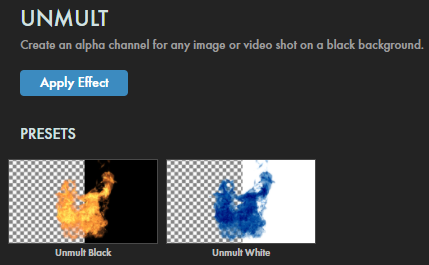
As with all other Universe tools, you can modify or create an Unmult look and then save it under its own name by pressing the Save Preset... button. In Unmult's case, though, you probably won't...unless you just enjoy making presets.
Modify the Effect
-
With the
Unmult Checkbox
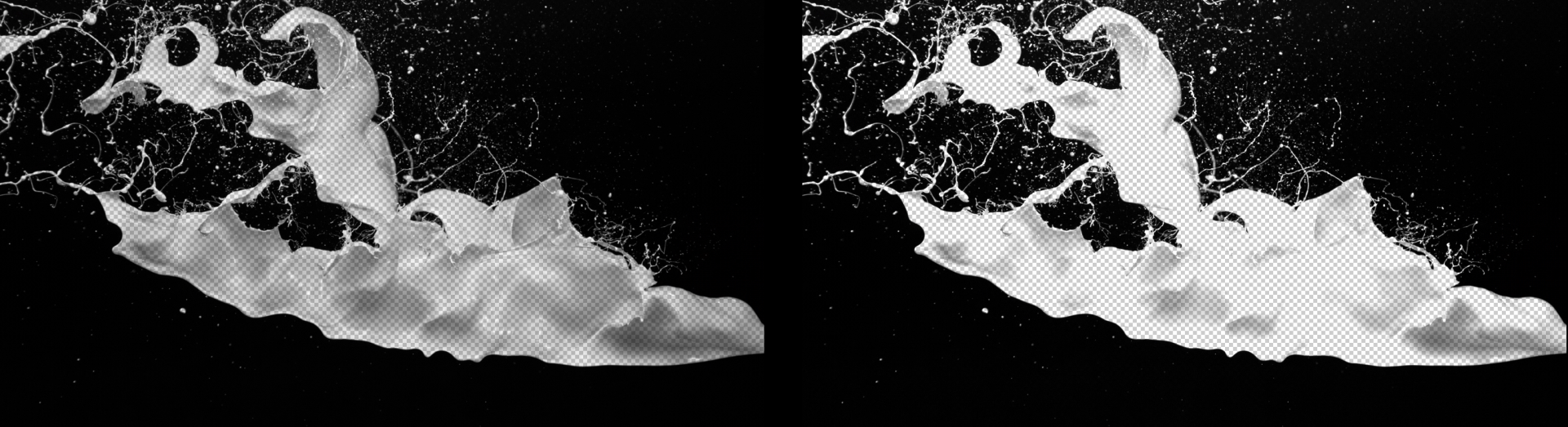
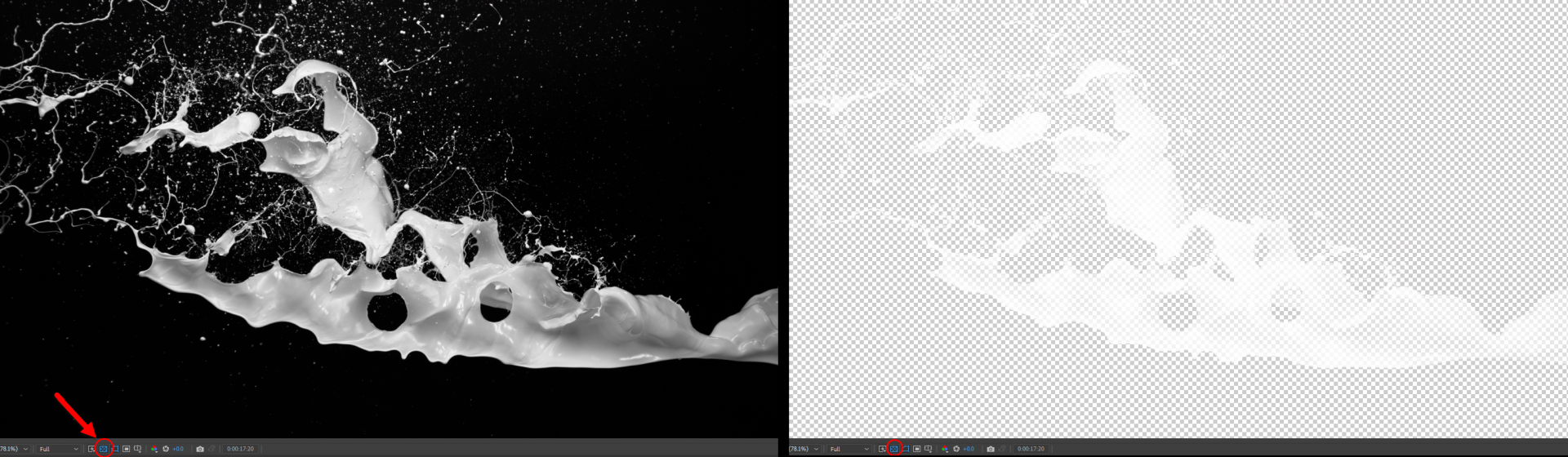
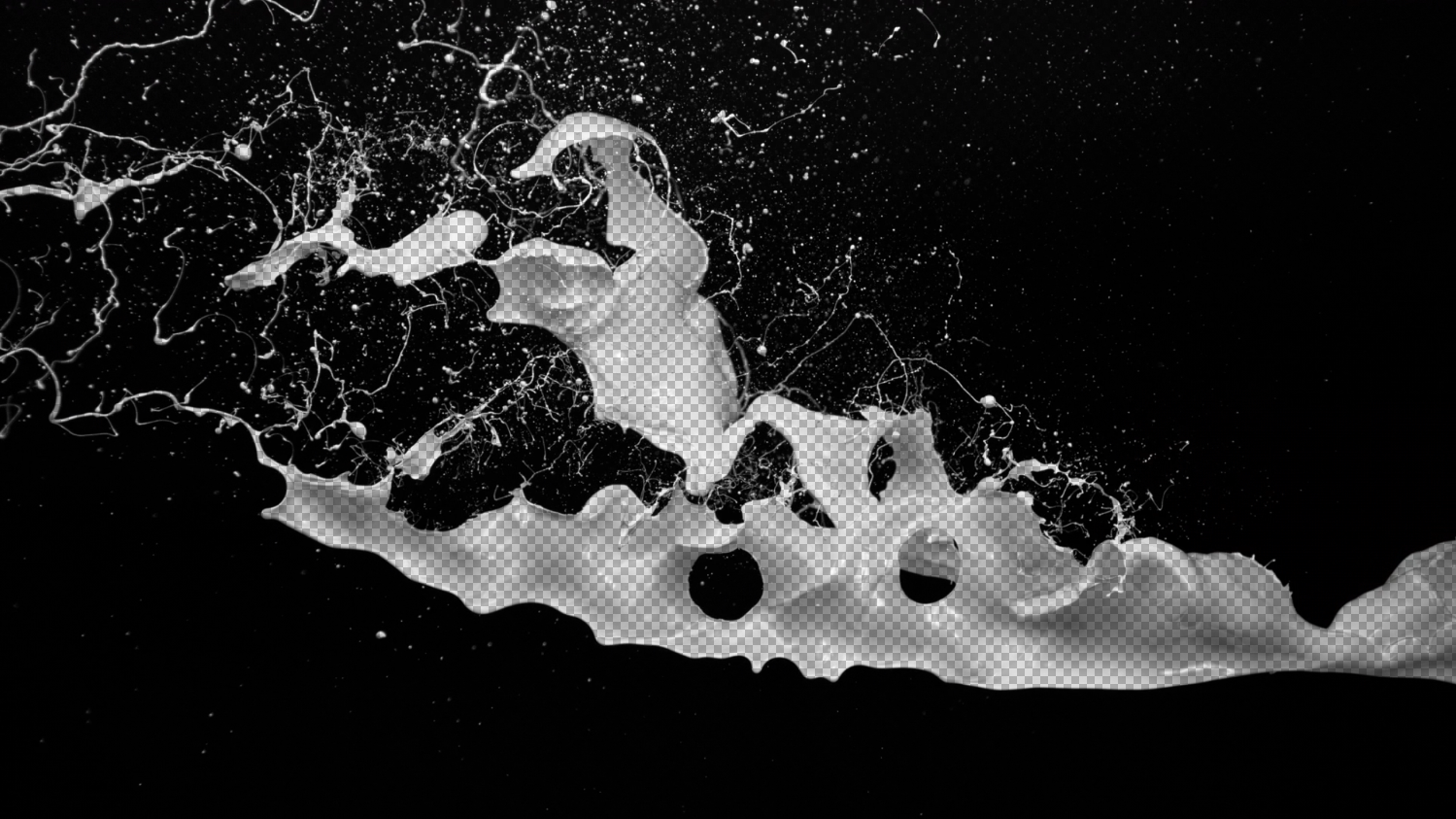
enabled, the layer's black pixels become transparent. To illustrate, we enabled the transparency grid in After Effects, then toggled the Unmult Checkbox off (left) and on (right).
-
Invert
flips the results of the alpha channel, effectively turning white pixels transparent (see below). This is the same as using the Unmult White preset.
-
Tolerance
adjusts the alpha's edges, potentially including more near-black or near-white pixels in the alpha channel. Compare values of 0 (left) and 30 (right) below.