Select Bounding Box
What is it about?
This page describes the Select Bounding Box node of the Scene Nodes system in Cinema 4D. It selects components within a percentage-based section of the geometry's bounding box — spatial selection without manual clicking.
This function allows you to select the points, edges or polygons within a specific section of the room. This space is selected as a percentage based on the bounding box, i.e., the maximum extent of the geometry in the space.
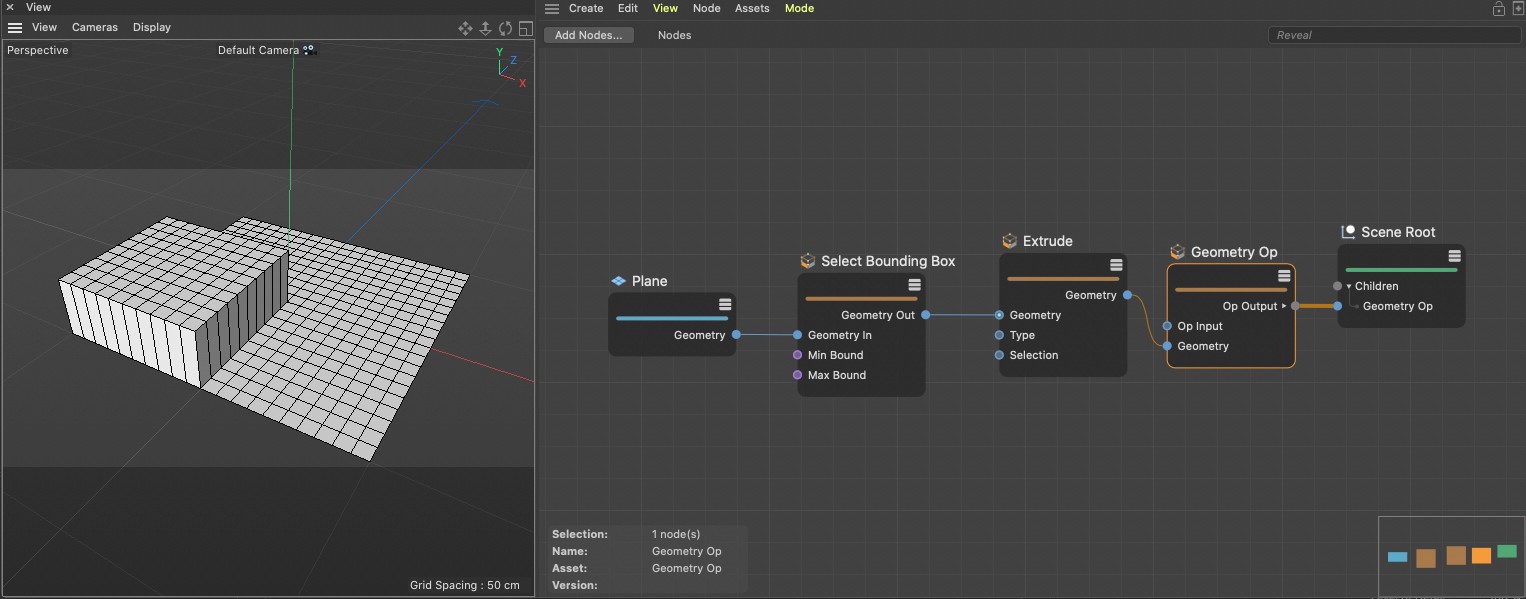 In this example, polygons are selected on a plane, which are then extruded. The selection is limited to 50% of the width and depth of the bounding box of the level.