
Normal Move
What is it about?
This page documents the Normal Move tool in Cinema 4D. It shifts selected polygons along their own normals instead of world axes — practical for offsetting faces evenly on curved surfaces, similar to an extrude without new geometry.

This tool is available in polygon mode only.
Selected surfaces are moved along their Normals with this interactive tool. Use this tool interactively by dragging left or right within the Viewport. You can also drive the tool with numeric input.
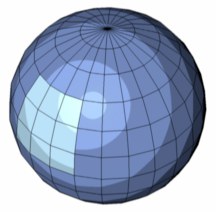 Before.
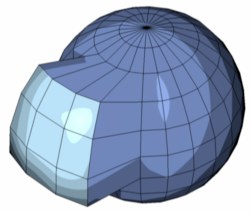 After.