
Brush
This page documents the Live Selection (Brush Selection) in Cinema 4D, the default selection tool for components. Points, edges or polygons are selected by painting over them with an adjustable radius — including options for visible-only selection and tolerant modes.

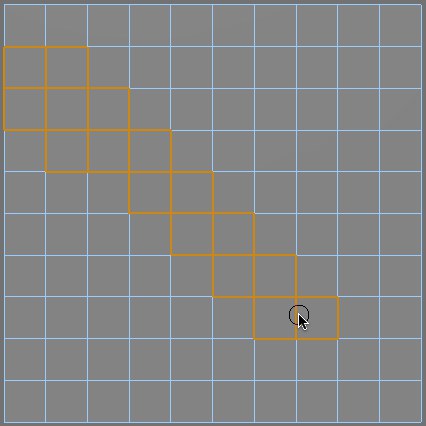
Brush Selection is like a paintbrush mode where you paint over the points, edges or polygons that you want to select. Set the size of this selection brush using the Radius setting in the Attribute Manager. The radius of the tool can be changed interactively by moving the mouse while holding down the middle mouse button (mouse wheel button).
A watered-down version of the Brush Selection function is also available for many of the most important tools (primarily in conjunction with the move, scale and rotate tools). Press and hold the right mouse button and drag the cursor over the objects or elements (points, edges or polygons) to be selected. Using this method saves you from having to use hotkeys or switch to specific tools.