Extrude Object
This page documents the Extrude object in Cinema 4D, one of the fundamental spline generators. It gives splines depth — with caps, rounding and automatic hole detection — the standard route from text or logo splines to 3D geometry.

The Extrude object (or offset object) moves a spline in depth. The offset takes place as soon as you drop the spline on the Extrude object in the Object Manager.
The use of hole splines is also possible. For example, if a spline consists of two segments (an outer circle and an inner circle), the inner circle is interpreted as a hole when it is extruded. Cinema 4D automatically calculates which contours are holes. A hole inside the hole is also possible. The order of the spline segments is therefore irrelevant.
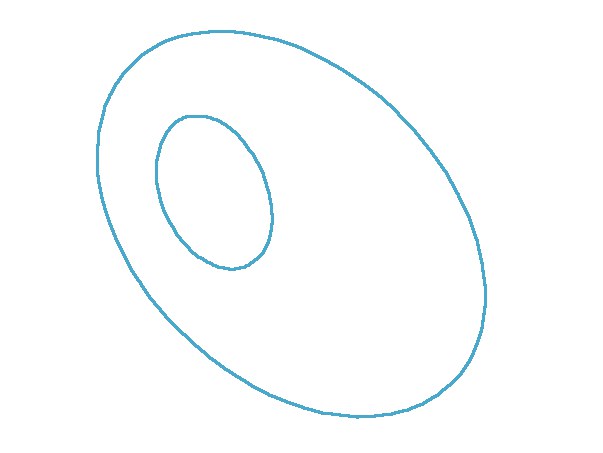 Hole spline Hole spline
|
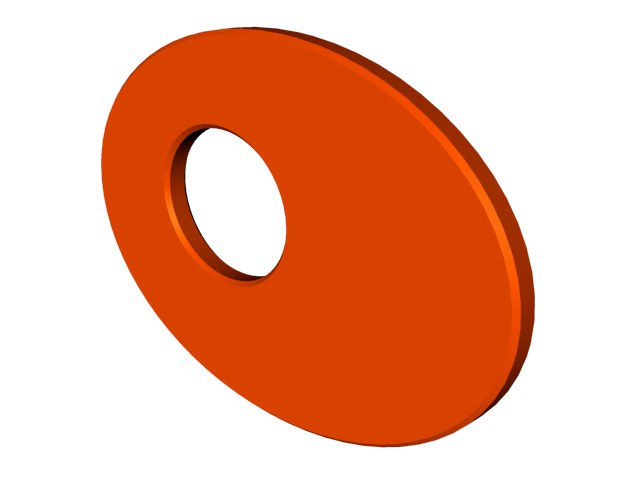 Hole spline in the Extrude object Hole spline in the Extrude object
|

In this context, please also note the Spline Mask, with which you can combine (union, subtract etc.) splines (especially primitive spline objects). This makes extensive, parametric work possible.
Example
In the following example you can see the Extrude object effect as well as some animated parameters of the "Caps" tab.