
Flatten
What is it about?
This page describes the Flatten brush for sculpting in Cinema 4D. It levels the mesh under the brush toward an averaged plane — the go-to brush for plateaus, hard-surface planes and calming down overly bumpy areas.

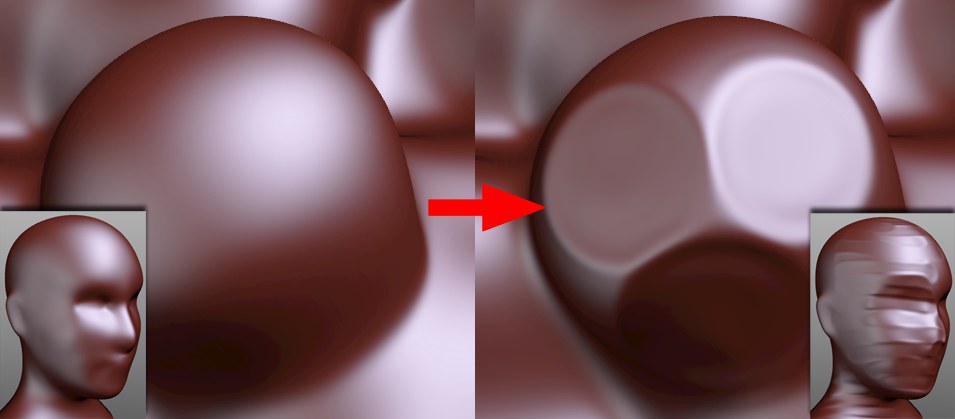 Flattened regions can be created with the help of the Fixed Plane option or by clicking on the surface multiple times with a larger Strength value (inserts: effect of brush strokes).
Use the Flatten brush to flatten regions of your mesh. An average surface value below the brush is calculated based on the Normals and all corresponding vertices will be set to this value.
An overview of all available brushes can be found here: Brushes.