

White Balance
What is it about?
This page covers the White Balance node of the classic node materials in Cinema 4D. It neutralizes color casts so grays and whites read correctly — photographic color adjustment inside the material.
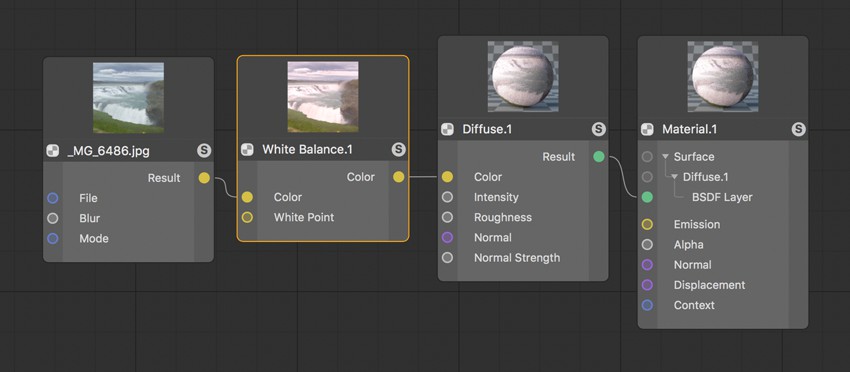 As soon as colored light sources are added, the rendering will be colored accordingly. The White Balance can be used to compensate for individual color portions of input colors.
Digitally calculated or recorded color values must, as a rule, be adjusted to what we are accustomed to seeing. An important component in this are gray values so a white wall or piece of paper actually appear white. White Balance can be used to correct the input gray values. The same functionality can also be found in the Color Grading Node.