

Night Sky
The example images for the Night Sky use the following adjustments for better clarity:
- Camera exposure: +11.5
- Moon Radius: 3
- Stars and Milky Way Intensity: 5

Enables or disables the Moon.
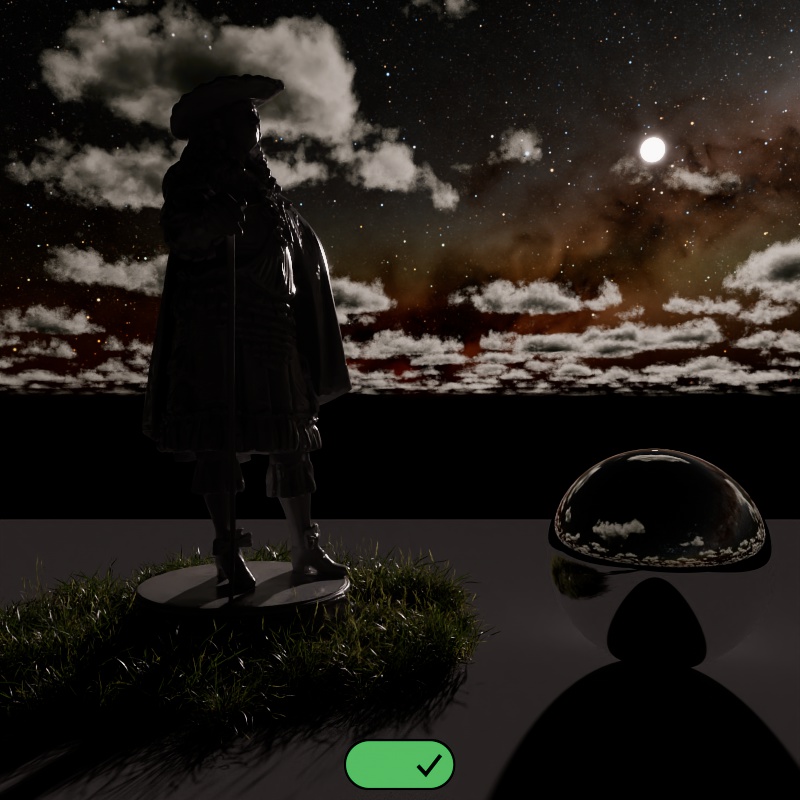
|
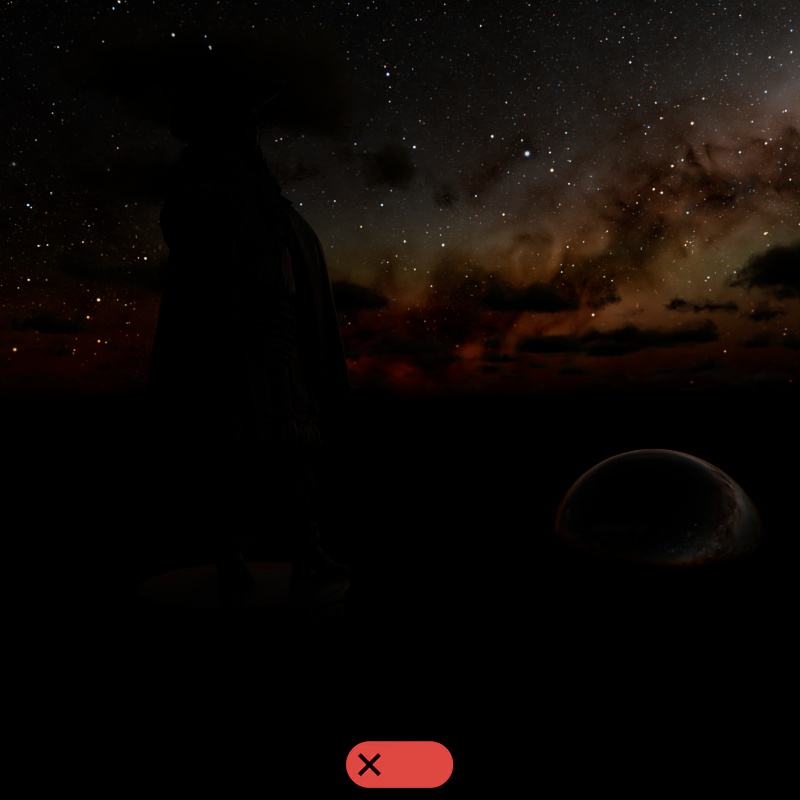
|
| Enable Moon: Enabled | Disabled |
Sets how the angle of the Moon is controlled from the following modes:
-
Directional Vector- The angle of the moon is controlled by the moon "Direction" parameter.
-
Time and Location- The angle of the moon is controlled by the date, time, and location as configured in the "Time and Location" section.
-
Altitude and Azimuth- The angle of the moon is controlled by the moon's "Altitude" and "Azimuth" parameters.
Controls the angle of the moon when using the "Directional Vector" Position Mode.
This can be linked to and driven by an object in your scene for direct control over the position.
Controls the intensity of the moon. By default, using an Intensity of 1, the moon uses a physically based intensity but remember that the overall light output is highly dependent on the moon phase. A full moon gives off much more light than a crescent moon, the overall light intensity has a direct connection to the position of the sun relative to the moon as seen in the second example.
| Moon Intensity: 0 - 10 | Changing the Sun's position |
Controls the size of the moon and how defined the shadows are. A larger moon results in blurrier night time shadows.
| Moon Radius: 1 - 50 |
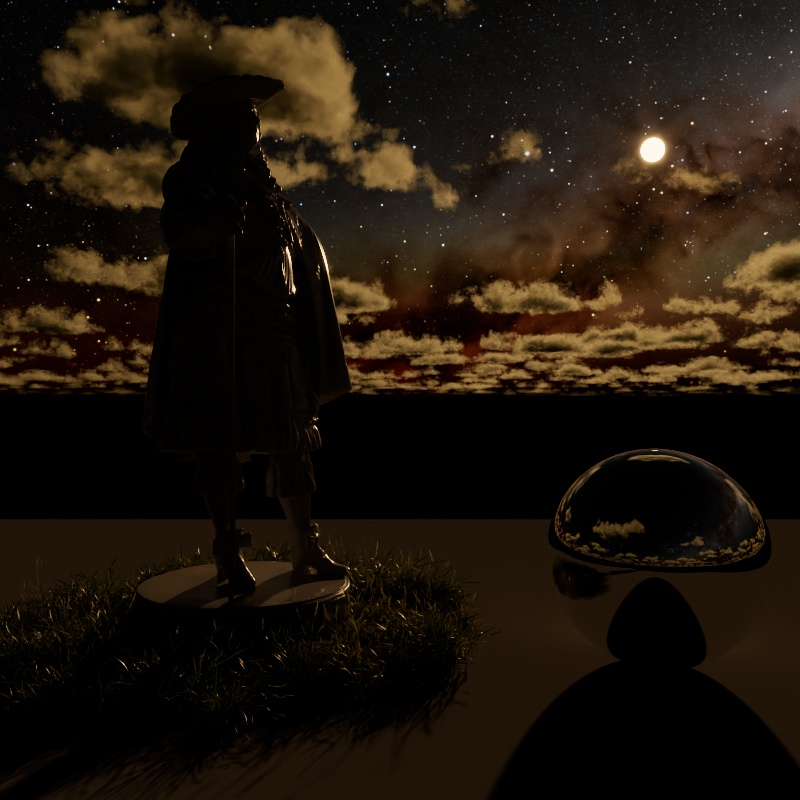
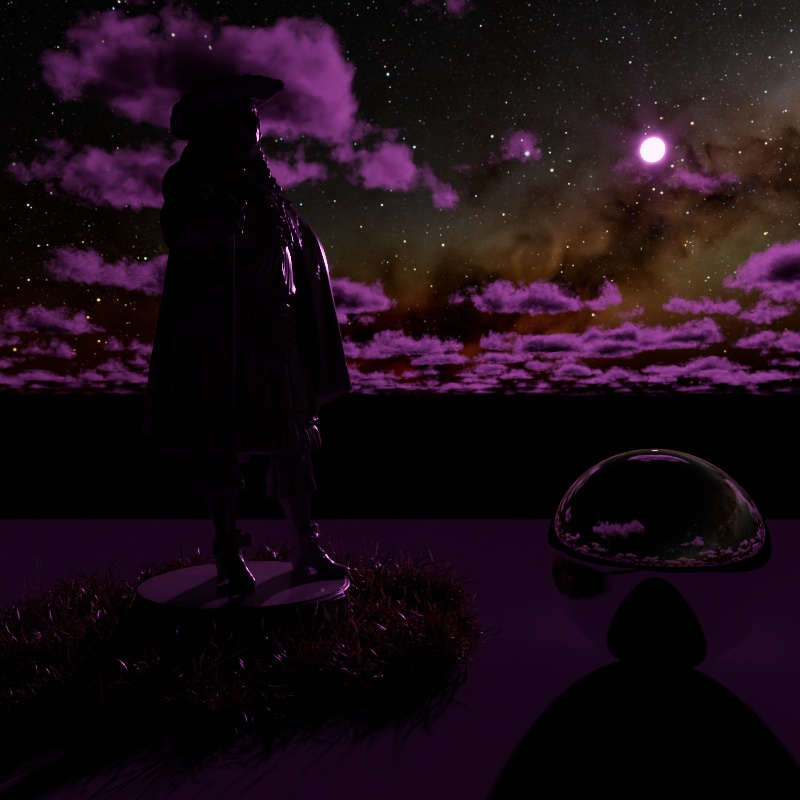
Adds a color tint to the moon and its lighting, white results in no color tint. Please note that the brightness of the color tint affects the brightness of the moon, when black is used it blocks all light.
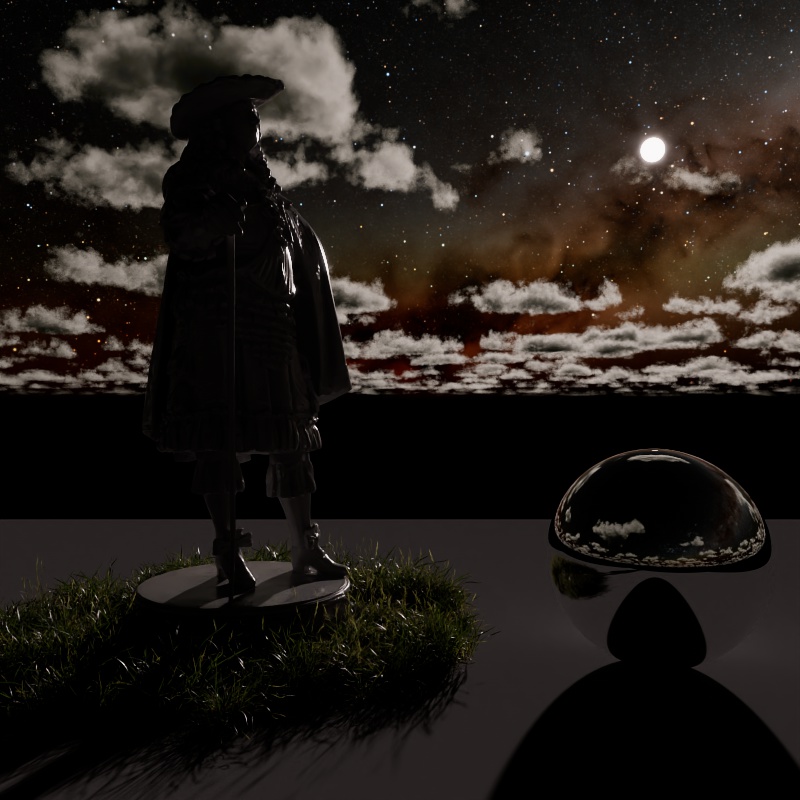
|
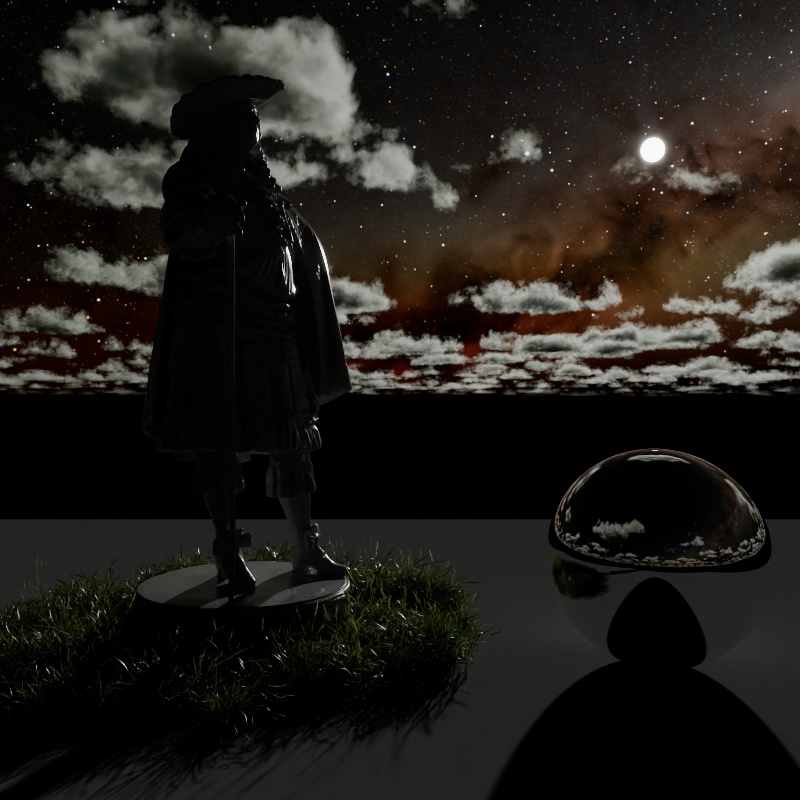
|
|
|
| Moon Tint: White (default) | Light Blue | Light Yellow | Purple |
Only available when using the "Altitude and Azimuth" Position Mode.
Controls the vertical position of the moon in the sky using degrees. The horizon rests at 0°, positive values place the moon above the horizon while negative values place the moon below the horizon.
| Changing the Moon Altitude |
Only available when using the "Altitude and Azimuth" Position Mode.
Controls the horizontal position of the moon in the sky using degrees. True North is found at 0°, positive values move the moon East (90°) while negative values move the moon West (-90°), South is found at 180°.
True North defaults to the +Z direction in the scene and can be repositioned in the Time and Location section using the North Offset parameter.
| Changing the Moon Azimuth |
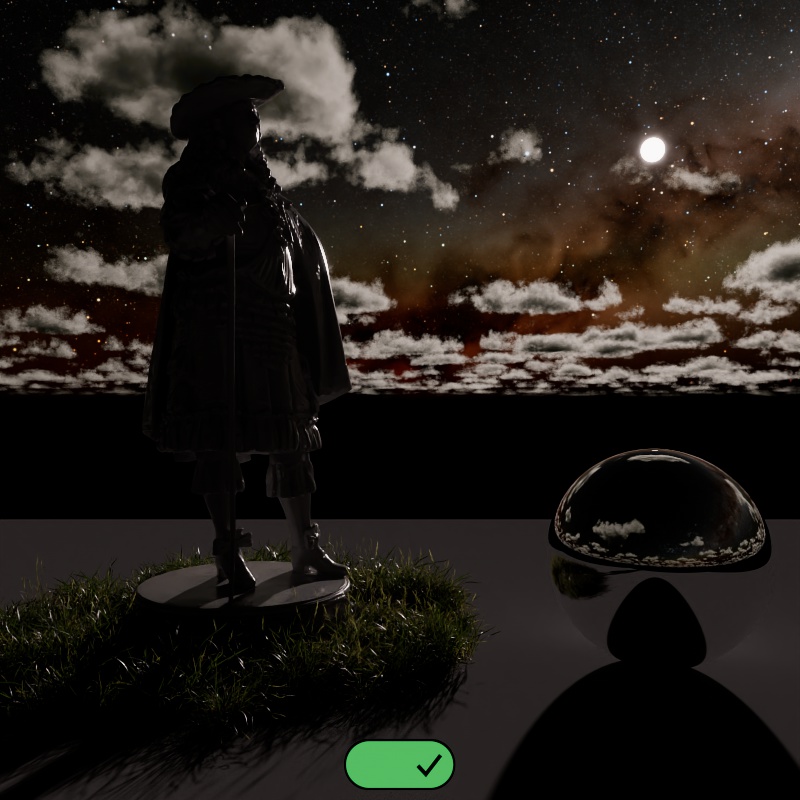
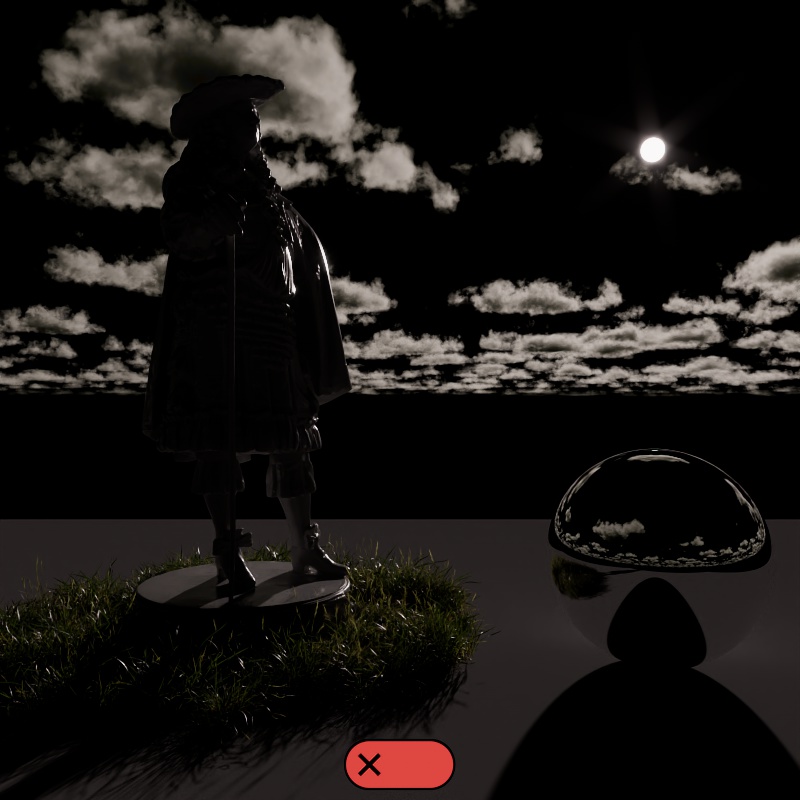
Enables or disables the stars and Milky Way.
The position of the stars and Milky Way are controlled by the Time and Location settings.
|
|
| Enable Stars: Enabled (default) | Disabled |
Controls the visibility of the stars and Milky Way based on the sun's position. When enabled, during the day time, the stars cannot be seen even if extremely bright. The stars fade in as the sun sets and reach full intensity at night time, the opposite happens at sunrise.
This is a helpful option for time lapse animations where you may prefer extremely bright stars at night that would also be visible during the day when Fade With Sun Position is disabled. You can just enable this option instead of needing to keyframe the star and Milky Way intensity.
Controls the intensity of the star texture.
| Stars Intensity: 0 - 50 |
Controls the intensity of the Milky Way texture that includes interstellar gas and dust.
| Milky Way Intensity: 0 - 50 |
Scales the intensity of the camera, reflection, transmission, and toon reflection lighting contribution.
| Night Sky Visibility: 0 - 10 |
Scales the intensity of the diffuse, single scattering, multiple scattering, and toon diffuse lighting contribution.
| Night Sky Lighting: 0 - 10 |
Scales the intensity of the volume contribution.
| Night Sky Volume: 0 - 2 |
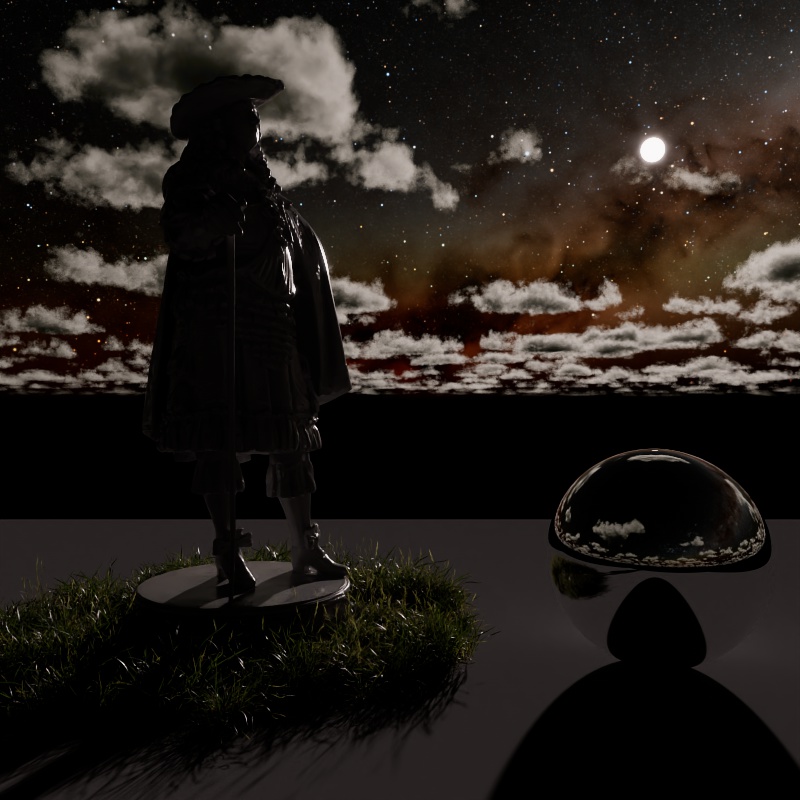
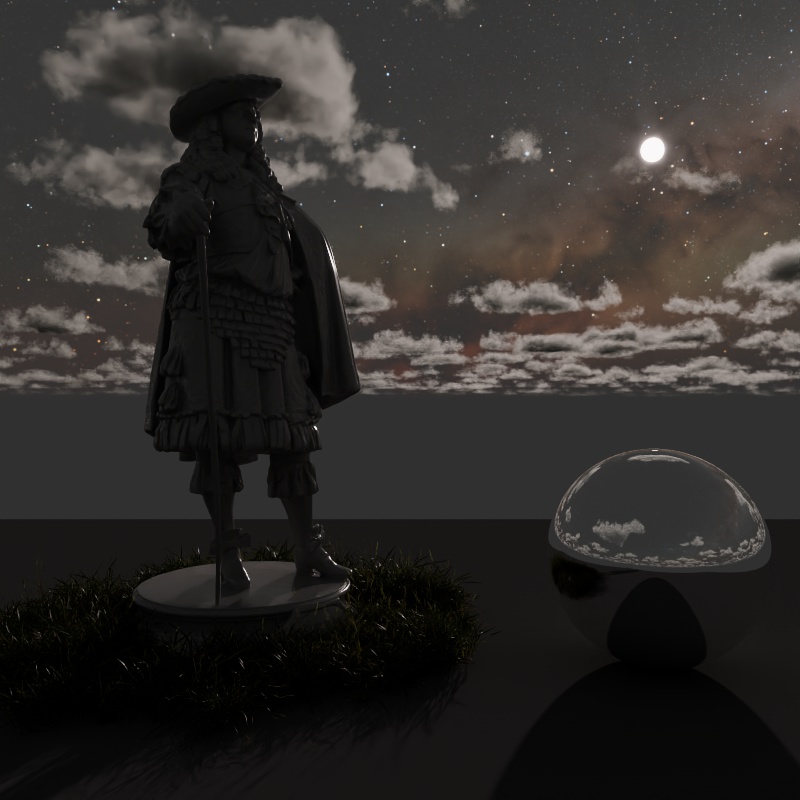
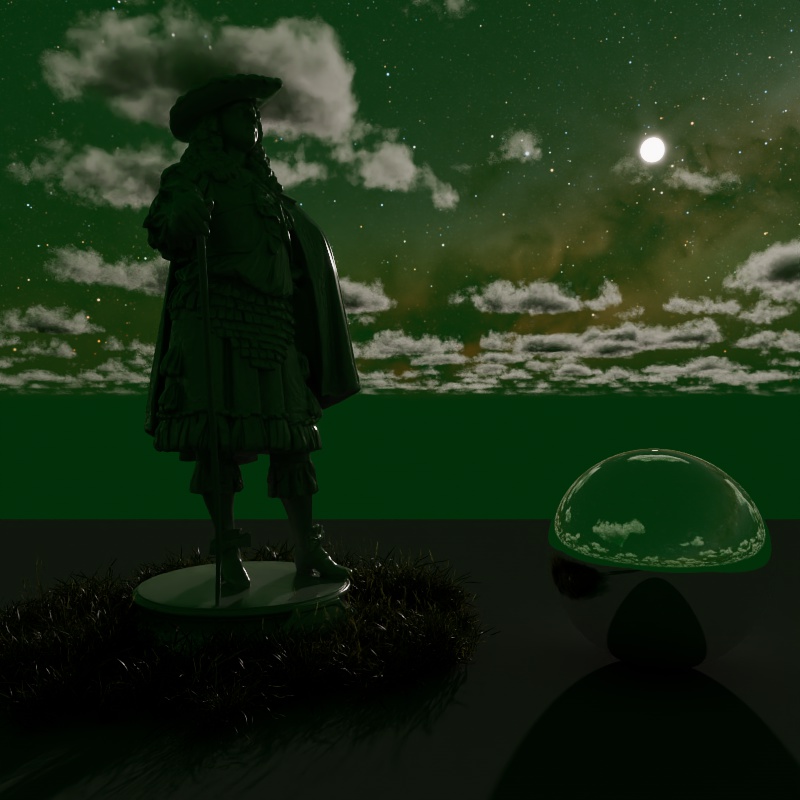
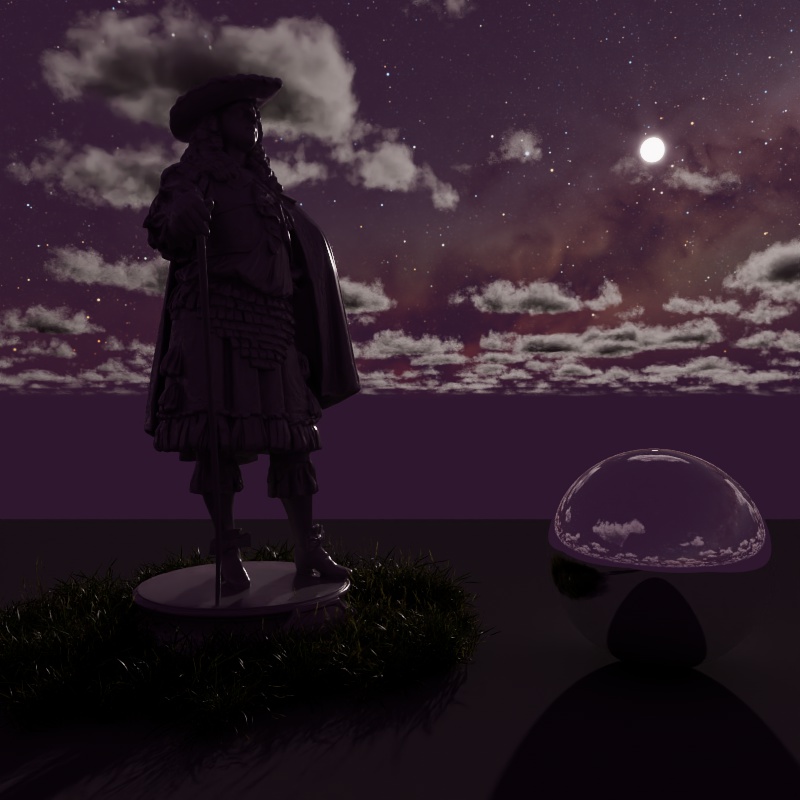
Controls the color of the night sky, subtle changes in color can lead to large differences in ambient night lighting. As the sun gets closer to the horizon its influence on the sky color fades and only the night sky remains.
|
|
|
|
| Night Color: Black (default) | Dark Grey | Dark Green | Dark Pink |