
Selections
Polygon selections are automatically calculated for the components of the picture frame, which can be used for the targeted assignment of materials, for example. The text input fields allow you to enter individual names for these selections. Otherwise, terms are already entered for all selections that are used for the generated Selection tags.
Bear in mind that not all of these selections are always created. If, for example, a glass thickness of 0 is used, no visible glass is generated above the image and the corresponding glass selection is not created.
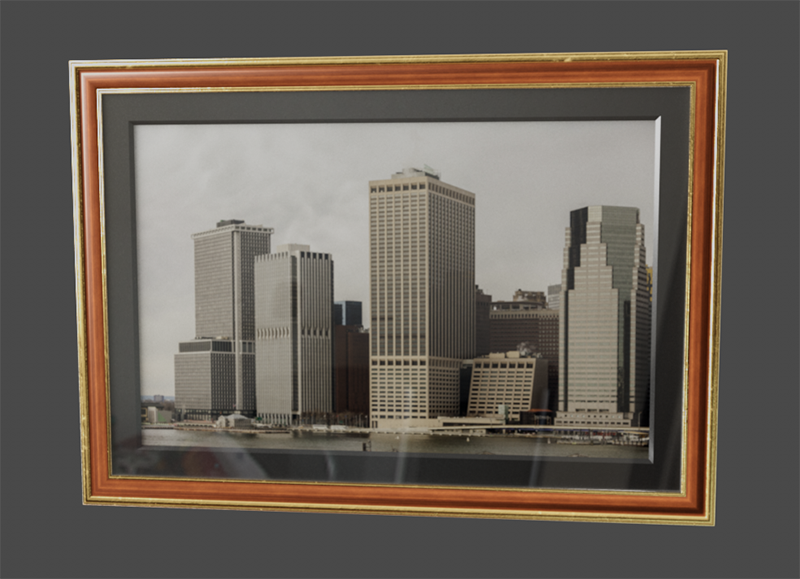 The assignment of different materials to the individual components of the picture frame is facilitated by selections.
These are the areas that are created to display the photo or painting within the frame. If a glass thickness greater than 0 is used, a transparent material must be assigned to the Glass selection in order to be able to see these surfaces from the front of the frame.
This selection includes all surfaces of the frame. Some of these areas are also included in the Accent selection.
This selection contains the distinctive details and decorations of the frame. This selection is often suitable for assigning a gold material, for example, which enhances the plain wooden frame.
This selection represents the area of the passe-partout that covers the area between the picture and the frame.
This selection represents the glass pane above the framed picture.