

Base
Use this setting to define the base color of the metal. For steel, this will most likely be gray, for copper a reddish color and so on.
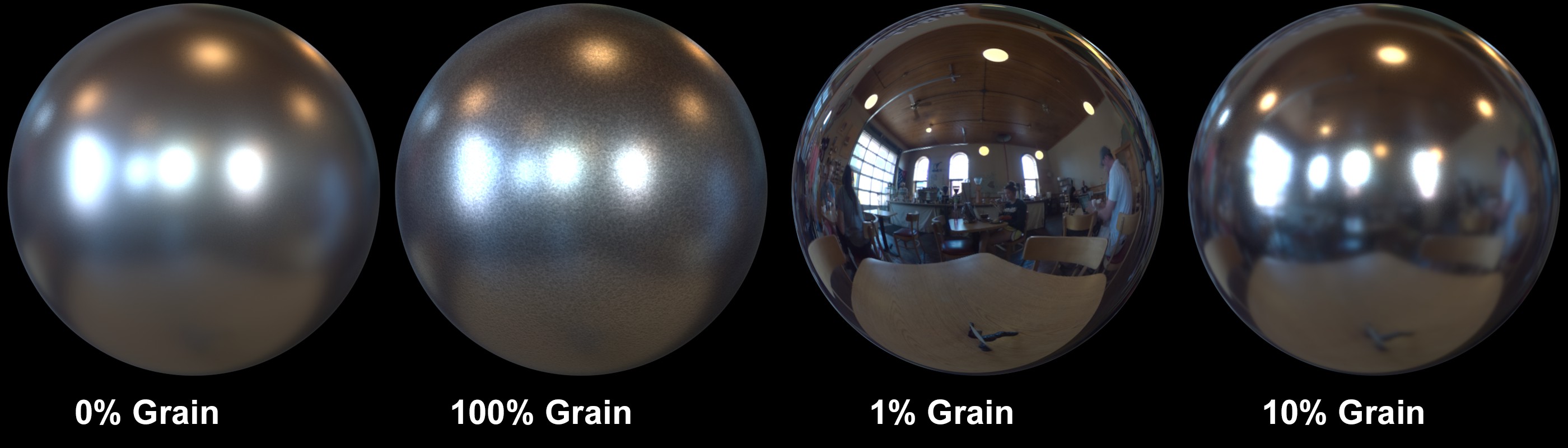 Different values for Grain and Roughness.
The Grain setting superimposes a scaled-down Noise effect. Effects such as a hammer hit can be created. Small values will disable the respective effect, larger values will strengthen the effect correspondingly.
This setting can be used to define the roughness of the metal surface. Smaller values will create a correspondingly more polished look and larger values will cause the surface to look increasingly more matte.
Here you can define values larger than 0% to add an Ambient Occlusion effect, which can be used to simulate dirt in ridges and scratches.