
Script Log

The Script Log contains – documents – all commands called up in Cinema 4D, all parameters modified in the Attribute Manager, etc.
Simple, repetitive workflow procedures can be sped up using the Script Manager, even without prior scripting skills.
Imagine you have several animated scenes or objects and want to remove all animations. Follow these steps to create such a script:
- Open the Script Log (Extensions / Script Log).
- Open the Timeline (Window / Timeline (Dope Sheet).
- Select all keys uding Strg+a.
- Press the Del key.
-
All scripts will be listed in the script log that will appear:
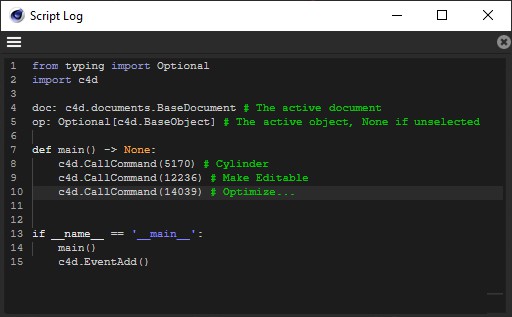
- Copy everything to the clipboard and subsequently into the Script Command Manager.
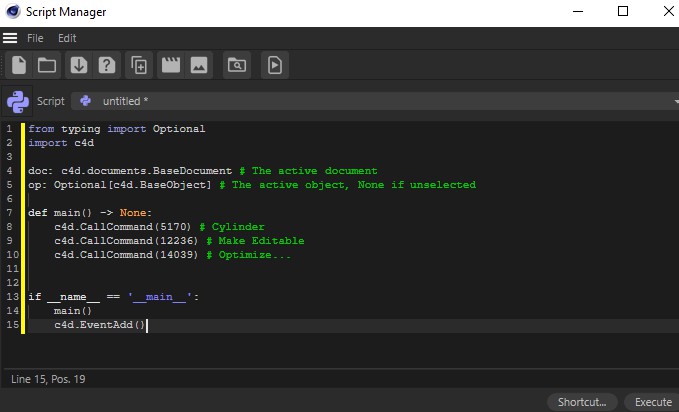
Voilà, a small but useful script that saves you quite a number of mouse clicks.
The Script Log still contains both of the commands Copy and Select All, which can be accesses via right-click with the mouse.
Note also the Visual Selector, which can also be fed with commands (see Command). Regions of an image can be defined in which a specific command will be executed when clicked upon.